PRU / KIDS / 01
Coding for Kids
Blocks first, for six to twelve.
Open the syllabusMülheim an der Ruhr · Python, live online · Ages 9 to adult
A lot of people in Mülheim have started a recorded Python course, watched a few videos and stopped somewhere around loops. Online is not the problem; being alone with the videos is. This page explains what a live mentor changes, lays out a Python path for each goal from school Informatik to a new job, gives the NRW facts that matter, and ends with the city's own weather station, where 51,465 readings teach one rule that every data programmer needs.
Live online since 2020 · 10,000+ students worldwide · a real person, in English, at your pace
In short
Modern Age Coders teaches Python to learners in Mülheim an der Ruhr live online in English: a mentor in India meets the learner on video twice a week, watches them write code and tunes speed and accent to the person. Course choices run from Python and AI for Kids (9 to 12) through Python for Teens to Python Automation for adults, taken in a class of fifteen to twenty or privately.
Three ways in
Pick by where the learner is now: a child who wants to make things, a pupil who wants the full language, or an adult who wants Python to save time at work.
PRU / 01
Children of nine to twelve type their first real code: patterns with a turtle, a guessing game, and small programs that count and sort.
Open the syllabus →
PRU / 02
The whole language for thirteen to eighteen, from the first variable to classes, files and data, with a project at the end of each block.
Open the syllabus →
PRU / 03
Adults who want scripts that rename files, read spreadsheets and pull data, then add simple AI. Built around real tasks from work.
Open the syllabus →Live online
Very. Both happen on a screen, but only one has a person watching your code as you write it. The table compares the two, plus a classroom course, on what matters for learning to program.
| Recorded videos | Local classroom | Live online with a mentor | |
|---|---|---|---|
| When you get stuck | You search or give up | Wait for the teacher | The mentor sees it at once on your screen |
| Pace | Fixed by the video | Fixed by the class | Set for you, or for a small group at your level |
| Who types | You copy what you saw | Often the teacher demonstrates | You type; the mentor guides |
| Travel | None | To and from the venue | None |
| Language | Whatever the video uses | Depends on the provider | English, at your pace and accent |
In a live class the mentor reads your code while you write it. When a loop runs once too often, they ask you what the last value of the counter was, instead of fixing it. That question is the lesson.
A mentor also notices patterns over weeks: a learner who always forgets to convert text to a number, or who writes long programs before testing any part. Those habits are hard to see from inside a video course.
A laptop or desktop, a browser, earphones, and for teenagers and adults Python itself, which the mentor helps install in the first class. Children can begin in a browser editor.
Classes are sixty minutes, twice a week. Between classes there is one short task, written so that twenty minutes is enough.
The Python path
Python is the same language for everyone; the route through it depends on why you are learning. Five common goals, and where each one leads.
| Goal | Start with | Focus | A sign you are there |
|---|---|---|---|
| A curious child, 9 to 12 | Python and AI for Kids | Loops, choices, small games | Makes a game a friend can play |
| School Informatik, grades 5 to 10 | Informatik Companion | Algorithms, tracing code by hand | Explains a program line by line |
| Informatik in the Oberstufe | Informatik Abitur in English | Data structures, Java and Python | Writes and checks an algorithm on paper |
| University or a contest | Python for Teens | Efficiency, testing, problem sets | Solves an unseen problem in a time limit |
| Work and automation | Python Automation | Files, spreadsheets, scripts | A weekly task now runs by itself |
The routes overlap on purpose. A pupil on the school route and an adult on the automation route both learn to read a data file and summarise it; the weather project below is used on both.
For pupils who want a target outside school, the Bundeswettbewerb Informatik is open to young people up to 21 who are not yet studying or working. Round 1 of the 45th competition runs from 1 September to 23 November 2026, and group work is allowed in that first round. We teach the skills; the entry must be the pupils' own work.
NRW schools
Every pupil in North Rhine-Westphalia now meets Informatik early. What follows was read in the GI monitor and on BWINF and ministry pages on 2 November 2026.
In NRW, says the Informatik-Monitor 2026/27, all general schools teach Informatik as a required subject in the fifth and sixth school years. Beyond those two years it depends on the school and on what the pupil picks.
A pupil who enjoys those two years often wants more than the timetable gives. Live classes are one way to keep going without waiting for the Oberstufe.
NRW runs central exams at the end of grade 10, the Zentrale Prüfungen 10 (ZP10), in German, maths and English. Gymnasien follow the nine-year route.
Our classes do not prepare for ZP10 subjects. They run alongside school, and the school's marks are the ones that count.
| Round | When | How |
|---|---|---|
| Round 1 | 1 September to 23 November 2026 | Groups allowed |
| Round 2 | Early 2027 to April 2027 | Individual work only |
| Round 3 | September 2027 | Details from BWINF |
Read on 2 November 2026: the GI Informatik-Monitor 2026/27 page for NRW, the NRW Schulministerium page on ZP10, and the BWINF page on the Bundeswettbewerb Informatik. Mülheim pupils have Herbstferien until 31 October 2026 and summer holidays from 19 July 2027 (KMK Ferienkalender 2026/27). None of these bodies is connected to us.
A real Mülheim project
Stadt Mülheim an der Ruhr runs its own weather station and publishes every reading as open data. Our learners use a year of it to meet the mistake almost every beginner makes with data: treating every column the same.
The city describes the dataset as all data from the Mülheim weather station, recorded since mid-2006, and publishes one file per year. The 2025 file has 51,465 readings, one every ten minutes, with the time as a UNIX timestamp in UTC. It is published under the Creative Commons Attribution 3.0 Germany licence (Datenquelle: Stadt Mülheim an der Ruhr). We downloaded it on 3 November 2026.
The values are stored as whole numbers: temperature in tenths of a degree, rain in tenths of a millimetre per ten minutes, sunshine in minutes per ten minutes, and the strongest gust in knots.
Summarise July 2025 in four numbers: how warm, how wet, how sunny, how windy. It sounds like "take the average of each column". It is not, and finding out why is the lesson.
Every column measures a different kind of thing. Temperature is a level, rain and sunshine pile up, and a gust is a peak. Each kind needs its own rule.
import csv
from datetime import datetime, timezone

july = []
with open("wetterdaten_2025.csv", encoding="utf-8") as raw:
    for r in csv.DictReader(raw, delimiter=";"):
        moment = datetime.fromtimestamp(int(r["time"]), timezone.utc)
        if moment.month == 7:
            july.append(r)

print("Readings in July:", len(july), "of", 31 * 24 * 6)

def average(column):
    return sum(int(r[column]) for r in july) / len(july)

print("Average of every column, the lazy way:")
for column in ["T0", "M0", "S0", "V0_max"]:
    print(" ", column, round(average(column), 2))
It prints Readings in July: 4462 of 4464, then the lazy averages T0 213.56, M0 0.17, S0 3.32 and V0_max 8.24.
None of those four numbers answers the question. 213.56 is a temperature in tenths of a degree. 0.17 is the average rain per ten minutes, in tenths of a millimetre, which no one would ever say about a month. 3.32 is sunshine minutes per ten-minute slot. And 8.24 knots is the average of the strongest gusts, not the strongest gust.
rules = {
    "T0": ("mean temperature, C", lambda v: sum(v) / len(v) / 10),
    "M0": ("total rain, mm", lambda v: sum(v) / 10),
    "S0": ("total sunshine, hours", lambda v: sum(v) / 60),
    "V0_max": ("strongest gust, km/h", lambda v: max(v) * 1.852),
}

print("July 2025, one rule per column:")
for column, (label, rule) in rules.items():
    values = [int(r[column]) for r in july]
    print(" ", label, round(rule(values), 1))
Run after Step 1. It prints mean temperature, C 21.4, total rain, mm 75.9, total sunshine, hours 247.1 and strongest gust, km/h 66.7.
The dictionary holds a label and a rule for each column. Temperature is averaged and divided by ten. Rain and sunshine are summed, because they accumulate. The gust takes the maximum, because the question is about the peak, and is converted from knots at 1.852 km/h per knot. The data never changed; the rules did.
import calendar

months = {}
with open("wetterdaten_2025.csv", encoding="utf-8") as raw:
    for r in csv.DictReader(raw, delimiter=";"):
        m = datetime.fromtimestamp(int(r["time"]), timezone.utc).month
        months.setdefault(m, []).append(int(r["M0"]))

for m, rain in sorted(months.items()):
    slots = calendar.monthrange(2025, m)[1] * 24 * 6
    share = 100 * len(rain) / slots
    note = "" if share >= 95 else "  <- incomplete"
    print(calendar.month_abbr[m], round(sum(rain) / 10, 1), "mm", f"{share:.0f} % of readings{note}")
Run after Step 1. It prints twelve lines, from Jan 104.2 mm 94 % of readings <- incomplete to Dec 54.4 mm 84 % of readings <- incomplete.
| Month | Rain, mm | Share of readings present |
|---|---|---|
| January | 104.2 | 94 % |
| February | 8.6 | 98 % |
| March | 9.8 | 100 % |
| April | 84.9 | 100 % |
| July | 75.9 | 100 % |
| September | 98.3 | 100 % |
| December | 54.4 | 84 % |
Data: Stadt Mülheim an der Ruhr, open data Wetterdaten, file for 2025, licence Creative Commons Attribution 3.0 Germany, downloaded 3 November 2026. All totals, averages and shares are ours; months are counted in UTC. The 2025 file ends on 27 December 2025, which is why December is incomplete. January had the most rain in the file, but with 6 percent of its readings missing; September, with every reading present, comes next.
Times
Times are agreed with you. The rows show how a Mülheim time looks on the mentor's clock in India.
| Mülheim | India now (to 28 March 2027) | India after 28 March 2027 |
|---|---|---|
| 13:15 | 17:45 | 16:45 |
| 14:00 | 18:30 | 17:30 |
| Saturday 13:00 | 17:30 | 16:30 |
| Sunday 08:45 | 13:15 | 12:15 |
Under the Einheitenzeitgesetz, Germany uses MEZ (UTC+1) in winter and MESZ (UTC+2) in summer. The clocks went back on 25 October 2026 and spring forward on 28 March 2027, while India stays on UTC+5:30 throughout. So India is four and a half hours ahead of Mülheim this winter and three and a half hours ahead from the spring. These are sample conversions, not batches.
Neighbours in Oberhausen, Essen, Duisburg or Ratingen book the same classes; the booking page converts every slot to the clock on your device.
Checkpoints
Five markers we write into every progress note.
| Marker | What the learner shows |
|---|---|
| 1 | Write a program that takes input and reacts to it |
| 2 | Use a loop and know when it will stop |
| 3 | Store data in lists and dictionaries and look it up |
| 4 | Read a real file and choose the right summary for each column |
| 5 | Write a function, test it, and reuse it for a new question |
The weather project is marker 4. Someone who can say why rain is summed but temperature is averaged has started to think like someone who works with data.
Notes to you cover code and explanations, never minutes logged.
Before you summarise a column, ask: is it a level, a pile or a peak?
Count what is missing before you crown a month.
Further courses
All of them live and in English, with one regular mentor, as a group or one to one.
PRU / KIDS / 01
Blocks first, for six to twelve.
Open the syllabusPRU / KIDS / 02
A first course before Python.
Open the syllabusPRU / KIDS / 03
How learning machines work.
Open the syllabusPRU / SCHOOL / 01
Beside school Informatik from grade 5.
Open the syllabusPRU / SCHOOL / 02
Biber, BWINF and BWKI skills.
Open the syllabusPRU / SCHOOL / 03
For the Oberstufe course.
Open the syllabusPRU / ADULT / 01
The full language from zero.
Open the syllabusPRU / ADULT / 02
Statistics and machine learning.
Open the syllabusPRU / ADULT / 03
Websites with Django and Flask.
Open the syllabusHow it runs
Weekdays or weekends, flexible: choose your batch, or for a very personalised plan choose 1-on-1 at your convenience, weekend mornings or weekdays.
Early afternoon
For pupils straight after school.
Weekend
Saturday or Sunday, morning or midday.
1-on-1
Fixed with your own mentor.
Questions answered while you are stuck.
You type every line; the mentor coaches.
The same mentor for the whole course.
Twenty minutes between classes.
Files from German cities, not toy lists.
Fifteen to twenty, or just you.
Student work
A few student projects; the student labs collect many more.
AI and ML
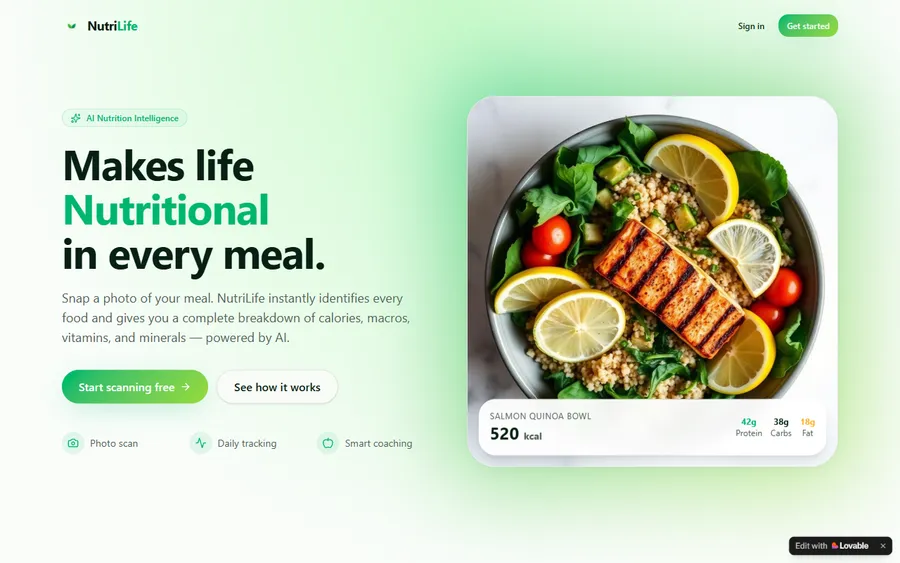
An AI nutrition coach that reads what you eat and works you toward a target.
AI and ML
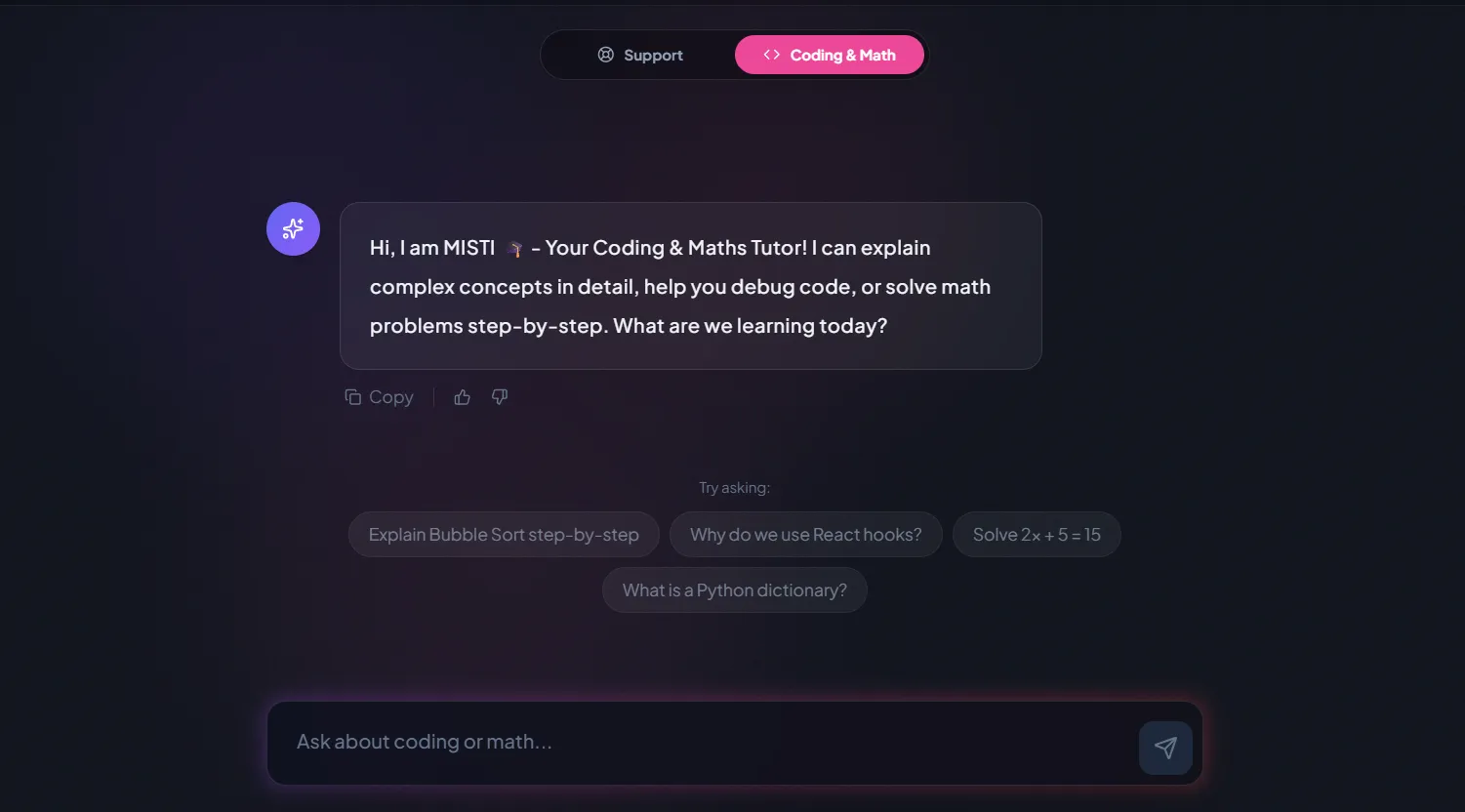
A chatbot that answers mathematics and programming questions, built and deployed by a student.
AI and ML
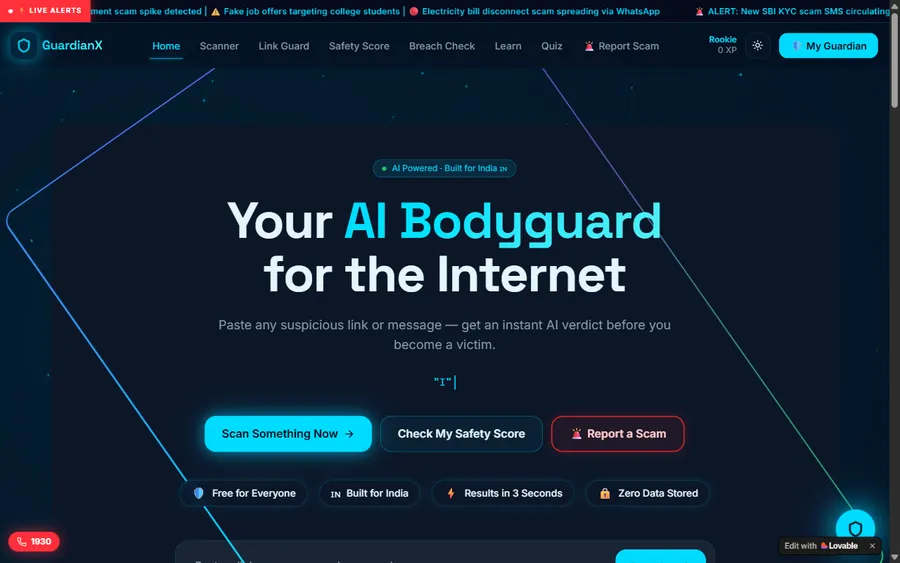
An assistant that helps a young person recognise unsafe situations online.
Web app
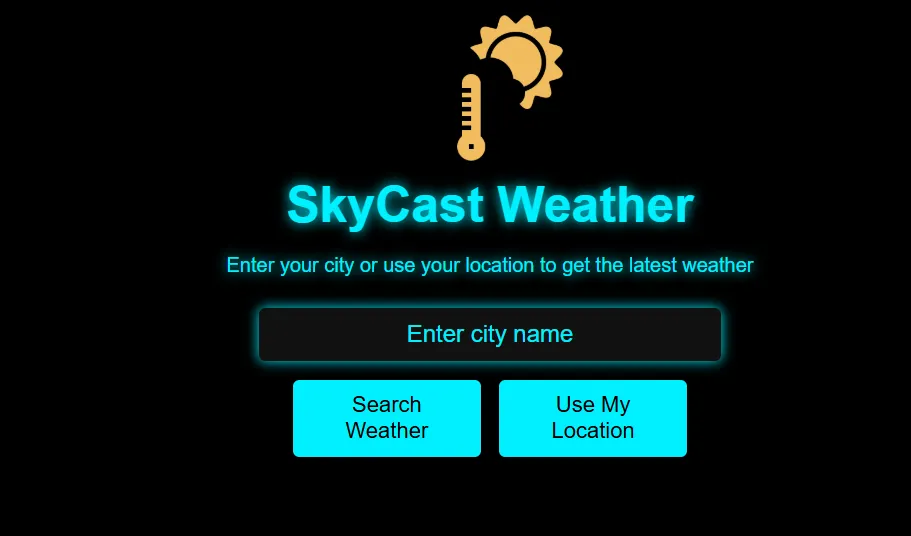
A weather forecasting site with live conditions for any location.
Fees
You are billed once a month for eight live lessons. The euro amount shown is converted at the European Central Bank reference rate, but payment is collected in US dollars; your bank handles the exchange, so the statement can show a slightly different euro figure.
Free first class
Free
no card required
Group batch
€90
a month, eight live classes, charged in US dollars
One to one
€134
a month, eight live classes, charged in US dollars
What families say
Google reviews by our students and parents, left as they wrote them.
★★★★★
"The one step solution for my son. Modern Age Coders make learning coding so simple that kids love it. The teachers explain complex concepts clearly with practical exercises and interactive content."
Ria Mukherjee
Parent
★★★★★
"Modern Age Coders has been a game-changer for me. I struggled to grasp IT concepts and coding before joining, but their classes transformed everything. I can now confidently write complex programs with ease."
Samriddha Mondal
Student
★★★★★
"One of the most wonderful education centres out there. Education is not limited to school syllabus but focuses on skill development."
Vansh Agarwal
Student
★★★★★
"My child Dhairya is really enjoying the Modern Age Coders classes. This is his first online class and he eagerly looks forward to it. I can already see his improvement, and the teachers are very cooperative."
Sonam Oswal
Parent of Dhairya
★★★★★
"Modern Age Coders have wonderful teachers who teach in a clear, easy and practical way. The teacher boosts students' confidence and inspires them to learn without hesitation."
Sonu Goyal
Parent
★★★★★
"I highly recommend this computer coding class! The teachers are incredibly knowledgeable and passionate about coding."
Ritu Kedia
Parent
Questions from Mülheim
No. Every class is live and in English only. Mentors are based in India and adjust their pace and accent to the learner, so a child with school English or an adult out of practice can follow. Python keywords are English words anyway.
A mentor is there in real time, sees your screen and your code, and asks questions when you are stuck. You type everything yourself. A video course cannot notice a mistake or change its pace for you.
A laptop or desktop, a current browser and earphones. Younger children can start in a browser editor; older learners install Python, which is free, with the mentor in the first class.
Weekdays or weekends, flexible: choose your batch, or for a very personalised plan choose 1-on-1 at your convenience, weekend mornings or weekdays. Pupils often take early afternoons; adults often choose a weekend slot.
Yes. The Gesellschaft für Informatik reports that NRW requires Informatik for all pupils in the fifth and sixth school years. From grade 7 on, it depends on the school and on the pupil's own choices.
Yes, young people up to 21 who are not yet studying or working can take part. Round 1 of the 45th competition runs from 1 September to 23 November 2026 and allows group work. We teach the skills; the entry is the pupil's own.
Yes. It uses the 2025 file of the Mülheim weather station, published by Stadt Mülheim an der Ruhr under the Creative Commons Attribution 3.0 Germany licence and downloaded on 3 November 2026. The summaries are our own.
Yes. The Python Masterclass and Python Automation both start from zero. Adults often choose one to one so that the projects use their own spreadsheets and tasks.
A group class has fifteen to twenty learners at a similar level. One-to-one classes are just you and the mentor, twice a week.
Once a month by card. What you see here is a euro figure derived from the European Central Bank reference rate; the charge itself is in US dollars, converted by your bank, hence possible small differences. No payment is taken for the first class.
Read next
Pages that go further on Python, contests and NRW.
Our page for the whole of NRW.
The main Python page.
Preparing for the national contest.
For adults moving into tech.
Python from about nine.
All Germany pages.
Part of the guide: Coding classes in North Rhine-Westphalia
More guides: Coding classes in Lower Saxony · Coding classes in Land Bremen · Coding classes in Hesse · Coding classes in Bavaria · Coding classes in Saxony-Anhalt · Coding classes in Schleswig-Holstein · Coding classes in Baden-Württemberg · Coding classes in Saarland · Coding classes in Rhineland-Palatinate · Coding and maths in Berlin · Coding and maths in Hamburg · Coding classes in Saxony · Coding classes in Thuringia · Coding classes in Brandenburg · Coding classes in Mecklenburg-Vorpommern
Start here
Nothing is staged: the free class is an ordinary live lesson in which a first small program gets written and run. By the end the mentor has a sense of the learner's thinking and English, and we propose a course and a group to match.
More about the format: how we teach. Every syllabus: courses.
WhatsApp us · +91 91233 66161 · connect@modernagecoders.com
Live online, taught in English only, by mentors in India. WhatsApp us in English for a quick reply.
A priority demo is a full class of about 45 to 60 minutes. After the class the mentor sends a written skill report and a personal learning roadmap on WhatsApp. If you enrol, the demo fee is adjusted against your first month's fee. Share your demo Order ID with us on WhatsApp and we take it off.
Book a priority demo