Coding for Kids: Scratch to Games, Apps and AI
A child who can drag two blocks together can start. Ten months later they have built games, a mobile app, Minecraft machines, an AI model and their first lines of Python.
Syllabus updated August 2026
Recordings are free with a Google sign-in. These recordings show how we teach, not the exact syllabus of this course.
How long this course takes
This course runs 10-12 months (40-48 weeks) at 2 live classes/week + 2-3 hours guided practice. The range allows for background and pace: a complete beginner uses the full span, and a student with prior knowledge finishes sooner. The syllabus below is planned to the shorter end, with margin kept for revision.
For personalised duration planning, call +91 91233 66161 and we'll map a schedule to your goals.
At a glance
- Who it is for
- Complete beginner, ages 6 to 12 (batches grouped by age).
- Prerequisites
- None. Block coding was invented exactly for this start
- Format
- Live, interactive classes with a real instructor, never pre-recorded videos. Live classes run about one hour.
- Language
- English or Hindi, depending on the batch.
- Duration
- 10-12 months (40-48 weeks)
- Weekly commitment
- 2 live classes/week + 2-3 hours guided practice
- Class size
- Group batches of 5 to 10 students, mini batches of 3 to 4, or 1-on-1.
- Certificate
- Certificate from Modern Age Coders, awarded on passing the final exam
- Watch first
- Free recordings of real classes for ages 6 to 12, free with a Google sign-in. These recordings show how we teach, not the exact syllabus of this course.
- Live demo
- Optional. Enroll directly on this page, or book a free live demo if you would like to meet a mentor first.
How we teach
Deep understanding. Real projects. Expert guidance.
Learn coding, AI and maths through careful explanations, practical demonstrations, and hands-on problem-solving. Our instructors guide you from the foundations to advanced ideas, helping you understand what happens, why it happens, and how to build it yourself.
You will explore concepts step by step, write and improve code, investigate mistakes, ask questions, and apply your knowledge to meaningful projects. Lessons are designed around active participation, thoughtful feedback, and growing independence.
Expert-led live teaching, with practical participation built into every lesson.
- Students explain their thinking.
- Instructors demonstrate, then guide practice.
- Learners code, solve, or build during lessons.
- Questions and misconceptions get attention.
- Assignments receive useful feedback.
- Progress is checked before advancing.
Ready to Master Coding for Kids: Scratch to Games, Apps and AI?
Choose your plan and start your journey into the future of technology today.
Rated 4.9 across 547 Google reviews. Enroll directly, or take a free live demo first if you like. No card needed for the demo. Monthly billing, cancel anytime.
International Students (Outside India)
Billed monthly in US dollars, the same price in every country. Contact us with any questions.
Program Overview
This is our flagship coding journey for children aged 6 to 12, and it is built on a simple truth: kids learn to code by making things they want to show someone. Every week ends with something a child can demonstrate at the dinner table, a game, an animation, an app, a world, and every concept hides inside a project rather than a lecture.
The journey starts in Scratch, where logic is learned by snapping blocks: animations first, then real games with scores, levels and difficulty. From there the worlds get bigger: arcade games in Microsoft MakeCode, inventions on a simulated micro:bit, real mobile apps built in MIT App Inventor and installed on the family phone, coding inside Minecraft Education, first Lua scripts in Roblox Studio, and kid-safe AI, where children train their own image and sound models with Machine Learning for Kids and Teachable Machine and use them inside their own games. The final months build the bridge every parent asks about: from blocks to real typed code, with first Python turtle programs and a first hand-written web page.
The pace is honest: two live classes a week plus two to three hours of guided practice fits the journey in ten months, and younger children or busy terms stretch it to twelve without penalty, the batch adapts. Learning is checked the honest way too: classwork in every session, homework after every class, monthly challenges that mix new questions with earlier topics, and a final exam, a project plus a friendly viva, that decides the certificate. Real knowledge, real work, real projects, depth over dopamine.
What Makes This Program Different
- Every week ends with something a child can show: a game, an app, a world, a model, not a worksheet
- Batches are grouped by age, so a 7-year-old is never racing an 11-year-old through the same material
- The tools are the real ones schools and clubs use worldwide: Scratch, MakeCode, App Inventor, Minecraft Education, Roblox Studio
- AI is taught kid-safe and hands-on: children train their own models with Machine Learning for Kids and Teachable Machine, no open chatbots
- The course ends with a real bridge to typed code: first Python and a first hand-written web page, so the next step is natural
- Real assessment, gently done: weekly homework, monthly mixed-review challenges, and a final project-plus-viva exam that decides the certificate, with a free retest after revision if needed
Your Learning Journey
Career Progression
Detailed Course Curriculum
Explore the complete week-by-week breakdown of what you'll learn in this comprehensive program.
Topics Covered
- What is coding? Why is it important?
- How computers understand instructions
- Introduction to algorithms with real-life examples
- Setting up your coding workspace
- Creating safe accounts on Scratch and Code.org together with a parent
- Navigating Scratch interface
- Understanding sprites and stages
- Basic blocks: Motion, Looks, Sound
- Your first animation: Making a cat walk
- Saving and sharing projects
- Online safety and digital citizenship
- Creating your coder profile
Projects You Build
- Animated greeting card
- Pet animation with sounds
- Interactive 'About Me' project
Practice & Assignments
Daily 15 minutes of block exploration and one small creative build
Topics Covered
- Coordinate system (x, y positions)
- Moving sprites: go to, glide, move steps
- Rotation: turn, point in direction
- Creating smooth animations
- Using costumes for animation
- Backdrop changes and scenes
- Sound effects and music
- Recording custom sounds
- Text-to-speech blocks
- Animation principles: timing, easing
- Creating realistic movements
- Sprite interactions
Projects You Build
- Animated story with 3 scenes
- Dancing party animation
- Virtual pet that moves and makes sounds
Practice & Assignments
Create 5 different animation sequences
Topics Covered
- Event blocks: when flag clicked, when key pressed
- Mouse events: when sprite clicked
- Broadcasting messages between sprites
- Creating interactive buttons
- Keyboard controls for games
- Mouse following mechanics
- Touch controls for tablets
- Creating menus and navigation
- User input with 'ask' blocks
- Storing answers in variables (introduction)
- Creating choose-your-own adventure stories
- Interactive art projects
Projects You Build
- Interactive quiz game
- Virtual piano/musical instrument
- Dress-up game with clickable items
Practice & Assignments
Build 5 interactive mini-projects
Topics Covered
- If-then statements (conditionals)
- If-else logic blocks
- Collision detection: touching sprite/color
- Score keeping with variables
- Lives and game over conditions
- Timer and countdown mechanics
- Random numbers for surprises
- Creating power-ups
- Level progression basics
- Win and lose conditions
- Game states: start, playing, game over
- Debugging techniques
Projects You Build
- Catch the falling objects game
- Simple maze game
- Whack-a-mole style game
- Number guessing game
Practice & Assignments
Create 3 simple games with scoring
Assessment
Month 1 check: build a small interactive scene live, plus a fun take-home challenge mixing everything from month 1
Topics Covered
- Forever loops for continuous actions
- Repeat loops with counters
- Repeat until conditions
- Nested loops for complex patterns
- Creating geometric patterns
- Drawing with pen blocks
- Stamp tool for patterns
- Color effects and graphics
- Creating fractals and spirals
- Loop optimization
- Breaking out of loops
- Infinite loop prevention
Projects You Build
- Geometric art generator
- Pattern-based puzzle game
- Automated drawing machine
- Kaleidoscope effect
Practice & Assignments
Create 10 different patterns using loops
Topics Covered
- Creating and naming variables
- Local vs. global variables
- Changing variable values
- Variables for game mechanics
- High score systems
- Mathematical operations with variables
- Creating calculators
Projects You Build
- Calculator with memory
- Quiz with score tracking
- Click-counter challenge game
Practice & Assignments
Build 5 projects that count, score or remember something
Topics Covered
- Lists (arrays) introduction
- Adding/removing from lists
- List operations: length, contains
- High score systems
- Inventory systems for games
- Data persistence with cloud variables
Projects You Build
- Shopping game with inventory
- RPG with character stats
- High-score table that survives the game
Practice & Assignments
Add a list to two of your earlier projects
Topics Covered
- Introduction to Code.org platform
- Block-based JavaScript preview
- Minecraft Hour of Code
- Star Wars coding challenges
- Dance Party creation
- App Lab basics
- Creating mobile app interfaces
- Event-driven programming
- Debugging with Code.org
- CS Fundamentals courses
- Problem-solving strategies
- Computational thinking puzzles
Projects You Build
- Complete Minecraft adventurer
- Create dance party choreography
- Build app prototype in App Lab
- Solve 20 Code.org puzzles
Practice & Assignments
A Code.org puzzle streak: a little every day
Assessment
Month 2 check: solve three fresh logic puzzles live, with questions that reach back to month 1
Topics Covered
- Analyzing existing games
- Breaking down game mechanics
- Planning complex projects
- Creating Pong clone
- Building Flappy Bird clone
- Snake game mechanics
Projects You Build
- Pong clone that feels fair
- Flappy Bird complete clone
- Snake with growing tail
Practice & Assignments
Polish one clone until a friend asks to play again
Topics Covered
- Analyzing existing games
- Breaking down game mechanics
- Planning complex projects
- Platform game basics
- Scrolling backgrounds
- Multiple levels design
- Save game functionality
- Leaderboards with cloud data
- Multiplayer basics
Projects You Build
- Platform game with 3 levels
- Pac-Man style maze game
- Two-player competitive game
Practice & Assignments
Design and build one extra level for each game
Topics Covered
- What makes games fun?
- Game mechanics vs. dynamics
- Level design principles
- Difficulty curves
- Player feedback systems
- Reward mechanisms
- Story in games
- Character development
- Game art basics
- Sound design importance
- Playtesting methods
- Iterative design process
Projects You Build
- Design document for original game
- Level pack for existing game
- Game with adaptive difficulty
- Story-driven adventure game
Practice & Assignments
Play and analyze 5 favorite games: what makes each one fair and fun?
Topics Covered
- Project presentation skills
- Creating game trailers
- Writing game descriptions
- Peer review and feedback
- Code optimization
- Performance improvements
- Portfolio organization
Projects You Build
- CAPSTONE: an original game with menu, levels, scoring and sounds
- A short presentation of the game to the batch
Practice & Assignments
Run a family playtest and fix the two most confusing things
Assessment
Phase 1 exam: present the capstone game and rebuild a small scene live, with mixed questions from months 1-3
Topics Covered
- Introduction to MakeCode Arcade
- Sprite creation and editing
- Tile maps and level design
- Physics in games
- Scoring and lives system
- Sound effects creation
- Custom sprite editor
- JavaScript preview in MakeCode
Projects You Build
- Adventure game with a tile map
- Racing game with obstacles
Practice & Assignments
Build 3 small arcade games between classes
Topics Covered
- Physics in games
- Projectiles and effects
- Enemy AI basics
- Scoring and lives system
- Sound effects creation
- Publishing games online
- Sharing with QR codes
- JavaScript preview in MakeCode
Projects You Build
- Shooting game with enemy waves
- RPG with story elements
- Your best arcade game shared with a QR code
Practice & Assignments
Add enemies and effects to your month 4 games
Topics Covered
- What is Micro:bit?
- MakeCode for Micro:bit
- LED display programming
- Button inputs A and B
- Accelerometer and shake detection
- Temperature sensor
- Light sensor projects
- Radio communication between devices
- Creating wearable projects
- Music and sounds on Micro:bit
- The MakeCode simulator: a full micro:bit in the browser, no hardware needed
- Optional: running your inventions on a real micro:bit at home
Projects You Build
- Digital dice
- Step counter/fitness tracker
- Two-player rock-paper-scissors
- Temperature alarm system
Practice & Assignments
Build 5 micro:bit inventions in the simulator
Topics Covered
- Introduction to Blockly
- Blockly Games progression
- Maze solving algorithms
- Bird physics game
- Turtle graphics programming
- Movie creation with Blockly
- Music composition blocks
- Pond game strategies
- JavaScript code generation
- Storytelling with code
Projects You Build
- Complete all Blockly Games
- Turtle art masterpiece
- Animated movie with Blockly
- Music composition project
Practice & Assignments
Finish the Blockly Games ladder at your own pace
Assessment
Month 4 check: build a small arcade scene live, plus a mixed challenge reaching back to Scratch
Topics Covered
- Introduction to MIT App Inventor
- Designer vs. Blocks editor
- Screen layouts and components
- Buttons, labels, textboxes
- Images and media components
- Screen navigation
- Properties and styling
- Event handlers in apps
- Variables in App Inventor
- Procedures (functions)
- Testing with companion app
- Building APK files
Projects You Build
- Calculator app
- To-do list app
- Flashcard study app
- Personal diary app
Practice & Assignments
Build 3 small apps and run them on a family phone
Topics Covered
- Lists and databases in apps
- TinyDB for local storage
- Camera and image picker
- Sound recorder and player
- Text-to-speech and speech recognition
- Canvas for drawing
- Sprite animations in apps
- Accelerometer games
- Sharing functionality
Projects You Build
- Photo sticker app
- Voice note recorder
- Drawing app with save
Practice & Assignments
Add one camera or voice feature to an earlier app
Topics Covered
- Game loop concepts
- Sprite collisions in apps
- Score and high score systems
- Timer-based games
- Touch and drag mechanics
- Accelerometer controls
- Sound effects in games
- Multiple screens for games
- Game state management
Projects You Build
- Flappy Bird mobile version
- Tilt-controlled maze game
- Memory card game
Practice & Assignments
Playtest your phone games with two family members
Topics Covered
- Choosing an app your family would actually use
- Sketching screens on paper before building
- Building the app screen by screen
- Saving data so the app remembers
- Testing with a real user: watching without helping
- Fixing what confused them, not what annoyed you
- Presenting the app and the story behind it
Projects You Build
- The family app: a chore chart, pet log, homework planner or your own idea, installed on a real phone
Practice & Assignments
One week of real family use, then one improvement
Assessment
Month 5 check: app demo plus a mixed quiz over months 1-5
Topics Covered
- Story structure basics
- Character development
- Digital comic creation
- Interactive stories with Twine
- Animation storytelling
- Digital portfolio creation
- Sharing work safely: what goes online and what stays home
Projects You Build
- Interactive story in Twine
- Digital comic book
- Animated short story
Practice & Assignments
Write and branch one choose-your-own-adventure story
Topics Covered
- What is Artificial Intelligence?
- Machine Learning basics for kids
- Training AI models concept
- Scratch + Machine Learning 4 Kids
- Image recognition projects
- Text classification basics
- Sound recognition
- Creating training data
- Testing AI models
- AI ethics for kids
- Bias in AI systems
- Future of AI
Projects You Build
- Rock-paper-scissors AI
- Emotion detector with images
- Chatbot in Scratch
- Voice command game
Practice & Assignments
Train 5 small models and note where each one gets confused
Topics Covered
- Google Teachable Machine
- Training image models
- Training sound models
- Training pose models
- Exporting models
- Using models in Scratch
- AI-powered games
- Computer vision projects
- Gesture control games
- AI art generation basics
Projects You Build
- Gesture-controlled game
- AI fitness coach
- Sound-activated animations
- AI art generator
Practice & Assignments
Build 3 projects that use a model you trained yourself
Topics Covered
- Choosing the capstone: best game, best app or best AI project, taken further
- Improving old projects with new skills
- Showing work: a tidy project gallery
- A review week shaped by what the batch found hard
- Kind, useful feedback: reviewing a classmate’s project
Projects You Build
- Phase capstone: one project taken one honest level further, presented to the batch
Practice & Assignments
Publish your top 3 projects in your personal gallery
Assessment
Phase 2 review: capstone demo plus a mixed challenge spanning phases 1 and 2
Topics Covered
- Minecraft Education setup
- Code Builder introduction
- MakeCode in Minecraft
- Agent programming
- Building automation
- Redstone basics
- Command blocks
- Creating educational worlds
- Chemistry in Minecraft
- History lessons in Minecraft
- Collaborative building
Projects You Build
- Automated farm system
- Historical monument recreation
- Science experiment world
- Adventure map with coding
Practice & Assignments
Complete 10 coding challenges inside Minecraft
Topics Covered
- What is Roblox Studio?
- Basic building tools
- Parts and properties
- Terrain editor
- Basic scripting preview
- Models and assets
- Lighting and effects
- Sound in Roblox
- Sharing a world safely, with parent-managed accounts
- Community guidelines
- Collaborative development
Projects You Build
- Simple obby (obstacle course)
- Basic tycoon game
- Adventure map
- Multiplayer arena
Practice & Assignments
Build one obby and improve it after a friend tries it
Topics Covered
- Roblox Studio advanced tools
- Lua scripting basics
- Variables and functions in Lua
- Events and triggers
- GUI creation
- Leaderboards and stats
- Advanced terrain
- Particle effects
- Animation editor
- Blocks to text: seeing your Scratch instincts inside Lua
Projects You Build
- Tycoon game with working buttons
- Adventure map with scripted surprises
- Obby with checkpoints and a leaderboard
Practice & Assignments
Write 5 small Lua scripts that change your world
Topics Covered
- What is data science?
- Collecting data responsibly
- Google Sheets for data
- Basic statistics concepts
- Creating surveys with Google Forms
- Data visualization basics
- Charts and graphs
- Infographic creation
- Data storytelling
- Privacy and data ethics
- Real-world data projects
Projects You Build
- School survey analysis
- Weather data tracking
- Sports statistics dashboard
- Environmental data project
Practice & Assignments
Run one real survey and chart what it says
Assessment
Month 7 check: explain one chart honestly, plus mixed questions from earlier phases
Topics Covered
- 3D modeling basics
- Tinkercad interface
- Basic shapes and operations
- Grouping and aligning
- Hole creation
- Precise measurements
- 3D printing preparation
- Circuit simulation
- Arduino simulation
- Codeblocks in Tinkercad
- Importing and exporting
- Design thinking process
Projects You Build
- 3D printed keychain design
- Architectural model
- Arduino circuit simulation
- Mechanical toy design
Practice & Assignments
Design 5 3D models, one of them useful at home
Topics Covered
- Introduction to CoSpaces Edu
- 3D scene creation
- CoBlocks programming
- Physics in virtual worlds
- Character animation
- Sound and music in 3D
- VR experience design
- AR marker creation
- 360° environments
- Interactive museums
- Virtual field trips
- Publishing VR experiences
Projects You Build
- Virtual museum tour
- AR treasure hunt
- VR escape room
- Interactive 3D story
Practice & Assignments
Build one small VR scene and one AR surprise
Topics Covered
- Putting a trained model inside a Scratch game
- Gesture controls: playing a game with your hands
- Sound-activated animations and effects
- When the model is wrong: making games fail kindly
- Fairness: testing your model with different people
- AI ethics for kids, in plain words
- Planning an AI-powered capstone
Projects You Build
- Gesture-controlled game
- Sound-activated pet
- A model tested fairly across the whole family
Practice & Assignments
Improve one model by collecting better training examples
Topics Covered
- Choosing the capstone: a Minecraft build, a Roblox world or an AI-powered game
- Planning with a checklist, building in small steps
- Testing with a real player
- Presenting: what it does, how it works, what was hard
- A cumulative review of phases 1-3
Projects You Build
- Phase capstone: one world or AI project, finished and demonstrated
Practice & Assignments
Prepare a two-minute demo of the capstone
Assessment
Phase 3 exam: capstone demo plus a mixed challenge from all three phases
Topics Covered
- Reading the JavaScript behind your MakeCode games
- Every block is a line of code: the big reveal
- Typing skills for coders: a gentle start
- What stays the same: loops, ifs and variables in any language
- What changes: spelling matters now
- Errors are clues: reading messages without fear
- Choosing the right tool for each idea
Projects You Build
- The same tiny game shown in blocks and in text, side by side
Practice & Assignments
Convert 3 small block programs to text with the toggle
Topics Covered
- Why learn text-based coding?
- Python in the browser: zero setup for the first weeks
- Python Turtle graphics
- Variables and data types
- Print statements and input
- Comments and documentation
- Basic math operations
- String manipulation
- Converting blocks to Python
- Debugging Python code
Projects You Build
- Turtle art generator
- Mad libs game in Python
- A talking quiz program
Practice & Assignments
Recreate 3 Scratch projects as tiny Python programs
Topics Covered
- How websites work
- HTML structure and tags
- Creating web pages
- Links and navigation
- Images and media
- CSS introduction
- Selectors and properties
- Colors and fonts
- Box model
Projects You Build
- A hand-typed page about your favorite thing
- Photo gallery page
- A page about your best projects
Practice & Assignments
Build one more page about anything you love
Topics Covered
- Your project gallery: choosing your best work
- Explaining a project in three sentences
- Safe sharing: what a portfolio shows and what it never shows
- Debugging rituals: what to try before asking for help
- How coders learn new things on purpose
- Planning the final capstone
Projects You Build
- A tidy portfolio of the journey’s best 8 projects
Practice & Assignments
Write one proud sentence for each portfolio project
Assessment
Month 9 check: a mixed challenge spanning Python, web and earlier phases
Topics Covered
- Choosing the final project: game, app, world or AI project, your call
- A one-page plan: what it is, who it is for, what makes it special
- Breaking the build into four small steps
- Collecting art, sounds and ideas before building
- The first working slice by the end of the week
Projects You Build
- Capstone plan approved plus the first working slice
Practice & Assignments
Show the plan to your family and collect one suggestion
Topics Covered
- Building in small steps that always run
- Instructor checkpoints and course corrections
- Using everything: logic, art, sound, data, maybe AI
- Testing with real players and acting on what they say
- Cutting ideas kindly: finishing beats adding
- Preparing the demo: the story of the build
Projects You Build
- The final capstone, built over two weeks and genuinely finished
Practice & Assignments
A little building every day; always keep it working
Topics Covered
- Presenting the capstone to the batch and parents
- The hardest bug story: what went wrong and how you fixed it
- The journey in numbers: projects built, skills earned
- What comes next: Python for Kids, Roblox, Minecraft or Web Development
- Keeping the spark: healthy creating habits at home
Projects You Build
- Demo day presentation, delivered proudly
Assessment
FINAL EXAM: capstone demo plus a friendly viva and a mixed quiz drawn from the whole journey. Passing earns the certificate; a child who falls short gets focused revision and a free retest
Projects You'll Build
Build a professional portfolio with 40+ real projects, from a first animation to an AI-powered capstone real-world projects.
Weekly Learning Structure
Certification & Recognition
Technologies & Skills You'll Master
Comprehensive coverage of the entire modern web development stack.
Support & Resources
Career Outcomes & Opportunities
Transform your career with industry-ready skills and job placement support.
Prerequisites
Who Is This Course For?
Career Paths After Completion
Course Guarantees
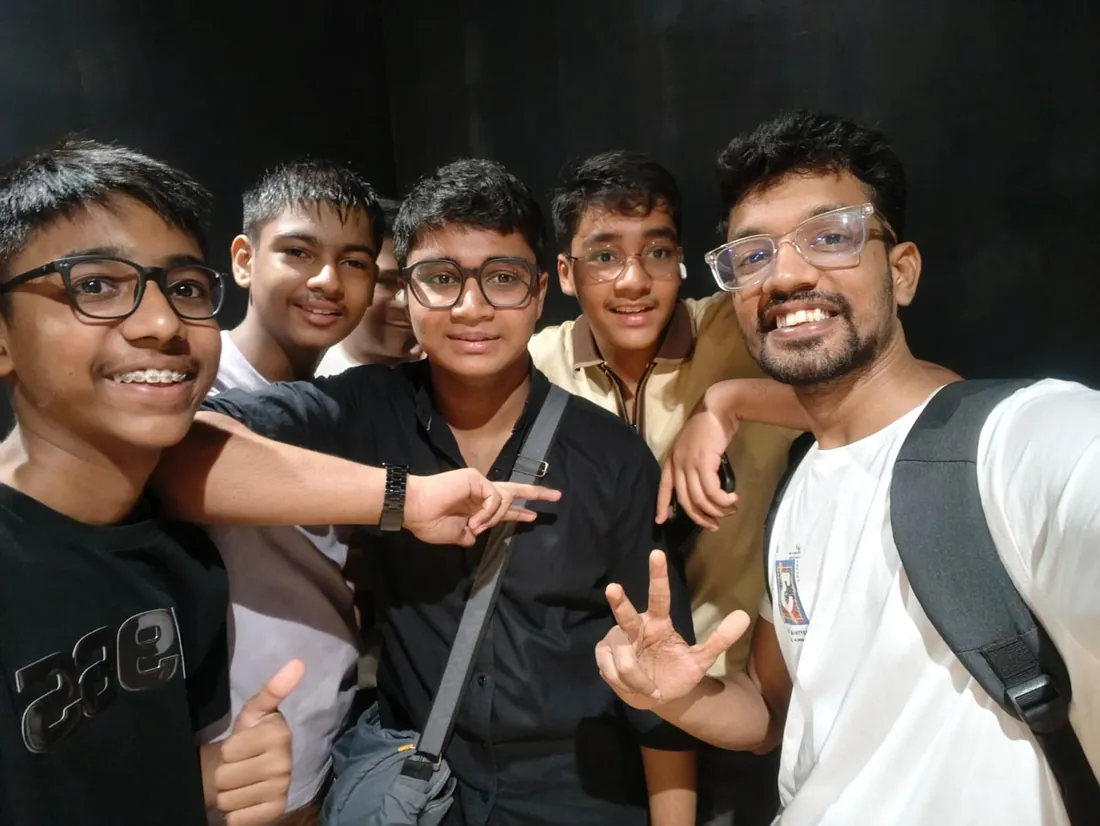
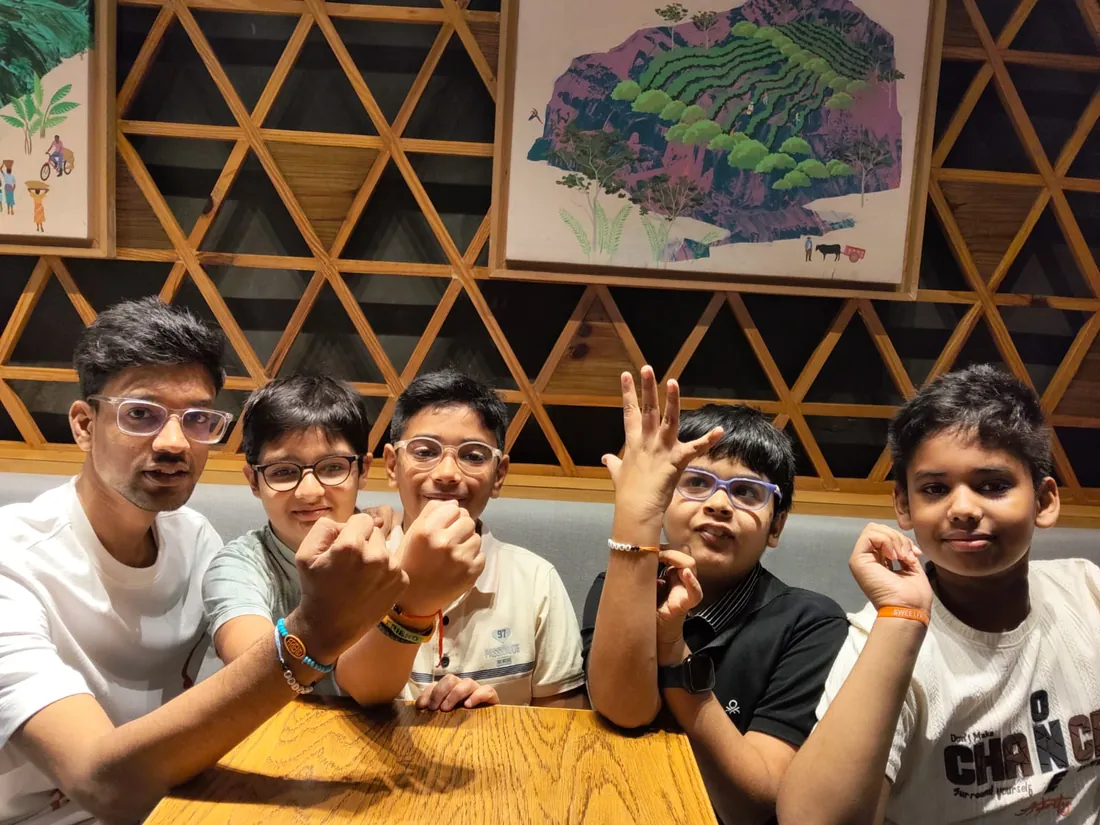
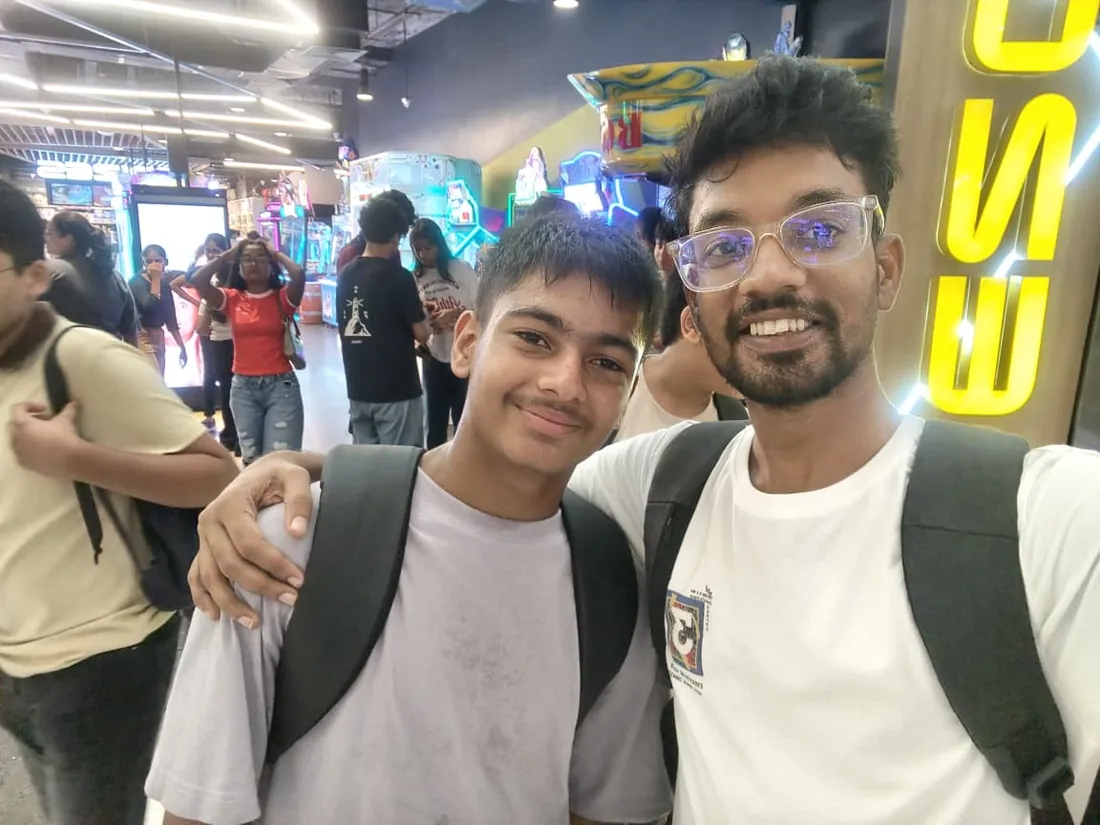
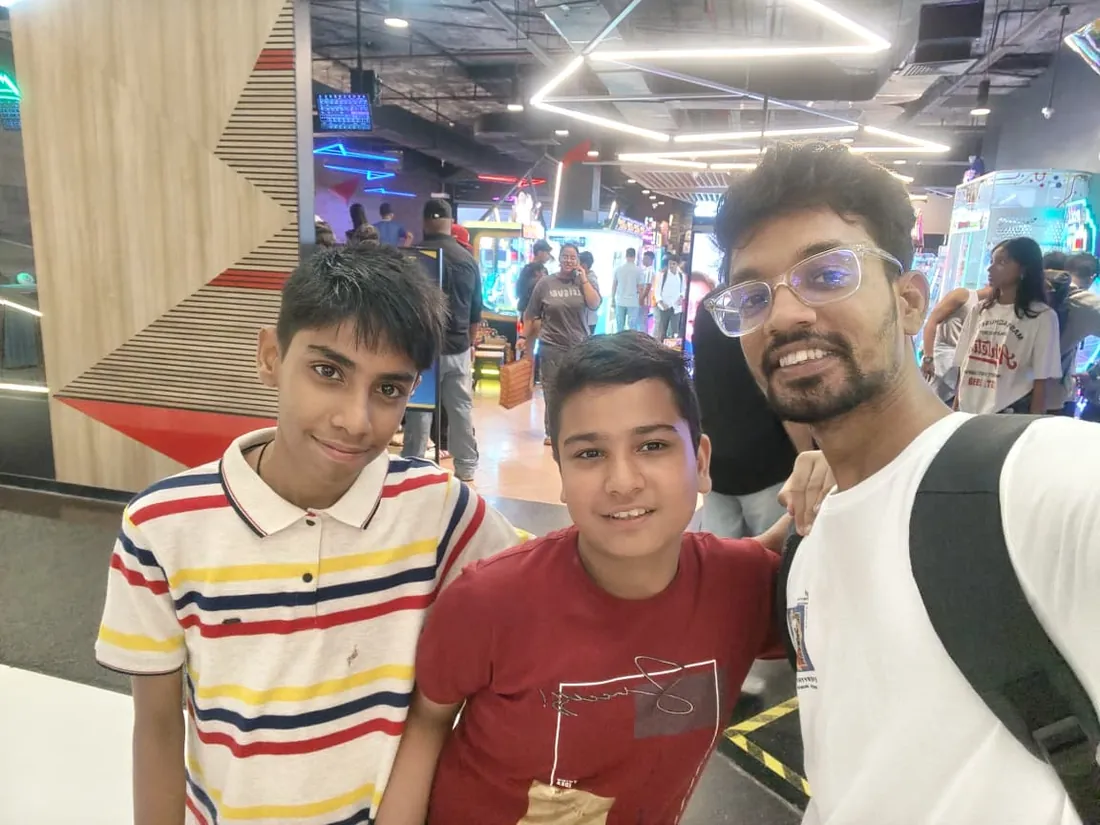
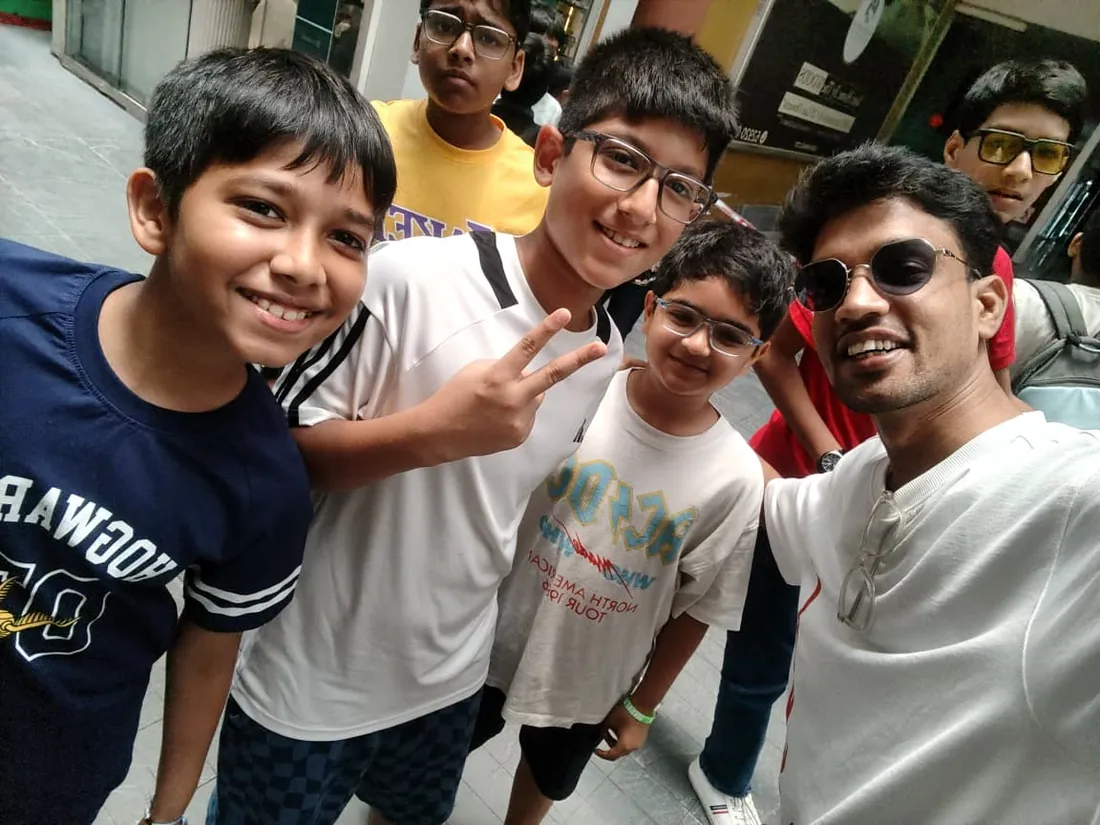
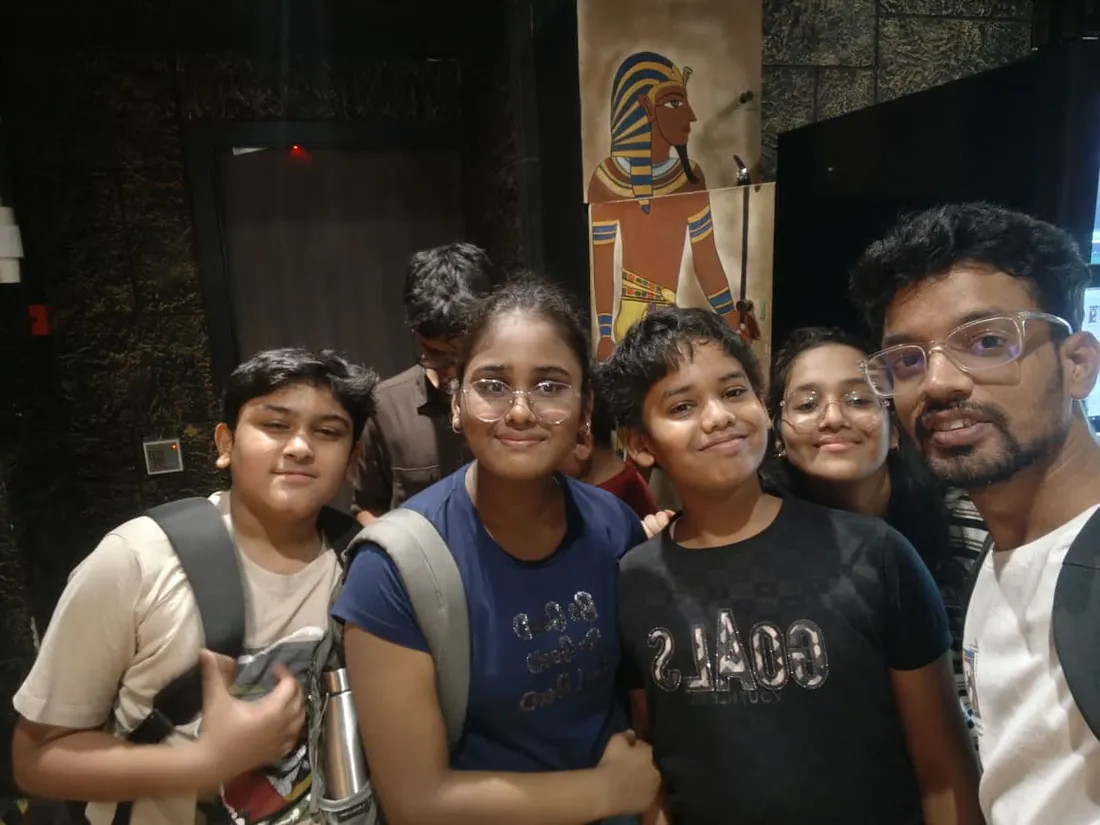
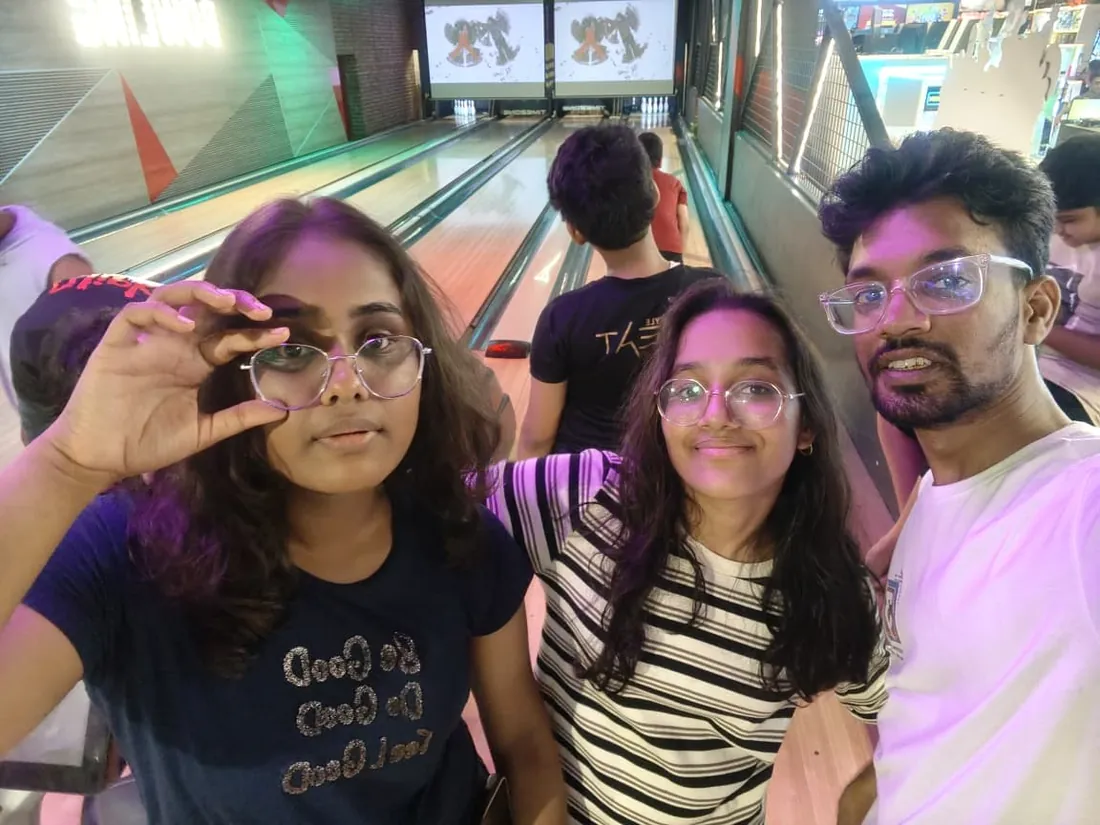
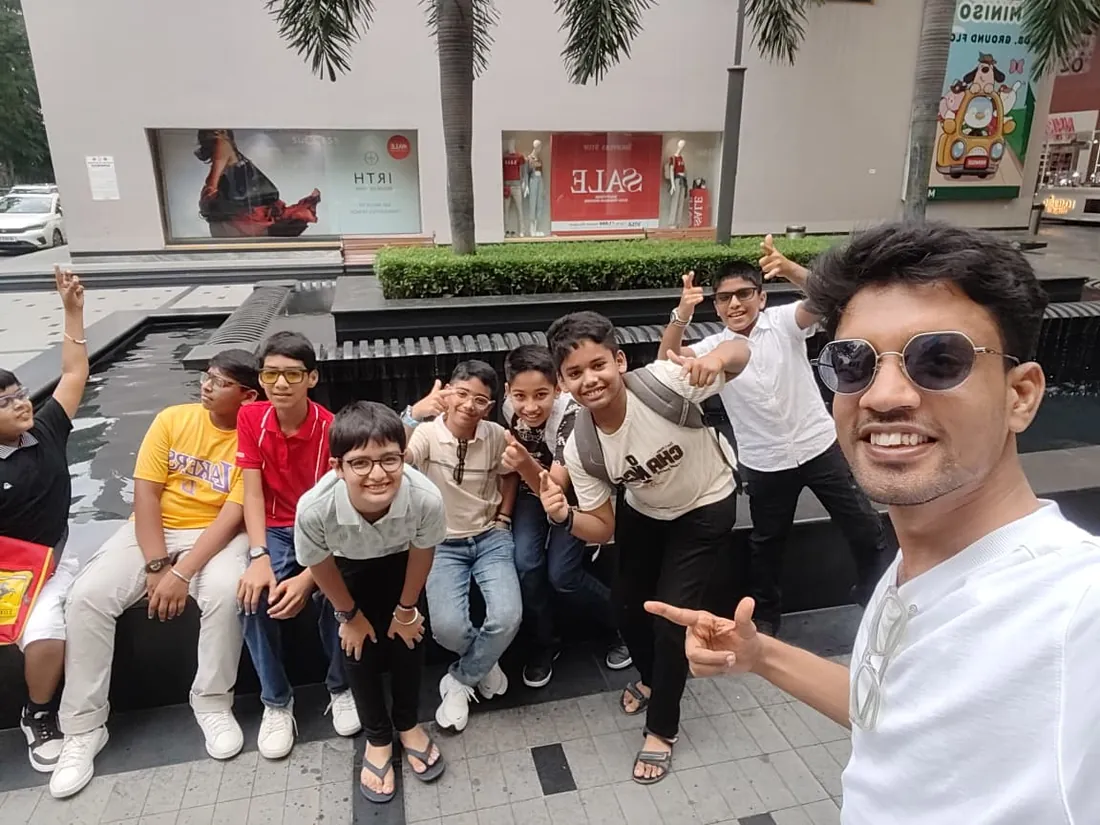
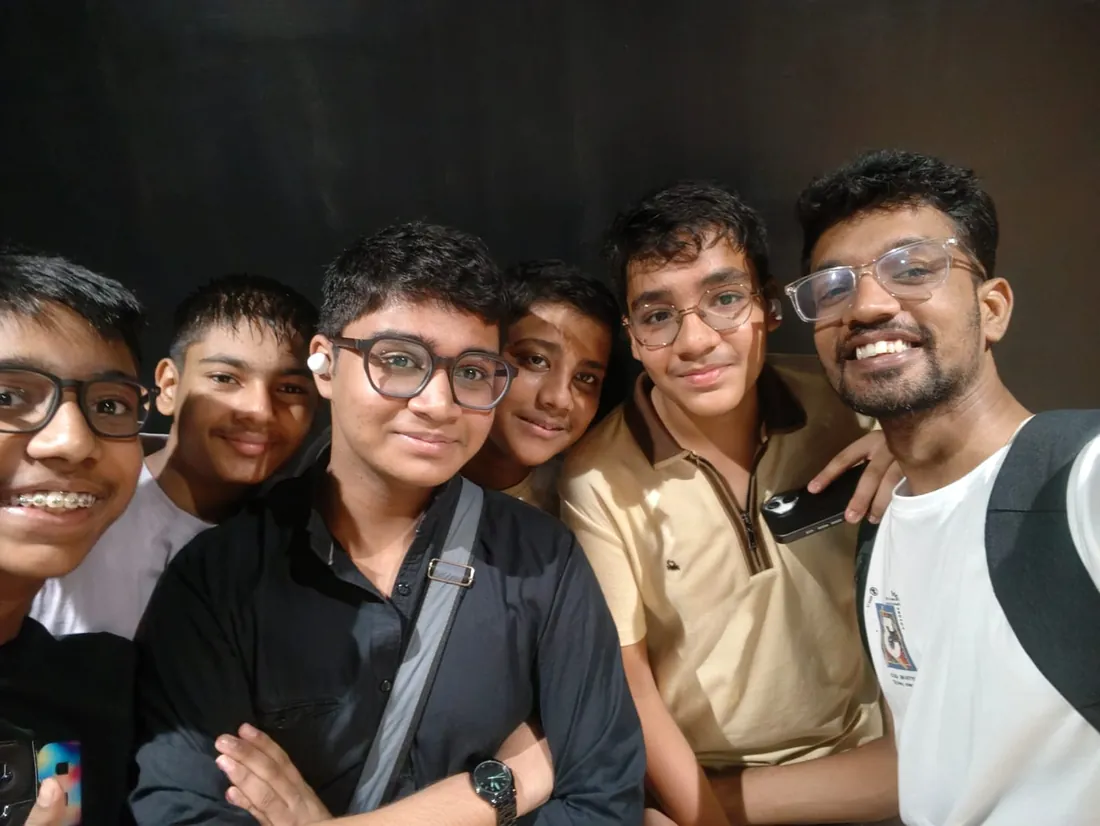
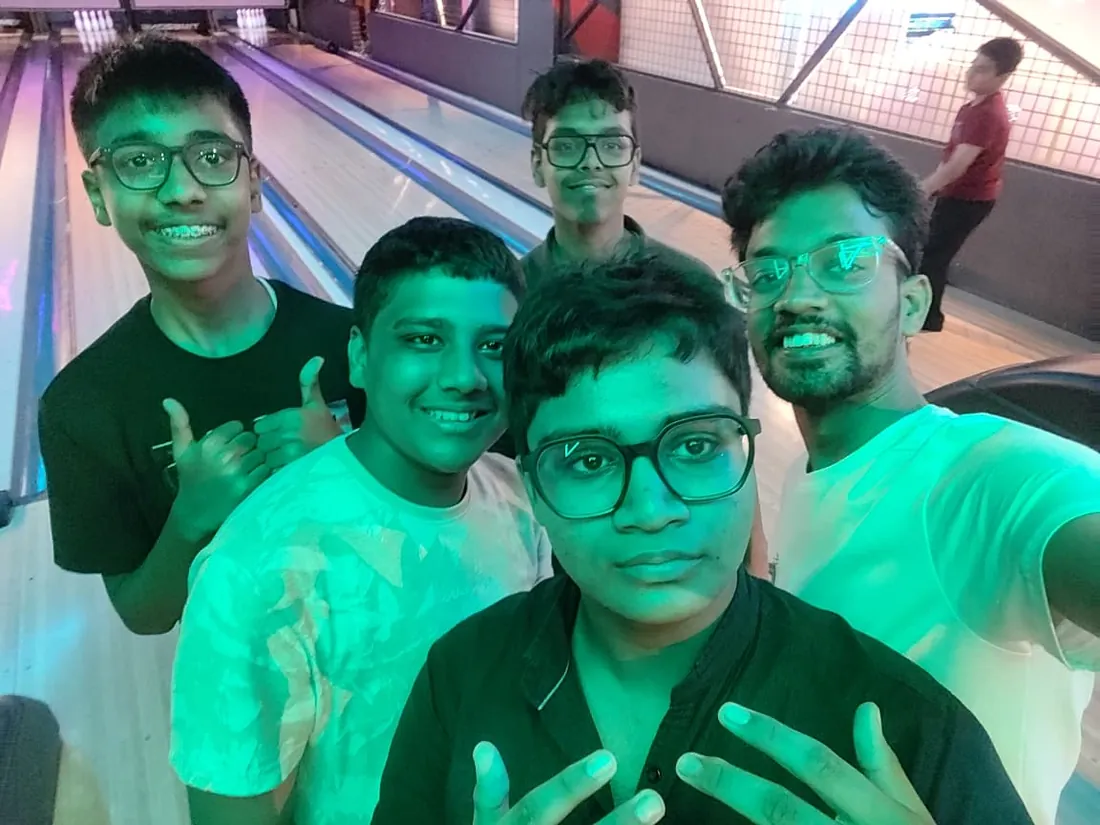
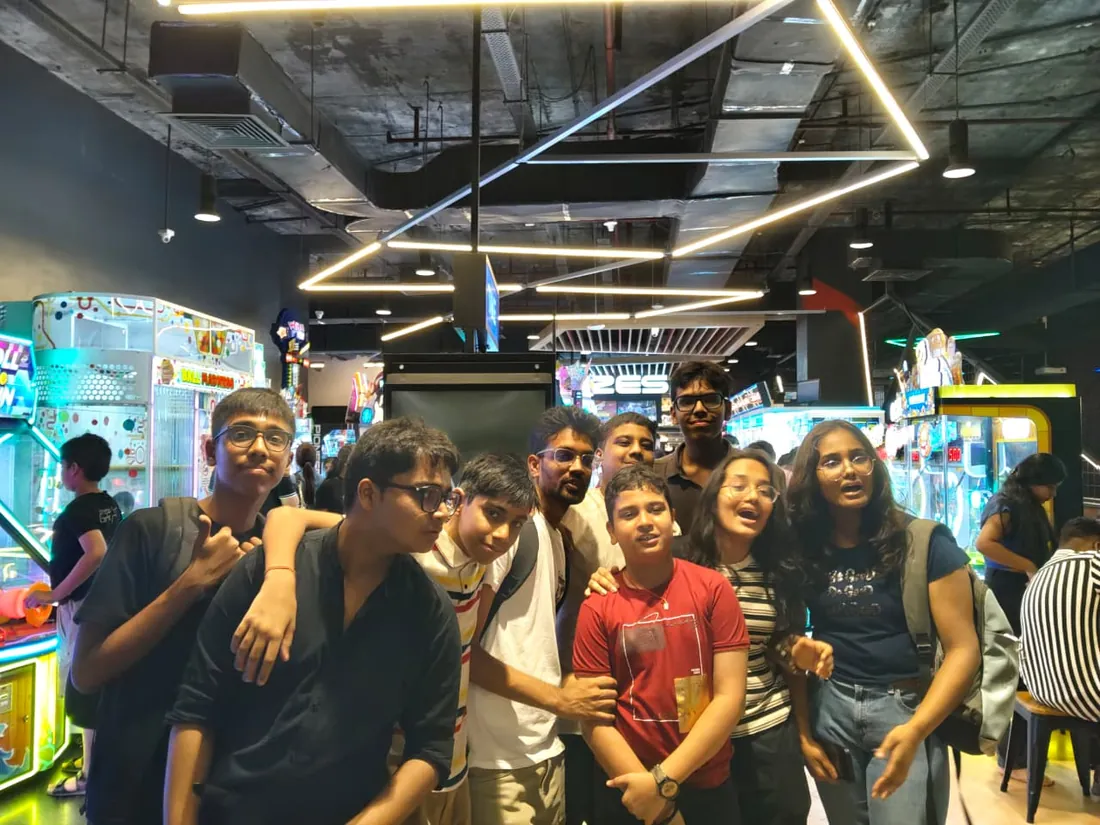
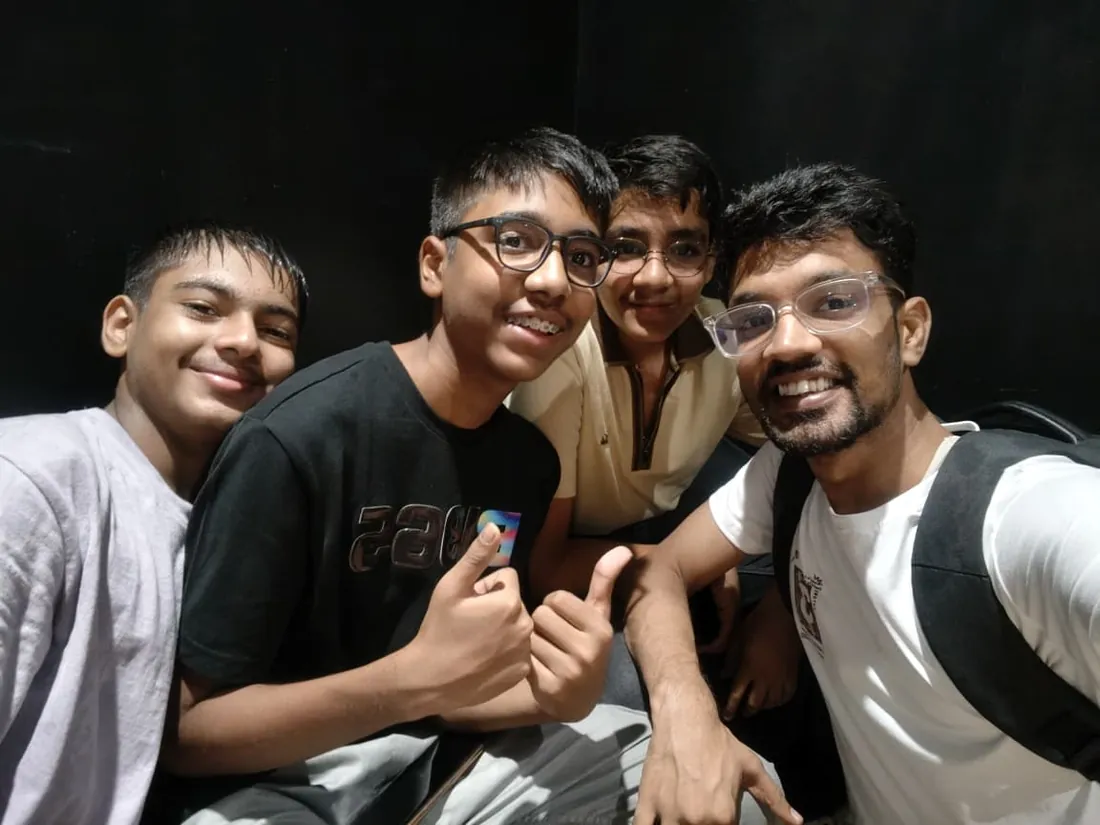
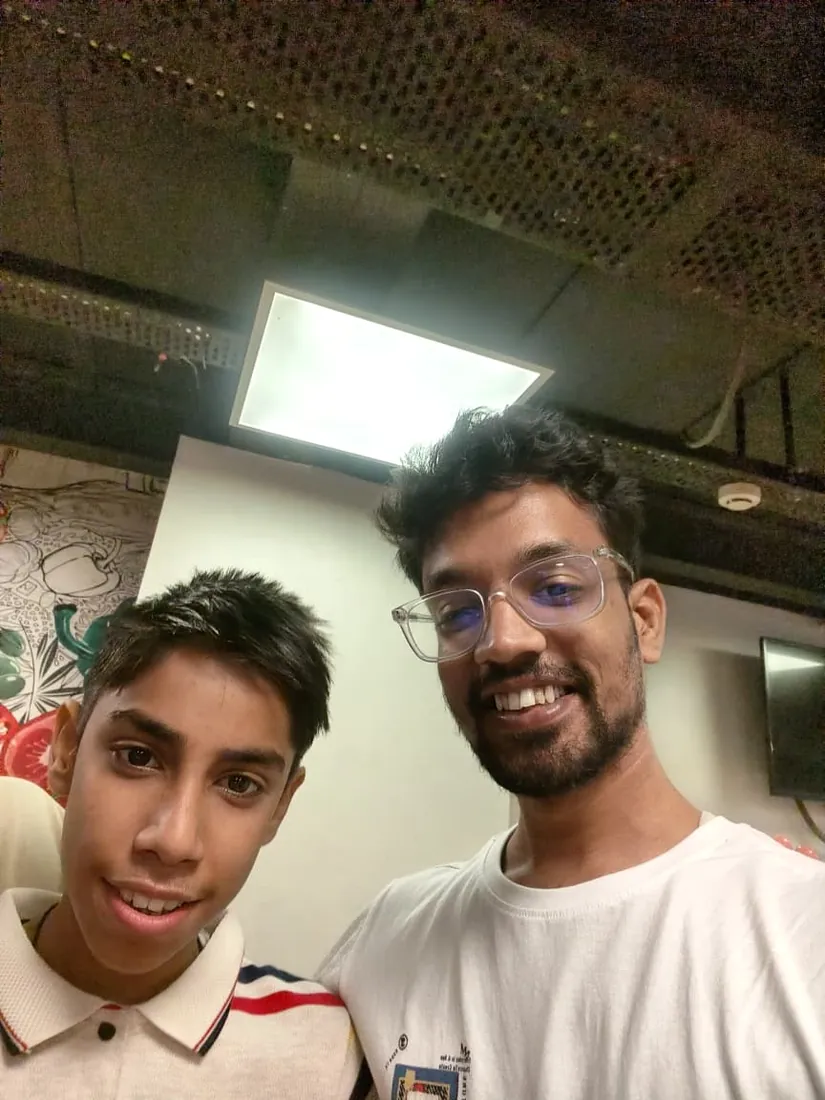
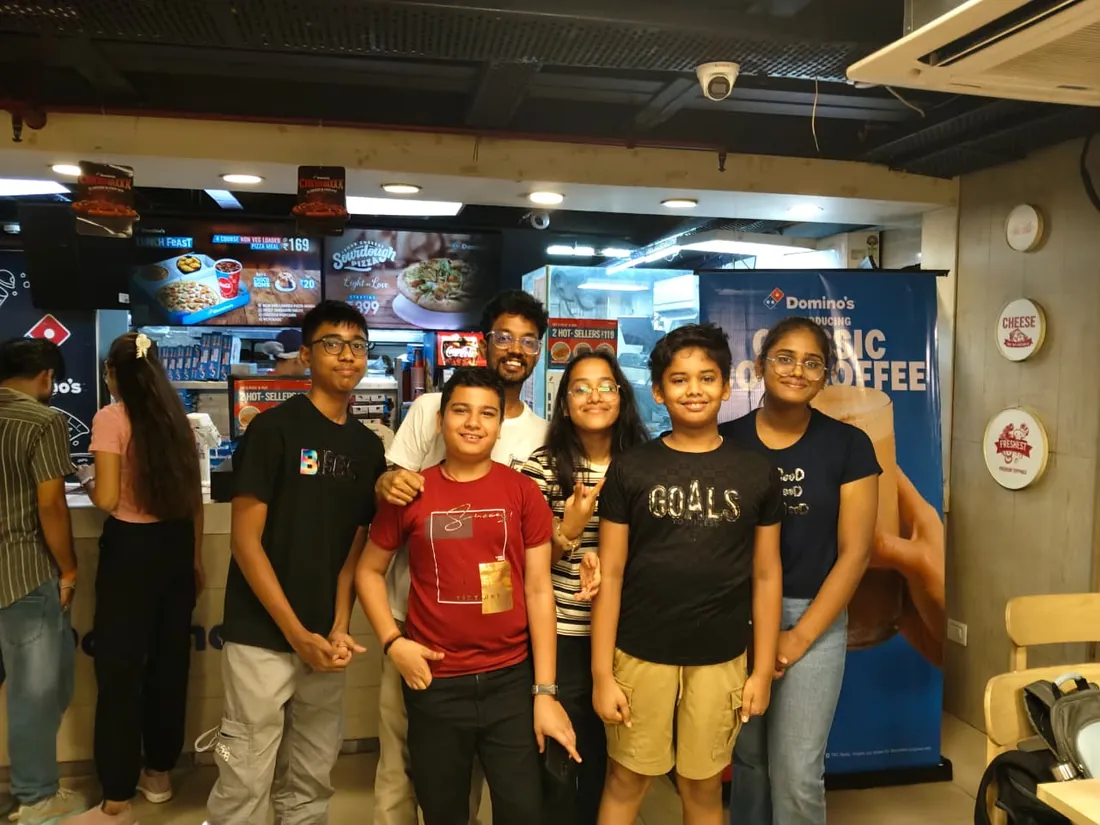
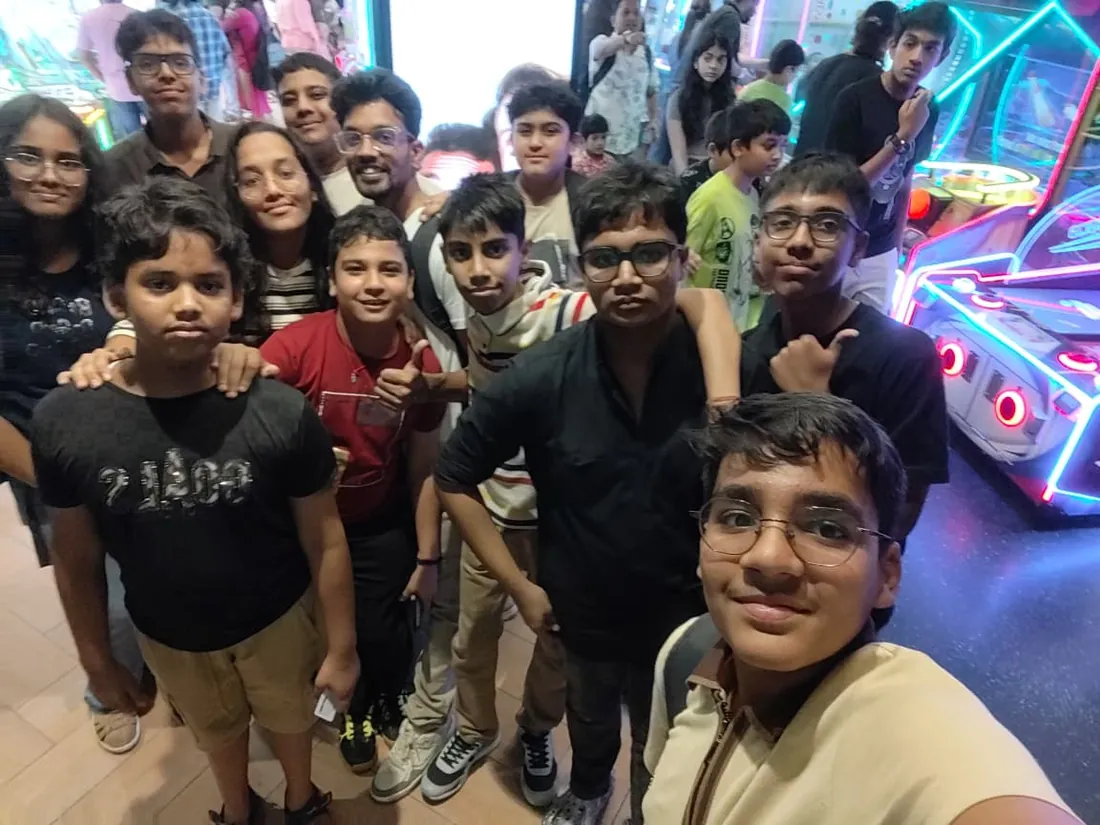
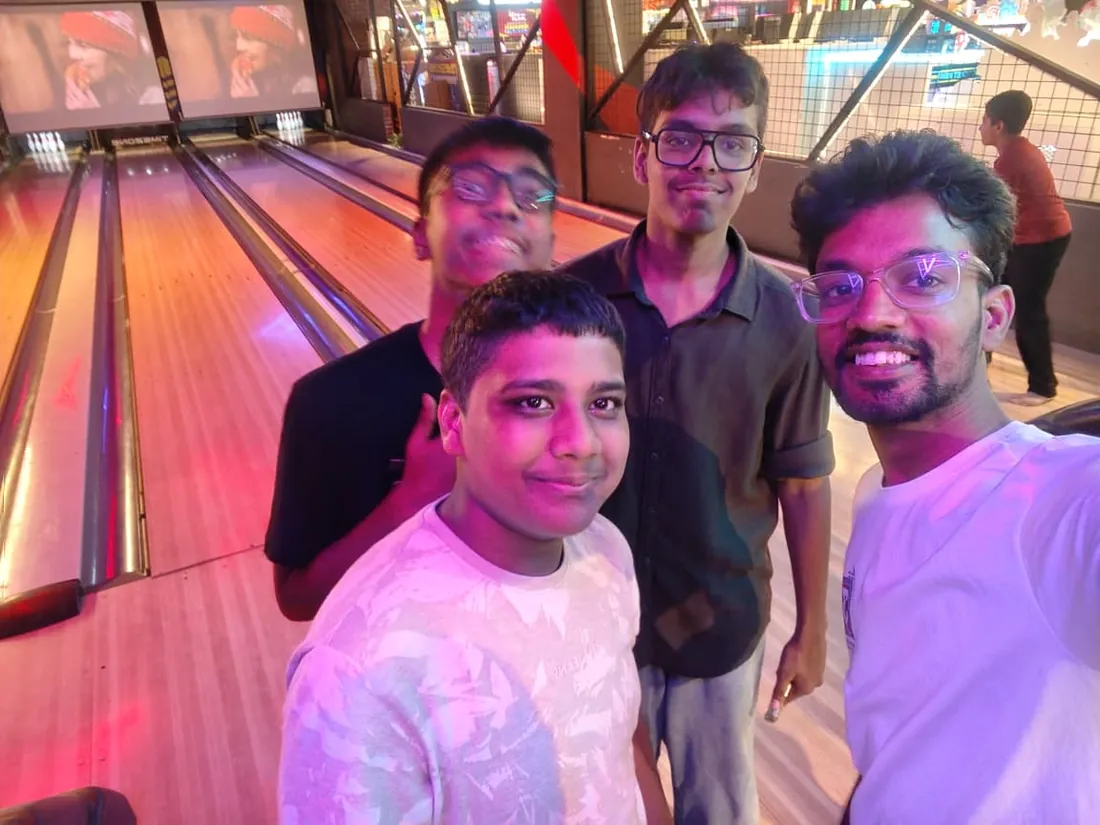
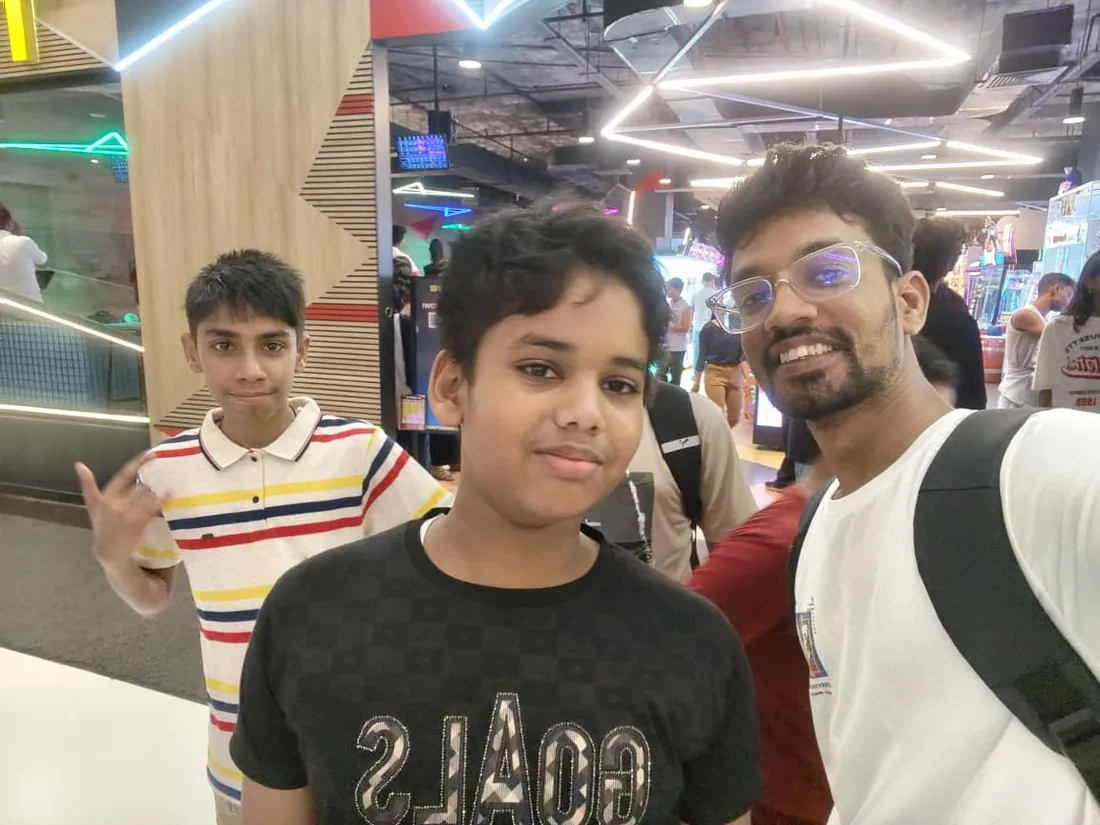
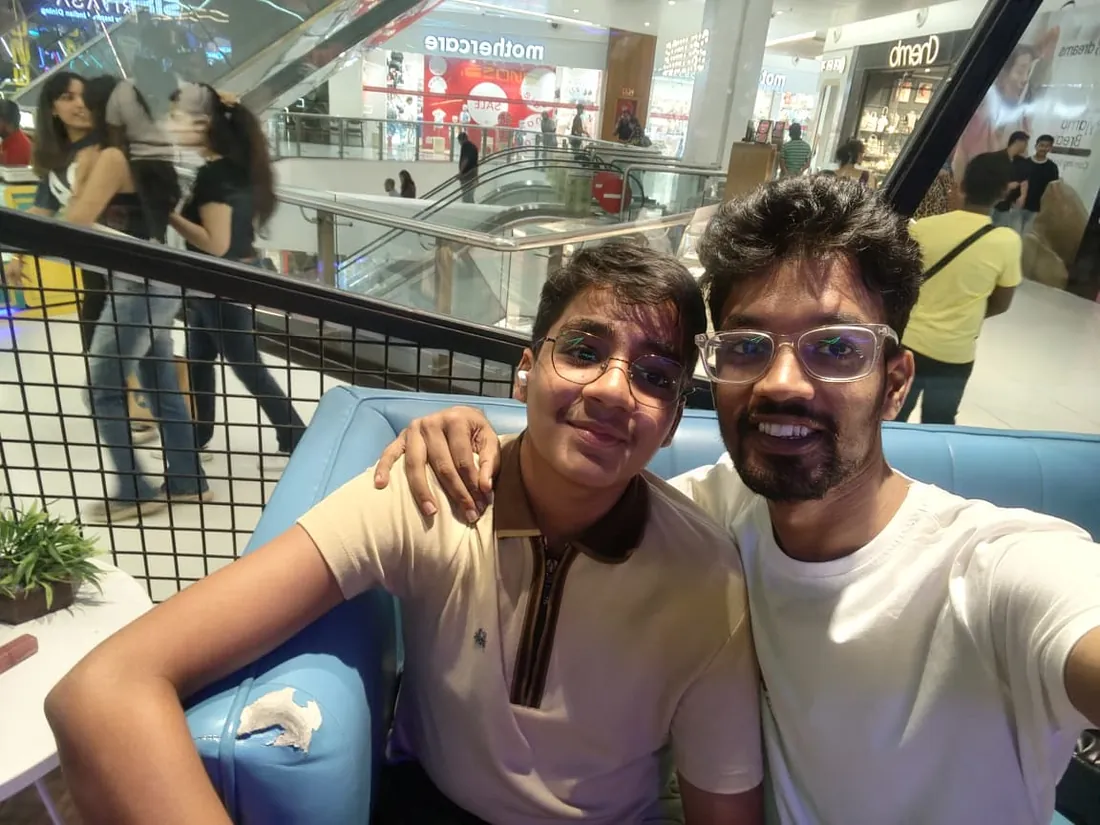
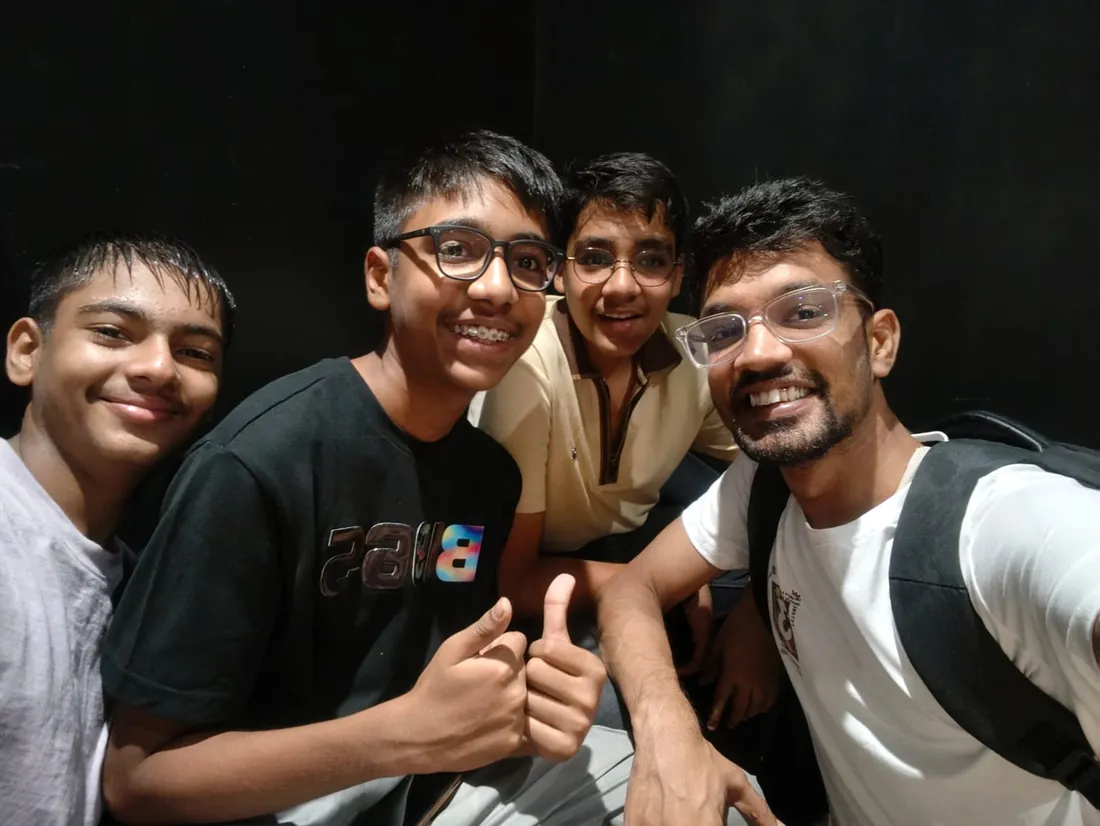
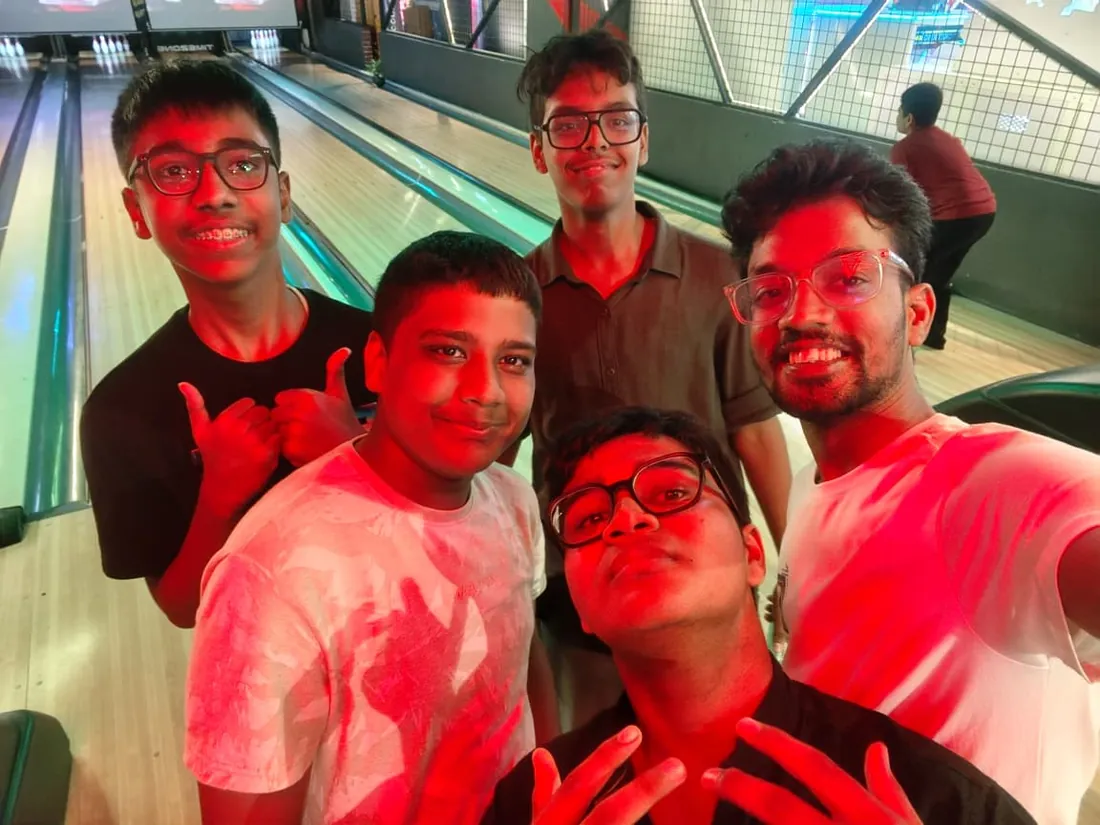
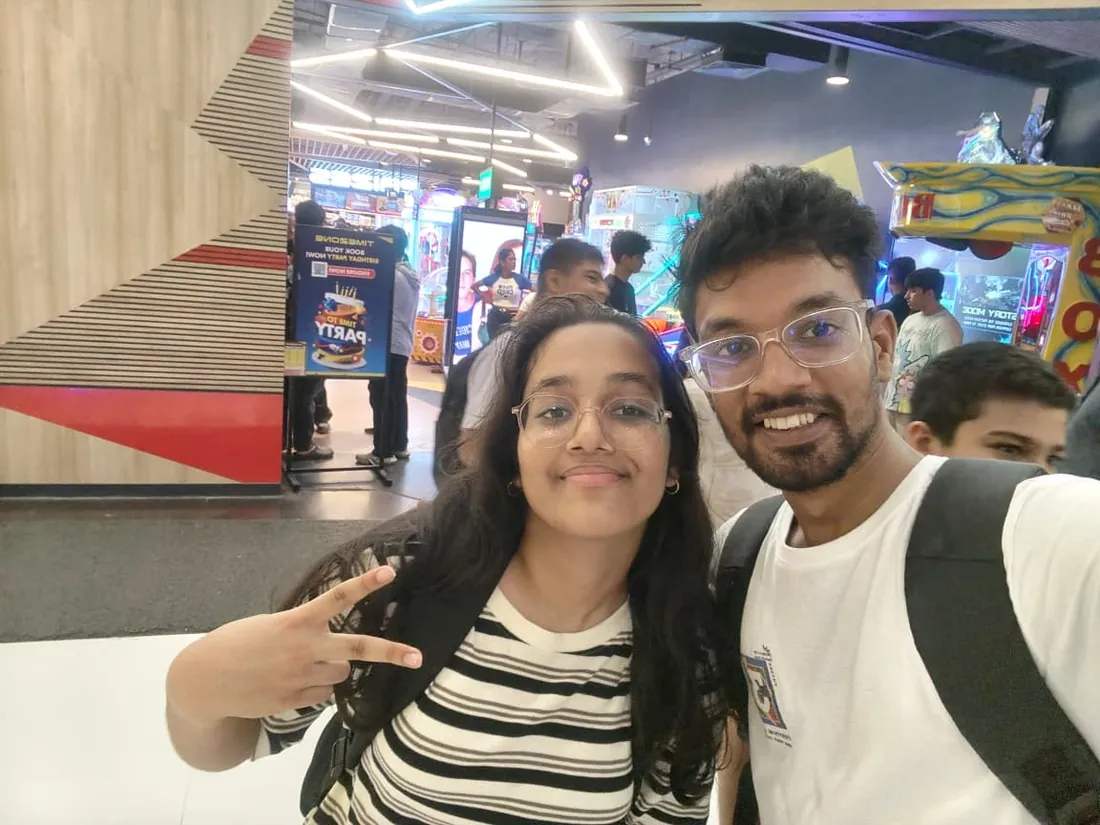
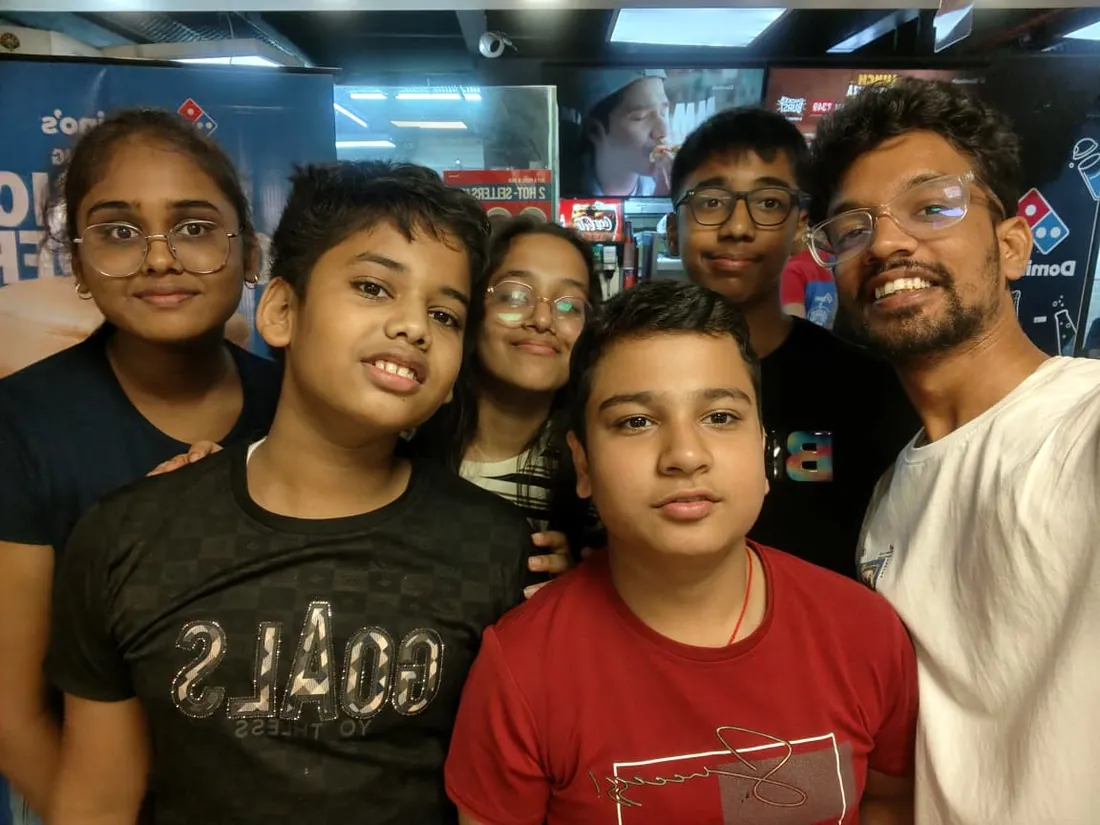
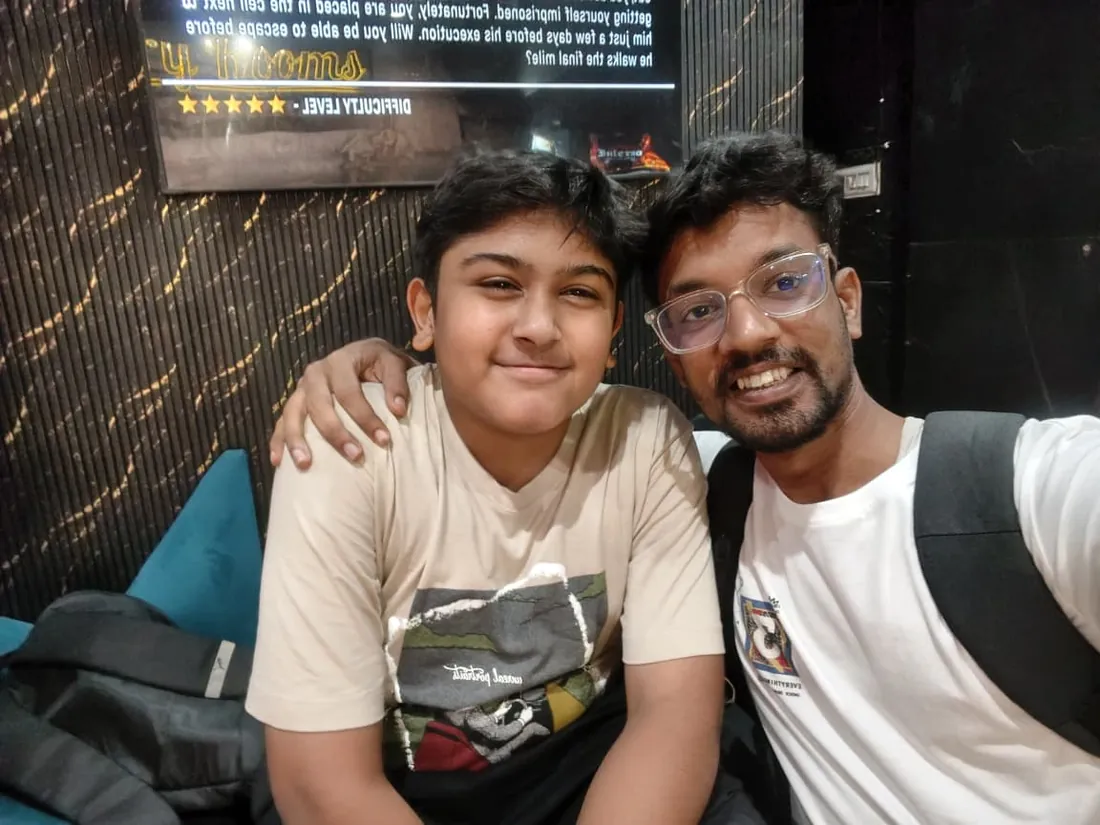
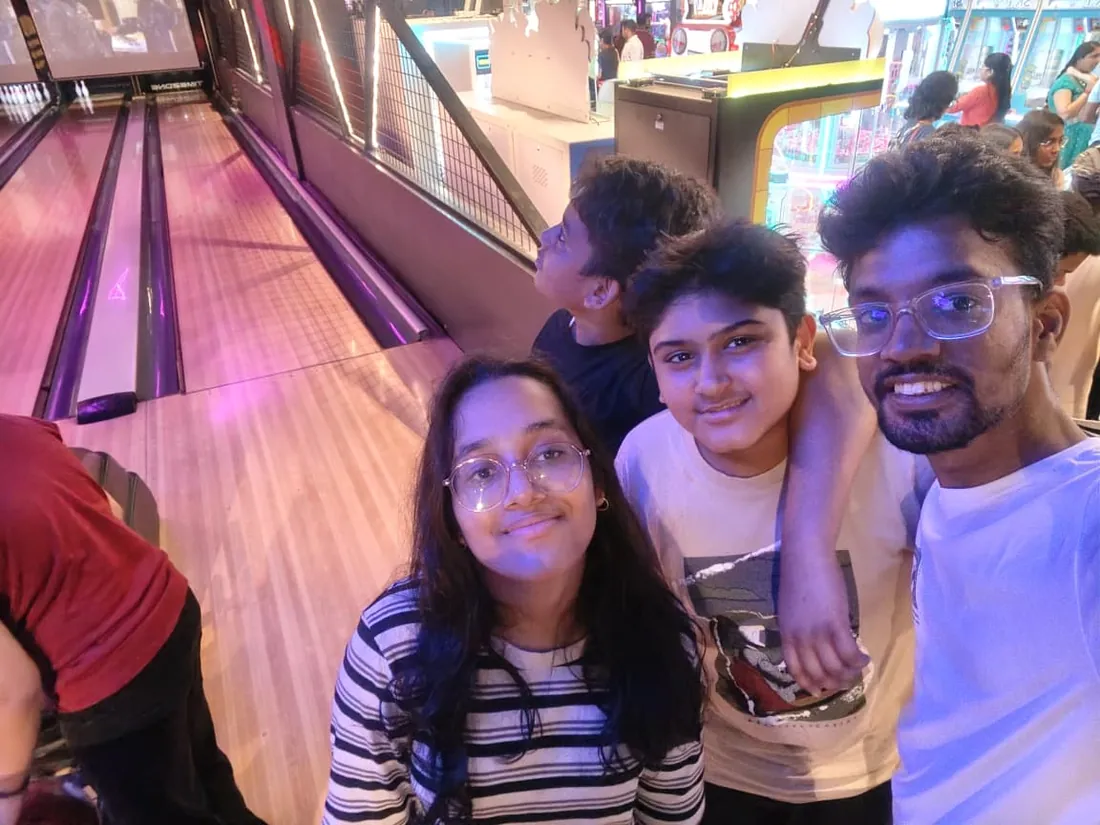
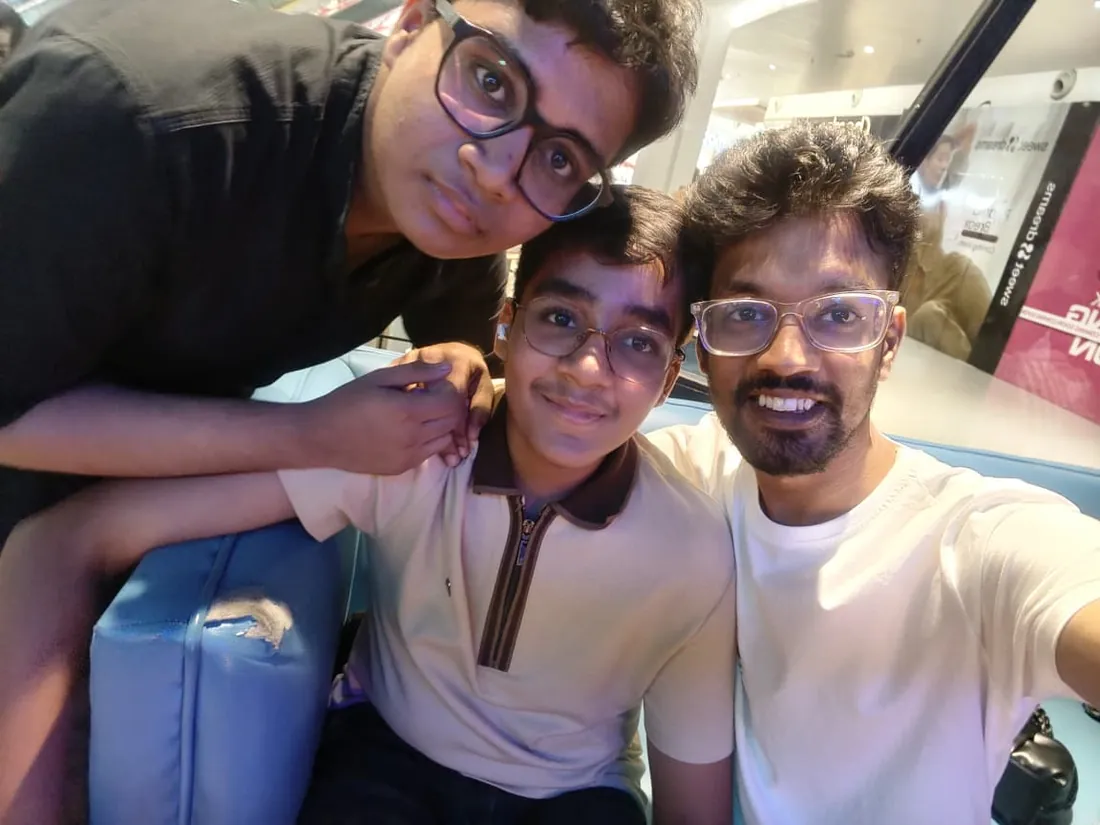
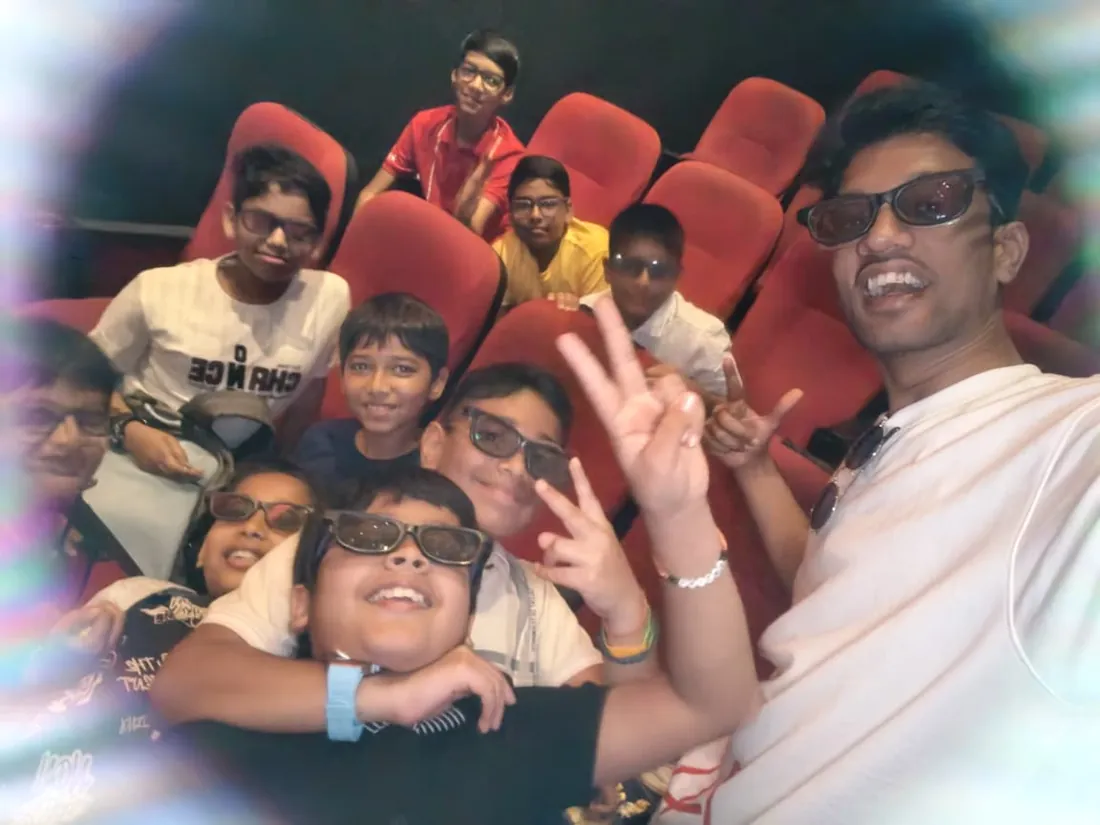
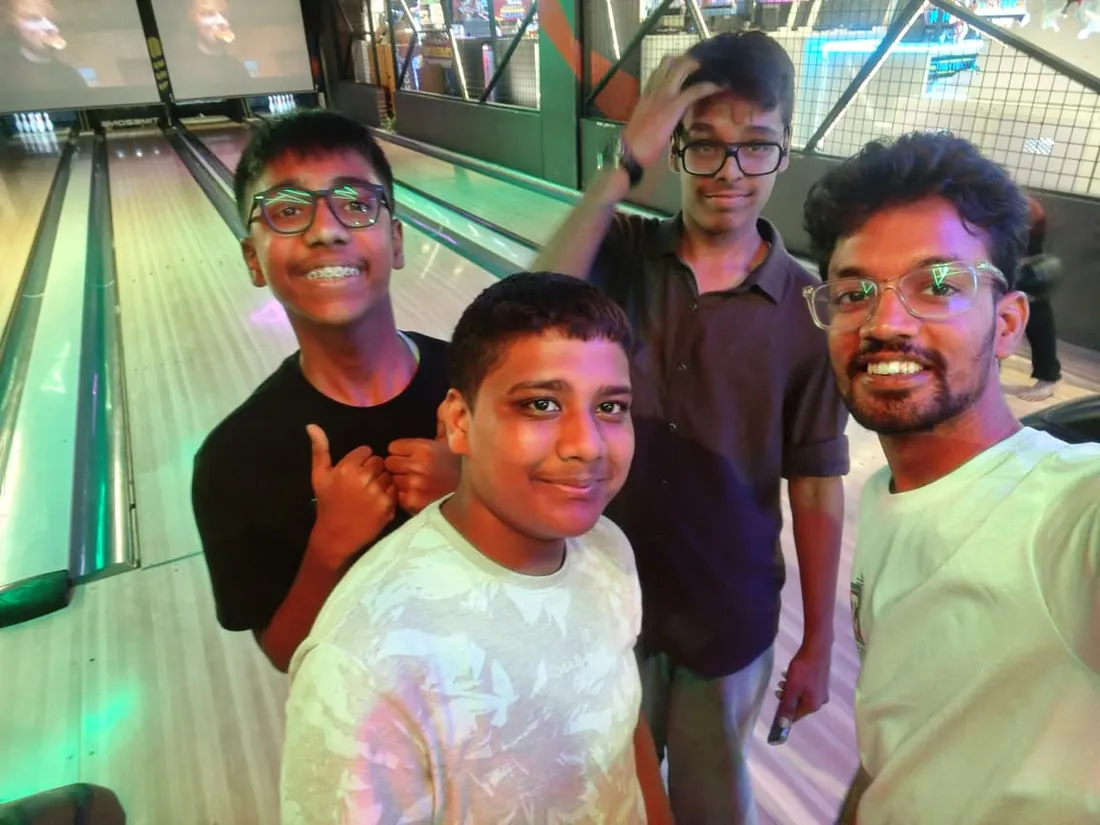
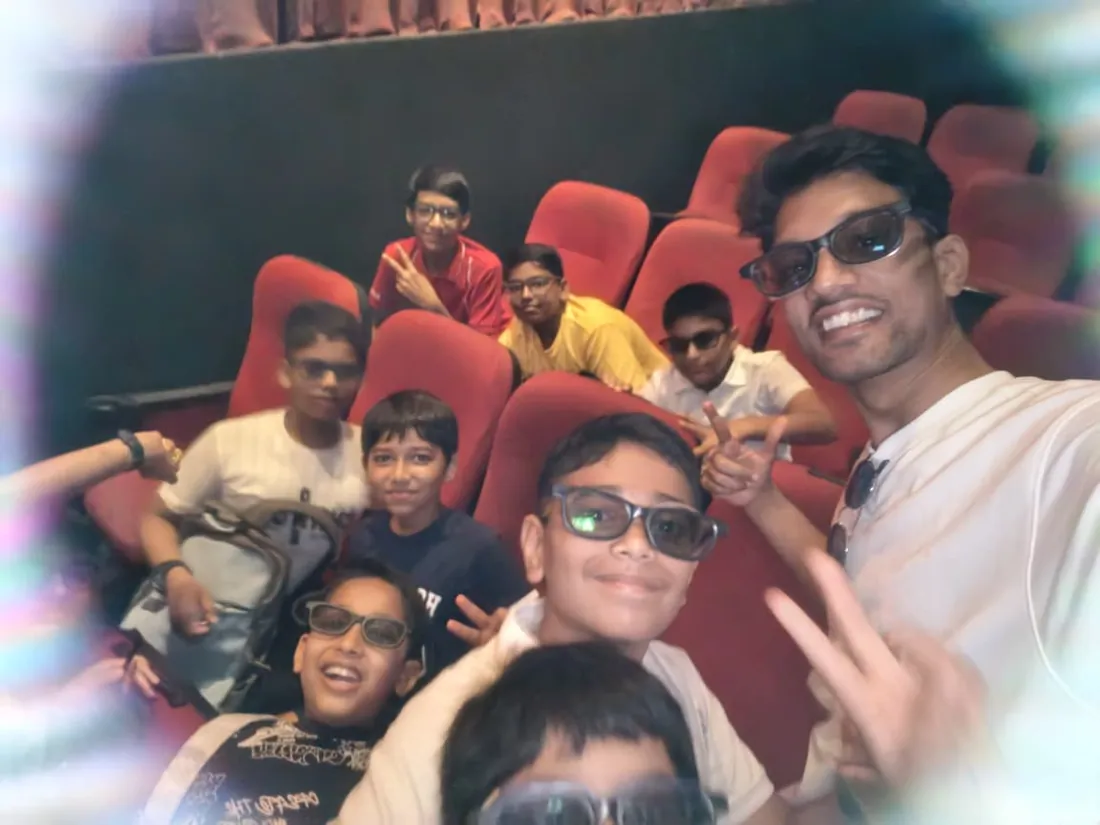
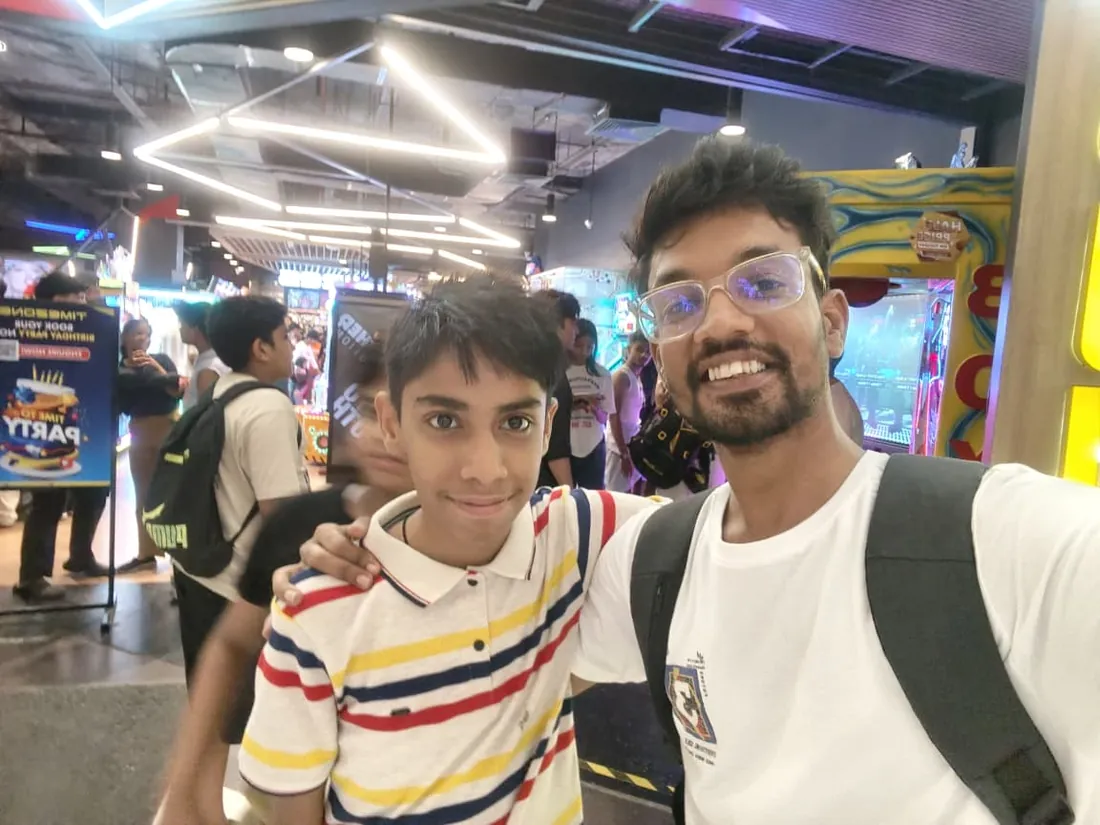
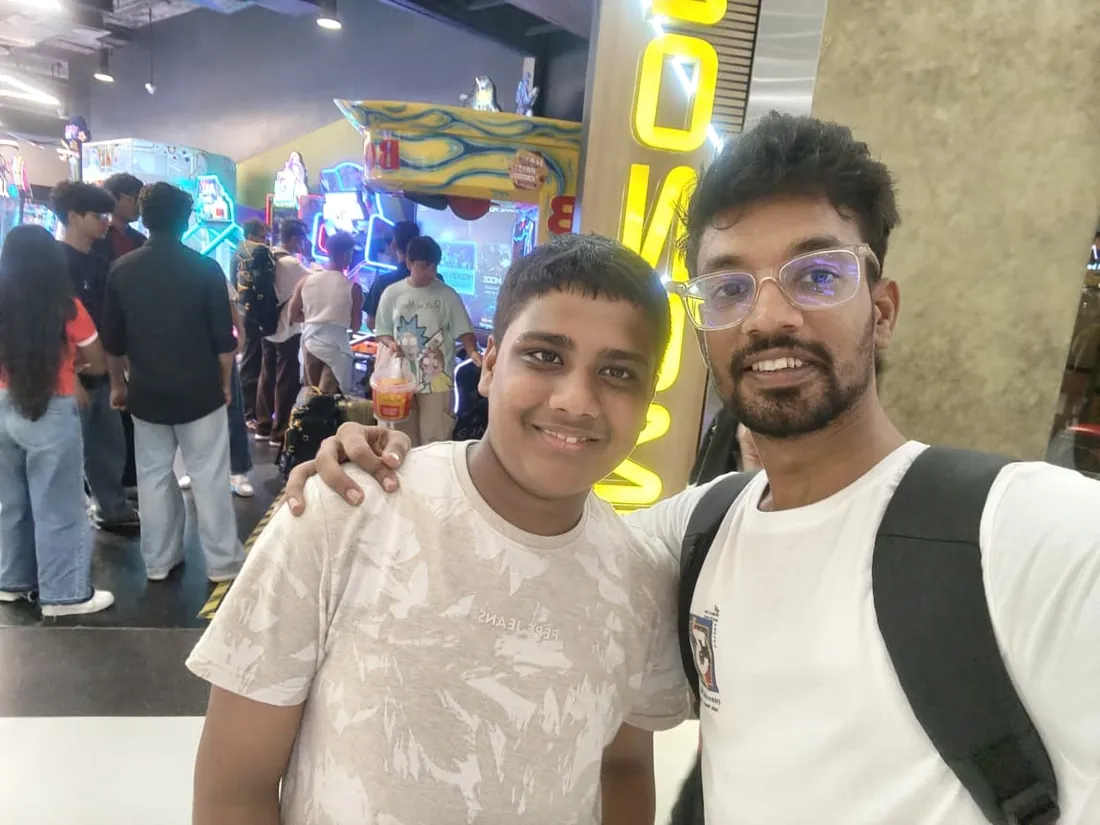
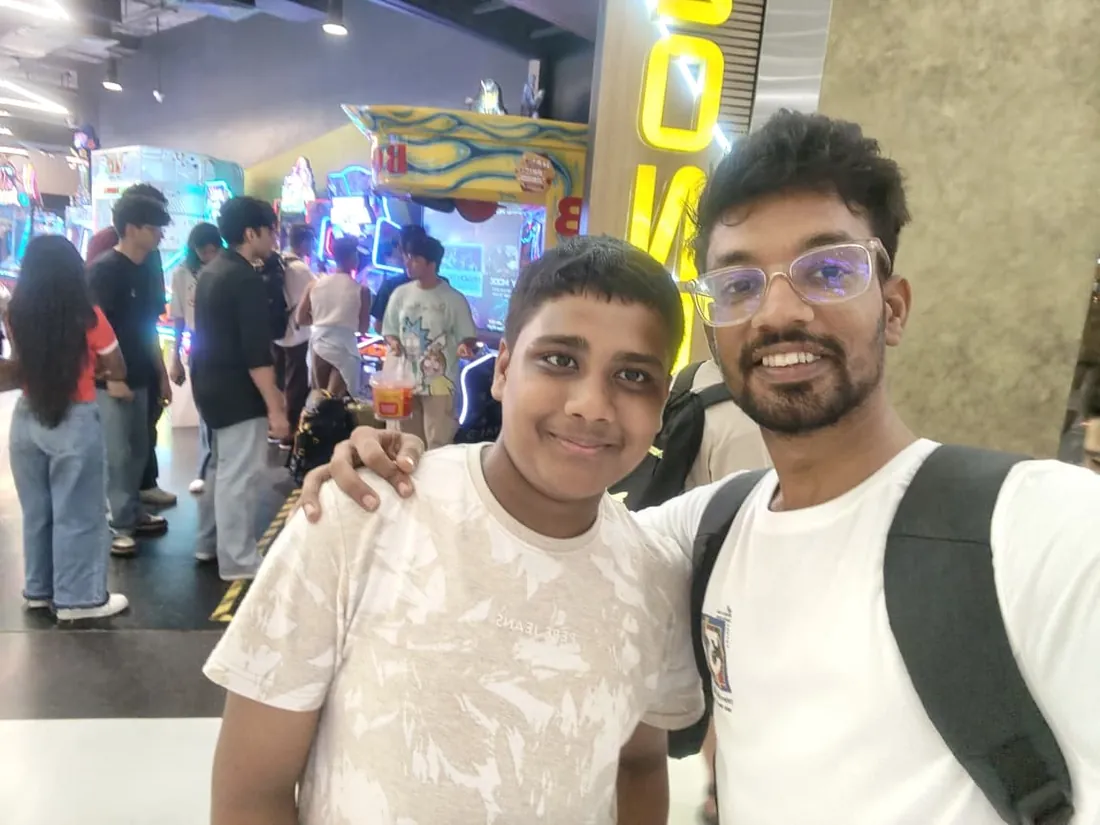
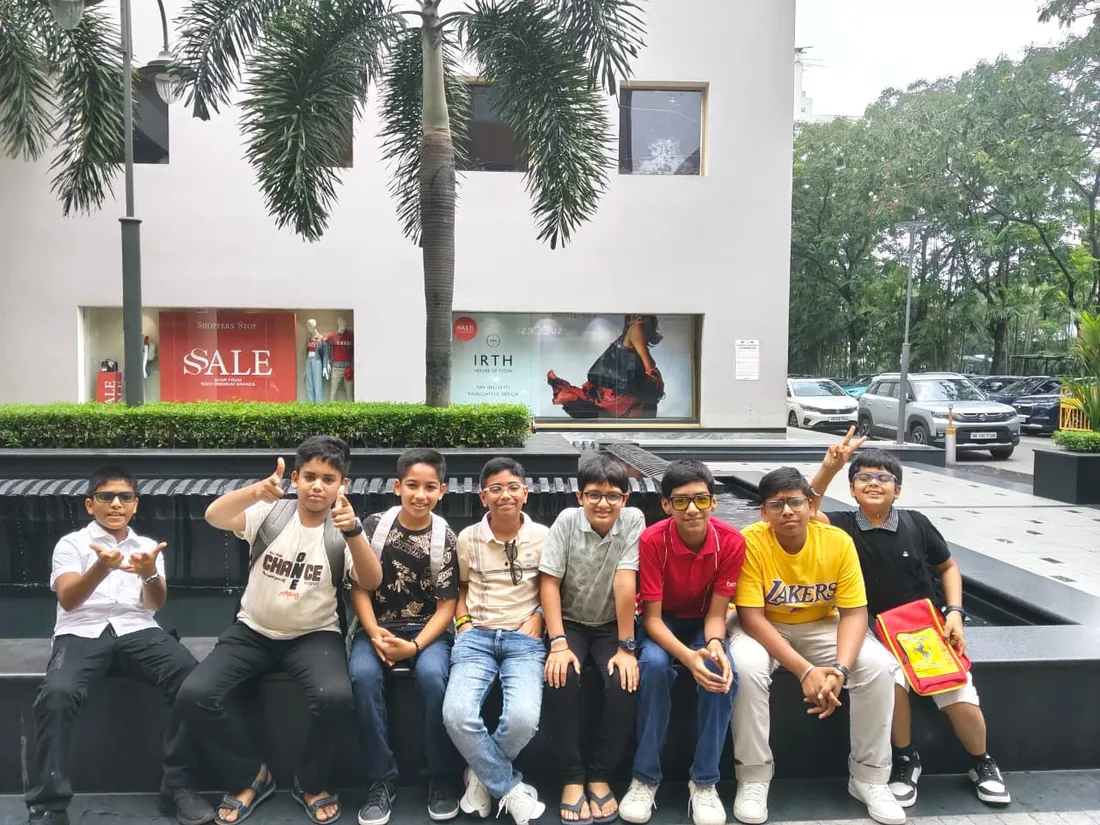
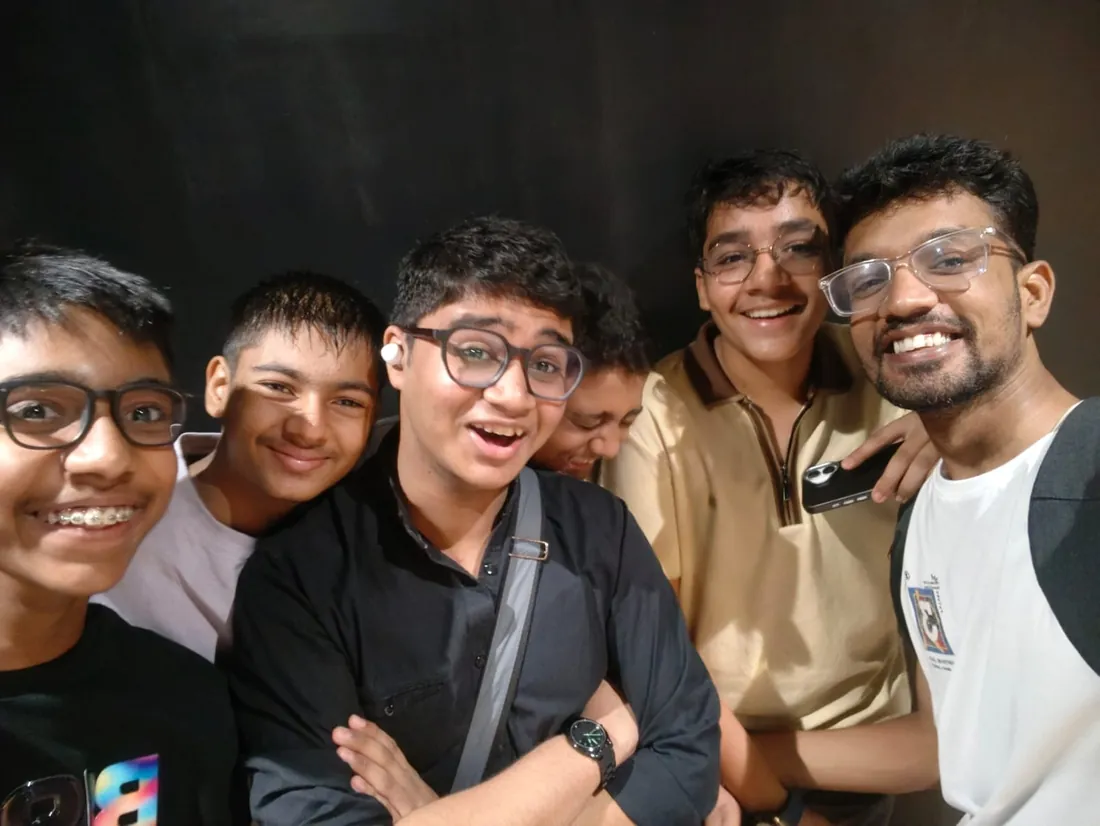
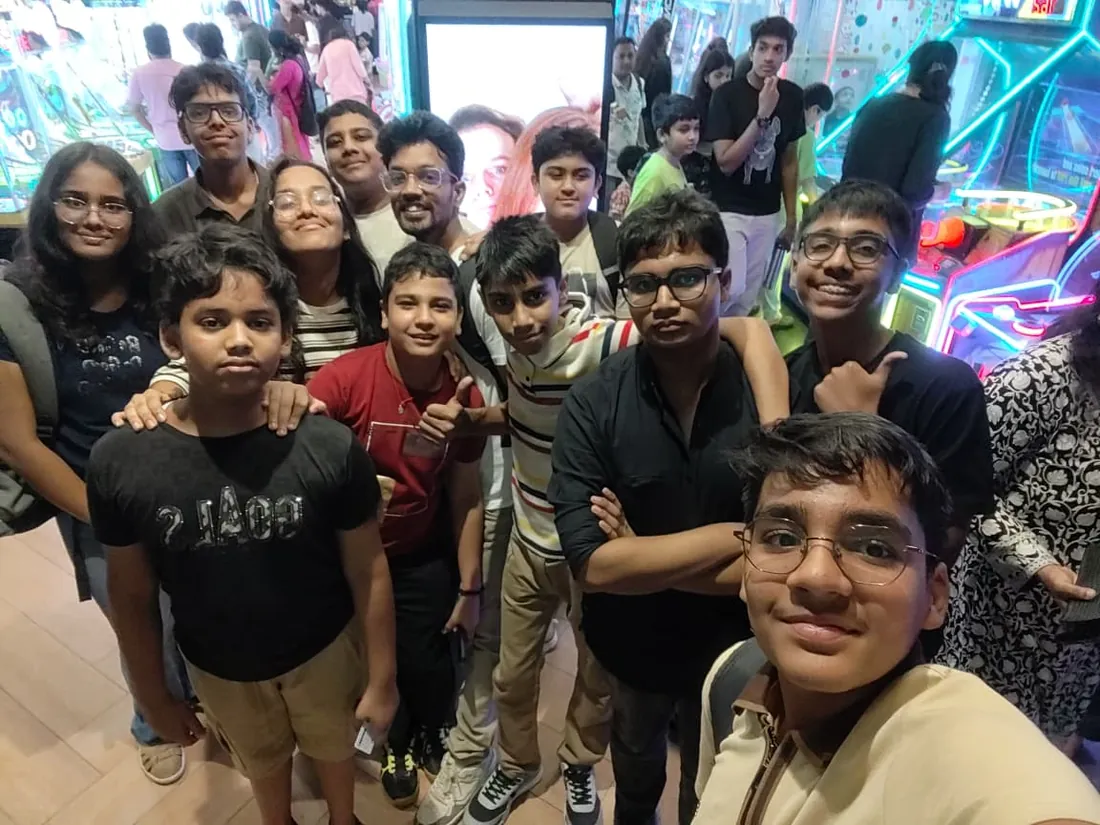
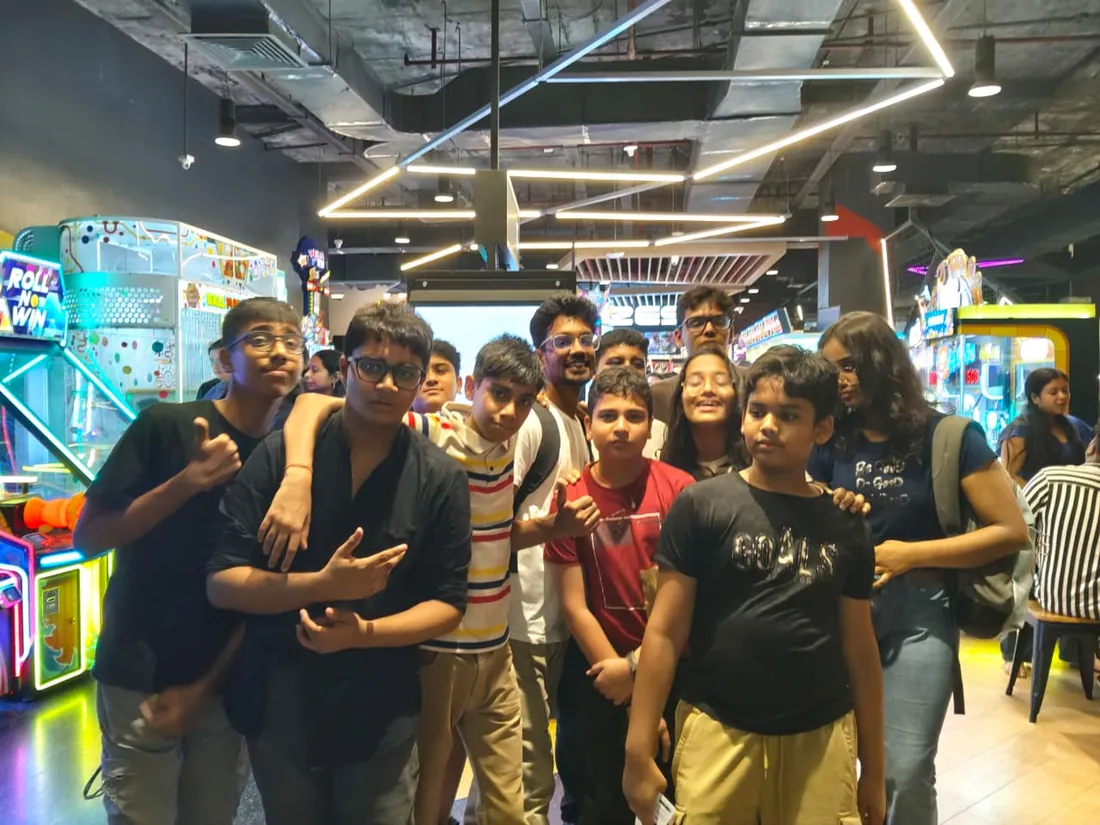
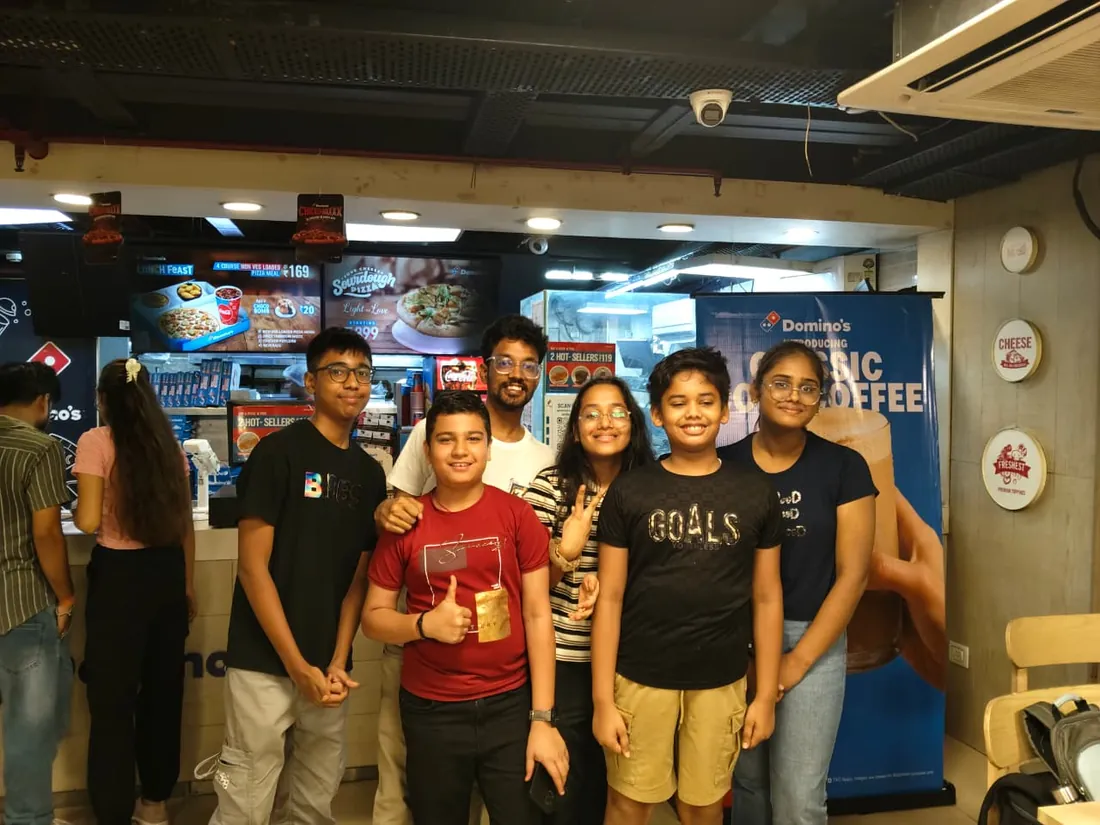
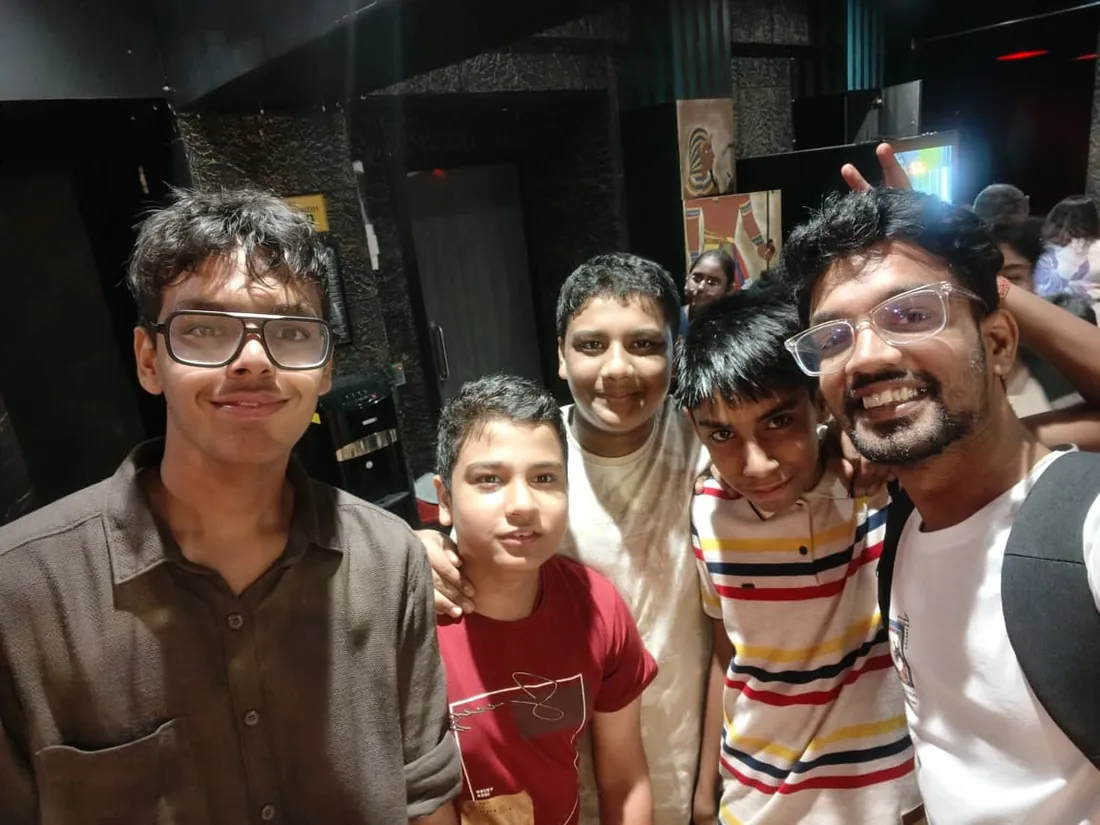
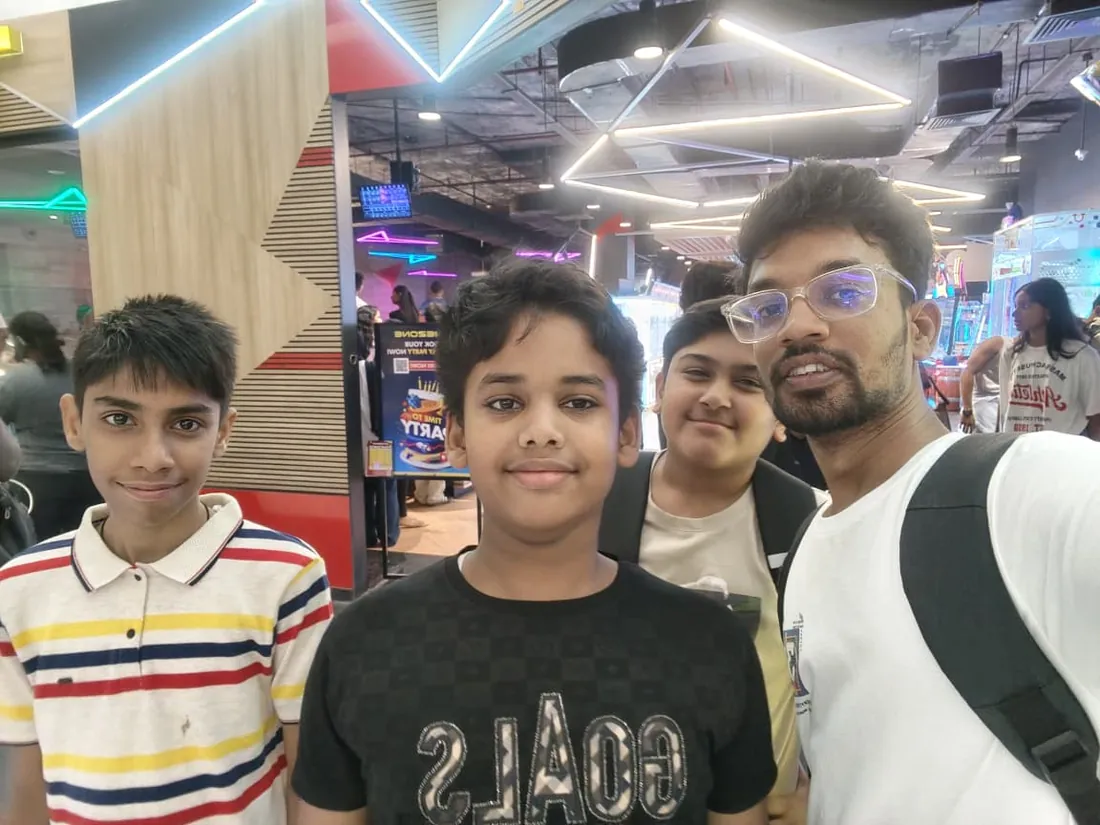
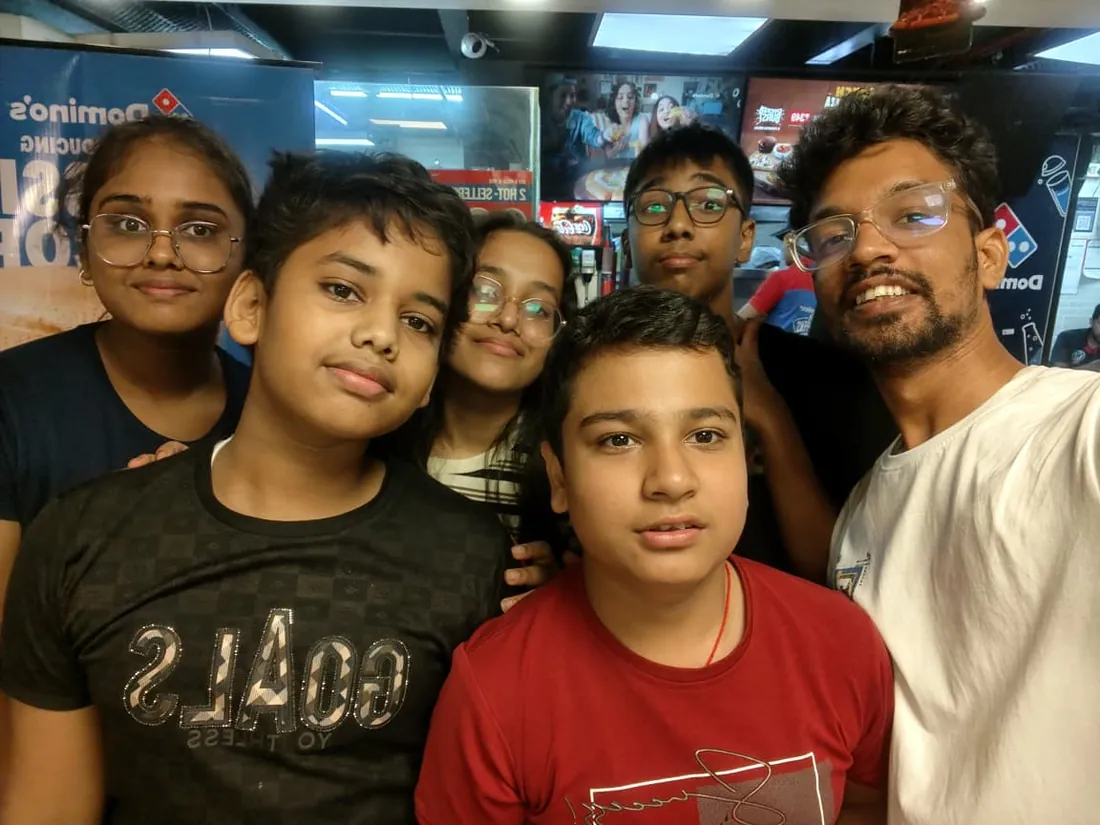
Real students. Real moments. Real joy.
These are our actual student meetups. No stock photos, no filters. Swipe through and meet the community you'll be joining.
What families say
Straight from the parents and students who learn with us. Rated 4.9 across 547 Google reviews.
“Mivaan enjoys the class. He understands the concepts and completes his tasks with excitement. He started taking interest in coding… truly amazing class.”
“I absolutely love it here! I made new friends and learned important valuable coding skills while having the fun of my life. It's not just coding here, it's outings, bonding and most importantly preparing you for your future. Definitely five stars.”
“What stands out most is how excited my son is before every class. He looks forward to learning, problem-solving, and sharing what he's built. I've noticed a big boost in his confidence!”
“Modern Age Coders has been a game-changer for me! I struggled to grasp IT concepts and coding before joining, but their classes transformed everything. I'm now the topper in my class and can confidently write complex programs with ease.”
“Modern Age Coder have wonderful teachers who teach in a clear, easy and practical way. The teacher boosts students' confidence, keeps them updated with technology, and inspires them to learn without hesitation.”
“The one step solution for my son. Modern Age Coders make learning coding so simple that kids love it.”
“Coding classes here make learning very interesting and conceptual. The teachers teach us in a very easy-to-understand and efficient manner.”
“One of the most wonderful education centres out there. Education is not limited to school syllabus but focuses on skill development. Learning here has been a wonderful journey and still continuing.”
“I highly recommend this computer coding class! The teachers are incredibly knowledgeable and passionate about coding. They make every session engaging and insightful.”
“My child Dhairya is really enjoying the Modern Age Coder IT classes. This is his first online class, and he eagerly looks forward to it.”
“Very good classes. Don't worry about coding. They teach the best, especially Shivam sir.”
“Very good classes. Makes learning very easy and interactive.”
Hear it from our students
Real parents and students in their own words, on our public YouTube channel.
Straight answers about Coding for Kids: Scratch to Games, Apps and AI
- Who should take this course?
- Complete beginner, ages 6 to 12 (batches grouped by age). It suits children who love games and gadgets and are ready to make their own; ages 6-8 who start gently with blocks and grow into the bigger tools; ages 9-12 who move faster and reach python and roblox scripting sooner.
- What will they learn and build?
- This is our flagship coding journey for children aged 6 to 12, and it is built on a simple truth: kids learn to code by making things they want to show someone. Every week ends with something a child can demonstrate at the dinner table, a game, an animation, an app, a world, and every concept hides inside a project rather than a lecture.
- How deeply are topics covered?
- The course runs 10-12 months (40-48 weeks) at 2 live classes/week + 2-3 hours guided practice, across 4 phases listed week by week in the syllabus below. A structured, well-paced curriculum taught step by step, with classwork in every session and homework after every class.
- Who teaches it?
- Modern Age Coders mentors, who teach the live classes themselves. You can watch them at work in the free class recordings before you decide.
- How do practice, feedback and assessment work?
- Mixed-review challenges after every month and a final exam that decides the certificate: real knowledge, real work, real projects. Doubt support between classes over WhatsApp, so you are never left stuck. A certificate your child earns by passing the final exam, with a free retest after revision if needed.
- What does it cost?
- Three monthly plans: a group batch, a mini batch and 1-on-1. Prices are shown in your currency in the plans section. Monthly billing, cancel any time.
- When can classes take place?
- Live classes are scheduled around your week. Group batches meet at a fixed weekly slot; 1-on-1 students choose their own. International students are scheduled in their own timezone. Ask on WhatsApp for the current slots.
- Can I watch the teaching before deciding?
- Yes. Full recordings of real 6 to 12 classes are free to watch, free with a Google sign-in. These recordings show how we teach, not the exact syllabus of this course. Some classes are in English and some in Hindi; everyone follows at their own pace. Watch a class end to end, like you are in it. Sessions are interactive and each moment builds on the last.
- Can I enroll without a live demo?
- Yes. Choose a plan on this page and enroll directly; a booking or a demo is not required. A free live demo is optional, for anyone who wants to meet a mentor first. Outside India, our team confirms the plan and completes payment with you over WhatsApp, so allow a little time for that step.
Common Questions About Coding for Kids: Scratch to Games, Apps and AI
Get answers to the most common questions about this comprehensive program
Still have questions? We're here to help!
Contact UsRelated Courses You May Like
Continue your learning journey with these recommended programs
 Kids Coding
App Making for Kids: Build Real Apps with Blocks
App development course for kids aged 8-12: build real mobile apps with block coding in live online c...
Explore Course Kids Coding
Python and AI for Kids: Games, Turtle Art and Smart Projects
Python course for kids aged 9-12: live online classes from first code to turtle art, Pygame games an...
Explore CourseRelated Articles & Guides
Deepen your knowledge with these hand-picked articles
 Kids Coding
7 min read
Kids Coding
7 min read
Coding vs AI: What Should My Child Learn in 2026?
Coding or AI for your child in 2026? It is not a choice: why coding comes first and the age-by-age r...
Read Article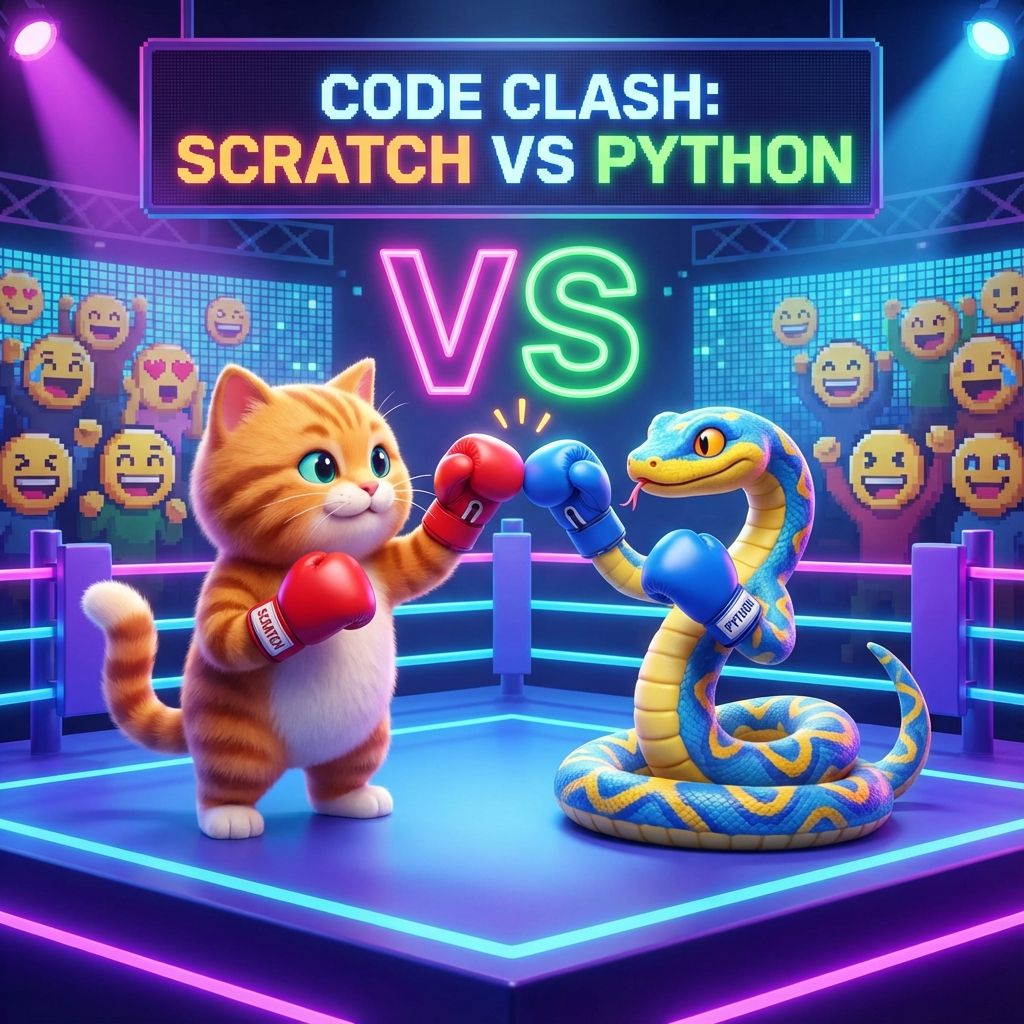 Education
15 min read
Education
15 min read
Scratch vs Python: Which is Better for Young Learners?
Comprehensive comparison of Scratch and Python for kids. Learn which language to choose based on age...
Read ArticleReady to start Coding for Kids: Scratch to Games, Apps and AI?
Book a free demo class to meet your mentor and see how we teach, with no commitment. Or enrol now and start this week.