Table of Contents
- What Are Functions in Python? (A Quick Recap)
- Top Advantages of Functions in Python
- Built-in vs User-Defined Functions: What's the Difference?
- Functions with Parameters and Return Values
- Real-World Uses of Python Functions
- Common Mistakes Beginners Make with Functions
- Functions in Python: common questions
- Conclusion
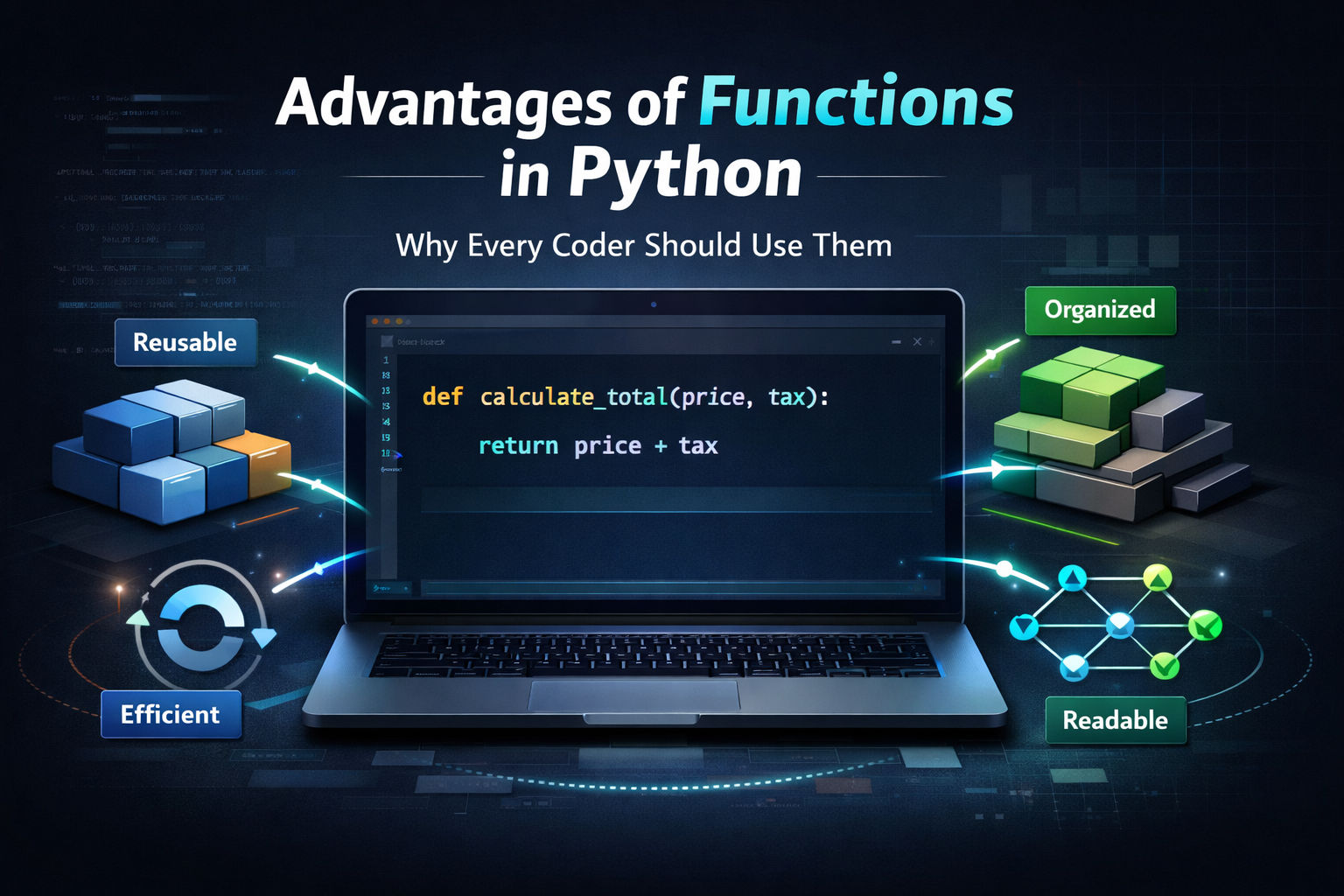
The main advantages of functions in Python are:
- Reusability: write the code once and call it as often as you need
- Readability: a well-named function says what the code does
- Easier debugging and testing: check one small piece at a time
- Better organisation (modularity): split a big problem into small parts
- Less repetition: the DRY principle, Don't Repeat Yourself
- Teamwork: different people can write different functions
- Easier maintenance: fix or change the logic in one place
- Abstraction: use a function without knowing how it works inside
In short, we use functions in Python so that a job is written once, given a clear name and called wherever it is needed, instead of copying the same lines around a program. Each advantage is explained below with a short program and the output it prints.
Functions are one of the first real "aha" moments for anyone learning Python. Once you understand them, your code stops looking like a mess of random instructions and starts looking like something an actual developer wrote. In this guide, we'll break down what functions are, why they matter, and how they make you a better coder, whether you're 12 years old or just starting out.
What Are Functions in Python? (A Quick Recap)
A function is a named block of code that does one specific job. You define it once and run it as many times as you want.
Here's the simplest example:
def greet():
    print("Hello! Welcome to Python.")

greet()
greet() # define once, run as often as you likeHello! Welcome to Python.
Hello! Welcome to Python.When you type greet(), Python runs everything inside that block. That's it.
Python has two types of functions. Built-in functions come ready to use, such as print(), len() and input(). User-defined functions are the ones you write yourself with the def keyword. The official Python tutorial covers them in its section on defining functions.
If you're just getting started, check out our coding basics for beginners guide to understand how functions fit into the bigger picture of programming.
Top Advantages of Functions in Python
1. Reusability: Write Once, Use Anywhere
This is the biggest win. Once you write a function, you can call it as many times as you want without writing the same code again.
Think of it like a TV remote. You press the volume-up button once. You don't have to rewire the TV every time you want the sound louder. A function works the same way.
def add_numbers(a, b):
    return a + b

print(add_numbers(5, 3))
print(add_numbers(10, 20))
print(add_numbers(2.5, 0.5))8
30
3.0Same function, different inputs, different results, and not one line repeated.
2. Cleaner, More Readable Code
When your program grows to 200 lines, reading it line by line becomes a nightmare. Functions fix this by breaking your code into named sections, each one doing a clear, specific job.
Compare this messy version:
score = 0
score += 10
score += 10
score += 10
print("Total:", score)
To this clean version:
def update_score(current_score, points):
    return current_score + points

score = 0
score = update_score(score, 10)     # the name says what happens
score = update_score(score, 25)
print("Total:", score)Total: 35The second version tells a story, and it grows cleanly: adding 25 more points is one more readable line. Even someone who has never seen your code can read update_score and instantly know what it does. W3Schools has a solid breakdown of Python function syntax if you want to explore more examples side by side.
3. Easier Debugging and Testing
Here's something every coder learns the hard way: bugs happen. When they do, you want to find them fast.
Functions make debugging much easier because you can test each one independently. Instead of hunting through 300 lines of code, you check the one function that's misbehaving.
It's like finding one broken bulb in a string of fairy lights. Instead of checking every single wire, you test bulb by bulb until you find the faulty one.
Because a function takes inputs and returns a result, you can check it on its own with a few known answers. Python's assert stops the program if a check fails:
def is_even(n):
    return n % 2 == 0

# each check runs the function on its own, away from the rest of the program
assert is_even(4) is True
assert is_even(7) is False
assert is_even(0) is True
print("all 3 checks passed")all 3 checks passed4. Better Code Organization
Functions give your code structure. Think of them like chapters in a book, each chapter covers one topic, and together they tell the whole story.
When you're organizing Python code for a bigger project, functions let you separate your logic cleanly. One function handles user input. Another handles calculations. Another handles displaying results. Each stays in its lane.
This matters even more when you start working on real projects like apps, games, or websites.
5. Saves Time and Reduces Repetition: The DRY Principle
DRY stands for Don't Repeat Yourself. It's one of the golden rules of programming, and functions are how you follow it.
Without functions:
print("Hello, Aryan!")
print("Hello, Priya!")
print("Hello, Rohan!")
With a function:
def greet_user(name):
    print(f"Hello, {name}!")

for name in ["Aryan", "Priya", "Rohan"]:
greet_user(name)Hello, Aryan!
Hello, Priya!
Hello, Rohan!Less code. Less chance for errors. More time to actually build things.
6. Makes Collaboration Easier
In the real world, software is built by teams. One developer doesn't write everything alone.
Functions make teamwork possible. Each person can work on different functions without breaking what others are building. As long as everyone knows what a function is supposed to do, its inputs and outputs, the team can work in parallel without stepping on each other's code.
This is how large apps are actually built, not in one giant file, but in dozens of focused, well-named functions and modules working together.
7. Easier Maintenance: Change It in One Place
If the same calculation is copied into ten places, a change means ten edits and ten chances to miss one. Inside a function, you change it once and every call follows. Here, changing the format string would change every price the program prints:
def format_price(amount):
    return f"USD {amount:,.2f}"      # change the format here and every caller follows

print(format_price(1500))
print(format_price(19.5))
print(format_price(1234567.891))USD 1,500.00
USD 19.50
USD 1,234,567.898. Abstraction: Use It Without Knowing How It Works
You call len(), sorted() and print() every day without reading their code. Your own functions work the same way: once calculate_area() is written and tested, the rest of the program only needs its name, its inputs and what it returns. That is what lets programs grow without every part having to be understood at once.
Built-in vs User-Defined Functions: What's the Difference?
Python comes loaded with built-in functions you can use right away, no setup needed.
| Type | Examples | When to use |
|---|---|---|
| Built-in | print(), len(), input(), range() |
Everyday tasks Python already knows how to do |
| User-defined | Functions you write with def |
Logic specific to your program |
| Lambda (anonymous) | lambda x: x * 2 |
A one-line function passed to sorted(), map() or filter() |
You've been using built-in functions since day one. User-defined functions are what you write when the built-ins don't do exactly what you need.
Functions with Parameters and Return Values
Parameters let you pass information into a function. Return values let the function send information back out.
def calculate_area(length, width):
    area = length * width
    return area

result = calculate_area(5, 4)
print("Area:", result)
print("Twice the area:", 2 * calculate_area(5, 4)) # a returned value can be used anywhereArea: 20
Twice the area: 40Here length and width are parameters. The return statement sends the result back so you can use it elsewhere in your code.
As you build more complex functions, you'll also start working with numeric operations inside them. For example, when your function needs to divide numbers and return a whole number result, understanding how floor division works in Python becomes genuinely useful, especially when building game logic, pagination systems, or anything that deals with quantities.
Common beginner mistakes to avoid:
- Forgetting to write return when you need the result
- Using wrong indentation (Python is strict about this)
- Calling a function before you've defined it
- Trying to make one function do five different jobs at once
If you want to go deeper into how parameters, return values, and scope all work together, Real Python's guide on defining your own Python functions is one of the best free resources out there for beginners.
Real-World Uses of Python Functions
Functions aren't just theory. Here's how they show up in actual projects beginners build:
A quiz checker and a tiny chatbot, each a function that takes an input and returns an answer:
def check_answer(user_answer, correct_answer):
    if user_answer.strip().lower() == correct_answer.lower():
        return "Correct!"
    return "Try again."

def respond(message):
    if "hello" in message.lower():
        return "Hi there! How can I help?"
    return "I'm not sure what you mean."

print(check_answer(" Paris ", "paris"))
print(check_answer("Rome", "paris"))
print(respond("Hello bot"))
print(respond("What is 2 + 2?"))Correct!
Try again.
Hi there! How can I help?
I'm not sure what you mean.These are the kinds of Python projects for kids that make learning stick. You're not just practicing syntax. You're building something real.
Common Mistakes Beginners Make with Functions
Even experienced coders slip up here. Watch out for these:
Forgetting return: the function runs but hands back nothing, which Python shows as None. Use return whenever the result is needed outside the function:
def add_without_return(a, b):
    total = a + b          # calculated, but never sent back

def add_with_return(a, b):
    return a + b

print(add_without_return(2, 3))
print(add_with_return(2, 3))None
5Wrong indentation: Python uses indentation to know what's inside a function. One wrong space and your code breaks.
Calling before defining: If you call greet() before writing def greet():, Python won't know what you're referring to.
Overloading one function: A function should do one thing well. If yours is handling five different tasks, split it into five smaller functions. Your future self will thank you.
Functions in Python: common questions
Reusability, readable code, easier debugging and testing, better organisation into modules, less repetition (DRY), easier teamwork, changes made in one place, and abstraction: using a function without knowing how it works inside.
To write a piece of logic once, give it a clear name and call it wherever it is needed. That keeps programs shorter, easier to read and easier to fix, because each job lives in one place.
Built-in functions such as print() and len(), user-defined functions written with def, and anonymous lambda functions written with lambda. Functions defined inside a class are called methods.
Built-in functions come with Python and are always available. User-defined functions are written by you, with def, for the logic your own program needs.
It still runs, but it returns None. If you print the result of such a call, you see None, as in the example above.
A named block of code that does one job. For example, def add_numbers(a, b): return a + b defines a function, and add_numbers(5, 3) calls it and gives back 8.
Conclusion
Functions are one of those concepts that seem small at first but completely change the way you think about writing code. They make your programs cleaner, shorter, easier to fix, and easier for others to understand.
The best part? You don't need to be an expert to start using them. Write one simple function today, even something that adds two numbers or prints a greeting. That first step will make everything else click faster.
And when plain functions feel natural, two doors open next: lambda functions, the one-line cousins you pass into sorted and filter, and classes and objects, where functions become methods that live together with their data.
Learn Python live, with a teacher reading your code
Functions are where programs start to feel like real software. Ages 9 to 12: Python and AI for Kids. Ages 13 to 18: Python for Teens. College students and adults: Python Masterclass. The first class is a free demo, so you can see how it is taught before you decide.