Table of Contents
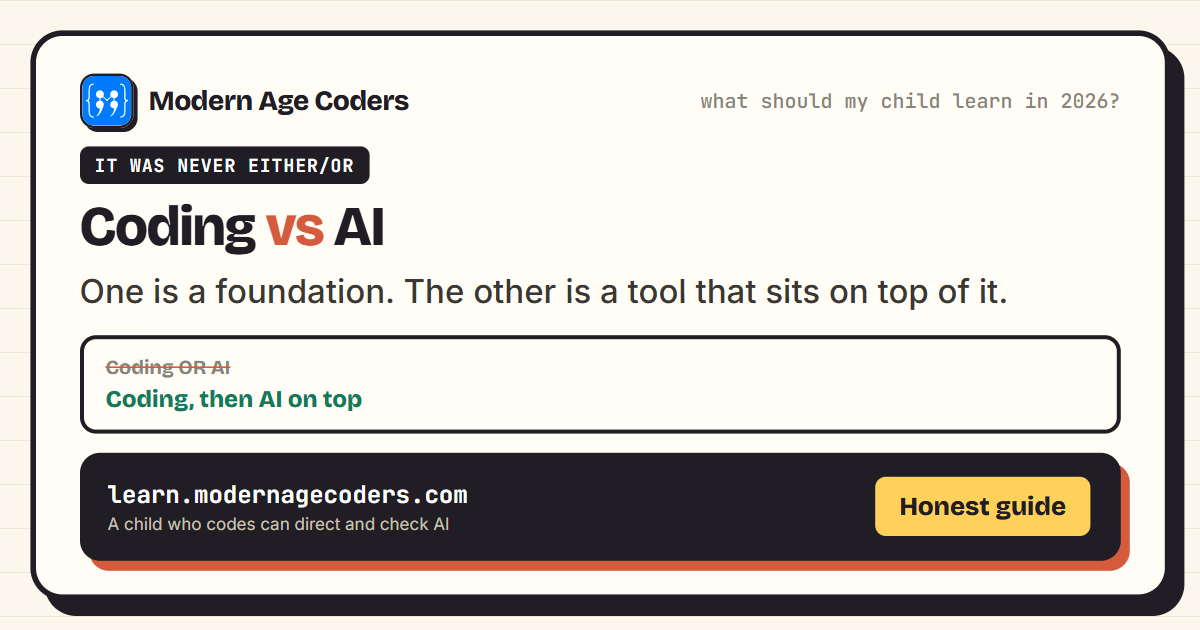
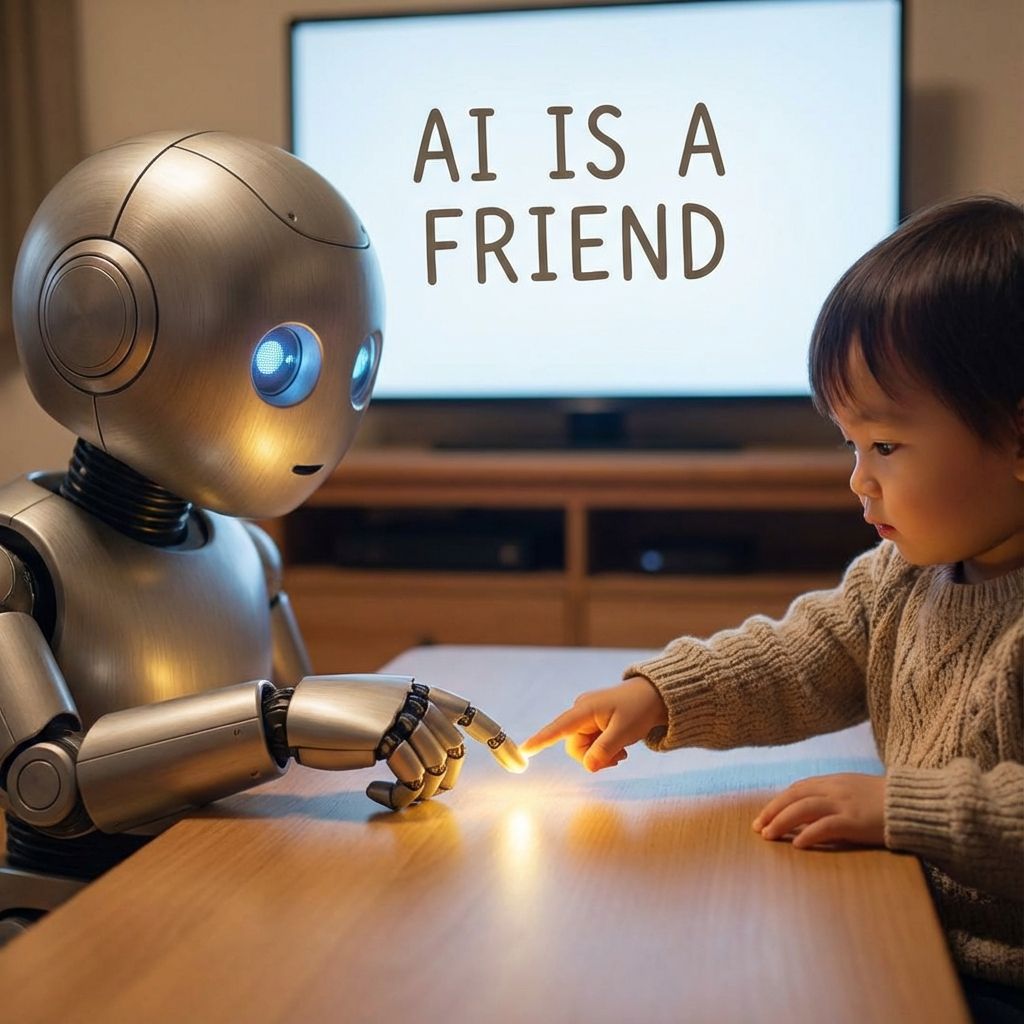
AI is part of the world your child is growing up in, so the question is not whether they will meet it but whether they meet it with guidance or on their own. Taught well at home, AI becomes a tool your child understands and controls. Left unguided, it easily becomes a machine that does their thinking for them.
The good news is that teaching AI at home does not require you to be a technical expert. It requires a few clear rules and the willingness to explore it alongside your child rather than handing it over.
The short answer
Use AI with your child, not instead of teaching them. Sit together, treat the AI as a helper you both question and check rather than an oracle you trust, mind the age limits on these tools, and keep the focus on understanding how AI works and where it goes wrong. The goal is a child who can use AI thoughtfully, not one who has simply learned to copy its answers.
The single most important rule: AI is a helper to check, never an answer machine to copy. A child who understands that will use AI for the rest of their life. A child who does not will quietly stop thinking for themselves.
First, the age limits that actually apply
Before anything else, know that most general AI tools are not built for young children. The majority of mainstream AI chatbots and image tools require users to be at least 13, and several require 18 or a parent's supervision, under their own terms of service. That means for a younger child, the parent should be the one driving: it is your account, your supervision, and your judgment. This is not a reason to avoid AI, it is a reason to introduce it together and age-appropriately rather than leaving a child alone with an open chatbot.
The ground rules
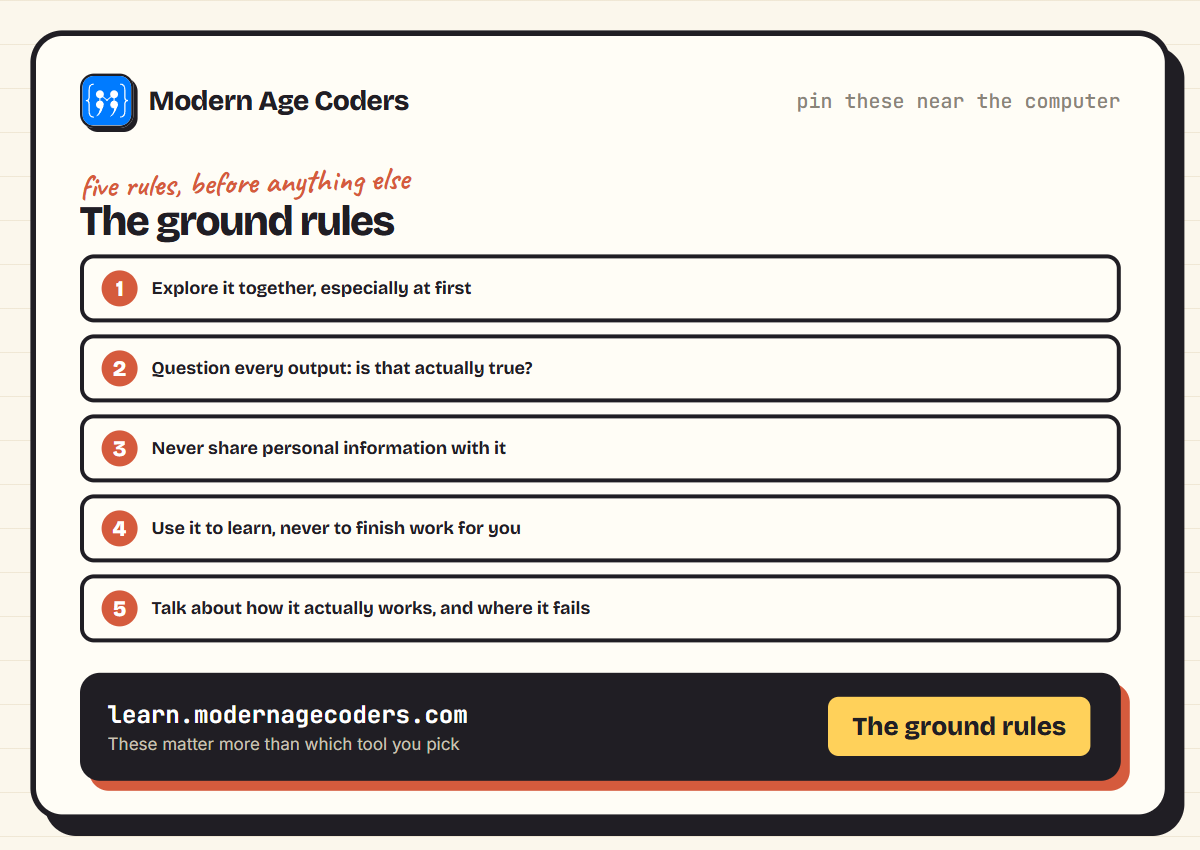
- Explore it together. Especially at first, sit with your child and use the tool side by side. Your questions teach as much as the answers.
- Question every output. Ask, is that actually true? How could we check? AI is confidently wrong often enough that checking must become a habit.
- Never share personal information. No full names, address, school, photos or anything private goes into an AI tool.
- Use it to learn, not to finish. AI should help a child understand a topic, not hand in work they did not do. For homework, that line matters.
- Talk about how it works. Explain in simple terms that AI predicts likely answers from patterns in data, which is why it can sound sure and still be wrong.
For older children using chatbots for schoolwork, agree a few rules together: try first alone, ask for hints not answers, and check facts. Our guide to using ChatGPT to study without cheating sets out where the line usually falls.
It also helps to keep drafts and version history for any schoolwork done on a computer. AI detectors can wrongly flag plain, honest writing, and our guide to do AI detectors work explains why and what evidence protects your child.
Simple activities by age
| Age group | Activity | Try this prompt |
|---|---|---|
| Younger children, always with you | Invent a story together, then talk about which parts it got silly or wrong | "Help us write a silly story about a dog who becomes mayor." |
| Middle years, supervised | Explain a tricky school topic simply, then check it against the textbook | "Explain photosynthesis like I'm nine, then I'll check it against my book." |
| Early teens, within tool age limits | Get unstuck on a coding or maths problem with a hint, not the answer | "Give me a hint for why my loop only runs once, not the fix." |
The pattern underneath all three is the same regardless of age: use the AI's output as something to react to and check, never as a finished answer to accept.
What not to do
Do not hand a young child an open AI chatbot and walk away. Do not let AI become the way homework gets finished, because a child who copies learns nothing and loses the habit of effort. And do not treat AI as always right. The most valuable thing you can teach is a healthy scepticism: AI is useful and impressive and also frequently wrong, and knowing the difference is the real skill.
Where a class helps
Teaching AI at home works best for curiosity and everyday habits. For real depth, understanding how AI actually works, using it safely as part of learning to code, and building projects that use it, a structured class with a mentor takes a child further than a parent and a chatbot can on their own. The mentor keeps the use purposeful, answers the why, and makes sure the child is learning to think, not just to prompt.
Children do not need another app that teaches them to copy code. They need a mentor who teaches them to think.
, Shivam Khemka, Founder of Modern Age Coders
The bottom line
You can absolutely introduce your child to AI at home. Do it together, keep it supervised, respect the age limits, and make questioning and checking the habit from day one. Understanding beats access every time. At Modern Age Coders we teach coding, maths and safe, thoughtful AI use, live and in small batches, for ages 6 to 67. We are rated 4.9 across 547 Google reviews, and there is a free demo class before you pay.
Frequently Asked Questions
Use AI together rather than handing it over. Sit with your child, treat the AI as a helper you both question and check, never share personal information, and use it to understand topics rather than to finish work. Keep the focus on how AI works and where it gets things wrong. The goal is a child who uses AI thoughtfully, not one who copies its answers.
AI can be used safely with supervision, but most general AI tools are not designed for young children and commonly require users to be at least 13, with some requiring 18. For younger children the parent should drive, using their own account and judgment. Keep personal information out of any AI tool and treat outputs as something to check, not trust.
It depends on the tool. Most mainstream AI chatbots and image tools set a minimum age of 13, and several require 18 or parental supervision under their terms. Younger children should only use AI with a parent guiding. A sensible path is to build coding fundamentals from around age 6 and introduce AI as a supervised helper in the early teens.
Use AI to help your child understand a topic, not to finish the work for them. Asking for a hint or a simpler explanation and then checking it builds learning. Handing in AI-written work does not, and it breaks the habit of effort. The line between learning with AI and cheating with it is exactly the line worth teaching.
Keep it simple: AI learns patterns from huge amounts of data and then predicts the most likely answer. That is why it can sound very confident and still be wrong. Understanding this one idea helps a child treat AI as a clever but fallible helper to check, rather than a source of truth to copy.
Inventing a short story together works well, since it is playful and low-stakes. Ask the AI to help write something silly, like a story about a dog who becomes mayor, then talk with your child about which parts it got wrong or strange. That conversation teaches the core lesson, that AI is a tool to guide, before any technical detail is needed.
Draw the line at the prompt itself: asking for a hint, an explanation, or a check on your child's own work is learning, while asking for the finished answer to copy is not. Sitting with your child while they use the tool, at least at first, makes it easy to notice which side of that line a session is on and gently redirect it.