Spark Their Curiosity
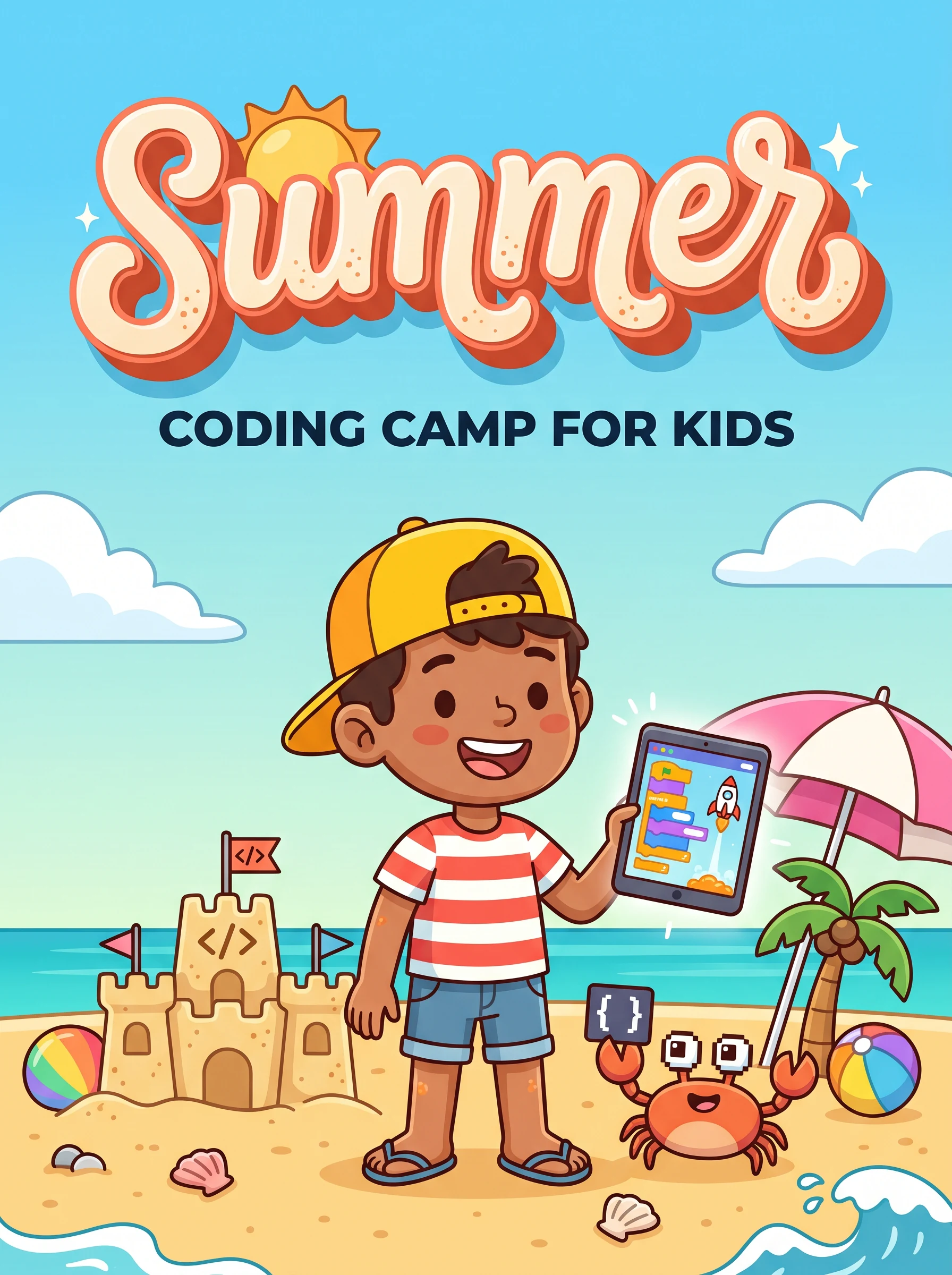
Summer Coding Camp for Kids - Ages 6-12
Transform your child's screen time into skill time. Our 8-class one-to-one summer program introduces young minds to coding through fun, interactive activities that build logic, creativity, and digital fluency.
Limited one-to-one seats. Early bird discount: 20% off before April 30, 2026.
Course Pricing
Affordable excellence for your child's future
Group Classes
Learn one-to-one with a dedicated mentor
- 16 Live Interactive Sessions
- Batch (Max 20 Students)
- 5+ Hands-on Projects
- Completion Certificate
- Doubt Support via WhatsApp
- Session Recordings Access
Personalized 1:1 Classes
Dedicated attention for your child
- 1-on-1 Personal Attention
- Flexible Schedule
- Customized Learning Pace
- Extra Practice Sessions
- Parent Progress Reports
What Your Child Will Learn
Block-Based Coding
Learn programming logic through visual, drag-and-drop coding with Scratch and similar platforms. Perfect for beginners!
Python Basics
Introduction to real programming with Python - the world's most popular beginner-friendly language used by professionals.
AI Tools Introduction
Discover what Artificial Intelligence is and how to use age-appropriate AI tools for creativity and learning.
Game Development
Create their own simple games with animations, sounds, and interactivity - projects they'll proudly show family and friends.
Microsoft Essentials
Master Word, PowerPoint, and Excel basics - essential digital skills for school projects and future success.
Logical Thinking
Develop problem-solving skills, computational thinking, and logical reasoning that benefit all areas of learning.
One-to-One Curriculum
A carefully designed learning journey spread across 2-3 weeks of summer
Foundation & Block Coding
Sessions 1-6Understanding computer basics, keyboard & mouse skills, digital citizenship
Creating first Scratch account, exploring the interface, sprites and backdrops
Making sprites move, handling events, creating simple animations
Understanding loops, forever blocks, repeat blocks, creating patterns
If-then blocks, if-else logic, making interactive programs
Create a complete animated story with multiple scenes, characters, and dialogue
Game Development & Python Intro
Sessions 7-11Understanding variables, creating score systems, timers in games
Build a complete game with falling objects, scoring, and game over logic
What is Python, setting up, print statements, basic input/output
Variables in Python, arithmetic operations, simple calculator project
Create an interactive story game using Python with choices and outcomes
AI Tools & Portfolio Building
Sessions 12-16What is AI? Age-appropriate AI concepts, exploring AI drawing and story tools
Creating documents, formatting, making presentations for school projects
Spreadsheet basics, simple formulas, creating charts and graphs
Design and build a complete game combining all learned skills
Present projects to parents, receive certificates, celebrate achievements!
Tools & Technologies
Why Parents Trust Us
Safe Learning Environment
Age-appropriate content with trained instructors who understand young learners
Flexible Timings
Morning and afternoon batches available to fit your child's schedule
Expert Instructors
Teachers trained in child-friendly pedagogy and coding education
Proven Results
500+ kids have completed our programs with glowing parent reviews
Frequently Asked Questions
What age is appropriate for this program?
This program is designed for children ages 6-12. We have age-appropriate activities for younger (6-8) and older (9-12) kids, ensuring everyone learns at the right level.
Does my child need any prior coding experience?
No prior experience needed! We start from the very basics. Only basic computer familiarity (using a mouse and keyboard) is helpful.
What equipment is needed?
A laptop or desktop computer with a stable internet connection, webcam, and microphone. Tablets are not recommended for the best learning experience.
How long is each session?
Each session is 60-75 minutes, designed to maintain focus while allowing enough time for hands-on practice. We include short breaks for younger kids.
What if my child misses a class?
All sessions are recorded and shared. You can also schedule a catch-up session with the instructor to ensure your child doesn't fall behind.
Is there a refund policy?
Yes, we offer a full refund if you cancel within 3 days of enrollment or before the first session, whichever is earlier. After that, pro-rated refunds are available.
Give Your Child a Head Start
Limited seats available for Summer 2026. Don't let this opportunity pass!
Real student projects
What our students actually build
Every one is a real, live project shipped by a Modern Age Coders student. Explore more in Student Labs.
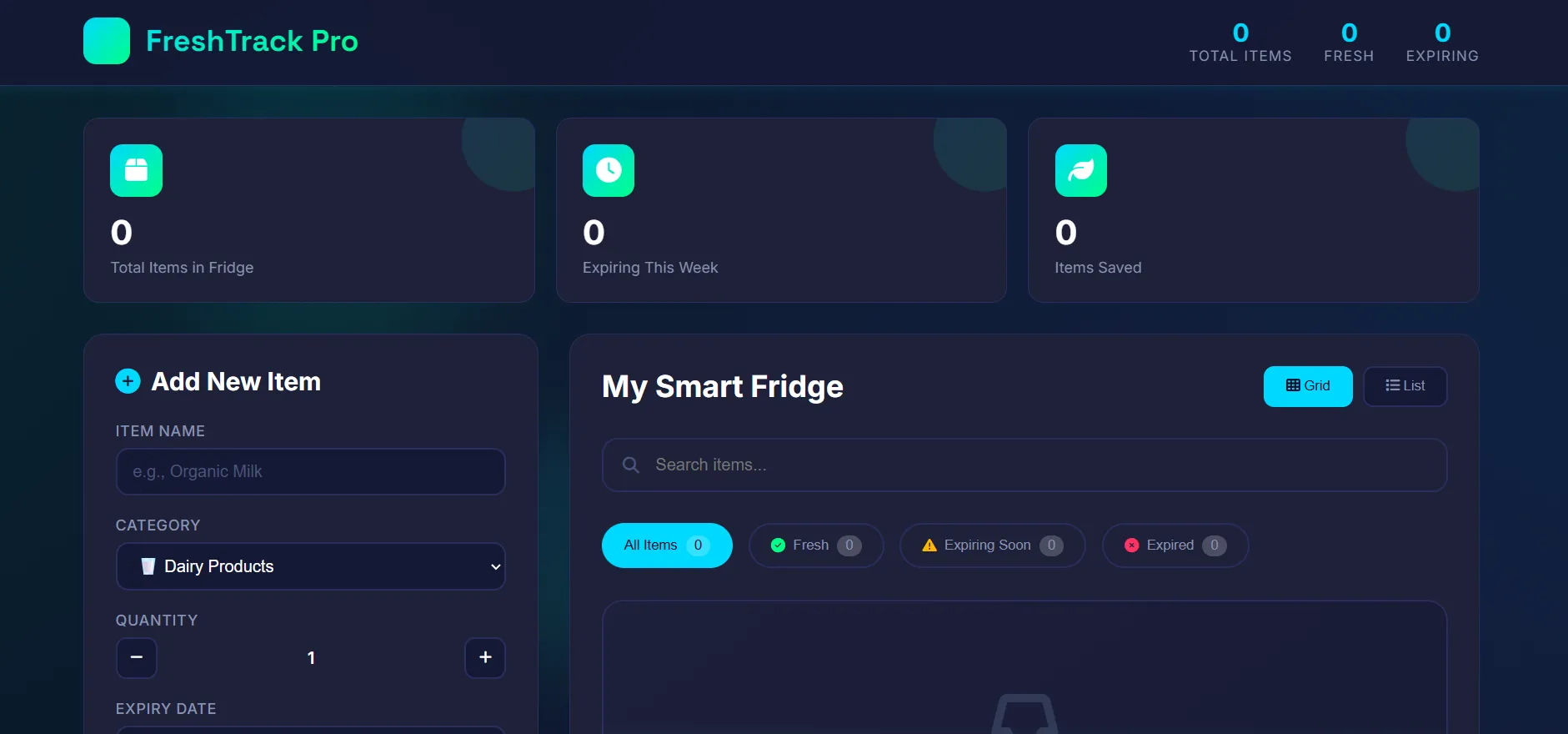 Web AppFreshTrack: Food Expiry TrackerA smart food-management system to track expiry dates, add, update and delete items while the app checks expiry automatically, online and offline.by TanishOpen the live project ↗
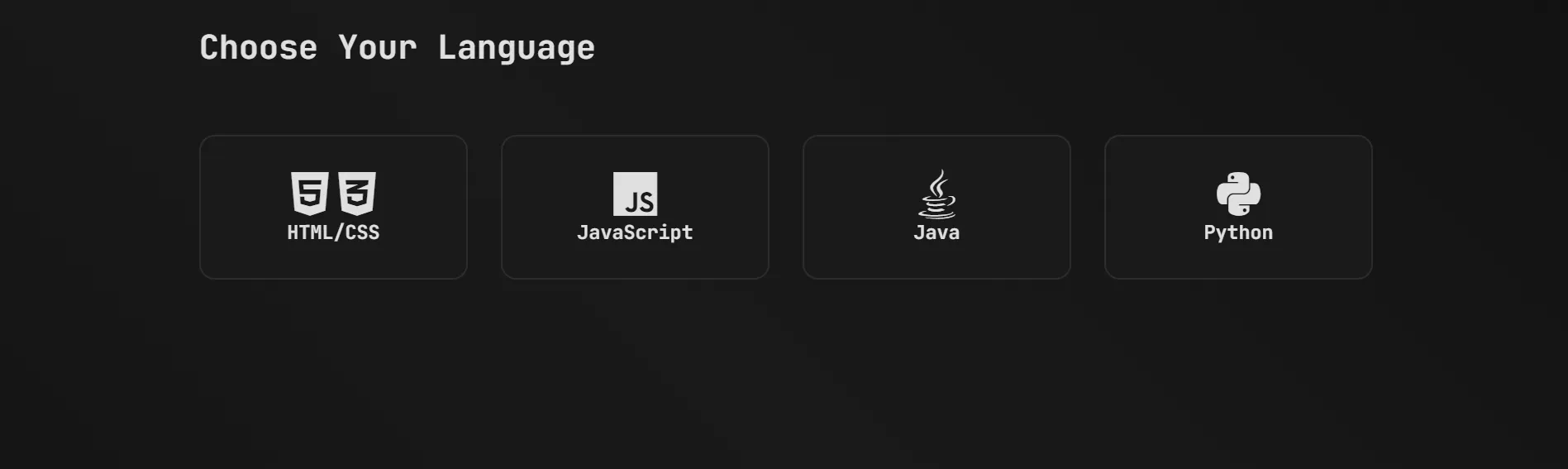 Web AppPracy: Coding Practice & Quiz PlatformAn all-in-one coding-practice site with interactive challenges, quizzes and score tracking across multiple languages to strengthen logic and problem-solving.by RohanOpen the live project ↗
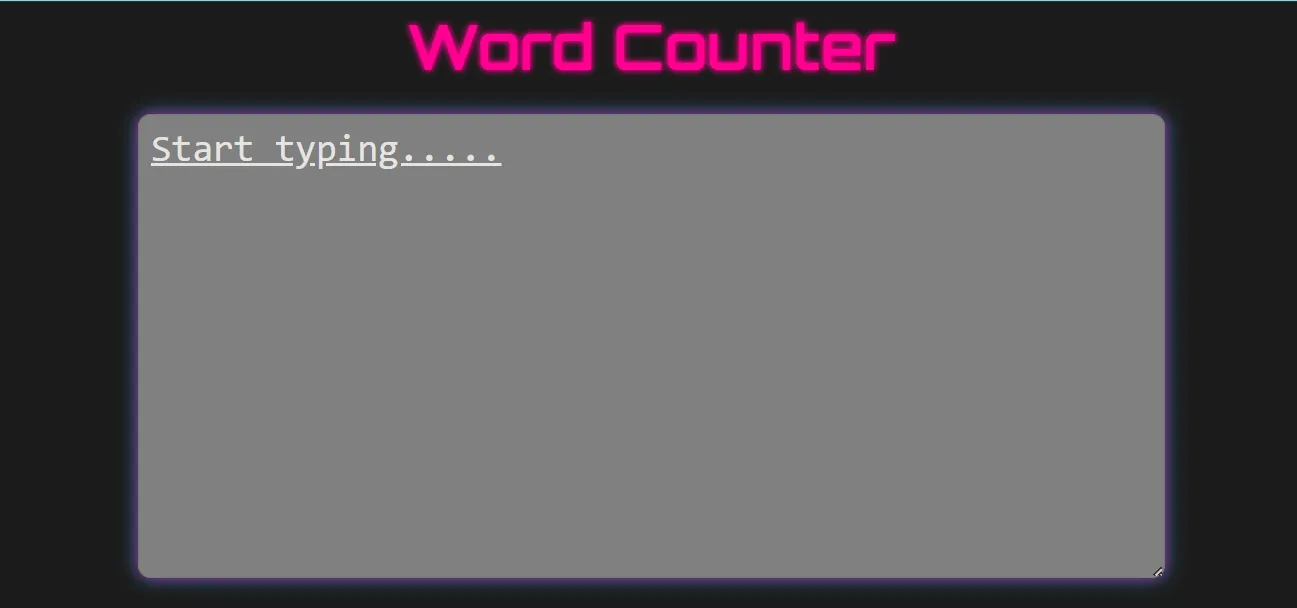 ToolWord Counter WebsiteA simple yet powerful tool that counts words, sentences and paragraphs from user input with instant, real-time results and a clean responsive interface.by VanshOpen the live project ↗
Parent & student voices
What our families say
Real, verified reviews from Modern Age Coders families. Read hundreds more on our Wall of Love.
“The classes are excellent. The teachers explain concepts very clearly and make code fun and easy to understand. The sessions are interactive and fun. They also help students boost their confidence. We not only focus on academics, but also on logic building and problem solving.”
Parent
“I absolutely love it here! I made new friends and learned important valuable coding skills while having the fun of my life. It's not just coding here, it's outings, bonding and most importantly preparing you for your future. Definitely five stars.”
Student
“I am really glad to be a part of Modern Age Coders as it helped me a lot to know what coding means and helped me find myself. I thank Shreya Ma'am, Mihir Sir and Shivam Sir for always being there for me and for showing me the real path for success.”
Student