RCO / YOUNG / 01
Coding for kids
Block coding from games to small apps.
Open the syllabusGermany · Roblox game coding · Ages 8 to 16
Plenty of children in Germany spend their afternoons in other people's Roblox games. A smaller number open Roblox Studio and make one of their own, and they discover very quickly that a game is a program: doors that open, coins that count, a scoreboard that cannot be faked. This page explains what that involves, which rules Roblox itself sets for younger players, and shows the first piece of real game code our students write about fairness.
Live classes since 2020 · 10,000+ students worldwide · games built in Studio, line by line
In one paragraph
Roblox coding classes for children and teens in Germany at Modern Age Coders are live online lessons in English, for ages 8 to 16. Learners build their own games in Roblox Studio and write real Luau scripts, from a door that opens to a multiplayer scoreboard that cannot be cheated. One regular mentor matches each child's pace and accent, in a group of fifteen to twenty or one to one.
Choosing a course
Most children aged 8 to 12 start with the Roblox course. A younger child may begin in Scratch, and an older teen may move on to a full game engine.
RCO / 01
The main course. Obstacle courses, tools, coins and scoreboards, all scripted in Luau by the child, with the mentor watching each line.
Open the syllabus →
RCO / 02
For children of 6 to 8 who cannot yet type fluently. Loops, events and variables in blocks, ready for Luau later.
Open the syllabus →
RCO / 03
For teens who want to make games outside Roblox, in a free engine whose games run anywhere.
Open the syllabus →The tools
Playing Roblox and building on Roblox use two different programs. The building one is free, and the language inside it is a real programming language with a public specification.
Roblox describes Studio on its Creator Hub as a free application available on Windows and Mac. It is where a game is built: the world, the parts, the lighting, and the scripts that make anything happen.
Roblox lists only Windows and Mac for Studio, and its setup page tells new users to sign in to Studio with their Roblox account. A child who only plays on a tablet will need a laptop or desktop computer for these classes.
Roblox calls Luau the scripting language creators use in Roblox Studio, and describes it as fast, small, safe and gradually typed, derived from Lua 5.1. Its source code is public on GitHub under the MIT licence.
Luau is typed text, not blocks. Children learn the same ideas found in Python or JavaScript: variables, conditions, loops, functions and events.
| Minimum | Recommended | |
|---|---|---|
| Operating system | Windows 10 or macOS 10.14 | Windows 11 or macOS 14 and later |
| Memory | 3 GB | 8 GB |
| Screen | 1600 by 900 or higher | 1600 by 900 or higher |
Source: Roblox Creator Hub, Roblox Studio setup, and the Luau reference page; github.com/luau-lang/luau for the licence. Read on 3 November 2026.
In our lessons the mentor shares a screen and so does the child. A second screen helps but is not needed. What does matter is a mouse: building in Studio with a laptop trackpad is slow, and children get frustrated by it far more than by the code.
Roblox's own rules
Roblox now runs separate account types for younger users. These are its rules, from its own safety page, not ours.
| Roblox Kids | Roblox Select | |
|---|---|---|
| Ages, in most regions | 5-8 year olds | 9-15 year olds |
| Games available | Only the lowest maturity ratings, Minimal and Mild | Ratings up to Moderate |
| Chat in games | Off unless a parent turns it on; then with users aged 5 to 12 and trusted friends | On with age-appropriate users and trusted friends in the same game |
| Chat tab outside games | Off | Ages 9 to 12 with trusted friends only; ages 13 to 15 also with friends of a similar age |
| One-to-one chat in games | Off unless a parent allows it | Off unless a parent allows it |
Source: Roblox Safety Center, corp.roblox.com/safety, and Parental Controls, corp.roblox.com/parents. Read on 3 November 2026. Roblox says its users range in age from 5 to over 25.
Roblox's parents' page says a parent account can manage most settings of a child's Roblox Kids or Roblox Select account from the parent's own device. It lists screen time limits for children under 13, monthly spending limits, the maximum game rating, and turning chat off for users under 13.
To link a parent account, Roblox asks the parent to verify their age with a government-issued ID or a credit card. It also says that Restricted experiences are only available to verified users aged 18 and over.
Our lessons happen in Studio, on the child's own game, with the mentor on a video call. Nothing in the course needs chat with strangers, and nothing needs Robux.
We do not set up or manage a child's Roblox account. That stays with the family and with Roblox's settings above. Where a child wants to publish a game, the mentor explains what publishing means and the family decides.
Our first fairness lesson
In a multiplayer game every player's computer can be tampered with. So the game's real rules live on the server, which checks every request a player sends. This is the first script about fairness our students write.
Coins lie around a map. When a player touches one, their computer, the client, sends a message to the server: I collected this coin. The server adds one to the player's score.
A cheating player can send that message for a coin on the other side of the map, for a coin someone else already took, or a hundred times a second.
The server believes nothing. It checks that the coin exists, that the player is standing next to it, and that the player is not collecting faster than a person could. Only then does it destroy the coin and add the point.
Every serious online game works this way. It is also one of the first ideas in computer security.
-- ServerScriptService > CoinServer (a Script, so it runs on the server)
local ReplicatedStorage = game:GetService("ReplicatedStorage")
local Players = game:GetService("Players")
local collect = ReplicatedStorage:WaitForChild("CollectCoin")

local MAX_DISTANCE = 8   -- studs
local COOLDOWN = 0.5     -- seconds
local lastPickup = {}

local function onCollect(player, coin)
	if typeof(coin) ~= "Instance" or not coin:IsDescendantOf(workspace.Coins) then return end
	local root = player.Character and player.Character:FindFirstChild("HumanoidRootPart")
	if not root then return end
	if (root.Position - coin.Position).Magnitude > MAX_DISTANCE then return end
	local now = os.clock()
	if lastPickup[player] and now - lastPickup[player] < COOLDOWN then return end
	lastPickup[player] = now
	coin:Destroy()   -- gone for everyone, so it cannot be taken twice
	player.leaderstats.Coins.Value += 1
end

collect.OnServerEvent:Connect(onCollect)
Players.PlayerRemoving:Connect(function(player) lastPickup[player] = nil end)
Put a RemoteEvent called CollectCoin in ReplicatedStorage, a folder called Coins in the workspace and a leaderstats folder with a Coins value on each player. We have not run this script outside Studio; the checks are mirrored in the Python twin below, which we did run.
Children often ask why the coin does not simply count itself when touched. It could, in a game for one player. The moment two players share a world, someone has to be the referee, and it cannot be the player who wants the points. To show the difference without opening Studio, we model the same server in plain Python: one honest player, Mia, and one player sending fake requests.
import math

MAX_DISTANCE = 8   # studs
COOLDOWN = 0.5     # seconds

coins = {"c1": (10, 0), "c2": (30, 0), "c3": (50, 0), "c4": (200, 0), "c5": (204, 0)}

# requests the server receives: (time, player, coin, where the player really stands)
requests = [
    (1.0, "Mia", "c1", (12, 0)),
    (3.0, "Mia", "c2", (29, 0)),
    (5.0, "Mia", "c3", (55, 0)),
    (1.1, "Cheat", "c4", (0, 0)),     # claims a coin 200 studs away
    (1.2, "Cheat", "c1", (10, 0)),    # coin already taken
    (2.0, "Cheat", "c9", (0, 0)),     # a coin that does not exist
    (6.0, "Cheat", "c4", (199, 0)),
    (6.1, "Cheat", "c4", (199, 0)),   # same coin twice
    (6.2, "Cheat", "c5", (200, 0)),   # next coin a fifth of a second later
]

trusting = {}
for t, player, coin, pos in requests:
    trusting[player] = trusting.get(player, 0) + 1
print("If the server believes every request:", trusting)

taken, last, score = set(), {}, {}
reasons = {}

def check(t, player, coin, pos):
    if coin not in coins: return "no such coin"
    if coin in taken: return "already taken"
    if math.dist(pos, coins[coin]) > MAX_DISTANCE: return "too far away"
    if player in last and t - last[player] < COOLDOWN: return "too fast"
    return None

for t, player, coin, pos in sorted(requests):
    why = check(t, player, coin, pos)
    if why:
        reasons[why] = reasons.get(why, 0) + 1
        continue
    taken.add(coin)
    last[player] = t
    score[player] = score.get(player, 0) + 1

print("With server checks:", score)
print("Rejected:", reasons)
It prints If the server believes every request: {'Mia': 3, 'Cheat': 6}, then With server checks: {'Mia': 3, 'Cheat': 1} and Rejected: {'too far away': 1, 'already taken': 2, 'no such coin': 1, 'too fast': 1}.
| Player | Score if the server trusts everyone | Score with checks |
|---|---|---|
| Mia, playing honestly | 3 | 3 |
| Cheat, sending fake requests | 6 | 1 |
The game, the requests and both programs are our own teaching example, run with Python 3 on 3 November 2026.
Look at the one coin the cheating player keeps. At six seconds they really were standing next to coin c4, so the server accepts it, as it should: checks must stop cheating without punishing fair play. Then the same coin arrives again and is refused as already taken, and coin c5 two tenths of a second later is refused as too fast. Honest Mia never notices any of this. That balance, strict for cheaters and invisible for everyone else, is what children learn to design.
Beyond the game
Yes, if it is taught as programming. The ideas carry straight over to the languages children meet later at school or at work.
| In a Roblox game | The programming idea | Where it appears again |
|---|---|---|
| A door that opens when touched | Events and handlers | Every app and website |
| A coin counter | Variables and state | Any program that remembers something |
| An obstacle course with levels | Loops and tables | Lists and arrays in Python or Java |
| The server checking a coin | Validation and trust | Web servers and computer security |
| Typed Luau | Types | Java, C# and TypeScript |
In Germany, Informatik is not taught everywhere at the same age or in the same amount, and Roblox is not part of any school course. That is why we teach it as a door into programming rather than an end in itself. Children who have scripted a working game in Luau usually move to Python or JavaScript without fuss, because they have already met every idea in the table. A child who wants a free first contest can try the Informatik-Biber, which BWINF runs free for pupils from Klasse 3 to 13 and which asks for no prior knowledge.
Class times
Children usually come after school or at the weekend. The mentors are in India, a few hours ahead.
| Germany | India, winter (to 28 March 2027) | India, summer (from 28 March 2027) |
|---|---|---|
| 15:45 | 20:15 | 19:15 |
| 16:45 | 21:15 | 20:15 |
| Saturday 09:00 | 13:30 | 12:30 |
| Sunday 12:00 | 16:30 | 15:30 |
Under the Einheitenzeitgesetz Germany is one hour ahead of UTC in winter and two hours ahead in summer; the clocks went back on 25 October 2026 and go forward on 28 March 2027. India keeps UTC+5:30 all year. These rows are examples only.
The free first class is booked in the time shown on your own phone or computer. A one-to-one child can agree a regular time with the mentor that fits around football, music or homework.
Milestones
Our own milestones for Roblox learners, used to place children and report to parents.
| Stage | Usually reached | The child can |
|---|---|---|
| 1. Builder | First weeks | Place, size and anchor parts and test a simple obby |
| 2. First scripts | Month 1 to 2 | Write a script that reacts to a touch or a click |
| 3. Game logic | Months 3 to 4 | Keep score, run a timer and change levels |
| 4. Client and server | Months 5 to 6 | Use RemoteEvents and check every request on the server |
| 5. Own game | Month 7 onwards | Plan, build, test with others and explain a complete game |
Test your game as a cheater would. If you can break it, someone else will.
Read the error in the Output window out loud before you ask for help. Half the time it tells you the answer.
Ask to play your child's game, then ask how one part of it works. The explanation shows the learning.
Hours in Studio and hours playing Roblox look the same from the doorway. They are not.
More game and coding courses
All taught live in English by a regular mentor, in a group or one to one.
RCO / YOUNG / 01
Block coding from games to small apps.
Open the syllabusRCO / YOUNG / 02
What AI in games can and cannot do.
Open the syllabusRCO / YOUNG / 03
Code that builds inside Minecraft.
Open the syllabusRCO / CODE / 01
A website to show off the games.
Open the syllabusRCO / CODE / 02
Puzzles and games in a fast language.
Open the syllabusRCO / CODE / 03
Browser games anyone can open.
Open the syllabusRCO / TEEN / 01
Unity and C#, from idea to finished game.
Open the syllabusRCO / TEEN / 02
The defending side of cheating, properly.
Open the syllabusRCO / TEEN / 03
Saving and sharing code like a team does.
Open the syllabusHow it works
Weekdays or weekends, flexible: choose your batch, or for a very personalised plan choose 1-on-1 at your convenience, weekend mornings or weekdays.
After school
Weekday slots from about a quarter to four, German time.
Weekend
Saturday and Sunday mornings or around midday.
One to one
A fixed weekly time chosen with the mentor.
The child builds and scripts every part.
Typed code, not drag and drop.
Slow, clear and patient explanations.
Someone who knows your child's game.
Lessons need no in-game chat at all.
Fifteen to twenty children, or one.
Student work
A selection of work by our students worldwide; there is more on the student labs page.
AI and ML
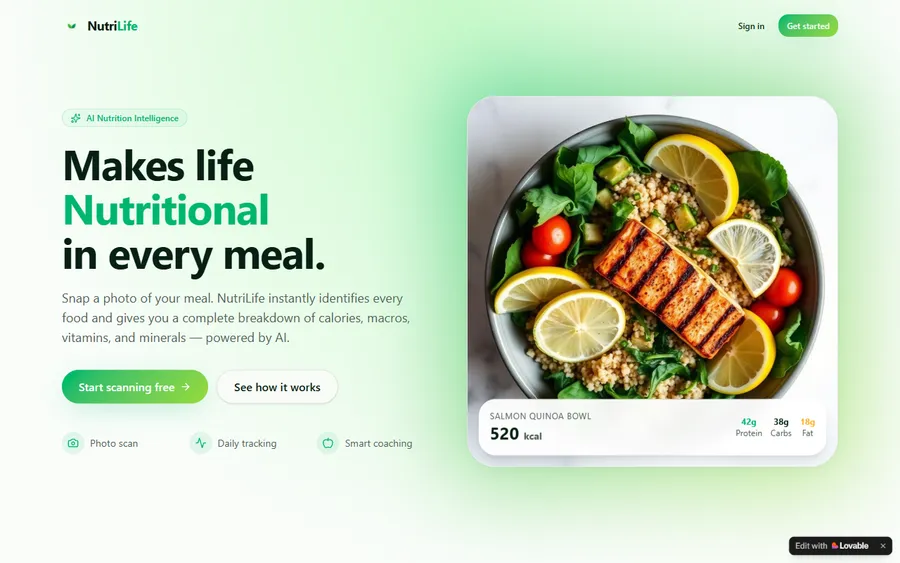
An AI nutrition coach that reads what you eat and works you toward a target.
AI and ML
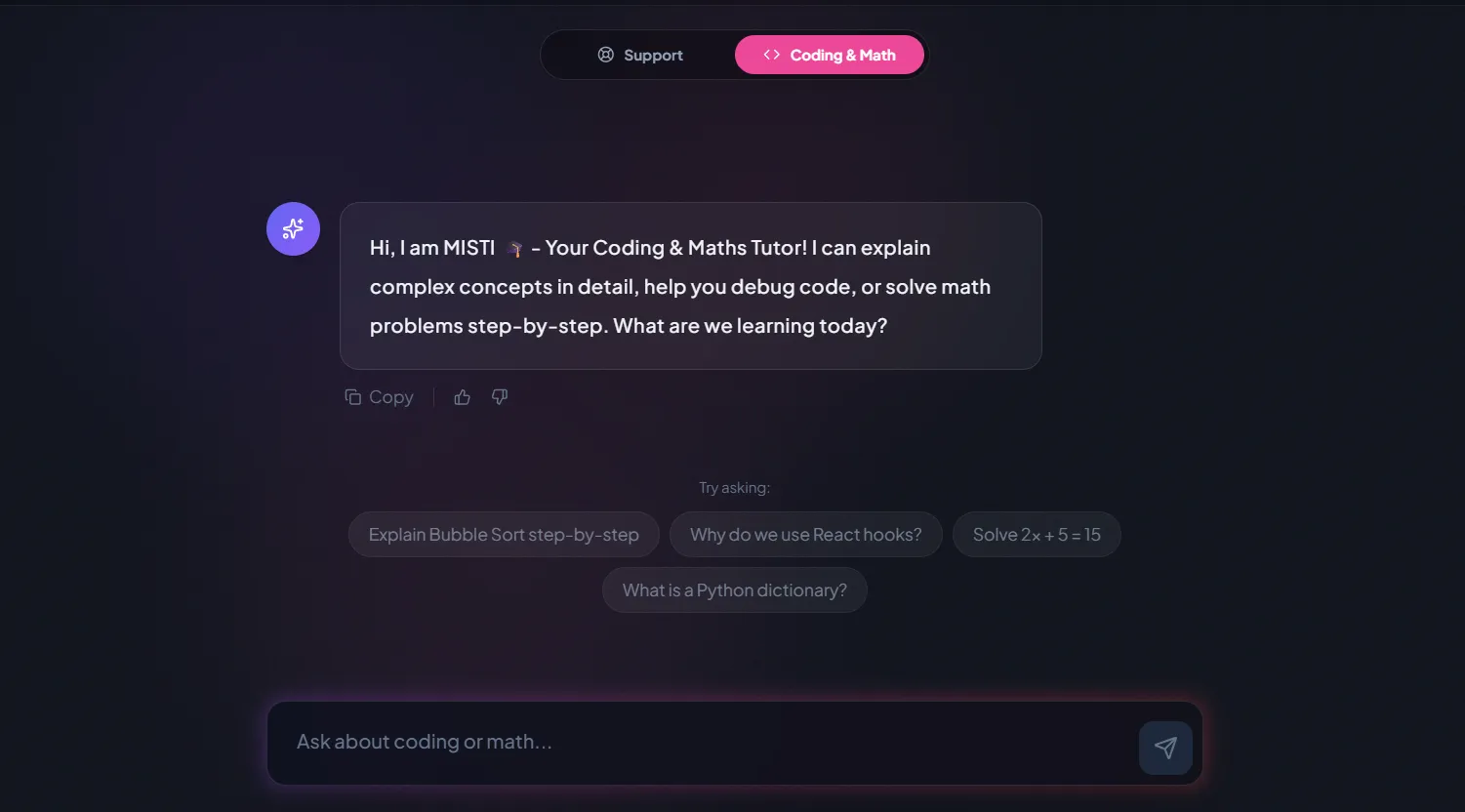
A chatbot that answers mathematics and programming questions, built and deployed by a student.
AI and ML
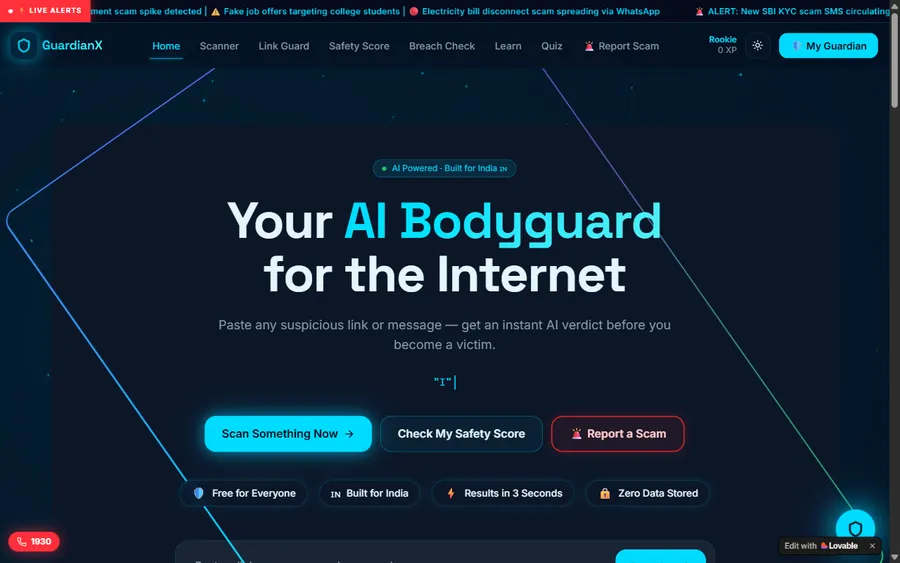
An assistant that helps a young person recognise unsafe situations online.
Web app
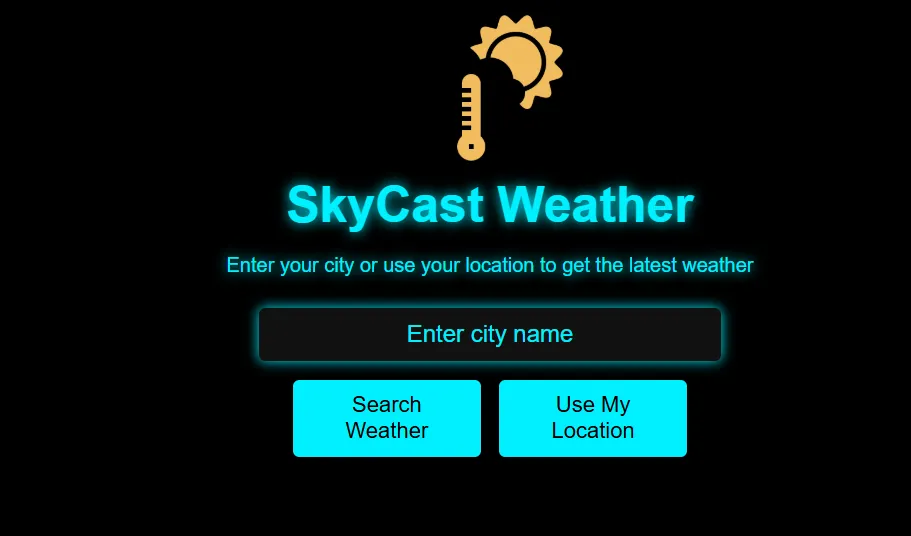
A weather forecasting site with live conditions for any location.
Fees
One monthly fee covers eight live classes. It is displayed in euro using the European Central Bank reference rate, while the payment itself goes through in US dollars, so your bank does the conversion and may show a slightly different figure.
Free first class
Free
no card required
Group batch
€90
a month, eight live classes, charged in US dollars
One to one
€134
a month, eight live classes, charged in US dollars
What families say
Google reviews from families and students, as they were written.
★★★★★
"The one step solution for my son. Modern Age Coders make learning coding so simple that kids love it. The teachers explain complex concepts clearly with practical exercises and interactive content."
Ria Mukherjee
Parent
★★★★★
"Modern Age Coders has been a game-changer for me. I struggled to grasp IT concepts and coding before joining, but their classes transformed everything. I can now confidently write complex programs with ease."
Samriddha Mondal
Student
★★★★★
"One of the most wonderful education centres out there. Education is not limited to school syllabus but focuses on skill development."
Vansh Agarwal
Student
★★★★★
"My child Dhairya is really enjoying the Modern Age Coders classes. This is his first online class and he eagerly looks forward to it. I can already see his improvement, and the teachers are very cooperative."
Sonam Oswal
Parent of Dhairya
★★★★★
"Modern Age Coders have wonderful teachers who teach in a clear, easy and practical way. The teacher boosts students' confidence and inspires them to learn without hesitation."
Sonu Goyal
Parent
★★★★★
"I highly recommend this computer coding class! The teachers are incredibly knowledgeable and passionate about coding."
Ritu Kedia
Parent
Parents in Germany ask
No. Every class is live and taught in English only, by a mentor based in India who matches your child's pace and accent. Luau code itself is written with English words, so children practise both at once.
Children of about 8 and over, who can read and type simple words, start with the Roblox course. Children of 6 to 8 usually begin in Scratch and move to Luau later.
Roblox's setup page says to sign in to Studio with a Roblox account. Roblox runs Roblox Kids accounts for 5-8 year olds and Roblox Select accounts for 9-15 year olds in most regions, managed through a parent account. The account stays with your family; we do not create or manage it.
No. Lessons happen in Studio on the child's own game, with the mentor on a video call. Nothing in the course needs Roblox chat, and Roblox lets parents turn chat off for children under 13.
No. Roblox Studio is free, and nothing in our course needs Robux or any purchase on Roblox.
A Windows or Mac computer. Roblox lists Windows 10 or macOS 10.14 and 3 GB of memory as the minimum, and recommends 8 GB. Studio is offered for Windows and Mac only, and a mouse helps a lot.
Yes. Luau is a typed programming language derived from Lua 5.1, and children learn variables, conditions, loops, functions, events and client-server logic that carry over to Python, JavaScript or Java.
Weekdays or weekends, flexible: choose your batch, or for a very personalised plan choose 1-on-1 at your convenience, weekend mornings or weekdays. Most children in Germany come after school or on weekend mornings.
The fee is shown in euro at the European Central Bank reference rate and charged in US dollars, which your bank converts, so your statement may differ a little. The first class is free.
Children build games that can be published, and the mentor explains what publishing involves. Whether to publish is the family's decision, under Roblox's own settings.
More reading
Other pages for families in Germany and for young Roblox builders.
Our full set of pages for Germany.
A first game, explained step by step.
Common error messages and what they mean.
For families in the capital.
The other big game children build in.
What a live class looks like.
Start here
Your child opens Studio with the mentor, builds something small and writes a first script, while the mentor sees where they are and suggests the right course. In English, at your child's pace.
Before booking you can read how we teach or browse our courses.
WhatsApp us · +91 91233 66161 · connect@modernagecoders.com
Lessons are live online and in English, taught by mentors who are based in India. For a quick question, message us on WhatsApp in English.
A priority demo is a full class of about 45 to 60 minutes. After the class the mentor sends a written skill report and a personal learning roadmap on WhatsApp. If you enrol, the demo fee is adjusted against your first month's fee. Share your demo Order ID with us on WhatsApp and we take it off.
Book a priority demo