Roblox Game Coding for Kids
Your child already plays Roblox. In six months they publish a game of their own on it.
Syllabus updated August 2026
Questions? WhatsApp +91 91233 66161 or email connect@modernagecoders.com
Recordings are free with a Google sign-in. These recordings show how we teach, not the exact syllabus of this course.
Our promise
The world's best learning experience, open to everyone.
- World-class instructorsEvery class is taught by an instructor who specialises in that exact field.
- No compromise on qualityEvery lesson, project and piece of feedback is held to the highest standard.
- Education for everyoneLearners aged 6 to 67, from first-time beginners to working professionals, in 25+ countries.
If you want the highest quality, Modern Age Coders is the right choice.
Book a Priority DemoHow long this course takes
This course runs 6 months (24 weeks) at 2 live classes/week + 2-3 hours practice. The range allows for background and pace: a complete beginner uses the full span, and a student with prior knowledge finishes sooner. The syllabus below is planned to the shorter end, with margin kept for revision.
For personalised duration planning, call +91 91233 66161 and we'll map a schedule to your goals.
At a glance
- Who it is for
- Beginner, ages 8 to 14.
- Prerequisites
- None. The course starts from placing the first part and writing the first line
- Format
- Live, interactive classes with a real instructor, never pre-recorded videos. Live classes run about one hour.
- Language
- English or Hindi, depending on the batch.
- Duration
- 6 months (24 weeks)
- Weekly commitment
- 2 live classes/week + 2-3 hours practice
- Class size
- Group batches of 5 to 10 students, mini batches of 3 to 4, or 1-on-1.
- Certificate
- Certificate from Modern Age Coders, awarded on passing the final assessment
- Watch first
- Free recordings of real classes for ages 6 to 12, free with a Google sign-in. These recordings show how we teach, not the exact syllabus of this course.
- Live demo
- Optional. Enrol directly on this page, or book a Priority Demo: a full live class of about 45 to 60 minutes with a mentor reserved for you.
- Questions
- WhatsApp +91 91233 66161 or email connect@modernagecoders.com.
How we teach
Deep understanding. Real projects. Expert guidance.
Learn coding, AI and maths through careful explanations, practical demonstrations, and hands-on problem-solving. Our instructors guide you from the foundations to advanced ideas, helping you understand what happens, why it happens, and how to build it yourself.
You will explore concepts step by step, write and improve code, investigate mistakes, ask questions, and apply your knowledge to meaningful projects. Lessons are designed around active participation, thoughtful feedback, and growing independence.
Expert-led live teaching, with practical participation built into every lesson.
- Students explain their thinking.
- Instructors demonstrate, then guide practice.
- Learners code, solve, or build during lessons.
- Questions and misconceptions get attention.
- Assignments receive useful feedback.
- Progress is checked before advancing.
How to join Roblox Game Coding for Kids: Build Real Games in Luau
Four steps from this page to the first class. See a full class first with a Priority Demo, or choose a plan and enrol today.
Rated 4.9 across 547 Google reviews. Monthly billing, cancel any time.
How enrolment works
See a full class first (optional)
Book a Priority Demo: a live class of about 45 to 60 minutes with a mentor reserved for you, today or tomorrow. After the class the mentor sends a written skill report and a personal learning roadmap on WhatsApp. If you enrol, the demo fee is adjusted against your first month's fee. Share your demo Order ID with us on WhatsApp and we take it off.
Book a Priority DemoDemo fee ₹499Choose a plan
Group batch (5 to 10 students), mini batch (3 to 4 students, India only) or 1-on-1 with your own mentor. Every plan is live online, and each class runs about one hour. The cards below show classes per week and the monthly fee in your currency.
Enrol and pay the first month
Press Enrol Now on your plan, fill in the student's name, email and phone, and pay through secure Razorpay checkout: UPI, cards or net banking in India, and debit or credit card from any other country.
Fix your class timings
After payment, message us on WhatsApp or call +91 91233 66161 with the student's name, the course and your preferred time slot. We confirm the batch, send the class link and schedule the first class at your chosen time.
Billing is monthly and you can cancel any time.
International Students (Outside India)
Billed monthly in US dollars, the same price in every country. Contact us with any questions.
Questions before you enrol? Talk to our team.
Ask about class timings, the right level for your child, what they need to know already, or payment. Parents and adult learners can reach us on WhatsApp, by email or by phone.
Program Overview
Roblox is where millions of kids already spend their screen time, and it hides a genuinely serious tool: Roblox Studio, the free game-making software behind every experience on the platform, scripted in a real programming language called Luau. This 6-month live course turns a player into a maker. Months 1 and 2 cover building in Studio and the first Luau scripts: variables, decisions, loops, and functions, each one changing something visible in a 3D world. Months 3 and 4 bring games to life with events, player interaction, scoring, and checkpoints, which is where an obby stops being a row of parts and starts being a game. Month 5 adds the mechanics kids recognize from games they love: shops, timers, rounds, sound, and polish. Month 6 is the capstone: each student designs, builds, tests, and publishes their own game to Roblox, then presents it.
Classes are live and small, and students build in every single session. Nothing in this course is watch-and-copy: the instructor sets a challenge, watches each student work, and reviews the homework builds between classes.
What Makes This Program Different
- Students learn Luau, the actual scripting language of Roblox, not a drag-and-drop imitation of it
- Every concept lands inside a 3D world the student built: loops make disco floors, conditionals open doors, functions run traps
- The classic beginner bugs (debounce, anchoring, nil) are taught on purpose, because fixing them is where real understanding starts
- By month 4 students have leaderboards, checkpoints, and coin systems working, the same building blocks behind popular Roblox games
- The capstone is published to Roblox for real, so the finished game has a link a grandparent can open
- Everything used is free: Roblox Studio costs nothing, publishing costs nothing, and no Robux are ever needed
Your Learning Journey
Career Progression
Detailed Course Curriculum
Explore the complete week-by-week breakdown of what you'll learn in this comprehensive program.
Topics Covered
- Installing Roblox Studio and a tour of the interface: Explorer, Properties, and the 3D viewport
- Camera controls: fly, zoom, and orbit without getting lost
- Creating parts: blocks, spheres, wedges, and cylinders
- Move, scale, and rotate tools, and snapping to the grid
- Play-testing your world with your own avatar
- Saving your work and opening it again next class
Projects You Build
- First playground: a small floating island with ramps, towers, and a jump course to test
Practice & Assignments
Build a room with four different part shapes, then screenshot your avatar standing on top of it
Topics Covered
- The Properties panel: color, material, transparency, and reflectance
- Anchored explained properly: why unanchored builds collapse when you press play
- CanCollide: making walls you can walk through
- Grouping parts into models and naming things in the Explorer
- Duplicating and mirroring to build faster
- Union and negate: cutting holes and making custom shapes
Projects You Build
- Secret hideout: a house with a hidden walk-through wall and a glass floor over a drop
Practice & Assignments
Property scavenger hunt: recreate five reference parts exactly from their pictures
Topics Covered
- Terrain tools: sculpting hills, water, and caves
- Spawn locations and where players appear
- Planning an obby on paper before placing a single part
- Difficulty curves: why the first jump should be easy
- Lighting basics: time of day and atmosphere
- Testing like a stranger: playing your own course as if you had never seen it
Projects You Build
- Obby, part one: a ten-stage jump course across terrain you sculpted yourself
Practice & Assignments
Add three more stages to your obby, each slightly harder than the last, and have a family member test them
Topics Covered
- What a Script object is and where it lives in the Explorer
- print and the Output window: making the computer talk
- Variables: naming a part in code and holding numbers and words
- Changing a part's color and material from code instead of the mouse
- Reading your first error message without panicking
- Comments: leaving notes for future-you
Projects You Build
- Magic brick: a part that changes color and prints a welcome message the moment the game starts
Practice & Assignments
Write three scripts that each change a different property of a part, and break one on purpose to read the error
Assessment
Month 1 build check: a small world using anchoring, grouping, terrain, and one working script, walked through live
Topics Covered
- Numbers, strings, and booleans in Luau
- local and why every variable gets it
- Doing maths in code: changing a part's size and position with numbers
- String concatenation: building messages out of pieces
- Vector3 gently introduced: positions in a 3D world need three numbers
- nil: the most famous value in Roblox scripting
Projects You Build
- Teleporting part: a script that moves a platform to a new position, then a script that grows it step by step
Practice & Assignments
Ten short scripts: resize, recolor, rename, and reposition parts using only variables and code
Topics Covered
- if, then, else: teaching a script to choose
- Comparisons: equal, not equal, greater, and less
- Booleans in action: checking if a part is anchored or transparent
- elseif chains for more than two choices
- and, or, not: combining conditions
- Common trap: = for setting, == for asking
Projects You Build
- Weather machine: a script that checks a variable and sets the world to day, night, or fog to match
Practice & Assignments
Decision drills: a password checker, a size judge that labels parts small or large, and a fix-the-broken-if puzzle
Topics Covered
- while loops and task.wait: doing something forever, politely
- Blinking, pulsing, and color-cycling parts
- for loops: counting exactly, from disco floors to stairways
- Building with loops: a staircase generated by code in one second
- Loop variables inside the loop body
- Infinite loops without a wait: what happens and how to stop it
Projects You Build
- Disco floor: a grid of tiles that flash random colors forever
- Instant staircase: a for loop that builds a climbable spiral stair
Practice & Assignments
Loop katas: a countdown announcer, a growing tower, and a part that fades out smoothly step by step
Topics Covered
- Writing a function: name, parentheses, body, end
- Parameters: one function that colors any part you hand it
- Return values: functions that answer questions
- Why functions matter: change the trap once, fix it everywhere
- Organizing a script into small named functions
- Calling functions from loops: the payoff moment
Projects You Build
- Trap factory: one makeTrap function used to fill an obby stage with ten identical traps in seconds
Practice & Assignments
Refactor your disco floor and staircase scripts to use functions, then write one new function from a written spec
Assessment
Month 2 skills check: live coding of three short Luau exercises using variables, if statements, loops, and one function
Topics Covered
- Events: code that waits for something to happen
- part.Touched:Connect and functions as event handlers
- Finding out what touched the part
- Humanoid and character models: how Roblox represents a player
- The classic lava brick, built properly
- Print-debugging events: seeing exactly when they fire
Projects You Build
- Lava stage: an obby section with kill bricks that send careless players back to the start
Practice & Assignments
Build a safe-path puzzle: nine tiles, some deadly, some safe, with the pattern hidden until touched
Topics Covered
- Reading and changing Humanoid health
- WalkSpeed and JumpPower: speed pads and super-jumps
- Healing pads and damage zones
- Resetting effects after a delay with task.wait
- Being fair: telling the player what a pad does before it does it
- Testing multiplayer effects with two test players in Studio
Projects You Build
- Power-up alley: a course with speed strips, jump pads, a healing station, and one sneaky slow-down trap
Practice & Assignments
Design and script one original power-up of your own invention, then write two sentences on how it changes the game
Topics Covered
- Doors that open: toggling Transparency and CanCollide from a touch
- Buttons on the floor and on the wall
- The debounce problem: why your door fires twenty times per step
- Fixing debounce with a boolean flag, the pattern every Roblox scripter knows
- Timed doors that close themselves
- Locked doors: combining a condition with an event
Projects You Build
- Dungeon gate room: a button-operated gate with proper debounce and a door that only opens for players holding the right key part
Practice & Assignments
Break a working door by removing its debounce, watch the Output flood, then repair it and explain the fix in class
Topics Covered
- Combining the month: lava, power-ups, doors, and traps in one course
- Pacing a level: challenge, relief, surprise
- Organizing scripts so each stage's code is findable
- Playtesting a classmate's obby and writing useful feedback
- Fixing the top two problems your testers found
- Naming and Explorer hygiene before a project grows
Projects You Build
- Obby 2.0: a fully scripted multi-stage obby with kill bricks, power-ups, at least one gate, and a victory area
Practice & Assignments
Run two playtests and log every place a tester got stuck or confused, then fix the worst one
Assessment
Obby 2.0 demo: live playthrough plus a code walkthrough of one trap, one power-up, and one door
Topics Covered
- leaderstats: the folder-and-value pattern behind every Roblox leaderboard
- IntValue objects and setting them from code
- Players.PlayerAdded: running code when someone joins
- Awarding points from a touched event
- Server scripts vs local effects, kept simple: why the score lives on the server
- Watching the leaderboard update live in a two-player test
Projects You Build
- Point course: a stage where every platform reached for the first time adds points to a live leaderboard
Practice & Assignments
Add a second leaderboard stat of your choice, such as deaths or stages cleared, and make something update it
Topics Covered
- Coins that spin: rotating parts with a loop
- Collecting: touched event plus destroy, with debounce so one coin pays once
- Adding coins to leaderstats
- Spawning coins with a function instead of copy-paste
- Sound effects on pickup
- Respawning coins after a delay for endless play
Projects You Build
- Coin rush: a field of spinning coins with pickup sounds, a live coin counter, and coins that respawn
Practice & Assignments
Make a rare golden coin worth ten normal ones and place three somewhere genuinely hard to reach
Topics Covered
- SpawnLocation objects and how respawning works
- Team-based checkpoints vs scripted checkpoints, and which we use
- Remembering each player's checkpoint in code
- Sending a respawned player to the right stage
- Checkpoint feedback: color change and sound when activated
- Why checkpoints make hard games fair instead of frustrating
Projects You Build
- Checkpoint tower: a vertical obby where falling returns you to your highest activated checkpoint, not the bottom
Practice & Assignments
Tune your tower: move one checkpoint to the fairest possible spot and defend the choice in one sentence
Topics Covered
- ScreenGui, Frame, and TextLabel: putting words on the screen
- Updating a label from code: live coin and timer displays
- TextButton: a clickable button and its event
- Sizing and anchoring GUI so it works on different screens
- A welcome message that appears and fades
- Keeping GUI readable: contrast and size for real players
Projects You Build
- Game HUD: an on-screen coin counter and stage display wired to real leaderstats, plus a welcome banner
Practice & Assignments
Add one more GUI element of your choice, such as a best-height display or a hint button
Assessment
Month 4 systems check: coins, checkpoints, leaderboard, and HUD all working together in one place, demonstrated live
Topics Covered
- Spending coins: checking if a player can afford something
- A shop GUI with buy buttons
- Selling upgrades: speed, jump, and a trail effect
- Subtracting coins and applying the upgrade in one safe function
- Saying no nicely: what happens when coins run short
- Balancing prices so the game stays challenging
Projects You Build
- Upgrade shop: a working store where coins collected in-game buy speed and jump upgrades
Practice & Assignments
Add a third item to your shop and set all three prices, then explain your pricing to the class
Topics Covered
- A countdown clock on screen, driven by a loop
- Round structure: waiting, playing, and finishing
- Announcing round results to everyone
- Teleporting all players to the arena and back
- Resetting the world between rounds
- Why rounds make players say one more game
Projects You Build
- Round machine: a lobby-and-arena game loop with a countdown, a 90-second round, and a winners announcement
Practice & Assignments
Adjust your round length and lobby time after two playtests, and note what changed in player behavior
Topics Covered
- Background music and where it belongs
- Sound effects for wins, coins, and traps, used tastefully
- Particles: sparkles, fire, and confetti in the right doses
- Lighting mood: making a lava zone feel dangerous
- Victory effects that reward without annoying
- The polish pass: a checklist run on your own game
Projects You Build
- Polish pass: music, pickup sounds, victory confetti, and lighting applied to the round machine game
Practice & Assignments
Do a sound-only playtest: close your eyes while a classmate plays your game and list what you can tell is happening
Topics Covered
- Assembling the phase: rounds, shop, coins, HUD, and polish in one game
- Finding the fun: the one change that most improves your game
- Bug hunting with a checklist instead of luck
- Watching testers without helping them
- Writing simple in-game instructions new players actually read
- Preparing a 2-minute demo of your own game
Projects You Build
- Complete mini-game: a round-based coin game with a shop, HUD, sound, and polish, tested by classmates
Practice & Assignments
Fix the three most confusing things your playtesters hit, in order of how much they hurt the game
Assessment
Mini-game demo day: every student's game played live by a classmate, followed by questions about the code
Topics Covered
- Choosing a game you can actually finish in three weeks
- The one-page game design sheet: theme, goal, mechanics, win condition
- Sketching the map on paper before Studio opens
- Listing features as must-have, nice-to-have, and dream
- Estimating honestly: what four class weeks can hold
- Getting the plan approved before building starts
Projects You Build
- Approved capstone plan: a design sheet and map sketch reviewed one-on-one with the instructor
Practice & Assignments
Build your capstone's map skeleton: terrain, main structures, and spawn, with no scripts yet
Topics Covered
- Building the must-have features first, smallest first
- Reusing your own code from earlier months, the honest shortcut
- Instructor code review: reading feedback and applying it
- Debugging on your own: reproduce, guess, test, fix
- Keeping the Explorer organized as the project grows
- Cutting a feature without shame when time asks for it
Projects You Build
- Capstone core: the two or three mechanics that make your game itself, working end to end
Practice & Assignments
Three 30-minute build sessions at home, each ending with one sentence on what now works that did not before
Topics Covered
- Full playtests with classmates as strangers
- Reading a playtest: stuck points, boredom points, and delight points
- Difficulty tuning: the numbers that change how a game feels
- Final GUI pass: title screen, instructions, and HUD
- Second code review and cleanup
- The finish line checklist: what done means for this game
Projects You Build
- Feature-complete capstone: all must-have features in, tested by at least two classmates, tuned once
Practice & Assignments
Run one family playtest and one classmate playtest, log every issue, fix the top two
Topics Covered
- Publishing to Roblox from Studio, step by step, with a parent in the loop
- Game settings: name, description, icon, and who can play
- Privacy choices explained: public, friends-only, and what we recommend discussing at home
- The final bug sweep before going live
- Presenting your game: demo first, code second
- Where to go next: Python, more advanced game development, or a bigger Roblox project
Projects You Build
- Published capstone: an original Roblox game live on the platform, presented to the class and family
Practice & Assignments
Share your game link with three people outside the class and collect one piece of feedback from each
Assessment
Capstone presentation and code Q&A, plus course-completion certificate review
Projects You'll Build
Build a professional portfolio with 12+ finished builds and games, ending with one published to Roblox real-world projects.
Weekly Learning Structure
Certification & Recognition
Technologies & Skills You'll Master
Comprehensive coverage of the entire modern web development stack.
Support & Resources
Career Outcomes & Opportunities
Transform your career with industry-ready skills and job placement support.
Prerequisites
Who Is This Course For?
Career Paths After Completion
Course Guarantees
Real students. Real moments. Real joy.
These are our actual student meetups. No stock photos, no filters. Swipe through and meet the community you'll be joining.







































What families say
Straight from the parents and students who learn with us. Rated 4.9 across 547 Google reviews.
“Mivaan enjoys the class. He understands the concepts and completes his tasks with excitement. He started taking interest in coding… truly amazing class.”
“I absolutely love it here! I made new friends and learned important valuable coding skills while having the fun of my life. It's not just coding here, it's outings, bonding and most importantly preparing you for your future. Definitely five stars.”
“What stands out most is how excited my son is before every class. He looks forward to learning, problem-solving, and sharing what he's built. I've noticed a big boost in his confidence!”
“Modern Age Coders has been a game-changer for me! I struggled to grasp IT concepts and coding before joining, but their classes transformed everything. I'm now the topper in my class and can confidently write complex programs with ease.”
“Modern Age Coder have wonderful teachers who teach in a clear, easy and practical way. The teacher boosts students' confidence, keeps them updated with technology, and inspires them to learn without hesitation.”
“The one step solution for my son. Modern Age Coders make learning coding so simple that kids love it.”
“Coding classes here make learning very interesting and conceptual. The teachers teach us in a very easy-to-understand and efficient manner.”
“One of the most wonderful education centres out there. Education is not limited to school syllabus but focuses on skill development. Learning here has been a wonderful journey and still continuing.”
“I highly recommend this computer coding class! The teachers are incredibly knowledgeable and passionate about coding. They make every session engaging and insightful.”
“My child Dhairya is really enjoying the Modern Age Coder IT classes. This is his first online class, and he eagerly looks forward to it.”
“Very good classes. Don't worry about coding. They teach the best, especially Shivam sir.”
“Very good classes. Makes learning very easy and interactive.”
Hear it from our students
Real parents and students in their own words, on our public YouTube channel.
Straight answers about Roblox Game Coding for Kids: Build Real Games in Luau
- Who should take this course?
- Beginner, ages 8 to 14. It suits kids who already love playing roblox and keep asking how the games they play are actually made; children aged 8 to 14 with no coding background who want a first language wrapped in a world they care about; students moving up from block coding who are ready to type real scripts in a real engine.
- What will they learn and build?
- Roblox is where millions of kids already spend their screen time, and it hides a genuinely serious tool: Roblox Studio, the free game-making software behind every experience on the platform, scripted in a real programming language called Luau. This 6-month live course turns a player into a maker.
- How deeply are topics covered?
- The course runs 6 months (24 weeks) at 2 live classes/week + 2-3 hours practice, across 3 phases listed week by week in the syllabus below. A structured, well-paced curriculum taught step by step, with hands-on practice in every session.
- Who teaches it?
- Modern Age Coders mentors, who teach the live classes themselves. You can watch them at work in the free class recordings before you decide.
- How do practice, feedback and assessment work?
- Classwork every session, a task after every class, monthly reviews that mix in earlier topics, and a friendly final assessment of everything learned that decides the certificate: real knowledge and real work, with a free retest after revision if needed. Doubt support between classes over WhatsApp, so you are never left stuck. A certificate you earn by passing the final assessment, with a free retest after revision if needed.
- What does it cost?
- Three monthly plans: a group batch, a mini batch and 1-on-1. Prices are shown in your currency in the plans section. Monthly billing, cancel any time.
- When can classes take place?
- Live classes are scheduled around your week. Group batches meet at a fixed weekly slot; 1-on-1 students choose their own. International students are scheduled in their own timezone. Ask on WhatsApp for the current slots.
- Can I watch the teaching before deciding?
- Yes. Full recordings of real 6 to 12 classes are free to watch, free with a Google sign-in. These recordings show how we teach, not the exact syllabus of this course. Some classes are in English and some in Hindi; everyone follows at their own pace. Watch a class end to end, like you are in it. Sessions are interactive and each moment builds on the last.
- Can I enroll without a live demo?
- Yes. Choose a plan on this page and enrol directly; a demo is not required. If you would like to see a full class with a mentor first, book a Priority Demo.
- How do I reach you with a question?
- WhatsApp +91 91233 66161, email connect@modernagecoders.com, or call +91 91233 66161. Tell us the student's age and what they have learned so far, and we will point you to the right plan and batch.
Common Questions About Roblox Game Coding for Kids: Build Real Games in Luau
Get answers to the most common questions about this comprehensive program
Still have questions? We're here to help!
Contact UsRelated Courses You May Like
Continue your learning journey with these recommended programs
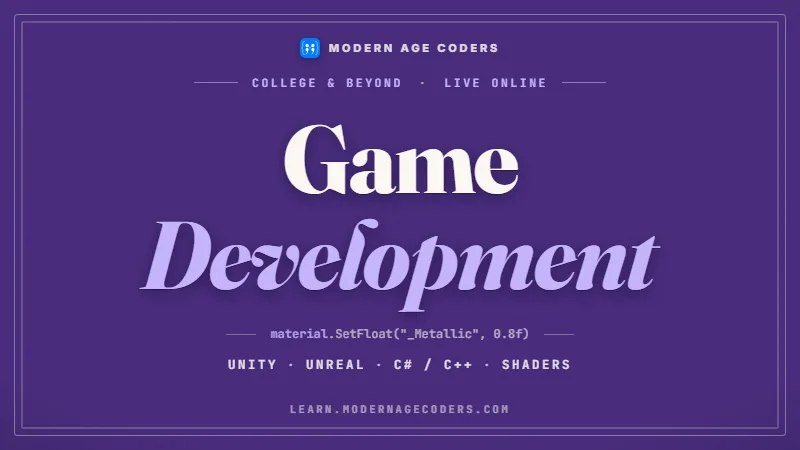 Game Development
Game Development Course: Unity, C# & Unreal Engine
Game development course for college students and professionals: Unity and C# from 2D to 3D with game...
Explore Course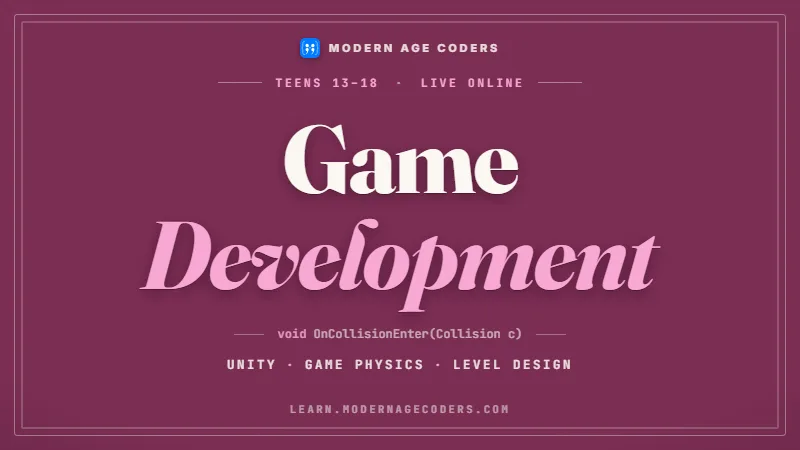 Game Development
Game Development for Teens: Unity, C# and Real Shipped Games
Game development course for teens aged 13-18: build and publish real 2D and 3D Unity games with C#, ...
Explore CourseRelated Articles & Guides
Deepen your knowledge with these hand-picked articles
 Education
8 min read
Education
8 min read
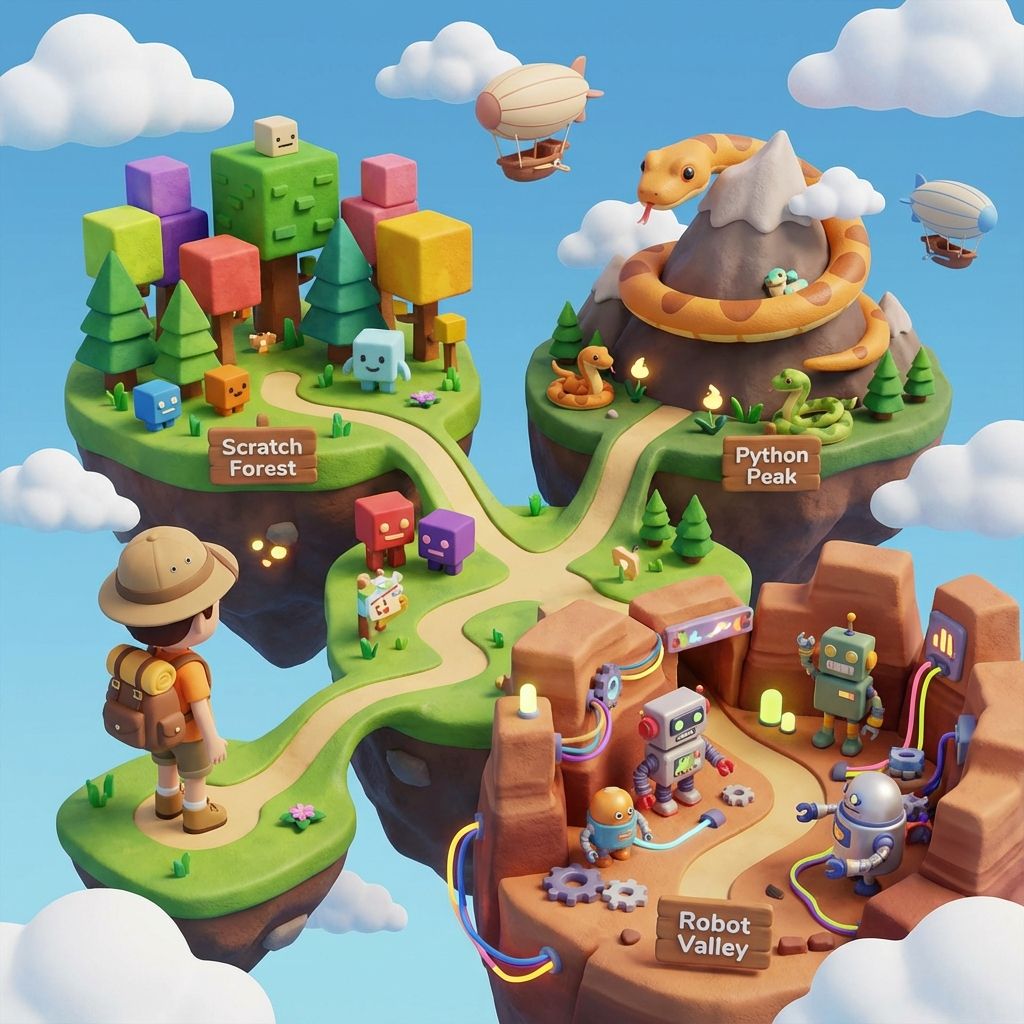
The Ultimate Guide to Teaching Kids Coding in 2025
Effective strategies, tools, and best practices for teaching kids coding. Perfect guide for parents ...
Read Article Education
14 min read
Education
14 min read
Best Coding Languages for Kids and Teens by Age, 6 to 18: 2026-27 Parent Guide
Kids coding languages by age, updated for 2026-27: Scratch from 6, Python from 11, then the advanced...
Read ArticleReady to start Roblox Game Coding for Kids: Build Real Games in Luau?
Book a Priority Demo to see a full live class with a mentor reserved for you, today or tomorrow. Or choose a plan and enrol now.
Questions? WhatsApp +91 91233 66161 or email connect@modernagecoders.com