BACB / EAR / 01
Scratch for kids
The visual programming Grades 6 and 7 name.
Open the syllabusBritish Columbia · Kindergarten to Grade 9 · ADST
In British Columbia, coding at school lives mostly inside Applied Design, Skills, and Technologies, usually shortened to ADST. The curriculum changes shape as children grow: in the early grades it is design thinking woven through other subjects, in Grades 6 and 7 it comes as short modules, and in Grades 8 and 9 it becomes the equivalent of a full-year course, with programming named outright. This page sets out what each grade’s curriculum page actually says about coding, quoted from curriculum.gov.bc.ca, with an activity of ours for each stage and two short programs to try at home.
Teaching live online since 2020 · 10,000+ students · from block code to Python
In short
BC’s ADST curriculum teaches coding in stages: design thinking across subjects in Kindergarten to Grade 5, modules such as Computational Thinking and Robotics in Grades 6 and 7, then visual and text-based programming in Grade 8 and HTML, CSS and JavaScript in Grade 9. Modern Age Coders builds on it live online, in a batch or one to one, through Coding for Kids and Python and AI for kids.
Learn it with a teacher
Matched to the stages below: block coding for the younger grades, typed Python for the middle years, and web code for Grade 9 and up.
BACB / 01
Ages 6 to 10. Sequences, loops and events in block code, the visual programming the Grade 6 and 7 modules name.
Open the syllabus →
BACB / 02
Ages 9 to 13. The step from blocks to typed code that Grade 8’s text-based programming points towards.
Open the syllabus →
BACB / 03
Ages 13 to 18. HTML, CSS and JavaScript, the three the Grade 9 ICT content lists.
Open the syllabus →The curriculum, grade by grade
Each grade has its own ADST page on curriculum.gov.bc.ca. The table below quotes how each page says ADST is delivered and what it lists that relates to coding. The last column is ours: an activity at the right level for that stage.
| Grades | How ADST is delivered | Coding-related content listed | An activity at this level (ours) |
|---|---|---|---|
| K to 3 | Competencies used “in combination with grade-level content from other areas of learning in cross-curricular activities” | No coding content listed; big idea “Skills can be developed through play.” | Give a friend step-by-step directions across a grid, then fix the steps that go wrong |
| 4 and 5 | The same cross-curricular approach, for ADST 4-5 | No coding content listed; big idea “Designs can be improved with prototyping and testing.” | Build a simple game in block code, test it with a sibling, change one rule |
| 6 and 7 | “a minimum of three modules” each year, chosen by the school | Computational Thinking: simple algorithms, cyphers, visual programming “for example, Kodu, Scratch”; Robotics: “programming and logic for robotics components” | Encode a message with a shift cypher by hand, then break a friend’s |
| 8 | The equivalent of a full-year “course”, made of one or more modules | “binary number system (1s and 0s) to represent data”; visual and “text-based programming”; “programming modular components” | Write a binary converter in Python and check it against the built-in one |
| 9 | A full-year course equivalent; “schools often offer these as full courses” | ICT: “text-based coding” in “HTML, CSS, JavaScript”; Electronics and Robotics: coding “for example, G-code, C++, Sketch” | Build a one-page website with a button that changes text |
Coding is not a separate subject in BC elementary schools. Before Grade 6, the ADST pages list no content at all, only big ideas and curricular competencies to be used with other subjects. Whether a Grade 3 class meets block coding depends on the teacher’s choices, not on a provincial requirement to code.
From Grade 6 the picture sharpens. The curriculum lists Computational Thinking and Robotics among its modules, and by Grade 8 programming is named content. Even then, the school chooses which modules to run.
The Grade 6 and 7 page says schools “may choose from among the modules listed below or develop new modules”, and that “Locally developed modules can be offered in addition to, or instead of, the modules in the provincial curriculum.” The Grade 8 and 9 pages say the same of their modules.
So two Grade 7 students in BC can have very different ADST years, both fully within the curriculum. The useful question for the school is which modules your child’s class is taking this year.
Source: the Kindergarten to Grade 9 core pages of the BC Applied Design, Skills, and Technologies curriculum, each fetched raw on 23 October 2026. The K, 1, 2 and 3 pages carry identical standards, as do the Grade 4 and 5 pages. Neither BC’s education ministry nor any district is connected with our classes.
Kindergarten to Grade 5
The early ADST pages are short. They give big ideas and curricular competencies, and they say plainly that these are to be used with content from other subjects.
| Band | Big ideas | Two competencies that apply to coding |
|---|---|---|
| K to 3 | “Designs grow out of natural curiosity.” “Skills can be developed through play.” “Technologies are tools that extend human capabilities.” | “Use trial and error to make changes, solve problems, or incorporate new ideas from self or others”; “Use materials, tools, and technologies in a safe manner in both physical and digital environments” |
| 4 and 5 | “Designs can be improved with prototyping and testing.” “Skills are developed through practice, effort, and action.” “The choice of technology and tools depends on the task.” | “Make changes and test again, repeating until satisfied with the product”; “Demonstrate a willingness to learn new technologies as needed” |
Trial and error, testing and changing, choosing a tool for the task: these are exactly the habits a young coder builds. A Grade 2 child who programs a character to walk across a screen, sees it stop short, and adds one more step is doing what the K to 3 competencies describe.
A teacher may bring block coding or floor robots into another subject, a math lesson on counting steps or a story told through animation. The curriculum makes room for that without requiring it.
Draw a 4 by 4 grid and place a toy in the bottom-left square, facing up. Two commands only: F moves one square forward, R turns right a quarter turn. The program F F R F F moves the toy two squares up, turns it to face right, and moves it two squares right.
Now let your child write a program to reach a target square, run it with the toy, and fix it when it misses. That is sequencing and debugging with no screen at all, and the questions in our practice set start here.
Grades 6 and 7
The Grade 6 and 7 pages are where coding is first named. The rule for delivery is clear: “Students will experience a minimum of three modules of Applied Design, Skills, and Technologies 6-7 in each of Grades 6 and 7.” Two of the listed modules are about computing.
| Module | Content item | The curriculum’s elaboration |
|---|---|---|
| Computational Thinking | Simple algorithms that reflect computational thinking | “for sorting, searching, sequence, selection, and repetition; specific statements to complete a simple task; cryptography and code breaking (e.g., cyphers)” |
| Computational Thinking | Visual representations of problems and data | “graphs, charts, network diagrams, info graphics, flow charts, lists, tables, or arrays” |
| Computational Thinking | Evolution of programming languages | “historical perspectives, evolution (e.g., Ada Lovelace, punch cards, Hollerith, Grace Hopper, Alan Turing, Enigma, cyphers)” |
| Computational Thinking | Visual programming | “for example, Kodu, Scratch” |
| Robotics | What a robot is | “a robot is a machine capable of carrying out a complex series of actions automatically” |
| Robotics | Main components | Sensors (“sense”), control systems (“think”) and effectors (“act”) |
| Robotics | Programming and platforms | “programming and logic for robotics components”; platforms “for example, VEX IQ, LEGO Mindstorms/NXT, Cubelets” |
Sequence, selection and repetition are named together, and they are the three building blocks of every program: do this, then this; if something is true, do this; repeat this. A child who can spot all three in a short block script is ready for the Grade 8 content.
Cryptography appears twice, as an algorithm topic and in the history list beside Enigma and Alan Turing. That makes a shift cypher an ideal home project: it is an algorithm, it has a history, and breaking one teaches searching. Our worked example below does exactly that.
Three modules a year is the minimum, and the list also includes drafting, food studies, media arts, metalwork, textiles, woodwork and more. A school may run Computational Thinking one year and not the next, or develop its own module.
If your child’s modules this year are woodwork and textiles, they are getting a proper ADST year with no coding in it. Home practice or a class outside school is the way to keep coding going in that case.
Grade 8
Grade 8 changes the delivery rule: “Schools are required to provide students with the equivalent of a full-year “course” in Applied Design, Skills, and Technologies.” That course can be one module or several. The Computational Thinking module now reads like a first programming course.
| Content item | As the Grade 8 page puts it | What it looks like (ours) |
|---|---|---|
| What software is | “software programs as specific and sequential instructions with algorithms that can be reliably repeated by others” | Instructions precise enough that anyone running them gets the same result |
| Debugging | “debugging algorithms and programs by breaking problems down into a series of sub-problems” | Test each part alone to find the broken one |
| Data | “binary number system (1s and 0s) to represent data” | Convert numbers to binary and back |
| Languages | Visual programming “for example, Scratch, Alice, Greenfoot, BlueJ”, in relation to “text-based programming” “for example, HTML” | The same idea built in blocks, then typed |
| Hardware | “programming modular components” “for example, Arduino, LEGO Mindstorms” | Code that makes a light blink or a motor turn |
| Robotics | Sensors “bump, motion, sound, light, infrared”; “user and autonomous control systems”; “program flow” | A robot that stops when a sensor reading crosses a limit |
The Grade 8 debugging item is one of the most useful lines in the whole ADST curriculum. Breaking a broken program into parts, and testing each part on its own, is how professional programmers find faults too.
Our binary converter below shows the method. It has two sub-problems, find the next bit and build the answer in the right order, and practice question 9 has a bug in the second one that a sub-problem test finds immediately.
The Grade 8 Digital Literacy content lists the ethical and legal implications of current and future technologies, with examples that include automation and artificial intelligence. So Grade 8 is the first ADST page that names AI.
For children under 18, tool choice matters: many AI chat tools set age limits in their own terms, and ChatGPT asks for a parent’s permission for users under 18. Our classes teach how AI systems work before students use them.
Grade 9
The Grade 9 page notes that “There are more Content learning standards for Grade 9, as schools often offer these as full courses.” Two modules carry the coding: Information and Communications Technologies, and Electronics and Robotics.
| Module | Content | Examples the curriculum gives |
|---|---|---|
| Information and Communications Technologies | “text-based coding” | “HTML, CSS, JavaScript” |
| Information and Communications Technologies | Data | “binary representation of various data types, including text, sound, pictures, video” |
| Information and Communications Technologies | Mobile apps | “drag-and-drop mobile development” |
| Information and Communications Technologies | Programming modular components | “for example, Arduino, Raspberry Pi, LEGO Mindstorms” |
| Information and Communications Technologies | Collaboration in a “cloud-based environment” | “for example, Cloud 9, GitHub” |
| Electronics and Robotics | Coding for robotics | “for example, G-code, C++, Sketch” |
| Electronics and Robotics | Platforms for robotics programming | “for example, VEX, VEX IQ, LEGO Mindstorms/NXT, Arduino, EasyC, RobotC, Scratch for Arduino” |
Grade 8 names text-based programming with HTML as its example. Grade 9 names three web languages, C++ for robotics, binary representation of sound and pictures, and collaboration through GitHub. For a student who takes these modules, Grade 9 is a serious introduction to computing.
For a student who does not, the gap to Grade 10 courses such as Web Development 10 can be large. A year of steady practice outside school closes it.
After Grade 9 the ADST modules give way to named courses. In the computing family the provincial list starts with Computer Studies 10 and Web Development 10 and runs up to the Grade 11 and 12 programming, information systems and robotics courses. Two more computing courses, Computer Science 11 and 12, sit in the Mathematics list instead.
Our Computer Programming 11 and 12 guide reads those senior courses from the curriculum in the same way this page reads Kindergarten to Grade 9.
Try it, ours
This example is ours. It starts with the Grade 6 and 7 idea of “cryptography and code breaking” done on paper, then turns it into a Python program that a Grade 8 or 9 student can read and change.
# A shift cypher, then breaking it by trying every key (ours)
ALPHABET = "ABCDEFGHIJKLMNOPQRSTUVWXYZ"

def shift(message, key):
    out = ""
    for ch in message.upper():
        if ch in ALPHABET:
            out += ALPHABET[(ALPHABET.index(ch) + key) % 26]
        else:
            out += ch                      # spaces and punctuation pass through
    return out

secret = shift("MEET AT THE LIBRARY AT NOON", 3)
print("encoded:", secret)
print("decoded:", shift(secret, -3))

# Code breaking: try all 25 keys and keep the ones that contain a common word
for key in range(1, 26):
    guess = shift(secret, -key)
    if " THE " in guess:
print("key", key, "->", guess)encoded: PHHW DW WKH OLEUDUB DW QRRQ decoded: MEET AT THE LIBRARY AT NOON key 3 -> MEET AT THE LIBRARY AT NOON
Only key 3 produces a message with THE in it, so the search finds the key on its own.
The shift function uses all three building blocks the Grade 6 and 7 page names: a sequence of steps, a selection (is this character a letter?) and repetition (do it for every character). The % 26 handles the wrap-around from Z back to A.
The code breaker is a search: try every possibility, test each one, keep the matches. It works because the key space is tiny, which is exactly why this cypher is not safe for real secrets.
Grade 6 or 7: do the paper version, then build it in Scratch with a list of letters. Grade 8: type the Python, change the key, and make the breaker look for a different common word. Grade 9: count which letters appear most often in a long encoded message, and use that to guess the key without trying all 25.
The history list on the same curriculum page names Enigma and Alan Turing. The story of how wartime codes were broken is a natural next read.
Try it, ours
Grade 8 lists the “binary number system (1s and 0s) to represent data”. This short program of ours converts whole numbers to binary and checks every answer against Python’s own converter.
int(text, 2) reads binary back, so each result can be tested automatically.# Whole number to binary, one sub-problem at a time (ours)
def to_binary(n):
if n == 0:
return "0"
bits = ""
while n > 0:
bits = str(n % 2) + bits # the remainder is the next bit, right to left
n = n // 2
return bits
for n in [0, 5, 13, 26, 255]:
print(n, "->", to_binary(n), "check:", int(to_binary(n), 2))0 -> 0 check: 0 5 -> 101 check: 5 13 -> 1101 check: 13 26 -> 11010 check: 26 255 -> 11111111 check: 255
Every number comes back unchanged, so both sub-problems work. If one did not, testing each sub-problem alone, as the Grade 8 debugging content describes, would find it. For a gentler introduction, our post on binary numbers explained starts from counting on fingers.
Practice, ours
We wrote these questions for this page, two for each stage. Younger children can do the first ones aloud with a parent; teens can go straight to the end.
bits = bits + str(n % 2). What does it now return for 13, and which sub-problem broke?Answers, ours
Short answers with the reason, checked by running the programs where there is code.
For parents, ours
Because schools choose their ADST modules, the curriculum alone cannot tell you what your child will meet. These questions, ours, get a precise answer from the school.
That is common and not a failing: ADST covers many fields, and a year of woodwork or food studies is still a full ADST year. Children who love coding can keep going at home or in a class outside school.
Our British Columbia classes page lists courses for every age. Families who home-educate will find a weekly plan on our BC homeschool coding and math guide.
Since BC fixed its clock at UTC-7 in March 2026, a class booked for a Pacific afternoon never drifts with the seasons. The East Kootenay region and Golden run one hour later, on UTC-6. India, where our teachers are, sits 12 hours 30 minutes ahead of Vancouver.
Weekend mornings in BC suit most younger children; after-school weekday slots suit many teens. The Canada time zones page has the full picture.
Your child’s stage
Our stages, matched loosely to the ADST bands above.
| Stage | What it looks like |
|---|---|
| 1. Direction-giver | Gives step-by-step instructions to a person or toy and fixes them when they go wrong |
| 2. Block-builder | Builds a block program with a loop and an if, and tests it with someone else |
| 3. Algorithm-writer | Explains a search or sort in plain steps before building it |
| 4. Text coder | Types and debugs a short Python or JavaScript program, one part at a time |
Ask your child to give you exact directions to the kitchen, then follow them literally. The laughter teaches more about programming than a worksheet.
A child at stage 2 by Grade 5 is well placed for the Grade 6 and 7 modules, whichever ones the school runs.
When something breaks, test one part at a time. It is the fastest way to find the problem.
Before you run a program, say out loud what you expect it to do.
The catalogue
Same live format for all nine: one regular teacher, either a group batch or private lessons.
BACB / EAR / 01
The visual programming Grades 6 and 7 name.
Open the syllabusBACB / EAR / 02
Patterns, steps and logic before code.
Open the syllabusBACB / EAR / 03
Drag-and-drop apps, as Grade 9 lists.
Open the syllabusBACB / MID / 01
Design, build, test, improve.
Open the syllabusBACB / MID / 02
From blocks towards typed code.
Open the syllabusBACB / MID / 03
First pages in HTML and CSS.
Open the syllabusBACB / TEN / 01
Text-based code with real projects.
Open the syllabusBACB / TEN / 02
The language Grade 9 robotics names.
Open the syllabusBACB / TEN / 03
Cloud collaboration, as Grade 9 lists.
Open the syllabusHow classes run
Weekdays or weekends, flexible: choose your batch, or for a very personalised plan choose 1-on-1 at your convenience, weekend mornings or weekdays.
Weekdays
After BC school hours, in the batch you choose.
Weekends
Saturday and Sunday mornings in Pacific time.
1-on-1
At a time that fits your child’s week.
Who knows your child’s projects.
Typed code when they are ready.
Every class ends with something running.
Children find their own mistakes.
What was built and what is next.
Fifteen to twenty, or one child.
Student work
Games, apps and websites by young coders taught live online; more of them are on the student labs page.
AI and ML
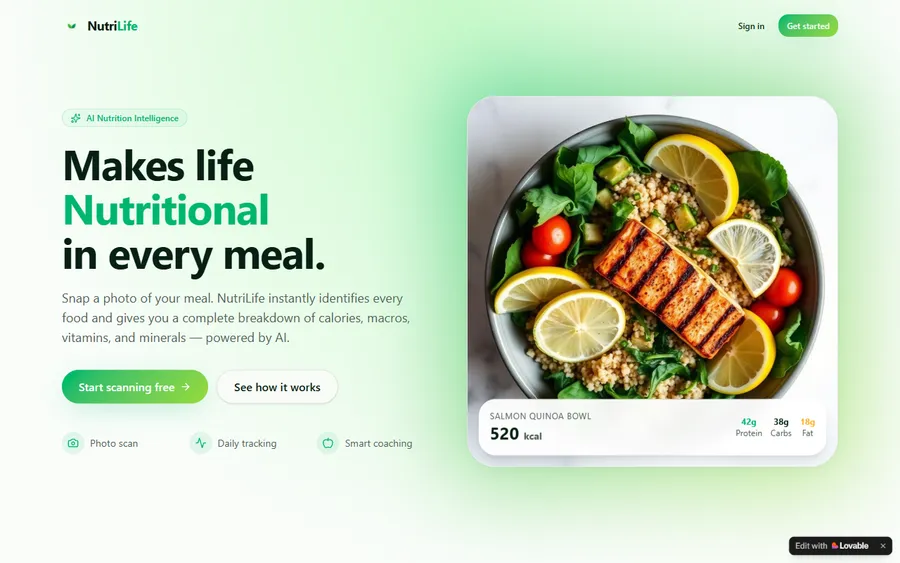
An AI nutrition coach that reads what you eat and works you toward a target.
AI and ML
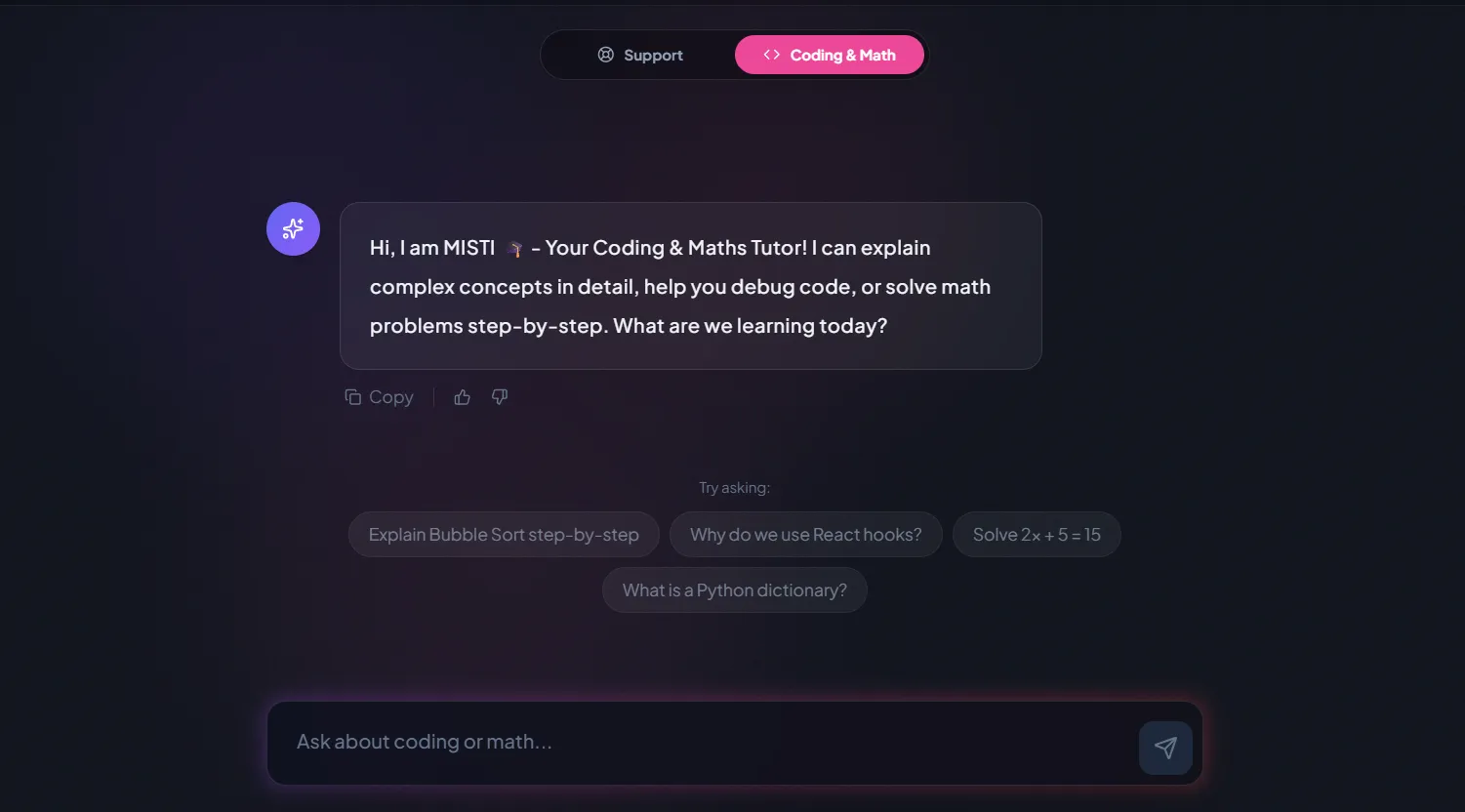
A chatbot that answers mathematics and programming questions, built and deployed by a student.
AI and ML
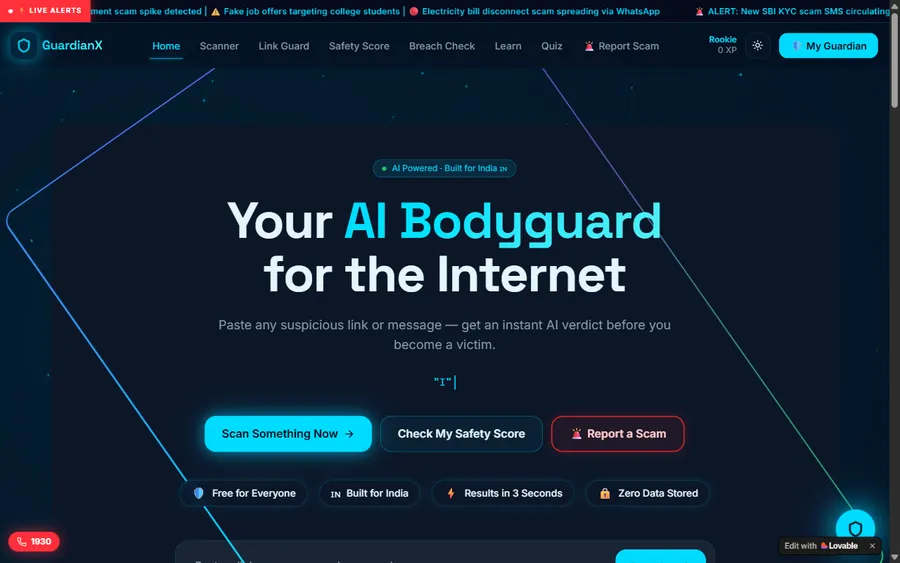
An assistant that helps a young person recognise unsafe situations online.
Web app
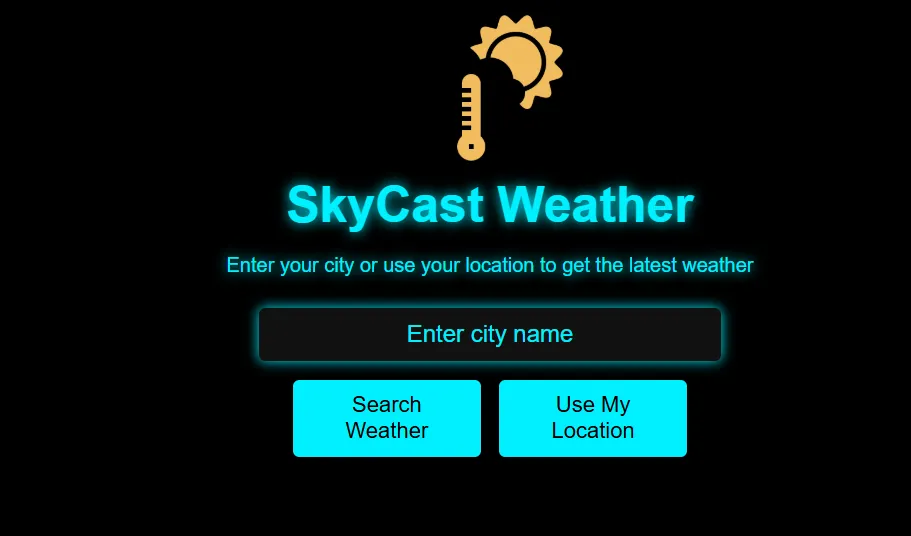
A weather forecasting site with live conditions for any location.
Fees
Try a first class at no charge. After that, eight live classes are billed together each month, priced in your own currency, with no term contract; leave at any month end.
Free first class
Free
no card required
Group batch
$140 CAD
a month, eight live classes
One to one
$210 CAD
a month, eight live classes
What families say
Parents and students on Google, quoted without edits.
★★★★★
"The one step solution for my son. Modern Age Coders make learning coding so simple that kids love it. The teachers explain complex concepts clearly with practical exercises and interactive content."
Ria Mukherjee
Parent
★★★★★
"Modern Age Coders has been a game-changer for me. I struggled to grasp IT concepts and coding before joining, but their classes transformed everything. I can now confidently write complex programs with ease."
Samriddha Mondal
Student
★★★★★
"One of the most wonderful education centres out there. Education is not limited to school syllabus but focuses on skill development."
Vansh Agarwal
Student
★★★★★
"My child Dhairya is really enjoying the Modern Age Coders classes. This is his first online class and he eagerly looks forward to it. I can already see his improvement, and the teachers are very cooperative."
Sonam Oswal
Parent of Dhairya
★★★★★
"Modern Age Coders have wonderful teachers who teach in a clear, easy and practical way. The teacher boosts students' confidence and inspires them to learn without hesitation."
Sonu Goyal
Parent
★★★★★
"I highly recommend this computer coding class! The teachers are incredibly knowledgeable and passionate about coding."
Ritu Kedia
Parent
Questions from BC families
ADST stands for Applied Design, Skills, and Technologies, a subject area in the BC curriculum from Kindergarten to Grade 12. It covers design thinking and making across fields such as computing, robotics, drafting, media, food studies, textiles and woodwork.
Not as a required subject. The ADST pages for Kindergarten to Grade 5 list big ideas and competencies to be used with content from other subjects, with no coding content listed. A teacher may still bring in block coding or floor robots, so it varies from class to class.
Students take at least three ADST modules a year. One listed module, Computational Thinking, includes simple algorithms for sorting, searching, sequence, selection and repetition, cyphers, and visual programming such as Kodu or Scratch. A Robotics module covers programming and logic for robot components.
Schools must provide the equivalent of a full-year ADST course in Grade 8. Its Computational Thinking content includes algorithms as precise repeatable instructions, debugging by sub-problems, the binary number system, visual and text-based programming, and programming components such as Arduino or LEGO Mindstorms.
The Grade 9 Information and Communications Technologies module lists text-based coding in HTML, CSS and JavaScript, binary representation of data, drag-and-drop mobile development, programmable components and cloud collaboration such as GitHub. Electronics and Robotics lists coding such as G-code, C++ and Sketch.
No. Schools choose which modules to offer and may develop their own, which can be offered in addition to or instead of the provincial modules. Ask the school which ADST modules your child's class is taking this year.
Grade 10 is where ADST turns into separate, named courses. On the computing side that means Computer Studies 10 or Web Development 10 first, with programming, information systems and robotics courses for Grades 11 and 12. Mathematics adds its own Computer Science 11 and 12.
For younger children, give and fix step-by-step directions or build small block games and test them. In Grades 6 and 7, try cyphers and simple sorting by hand. From Grade 8, type short Python programs such as a binary converter, and test each part separately when something breaks.
Weekdays or weekends, flexible: choose your batch, or for a very personalised plan choose 1-on-1 at your convenience, weekend mornings or weekdays. The BC clock has not changed since March 2026, so the class keeps its slot through the winter.
Nothing for the first class. Ongoing classes are eight live sessions a month for one monthly fee, with no term contract; you can stop when a month ends. Current amounts are in the fees section.
Elsewhere on this site
More for BC families and students.
Courses for BC children, teens and adults.
The senior ADST courses, read the same way.
Coding at home for registered learners.
How BC compares with other provinces.
The block language the modules name.
Choosing a first language by age.
Home robotics for the Robotics module.
All our Canada pages.
Inside one of our live classes.
Start here
Tell us your child’s grade and what they have built so far, in school or at home. The first class starts at their level.
Reading first? See how a live class runs, or open the Coding for Kids syllabus.
WhatsApp us · +91 91233 66161 · connect@modernagecoders.com
Classes are live video lessons led from India. Nothing to drive to in BC, no home visits, and a WhatsApp message is the quickest way to reach us.
A priority demo is a full class of about 45 to 60 minutes. After the class the mentor sends a written skill report and a personal learning roadmap on WhatsApp. If you enrol, the demo fee is adjusted against your first month's fee. Share your demo Order ID with us on WhatsApp and we take it off.
Book a priority demo