Web Development for Kids
The moment a child types real code and a real website appears is unforgettable. Eight months from that first tag to published sites they built themselves.
Syllabus updated August 2026
Recordings are free with a Google sign-in. These recordings show how we teach, not the exact syllabus of this course.
How long this course takes
This course runs 8-10 months (32-40 weeks) at 2 live classes/week + 2-3 hours practice. The range allows for background and pace: a complete beginner uses the full span, and a student with prior knowledge finishes sooner. The syllabus below is planned to the shorter end, with margin kept for revision.
For personalised duration planning, call +91 91233 66161 and we'll map a schedule to your goals.
At a glance
- Who it is for
- Complete beginner, ages 9 to 12.
- Prerequisites
- None. The course starts at the very first tag
- Format
- Live, interactive classes with a real instructor, never pre-recorded videos. Live classes run about one hour.
- Language
- English or Hindi, depending on the batch.
- Duration
- 8-10 months (32-40 weeks)
- Weekly commitment
- 2 live classes/week + 2-3 hours practice
- Class size
- Group batches of 5 to 10 students, mini batches of 3 to 4, or 1-on-1.
- Certificate
- Certificate from Modern Age Coders, awarded on passing the final exam
- Watch first
- Free recordings of real classes for ages 6 to 12, free with a Google sign-in. These recordings show how we teach, not the exact syllabus of this course.
- Live demo
- Optional. Enroll directly on this page, or book a free live demo if you would like to meet a mentor first.
How we teach
Deep understanding. Real projects. Expert guidance.
Learn coding, AI and maths through careful explanations, practical demonstrations, and hands-on problem-solving. Our instructors guide you from the foundations to advanced ideas, helping you understand what happens, why it happens, and how to build it yourself.
You will explore concepts step by step, write and improve code, investigate mistakes, ask questions, and apply your knowledge to meaningful projects. Lessons are designed around active participation, thoughtful feedback, and growing independence.
Expert-led live teaching, with practical participation built into every lesson.
- Students explain their thinking.
- Instructors demonstrate, then guide practice.
- Learners code, solve, or build during lessons.
- Questions and misconceptions get attention.
- Assignments receive useful feedback.
- Progress is checked before advancing.
Ready to Master Web Development for Kids: Build Real Websites?
Choose your plan and start your journey into the future of technology today.
Rated 4.9 across 547 Google reviews. Enroll directly, or see a class first. The free demo is a waiting list and needs no card. Monthly billing, cancel anytime.
Try this course in a full live class, today or tomorrow.The Priority Live Demo is a real class of about 45 to 60 minutes with a mentor reserved for you. You get a written skill report afterwards, and the fee is adjusted against your first month if you enrol.
Book priority demo · ₹499International Students (Outside India)
Billed monthly in US dollars, the same price in every country. Contact us with any questions.
Program Overview
There is a special kind of pride in a child saying "I made this website", and meaning typed, real, published code. This live online course gives that to children aged 9 to 12: HTML learned as the structure of every page, CSS as the art layer, layouts with flexbox and grid, responsive design tested on the family phone, and first JavaScript, the sparks that make pages respond. Every project is hand-typed by the child; this course builds real skill, not copy-paste.
Publishing is the heartbeat: pages go live to real web addresses the family can visit, and the course ends with a capstone site, planned, built, polished and presented at demo day. Near the end, one honest week looks ahead at how professional developers use AI assistants, including why those tools have age rules (most are 13+, some 18+) and why the skills built in this course are exactly what will make such tools useful later. Nothing in the course requires any AI account, because nine-year-olds should be building their own skill, and the tools’ own rules agree.
The pace is honest and kid-sized: eight months at two live classes a week plus two to three hours of playful practice, with two more months in hand when needed. Homework after every class, a mixed challenge at the end of each month, and a final exam, a capstone demo plus a friendly viva, that decides the certificate, with a free retest after revision. Real code, real websites, real pride.
What Makes This Program Different
- Real typed code from day one: no drag-and-drop site builders, no copy-paste dependence
- Publishing as a habit: children’s pages go live at real web addresses their family can visit
- Kid-sized honest pace: 8 months at 2 classes a week, with 2 more in hand when needed
- Age-honest about AI: one look-ahead week explains how developers use AI assistants and why those tools are 13+ and 18+, no child accounts required or used
- Design taste built alongside code: spacing, color and layout judged out loud, kindly
- Real assessment, gently done: monthly mixed challenges and a final capstone exam with a free retest
Your Learning Journey
Career Progression
Detailed Course Curriculum
Explore the complete week-by-week breakdown of what you'll learn in this comprehensive program.
Topics Covered
- What is a website? How does the internet work (kid-friendly explanation)
- Setting up your coding playground: VS Code with fun themes
- Installing colorful extensions and emoji support
- Your first HTML file: Hello World with emojis!
- Understanding tags: like LEGO blocks for websites
- Creating a personal 'About Me' page
- HTML structure: <html>, <head>, <body> explained with stories
- Saving and viewing your first webpage
- Celebrating your first website with screenshots!
- Typing practice for young coders: a little every day
Projects You Build
- Build a digital pet profile page
- Make a birthday invitation webpage
Topics Covered
- Heading tags (h1-h6): Creating titles like newspaper headlines
- Paragraph tag: Writing stories on your webpage
- Making lists: Favorite games, friends, hobbies (ul, ol, li)
- Bold and italic: Making text stand out (strong, em)
- Adding images: Your photos, drawings, and GIFs
- Image attributes: alt text for accessibility
- Creating links: Connect your pages like a treasure map
- Link to other websites: YouTube, games, educational sites
- Making a photo album webpage
- Building a collection of favorite things
Projects You Build
- Digital photo album with captions
- My favorite YouTube videos collection
- Interactive storybook with multiple pages
- School project presentation website
Practice & Assignments
Build 5 themed pages (animals, sports, hobbies, etc.)
Assessment
Month 1 check: build a small page live from a sketch, plus a fun take-home challenge
Topics Covered
- Creating forms: Like making a quiz for friends
- Input types: text, email, password, number
- Fun input types: color picker, date picker, range slider
- Checkboxes for multiple choices: Pizza toppings selector
- Radio buttons for single choice: Favorite superhero poll
- Dropdown menus: Choose your adventure options
- Textarea: Writing stories and comments
- Tables for organizing information: Sports scores, schedules
- Making tables pretty with borders and colors
- Building interactive surveys
Projects You Build
- Friend information collector form
- Class schedule table
- Restaurant menu with order form
Practice & Assignments
Create 5 different interactive forms
Topics Covered
- Adding videos to your webpage: YouTube embeds
- HTML5 video tag: Playing your own videos
- Audio elements: Adding music and sound effects
- Creating playlists on your webpage
- Canvas basics: Drawing on webpages
- Embedding games and interactive content
- iframe: Windows to other websites
- Making a multimedia gallery
- Creating a personal YouTube-style page
- Building an online portfolio of creations
Projects You Build
- Personal video channel page
- Music playlist website
- Digital art gallery with canvas
- Multimedia learning resource page
Practice & Assignments
Add multimedia to all previous projects
Assessment
Month 2 check: a multimedia page built live, with quiz questions reaching back to month 1
Topics Covered
- What is CSS? The fashion designer for HTML
- Three ways to add CSS: inline, internal, external stylesheets
- CSS syntax: selector { property: value; }
- Selecting elements: tags, classes, and IDs
- Colors everywhere: background-color, color
- Color codes: named colors, hex codes, RGB
- Font families: Changing how text looks
- Google Fonts: Adding fun fonts to websites
- Text size, weight, and style
- Text alignment and decoration
Projects You Build
- Rainbow text website
- Colorful mood board page
- Typography playground
Practice & Assignments
Style 10 HTML pages with different themes
Topics Covered
- The Box Model: Every element is a box!
- Padding: Space inside the box
- Margin: Space outside the box
- Border: The box's frame (styles, colors, radius)
- Width and height: Sizing your boxes
- Making round corners with border-radius
- Creating shapes with CSS: circles, triangles
- Box shadows for 3D effects
- Background images and patterns
- Building card-based layouts
Projects You Build
- Trading card collection webpage
- Social media profile page clone
- Product showcase with cards
- CSS art project with shapes
Practice & Assignments
Create 10 different card designs
Assessment
Month 3 check: style a plain page live to match a design, plus mixed review
Topics Covered
- Introduction to Flexbox: Making layouts flexible
- Flex container and flex items
- Flex-direction: row, column, reverse
- Justify-content: Spacing items horizontally
- Align-items: Spacing items vertically
- Creating navigation bars with Flexbox
- Building photo galleries
- Flexbox games: Flexbox Froggy, Flexbox Defense
- Making responsive card layouts
- Creating hero sections
Projects You Build
- Responsive navigation menu
- Pinterest-style photo gallery
- Flexible dashboard layout
- Game character selection screen
Practice & Assignments
Complete all Flexbox Froggy levels
Topics Covered
- CSS Grid basics: Rows and columns
- Grid-template-columns and grid-template-rows
- Grid gaps: Adding space between items
- Placing items in specific grid cells
- Grid areas: Naming your layout sections
- Creating magazine-style layouts
- Building game boards with Grid
- Grid Garden game for practice
- Combining Flexbox and Grid
- Responsive grids with auto-fit
- Creating complex layouts easily
Projects You Build
- Magazine homepage layout
- Tic-tac-toe game board
- Calendar layout with Grid
- Minecraft-style inventory grid
Practice & Assignments
Build 10 different grid layouts
Assessment
Month 4 check: build a card layout live with flexbox or grid, plus mixed review
Topics Covered
- What is responsive design? One site for all devices
- Mobile-first approach: Start small, go big
- Media queries: Different styles for different screens
- Breakpoints: Phone, tablet, desktop
- Responsive units: %, vw, vh, rem, em
- Responsive images: srcset and picture element
- Responsive typography: Scaling text
- Testing on different devices
- Chrome DevTools device simulator
- Mobile-friendly navigation patterns
- Touch-friendly button sizes
Projects You Build
- Responsive portfolio website
- Mobile-first blog layout
- Adaptive gaming website
- Responsive school project site
Practice & Assignments
Make all previous projects responsive
Topics Covered
- What is JavaScript? The brain of websites
- Adding JavaScript to HTML pages
- Console.log: Talking to the computer
- Variables: Storing information (let, const)
- Data types: Numbers, strings, booleans
- Basic math operations
- String concatenation: Joining words
- Template literals: Easy text formatting
- Comments in JavaScript
Projects You Build
- Interactive calculator
- Mad libs story generator
- Age calculator with messages
- Simple greeting program
Practice & Assignments
Write 20 simple JavaScript programs
Assessment
Month 5 check: make a page respond to a click live, plus mixed review of earlier months
Topics Covered
- If statements: Making decisions
- Else and else if: Multiple choices
- Comparison operators: >, <, ==, ===
- Logical operators: AND (&&), OR (||), NOT (!)
- Switch statements for multiple cases
- Ternary operator: Quick decisions
- Random numbers with Math.random()
- Building simple games with logic
- Creating quiz logic
- Score keeping systems
Projects You Build
- Rock, Paper, Scissors game
- Number guessing game
- Quiz with scoring
- Adventure choice game
Practice & Assignments
Build 10 decision-based programs
Topics Covered
- Arrays: Lists of items
- Accessing array elements
- Array methods: push, pop, length
- For loops: Repeating actions
- While loops: Keep going until...
- Looping through arrays
- forEach: Modern array looping
- Creating patterns with loops
- Nested loops for complex patterns
- Building lists dynamically
- Array-based games
Projects You Build
- Todo list manager
- Student grade calculator
- Pattern generator
- Memory card game logic
Practice & Assignments
Solve 20 loop and array challenges
Assessment
Phase check: a little browser game built live, plus a mixed challenge spanning phases 1-3
Topics Covered
- What are functions? Code recipes
- Creating simple functions
- Parameters: Giving functions information
- Return values: Getting answers back
- Function expressions vs declarations
- Arrow functions: Modern syntax
- Scope: Where variables live
- Built-in functions: Math, String methods
- Creating a function library
- Organizing code with functions
Projects You Build
- Utility function library
- Calculator with functions
- Text analyzer tool
- Game with multiple functions
Practice & Assignments
Create 30 useful functions
Topics Covered
- What is the DOM? The website's structure
- Selecting elements: getElementById, querySelector
- Changing text content dynamically
- Changing styles with JavaScript
- Adding and removing CSS classes
- Creating new elements
- Adding elements to the page
- Removing elements
- Show/hide elements
- Building dynamic interfaces
- Click, hover and keyboard events: pages that listen
Projects You Build
- Dynamic content generator
- Interactive story with choices
- Color theme switcher
- DOM-based game
Practice & Assignments
Manipulate DOM in 20 different ways
Assessment
Month 7 check: add an interactive feature to an old page live, plus mixed review
Topics Covered
- Publishing properly: your site at a real web address
- The pre-launch checklist: links, images, spelling, phones
- Accessibility for kind builders: alt text, contrast, readable fonts
- THE HONEST AI LOOK-AHEAD: how professional developers use AI assistants today
- Why the big AI chatbots are 13+ and some tools 18+, and why waiting is fine
- Watching the teacher pair with an AI assistant on a class demo, then spotting its mistake together
- The skills that will make AI useful later: exactly what you are building now
Projects You Build
- Every good page from the course, live at real addresses
- A class "spot the AI mistake" detective session
Practice & Assignments
Send your favorite live link to three family members
Topics Covered
- Choosing the capstone: a site about something you love
- Planning pages on paper before typing
- Building with everything: HTML, CSS layouts, JavaScript sparks
- Polish: spacing, colors, small screens
- Rehearsing the demo: what it is, how it works, what was hard
Projects You Build
- THE CAPSTONE: a complete multi-page website, published and presented at demo day
Practice & Assignments
A little building every day; keep it always working
Assessment
FINAL EXAM: capstone demo plus a friendly viva and a mixed quiz from the whole course. Passing earns the certificate; a child who falls short gets focused revision and a free retest
Projects You'll Build
Build a professional portfolio with 25+ hand-built pages and mini-sites, crowned by a published capstone website real-world projects.
Weekly Learning Structure
Certification & Recognition
Technologies & Skills You'll Master
Comprehensive coverage of the entire modern web development stack.
Support & Resources
Career Outcomes & Opportunities
Transform your career with industry-ready skills and job placement support.
Prerequisites
Who Is This Course For?
Career Paths After Completion
Course Guarantees
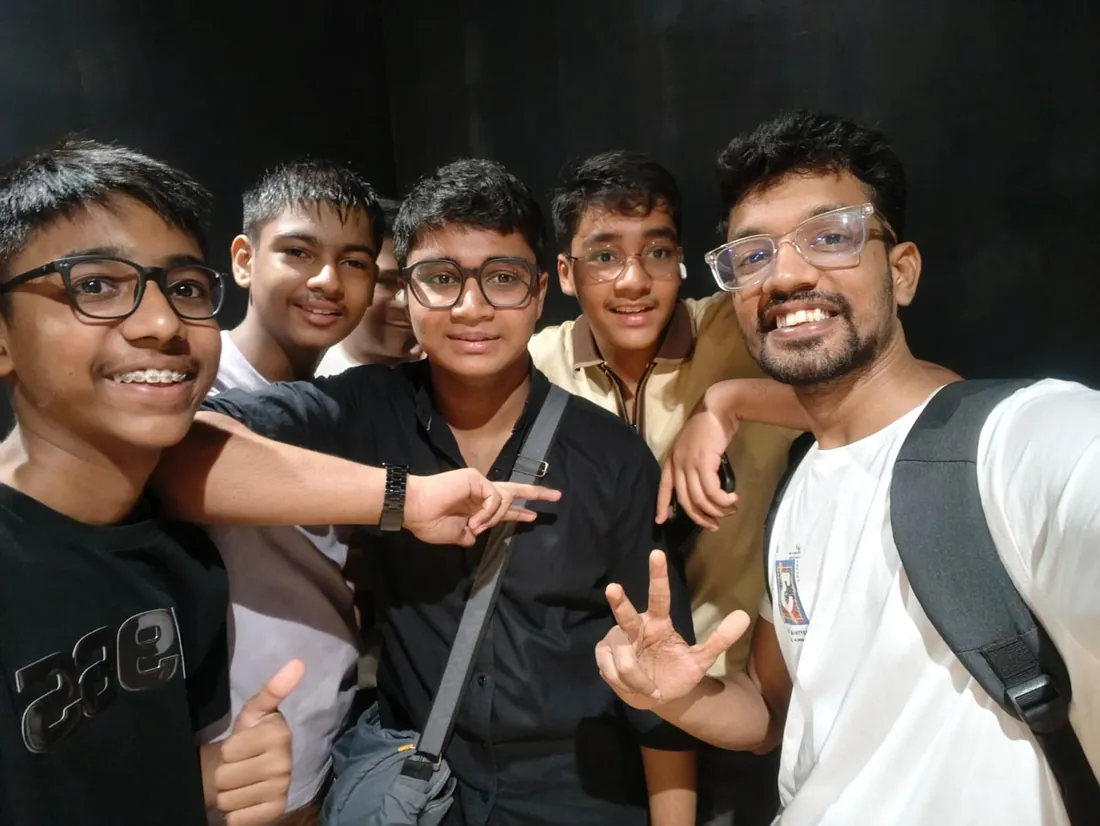
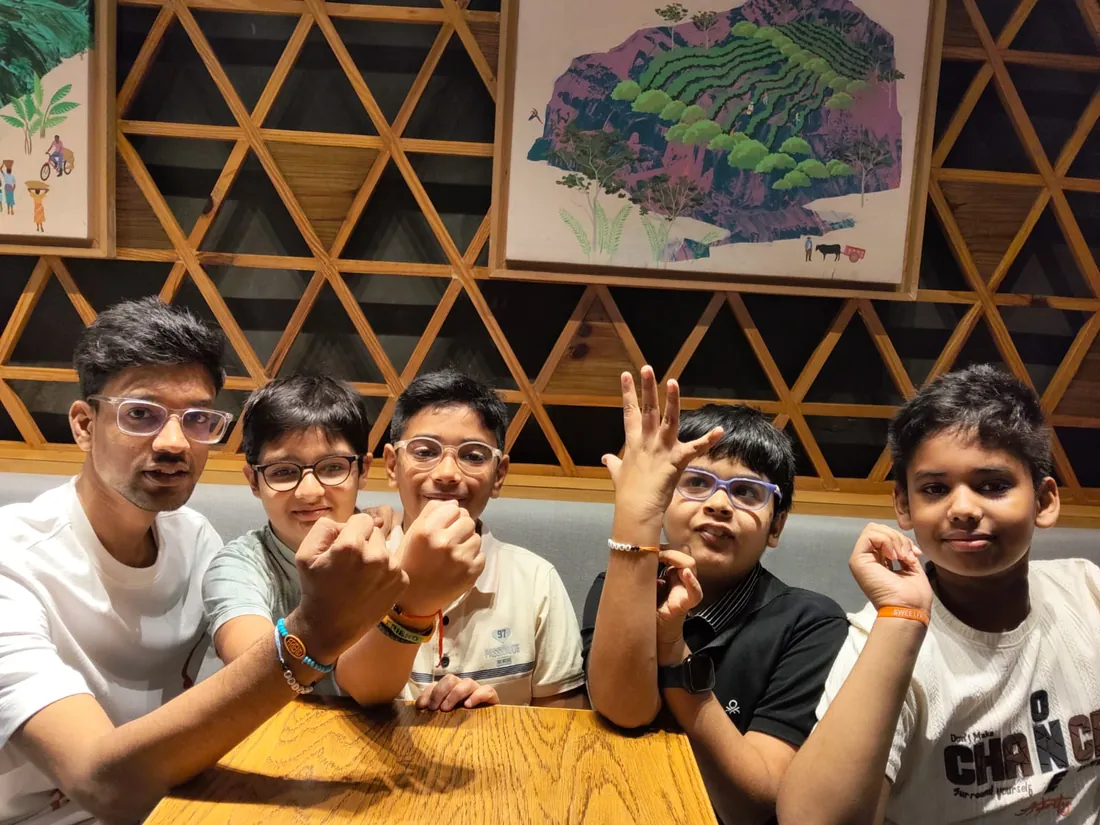
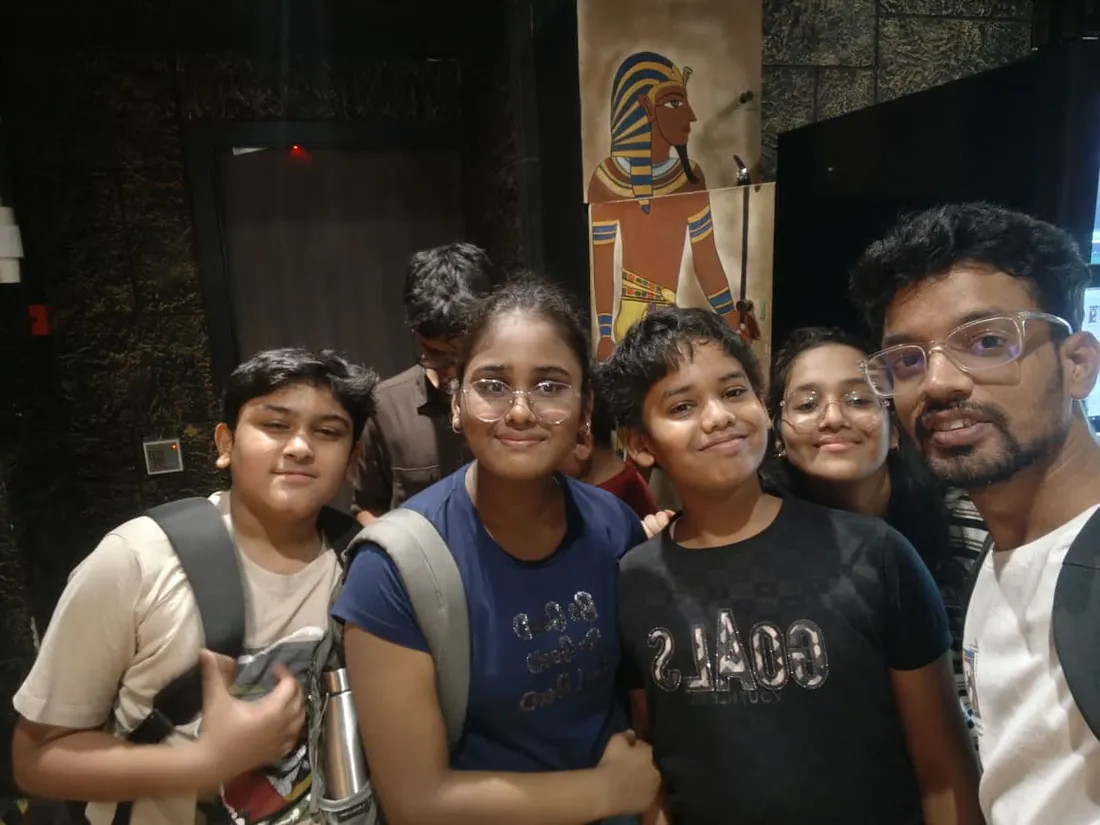
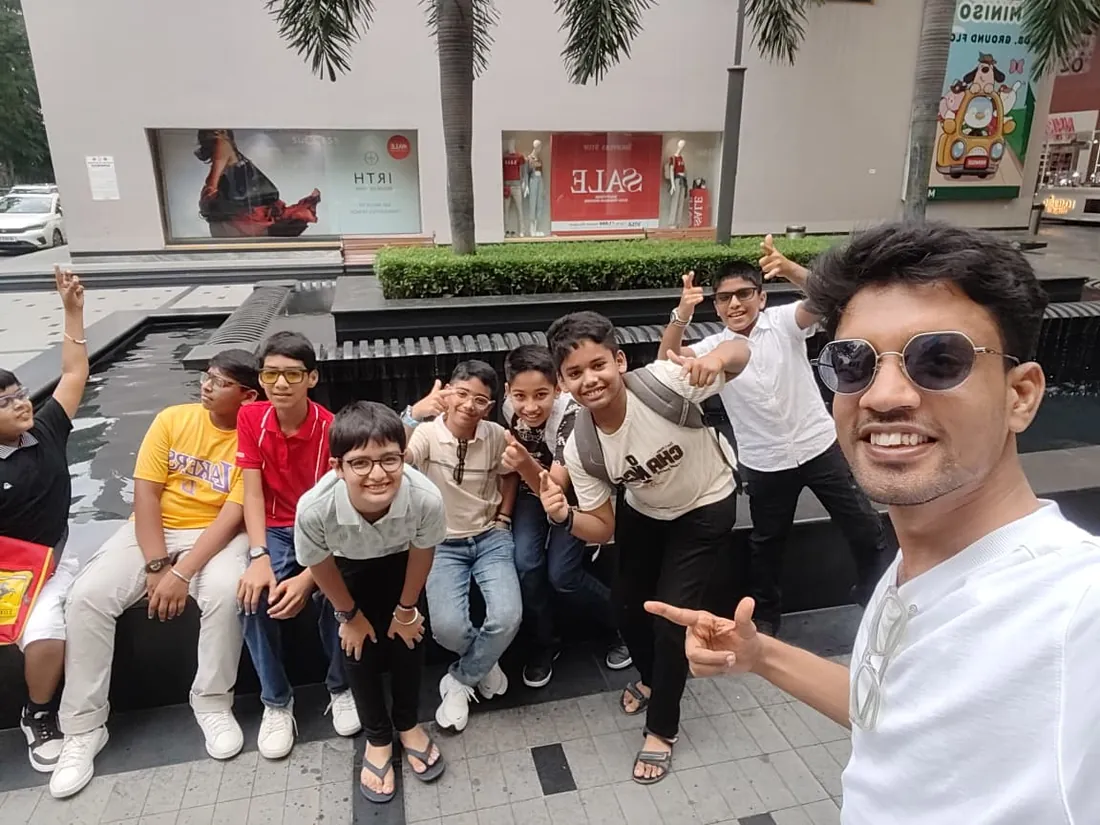
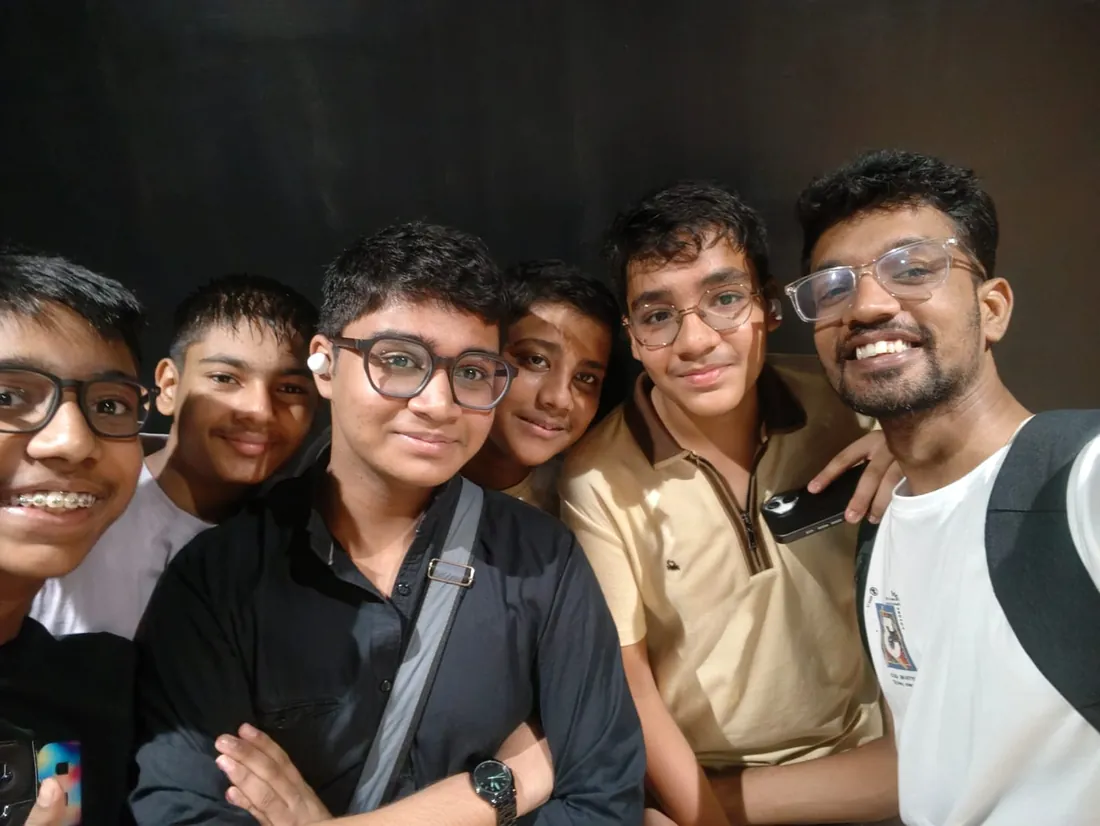
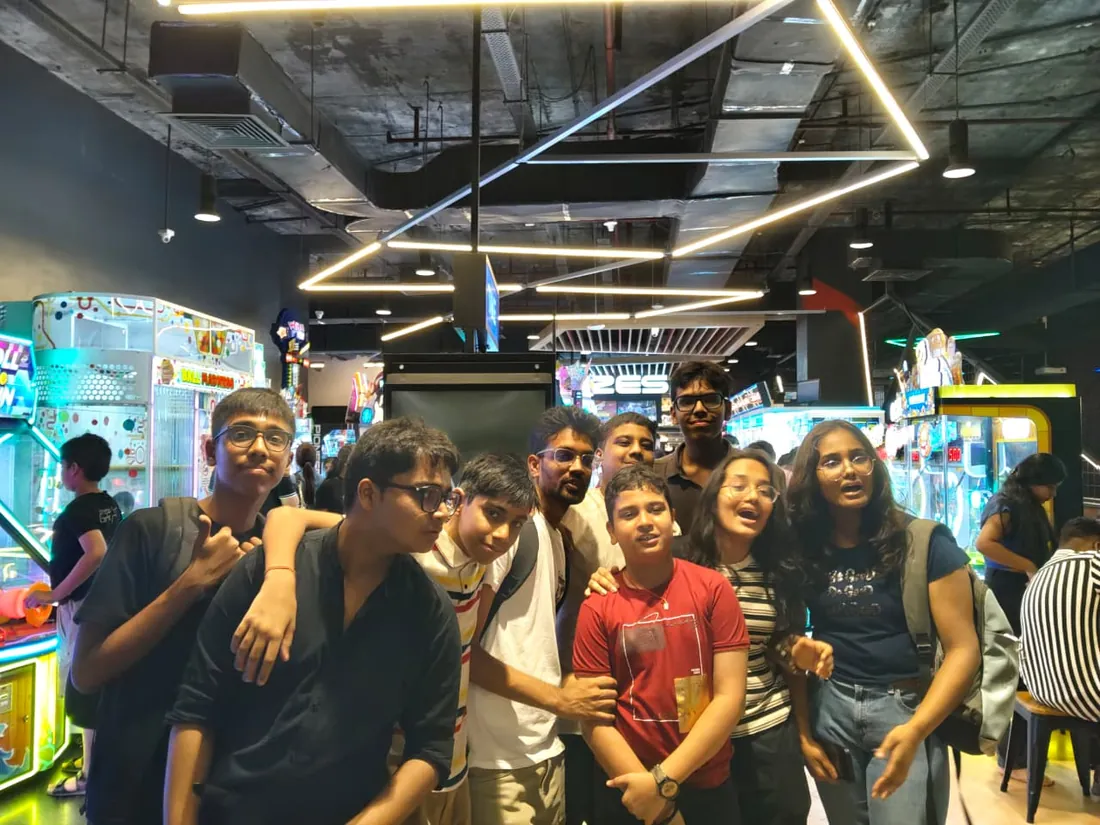
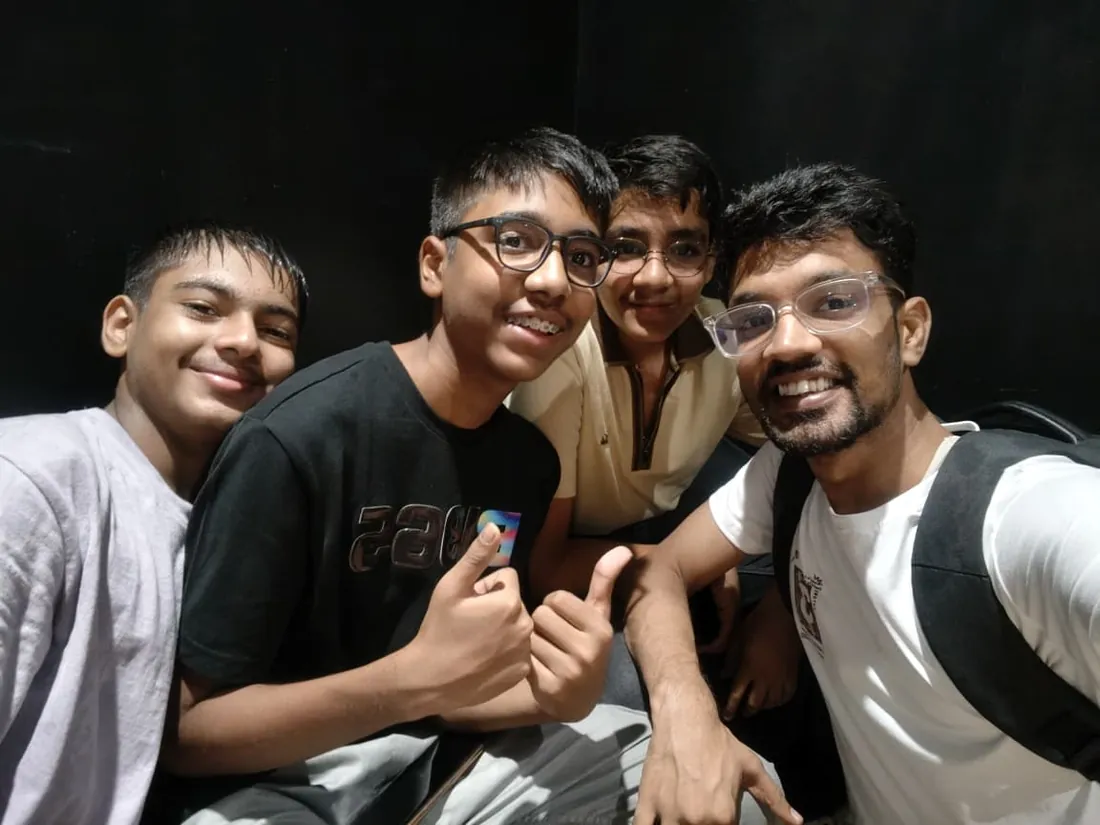
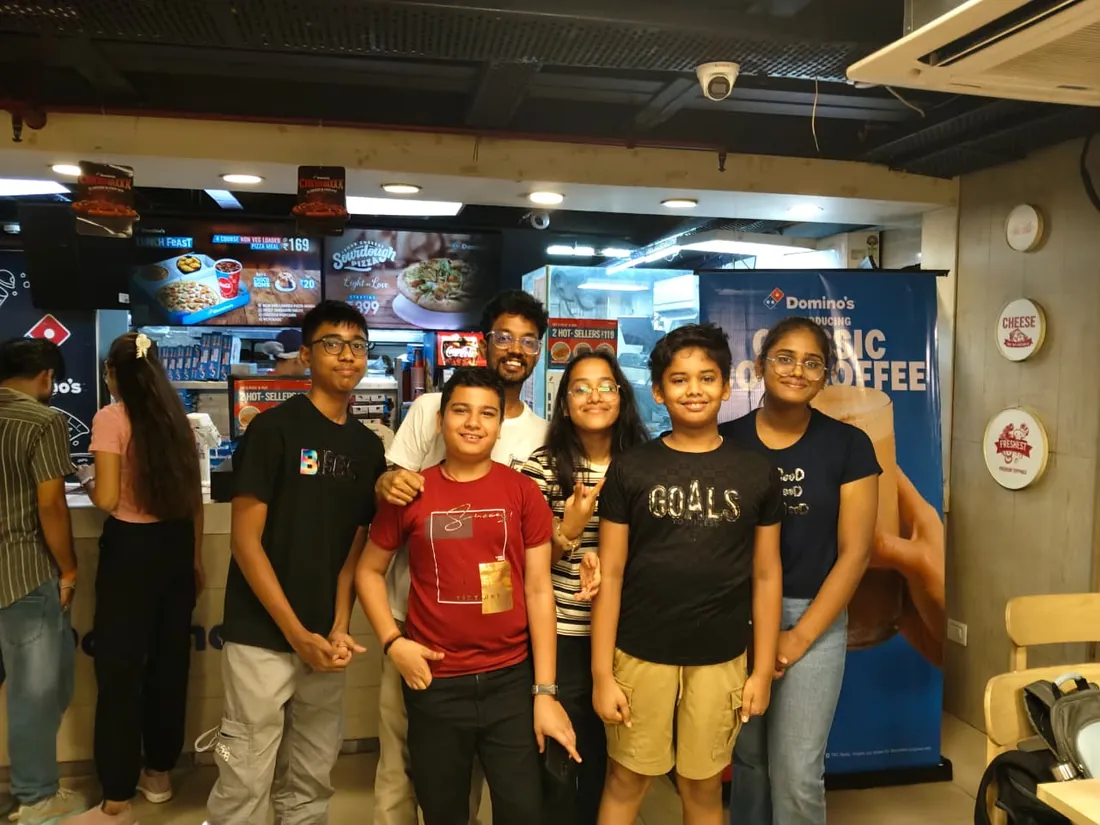
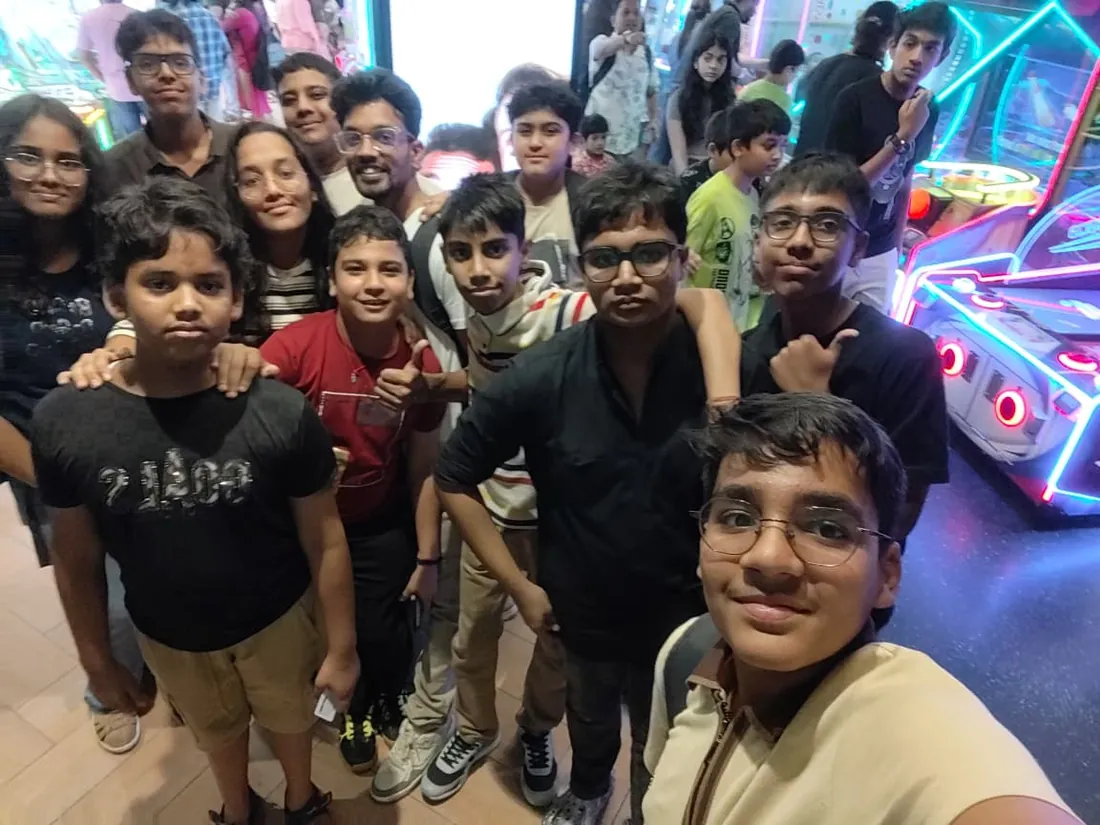
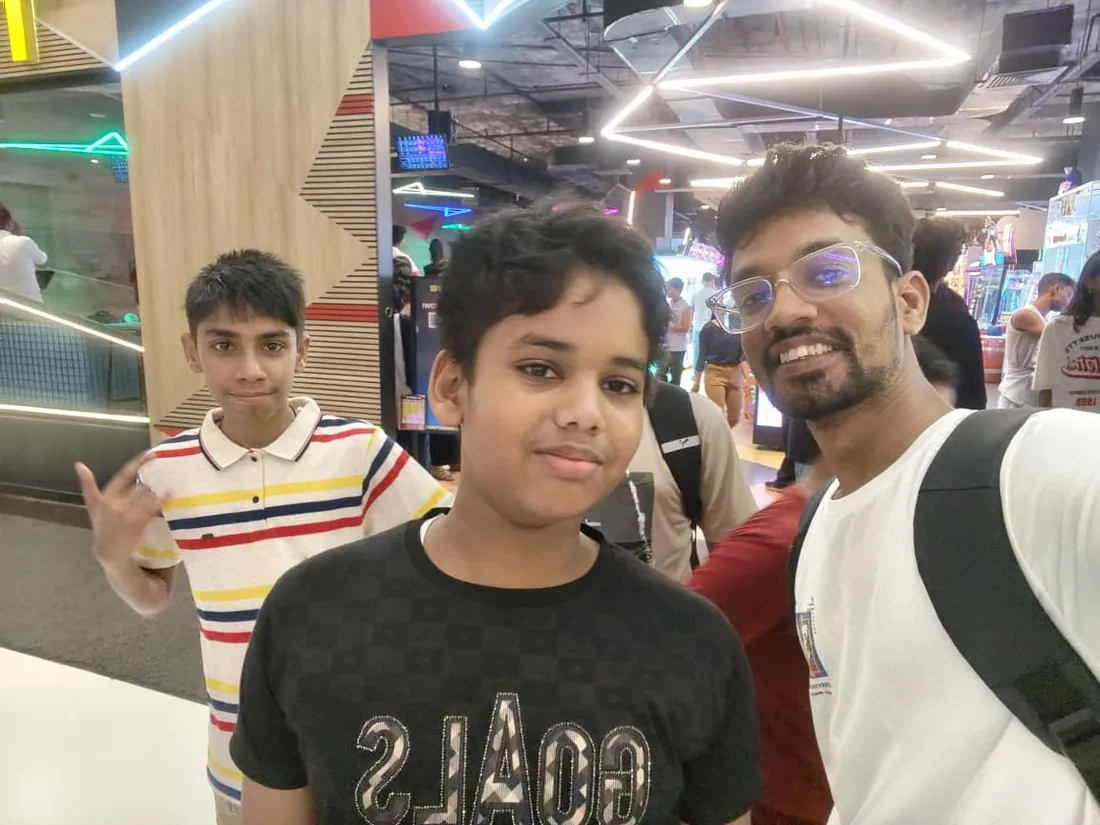
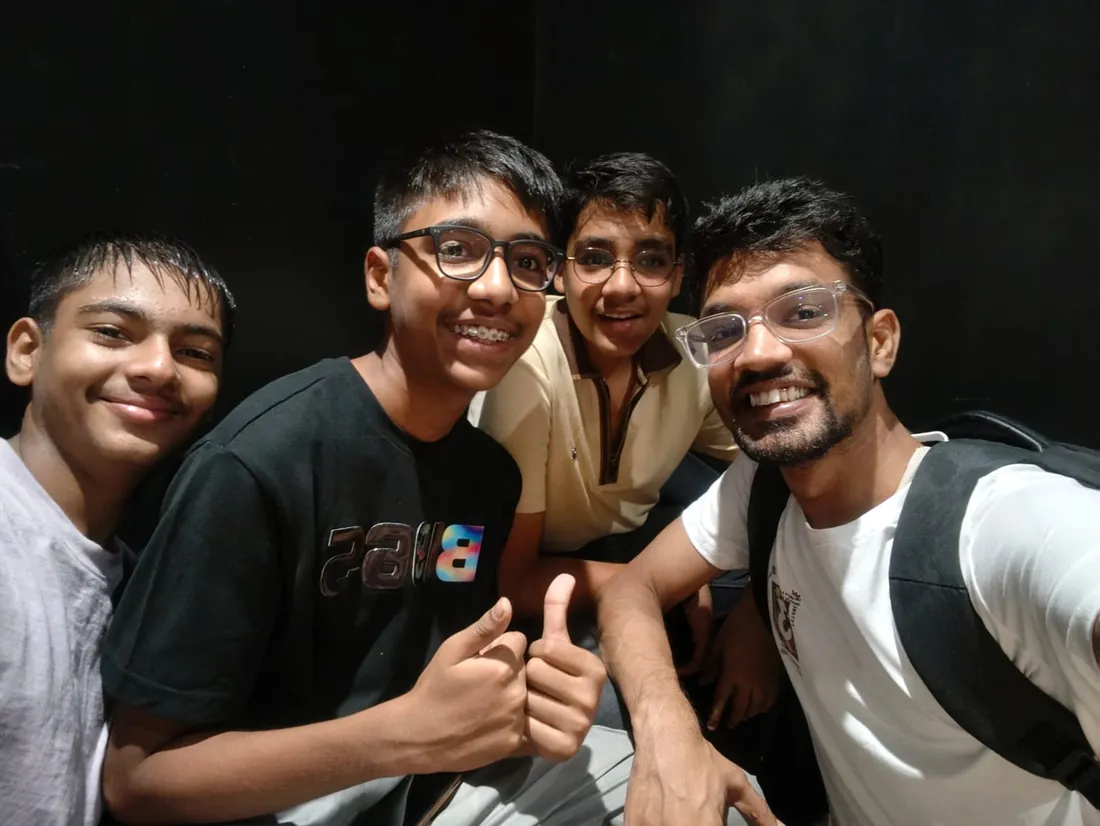
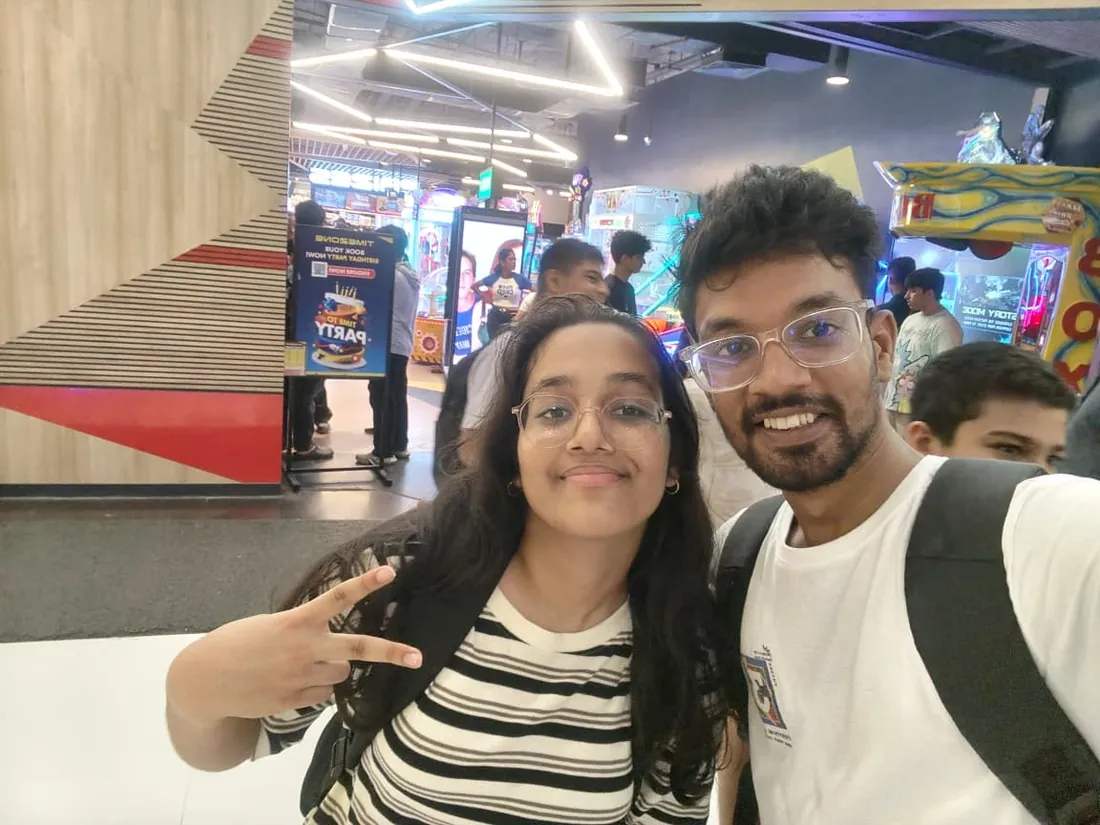
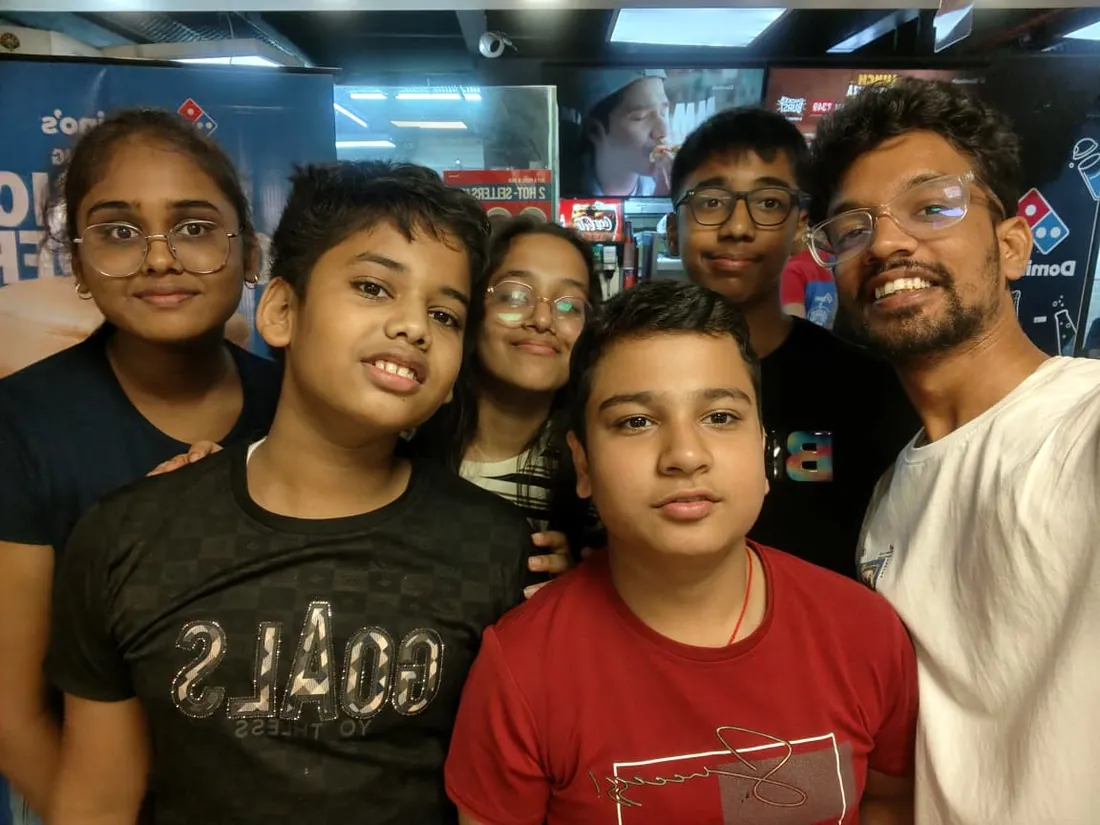
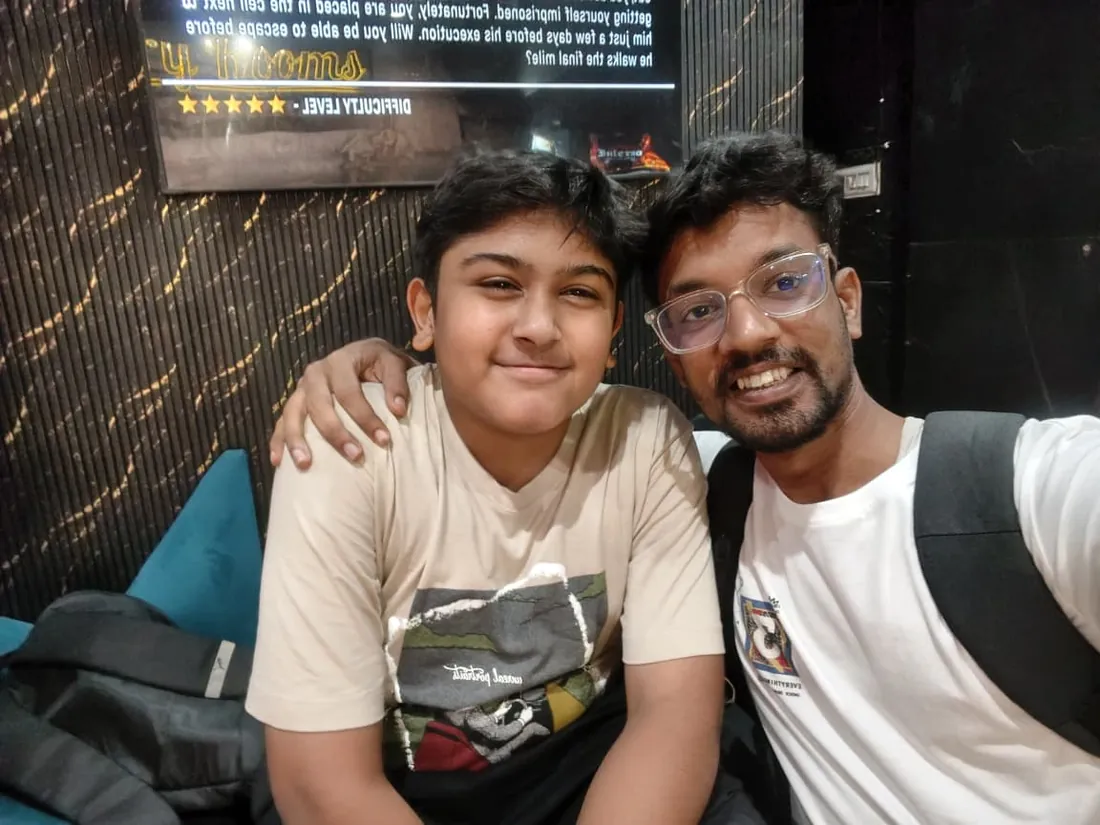
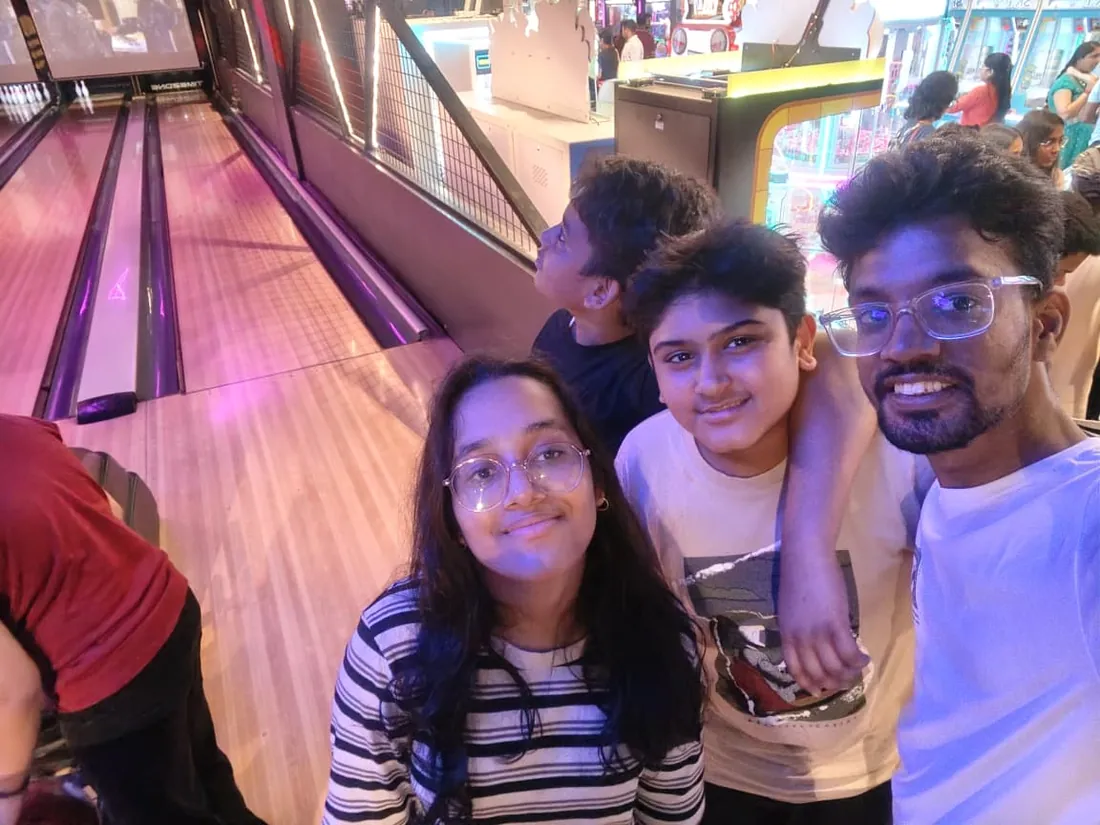
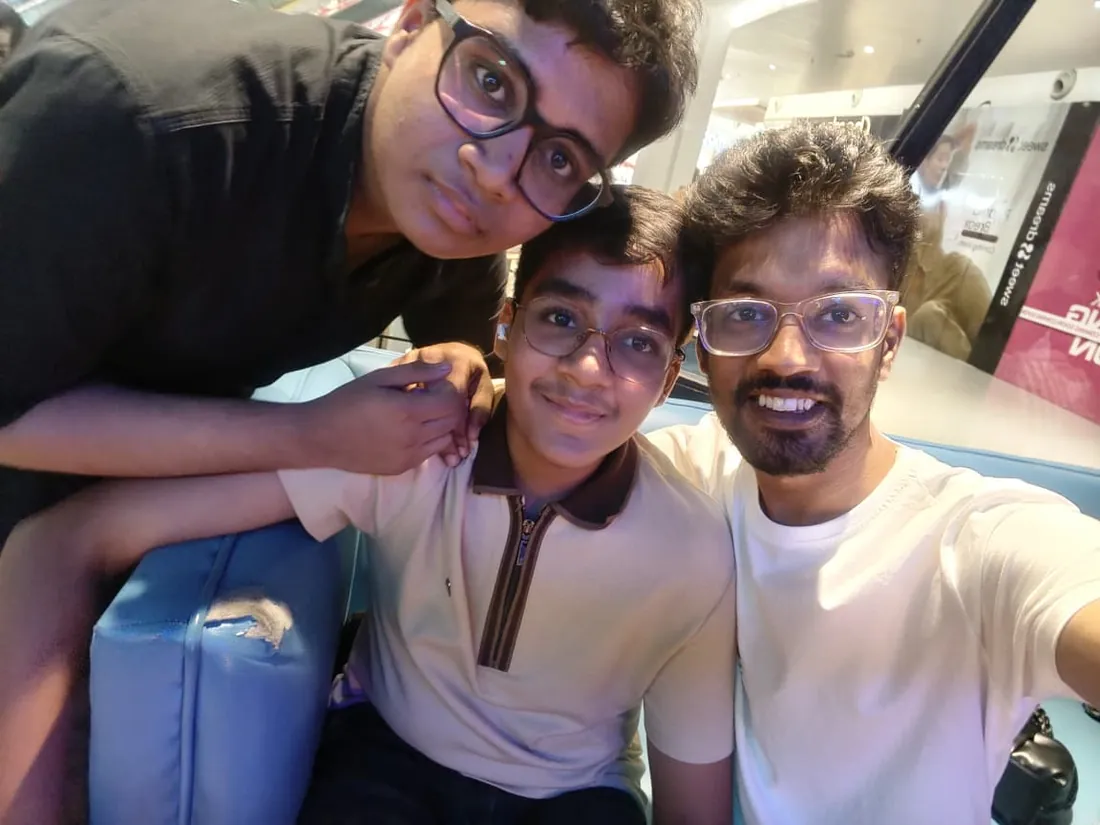
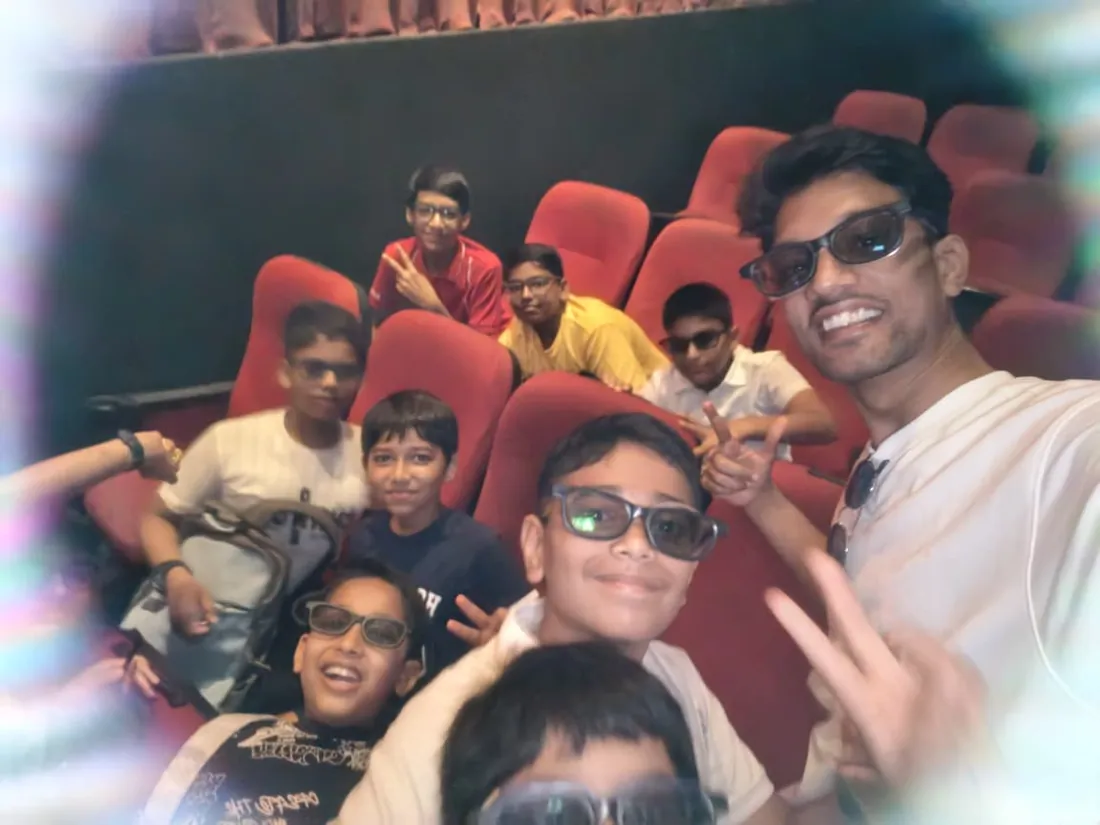
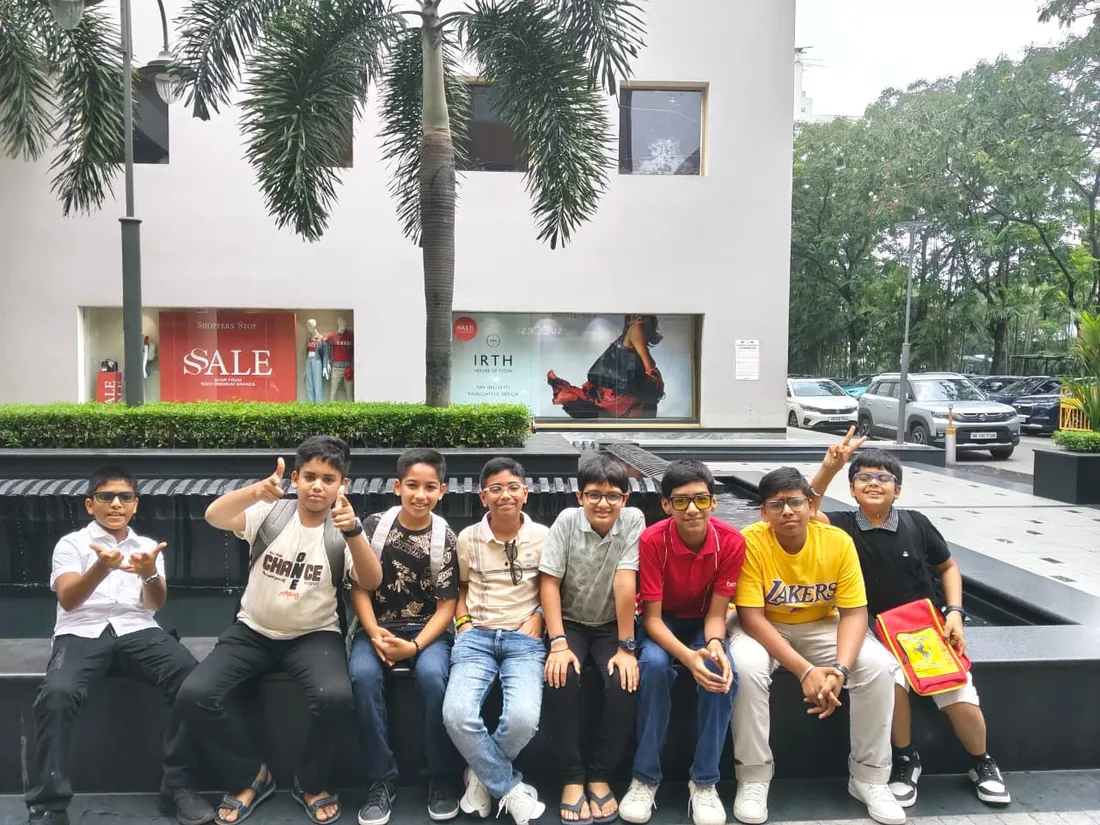
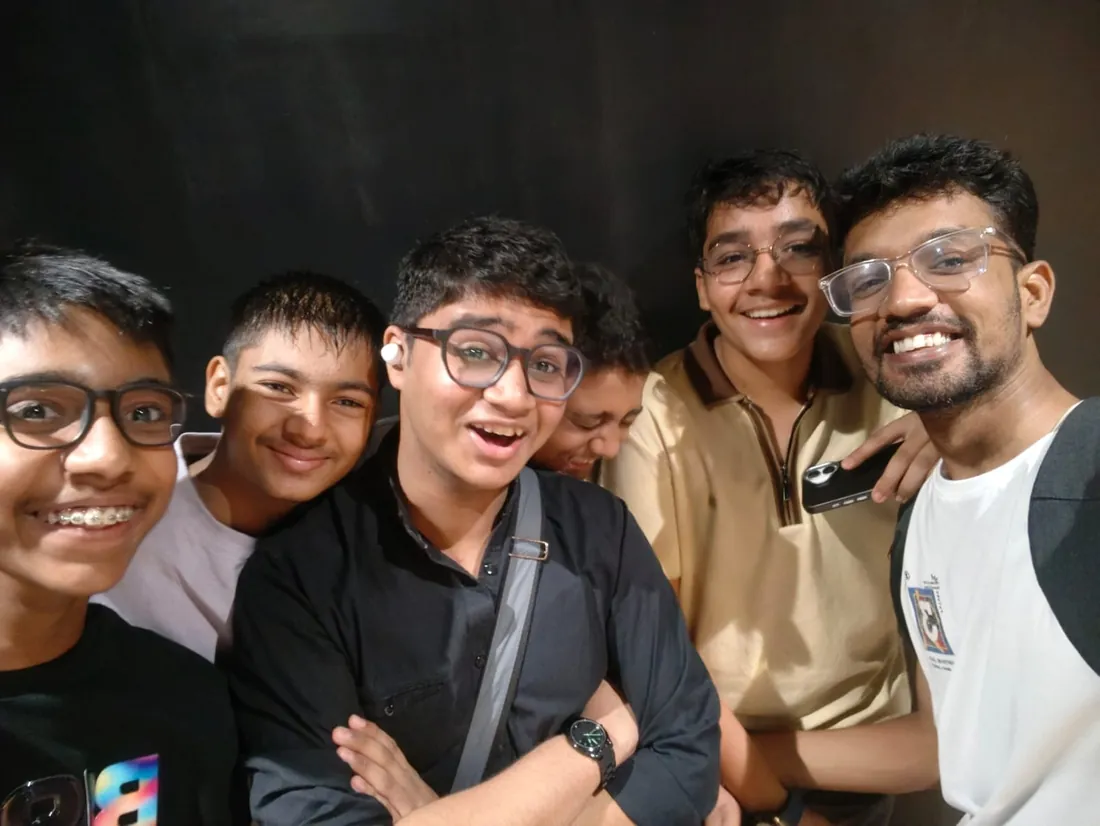
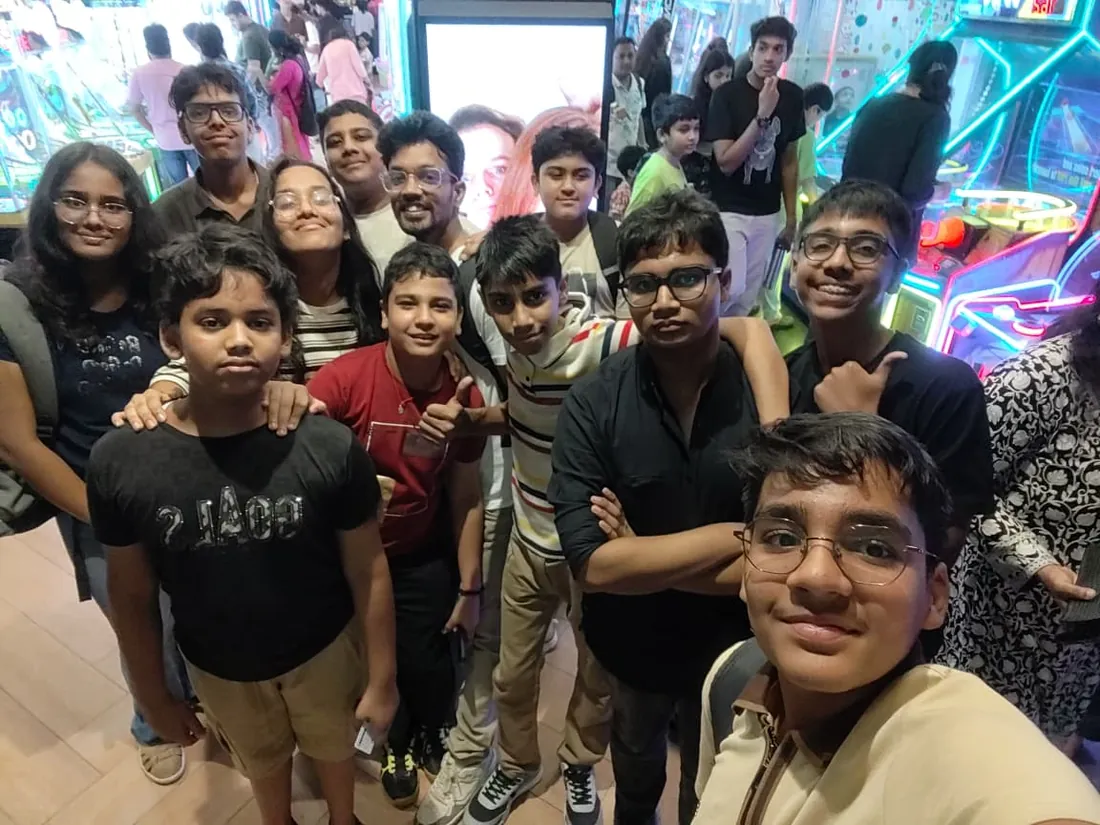
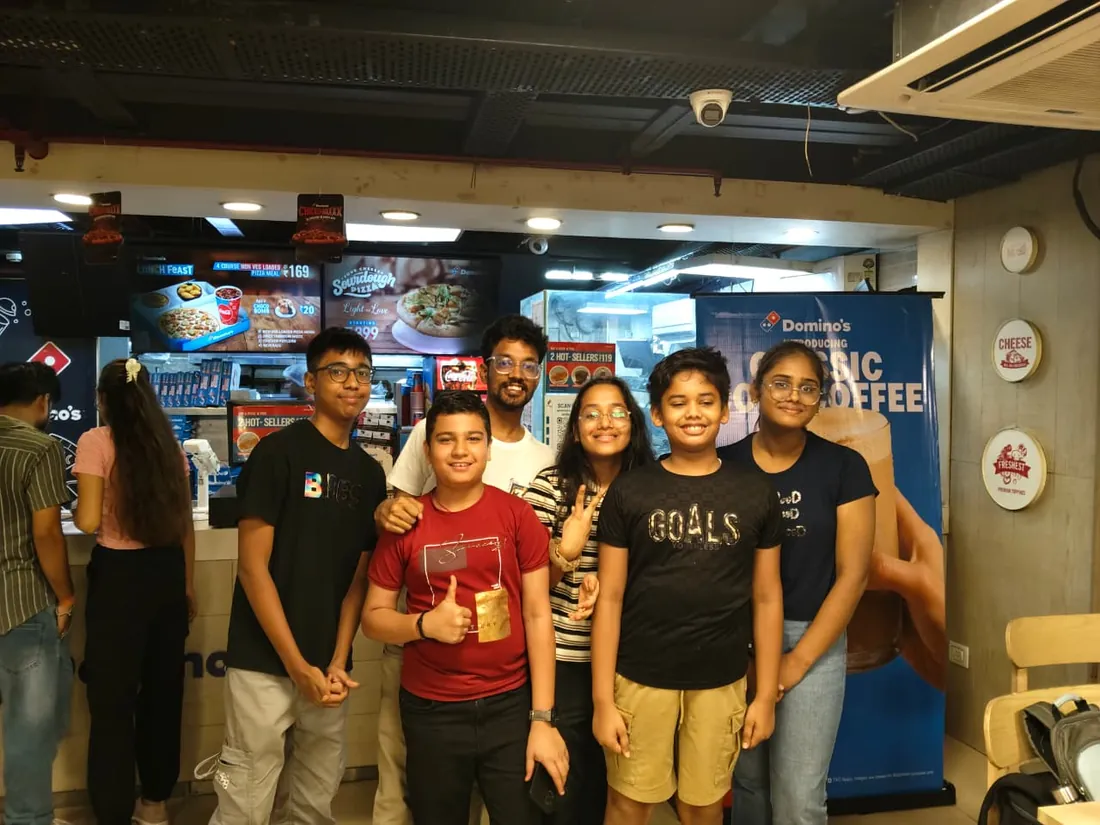
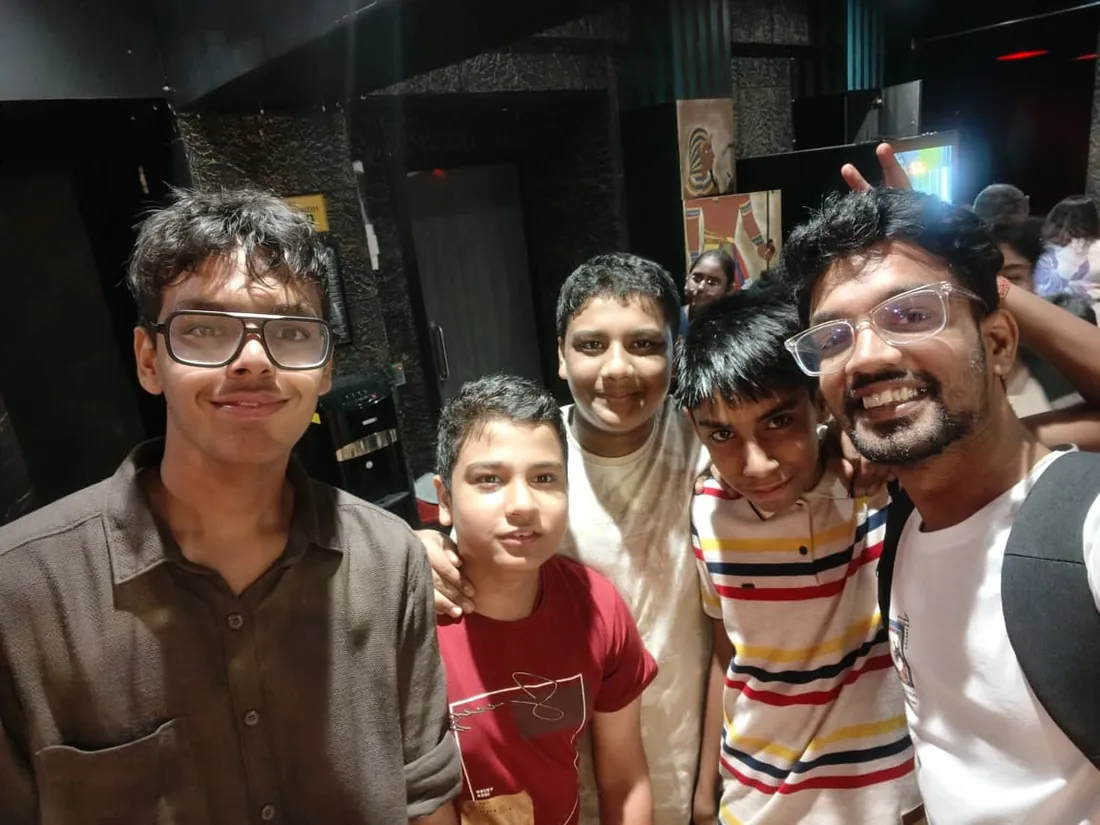
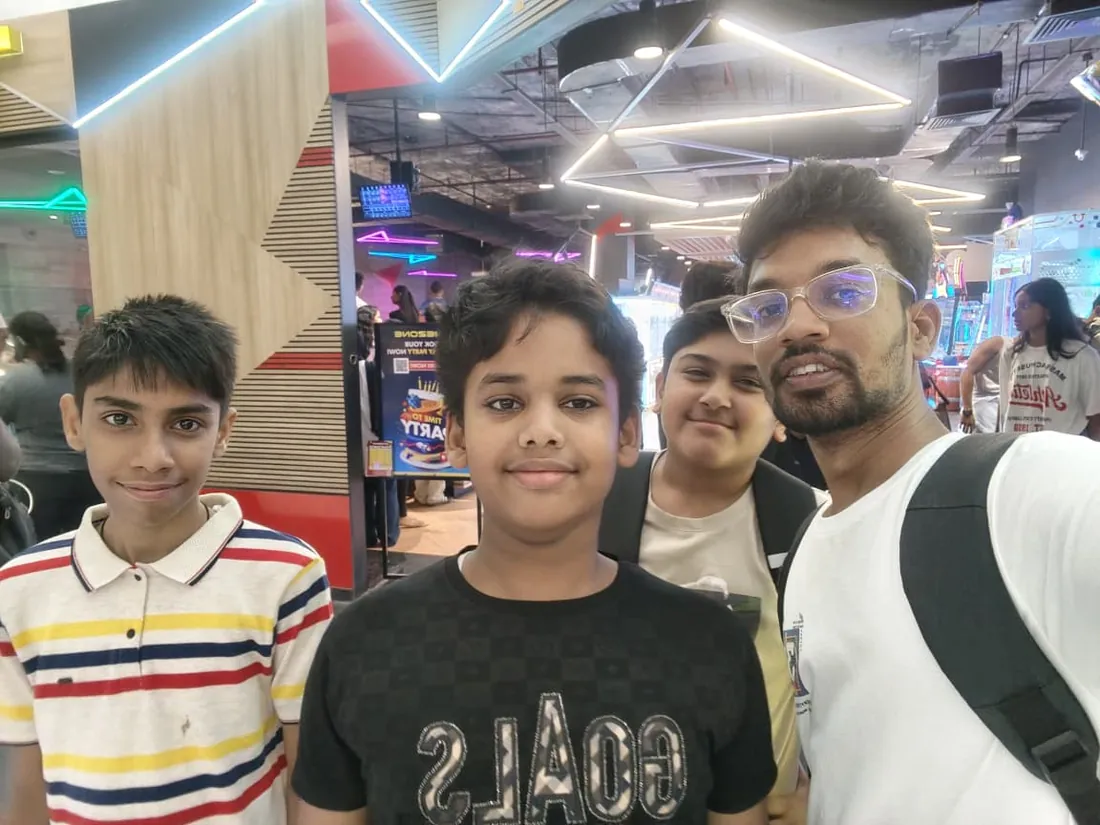
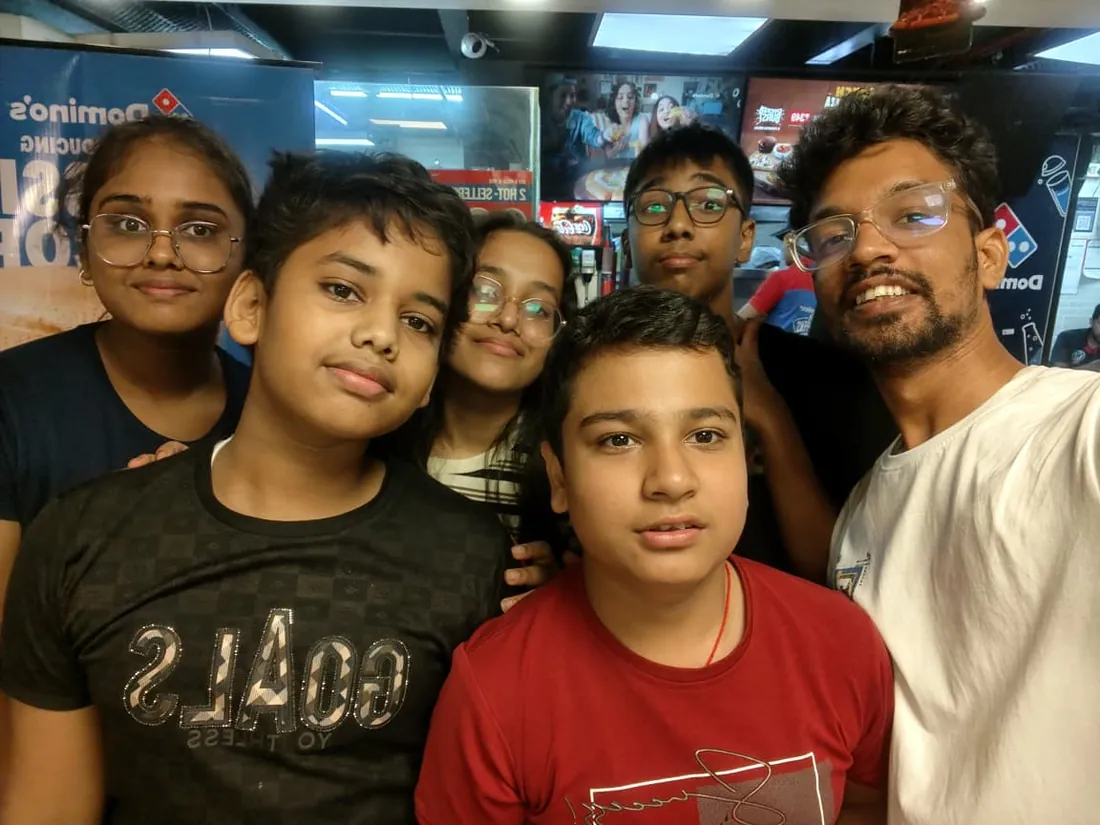
Real students. Real moments. Real joy.
These are our actual student meetups. No stock photos, no filters. Swipe through and meet the community you'll be joining.















What families say
Straight from the parents and students who learn with us. Rated 4.9 across 547 Google reviews.
“Mivaan enjoys the class. He understands the concepts and completes his tasks with excitement. He started taking interest in coding… truly amazing class.”
“I absolutely love it here! I made new friends and learned important valuable coding skills while having the fun of my life. It's not just coding here, it's outings, bonding and most importantly preparing you for your future. Definitely five stars.”
“What stands out most is how excited my son is before every class. He looks forward to learning, problem-solving, and sharing what he's built. I've noticed a big boost in his confidence!”
“Modern Age Coders has been a game-changer for me! I struggled to grasp IT concepts and coding before joining, but their classes transformed everything. I'm now the topper in my class and can confidently write complex programs with ease.”
“Modern Age Coder have wonderful teachers who teach in a clear, easy and practical way. The teacher boosts students' confidence, keeps them updated with technology, and inspires them to learn without hesitation.”
“The one step solution for my son. Modern Age Coders make learning coding so simple that kids love it.”
“Coding classes here make learning very interesting and conceptual. The teachers teach us in a very easy-to-understand and efficient manner.”
“One of the most wonderful education centres out there. Education is not limited to school syllabus but focuses on skill development. Learning here has been a wonderful journey and still continuing.”
“I highly recommend this computer coding class! The teachers are incredibly knowledgeable and passionate about coding. They make every session engaging and insightful.”
“My child Dhairya is really enjoying the Modern Age Coder IT classes. This is his first online class, and he eagerly looks forward to it.”
“Very good classes. Don't worry about coding. They teach the best, especially Shivam sir.”
“Very good classes. Makes learning very easy and interactive.”
Hear it from our students
Real parents and students in their own words, on our public YouTube channel.
Straight answers about Web Development for Kids: Build Real Websites
- Who should take this course?
- Complete beginner, ages 9 to 12. It suits children who want to make real things the whole family can visit online; kids who finished block coding and are hungry for real typed code; children who love drawing and design, css is where art meets code.
- What will they learn and build?
- There is a special kind of pride in a child saying "I made this website", and meaning typed, real, published code. This live online course gives that to children aged 9 to 12: HTML learned as the structure of every page, CSS as the art layer, layouts with flexbox and grid, responsive design tested on the family phone, and first JavaScript, the sparks that make pages respond.
- How deeply are topics covered?
- The course runs 8-10 months (32-40 weeks) at 2 live classes/week + 2-3 hours practice, across 4 phases listed week by week in the syllabus below. A structured, well-paced curriculum taught step by step, with classwork in every session and homework after every class.
- Who teaches it?
- Modern Age Coders mentors, who teach the live classes themselves. You can watch them at work in the free class recordings before you decide.
- How do practice, feedback and assessment work?
- Mixed challenges after every month and a final exam that decides the certificate: real code, really built. Doubt support between classes over WhatsApp, so you are never left stuck. A certificate your child earns by passing the final exam, with a free retest after revision if needed.
- What does it cost?
- Three monthly plans: a group batch, a mini batch and 1-on-1. Prices are shown in your currency in the plans section. Monthly billing, cancel any time.
- When can classes take place?
- Live classes are scheduled around your week. Group batches meet at a fixed weekly slot; 1-on-1 students choose their own. International students are scheduled in their own timezone. Ask on WhatsApp for the current slots.
- Can I watch the teaching before deciding?
- Yes. Full recordings of real 6 to 12 classes are free to watch, free with a Google sign-in. These recordings show how we teach, not the exact syllabus of this course. Some classes are in English and some in Hindi; everyone follows at their own pace. Watch a class end to end, like you are in it. Sessions are interactive and each moment builds on the last.
- Can I enroll without a live demo?
- Yes. Choose a plan on this page and enroll directly; a booking or a demo is not required. A free live demo is optional, for anyone who wants to meet a mentor first. Outside India, our team confirms the plan and completes payment with you over WhatsApp, so allow a little time for that step.
Common Questions About Web Development for Kids: Build Real Websites
Get answers to the most common questions about this comprehensive program
Still have questions? We're here to help!
Contact UsWhy Real Code Beats Site Builders for Kids
Drag-and-drop site builders produce websites; they do not produce capability. A child who hand-types HTML and CSS understands what a website is, can fix what breaks, and owns a skill that compounds for a decade. That understanding is the entire difference between using the web and building it.
This course is deliberately age-honest in an industry that is not: no AI chatbot accounts for children (the tools themselves say 13+, and some 18+), no fake client projects, no career promises to ten-year-olds. Instead: real typed code, real published sites, one truthful look at how professionals use AI, and an exam a child can be genuinely proud of passing.
Eight months, two live classes a week, 25+ published builds, and a capstone at demo day. The teen web courses continue from exactly here.
Related Courses You May Like
Continue your learning journey with these recommended programs
 Kids Coding
App Making for Kids: Build Real Apps with Blocks
App development course for kids aged 8-12: build real mobile apps with block coding in live online c...
Explore Course Kids Coding
Game Development for Kids: Scratch, Roblox and Minecraft
Game development course for kids aged 8-12: live online classes building real games in Scratch, then...
Explore CourseRelated Articles & Guides
Deepen your knowledge with these hand-picked articles
 Web Development
38 min read
Web Development
38 min read
20 HTML, CSS, and JavaScript Project Ideas (With Code)
20 HTML, CSS, and JavaScript project ideas from beginner to advanced, each with the exact skills it ...
Read Article Programming
15 min read
Programming
15 min read
Learn Web Development with JavaScript - Basics, Projects & Hands-On Guide
Learn JavaScript with 7 hands-on projects! Master variables, functions, DOM manipulation, and event ...
Read ArticleReady to start Web Development for Kids: Build Real Websites?
Book a free demo class to meet your mentor and see how we teach, with no commitment. Or enrol now and start this week.