VIP / KID / 01
Coding for kids
Blocks, games and logic.
Open the syllabusUnited States · Ages about 8 to 15 · The 2026 to 2027 season
A VEX IQ robot that scores in a solo coding match is running code the students wrote, with nobody holding a controller. This page explains how that match works in the 2026 to 2027 RECF Engage game, Tier Takeover, read from its manual on 31 October 2026, and then teaches the programming ideas that matter most: splitting a run into segments, stopping on sensor readings rather than guesses, and planning 60 seconds for points. One thing first: VEX IQ hardware now appears in two separate competition programs, and a team should know which one it is in.
Live teaching since 2020 · 10,000+ students · students write their own code, always
In short
VEX IQ programming means writing the code a VEX IQ robot runs on its own. In the 2026 to 2027 RECF Engage game, Tier Takeover, a solo coding match lasts 60 seconds with no controller, and teams may split code into segments launched after a reset. Modern Age Coders teaches the coding behind it live online, in a batch or 1-on-1.
Learn with a teacher
Block coding first, then Python, then the logic and planning a coded run depends on.
VIP / 01
Ages about 8 to 12. Sequences, events, loops and conditions.
Open the syllabus →
VIP / 02
Text code once blocks feel slow, with real projects.
Open the syllabus →
VIP / 03
Breaking a task into steps, the core of a coded run.
Open the syllabus →Two programs
For this season VEX IQ robots appear in two separate programs: the VEX Robotics competitions, and the RECF Engage Robotics Competition run by the Robotics Education & Competition Foundation. They have different games, events and championships.
| Point | RECF Engage Robotics Competition | VEX Robotics competitions |
|---|---|---|
| Run by | The Robotics Education & Competition Foundation, a 501(c)(3) nonprofit | VEX Robotics, Inc. |
| 2026 to 2027 game | Tier Takeover | Not printed here: the VEX site refused our request |
| Hardware | Specific VEX IQ, Hexbug and LEGO electronics and components | Not printed here |
| Teams | Two or more students; 12U elementary and 15U middle school | Not printed here |
| Championship | The 2027 RECF World Championship in St. Louis | The 2026 to 2027 VEX Robotics World Championship |
| Relationship | The manual says Engage is not sponsored by, affiliated with or endorsed by VEX Robotics, Inc. or Innovation First, Inc. | RobotEvents states RECF events with VEX products will not qualify teams for the VEX Robotics World Championship |
Ask: "Which program are we registered in, and where is our game manual?" RECF Engage teams register on RECFevents.org and read their manual on games.recf.org. Teams in VEX’s own competition follow VEX’s manual.
The coding ideas on this page work in both, because they are about how to program a robot that runs alone. The rules quoted are from the RECF Engage manual only.
When we tried to read vexrobotics.com, its knowledge base and its coding sites on 31 October 2026, every one returned an access-denied error. We do not work around blocks like that.
So this page prints no VEX game name, VEX rule or VEXcode command. Check those directly on VEX’s site, and use what follows for the programming method.
Sources: RECF Robotics Competitions, the RECF Engage Tier Takeover game manual and the RobotEvents notice, read 31 October 2026. VEX, VEX IQ and VEXcode are trademarks of Innovation First, Inc. We are not connected with RECF, VEX Robotics or Innovation First.
Solo coding
In a solo coding match a team has 60 seconds to score using only pre-written code, with up to three members at the field and no controller. Solo matches are not scheduled; each team gets up to five solo attempts per event, split between driving and coding as it likes.
| Rule | What the manual says |
|---|---|
| Field | A 6 by 8 foot field; robots collect bean bags and place them in and on matching goals |
| Match length | 60 seconds for solo driving, solo coding and alliance matches |
| Solo attempts | Up to five per competition, shared between solo driving and solo coding |
| Resets | In solo coding, a robot reset can be used as a strategy, with code in small segments each launched from the starting position |
| Drive team | In solo coding, team members do not have to stay in the driver box |
| Starting size | No larger than 11 inches wide, 20 inches long and 15 inches tall |
| Motors | Up to 6 motors per robot |
| Points | Floor goal 1, L1 5, L2 10, L3 25 per matching or yellow bean bag; L4 50 per yellow bean bag; a parked robot 25 |
The manual advises teams to complete at least one solo coding match at each event, because some awards consider a team’s solo coding score. A team that only practices driving gives that away.
Coding also changes how students think about the robot. A driver corrects mistakes by instinct; a programmer has to predict them, and that is where the real learning sits.
Rule 2.3.1 is clear: "Adults may teach coding concepts, but may not tell students what should or should not be included in their code." Our lessons follow that rule exactly: we teach ideas with our own practice robots and tasks, and students write their team’s code.
Coding libraries are allowed as a starting point, but the manual expects teams to change them, explain how their code works and credit outside sources in the engineering notebook.
Source: RECF Engage 2026-2027 game manual (version 2.0, September 29, 2026). The manual lists a major version 3.0 release for November 10, 2026, so check for later changes.
Segments
Break the 60 seconds into short segments, each started from the starting position after a reset, as rule 4.1.2 allows. A short segment is easier to test, and when one fails the rest of the run is not lost.
# Our pseudocode for one solo coding run, in three segments.
# Command names are ours; your VEXcode or LEGO tool will spell them differently.

segment_A():            # launched from the start position
    drive_forward(400 mm)
    turn_right(90 degrees)
    drive_until(distance_sensor < 80 mm)   # stop on a reading, not a guess
    lift_to(L2)
    release()

# robot reset to the start position by a team member (rule 4.1.2)

segment_B():
    drive_forward(250 mm)
    turn_left(45 degrees)
    if optical_sensor sees RED:
        lift_to(L2)
    else:
        lift_to(FLOOR)
    release()

segment_C():            # the last 6 seconds
    drive_backward_until(bumper_pressed)
    stop()               # parked in the load zone
Our own illustration, not a working program for any particular tool. The structure is the lesson: each segment is short, ends in a known state, and makes at least one decision from a sensor.
A single 60-second program has one failure mode that ruins everything: an early miss leaves the robot in the wrong place for every later step. Segments contain the damage to one part of the run.
Segments also make testing honest. A student can run segment B twenty times in ten minutes, which would take an hour if the whole program had to run first.
We ask students to name segments by what they do, such as score_red_L2, and to write one comment line per decision. Judges may ask how the code works, and a readable program is easier to explain.
The same habits carry straight into school computer science later, which is part of why we teach them.
Sensors
The Engage manual lists the legal VEX IQ sensors: Color, Optical, Distance, Touch, Gyro, AI Vision and Vision. The programming idea that matters is to stop or decide on a reading, not on a fixed distance or time alone.
| Sensor | One use in a coded run (our suggestion) |
|---|---|
| Distance Sensor | Drive until the goal is a set distance away, then stop |
| Optical Sensor | Check a bean bag’s color before choosing a goal |
| Color Sensor | Detect a colored line or tile edge on the field |
| Touch Sensor (bumper) | Back up until the wall is touched, a reliable reset point |
| Gyro Sensor | Turn to a heading instead of a guessed motor rotation |
| AI Vision and Vision Sensors | Find a bean bag by color in front of the robot; added as legal parts in version 2.0 |
Worked example, a sensor checkpoint (ours). Suppose a robot must stop 80 mm from a goal. Coded as "drive 600 mm", it stops wherever the wheels say 600 mm, which shifts if the start was a little off or a wheel slipped on a bean bag. Coded as "drive until the distance sensor reads under 80 mm", it stops in the same place relative to the goal every time, whatever happened before. The second version takes one more line and turns a near miss into a score.
Students without a robot at home can still learn sensor logic. In our classes a student writes the same "repeat until" logic in a block coding game, where a sprite moves until it touches a colored edge.
When they return to the team robot, the structure is already familiar, and only the sensor block changes.
Print the sensor value on the brain’s screen while moving the robot by hand. If the reading jumps around, the threshold in the code needs a margin.
Test under the event’s lighting where possible: optical and vision readings can change between a classroom and a gym.
Planning
Divide each action’s points by its time to find points per second, then fit the best actions into 60 seconds with time to spare. The timings below are invented for teaching; the point values are from the manual.
| Action | Points | Our assumed time | Points per second |
|---|---|---|---|
| Place a matching bean bag on L1 | 5 | 8 seconds | 0.63 |
| Place a matching bean bag on L2 | 10 | 14 seconds | 0.71 |
| Park in the load zone | 25 | 6 seconds | 4.17 |
With these timings we searched every combination in Python. Three plans reach 60 points: five L1 bags, one L2 bag and a park (60 seconds exactly); three L1, two L2 and a park (58 seconds); one L1, three L2 and a park (56 seconds).
They score the same on paper, but they are not equal. The last one leaves 4 seconds spare, and a plan with no spare time fails on the first slow reset.
Parking is worth far more per second than any placement for this robot, so it goes in every plan, and the code for it should be the most reliable segment.
For a real team the timings come from their own robot, measured as in the segment steps above. The method stays the same; the numbers are the team’s.
Slowest of five timed attempts per action.
Points per second, highest first.
Fill 60 seconds, keep a few spare.
A season plan
Our plan for a student who meets their team weekly and adds one live coding lesson a week with us. It assumes the team has a working robot.
| Week | Lesson with us | Practice with the team |
|---|---|---|
| 1 | Sequences and units: distance, degrees, time | Drive a square and measure the error |
| 2 | Loops and repeat-until | Drive until a bumper press, ten times |
| 3 | Conditions: if and else | Choose a goal from an optical reading |
| 4 | Functions: one segment, one name | Split the run into segments |
| 5 | Sensor thresholds and margins | Print readings; set safe thresholds |
| 6 | Points per second | Time each action, build the table |
| 7 | Debugging: one change at a time | Ten-run reliability counts per segment |
| 8 | Explaining code to a judge | Notebook pages on how the code works |
Younger students in the 12U group often start with blocks, which let them think about order and logic without typing errors. Many move to text code in the 15U years.
Our courses follow the same path: block coding first, then Python. The ideas, not the syntax, are what transfer to the robot.
RECF Engage judges look at a notebook documenting the engineering design process. Coding belongs in it: the plan, the test counts and the changes made.
We help students learn how to record that well. The notebook and the code remain the team’s own work.
Readiness
Many young robotics students can drive well long before they can code a run that scores. These are the steps between.
| Step | How it shows |
|---|---|
| 1. Sequencer | Writes a list of moves that runs start to finish |
| 2. Sensor user | Stops and decides on readings, not on fixed distances alone |
| 3. Segmenter | Splits a run into short named parts, each tested alone |
| 4. Planner | Chooses actions by points per second and keeps spare time |
Ask your student to explain one segment out loud. If they can say what it does and why, they understand it; if not, the next lesson should start there.
Under rule 2.3.1, adults teach concepts but do not decide what goes into the team’s code. That is how we teach too.
Count successes out of ten for every segment. A segment that scores seven times in ten is worth fixing before adding a new one.
Keep the last working version of your code before every change. Going back is faster than guessing what broke.
The catalogue
Live online classes with one regular teacher, as a group or one to one.
VIP / KID / 01
Blocks, games and logic.
Open the syllabusVIP / KID / 02
Loops and events, deeply.
Open the syllabusVIP / KID / 03
Steps and decomposition.
Open the syllabusVIP / TXT / 01
From blocks to Python.
Open the syllabusVIP / TXT / 02
For future V5-level code.
Open the syllabusVIP / TXT / 03
Angles and distances in code.
Open the syllabusVIP / MAK / 01
Logic with instant feedback.
Open the syllabusVIP / MAK / 02
Project planning for kids.
Open the syllabusVIP / MAK / 03
How vision and AI work.
Open the syllabusHow lessons run
Weekdays or weekends, flexible: choose your batch, or for a very personalised plan choose 1-on-1 at your convenience, weekend mornings or weekdays.
Weekdays
After school, before or after team meetings.
Weekends
A calm slot before Saturday events.
1-on-1
Paced to one student’s robot and role.
We teach ideas; the team writes its code.
Our own tasks, never the team’s run.
Reliability measured, not hoped for.
One path, at each child’s pace.
Live online, coast to coast.
Fifteen to twenty per batch, or one student.
Student work
Games, apps and AI projects built by our learners. More in the student labs.
AI and ML
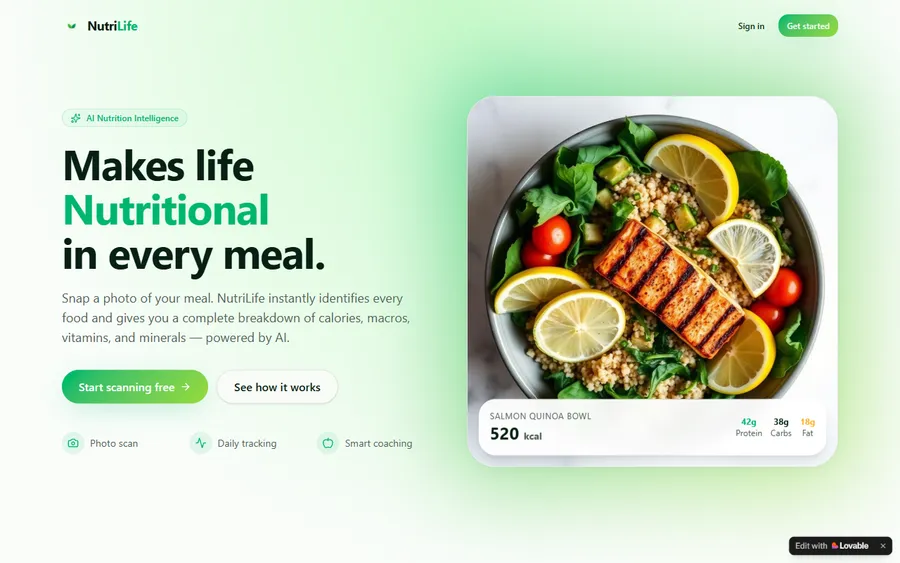
An AI nutrition coach that reads what you eat and works you toward a target.
AI and ML
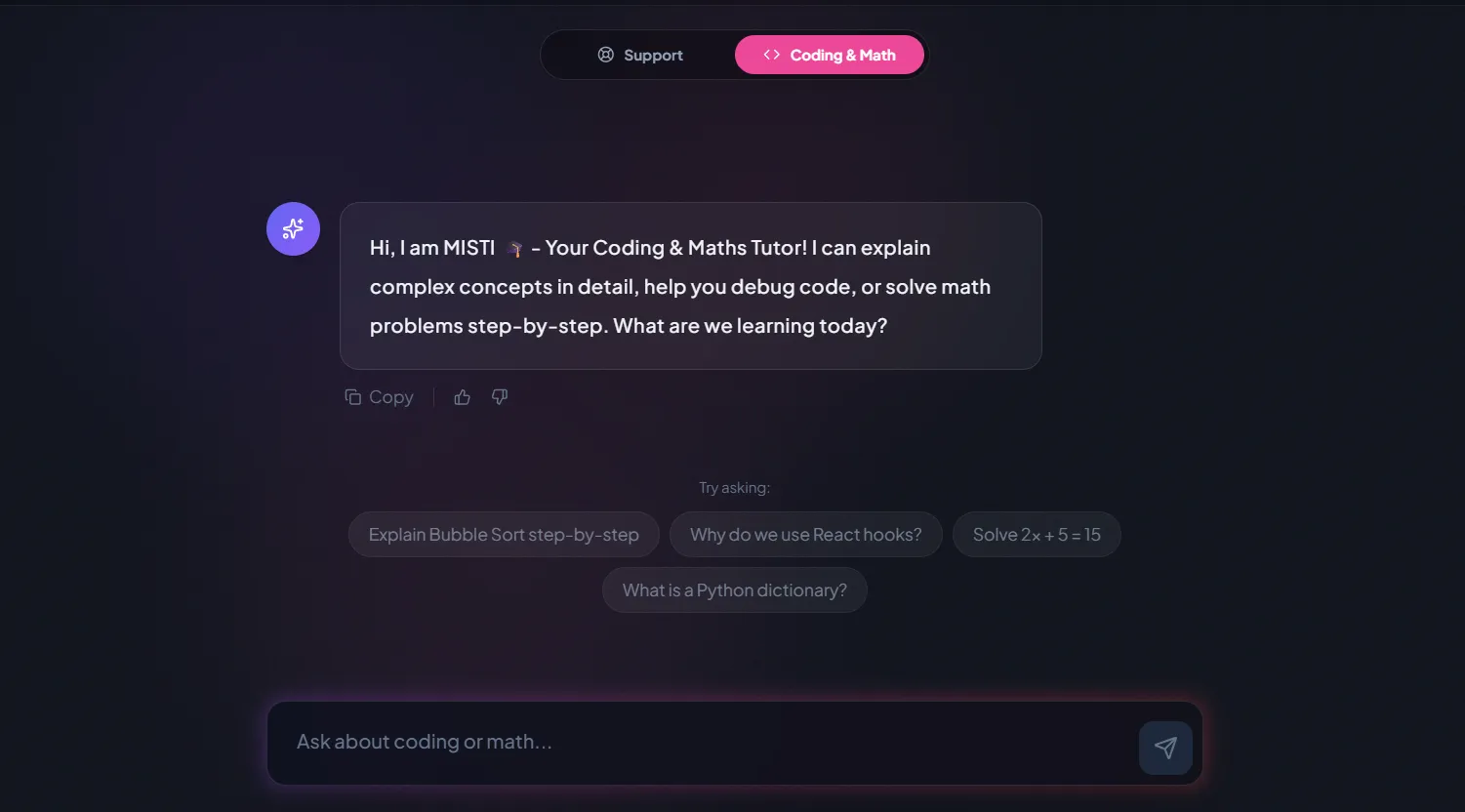
A chatbot that answers mathematics and programming questions, built and deployed by a student.
AI and ML
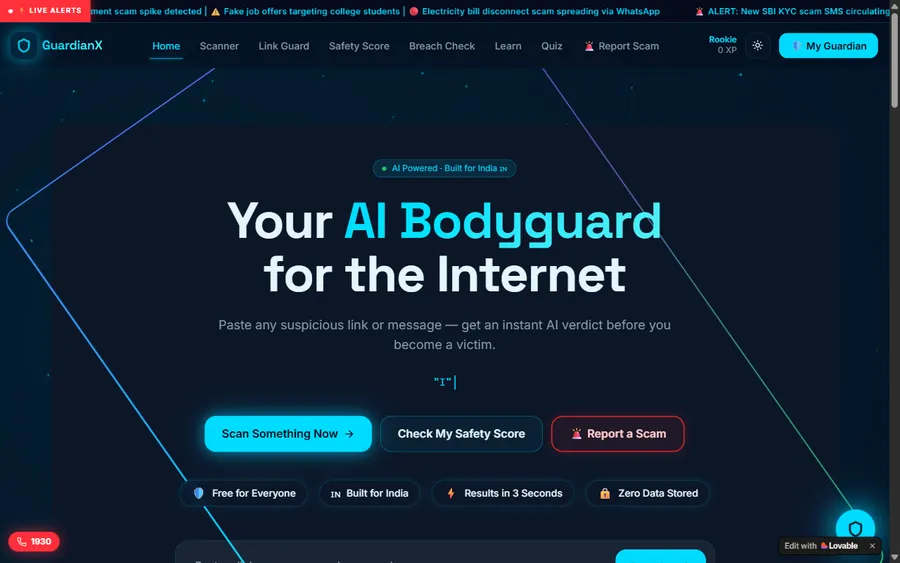
An assistant that helps a young person recognise unsafe situations online.
Web app
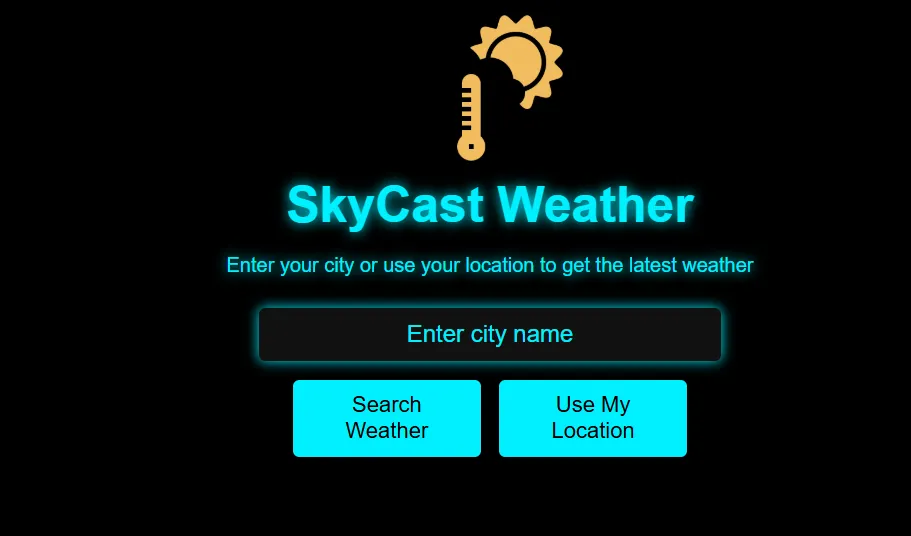
A weather forecasting site with live conditions for any location.
Fees
Team registration and event fees go to the competition program; our fee is for coding lessons only. We bill monthly, so a student can take lessons through the season and pause after the last event.
Free first class
USD 0
no card required
Group batch
USD 100
a month, billed in US dollars
One to one
USD 150
a month, billed in US dollars
What families say
Parents’ reviews from Google, as they wrote them.
★★★★★
"The one step solution for my son. Modern Age Coders make learning coding so simple that kids love it. The teachers explain complex concepts clearly with practical exercises and interactive content."
Ria Mukherjee
Parent
★★★★★
"Modern Age Coders has been a game-changer for me. I struggled to grasp IT concepts and coding before joining, but their classes transformed everything. I can now confidently write complex programs with ease."
Samriddha Mondal
Student
★★★★★
"One of the most wonderful education centres out there. Education is not limited to school syllabus but focuses on skill development."
Vansh Agarwal
Student
★★★★★
"My child Dhairya is really enjoying the Modern Age Coders classes. This is his first online class and he eagerly looks forward to it. I can already see his improvement, and the teachers are very cooperative."
Sonam Oswal
Parent of Dhairya
★★★★★
"Modern Age Coders have wonderful teachers who teach in a clear, easy and practical way. The teacher boosts students' confidence and inspires them to learn without hesitation."
Sonu Goyal
Parent
★★★★★
"I highly recommend this computer coding class! The teachers are incredibly knowledgeable and passionate about coding."
Ritu Kedia
Parent
Questions from families and coaches
It depends on the program. The RECF Engage Robotics Competition, which uses VEX IQ hardware, plays Tier Takeover in 2026 to 2027. VEX Robotics runs its own competitions with their own game; its site refused our request, so check vexrobotics.com directly.
The RECF Engage manual gives 60 seconds, the same as solo driving and alliance matches. The robot runs on pre-written code with no controller.
Yes, in RECF Engage. Rule 4.1.2 says a reset can be used as a strategy, so code can be split into small segments, each launched from the starting position after a reset.
Up to five solo match attempts per competition, shared between solo driving and solo coding however the team likes. The manual advises doing at least one solo coding match, because some awards use that score.
No. The RECF Engage manual says adults may teach coding concepts but may not tell students what should or should not be in their code. We teach concepts on our own practice tasks; students write their team's code.
The manual lists the VEX IQ Color, Optical, Distance, Touch and Gyro sensors, plus the AI Vision and Vision sensors added in version 2.0. Some LEGO sensors are legal on LEGO-based robots.
Students in the 12U elementary category must be 12 or younger on May 6, 2027, and in the 15U middle school category 15 or younger on May 6, 2027. Each team has two or more students.
No. RobotEvents states that RECF competitions involving VEX products are not sanctioned by VEX Robotics and will not qualify teams for the 2026 to 2027 VEX Robotics World Championship. RECF Engage leads to the RECF World Championship instead.
Younger students often start with blocks and move to text code later. We teach block coding first, then Python, because the logic transfers to whichever tool the team uses.
Weekdays or weekends, flexible: choose your batch, or for a very personalised plan choose 1-on-1 at your convenience, weekend mornings or weekdays.
No. Modern Age Coders is independent and has no tie to VEX Robotics, Innovation First or the Robotics Education & Competition Foundation. VEX and VEX IQ are their owners' trademarks.
Elsewhere on this site
Competitions, coding classes and next steps.
Coding, math and AI contest dates for 2026 to 2027.
First steps in code, grades K to 5.
Where 15U robotics students go next.
A first look at a compiled language.
A computer science contest with no robot.
Build an app instead of a robot.
Part of the guide: US math and coding competitions guide
More guides: US state math tests by state · US gifted and selective school tests · US math placement and college readiness tests · Homeschool and school math curricula guide
Start here
Tell us your child’s age, their robot’s brain type and whether they code in blocks or text. The teacher runs a short logic and sequencing task and suggests where to begin.
To see our teaching style, read how we teach, or explore the full list of courses.
WhatsApp us · +91 91233 66161 · connect@modernagecoders.com
Lessons are live video with teachers in India, booked at US after-school and weekend times. WhatsApp is usually the quickest way for families to reach us.
A priority demo is a full class of about 45 to 60 minutes. After the class the mentor sends a written skill report and a personal learning roadmap on WhatsApp. If you enrol, the demo fee is adjusted against your first month's fee. Share your demo Order ID with us on WhatsApp and we take it off.
Book a priority demo