Hackathon for Kids, Build Something Great in 48 Hours
Anyone can join. Free to participate. Built to spark India's youngest innovators.
Syllabus updated August 2026
Questions? WhatsApp +91 91233 66161 or email connect@modernagecoders.com
Recordings are free with a Google sign-in. These recordings show how we teach, not the exact syllabus of this course.
Our promise
The world's best learning experience, open to everyone.
- World-class instructorsEvery class is taught by an instructor who specialises in that exact field.
- No compromise on qualityEvery lesson, project and piece of feedback is held to the highest standard.
- Education for everyoneLearners aged 6 to 67, from first-time beginners to working professionals, in 25+ countries.
If you want the highest quality, Modern Age Coders is the right choice.
Book a Priority DemoHow long this course takes
This course runs 12 weeks prep + Live Hackathon Weekend at 4-6 hours/week. The range allows for background and pace: a complete beginner uses the full span, and a student with prior knowledge finishes sooner. The syllabus below is planned to the shorter end, with margin kept for revision.
For personalised duration planning, call +91 91233 66161 and we'll map a schedule to your goals.
At a glance
- Who it is for
- Complete Beginner (Ages 8-12). Age: 8-12 years old.
- Prerequisites
- Absolutely none, beginners welcome
- Format
- Live, interactive classes with a real instructor, never pre-recorded videos. Live classes run about one hour.
- Language
- English or Hindi, depending on the batch.
- Duration
- 12 weeks prep + Live Hackathon Weekend
- Weekly commitment
- 4-6 hours/week
- Class size
- Group batches of 5 to 10 students, mini batches of 3 to 4, or 1-on-1.
- Certificate
- Junior Hackathon Builder, Modern Age Coders Certified
- Watch first
- Free recordings of real classes for ages 6 to 12, free with a Google sign-in. These recordings show how we teach, not the exact syllabus of this course.
- Live demo
- Optional. Enrol directly on this page, or book a Priority Demo: a full live class of about 45 to 60 minutes with a mentor reserved for you.
- Questions
- WhatsApp +91 91233 66161 or email connect@modernagecoders.com.
How we teach
Deep understanding. Real projects. Expert guidance.
Learn coding, AI and maths through careful explanations, practical demonstrations, and hands-on problem-solving. Our instructors guide you from the foundations to advanced ideas, helping you understand what happens, why it happens, and how to build it yourself.
You will explore concepts step by step, write and improve code, investigate mistakes, ask questions, and apply your knowledge to meaningful projects. Lessons are designed around active participation, thoughtful feedback, and growing independence.
Expert-led live teaching, with practical participation built into every lesson.
- Students explain their thinking.
- Instructors demonstrate, then guide practice.
- Learners code, solve, or build during lessons.
- Questions and misconceptions get attention.
- Assignments receive useful feedback.
- Progress is checked before advancing.
How to join Hackathon for Kids: Free Event + 12-Week Prep (Ages 8-12)
Four steps from this page to the first class. See a full class first with a Priority Demo, or choose a plan and enrol today.
Rated 4.9 across 547 Google reviews. Monthly billing, cancel any time.
How enrolment works
See a full class first (optional)
Book a Priority Demo: a live class of about 45 to 60 minutes with a mentor reserved for you, today or tomorrow. After the class the mentor sends a written skill report and a personal learning roadmap on WhatsApp. If you enrol, the demo fee is adjusted against your first month's fee. Share your demo Order ID with us on WhatsApp and we take it off.
Book a Priority DemoDemo fee ₹499Choose a plan
Group batch (5 to 10 students), mini batch (3 to 4 students, India only) or 1-on-1 with your own mentor. Every plan is live online, and each class runs about one hour. The cards below show classes per week and the monthly fee in your currency.
Enrol and pay the first month
Press Enrol Now on your plan, fill in the student's name, email and phone, and pay through secure Razorpay checkout: UPI, cards or net banking in India, and debit or credit card from any other country.
Fix your class timings
After payment, message us on WhatsApp or call +91 91233 66161 with the student's name, the course and your preferred time slot. We confirm the batch, send the class link and schedule the first class at your chosen time.
Billing is monthly and you can cancel any time.
International Students (Outside India)
Billed monthly in US dollars, the same price in every country. Contact us with any questions.
Questions before you enrol? Talk to our team.
Ask about class timings, the right level for your child, what they need to know already, or payment. Parents and adult learners can reach us on WhatsApp, by email or by phone.
Program Overview
Hackathon for Kids is a free-to-enter hackathon and a 12-week structured prep course at Modern Age Coders, designed for children aged 8 to 12 who want to learn how real innovators build technology. The hackathon participation is 100% free, anyone, from any school or city, can register and compete. The optional 12-week prep course (priced the same as our other coding courses) is for kids who want serious training before they compete.
Our only motive is simple: build something great. Build something innovative. Use coding logic, efficient algorithms and AI tools to turn raw ideas into real, working projects in just one weekend.
Kids learn how a real hackathon works, how teams form, how ideas get scoped, how problems are decomposed, how AI is used to accelerate building, how you debug under pressure, and how you pitch your project to judges. They use Scratch, Replit, Bolt.new, Google Gemini, Microbit and Canva to build games, AI apps, websites and inventions that solve real problems for kids their age.
This is not a normal class. This is a creator's training camp. By the end, every child has a portfolio of 4+ hackathon-ready projects, a 90-second pitch video, a working capstone submission, and the confidence to walk into any school, district or international hackathon and stand on stage.
What Makes This Program Different
- 100% free hackathon participation, anyone can join, no fees, no gatekeeping
- Hackathon prep priced same as other Modern Age Coders courses, group, mini-batch and 1-on-1 monthly plans
- Designed by mentors who have judged and won 50+ hackathons
- Kids learn the full hackathon arc: ideate → plan → build → debug → pitch → demo
- AI-assisted building with Replit Agent, Bolt.new and Google Gemini
- Algorithm thinking made playful, sorting, searching, pathfinding through games
- Live mock hackathons every 4 weeks with judge feedback
- Team formation workshops, kids learn collaboration and roles (Builder, Designer, Pitcher)
- Pitch coaching, every child practices a real 90-second demo to camera
- Final hackathon weekend with prizes, judge panel, and Hall of Fame inclusion
- Weekly written progress notes to parents
Your Learning Journey
Career Progression
Detailed Course Curriculum
Explore the complete week-by-week breakdown of what you'll learn in this comprehensive program.
Topics Covered
- What is a hackathon? Origin story from Silicon Valley to Indian schools
- Famous kids who built real apps in hackathons (case studies)
- The 4 stages of every hackathon: Idea → Build → Demo → Judge
- What is an MVP (Minimum Viable Product)?, explained for kids
- Why anyone can join: free hackathon access at Modern Age Coders
- Setting up your hacker profile: name, team, project board
- Tour of Scratch 3.0, your first build platform
- First mini-hack: build a 'Welcome' interactive card in 60 minutes
- Hackathon vocabulary kids need: bug, ship, push, demo, judge, pitch
- Online safety, kindness in teams, and being a good teammate
Projects You Build
- 60-Minute Mini Hack: Animated Welcome Card
- Hacker ID Card (designed in Canva)
- Idea Wall, write 10 things in the world you'd like to fix
Practice & Assignments
Watch one short hackathon demo video with a parent and write down the problem, the solution and your favorite part of the pitch.
Topics Covered
- How to spot problems worth solving (kids edition)
- The 'I wish this existed' game, how every great app started
- Idea generation techniques: brainstorming, mind maps, sticky notes
- Good ideas vs. great ideas, judging your own thoughts
- User empathy for kids, designing for a friend, sibling, or grandparent
- Competitor research made fun, what already exists?
- Picking your problem statement and writing it in one sentence
- Sketching your first wireframe by hand and on paper
- Storyboarding your idea, 6 panels, like a comic strip
- Sharing ideas in a group without fear, feedback rules
Projects You Build
- My Idea Comic, 6-panel storyboard of your hackathon dream project
- Problem Statement Card (one sentence)
- Empathy Interview, interview a family member about their daily problems
Practice & Assignments
Keep an 'I wish this existed' notebook all week and bring your three best problem ideas to class.
Topics Covered
- Loops: how computers repeat tasks, the foundation of efficient code
- If-Then-Else: making computers make decisions
- Variables: storing scores, names, and data
- Why every hackathon project needs these 3 building blocks
- Sequence, selection, repetition, the holy trinity of coding logic
- Building a number guessing game, your first 'algorithm'
- Debugging: finding bugs without crying, printing values to investigate
- Comments and notes, making your code readable to teammates
- Hackathon-style challenges: 30-minute build sprints
- Code reviews with classmates, being kind and helpful
Projects You Build
- Number Guessing Game with hints
- Score-Tracking Quiz Game (5 questions)
- Loop Art, generate a star pattern using only loops
Practice & Assignments
Build a mini Scratch scene that uses one loop, one if then else and one variable, and label each with a comment.
Topics Covered
- Hackathon pacing: how to use 4 hours wisely
- The 4-hour template: 30 min ideate, 2.5 hr build, 30 min polish, 30 min pitch
- Choosing scope: what NOT to build is more important than what to build
- Building your project from a problem statement
- Time-boxing: setting timers and sticking to them
- What to do when stuck (the '15-minute rule')
- Recording a 60-second demo video with Loom or screen capture
- Writing your project's README, title, problem, solution, how to use
- Pitching to mentors: how to talk about your build with confidence
- Phase 1 review and Phase 1 capstone presentation
Projects You Build
- PHASE 1 CAPSTONE, Solo Mini Hackathon: 4-hour build + 60-second demo + 1-page README. Choose any problem from your Idea Wall.
Assessment
Phase 1 Mini Hackathon Assessment, judged on innovation, execution, clarity
Topics Covered
- What is AI and how do hackers use it to ship faster?
- Meet Replit Agent, describe an app, watch it appear
- Meet Bolt.new, full apps from a single sentence
- Prompt writing for hackathons: be specific, be visual, be small
- Iterating with AI: 'change the color', 'add a button', 'fix this bug'
- AI vs. human coding: when to use which
- Reading AI-generated code without panicking
- Asking Google Gemini to explain code line-by-line
- Limits of AI, what it gets wrong, why you still need to think
- Ethical AI use in hackathons, credit, originality, transparency
Projects You Build
- AI-Built Calculator with custom theme (Replit Agent)
- AI-Built Quiz App on a topic you love (Bolt.new)
- AI-Explained Code Journal, print 3 AI snippets and write what each line does
Practice & Assignments
Ask Replit Agent or Bolt.new for a one screen app about your hobby, then request two changes: a new color and an extra button.
Topics Covered
- What is an algorithm? Simple recipe metaphor
- Why algorithms matter in hackathons (slow apps lose, fast apps win)
- Sorting: bubble sort visualized as kids in a line
- Searching: linear vs. binary, finding the right book on the shelf
- Pathfinding basics, the maze game
- Big O for kids: 'fast', 'slow', 'really slow' (no math symbols yet)
- Choosing the right algorithm for your hackathon idea
- Using AI to suggest algorithms when stuck
- Visualizing algorithms in Scratch with sprites
- Mini-challenge: implement 2 sorts and race them
Projects You Build
- Sorting Race, animate bubble sort vs. insertion sort with sprites
- Maze Solver, a sprite that finds the exit using a simple algorithm
- Word Search Game, implement linear search visually
Practice & Assignments
Explain bubble sort to a family member using playing cards lined up in a row, then repeat it and try to sort faster.
Topics Covered
- Why hackathons love teams of 2-3
- The 3 hackathon roles: Builder (writes code), Designer (makes it pretty), Pitcher (tells the story)
- Picking a teammate, strengths and personalities
- Communication tools: Google Docs, Figma Jam, voice notes
- Sharing code through Replit Multiplayer (kid-safe)
- Introduction to GitHub, what is a repository?
- Forking, committing and pushing, explained with playground analogies
- Resolving 'who builds what' fights without drama
- Daily 5-minute stand-ups: what I did, what I'm doing, what I need help with
- Sharing credit, every teammate's name on the project
Projects You Build
- Team Charter, 1 page on roles, rules, and project goals
- Pair-Built Story App, two kids, one app, built collaboratively in Replit
- Mini GitHub Profile, your first repo with your project README
Practice & Assignments
Run a 30 minute mini build in Replit Multiplayer with a friend or sibling where one builds and one designs, then swap roles.
Topics Covered
- Forming hackathon teams (2-3 kids, mentor-paired)
- Selecting a problem statement from a curated list
- Day 1: 4-hour build sprint with Replit + Bolt.new + Scratch
- Day 2: 2-hour polish + 1-hour pitch prep + 1-hour live demos
- Time-boxing: how mentors keep teams from over-engineering
- Mid-sprint check-ins with mentors
- Designing a 1-slide pitch deck in Canva
- Recording a 90-second demo video together
- Live presentation to peer judges
- Receiving feedback gracefully, what worked, what to improve
Projects You Build
- PHASE 2 CAPSTONE, Team Mock Hackathon: pick a problem, ship an MVP in 8 hours, deliver a 90-second demo with team intro and judge Q&A
Assessment
Mock Hackathon Judges Panel, innovation, technical execution, design, pitch clarity, teamwork
Topics Covered
- Picking your capstone problem statement (3-5 idea finalists)
- Mentor matching, every team gets a personal hackathon mentor
- Writing the capstone proposal: problem, users, solution, tech stack
- Hackathon judging rubric explained (innovation 25%, execution 25%, design 25%, pitch 25%)
- Designing your project board, Trello-for-kids visual planning
- Stretch goals vs. core MVP
- Risk planning: what could go wrong and how we'll handle it
- First architecture sketch (boxes-and-arrows)
- Setting up your repo, your team channel, your Canva board
- Locking the scope, saying NO to feature creep
Projects You Build
- Capstone Proposal Document
- MVP Definition (one paragraph)
- Architecture Sketch (paper or Figma Jam)
Practice & Assignments
Fill your capstone project board with To Do, Doing and Done columns and at least eight task cards.
Topics Covered
- Day-by-day build plan (kids learn to plan their week)
- Working with AI tools at high speed
- Debugging strategies: rubber duck debugging, AI-assisted debugging
- Component thinking, break big projects into small reusable parts
- Asset creation in Canva, backgrounds, sprites, icons
- Sound and music for projects (free libraries)
- Mid-week mentor reviews: what's done, what's blocked
- Pair programming with your teammate
- Quality bar: what 'good enough' looks like for a kids hackathon
- Daily commits, writing kind, clear messages
Projects You Build
- Capstone build, 70% complete by end of Week 10
- Daily standup logs (5 lines per day)
- Mid-sprint demo to mentor
Practice & Assignments
Finish two build tasks from your project board and note one bug you found plus how you or the AI fixed it.
Topics Covered
- What judges actually look for: clarity, impact, energy, originality
- The 90-second pitch formula: Hook → Problem → Solution → Demo → Ask
- Practicing in front of a mirror, then a parent, then your team
- Recording your pitch on camera (5+ takes)
- Slide design in Canva, title, problem, solution, tech, team, thank you
- Demo recording with Loom, show, don't tell
- Voice tips for kids: pace, pauses, smiles
- Handling Q&A, what to say when you don't know the answer
- Making your project README judge-ready (problem, demo link, screenshots, team)
- Final polish on your build: bugs, edge cases, mobile view
Projects You Build
- Pitch Slides (5 slides, Canva)
- Pitch Video (90 seconds, recorded)
- Final README (judge-ready)
Practice & Assignments
Record your 90 second pitch on camera at least three times and pick the take where your hook sounds most exciting.
Topics Covered
- Friday evening: kickoff ceremony, theme announcement, team check-in
- Saturday all-day: 8-hour final sprint with mentor support
- Saturday evening: pitch dress rehearsal
- Sunday morning: final 2-hour polish + submission upload
- Sunday afternoon: live judging, every team presents
- Categories: Most Innovative, Best Built, Best Designed, Best Pitch, Audience Favorite
- Live judge Q&A, handled with grace and confidence
- Awards ceremony, certificates, badges and Hall of Fame inclusion
- Reflection circle: what I learned about myself
- Graduation: Junior Hackathon Builder Certification awarded
Projects You Build
- GRAND CAPSTONE, Live Hackathon Submission: working project + 90-second demo video + 5-slide pitch deck + judge-ready README + live presentation
Assessment
Final Hackathon Scoring + Judge Feedback Letter
Projects You'll Build
Build a professional portfolio with 12+ projects + Grand Live Hackathon Capstone real-world projects.
Weekly Learning Structure
Certification & Recognition
Technologies & Skills You'll Master
Comprehensive coverage of the entire modern web development stack.
Support & Resources
Career Outcomes & Opportunities
Transform your career with industry-ready skills and job placement support.
Prerequisites
Who Is This Course For?
Career Paths After Completion
Course Guarantees
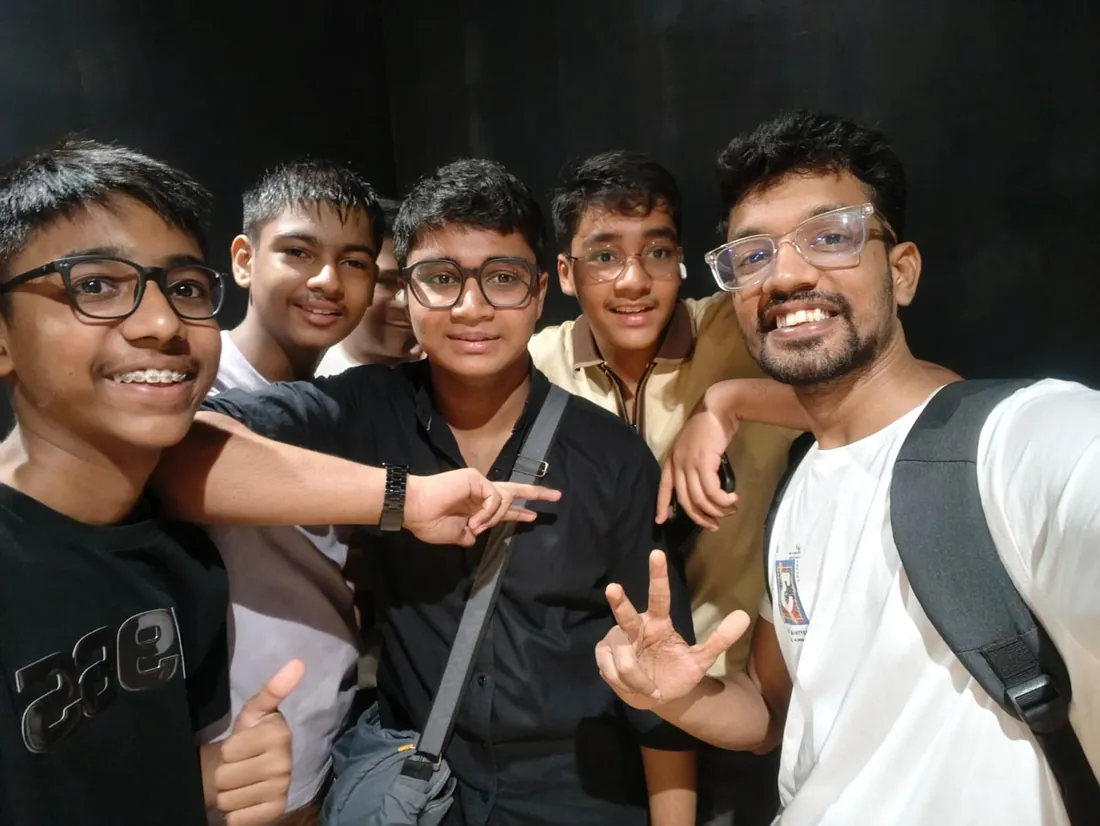
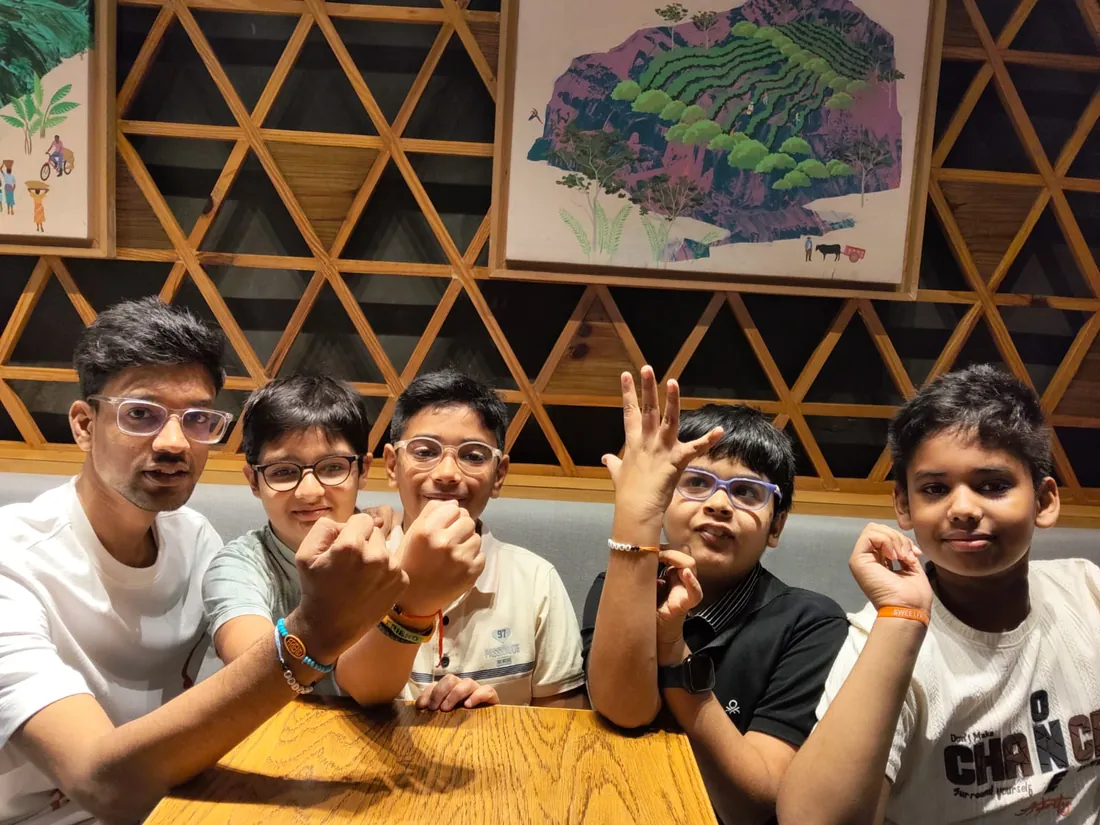
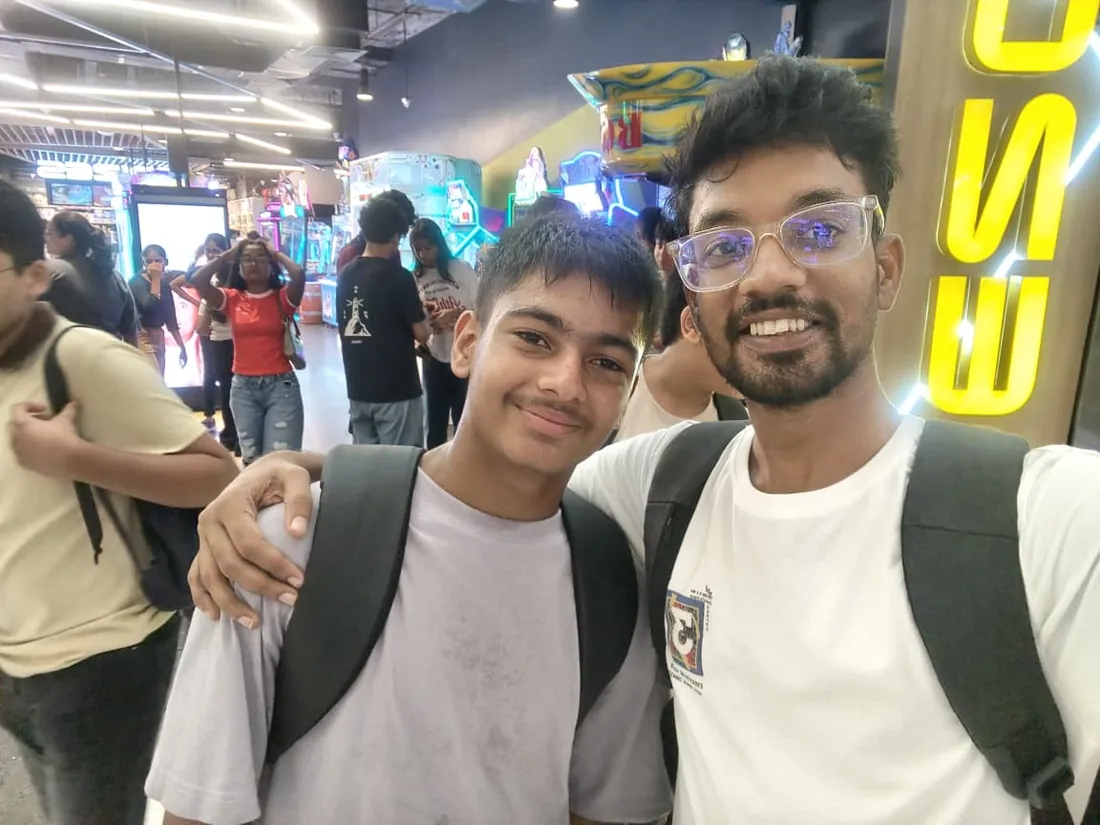
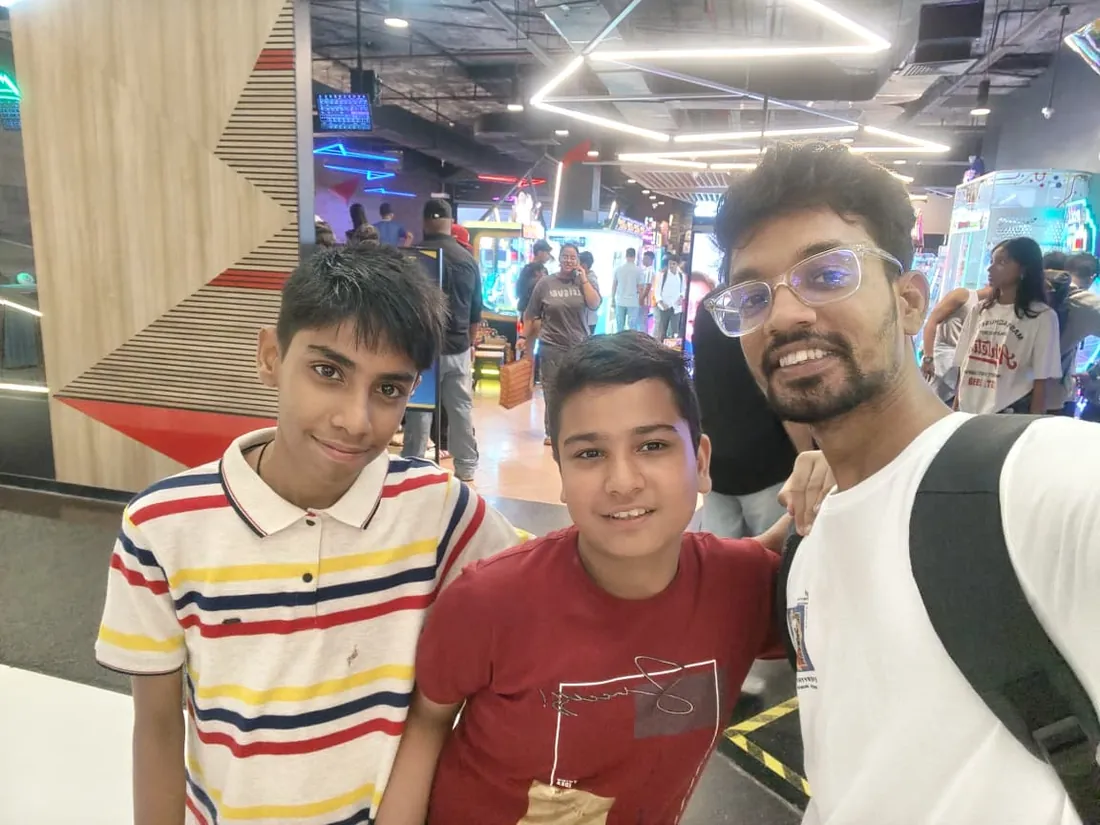
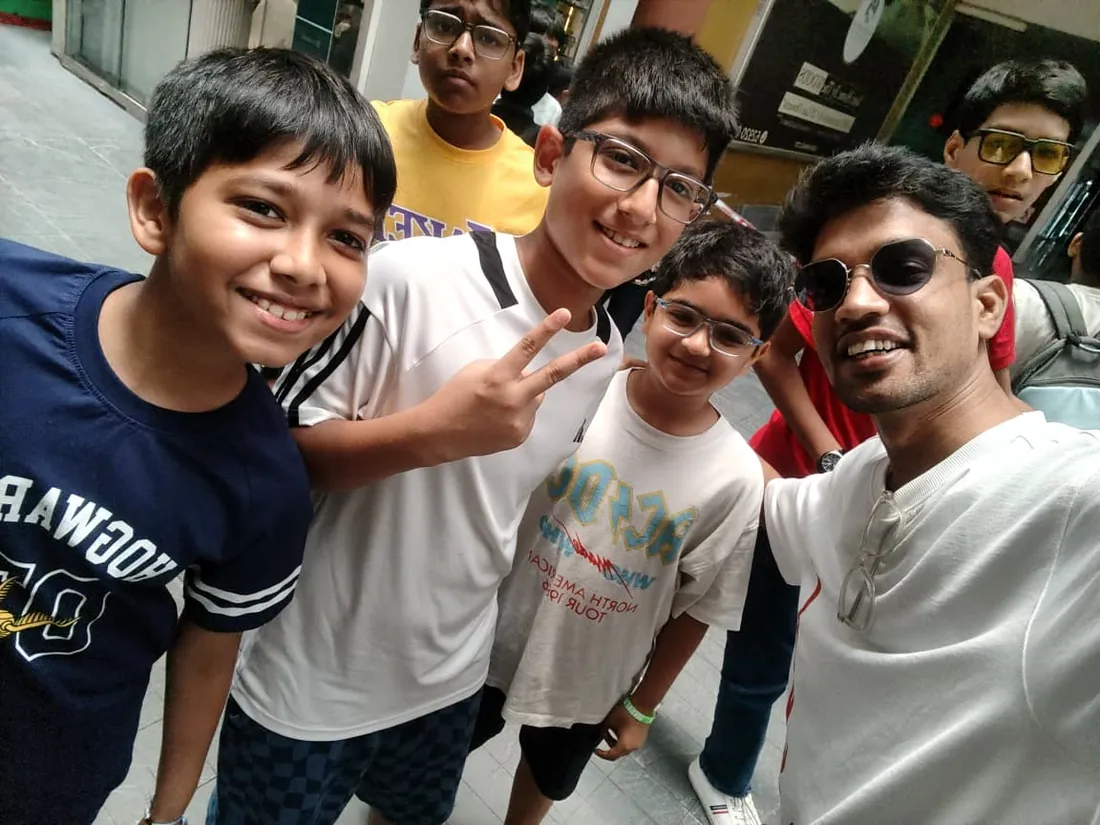
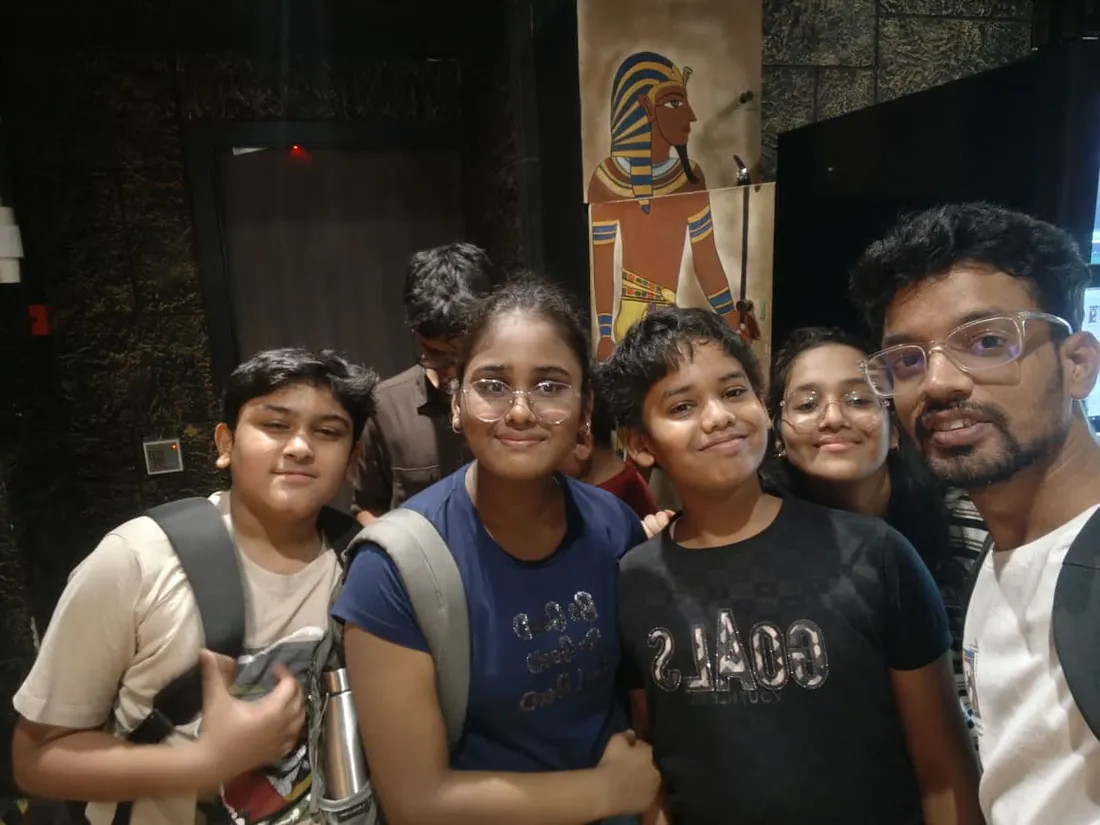
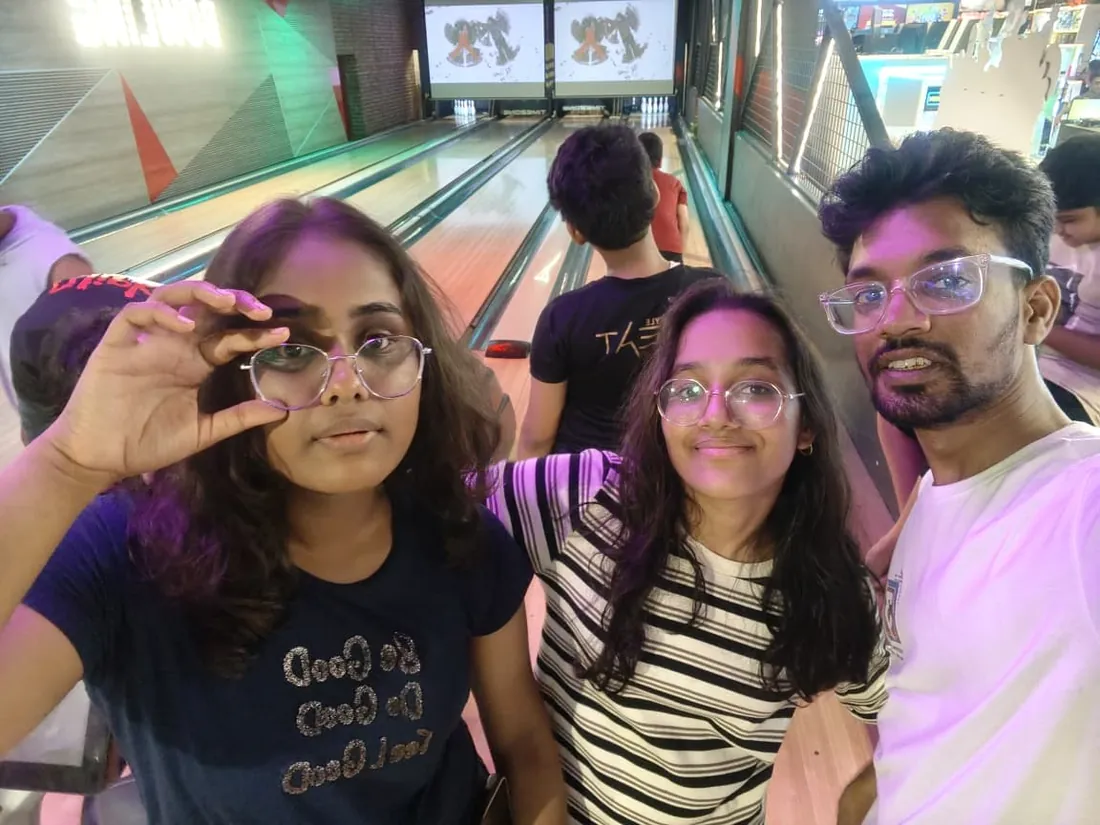
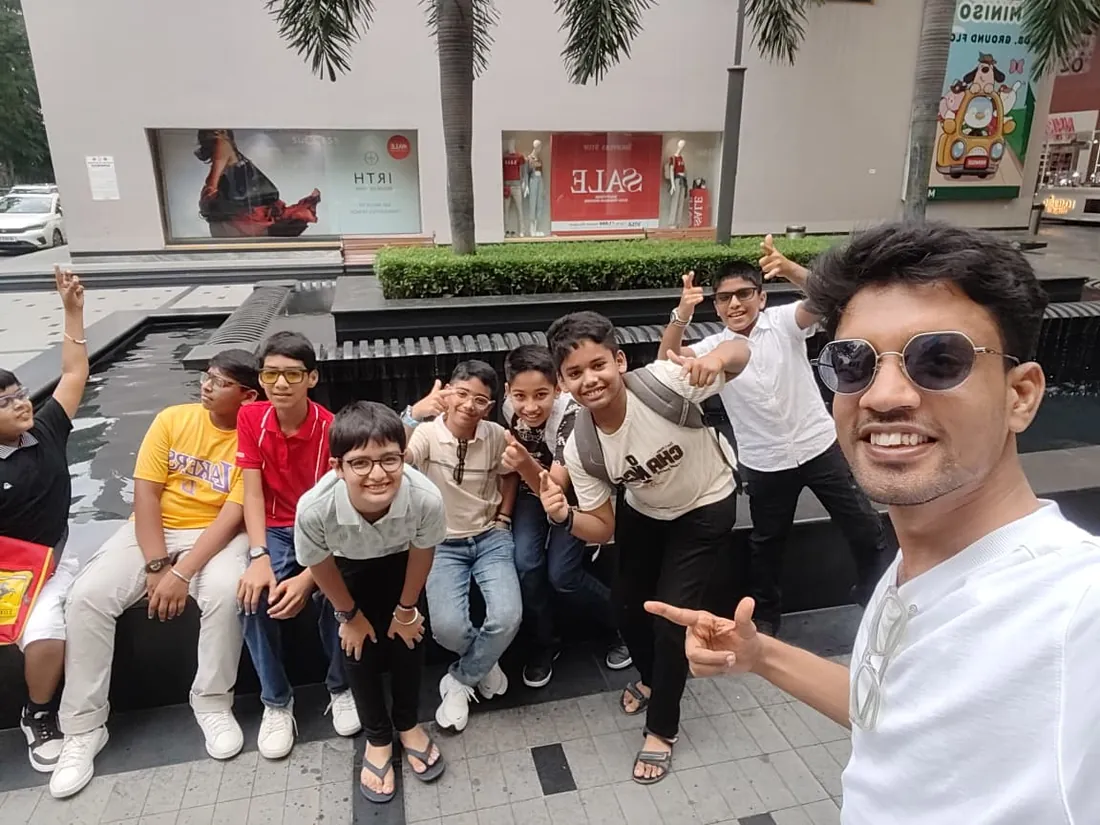
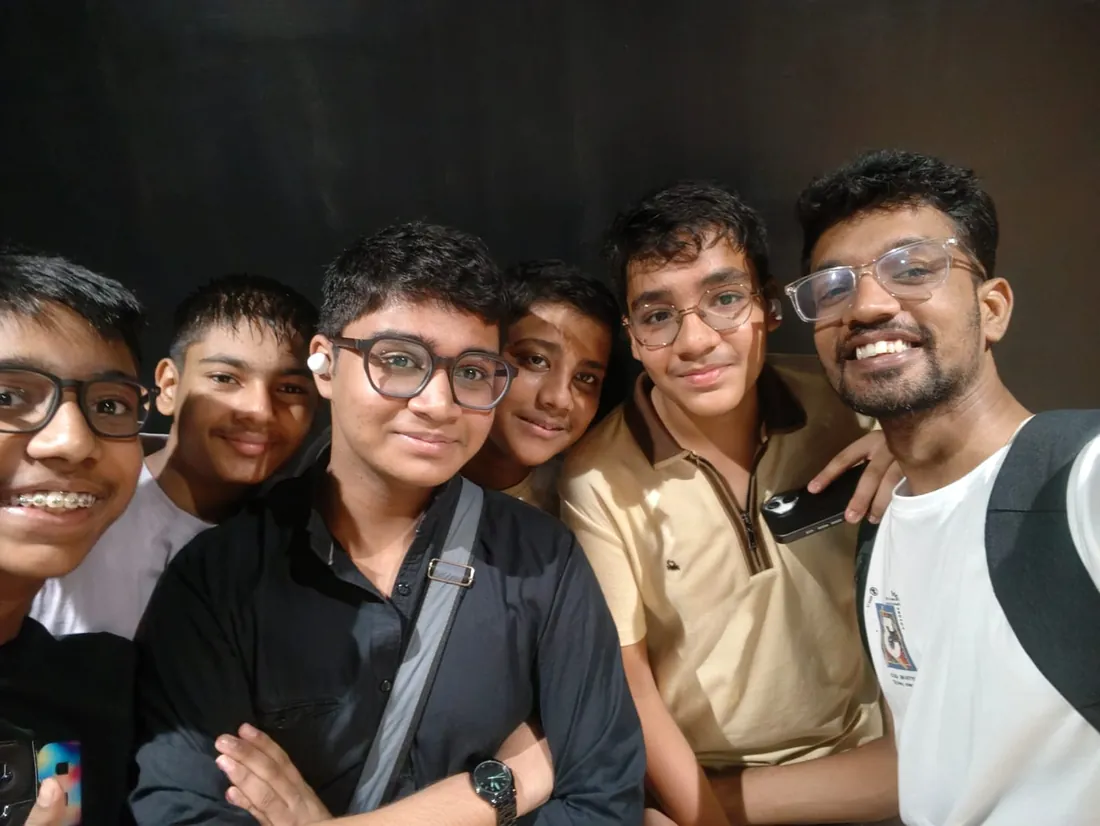
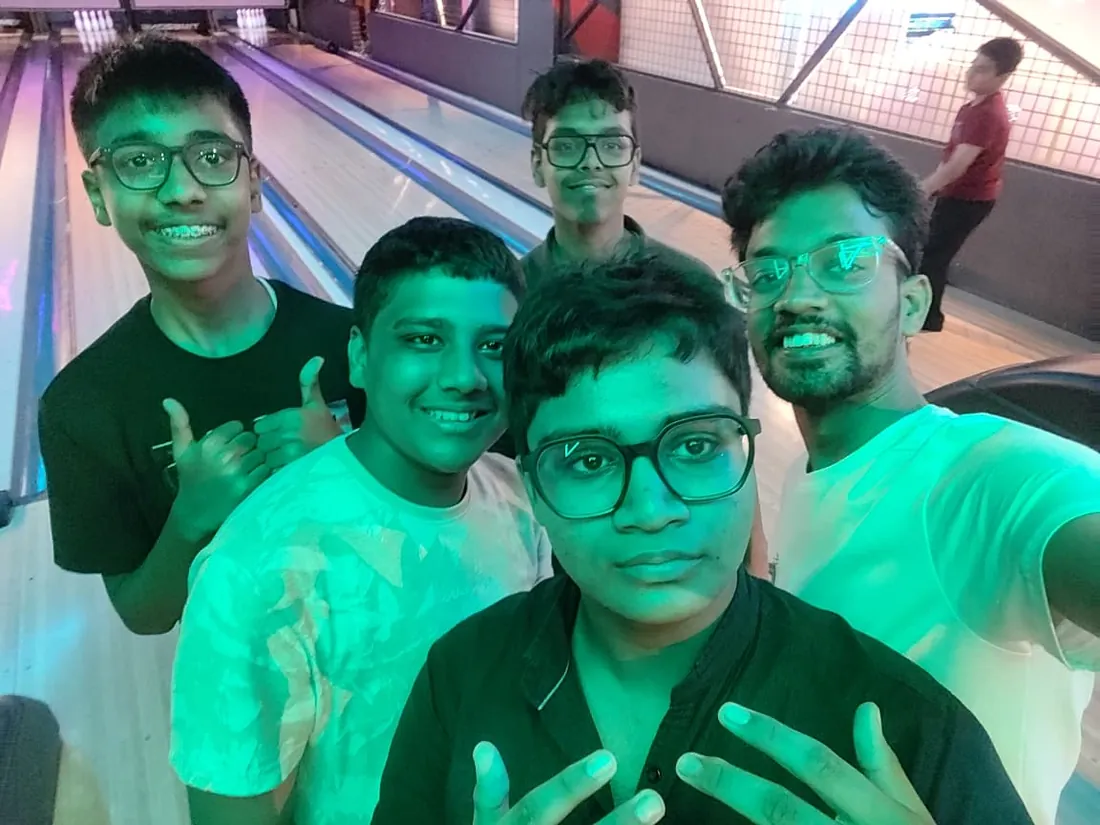
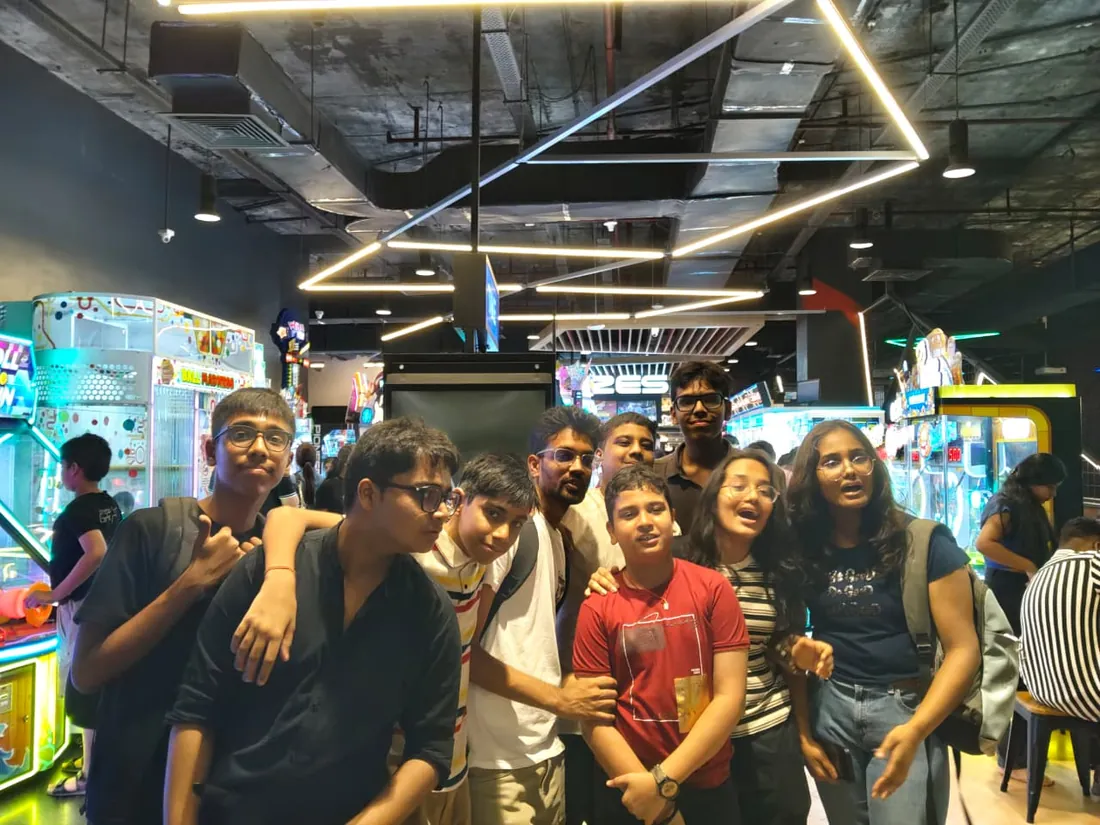
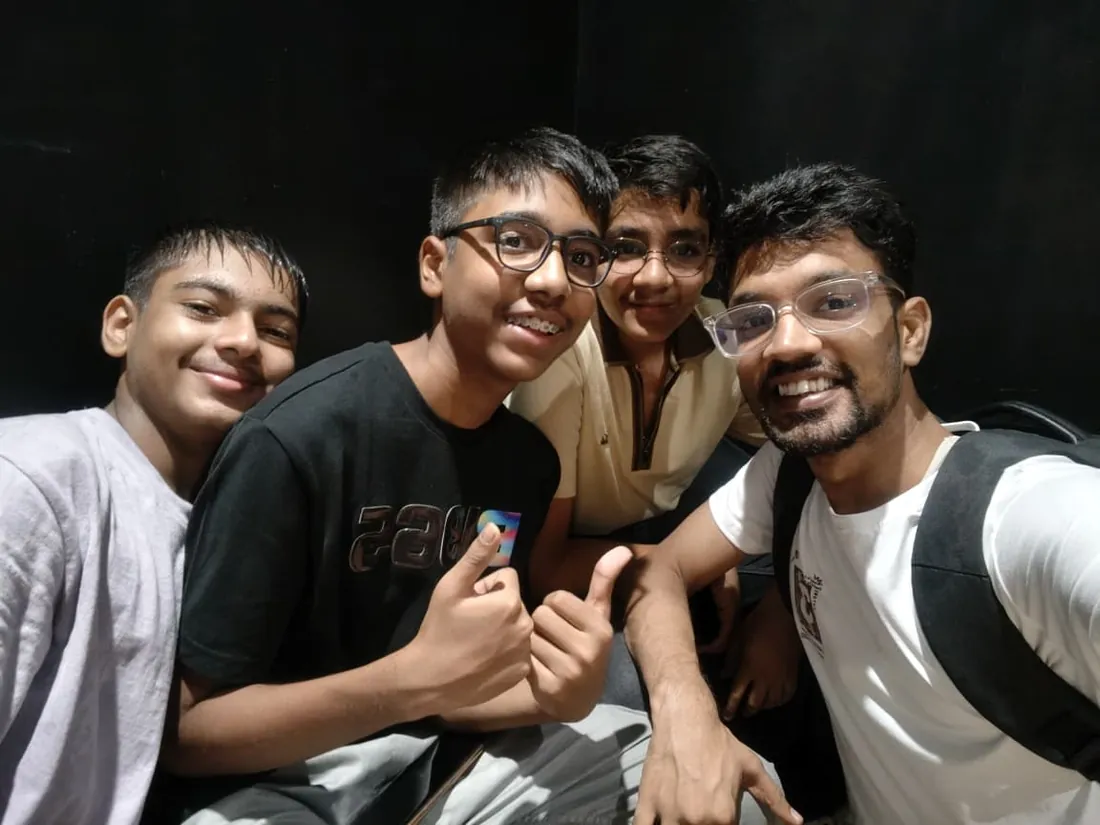
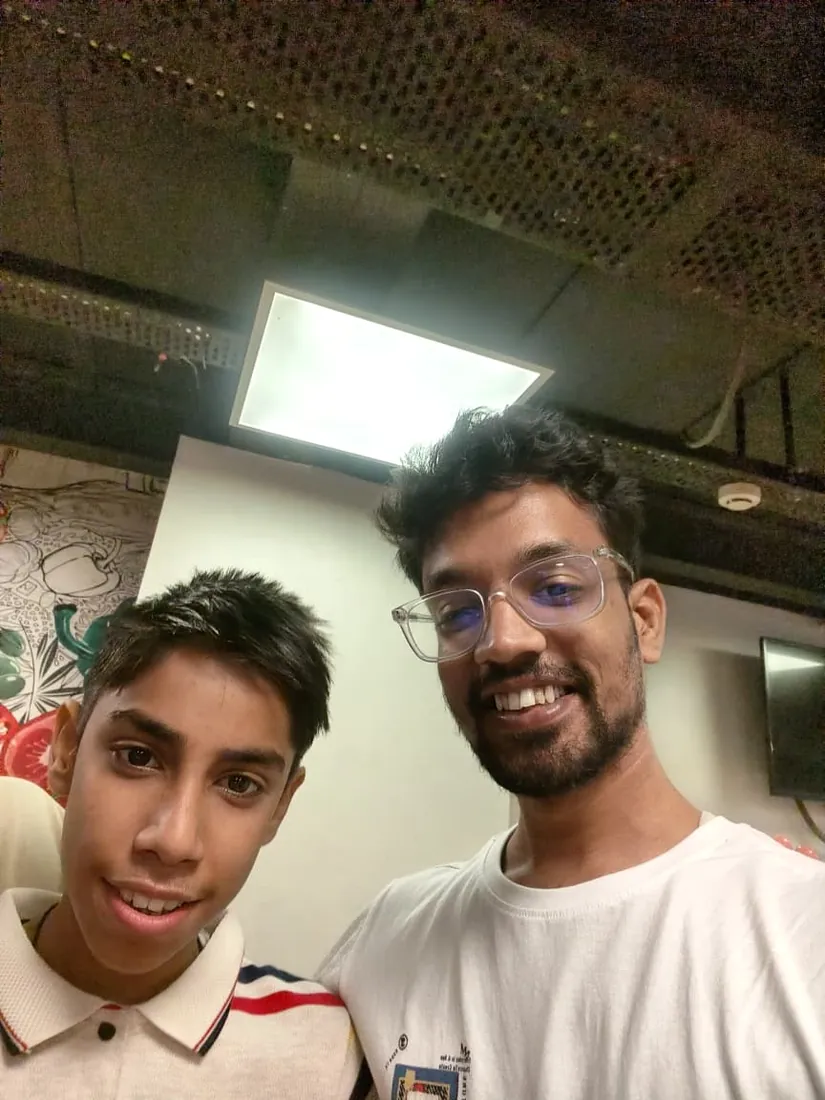
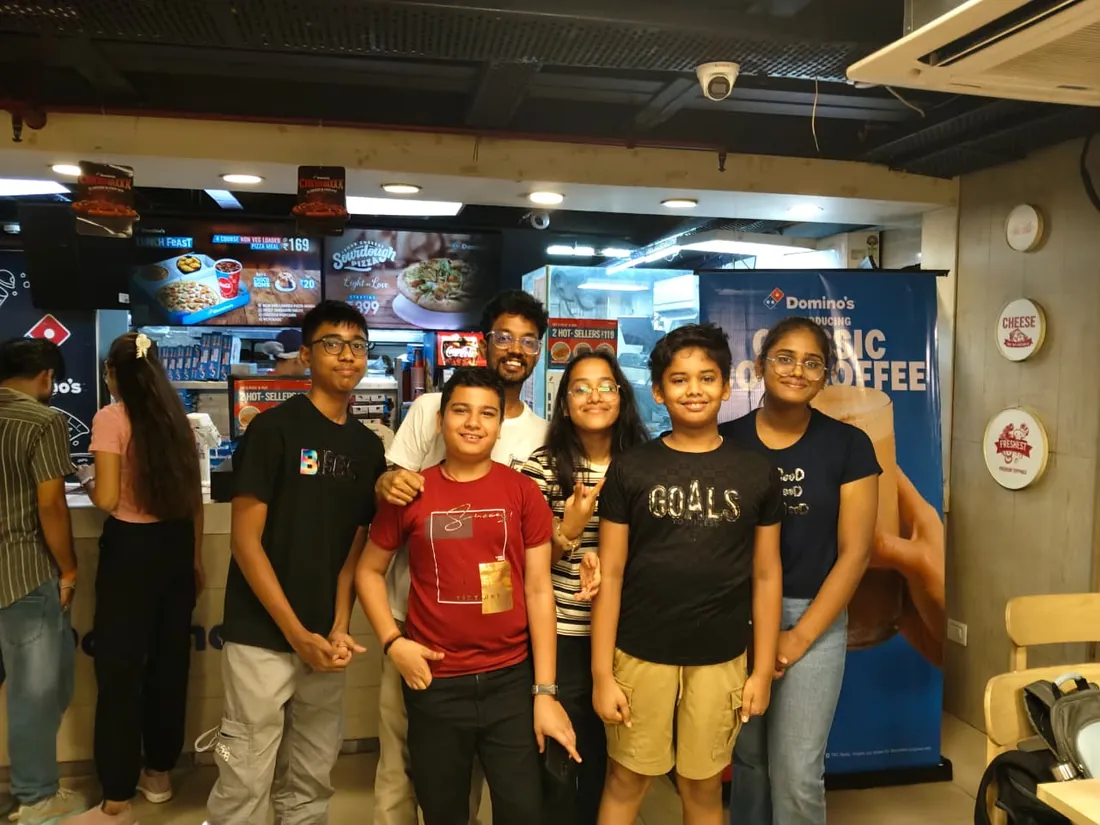
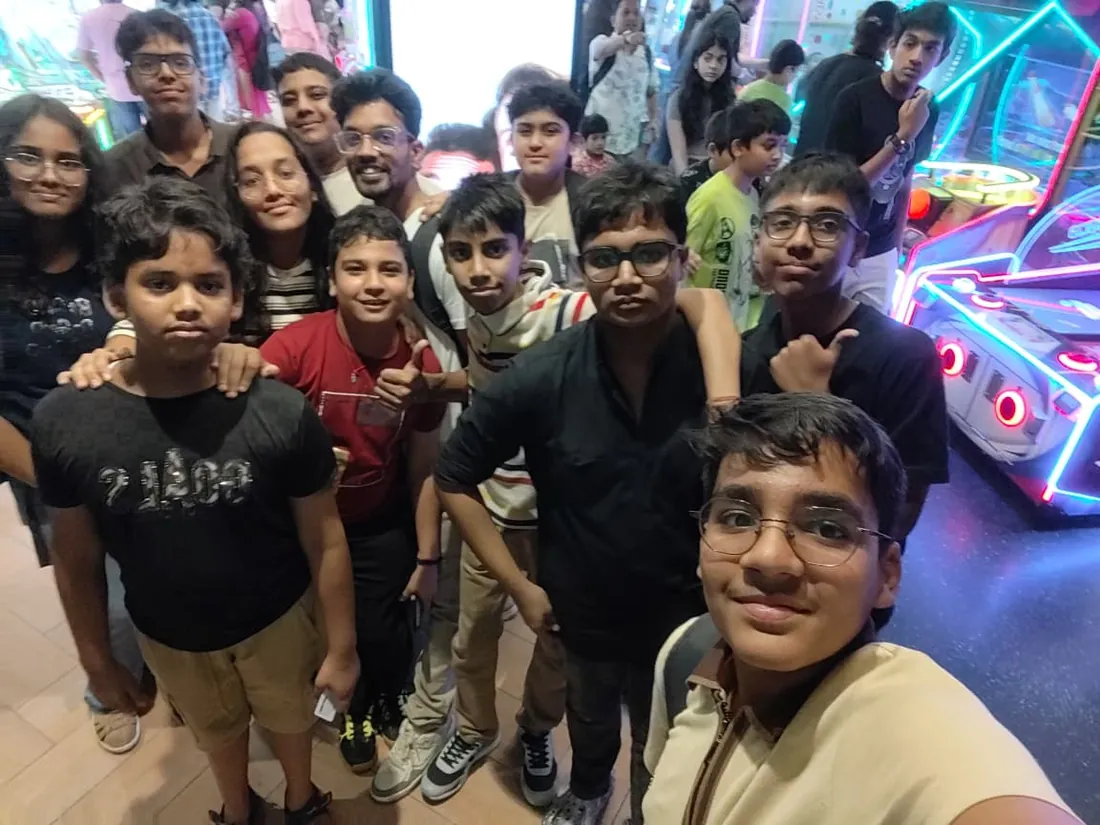
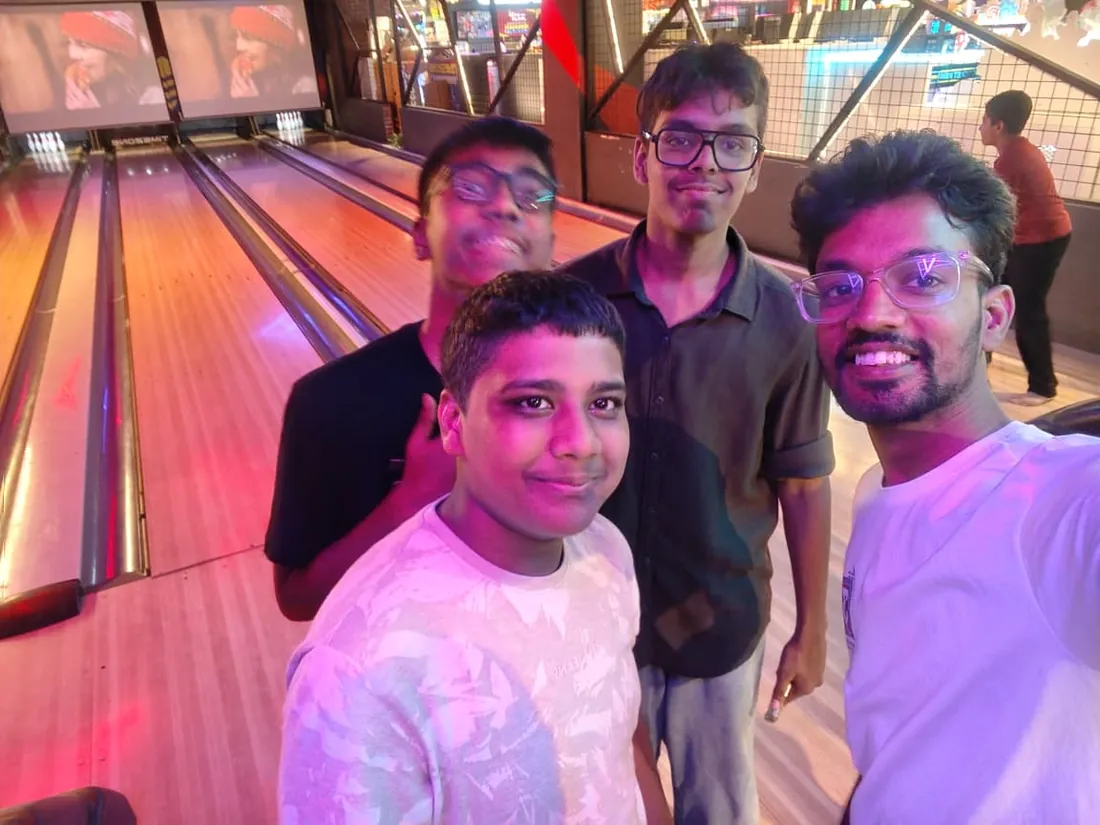
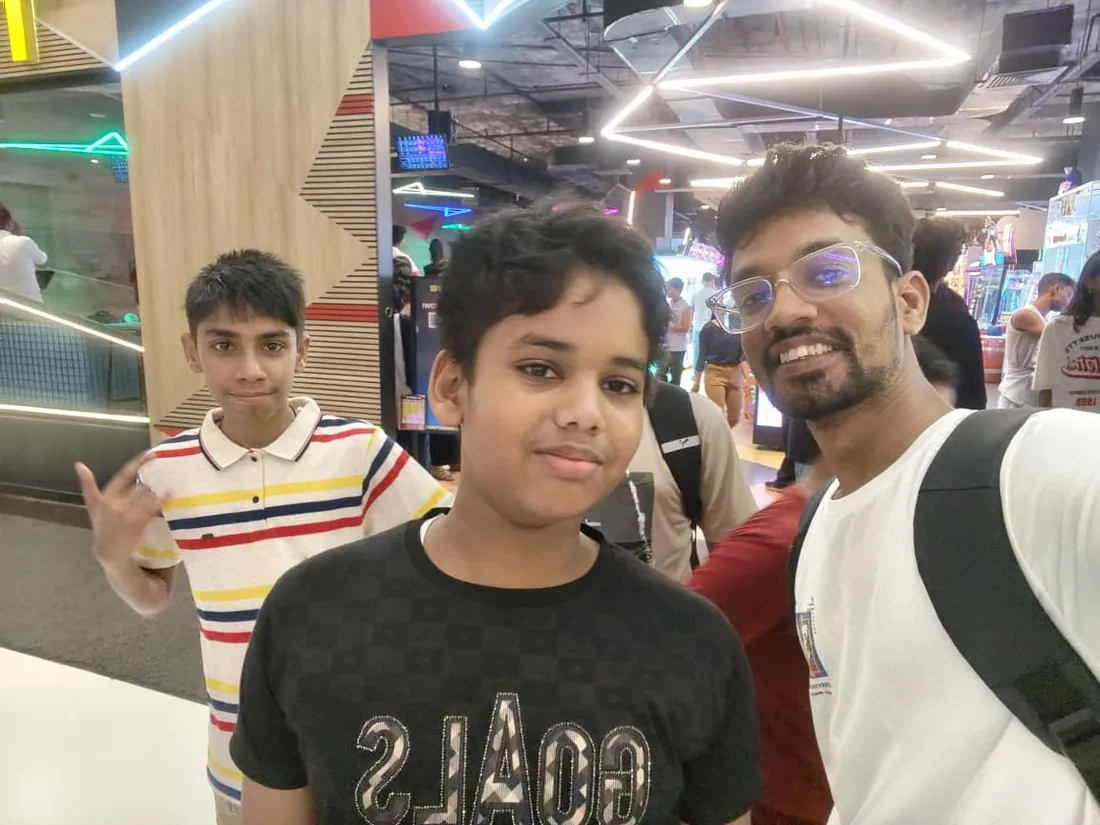
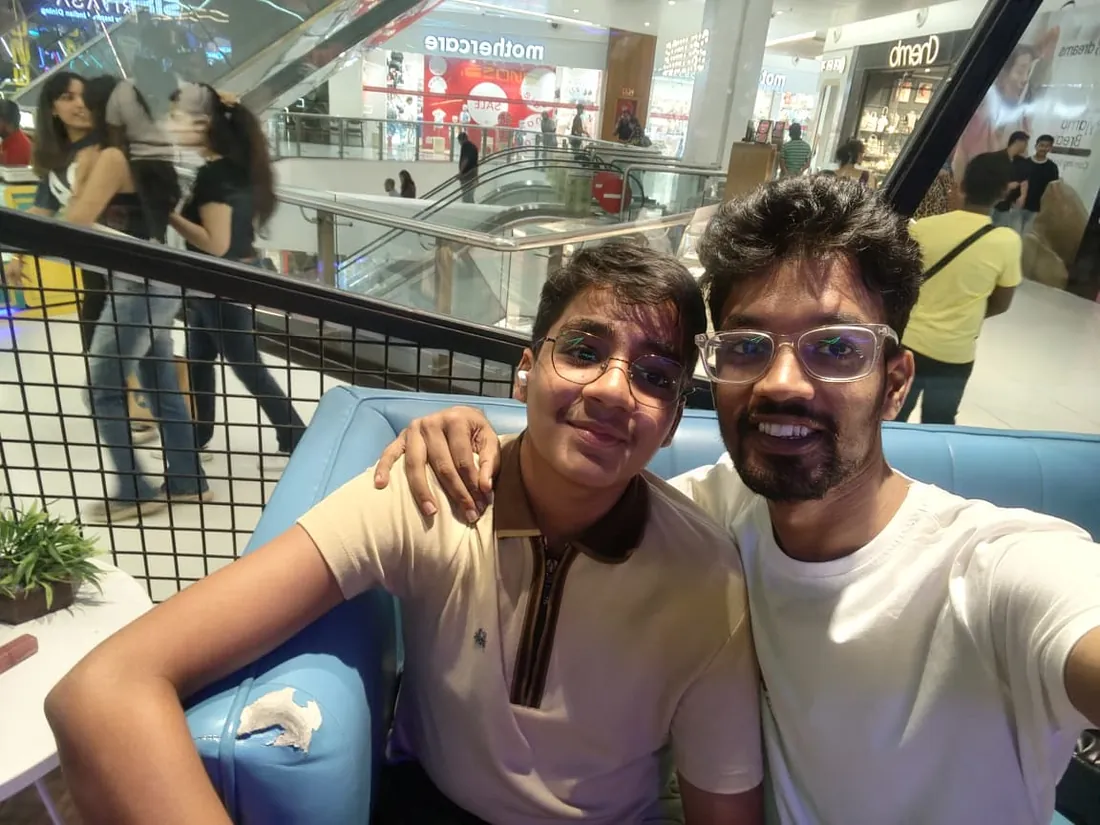
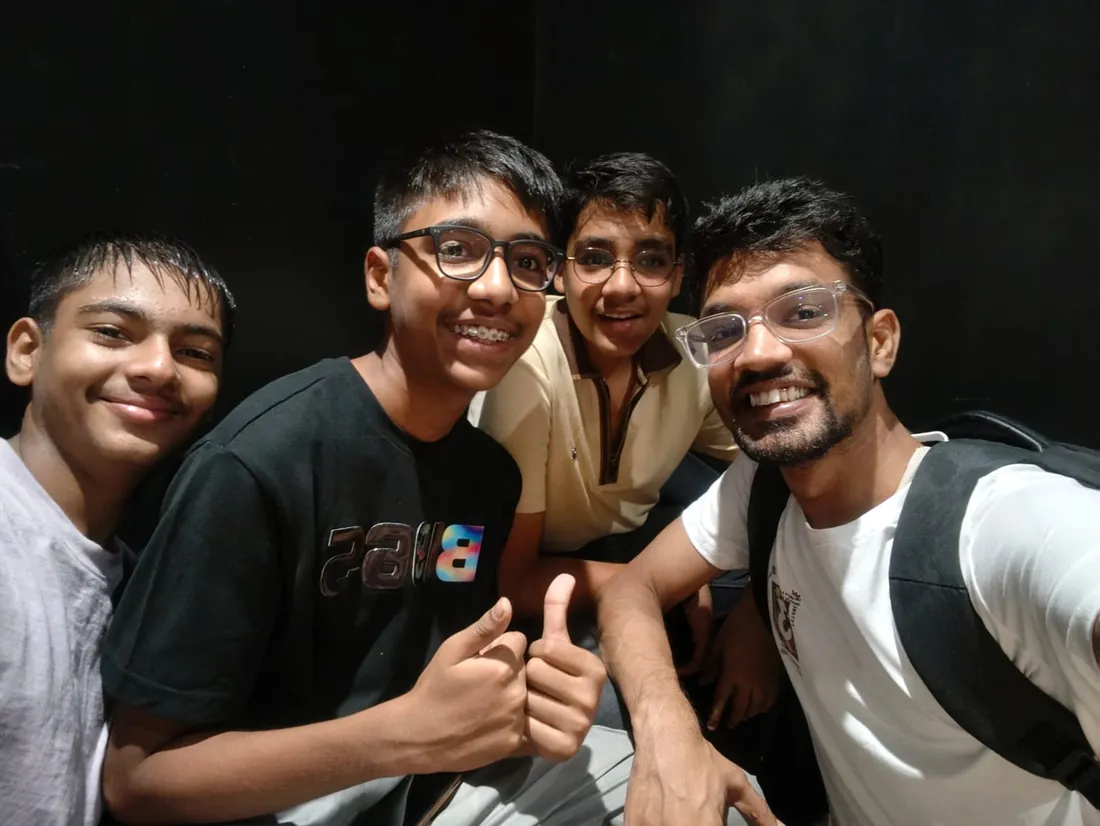
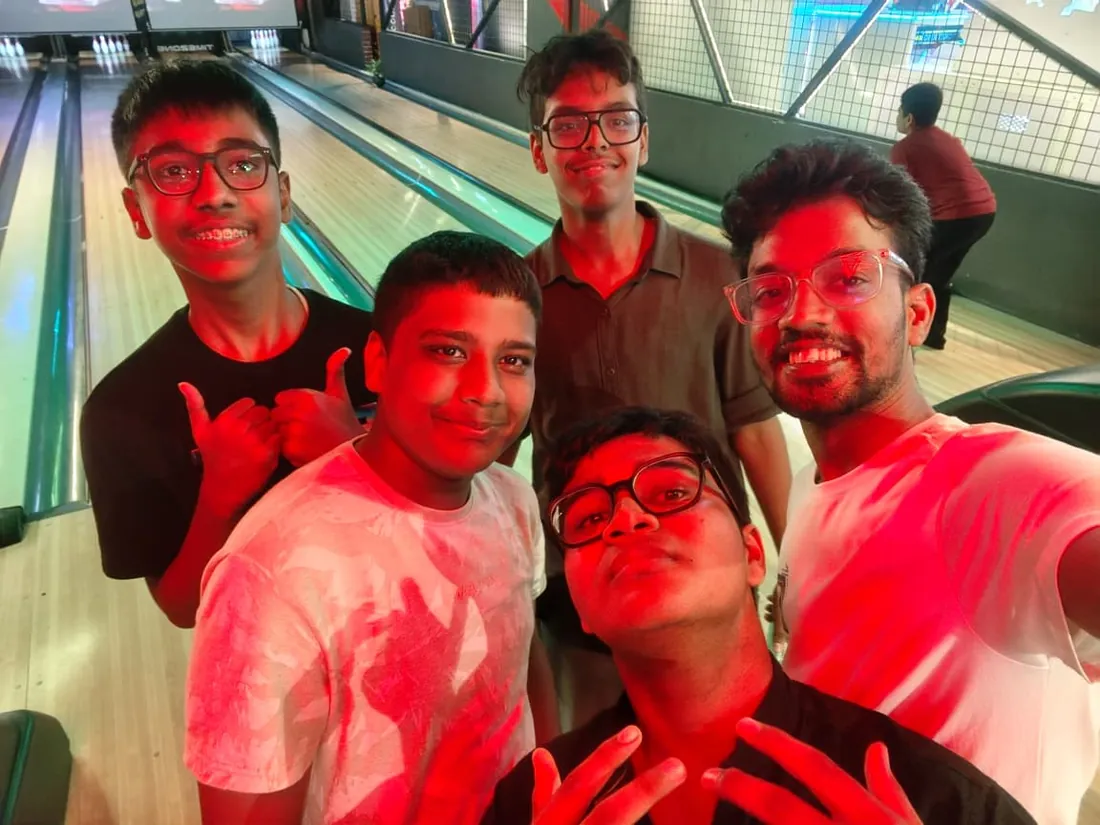
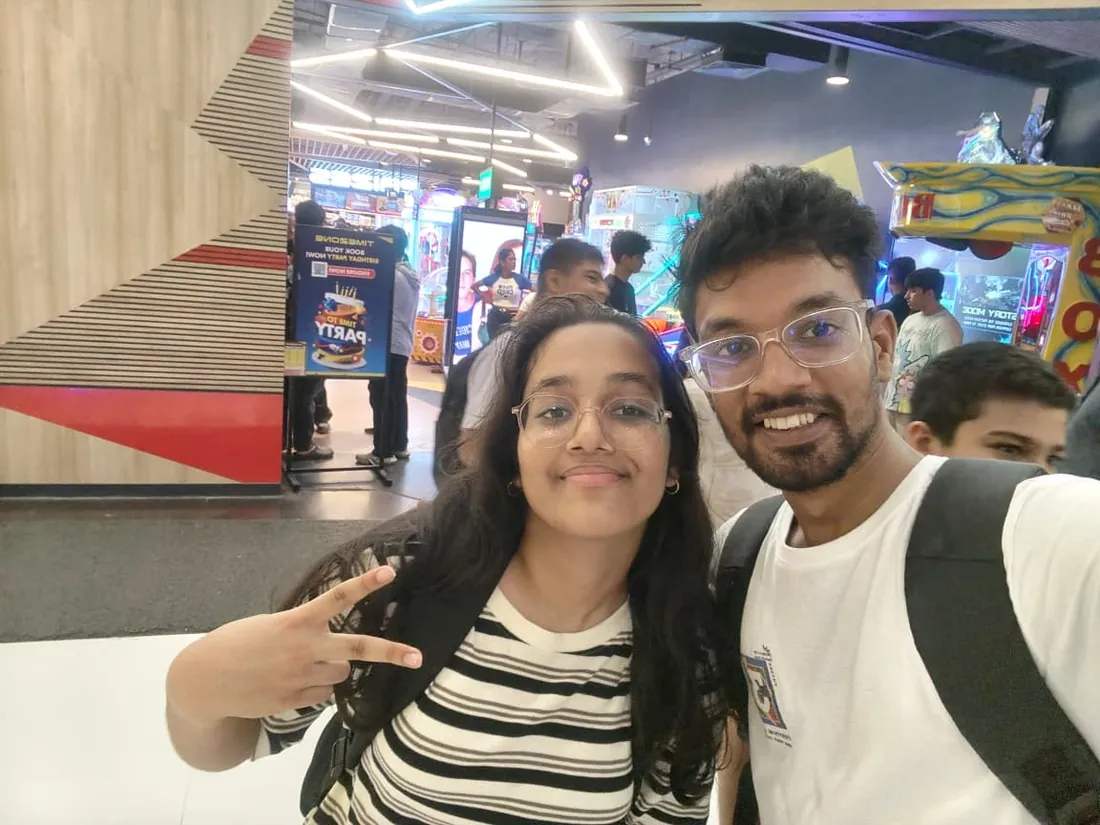
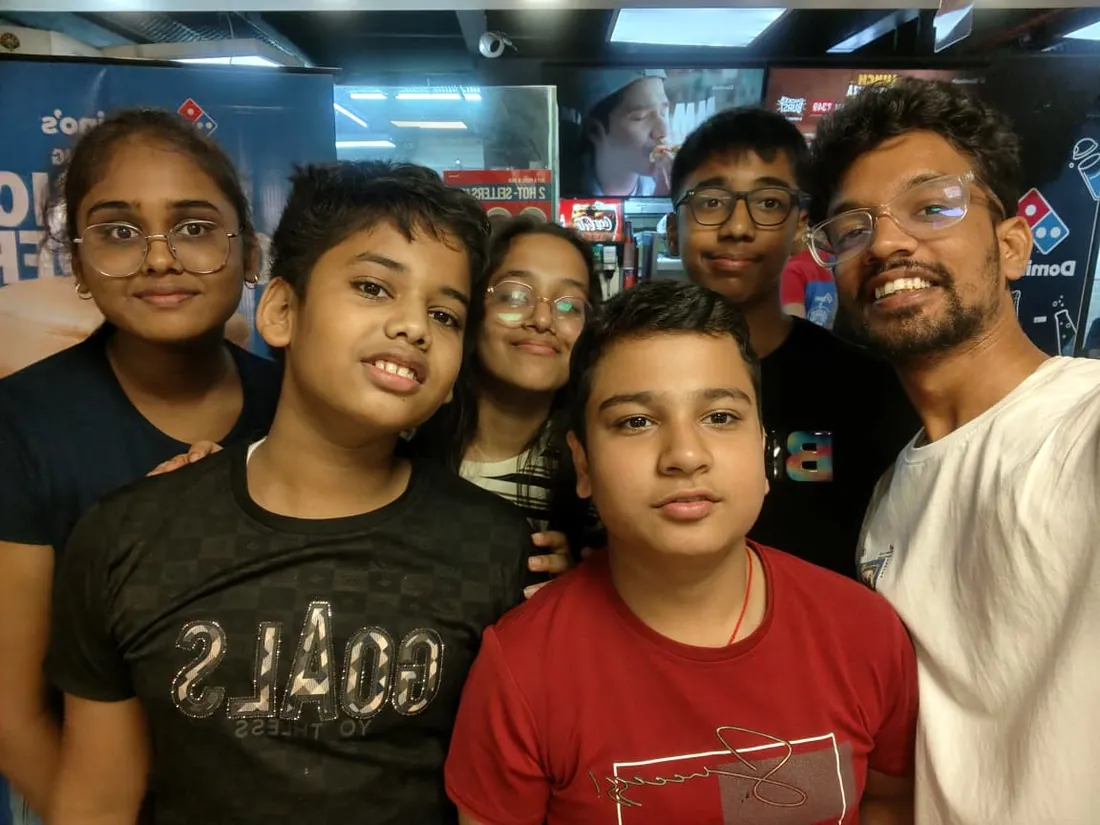
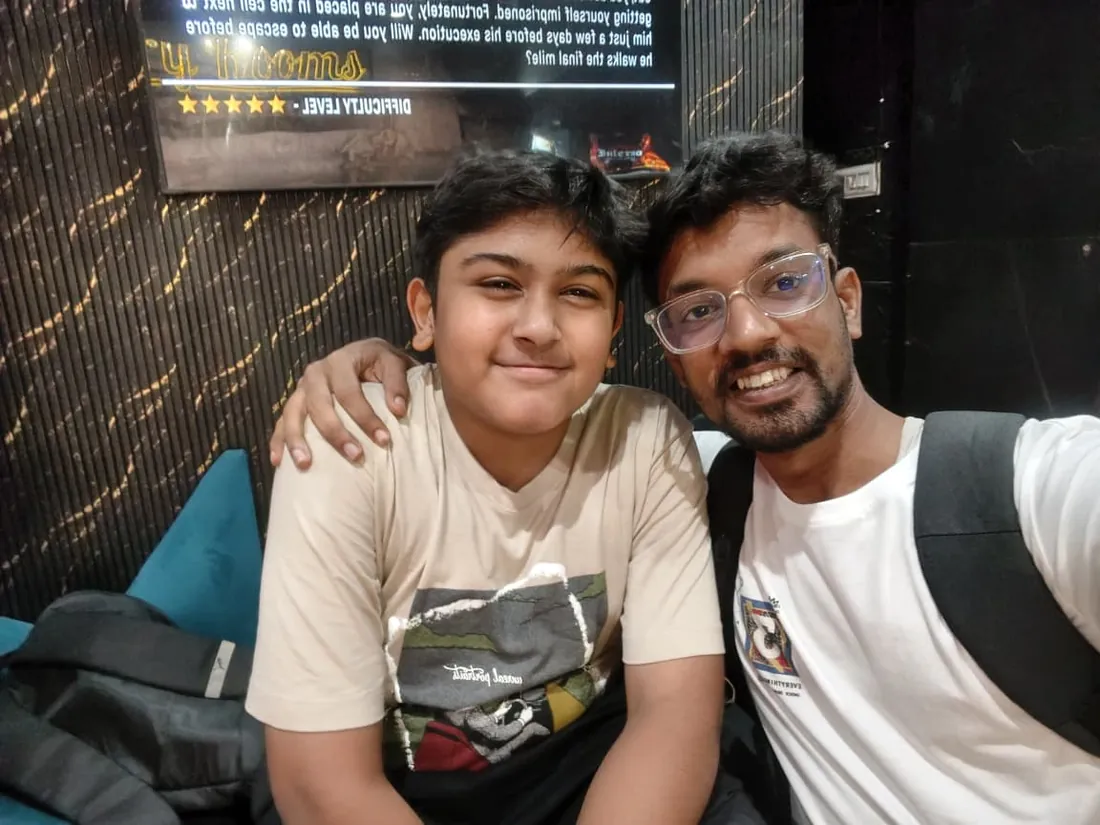
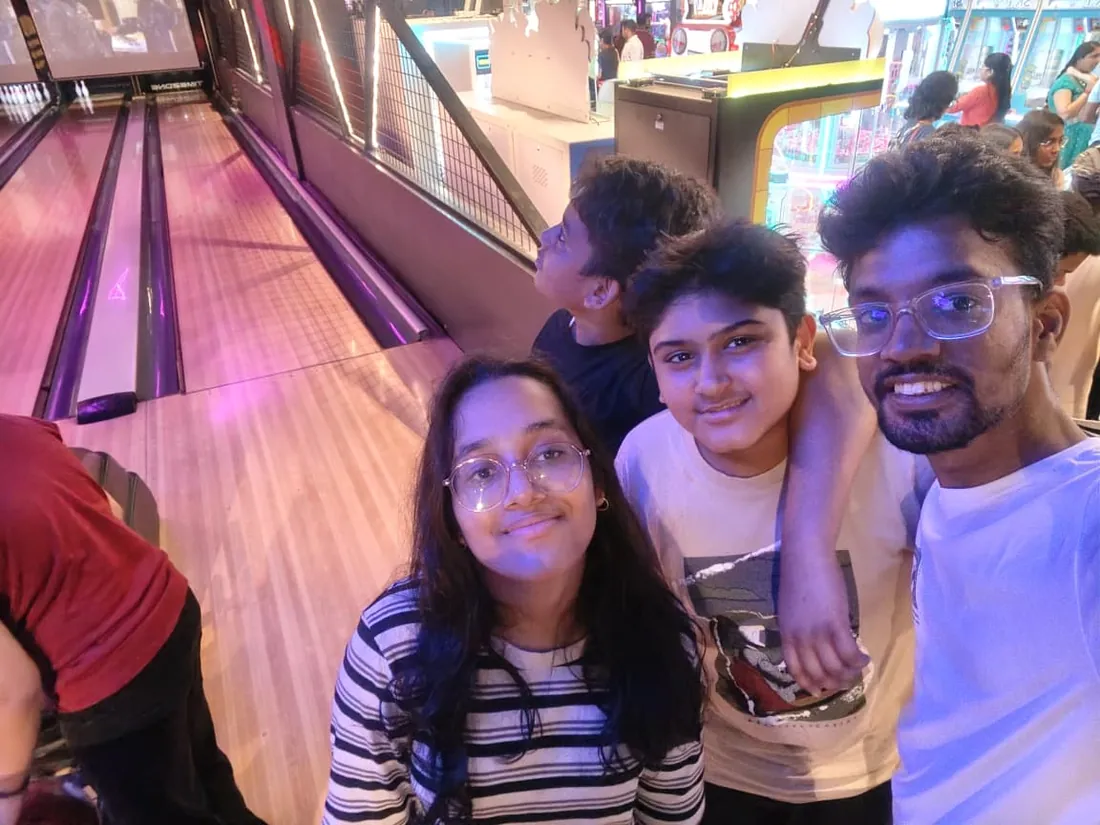
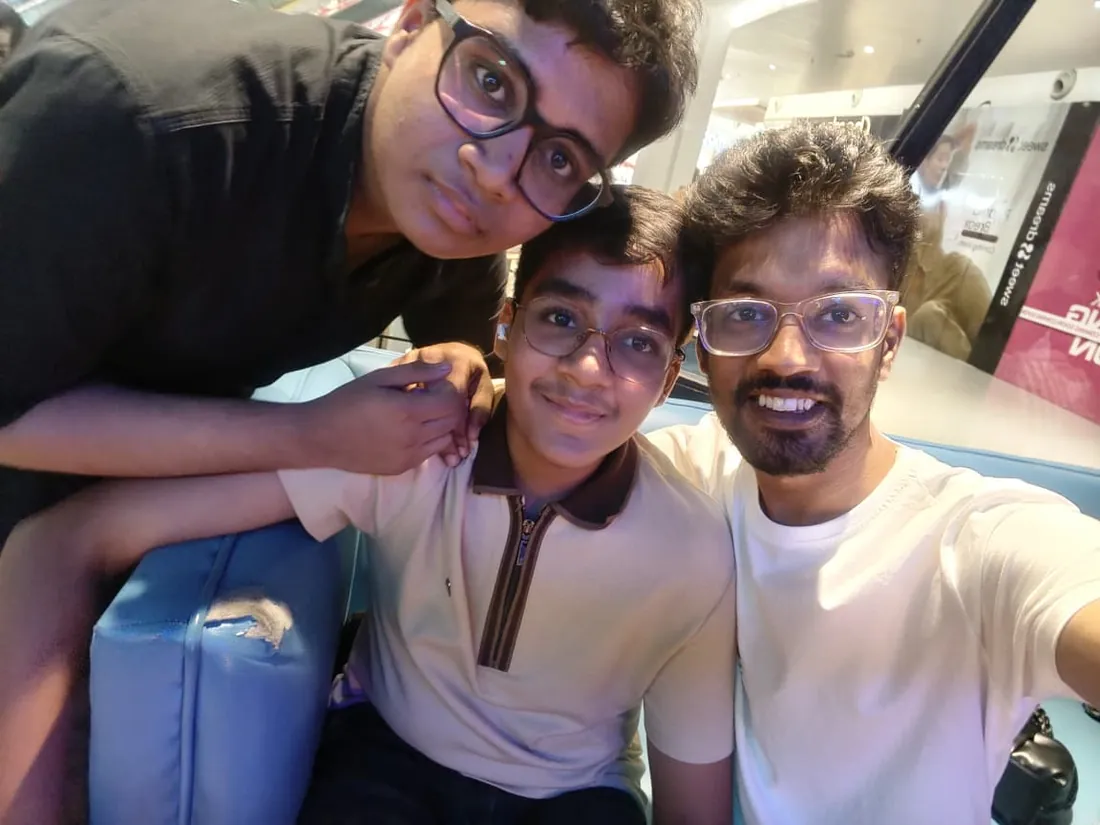
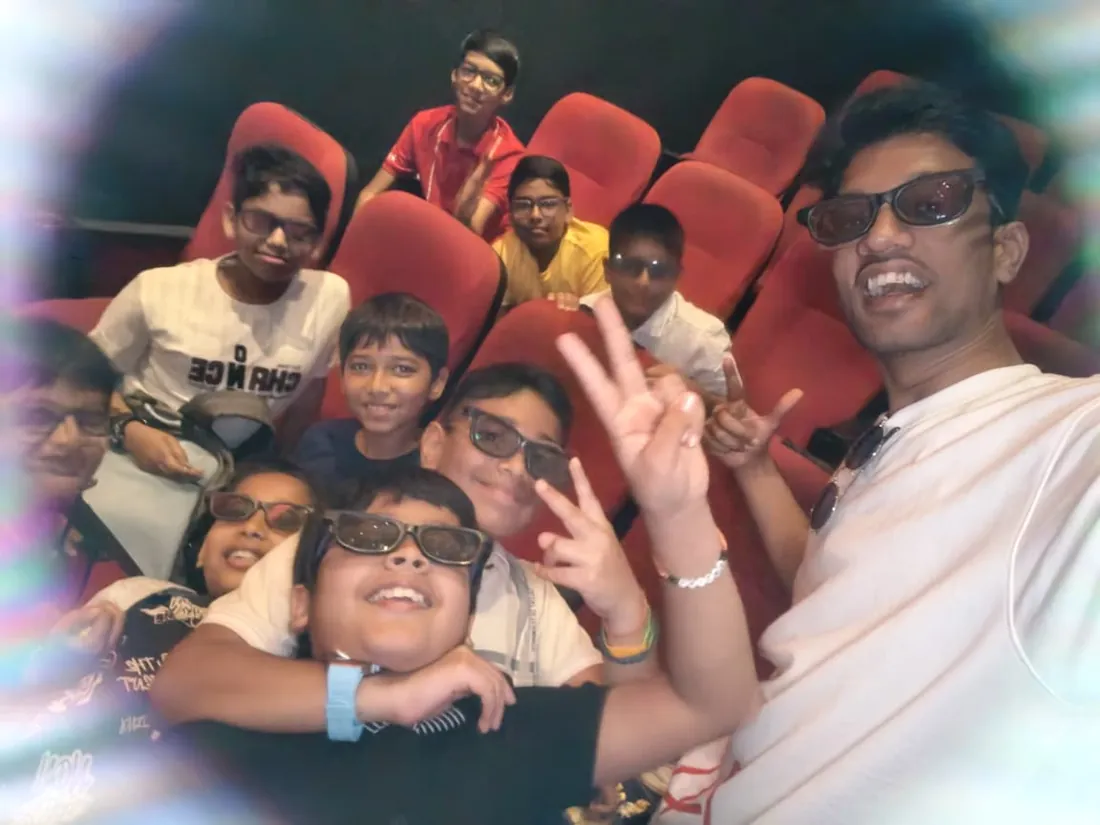
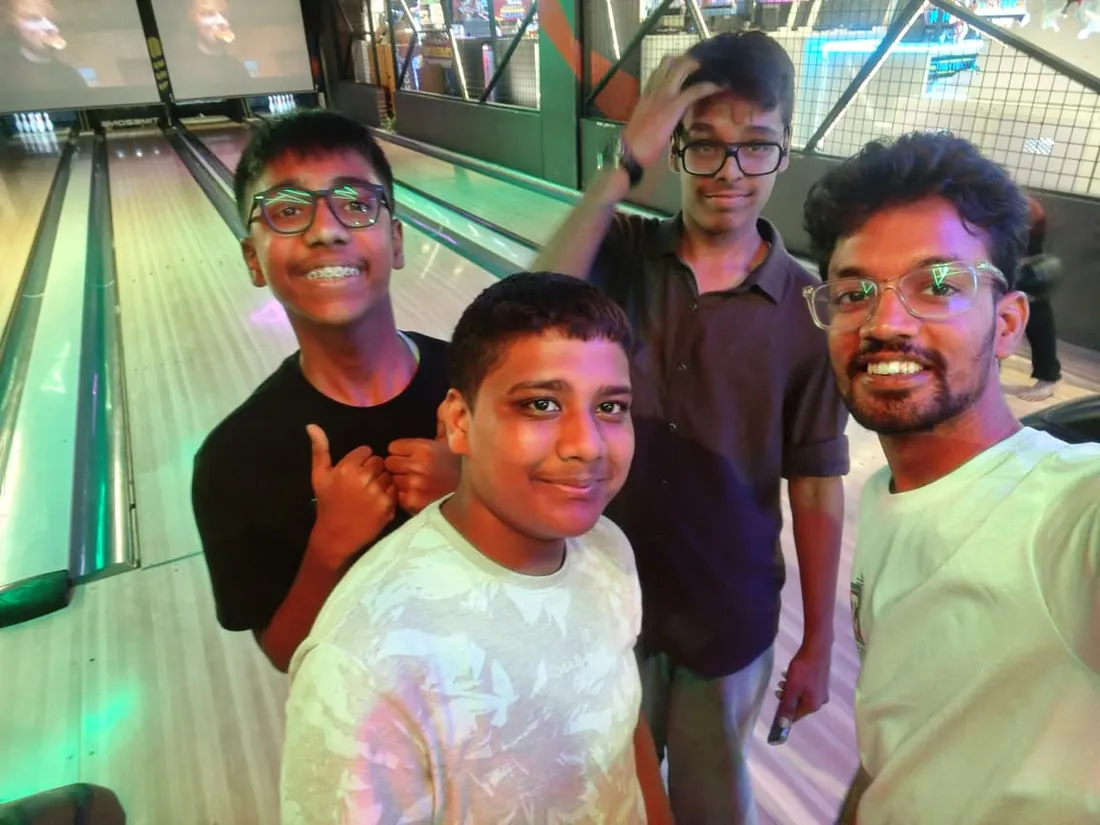
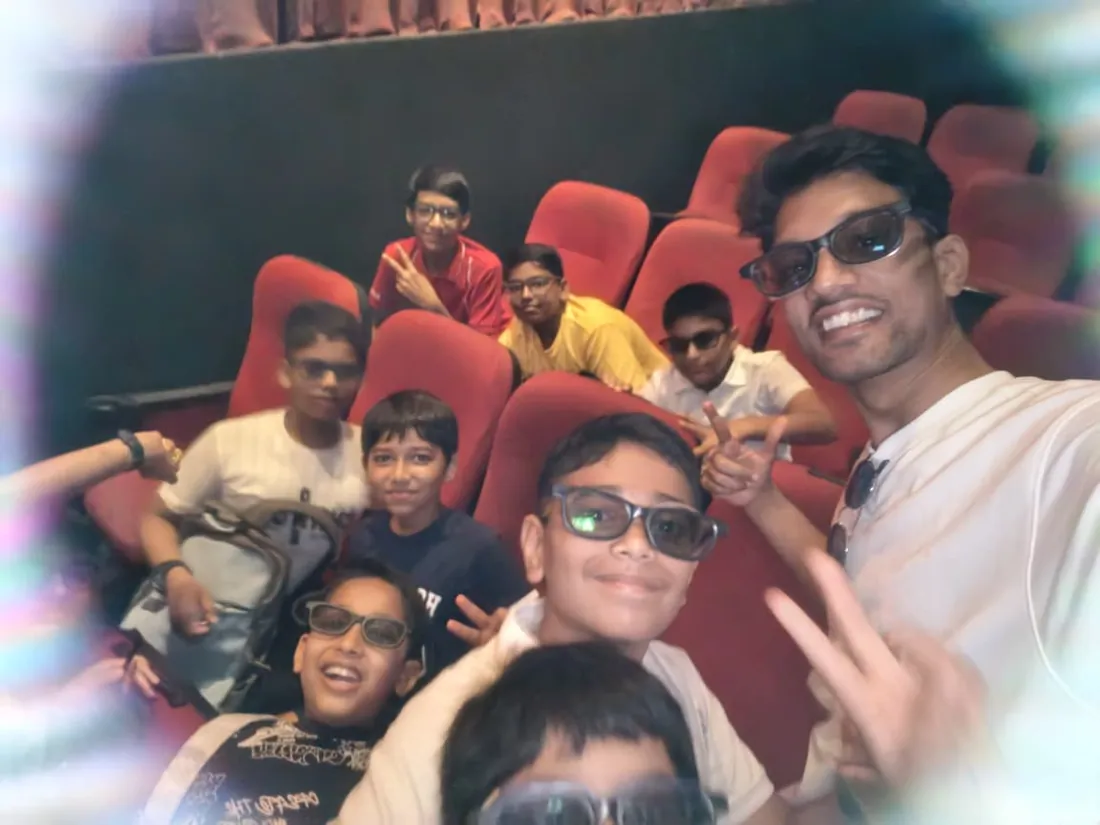
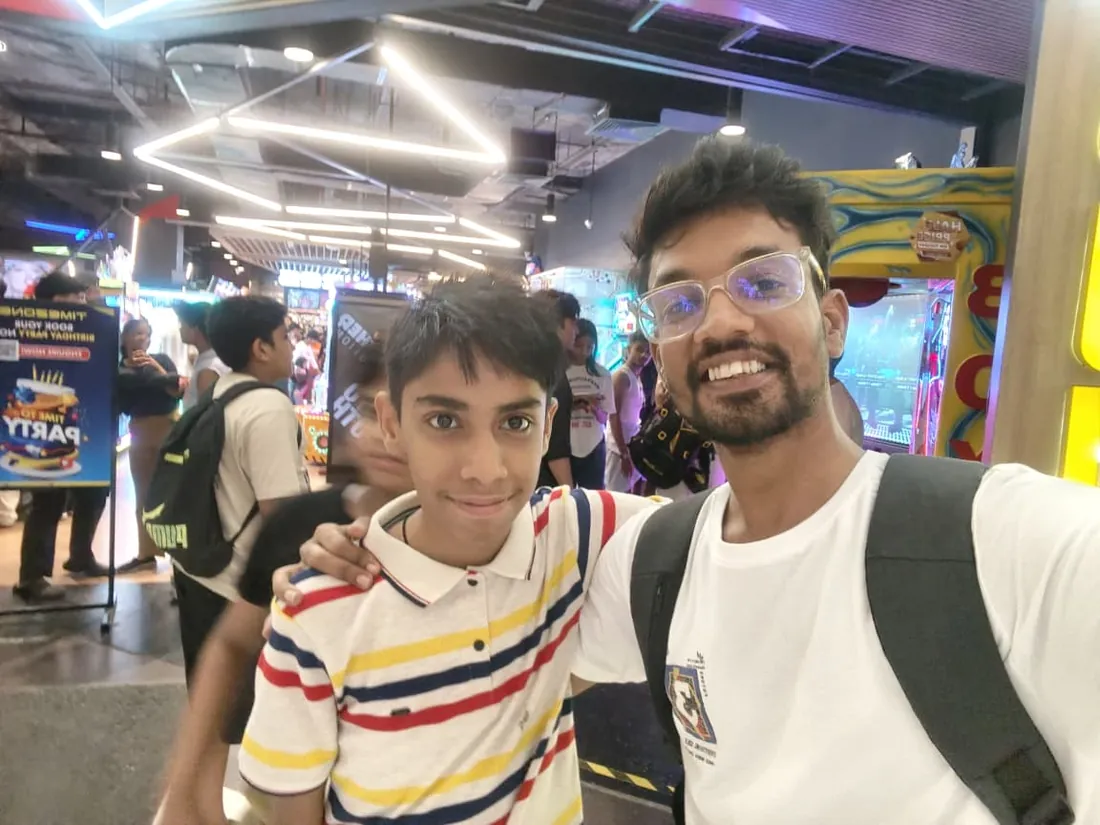
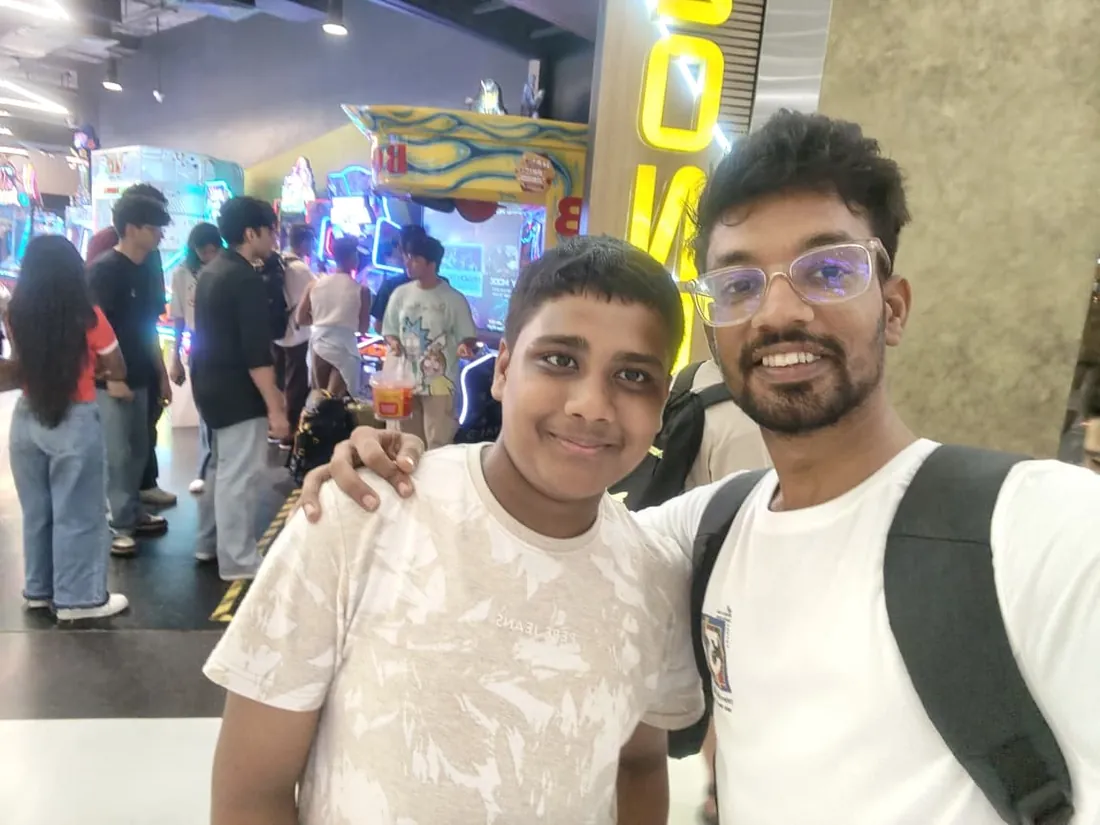
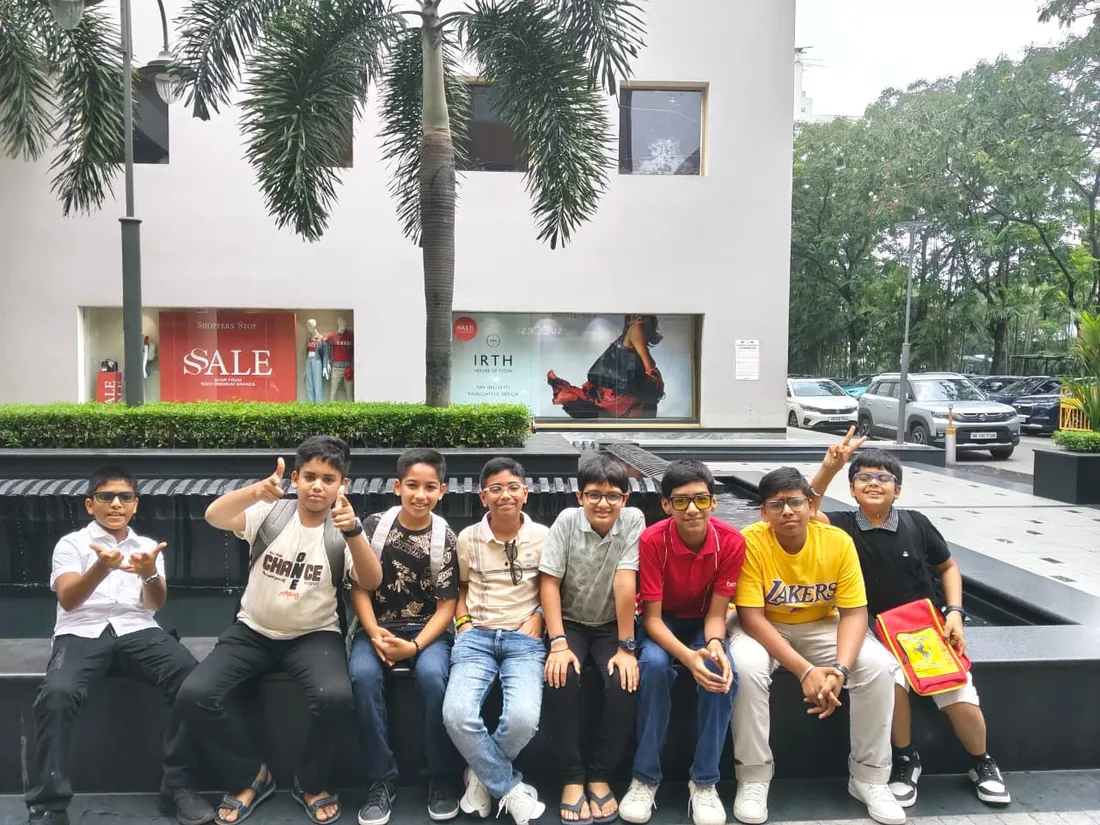
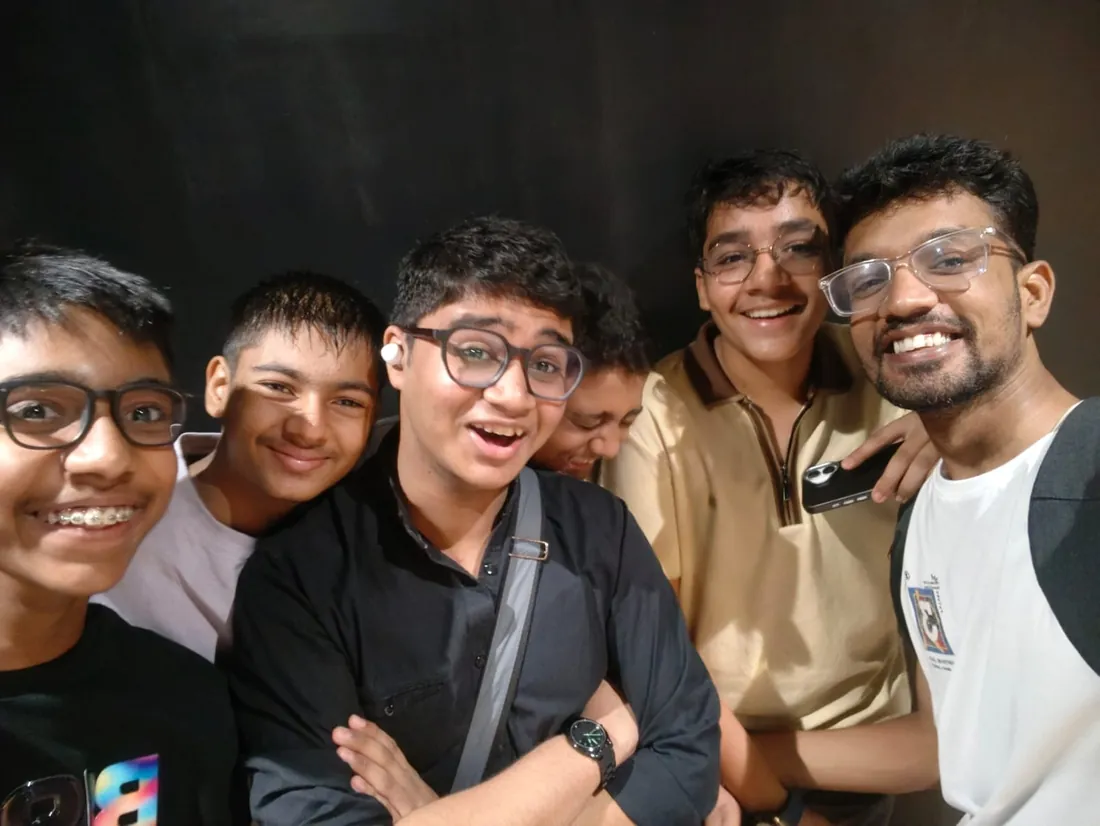
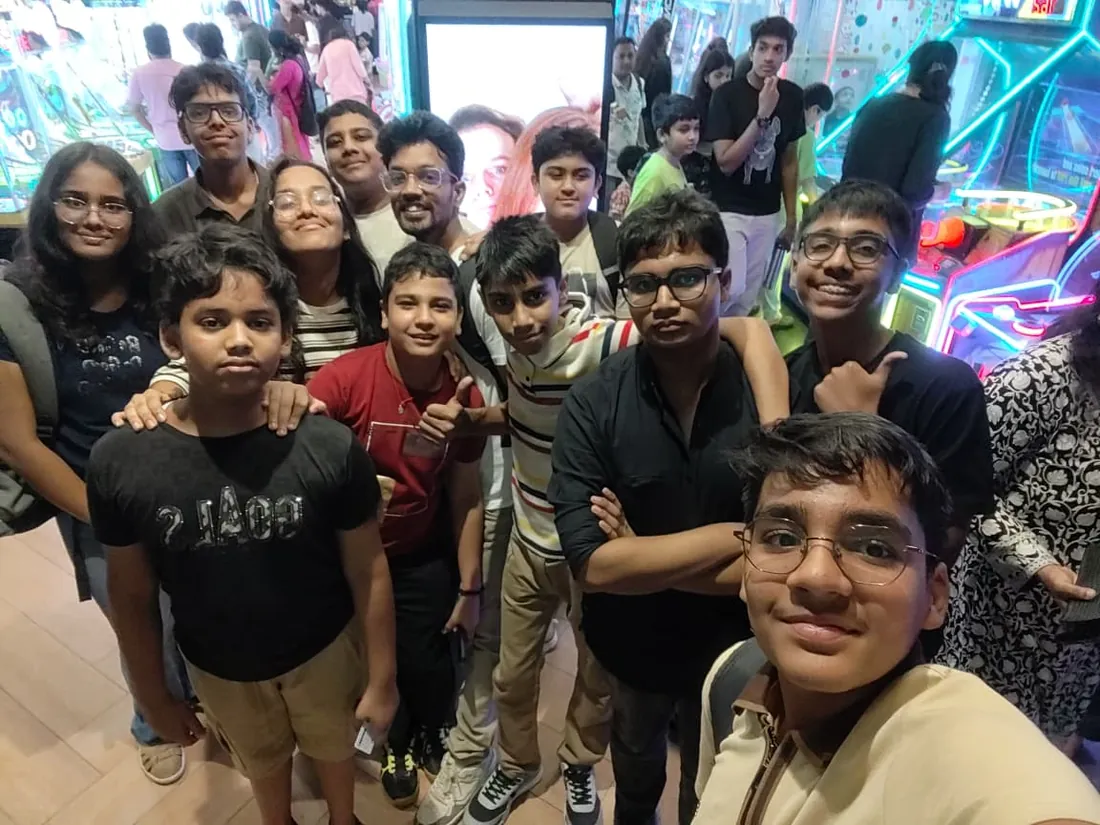
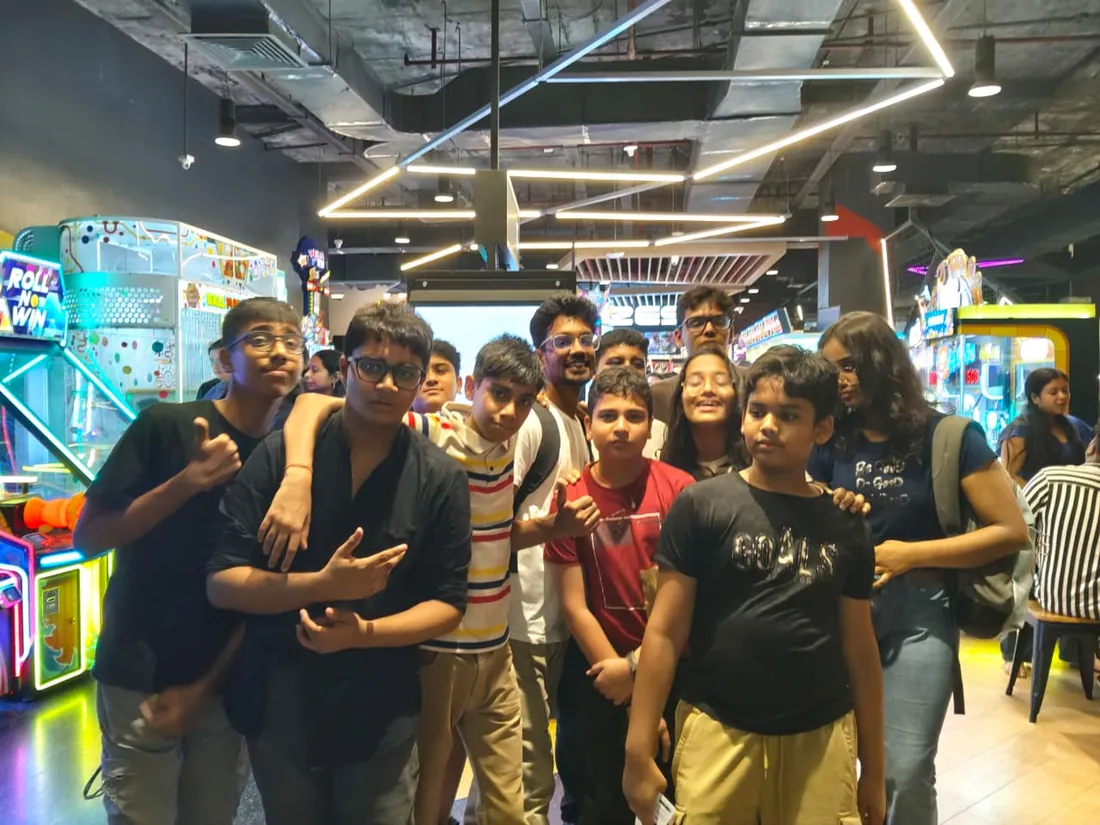
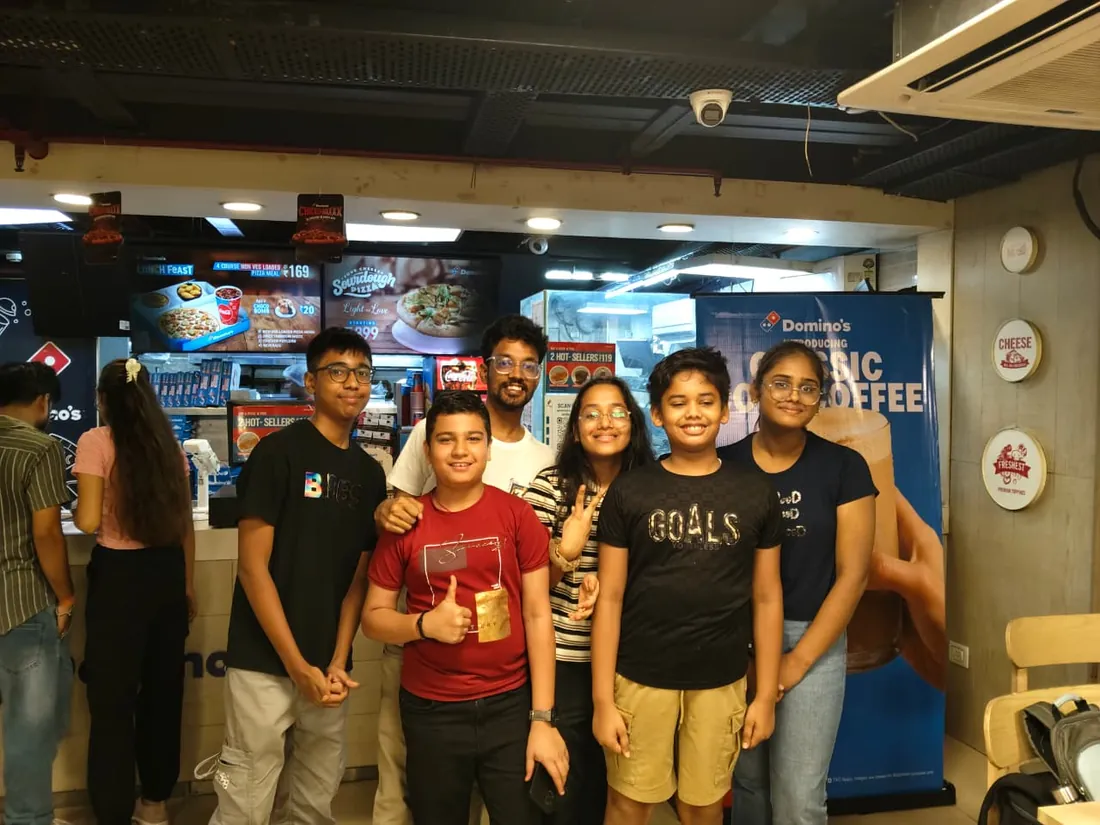
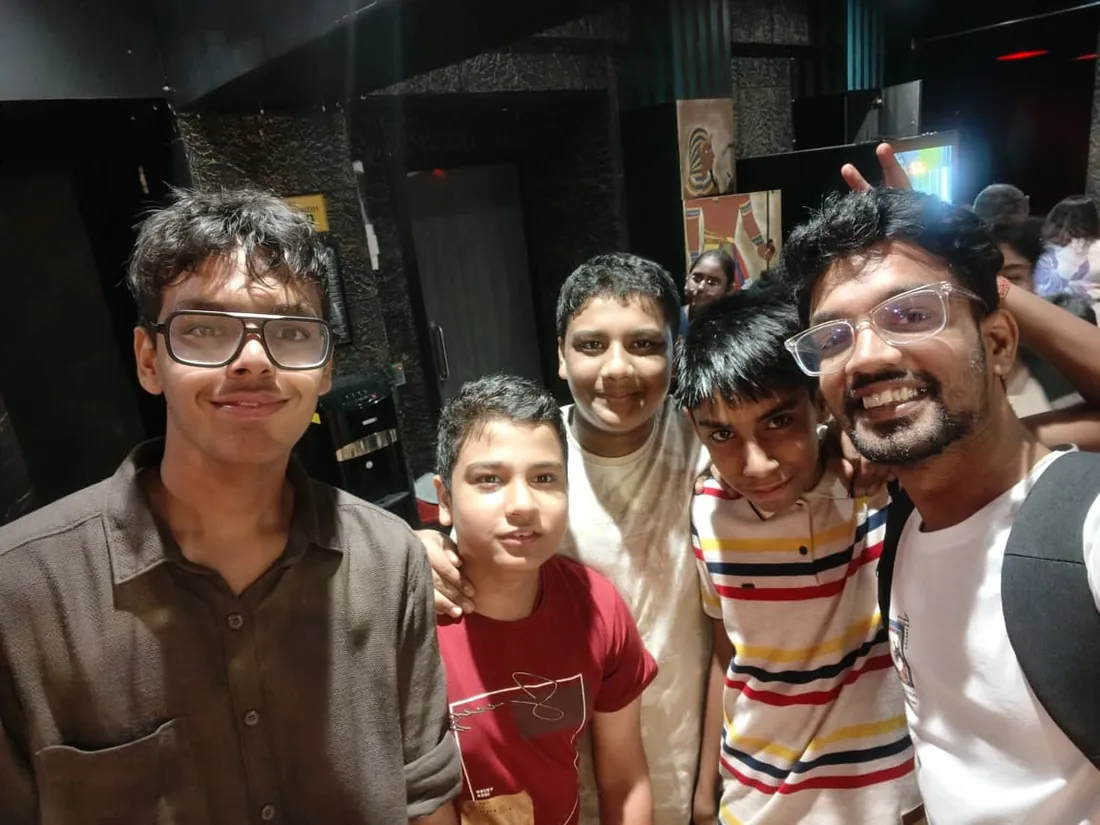
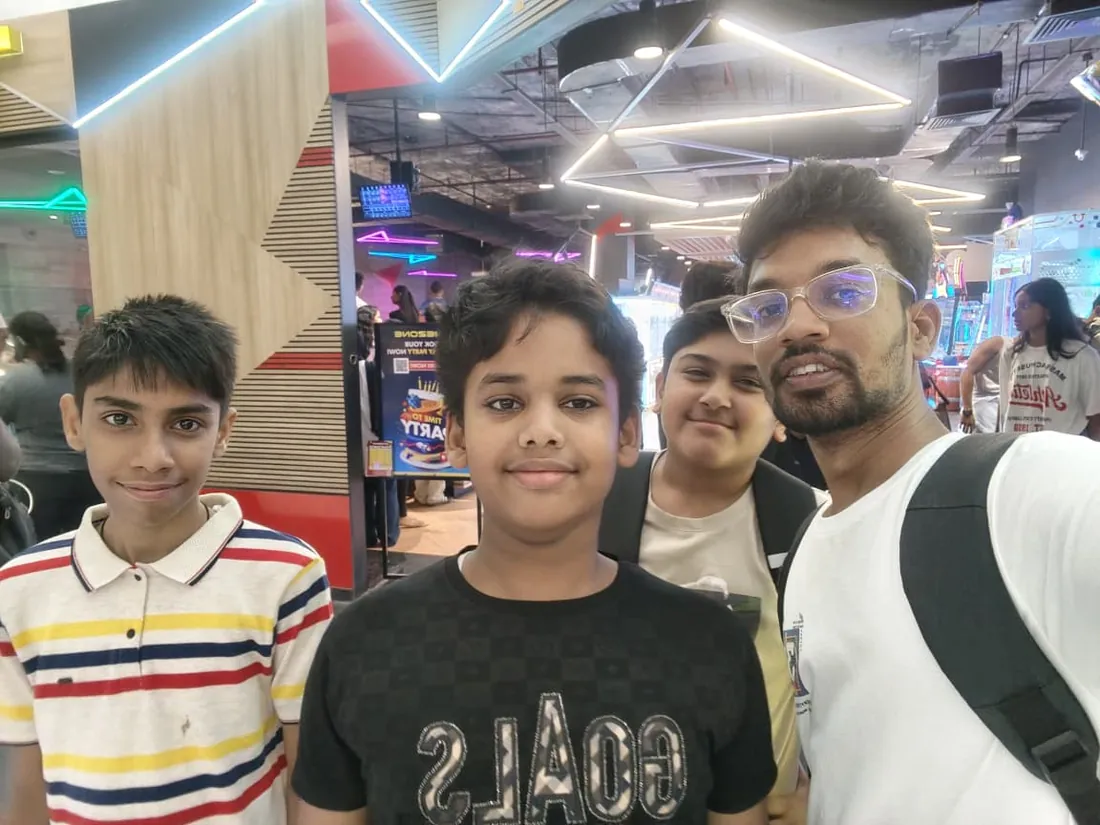
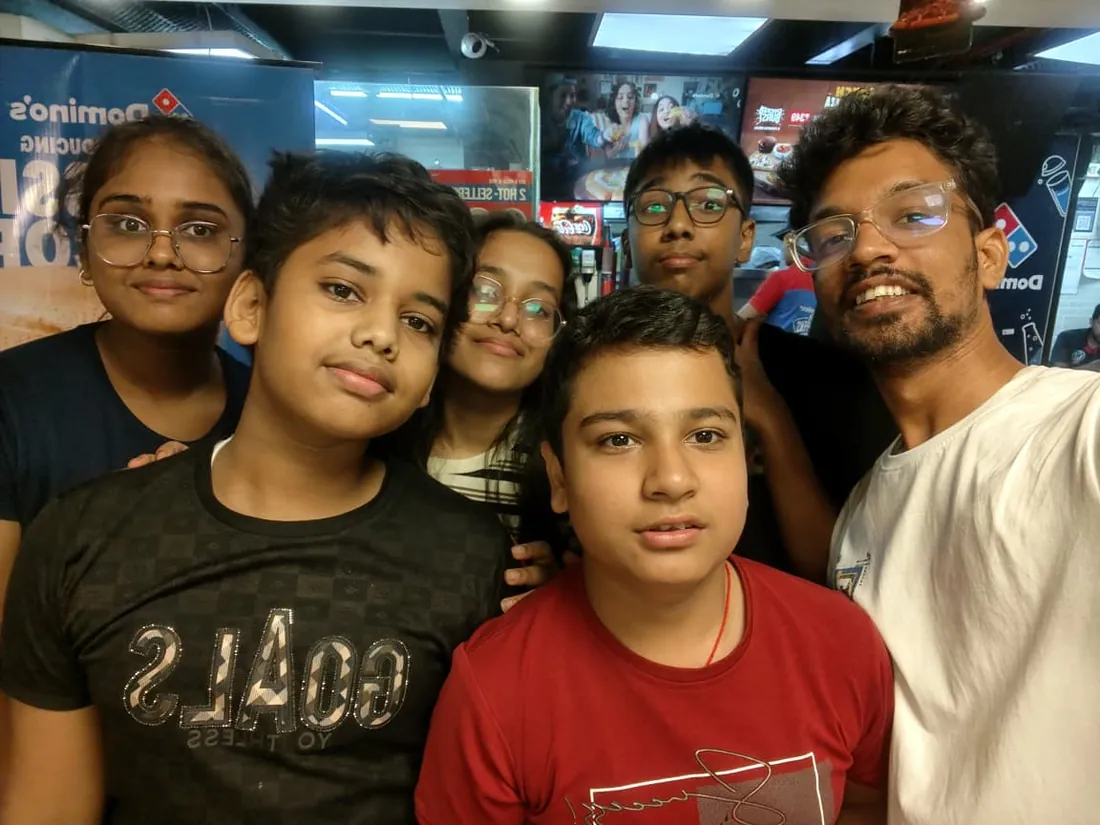
Real students. Real moments. Real joy.
These are our actual student meetups. No stock photos, no filters. Swipe through and meet the community you'll be joining.

What families say
Straight from the parents and students who learn with us. Rated 4.9 across 547 Google reviews.
“Mivaan enjoys the class. He understands the concepts and completes his tasks with excitement. He started taking interest in coding… truly amazing class.”
“I absolutely love it here! I made new friends and learned important valuable coding skills while having the fun of my life. It's not just coding here, it's outings, bonding and most importantly preparing you for your future. Definitely five stars.”
“What stands out most is how excited my son is before every class. He looks forward to learning, problem-solving, and sharing what he's built. I've noticed a big boost in his confidence!”
“Modern Age Coders has been a game-changer for me! I struggled to grasp IT concepts and coding before joining, but their classes transformed everything. I'm now the topper in my class and can confidently write complex programs with ease.”
“Modern Age Coder have wonderful teachers who teach in a clear, easy and practical way. The teacher boosts students' confidence, keeps them updated with technology, and inspires them to learn without hesitation.”
“The one step solution for my son. Modern Age Coders make learning coding so simple that kids love it.”
“Coding classes here make learning very interesting and conceptual. The teachers teach us in a very easy-to-understand and efficient manner.”
“One of the most wonderful education centres out there. Education is not limited to school syllabus but focuses on skill development. Learning here has been a wonderful journey and still continuing.”
“I highly recommend this computer coding class! The teachers are incredibly knowledgeable and passionate about coding. They make every session engaging and insightful.”
“My child Dhairya is really enjoying the Modern Age Coder IT classes. This is his first online class, and he eagerly looks forward to it.”
“Very good classes. Don't worry about coding. They teach the best, especially Shivam sir.”
“Very good classes. Makes learning very easy and interactive.”
Hear it from our students
Real parents and students in their own words, on our public YouTube channel.
Straight answers about Hackathon for Kids: Free Event + 12-Week Prep (Ages 8-12)
- Who should take this course?
- Complete Beginner (Ages 8-12). Age: 8-12 years old. It suits children aged 8-12 who love building things; kids who enjoy challenges, time-limits and judges; quiet kids who want a safe place to find their voice (pitch coaching changes lives).
- What will they learn and build?
- Hackathon for Kids is a free-to-enter hackathon and a 12-week structured prep course at Modern Age Coders, designed for children aged 8 to 12 who want to learn how real innovators build technology. The hackathon participation is 100% free, anyone, from any school or city, can register and compete.
- How deeply are topics covered?
- The course runs 12 weeks prep + Live Hackathon Weekend at 4-6 hours/week, across 3 phases listed week by week in the syllabus below. A structured, well-paced curriculum taught step by step, with hands-on practice in every session.
- Who teaches it?
- Modern Age Coders mentors, who teach the live classes themselves. You can watch them at work in the free class recordings before you decide.
- How do practice, feedback and assessment work?
- Weekly build challenges, a judged final hackathon, and honest feedback at every stage: real projects, really shipped. Doubt support between classes over WhatsApp, so you are never left stuck. A course-completion certificate you can share.
- What does it cost?
- Three monthly plans: a group batch, a mini batch and 1-on-1. Prices are shown in your currency in the plans section. Monthly billing, cancel any time.
- When can classes take place?
- Live classes are scheduled around your week. Group batches meet at a fixed weekly slot; 1-on-1 students choose their own. International students are scheduled in their own timezone. Ask on WhatsApp for the current slots.
- Can I watch the teaching before deciding?
- Yes. Full recordings of real 6 to 12 classes are free to watch, free with a Google sign-in. These recordings show how we teach, not the exact syllabus of this course. Some classes are in English and some in Hindi; everyone follows at their own pace. Watch a class end to end, like you are in it. Sessions are interactive and each moment builds on the last.
- Can I enroll without a live demo?
- Yes. Choose a plan on this page and enrol directly; a demo is not required. If you would like to see a full class with a mentor first, book a Priority Demo.
- How do I reach you with a question?
- WhatsApp +91 91233 66161, email connect@modernagecoders.com, or call +91 91233 66161. Tell us the student's age and what they have learned so far, and we will point you to the right plan and batch.
Common Questions About Hackathon for Kids: Free Event + 12-Week Prep (Ages 8-12)
Get answers to the most common questions about this comprehensive program
Still have questions? We're here to help!
Contact UsRelated Courses You May Like
Continue your learning journey with these recommended programs
 Hackathons & Innovation Programs
Hackathon for Teens: Free Event + 12-Week Prep (Ages 13-17)
Free hackathon for teens 13-17, plus a 12-week prep course in Python, JavaScript, AI APIs, algorithm...
Explore Course Hackathons & Professional Innovation Programs
Hackathon for Adults: Free Event + 12-Week Pro Prep (18+)
Free hackathon for adults, professionals and founders (18+), plus a 12-week Pro Prep in full-stack e...
Explore CourseRelated Articles & Guides
Deepen your knowledge with these hand-picked articles
 Education
15 min read
Education
15 min read
Scratch vs Python for Kids: The Difference and Which First
Scratch vs Python: Scratch is free drag-and-drop blocks for ages 8 to 13+, Python is typed text code...
Read Article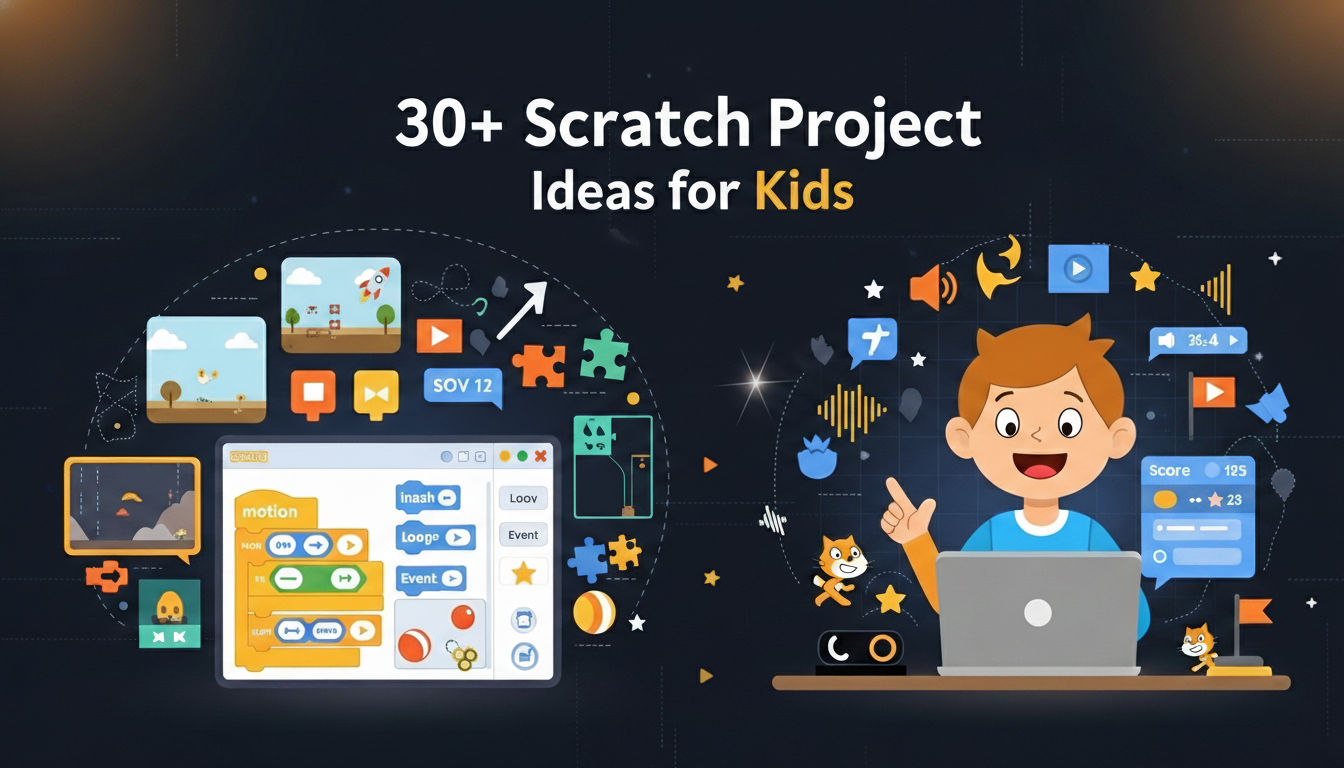 Education
18 min read
Education
18 min read
30+ Scratch Project Ideas for Kids: Starter Projects to Advanced Games, Step by Step
30+ Scratch project ideas for kids sorted by level: simple starter projects for first-time coders, i...
Read ArticleReady to start Hackathon for Kids: Free Event + 12-Week Prep (Ages 8-12)?
Book a Priority Demo to see a full live class with a mentor reserved for you, today or tomorrow. Or choose a plan and enrol now.
Questions? WhatsApp +91 91233 66161 or email connect@modernagecoders.com