Tell us where to send it. Download starts instantly.
Why the tiny form?
Honesty about the trade: the kit is genuinely free and genuinely useful, and in exchange we get to introduce ourselves once. That is the entire arrangement, and the kit's class-evaluation checklist works on us too.
Written by the mentors
Not a marketing team's listicle: the age map, signals and project ladder are the exact frameworks our mentors use in real placement reads, across thousands of trial classes.
Eight pages, six tools, zero padding.
1 · The honest age map
Age by age from 4 to 17+, including the "not yet" rows that lose us business because they are true.
2 · The six readiness signals
What actually predicts a good start, worth more than any birthday. Tick four or more and your child is ready.
3 · The first ten projects
Five in Scratch, five in Python, each teaching a real idea while producing something show-off-able. With the house rule that makes them work.
4 · The free tools shortlist
ScratchJr to VS Code: what each is, which ages, and the safety note for the game platforms. Everything on the list costs nothing.
5 · The class-judging checklist
Six things to watch in any trial class, anywhere. Take it into ours too; it is how we would want to be judged.
6 · The screen-time peace treaty
Five house rules that convert consumption into creation, from families who made it work.
Written for four kinds of parents.
The just-starting parent
Your child asked about coding, or you are wondering whether they should. The age map and readiness signals answer the first three questions in five minutes.
The burned-once parent
An app went stale, a class disappointed. The judging checklist names exactly what went wrong, and what to demand next time.
The DIY parent
Not ready for classes, happy to guide at home. The ten projects and free tools are a complete self-serve starting curriculum.
The screen-time-war parent
The peace treaty page alone has ended arguments in houses we know. Consumption into creation, five rules.
About the kit.
Is it really free? What do you get out of it?
Really free, and the trade is stated plainly on the form: we get to introduce ourselves once, usually a single WhatsApp about the free trial class. The kit is useful whether or not you ever take a class with us, deliberately so, because that is what makes it worth your email.
Will I get spammed?
No drip machine exists on our end to spam you with: your details reach a human coordinator. Expect at most one friendly follow-up. Our 547 Google reviews are from families, not from email-blast survivors.
My child is a teen or I am an adult beginner. Still useful?
Partially: the age map, tools list and judging checklist apply at every age, while the projects lean young. Teens and adults may prefer going straight to the coding roadmap page or booking the free trial for a placement read.
Do I need to buy anything to use the kit?
Nothing: every tool inside is free (Scratch, Python, MakeCode, VS Code), and the projects run on any ordinary computer. If a coding program tries to sell you software before teaching, the kit explains why that is a signal.
What if the download does not arrive or work?
The download button appears right on this page after the form, no inbox digging needed. If anything misbehaves, WhatsApp us at +91 9123366161 and a human sends it directly.
The kit answers the paper questions. The trial answers the real one.
Download the kit, use the checklists, and when you want the readiness question answered about your actual child, book the free trial: one real hour with a mentor, an honest read, no card.
Real student projects
What our students actually build
Every one is a real, live project shipped by a Modern Age Coders student. Explore more in Student Labs.
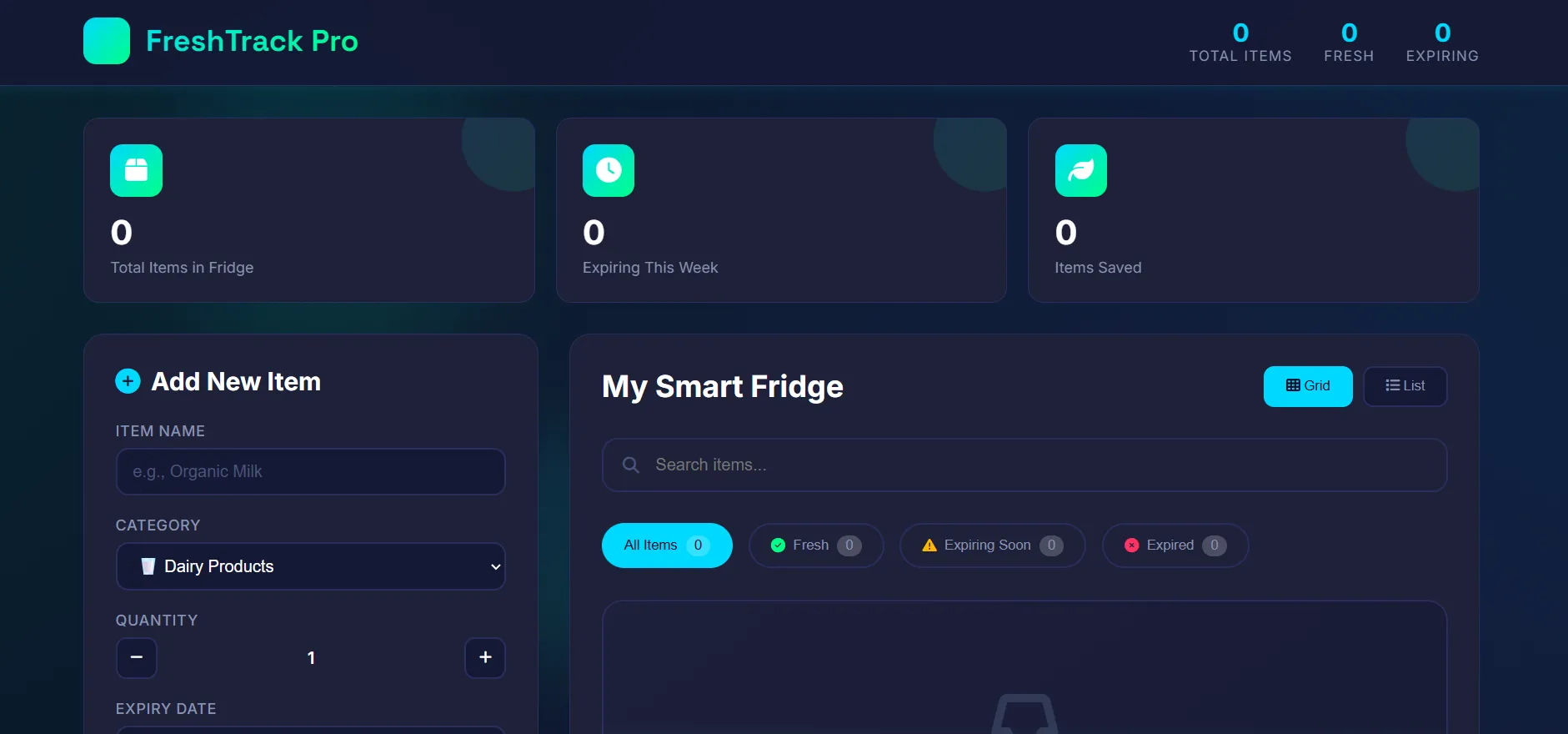 Web AppFreshTrack: Food Expiry TrackerA smart food-management system to track expiry dates, add, update and delete items while the app checks expiry automatically, online and offline.by TanishOpen the live project ↗
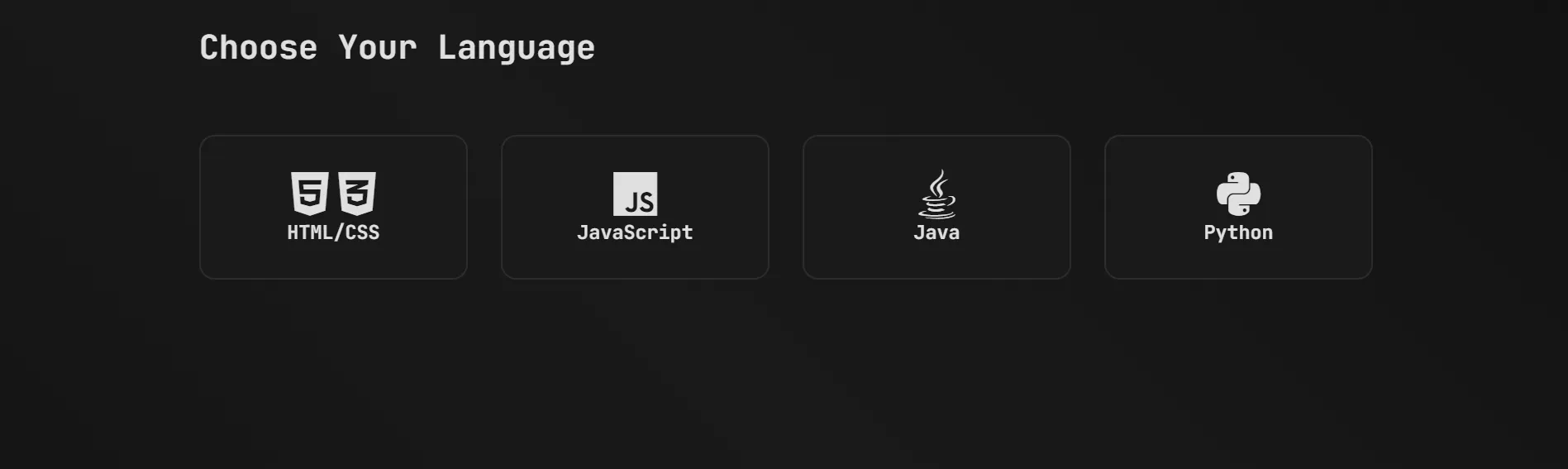 Web AppPracy: Coding Practice & Quiz PlatformAn all-in-one coding-practice site with interactive challenges, quizzes and score tracking across multiple languages to strengthen logic and problem-solving.by RohanOpen the live project ↗
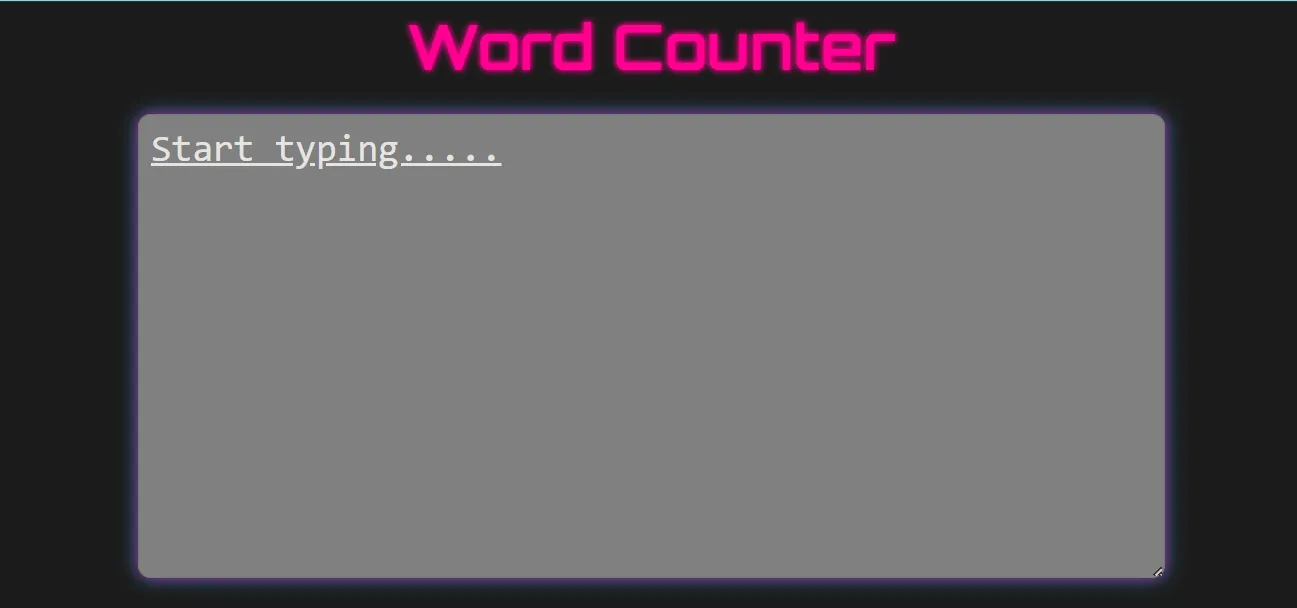 ToolWord Counter WebsiteA simple yet powerful tool that counts words, sentences and paragraphs from user input with instant, real-time results and a clean responsive interface.by VanshOpen the live project ↗
Parent & student voices
What our families say
Real, verified reviews from Modern Age Coders families. Read hundreds more on our Wall of Love.
“Modern Age Coder have wonderful teachers who teach in a clear, easy and practical way. The teacher boosts students' confidence, keeps them updated with technology, and inspires them to learn without hesitation.”
Parent
“I absolutely love it here! I made new friends and learned important valuable coding skills while having the fun of my life. It's not just coding here, it's outings, bonding and most importantly preparing you for your future. Definitely five stars.”
Student
“The one step solution for my son. Modern Age Coders make learning coding so simple that kids love it. Teachers make it so simple with clear explanations, practical exercises, and interactive content. As per my son, the coding class is very helpful and engaging. Sir explains complex concepts clearly. The projects were challenging and rewarding.”
Parent