Build Amazing Things
Ages 6–11 · Worldwide
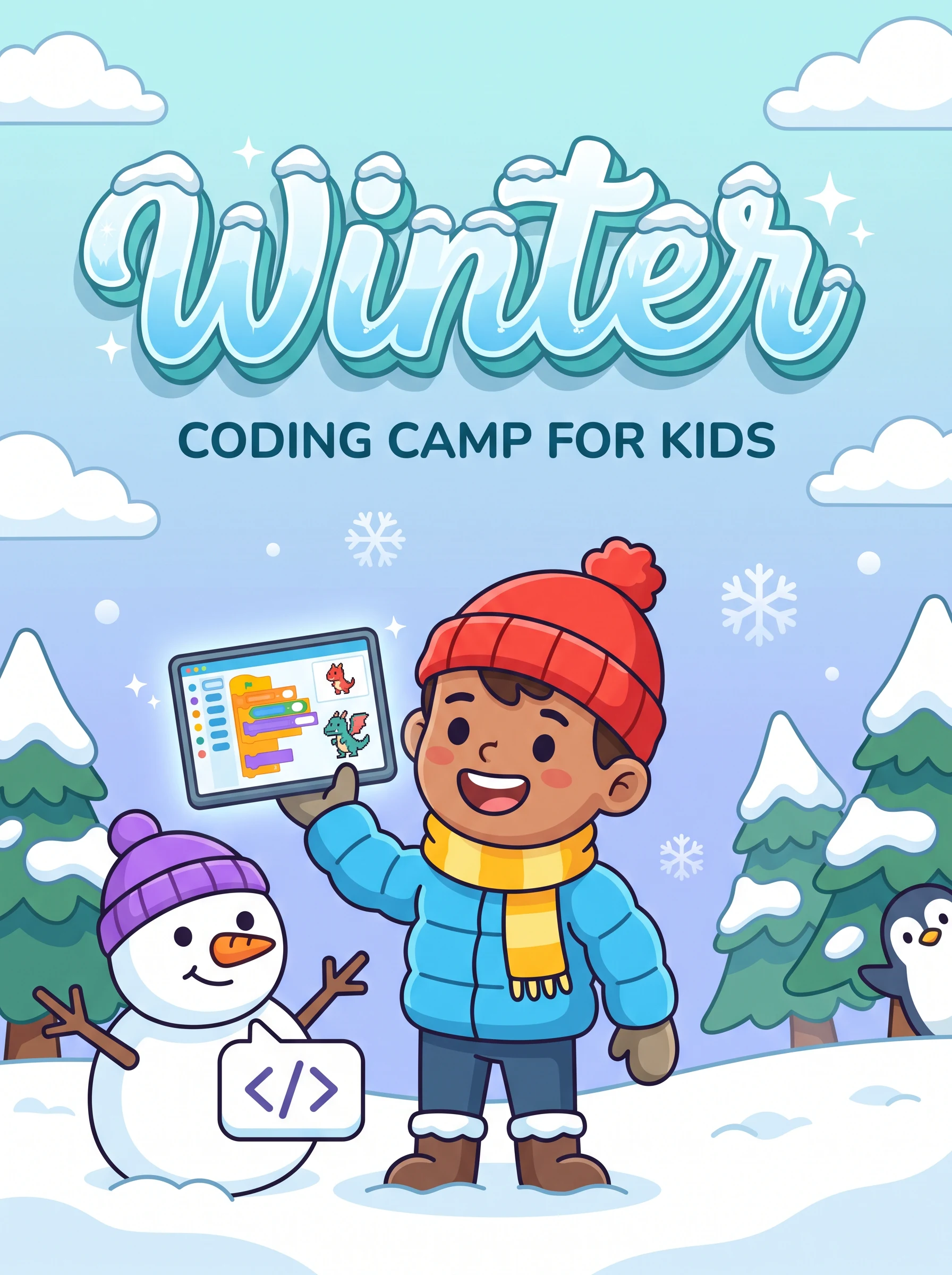
Your child doesn't just play games. They build them. Our winter coding camp for kids turns curious young minds into confident creators. Using Scratch and Python, they'll bring their imagination to life in 16 fun-packed live sessions.
Course Pricing
The best gift you can give your child this winter
Group Classes
Collaborative learning with peers worldwide
- 16 Live Interactive Sessions
- Small Batch (Max 8 Kids)
- 5+ Fun Coding Projects
- Industry Certificate
- 24/7 Doubt Support
- Session Recordings Access
- Parent Progress Reports
Personalised 1-on-1
Fully focused on your child
- 1-on-1 with Expert Mentor
- Fully Flexible Schedule
- Custom Learning Path
- Moves at Your Child's Pace
- Weekly Parent Updates
What Your Child Will Master
Game Development
Design and build their own video games from scratch. Physics, animations, scoring, the works. Kids go from players to creators.
Scratch Programming
The world's most popular visual coding language for kids. Drag-and-drop logic, sprite animations, interactive stories, all designed for young learners.
Python Basics
Introduction to real-world programming. Variables, loops, conditionals, concepts that will serve them for life. Made fun and approachable for ages 6+.
Creative Storytelling
Code interactive stories, animations, and presentations. Kids learn to express ideas digitally, a superpower in the modern world.
Collaborative Problem-Solving
Work with peers from around the world to tackle coding challenges. Builds teamwork, communication, and global perspective.
Computational Thinking
Learn to break big problems into small steps, spot patterns, and think algorithmically, skills that help in every subject, not just coding.
One-to-One Curriculum
A carefully designed journey from curious beginner to confident creator
Introduction to Coding & Scratch
Sessions 1–6What is coding, what can you build, and how computers think, with fun demos
Create a Scratch account, meet sprites, and build your first moving character
Make things move, make things talk, and respond to keyboard and mouse
Repeat actions with loops, make decisions with if/else, the two most powerful tools in coding
Understand variables by building a simple score system for your first game
Build a fully interactive animated story with characters, dialogue, and user choices
Game Building & Python Introduction
Sessions 7–11How games are designed: challenges, rewards, and player experience, plan your own
Build a multi-level platformer game with enemies, collectibles, and a win condition
Why Python is the world's most popular language. Write your first Python programs
Ask the user questions, process answers, and make the computer "decide" things
Build a fully functional text quiz with multiple questions, scoring, and a leaderboard
Creative Projects & Showcase
Sessions 12–16Use Python's Turtle module to draw incredible patterns, fractals, and digital art
Create a mini art portfolio using Scratch and Python, patterns, animations, scenes
Choose your own final project, game, story, app, or art. Guided creation with mentor
Test, fix bugs, add details, and prepare your project presentation
Present your projects to parents and peers, receive certificate, celebrate your journey!
Tools Kids Will Use
Projects They'll Build
Interactive Story
A Scratch animated story with multiple characters and user choices
Platformer Game
A multi-level game with enemies, collectibles, and win/lose states
Python Quiz Game
A text-based quiz with scoring, multiple questions, and a leaderboard
Digital Art Portfolio
Generative art patterns and animations made with Python Turtle
Final Showcase Project
A self-chosen final project, presented to parents and peers on graduation day
Why Parents Love This
STEM Foundation
Coding skills complement school maths and science. Kids who code perform better across all STEM subjects.
Screen Time with Purpose
Instead of consuming content passively, your child becomes a creator. Every hour on screen is an hour building real skills.
Global Friends
Your child connects with peers from around the world. Friendships, shared projects, and a global mindset from age 6.
Weekly Progress Reports
You get regular updates on what your child learned, built, and achieved. Stay informed and celebrate every milestone together.
Frequently Asked Questions
Does my child need any prior coding experience?
Not at all! We start completely from scratch (pun intended). The first session assumes zero experience. We have had kids as young as 5 thrive in our program.
What equipment does my child need?
A laptop or desktop (Windows, Mac, or Linux), a stable internet connection, and headphones with a microphone. All software is free, just a web browser required for Scratch.
How long is each session?
60 to 75 minutes per session, long enough for meaningful learning, short enough to keep kids engaged. Sessions are interactive with breaks built in.
My child is 5. Is that too young?
We have successfully taught children as young as 5. Contact us so we can assess your child's readiness and match them to the right batch and mentor.
Will my child be safe online?
All sessions are password-protected Zoom classrooms with trusted educators. We follow strict child-safety policies and all instructors are background-verified.
What if my child misses a class?
All sessions are recorded. Your child can watch the recording anytime and schedule a 15-minute catch-up with the instructor if needed.
Give Your Child a Head Start
Limited one-to-one seats. Winter 2026 enrollment is now open worldwide.
Real student projects
What our students actually build
Every one is a real, live project shipped by a Modern Age Coders student. Explore more in Student Labs.
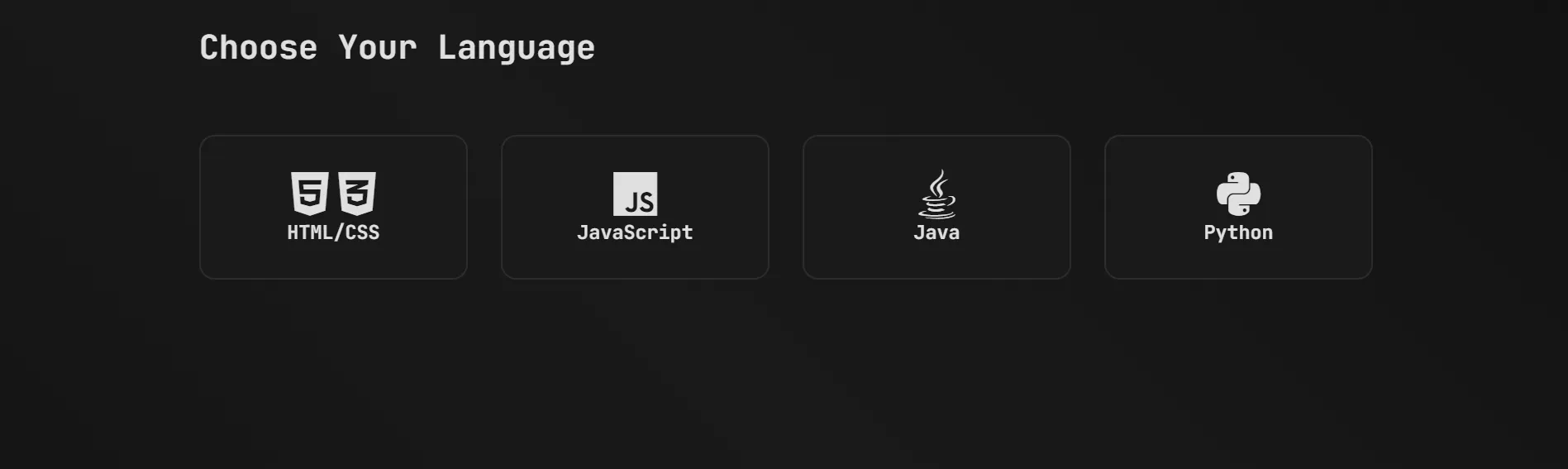 Web AppPracy: Coding Practice & Quiz PlatformAn all-in-one coding-practice site with interactive challenges, quizzes and score tracking across multiple languages to strengthen logic and problem-solving.by RohanOpen the live project ↗
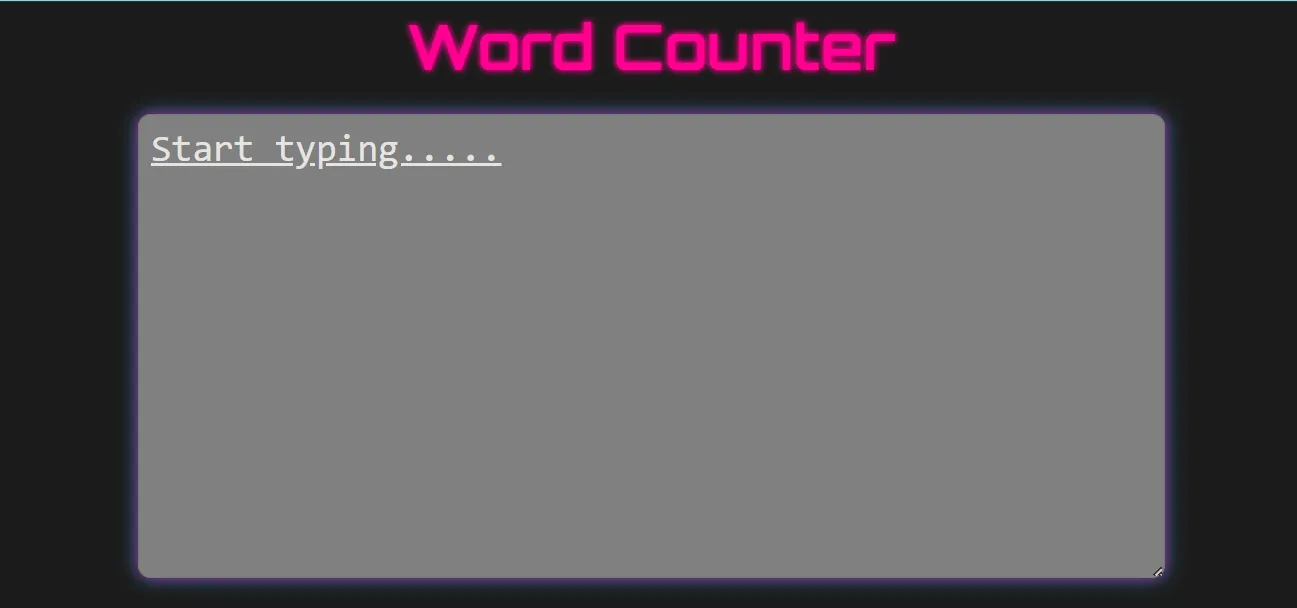 ToolWord Counter WebsiteA simple yet powerful tool that counts words, sentences and paragraphs from user input with instant, real-time results and a clean responsive interface.by VanshOpen the live project ↗
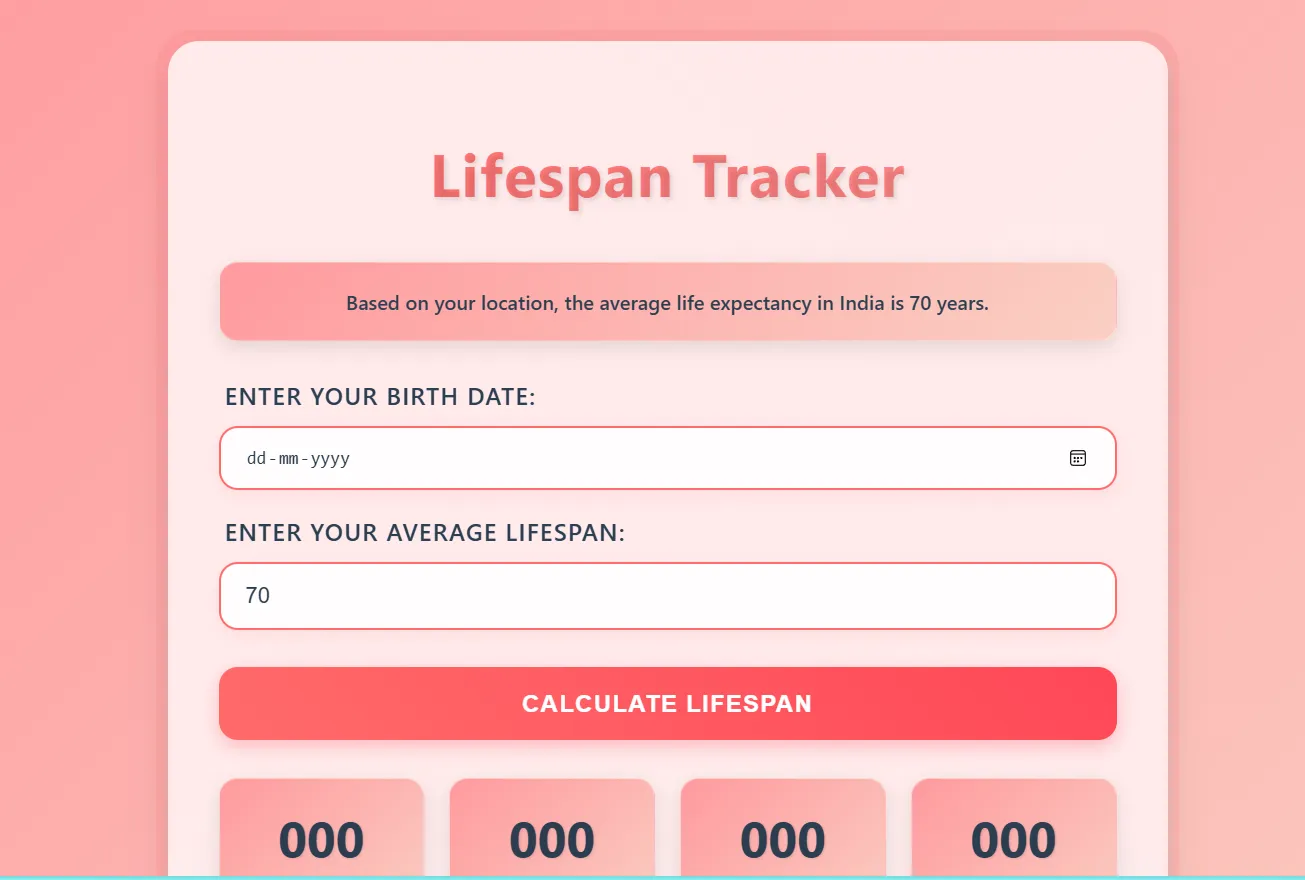 ToolLife Span TrackerAn interactive web tool that calculates expected lifespan, shows days, months and years lived, and visualises remaining time to motivate better habits.by ManayOpen the live project ↗
Parent & student voices
What our families say
Real, verified reviews from Modern Age Coders families. Read hundreds more on our Wall of Love.
“Very good classes. Makes learning very easy and interactive.”
Parent
“I highly recommend this computer coding class! The teachers are incredibly knowledgeable and passionate about coding. They make every session engaging and insightful. They explain complex concepts in an easy way and encourage students to ask questions and think critically. The friendly class atmosphere has boosted my son's confidence and interest in coding.”
Parent
“The classes are excellent. The teachers explain concepts very clearly and make code fun and easy to understand. The sessions are interactive and fun. They also help students boost their confidence. We not only focus on academics, but also on logic building and problem solving.”
Parent