Table of Contents
- How Does Blockly Work?
- Benefits of Learning Blockly for Kids
- Best Age to Start Blockly Programming
- Popular Platforms and Games That Use Blockly
- Step-by-Step: How to Get Started with Blockly Online
- Fun Blockly Project Ideas for Kids
- Transitioning from Blockly to Text-Based Coding
- Learn Blockly with Modern Age Coders
- Frequently Asked Questions
- Conclusion
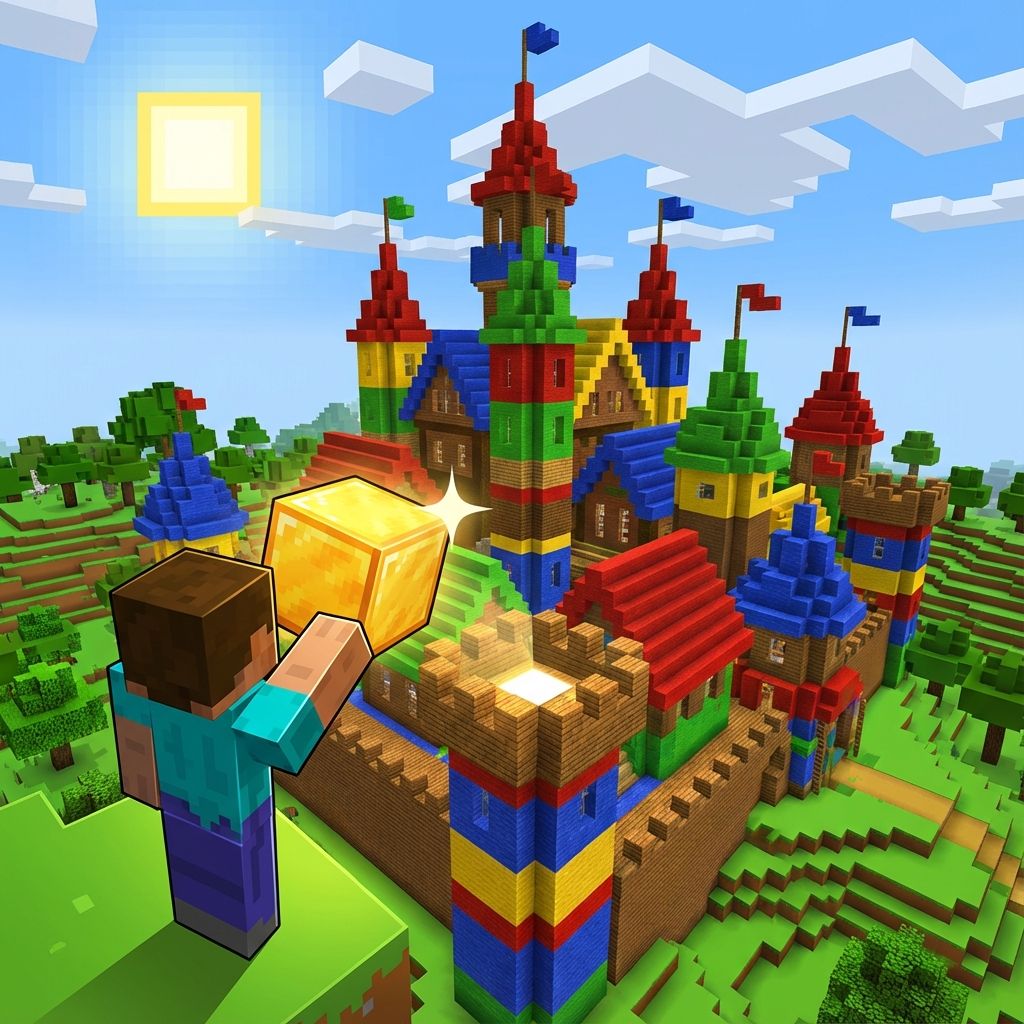
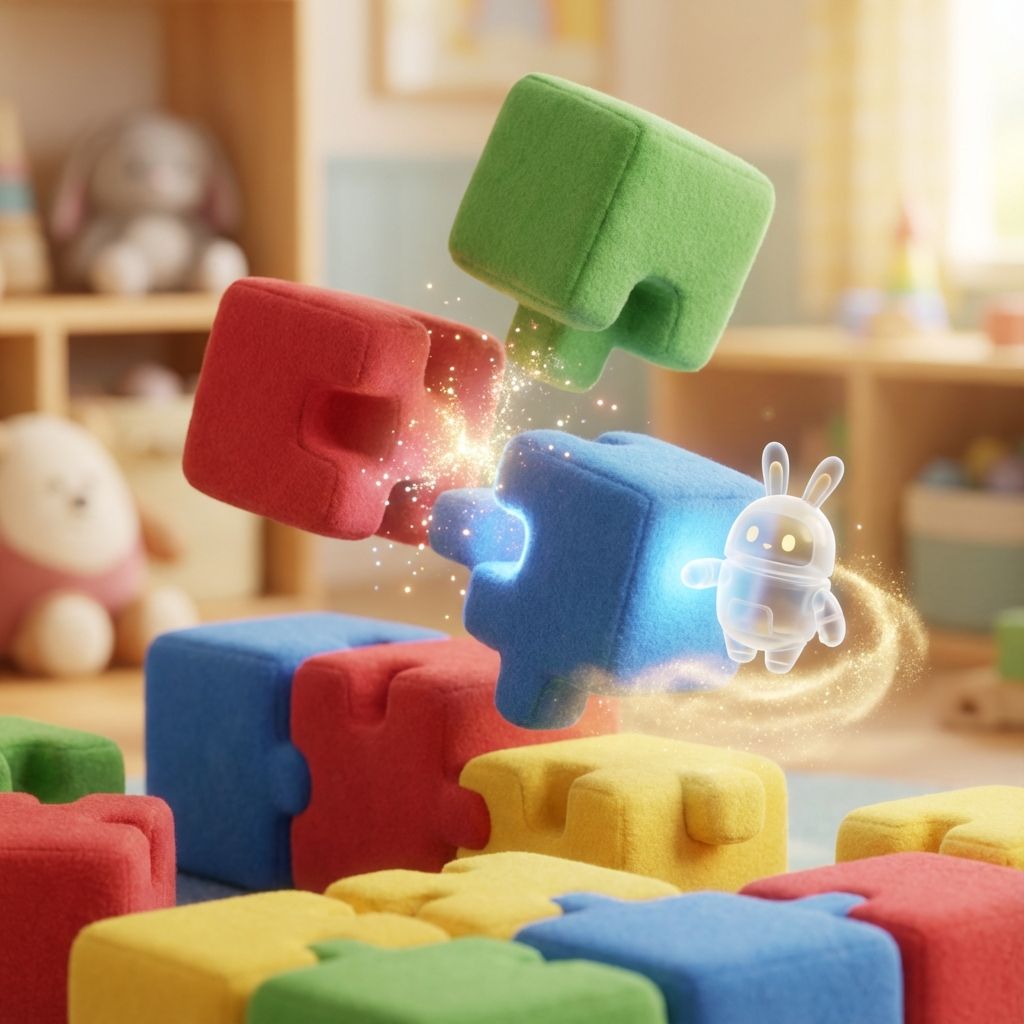
Coding might initially seem complicated, but Blockly makes it easy and fun for kids! Blockly for kids is a visual programming language where children learn to code by connecting colorful blocks rather than writing long lines of code. Imagine building with LEGO bricks, but instead of creating towers and castles, you're building programs that make characters move, games that respond to clicks, and animations that tell stories!
Each block represents a coding concept like loops, conditionals, or variables. Kids build programs just like they build with LEGO bricks, snapping pieces together in logical sequences. It's a fantastic way for beginners to grasp coding logic without worrying about tricky syntax, spelling errors, or missing semicolons. Visual programming for kids boosts confidence, fosters creativity, and sets a solid foundation for future coding success. According to research from MIT, visual programming environments like Blockly help children as young as 5 years old develop computational thinking skills that will benefit them throughout their lives.
Did You Know?
Blockly was developed by Google and is used by millions of children worldwide. It's the technology behind many popular coding platforms like Code.org and Scratch!
How Does Blockly Work?
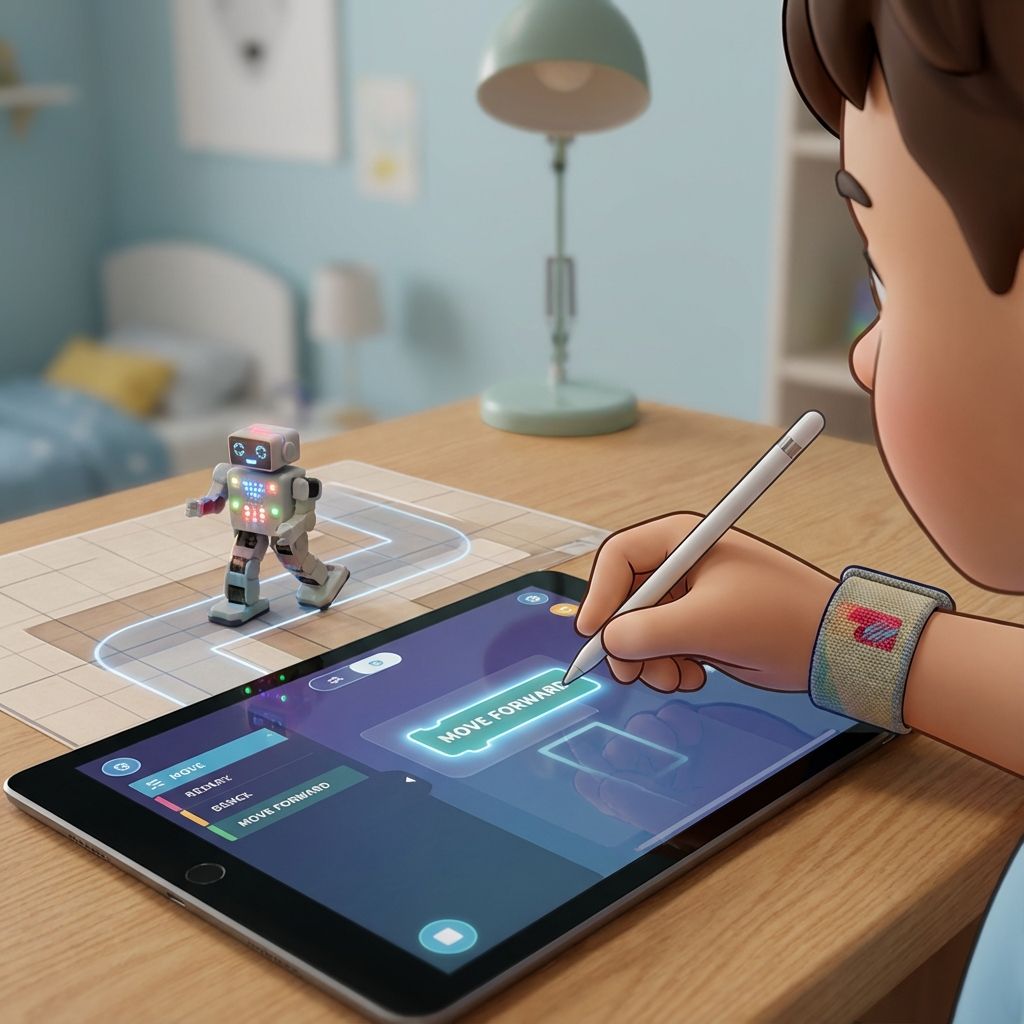
Blockly uses a drag-and-drop interface that lets kids create complete programs without typing a single word. Kids select colorful coding blocks from a toolbox, snap them together like puzzle pieces, and instantly see how their logic plays out. The interface is intuitive, blocks only fit together in ways that make sense, preventing common programming errors before they happen.
Each block fits in a specific way to guide correct programming structures such as loops, conditionals, events, and variables. When blocks are snapped together, Blockly automatically generates real code behind the scenes, like JavaScript, Python, or PHP, based on what the child built visually. This means kids are actually writing real code, they just don't see the complex syntax yet!
Understanding Block Types
Blockly organizes blocks into different categories, each with a specific color and purpose:
- Motion Blocks (Blue): Control movement, move forward, turn left/right, go to specific positions
- Event Blocks (Yellow): Trigger actions, when clicked, when key pressed, when program starts
- Control Blocks (Orange): Make decisions and repeat actions, if/then, repeat, forever loops
- Logic Blocks (Green): Compare values, equals, greater than, and/or conditions
- Variable Blocks (Red): Store and change information, create variables, set values, change by amount
- Function Blocks (Purple): Create reusable code, define custom blocks, call functions
This method eliminates syntax errors (like typos and missed brackets), which can frustrate beginners, allowing young learners to focus on the most important part: logical thinking and problem-solving. Whether it's controlling a character through a maze or building a basic game, Blockly makes coding feel natural and rewarding. Kids can experiment freely without fear of 'breaking' anything!
Simple Example: Making a Character Move
Here's what a simple Blockly program looks like in concept. To make a character move in a square:
- Start with a When Start Clicked event block (yellow)
- Add a Repeat 4 Times control block (orange)
- Inside the repeat, add Move 100 Steps (blue)
- Then add Turn Right 90 Degrees (blue)
- Run the program and watch your character draw a perfect square!
This simple program teaches loops (repeating actions), sequencing (order matters), and geometry (90-degree turns make squares), all without typing a single line of code! Behind the scenes, Blockly converts this into real JavaScript code that executes the instructions.
Why Visual Programming?
Visual programming eliminates syntax errors, letting kids focus on logic and creativity instead of worrying about typos and brackets!
Benefits of Learning Blockly for Kids
Learning Blockly offers a ton of benefits for children, backed by educational research and real-world results:
Cognitive Development Benefits
- Logical Thinking: Kids learn to organize steps, predict outcomes, and debug mistakes. They develop sequential thinking, understanding that order matters in achieving goals
- Problem-Solving Skills: Blockly teaches how to break complex tasks into manageable pieces, a skill called 'decomposition' that's valuable in all areas of life
- Pattern Recognition: Children identify repeating sequences and learn to use loops instead of repetition, making their code more efficient
- Debugging Skills: When programs don't work as expected, kids learn to systematically find and fix errors, building resilience and analytical thinking
- Spatial Reasoning: Moving characters and objects in 2D space helps develop spatial awareness and geometry understanding
Creative and Social Benefits
- Creativity Unleashed: Kids create their own games, quizzes, animated stories, and interactive art, limited only by imagination
- Confidence Building: Solving puzzles and completing projects helps children feel proud of their achievements and builds a 'growth mindset'
- Self-Expression: Children can tell stories, create characters, and build worlds that reflect their interests and personality
- Collaboration Skills: Many Blockly platforms allow kids to share projects and remix others' work, teaching teamwork and inspiration
Academic and Career Benefits
- Math Skills: Blockly naturally incorporates coordinates, angles, variables, and arithmetic, making math concepts tangible and fun
- Reading Comprehension: Following instructions and understanding block descriptions improves reading skills
- Foundation for Future Coding: Blockly builds the computational thinking needed for advanced languages like Python and JavaScript
- STEM Career Preparation: Early exposure to programming concepts prepares kids for technology careers that will dominate the future job market
- Transferable Skills: The logical thinking developed through Blockly applies to science, engineering, and even everyday decision-making
With Blockly, kids aren't just learning how to code. They're learning how to think. Studies show that children who learn programming at a young age perform better in math, science, and problem-solving tasks across all subjects. They develop a 'computational mindset' that helps them approach challenges systematically and creatively.
Research-Backed Results
A study by MIT found that students who learned visual programming showed 30% improvement in problem-solving skills and 25% better performance in math compared to peers who didn't code!
Best Age to Start Blockly Programming
Most kids can start learning Blockly around ages 5 to 10. At this age, children have developed the basic motor skills and pattern recognition needed to snap blocks together and think sequentially. However, the beauty of Blockly is that it scales with the child, beginners start simple, and as they grow, the projects become more sophisticated.
Age-Specific Activities and Projects
Here's a detailed breakdown of what children can accomplish at different ages:
Ages 5-7: Foundation Builders
At this age, kids are just beginning to understand cause and effect. They can work on very simple projects using movement, color changes, and sound effects.
- Simple Movement: Make a character move forward, backward, or jump when buttons are clicked
- Color Changes: Change background colors or character costumes with single blocks
- Sound Effects: Play sounds when events happen (click, touch, collision)
- Basic Sequences: Create 3-5 step sequences like 'move, turn, move, play sound'
- Maze Navigation: Guide characters through simple mazes using directional blocks
Recommended Projects: Animated greeting cards, simple drawing programs, character dress-up games, basic maze solvers
Learning Focus: Understanding that blocks execute in order (sequencing), recognizing that actions have results (cause and effect), building confidence with technology
Ages 7-9: Logic Learners
Children in this age group can tackle more advanced logic like conditionals ('if this, then that') and loops (repeating actions). They understand that programs can make decisions and respond to different situations.
- Conditional Logic: Use 'if/then' blocks to make programs respond differently based on conditions
- Loops and Repetition: Use 'repeat' blocks to avoid writing the same code multiple times
- Variables: Store and change values like scores, lives, or player names
- Event Handling: Respond to keyboard presses, mouse clicks, and collisions
- Simple Game Mechanics: Create scoring systems, timers, and win/lose conditions
Recommended Projects: Catch games (falling objects), quiz games with scoring, simple platformers, interactive stories with choices, drawing apps with multiple tools
Learning Focus: Decision-making in code, efficient coding with loops, tracking information with variables, creating complete game experiences
Ages 9-12: Advanced Creators
Children at this age can build more structured games, quizzes, and interactive stories, blending multiple concepts together. They're ready for complex projects that combine logic, creativity, and planning.
- Complex Conditionals: Nested if/then statements and multiple conditions using AND/OR logic
- Custom Functions: Create their own reusable blocks for repeated code patterns
- Lists and Arrays: Store multiple values and iterate through them
- Advanced Game Mechanics: Power-ups, multiple levels, enemy AI, health systems
- Project Planning: Design projects before building, create flowcharts, debug systematically
Recommended Projects: Multi-level platformer games, educational quiz apps with categories, animation studios, virtual pet simulators, calculator apps, music composition tools
Learning Focus: Project planning and design, code organization and efficiency, debugging complex programs, preparing for text-based coding
Parent Tip: Start Where They Are
Don't worry if your child doesn't fit perfectly into these age ranges! Every child develops at their own pace. Start with simpler projects and let them progress naturally based on interest and ability.
Starting young helps kids build computational thinking and problem-solving skills early on, making it easier to learn text-based languages later. Even children who can't type fluently yet can succeed using Blockly's colorful, intuitive interface. The key is consistent practice: 20-30 minutes, 3-4 times per week is perfect for building skills without overwhelming young learners.
Perfect for Young Learners
Even kids who can't type fluently yet can succeed with Blockly's intuitive drag-and-drop interface!
Popular Platforms and Games That Use Blockly
Here are some great places where kids can practice Blockly programming:
- Blockly Games: A free set of educational games teaching basic coding concepts like loops and conditionals.
- Code.org: Features famous coding challenges and Hour of Code activities powered by Blockly.
- Tynker: Offers interactive coding courses for beginners using Blockly blocks.
- Modern Age Coders Scratch Course: Offers structured, project-based learning with visual programming for building games, quizzes, and animations.
- Modern Age Coders Kids Coding: Comprehensive coding program for young learners starting their programming journey.
Step-by-Step: How to Get Started with Blockly Online
Starting your child's Blockly journey is simple and exciting! Here's a roadmap to help:
1. Visit Free Blockly Games or Websites
- Head to beginner-friendly sites like Blockly Games, Code.org, or Modern Age Coders.
- Let kids explore basic tutorials on moving characters or solving mazes.
2. Pick a Fun, Easy Project
- Begin with activities like animating a sprite, building a simple story, or solving puzzles.
- Choose tasks that match your child's age and interest level.
3. Set a Routine
- Schedule 20–30 minutes of Blockly coding time 3 to 4 times a week.
- Avoid long marathon sessions; short, consistent practice works best.
4. Celebrate Small Wins
- Clap, cheer, and reward small achievements, like solving a tricky loop puzzle or finishing a mini-game.
- Encouragement boosts confidence and motivation.
5. Gradually Increase Complexity
- Once your child is comfortable, introduce challenges like creating quizzes, games, or multi-level mazes.
- Let them modify existing projects and experiment with new ideas.
Starting small and growing slowly keeps coding enjoyable and stress-free.
Fun Blockly Project Ideas for Kids
Here are detailed project ideas organized by difficulty level to inspire young coders. Each project includes what concepts it teaches and how to get started:
Beginner Projects (Ages 5-7)
- Dancing Character: Make a character dance by moving and changing colors to music. Teaches: Sequencing, events, timing
- Simple Maze: Guide a character through a maze using arrow keys. Teaches: Event handling, movement, problem-solving
- Color Mixer: Click buttons to change background colors and learn about color combinations. Teaches: Events, variables, cause and effect
- Greeting Card: Create an animated birthday or holiday card with moving characters and messages. Teaches: Sequencing, creativity, animation basics
Intermediate Projects (Ages 7-9)
- Catch the Falling Objects: Move a basket to catch falling items and keep score. Teaches: Variables, collision detection, game loops, scoring
- Math Quiz Builder: Create a quiz that asks math questions and checks answers, keeping track of correct responses. Teaches: Variables, conditionals, user input, feedback
- Interactive Story: Build a choose-your-own-adventure story where choices lead to different outcomes. Teaches: Conditionals, branching logic, storytelling
- Drawing App: Create an app that draws colorful shapes and patterns when you move the mouse. Teaches: Loops, coordinates, artistic expression
- Whack-a-Mole Game: Click on characters that pop up randomly to score points before time runs out. Teaches: Random numbers, timing, event handling, scoring
Advanced Projects (Ages 9-12)
- Virtual Pet Simulator: Make a pet that needs feeding, playing, and sleeping. Track hunger, happiness, and energy levels. Teaches: Multiple variables, complex conditionals, state management, timers
- Platformer Game: Create a multi-level jumping game with obstacles, enemies, and power-ups. Teaches: Physics, collision detection, level design, game mechanics
- Music Composer: Build a tool that plays different notes when keys are pressed, allowing kids to compose songs. Teaches: Event handling, sound, creativity, pattern recognition
- Calculator App: Create a working calculator that performs addition, subtraction, multiplication, and division. Teaches: Variables, functions, user interface, math operations
- Trivia Game with Categories: Build a quiz game with multiple categories, difficulty levels, and a high score system. Teaches: Lists/arrays, complex logic, data organization, game design
- Animation Studio: Create a tool where users can animate characters frame-by-frame and play back their animations. Teaches: Lists, loops, timing, creative tools
Project Success Tips
Start with a simple version of your project and add features gradually. It's better to have a working simple game than an incomplete complex one! Celebrate each small addition.
The best projects are ones that match your child's interests. Love animals? Build a zoo simulator. Into sports? Create a penalty kick game. Enjoy art? Make a digital painting tool. When kids are excited about what they're building, learning happens naturally!
Transitioning from Blockly to Text-Based Coding
After mastering Blockly, many kids are ready to move toward text-based coding. This transition is a big milestone, but Blockly has already prepared them with the most important foundation: understanding how programs work. The transition from visual blocks to text code is much smoother than starting with text from scratch!
When Is Your Child Ready to Transition?
Look for these signs that your child is ready to move beyond Blockly:
- Comfort with Complexity: They can build projects with 50+ blocks without getting confused
- Understanding Logic: They explain their programs using terms like 'loop,' 'variable,' and 'condition'
- Debugging Skills: They can find and fix errors in their programs systematically
- Curiosity About Code: They ask questions like 'What does this look like in real code?' or show interest in how apps are made
- Age and Typing: Usually around 9-12 years old with basic typing skills (though younger kids can start too!)
- Project Ambition: They want to build things that Blockly platforms don't support
If your child shows 3-4 of these signs, they're likely ready to start exploring text-based programming!
Best Languages to Learn After Blockly
Python is usually the next best step after Blockly because it's simple, readable, and powerful. Here's why Python is perfect for Blockly graduates:
- Readable Syntax: Python code looks almost like English, making it less intimidating than other languages
- Similar Concepts: Loops, conditionals, and variables work the same way as in Blockly
- Immediate Results: Like Blockly, you can see your code run immediately without complex setup
- Versatile: Python can create games, websites, data analysis tools, AI programs, and more
- Industry Standard: Python is one of the most in-demand programming languages for careers
Other good options include JavaScript (for web development) and Java (for Android apps and game development).
Step-by-Step Transition Guide
Here's a proven roadmap for transitioning from Blockly to text-based coding:
Phase 1: Bridge Platforms (2-4 weeks)
Start with platforms that show both blocks AND the text code they generate:
- Blockly Games with Code View: Many Blockly platforms have a 'Show Code' button that reveals the JavaScript or Python equivalent
- Thunkable: Allows switching between block view and code view for the same project
- App Inventor: Shows blocks alongside generated code, helping kids make connections
- Code.org Text Mode: Some Code.org courses transition from blocks to text gradually
Activity: Build a simple project in blocks, then look at the generated code. Try to identify which blocks correspond to which lines of code. This builds the mental connection between visual and text programming.
Phase 2: Guided Text Coding (4-8 weeks)
Start writing simple text code with lots of support and examples:
- Python Turtle Graphics: Similar to Blockly's movement blocks but in text, perfect for beginners
- Codecademy Python: Interactive lessons that guide you through typing code step-by-step
- Modern Age Coders Python Course: Our Python Masterclass is designed specifically for kids transitioning from visual programming
- Replit: Online coding environment where kids can write and run Python code instantly
Activity: Recreate simple Blockly projects in Python. Start with a 'Hello World' program, then move to loops that draw shapes, then conditionals that make decisions. The familiarity of the logic makes learning syntax easier.
Phase 3: Independent Projects (Ongoing)
Build confidence by creating original projects in text code:
- Recreate Favorite Blockly Projects: Rebuild games and apps they made in Blockly using Python or JavaScript
- Follow Tutorials: Use YouTube tutorials and coding books designed for kids
- Join Coding Communities: Platforms like Replit have communities where kids can share projects and get feedback
- Take Structured Courses: Enroll in courses like our Python Masterclass or Web Development course for guided learning
Activity: Set a goal to build one new project per month. Start simple (calculator, quiz game) and gradually increase complexity (platformer game, website, chatbot).
Common Transition Challenges
Expect frustration with syntax errors at first! Remind kids that forgetting semicolons or brackets is normal, even professional programmers make these mistakes. The key is learning to read error messages and debug systematically.
Comparing Blockly to Python: Side by Side
Here's how common Blockly concepts translate to Python code:
| Concept | Blockly (Visual) | Python (Text) |
|---|---|---|
| Print Message | Say 'Hello' block | print('Hello') |
| Variable | Set score to 0 block | score = 0 |
| Loop 10 times | Repeat 10 times block | for i in range(10): |
| If condition | If score > 10 block | if score > 10: |
| Function | Define custom block | def my_function(): |
Notice how the logic is identical, only the appearance changes! This is why Blockly graduates find text coding much easier than complete beginners.
You've Got This!
Remember: Your child already knows how to program! They understand loops, variables, conditionals, and functions. Learning text syntax is just learning a new way to express ideas they already understand. That's a huge advantage!
Platforms like Thunkable also help by combining block and text coding. Learning Blockly first makes understanding real coding languages much easier because kids already know how programming logic works. The transition typically takes 2-3 months with consistent practice, and most kids find it exciting rather than difficult!
Learn Blockly with Modern Age Coders
Want a guided, fun, and easy way for your child to master Blockly? Modern Age Coders offers step-by-step Blockly courses where kids can:
- Create games and animations.
- Build quizzes and mini-apps.
- Transition smoothly into real-world programming.
Frequently Asked Questions
Great question! Scratch is a complete programming environment and community built by MIT, focused on creativity and animation. Blockly is a visual programming library created by Google that's used as the foundation for many different coding platforms. Think of it this way: Scratch is like a specific LEGO set with instructions, while Blockly is the LEGO brick system that many different sets use. Both teach the same core concepts, but Scratch has more built-in features for animation and sharing, while Blockly is more flexible and appears in many different educational tools. Our Scratch course is perfect for kids who want a creative, community-focused experience!
Absolutely! Blockly teaches the fundamental concepts that all programming languages share: loops, conditionals, variables, functions, and logical thinking. When kids snap blocks together, they're learning the same problem-solving approaches that professional programmers use every day. The only difference is the syntax: Blockly uses visual blocks instead of text. In fact, Blockly actually generates real code (JavaScript, Python, or PHP) behind the scenes! Kids who master Blockly find learning text-based languages much easier because they already understand how programs work.
Absolutely! Blockly is designed specifically for beginners with no prior coding experience. The visual interface eliminates the frustration of syntax errors (typos, missing brackets, etc.) that often discourage beginners. Blocks only fit together in ways that make sense, providing immediate feedback and preventing common mistakes. Kids can focus on learning logic and problem-solving without worrying about memorizing complex syntax rules. Even children as young as 5 can start with simple Blockly projects!
Practicing 2-4 times a week for 20-30 minutes each session is ideal for building skills steadily without overwhelming young learners. Consistency matters more than duration, four 20-minute sessions are better than one 2-hour marathon. This schedule allows time for concepts to sink in between sessions and keeps coding fun rather than feeling like a chore. As kids get more engaged, they'll naturally want to spend more time on projects they're excited about, which is great! Just make sure to include breaks and encourage them to step away if they get frustrated.
Yes! There are many excellent free resources: Blockly Games (blockly.games) offers puzzle-based learning, Code.org provides Hour of Code activities and full courses, Scratch (scratch.mit.edu) uses block-based coding with a huge community, and Modern Age Coders offers free introductory lessons. For structured, comprehensive learning with live instructors and personalized feedback, our paid Blockly and Scratch courses provide the best results, but free resources are perfect for getting started and exploring!
No! Blockly runs in web browsers, so any computer, tablet, or even smartphone with internet access can run Blockly programs. You don't need to install any software, just open a web browser and visit a Blockly platform. Even older computers from 5-10 years ago work fine. Tablets with larger screens (like iPads) work well for younger children who prefer touch interfaces. The only requirement is a stable internet connection and a modern web browser like Chrome, Firefox, Safari, or Edge.
Definitely! Blockly naturally incorporates many academic concepts. Math: Kids work with coordinates, angles, variables, arithmetic operations, and geometry. Science: They learn about cause and effect, experimentation, hypothesis testing, and systematic problem-solving. Reading: Following instructions and understanding block descriptions improves comprehension. Logic: Conditional statements and Boolean logic strengthen reasoning skills. Many teachers use Blockly in classrooms to make abstract concepts tangible and engaging. Students often understand math concepts better when they can see them in action through code!
Frustration is a normal part of learning to code! Here's how to help: 1) Encourage breaks, stepping away often leads to 'aha!' moments. 2) Break problems into smaller pieces, tackle one small part at a time. 3) Use the 'Show Code' feature to see what's happening behind the scenes. 4) Look for similar examples or tutorials online. 5) Join our Modern Age Coders community where instructors and peers can help. 6) Remind them that every programmer gets stuck, debugging is a skill that improves with practice. Celebrate the process of problem-solving, not just the final result!
Most kids are ready to transition around ages 9-12, but it varies by individual. Look for these signs: they can build complex projects (50+ blocks), they understand and use terms like 'loop' and 'variable,' they can debug their own programs, they show curiosity about 'real code,' and they have basic typing skills. The transition usually takes 2-3 months with consistent practice. Our Python Masterclass is specifically designed for kids transitioning from visual programming to text-based coding, making the process smooth and enjoyable!
While Blockly is designed with kids in mind, adults who are complete beginners to programming can benefit from it too! Many adults find Blockly helpful for understanding programming concepts before diving into text-based languages. It's especially useful for teachers, parents, and professionals who want to understand coding basics without getting overwhelmed by syntax. However, adults typically progress to text-based languages faster than children since they have more developed abstract thinking skills.
Conclusion
Blockly for kids is more than just an introduction to programming. It's a pathway to logical thinking, creativity, and future technology skills.
With colorful blocks and interactive challenges, Blockly makes coding fun, accessible, and rewarding for children of all ages. Whether your child dreams of creating games, apps, or animations, Blockly is the perfect first step. Help your child unlock their coding potential today with the playful power of Blockly!
Ready to Start?
Join thousands of kids learning to code with Blockly. Start your journey today!