Table of Contents
Let's be honest: setting up a coding environment from scratch can drain your motivation before you even write your first line of logic. You have a brilliant idea for an app, but instead of building it, you spend three hours fighting with missing dependencies, broken environment variables, and cryptic error messages.
If you've ever felt like giving up because memorizing complex programming syntax feels impossible, you are definitely not alone.
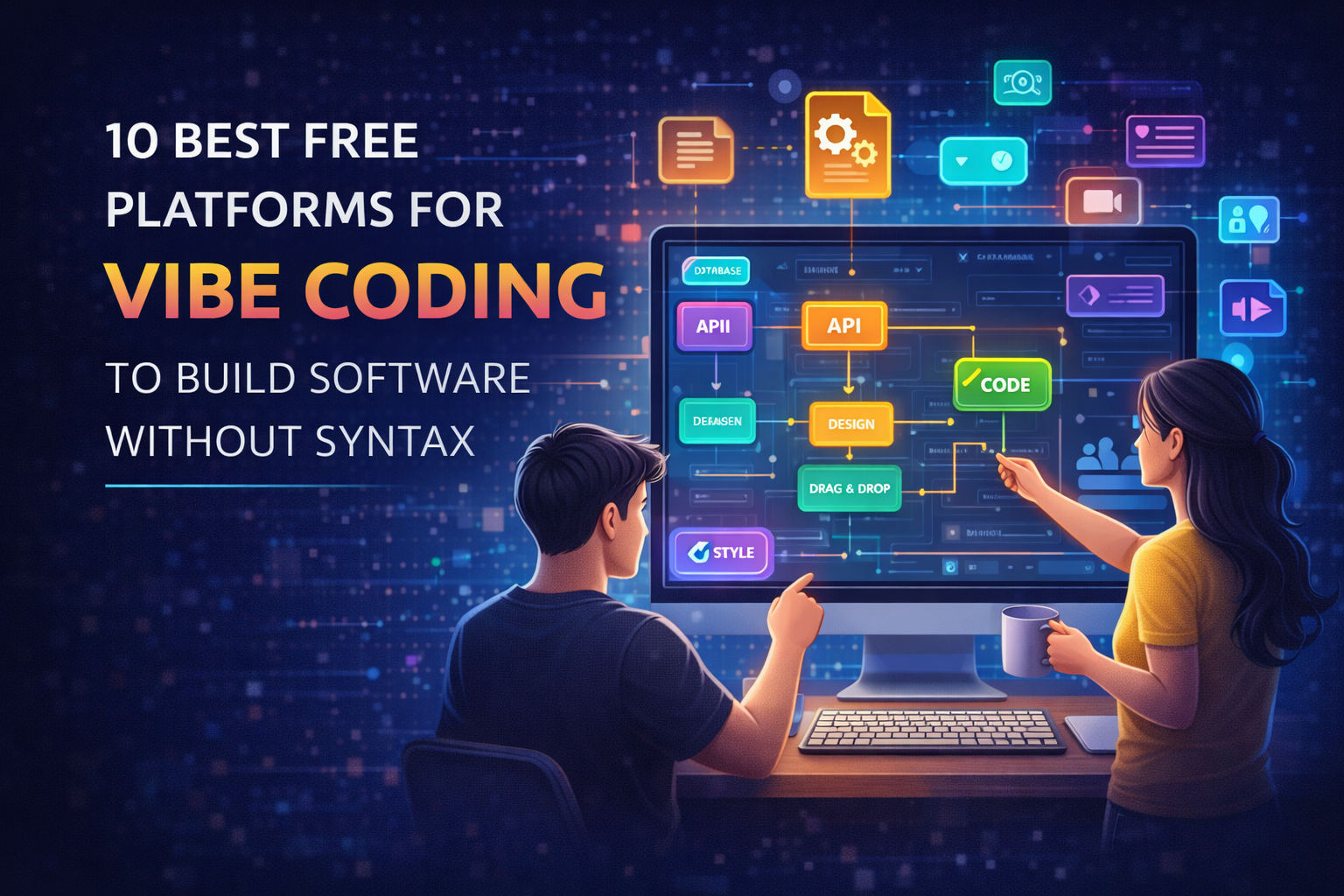
But the way we build software has completely flipped. If you're a student, a young professional, or just someone with a great idea, you no longer need to spend months learning how to write boilerplate code. We are officially living in the era of "vibe coding." Instead of typing out every single bracket and loop, you direct AI to do it for you using natural language programming.
In this guide, we will break down the top 10 free AI coding tools you will actually use. Whether you are building a side hustle or just want to learn to code with AI, mastering these platforms will make your projects come to life faster than ever. Let's dive in!
The short answer (updated September 2026): the free vibe coding tools with no hard limit are the open-source ones, Cline and Aider, because they are free software and you pay only for the model you plug in, which can itself be a free tier. Every hosted platform on this list (Bolt.new, Lovable, v0, Replit, Cursor) has a free tier capped by messages, credits or hours, and those caps change month to month, so the figures on any list, including this one, go stale; check the platform's pricing page on the day. For a complete beginner the easiest free start is a chat assistant, ChatGPT or Claude, which builds a small app in the browser with no setup. If you would rather learn this with a teacher on screen than alone with a chat box, we teach it live: Vibe Coding for Kids (ages 8 to 12, Scratch, AI and game projects) and Vibe Coding for Teens (ages 13 to 17, Python, web and AI projects), in a batch of 5 to 10 or 1-on-1, one hour per class, with a free demo first. Parents deciding whether this is a good idea at all should read the parents' guide to vibe coding.
What Actually is Vibe Coding?
Think of vibe coding like being the director of a movie. The director doesn't hold the camera, adjust the lighting, or edit the audio. They have a vision. They tell the crew exactly what the scene should look and feel like, and the crew executes it.
In software architecture today, generative AI is your crew.
Coined by experts discussing Andrej Karpathy vibe coding concepts, this method means you focus entirely on the user experience, the logic, and the "vibe" of your application. The AI handles the syntax. It's the ultimate bridge between no code platforms and traditional software engineering.
If you want to understand why this is completely changing the tech industry, check out what is vibe coding and the future of software development. The bottom line? Your value as a developer in 2026 isn't how fast you type. It's how well you can solve problems and write prompts.
The 10 Best Free Platforms for Vibe Coding in 2026
Ready to start building apps with AI? You don't need a massive budget. Here are the 10 best free platforms that give you access to top-tier AI pair programmers right now.
1. Cursor IDE (Free Tier)
Cursor is the heavy hitter of developer tools in 2026. It's an AI-first code editor built on top of VS Code. If you already use VS Code, all your themes and extensions work perfectly here.
Cursor's superpower is a feature called "Composer." You hit a keyboard shortcut, describe what you want, and Cursor generates multiple files at once.
Example prompt: "Create a React login page with email and password fields, and style it with Tailwind CSS using a dark modern theme."
Use when: You want a full desktop editor that understands your entire codebase at once.
Link: Cursor.com
2. Claude (by Anthropic)
When it comes to pure coding logic and following long, exact instructions, Claude is among the strongest of the chat assistants, and it rarely invents code that does not exist. The model names change every few months (this entry once said "Claude 3.5 Sonnet"; the current models are the Claude 5 family), so judge it by what the free plan lets you build today rather than by the version number.
Claude features "Artifacts." When you ask it to code a frontend UI or a browser game, it doesn't just give you a block of text. It opens a side panel and shows you a live, working preview of your app.
Pro Tip: You can test the buttons and layout right in the chat before you ever copy the code.
Use when: You want to quickly prototype visual web apps without opening a code editor.
Link: Anthropic.com/claude
3. v0 by Vercel
If you struggle with making things look good, v0 is your cheat code. Built by Vercel, this tool is the ultimate AI website builder for frontend design. It generates stunning, production-ready interfaces based on simple text prompts.
You just type what you want, like "a dashboard for a finance app showing monthly expenses and a spending chart", and v0 generates the React AI generation and Tailwind CSS AI code in seconds.
Use when: You need beautiful frontend AI tools to instantly build UI components.
4. Bolt.new (by StackBlitz)
Bolt.new is wild. It's a full stack AI development environment that runs completely inside your web browser.
You don't need to install Node.js or configure local servers. You just open Bolt, type a prompt like "Build a real-time chat app using Firebase," and it writes the code, installs the background dependencies, and boots up a live server right in front of you.
Use when: You want a browser based IDE to build full-stack apps but hate dealing with local installations.
5. ChatGPT for Coding (OpenAI Free Tier)
We can't ignore the tool that brought generative AI in software to the mainstream. The free tier of ChatGPT is incredibly capable of generating scripts, explaining complex algorithms, and acting as a bug fixing AI.
While it doesn't plug directly into your files like Cursor does, it's the perfect programming mentor. If you get a massive red error message you don't understand, just paste it into ChatGPT.
Common Mistake: Don't ask ChatGPT to write an entire app in one prompt. Break your requests down into smaller, logical chunks.
Use when: You need quick logic fixes, explanations, or Python data analysis.
6. Cline AI (VS Code Extension)
Cline operates differently than standard AI productivity tools. It acts as an autonomous AI software engineer directly inside your existing VS Code setup.
You give Cline a task, and it will navigate your folders, read your existing code, run terminal commands, and create new files to accomplish the goal. Using tools like this is the best way to understand agentic terminology in AI, where the AI doesn't just answer questions, but takes independent actions to solve a problem.
Use when: You have a large existing project and want an AI to handle a multi-step feature update.
7. Aider Terminal
If you love using the command line, Aider is for you. It's an open source AI tools project that acts as an AI pair programmer directly inside your Git repository.
You run Aider in your terminal and tell it what bug to fix. It edits your files and automatically commits the changes to Git with a neat, descriptive message. It's incredibly fast and lightweight, perfect for code automation.
Use when: You are comfortable in the terminal and want automatic version control management.
8. Lovable.dev
Lovable is exactly what it sounds like, a platform designed to make visual programming enjoyable. It focuses heavily on the "vision to code" pipeline. You give it a text prompt, or even a screenshot of an app you like, and it writes the production-ready code to match it.
The free limits are generous enough for indie hackers and students to build a functional minimum viable product MVP over a single weekend.
Use when: You have a design inspiration and want to turn it into code immediately.
9. Replit Agent (Free Tier)
Replit has been a staple for coding for beginners for a long time, but their new AI features make it a powerhouse for vibe coding. Replit is a cloud-based workspace that lets you code collaboratively.
The Replit Agent plans your tech stack for startups, writes the code, and most importantly, deploys your application to a live URL with one click. It is the king of rapid prototyping.
Use when: You want to go from an idea to a live, shareable link as fast as possible.
10. GitHub Copilot Free / Copilot Edits
GitHub Copilot is the industry standard. While it historically cost money, GitHub recently introduced free tiers specifically for students, teachers, and verified open-source contributors.
With the new Copilot Edits feature, you can highlight a messy block of code and simply ask the AI to do an AI code review, cleaning it up, making it run faster, or translating it from JavaScript to Python.
Use when: You are a student looking for the best inline autocomplete and refactoring tool.
Free Vibe Coding Tools With No Limit: What "Free" Actually Means in 2026
Searches for free vibe coding tools with no limit go up every month, and the honest answer is that "free" on this list means three different things.
1. Free software, unlimited, bring your own model. Cline and Aider are open source. There is no cap on how much you use them, because nothing is metered; what is metered is the model you connect. Connect a free-tier model, or a local one, and the whole setup is free without limit, at the cost of a little setup and a slower model.
2. A hosted free tier with a cap. Bolt.new, Lovable, v0, Replit and Cursor give you a real free allowance of messages, credits or hours, then ask you to pay. The allowance is enough to build and ship a small project; it is not enough to build a business on. The caps change often, which is why this guide does not print them.
3. A free plan on a chat assistant. ChatGPT and Claude both let you build small apps on a free plan, with limits on how many messages you can send in a window. For a beginner this is the fastest zero-cost start, and the limits rarely bite in a first week.
The practical rule: prototype on a chat assistant, move to a hosted platform when you want a live link, and switch to an open-source tool with your own model when the caps start costing you time. If you would rather learn this with a teacher on screen than alone with a chat box, we teach it live: Vibe Coding for Kids (ages 8 to 12, Scratch, AI and game projects) and Vibe Coding for Teens (ages 13 to 17, Python, web and AI projects), in a batch of 5 to 10 or 1-on-1, one hour per class, with a free demo first. Parents deciding whether this is a good idea at all should read the parents' guide to vibe coding.
Best Practices and Developer Responsibilities
Vibe coding makes building software incredibly fast, but here is the catch: you still have to be the editor.
AI models aren't perfect. They will sometimes invent libraries that don't exist, use outdated syntax, or write code that looks correct but actually introduces massive security flaws.
Your job is to read the code the free AI code generators produce. Test it. Push it to its limits. If you just copy and paste without understanding what the code actually does, your app will eventually break, and you won't know how to fix it.
One of the fastest ways to build that understanding is to hand-build a few small projects yourself before you lean on an AI tool for bigger ones. Our 20 HTML, CSS, and JavaScript project ideas guide is a good place to start, twenty real builds with tested code, so you can recognize good output from a generator instead of just trusting it.
Take a few minutes to read up on the responsibility of developers using generative AI. Because at the end of the day, if your app leaks user data, you can't blame the AI. You are the one deploying the code. Use AI integrations as your co-pilot, but keep your hands firmly on the steering wheel.
Free Vibe Coding: Questions People Ask
Vibe coding is building software by describing what you want in plain language and letting an AI write the code, then testing the result and describing the next change. The term was coined by Andrej Karpathy in early 2025. The person still decides what to build, checks that it works and takes responsibility for it; the AI types.
It can be. Open-source tools such as Cline and Aider are free without limit if you connect a free or local model. Hosted platforms such as Bolt.new, Lovable, v0 and Replit have capped free tiers, and ChatGPT and Claude have free plans with message limits. A complete beginner can build and ship a small project without paying anything.
The open-source ones: Cline (a VS Code extension) and Aider (a terminal tool). They meter nothing themselves; the only limit is the model you plug in. Every hosted platform caps its free tier by messages, credits or hours, and the caps change month to month.
A chat assistant (ChatGPT or Claude) for the first week, because there is nothing to install, then Bolt.new or Lovable when you want a shareable link. A teenager who wants to understand the code the AI writes, rather than only prompt for it, learns faster with a teacher on screen; that is what our live Vibe Coding for Teens course is for.
Yes, from about 8, as long as an adult or a teacher is in the loop, because the tools are built for adults and a child needs help judging what the AI produced. Our Vibe Coding for Kids course (ages 8 to 12) pairs Scratch and game projects with age-appropriate AI tools, live, in a batch of 5 to 10 or 1-on-1.
Conclusion
The barrier to entry for software development is officially gone. You don't need to spend six months fighting with syntax before you can build a working application. With natural language programming and the right AI programming alternatives, your ideas can become real, usable software today.
Here's your challenge: Pick just one tool from this list right now. If you want a desktop editor, download Cursor. If you want to build a quick web UI, open v0. Give it a prompt, see what it builds, and start tweaking. You'll be amazed at what you can create.
Ready to get serious about your tech career? Explore the courses at Modern Age Coders. We teach you how to move past the basics and use these exact AI tools to build, scale, and launch real-world applications like a pro. Happy coding!