Table of Contents
In today's digital age, coding has become an essential skill for the next generation, not just for future careers, but for developing the kind of thinking that helps kids succeed in any field. Teaching children to code opens doors to creativity, problem-solving, and logical reasoning in ways that traditional education often misses. But where do you start? What's the right age? Which programming language should they learn first? This comprehensive guide will walk you through everything you need to know about introducing kids to the world of programming, from choosing the right tools to keeping them engaged and motivated.
Quick Start Guide
New to teaching kids coding? Start with visual programming tools like Scratch for ages 6-10, then transition to Python for ages 10+. Keep sessions short (30-45 minutes), make it fun, and celebrate every small win!
Why Start Early? The Science Behind Early Coding Education
You might be wondering: "Isn't my child too young to learn coding?" The answer might surprise you. Research from MIT and Stanford shows that children who learn coding at a young age develop stronger analytical and logical thinking skills that benefit them across all subjects. The earlier they start, the more natural programming concepts become, similar to how children who learn a second language early become more fluent.
According to a 2024 study published in the Journal of Educational Psychology, students who started coding before age 10 scored 23% higher on standardized math tests compared to their peers. But the benefits extend far beyond academics:
- Develops problem-solving and critical thinking skills
- Enhances creativity and innovation
- Builds confidence and resilience through debugging
- Prepares for future career opportunities
- Improves mathematical and logical reasoning
Age-Appropriate Learning
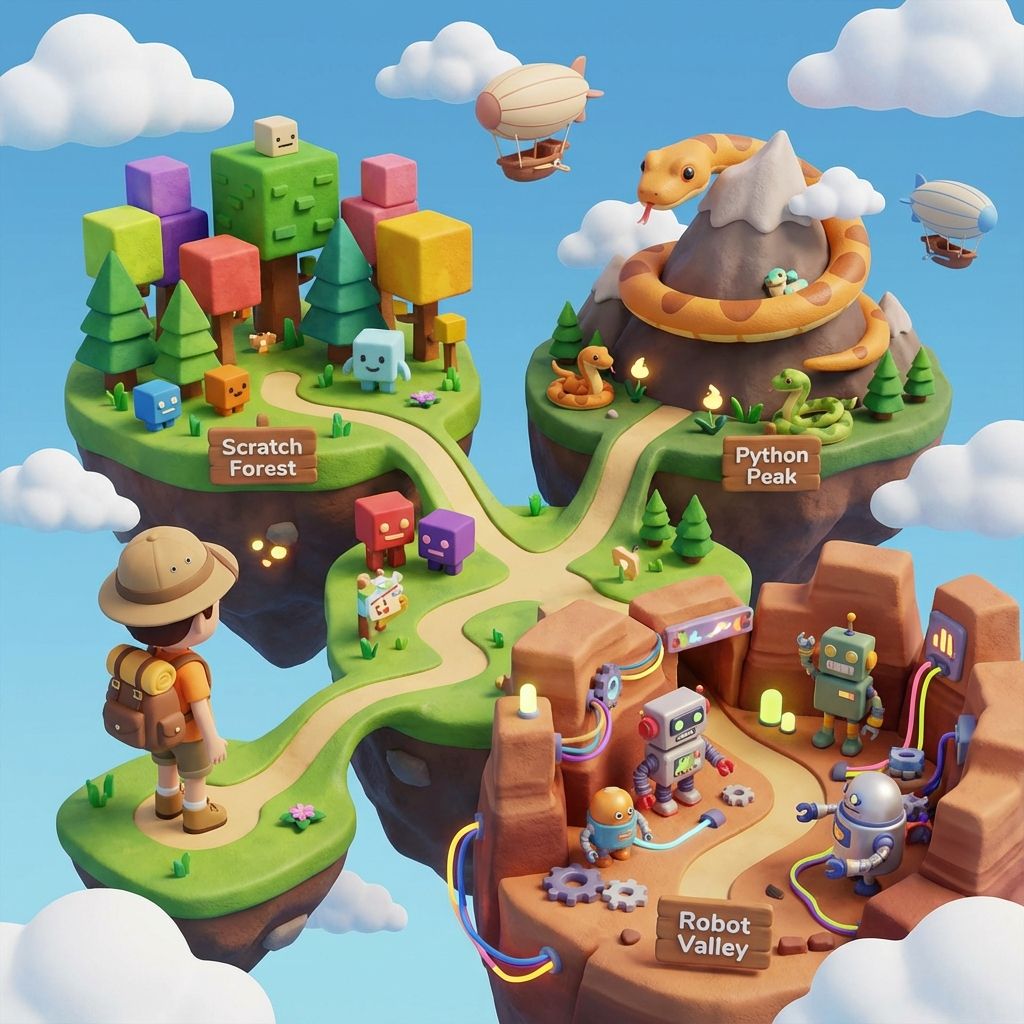
Ages 6-8: Start with visual block-based coding (Scratch, Blockly). Ages 9-12: Transition to beginner text-based languages (Python, JavaScript). Ages 13+: Explore specialized areas like web development or game design.
Best Programming Languages for Kids
1. Scratch - Visual Programming
Scratch is perfect for beginners aged 6-12. It uses colorful blocks that snap together, making coding feel like playing with digital LEGO. Kids can create games, animations, and interactive stories without typing complex syntax.
2. Python - Text-Based Coding
For kids aged 10 and above, Python offers a gentle introduction to text-based programming. Its simple syntax reads almost like English, making it accessible yet powerful enough for real-world applications.
# Simple Python program for kids
print('Hello, World!')

name = input('What is your name? ')
print(f'Nice to meet you, {name}!')

for i in range(5):
    print(f'Count: {i + 1}')
Essential Tools and Resources
Having the right tools makes learning to code more enjoyable and effective. Here are our top recommendations:
- Scratch (scratch.mit.edu) - Free visual programming platform
- Code.org - Structured courses with fun characters
- Tynker - Gamified coding lessons
- Python IDLE - Simple Python editor for beginners
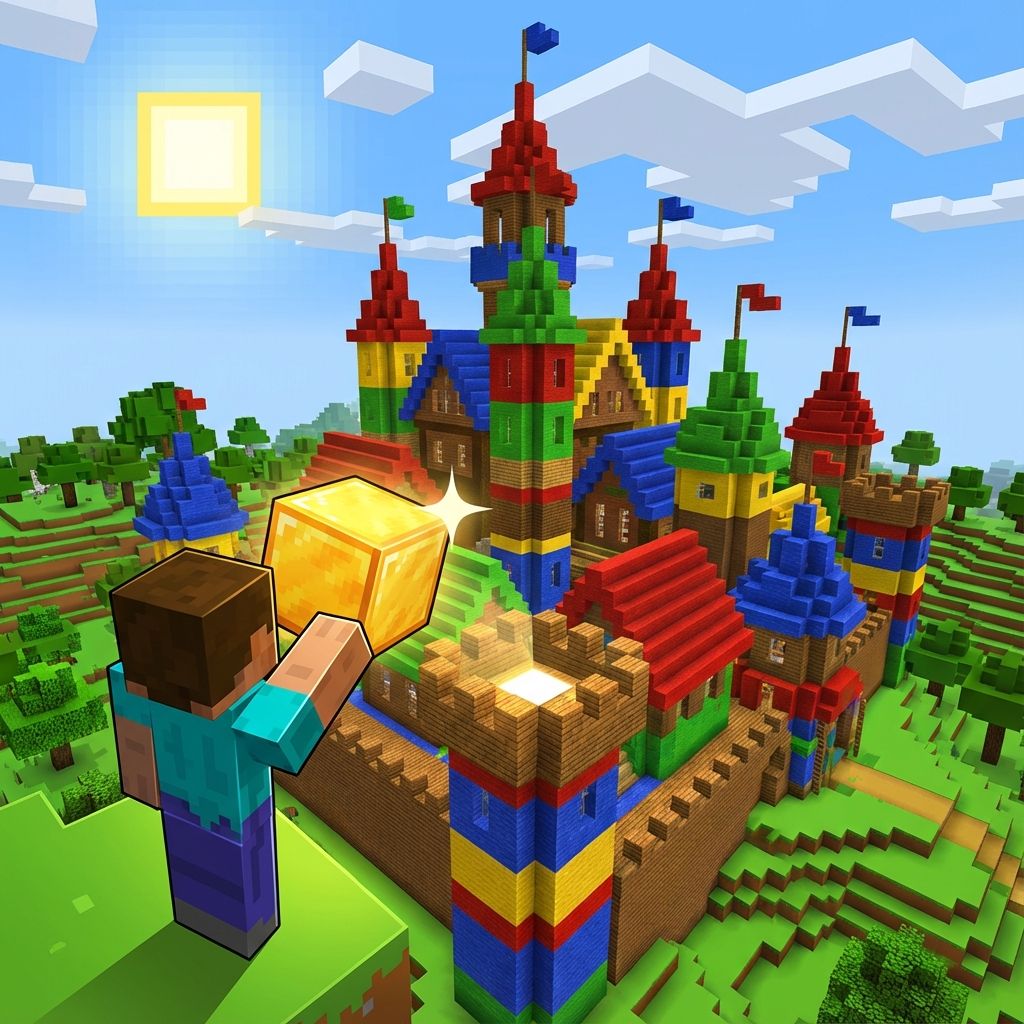
- Minecraft Education Edition - Learn coding through gameplay
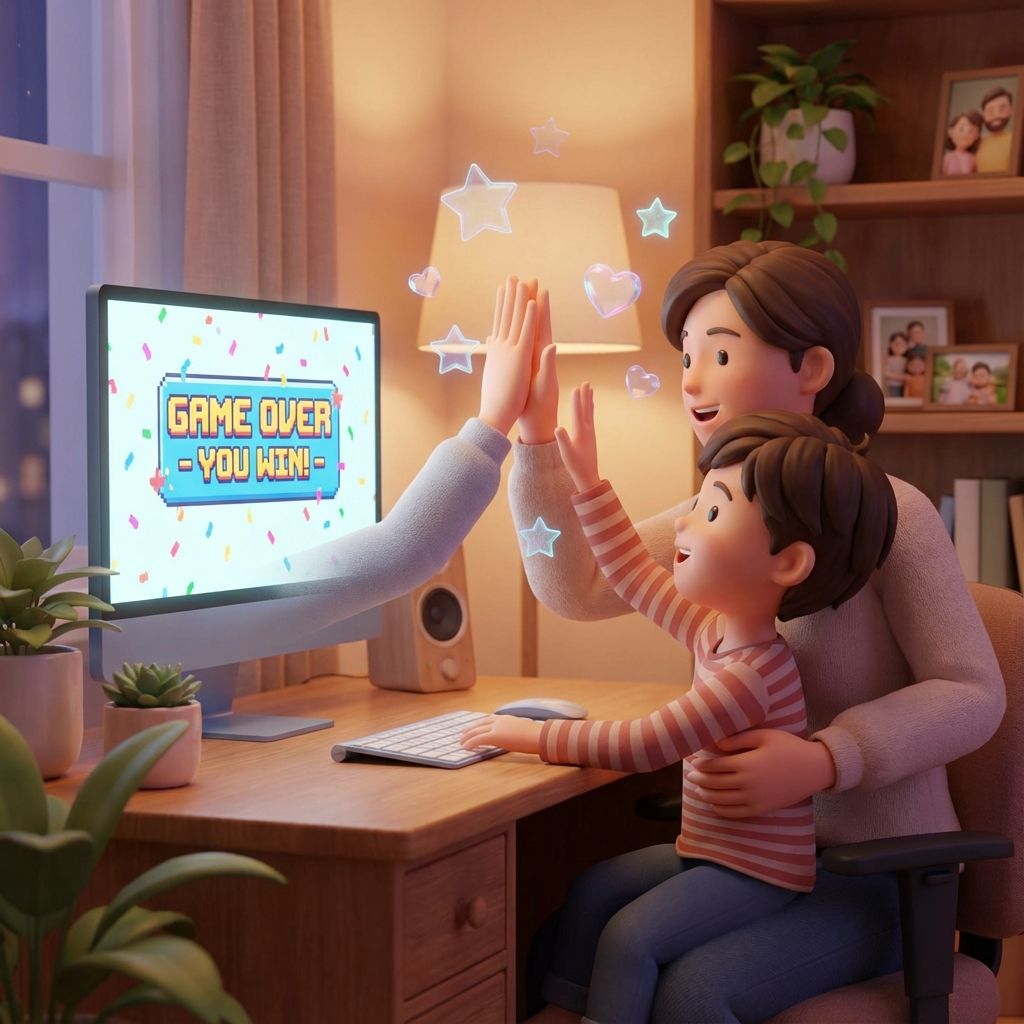
Parent Success Story
"My 8-year-old daughter started with Scratch and within 3 months created her own interactive story game. Now she's teaching her younger brother! The confidence boost has been incredible." - Sarah M., Parent
Teaching Strategies That Work
The key to successful coding education is making it fun and relevant. Here are proven strategies:
- Start with visual programming before moving to text-based coding
- Use game-based learning to maintain engagement
- Encourage project-based learning with real outcomes
- Celebrate mistakes as learning opportunities
- Connect coding to their interests (games, art, music)
- Keep sessions short (30-45 minutes) to maintain focus
Every child should learn to code. It teaches you how to think and creates a way of thinking about the world that I think is important.
, Steve Jobs
Screen Time Balance
While coding is educational, it's still screen time. Balance coding sessions with physical activities, outdoor play, and non-digital creative pursuits. Aim for 30-45 minute coding sessions with breaks.
Common Challenges and Solutions
Every learning journey has obstacles. Here's how to overcome common challenges when teaching kids to code:
Challenge: Loss of Interest
Solution: Keep projects short and achievable. Let kids choose what they want to build. Incorporate their favorite characters or themes into coding projects.
Challenge: Frustration with Bugs
Solution: Teach debugging as a detective game. Celebrate finding and fixing bugs as victories. Remind them that even professional programmers debug constantly.
Getting Started Today
Ready to begin your child's coding journey? Here's a simple 3-step plan:
- Choose an age-appropriate platform (Scratch for younger kids, Python for older ones)
- Set aside 30 minutes, 2-3 times per week for coding practice
- Start with a simple project like creating a greeting card or simple game
- Join our Modern Age Coders community for support and resources
Frequently Asked Questions
Children can start as early as age 5-6 with visual programming tools like Scratch Jr. or Blockly. These platforms use drag-and-drop blocks that don't require reading skills. For text-based coding like Python, age 9-10 is ideal when they have stronger reading comprehension. However, every child is different, look for signs of interest and logical thinking readiness rather than focusing solely on age.
No! While coding and math complement each other, kids don't need advanced math skills to start programming. Basic arithmetic is sufficient for beginners. In fact, learning to code often improves math skills by making abstract concepts more concrete and visual. Many coding concepts like loops and conditionals are more about logic than mathematics.
For beginners, 2-3 sessions of 30-45 minutes per week is ideal. This provides enough practice without causing burnout. As kids become more engaged, they may naturally want to code more. That's great! Just ensure it's balanced with other activities. Quality matters more than quantity; focused, engaged sessions are better than long, distracted ones.
You need surprisingly little! A basic computer (Windows, Mac, or Chromebook) with internet access is sufficient for most beginner platforms. Tablets work for some visual programming apps like Scratch Jr. You don't need expensive equipment, many successful programmers started on modest computers. Free platforms like Scratch, Code.org, and Python (with IDLE) provide everything needed to begin.
Absolutely! Many parents successfully guide their children through coding by learning alongside them. Start with beginner-friendly platforms that have built-in tutorials like Code.org or Scratch. Watch tutorial videos together, work through challenges as a team, and celebrate discoveries. Your role is more about encouragement and problem-solving support than being an expert. Alternatively, consider structured courses from Modern Age Coders where expert instructors guide the learning journey.
Frustration is a natural part of learning to code, even professionals experience it! Keep projects short and achievable, celebrate small wins, and frame bugs as puzzles to solve rather than failures. Take breaks when frustration builds, and return with fresh eyes. Let kids choose projects that interest them (games, animations, stories) to maintain engagement. Remind them that every programmer debugs constantly. It's part of the process, not a sign of failure.
Start with one language and build confidence before exploring others. For young kids (6-10), master Scratch or Blockly first. For older kids (10+), Python is an excellent foundation. Once they're comfortable with one language (usually after 6-12 months), they can explore others. The good news: after learning one language well, picking up others becomes much easier because core programming concepts transfer across languages.
Start Your Child's Coding Journey Today
Remember, the goal isn't to create the next tech prodigy overnight. It's about fostering curiosity, building confidence, and developing skills that will serve them throughout their lives. Start small, celebrate progress, and most importantly, make it fun! Need guidance? Reach out to us for personalized advice.