Live vs recorded coding classes for kids: which is better?
For a child learning to code for the first time, a live class with a teacher who can see their screen wins, and it is not close. A recorded course wins in three specific cases: a self-driven teenager revising a tool they already use, a family testing whether the interest is real before paying anyone, and a budget that has to be near zero. This page lays out the difference by what actually happens in the hour, so you can pick the format that fits your child rather than the one with the better advert.
Live means a teacher is on screen while your child codes and reacts to what they do; recorded means the teaching happened once, to a camera, and the child works alone. The first is expensive to run and is priced per month; the second costs the provider nothing after the first sale and is priced once. For a beginner under about 13, choose live in a small batch of 5 to 10 or 1-on-1. For a teenager who already codes and just needs a specific tool, a good recorded course plus someone to ask questions to is a fair choice. Everything below is the detail behind those two sentences.
The live courses this page is comparing against
Every one of these runs as a live class of 5 to 10 children or 1-on-1, one hour, with the same mentor all term. They are here so you can see what a live format actually contains before you weigh it against a recording.
 Ages 6 to 12 / first courseScratch Coding for KidsZero to real games in three to four months. Every project is built live with the mentor watching the child's screen.See the course
 Ages 9 to 12 / first typed codePython and AI for KidsTurtle art, tiny games and a first AI project. Typed code needs a person to catch the missing colon; this is where live earns its fee.See the course
 Ages 13 to 18 / the full coursePython for TeensBeginner to advanced with objects, files and a project of the teen's own. The course a self-driven teen might compare with a recorded one.See the course
 Ages 13 to 18 / deployed projectFull Stack Web Development for TeensReact and Node, ending with a site on a live link. Debugging a real deployment is the part recorded courses skip.See the course
What "live" and "recorded" actually cover
The two words hide six different products. The batch size and whether anyone watches the child code matter more than the label.
Live vs recorded, on the things that decide whether a child learns
Seven rows, judged from the child's side of the screen rather than the provider's. The middle column is a live class of 5 to 10, which is what we run, so read that column as ours.
Swipe sideways to see every column
| Recorded, self-paced | Live small batch (5 to 10) ours | Live 1-on-1 | |
|---|---|---|---|
| Who notices when the child is stuck | Nobody, until a parent checks | The teacher, within the minute, on the child's own screen | The teacher, immediately |
| How a bug gets fixed | Rewind the video and hope the mistake is the same one | The teacher reads the child's code and asks a question that leads them to it | Same, with the whole hour available for it |
| Pace | The child's own, which for most children means stopping | The batch's pace, with the teacher adjusting per child | Entirely the child's |
| What keeps them coming back | Willpower | A fixed time, classmates who will ask what they built, and a teacher expecting them | A fixed time and a teacher expecting them |
| Completion | Low for children; the course is finished by the parent, not the child | High, because the class happens whether or not the child felt like it | High |
| Cost per hour of teaching | Near zero after the first sale, which is why it is cheap | A teacher's hour divided by 5 to 10; ours is ₹187 per live class | A teacher's full hour; ours is ₹1,250 per private class |
| What the child keeps | A certificate of completion, sometimes | Projects they built themselves, on a link they can open, and a teacher who knows their name | The same, plus a plan written for them alone |
When a recorded course is the right choice
A page written by a live school owes you the cases where the other format wins. There are real ones.
Testing whether the interest is real
Before paying anyone, a free recorded platform such as Scratch's own tutorials or Code.org tells you in two weeks whether your child comes back on their own. If they do not, a live class will not change that; if they do, a live class is where the next year happens.
A self-driven teenager with a specific tool to learn
A 15 year old who already writes Python and wants Git, or a particular framework, learns it faster from a good recorded course than by waiting for a batch to reach it. Give them someone to ask when stuck and let them go.
A budget that has to be near zero
A free recorded course done at a fixed time each week, with a parent sitting nearby for the first month, beats a paid class that cannot be afforded past month two. Consistency is the ingredient, not the format.
Revision between live classes
The best use of recordings is alongside a live class: rewatching the part of the hour the child did not follow. Our own classes are available to the family afterwards for exactly this.
A child who cannot yet sit for an hour
A 6 year old who manages twenty minutes of Scratch Junior at home is not ready for an hour with a teacher. Short recorded or app-based sessions first, live at 7 or 8, loses nothing.
Time zones that defeat every timetable
If no live window fits the family's week, a recorded course done at the same hour each week, with a monthly live check-in, is better than a live class the child misses half the time.
When a live class is the right choice
For most children learning to code for the first time, these six describe them.
A beginner under about 13
Typed code fails on a missing colon, and a child cannot tell a typo from a wrong idea. A teacher looking at the screen can. Without that, the first month of Python is mostly frustration, and the child concludes they are "not a coding person".
A child who has stopped before
If a recorded course or an app has already been abandoned once, the problem was never the content. A fixed time and a person expecting the child is the fix.
A child with their own ideas
Recorded courses teach the project in the video. A live teacher can take "can I make it two-player?" and turn it into the next three classes. That question is the moment a child becomes a programmer.
A goal with a date
A school exam board syllabus, a competition, a portfolio for an application: a live teacher plans backwards from the date and adjusts every week. A recording cannot know the date exists.
A shy child, or a very energetic one
Both do badly in front of a video. 1-on-1 suits the first; a small batch with a teacher who changes activity every fifteen minutes suits the second.
Parents who want to know what is happening
A live class produces a teacher who can tell you, in a sentence, what your child can do this month that they could not last month. A dashboard of watched videos cannot.
Six questions that separate "live" from live
Many products described as live are webinars. These questions find out in one call.
How many children in the class, at most?
Get the maximum. "Small" means nothing; a number does. Ours is 5 to 10 in a group batch and 3 to 4 in a mini batch.
Can the teacher see my child's screen?
If the answer is "children share when they have a question", the teacher cannot. A live class where nobody sees the code is a recording with a chat box.
Is it the same teacher next month?
A rotating pool means every class starts from zero. Ask whether your child keeps the teacher they meet in the demo.
What happens when we miss a class?
A recording of that class, a make-up, or nothing. The answer tells you how the provider thinks about a family's real week.
What does my child open at the end of the term?
A project on a live link they built themselves, or a certificate. Ask to see last term's.
Can we see one full class before paying?
A free demo should be a real class, not a sales tour. If the provider will only show a highlight reel, the class is the highlight reel.
Where Modern Age Coders lands
We are a live online school teaching coding, AI and mathematics to students from age 6 to 67, in India and 25+ countries, since 2020. Every class is one hour, live, in a batch of 5 to 10 or 1-on-1, taught by a mentor who sees the student's screen and stays with them term after term. Recordings of the family's own classes are available afterwards for revision, which is the one job a recording does well.
Our published fees
Rated 4.9 across 547 Google reviews. The first class is a free demo of 30-45 minutes minutes; if you want a full 45-60 minute class today or tomorrow, the Priority Live Demo has a small fee that is adjusted against your first month if you enrol. Judge the format in that hour, not on this page.
Frequently asked questions
Are live online coding classes worth it for kids?
For a beginner, yes, and the reason is specific: typed code fails on tiny mistakes a child cannot diagnose alone, and a teacher who can see the screen fixes that in a minute. A live class also happens at a fixed time with a person expecting the child, which is why it gets finished. The exceptions are a self-driven teen learning a specific tool, a family still testing interest, and a budget that cannot stretch, where a recorded course done consistently is the better choice.
What is the difference between a live class and a recorded coding course?
In a live class a teacher is on screen while the child codes and responds to what the child does. In a recorded course the teaching was filmed once and the child works through it alone. The first costs a teacher's time every week and is priced monthly; the second costs the provider nothing after the first sale and is priced once. Live large cohorts of 20 to 100 sit in between in name only: the teacher cannot see any child's screen.
Is a recorded coding course ever better than a live class?
Yes, in three cases. A teenager who already codes and needs one specific tool learns it faster from a good recording with someone to ask questions to. A family that wants to test whether the interest is real should use a free recorded platform first. And a budget that cannot sustain a monthly fee is better spent on consistency with a free course than on two months of a paid one.
How many children should be in a live online coding class?
Few enough that the teacher can look at every child's code during the hour. In our experience that ceiling is about ten; our group batches are 5 to 10 and mini batches 3 to 4. Ask any provider for the maximum, not the typical number, and treat "it varies" as the largest number they will admit.
Do live coding classes come with recordings?
Ours do: the family can revisit their own class afterwards, which is the best use of a recording, rewatching the ten minutes the child did not follow. Ask any provider what happens when a class is missed; the answer is usually a recording, a make-up class, or nothing.
How do I test whether a "live" class is really live?
Ask for the maximum batch size, whether the teacher can see your child's screen, whether the same teacher continues next month, and whether you can watch one full class before paying. A product that cannot answer the second question with a plain yes is a webinar.
Which format is best for a 7 or 8 year old starting coding?
A live class in a batch of 5 to 10 or 1-on-1, in Scratch, one hour, as long as the child can sit for an hour. A 6 or 7 year old who manages twenty minutes at home is better served by short app-based sessions first; starting live at 7 or 8 loses nothing. Our coding for 8 year olds page describes what that first year looks like.
Decide in one hour, not on a page
Book a free demo class and watch one full hour of live, small-batch coding teaching with your child. Then compare it with any recorded course you are considering.
Real student projects
What our students actually build
Every one is a real, live project shipped by a Modern Age Coders student. Explore more in Student Labs.
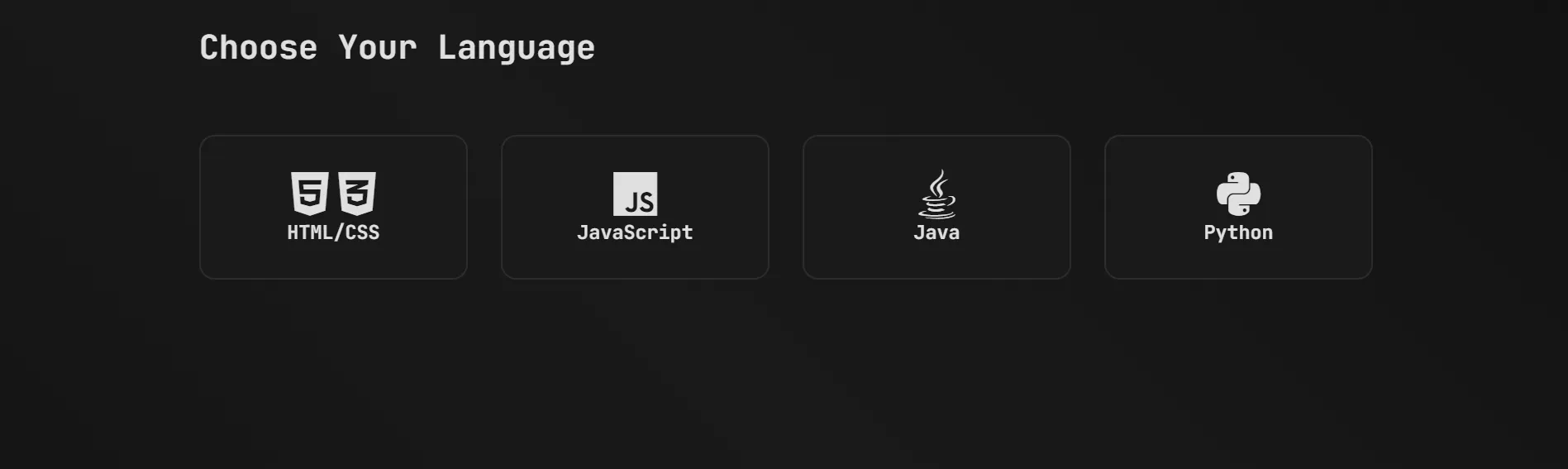 Web AppPracy: Coding Practice & Quiz PlatformAn all-in-one coding-practice site with interactive challenges, quizzes and score tracking across multiple languages to strengthen logic and problem-solving.by RohanOpen the live project ↗
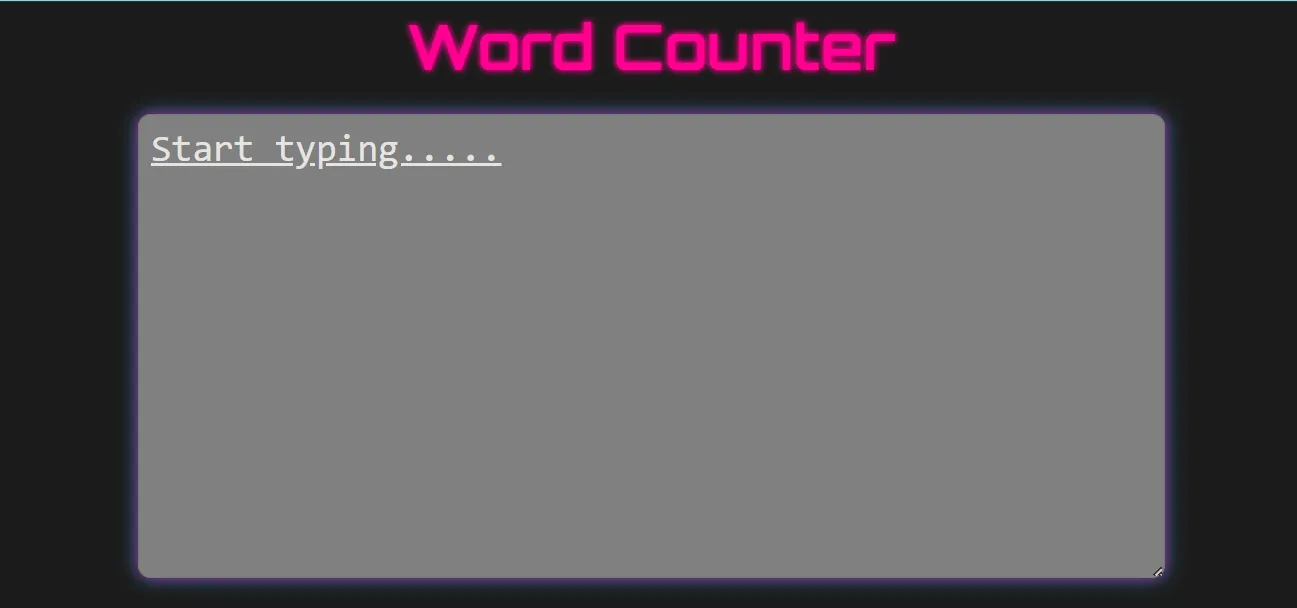 ToolWord Counter WebsiteA simple yet powerful tool that counts words, sentences and paragraphs from user input with instant, real-time results and a clean responsive interface.by VanshOpen the live project ↗
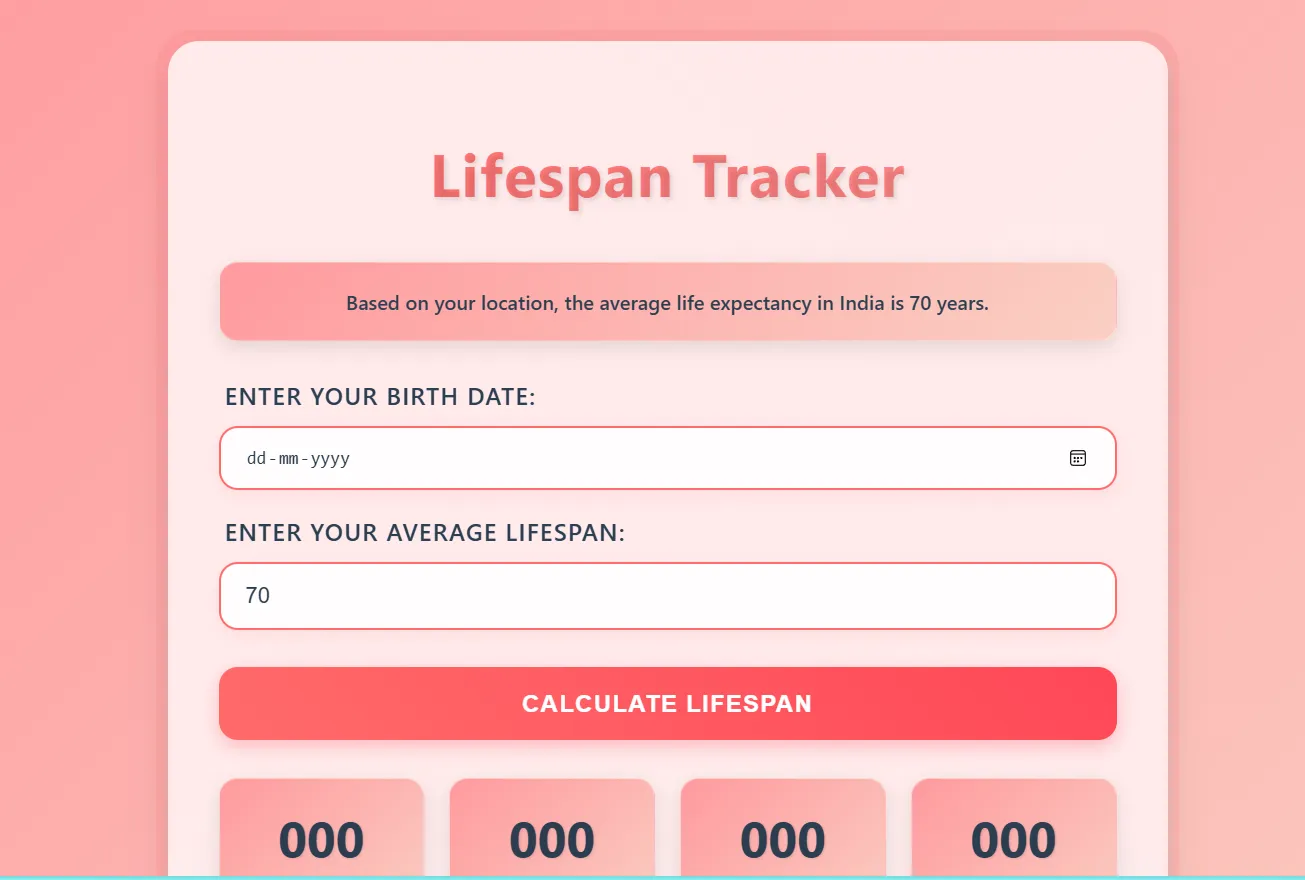 ToolLife Span TrackerAn interactive web tool that calculates expected lifespan, shows days, months and years lived, and visualises remaining time to motivate better habits.by ManayOpen the live project ↗
Parent & student voices
What our families say
Real, verified reviews from Modern Age Coders families. Read hundreds more on our Wall of Love.
“Mivaan enjoys the class. He understands the concepts and completes his tasks with excitement. He started taking interest in coding… truly amazing class.”
Parent of Mivaan
“I highly recommend this computer coding class! The teachers are incredibly knowledgeable and passionate about coding. They make every session engaging and insightful. They explain complex concepts in an easy way and encourage students to ask questions and think critically. The friendly class atmosphere has boosted my son's confidence and interest in coding.”
Parent
“Very good classes. Makes learning very easy and interactive.”
Parent