Vibe Coding for Teens, Code Real Projects, Build Real Skills
Stop Scrolling. Start Building. Your Code. Your World.
Syllabus updated August 2026
Recordings are free with a Google sign-in. These recordings show how we teach, not the exact syllabus of this course.
How long this course takes
This course runs 3 months (12 weeks) at 6-8 hours/week. The range allows for background and pace: a complete beginner uses the full span, and a student with prior knowledge finishes sooner. The syllabus below is planned to the shorter end, with margin kept for revision.
For personalised duration planning, call +91 91233 66161 and we'll map a schedule to your goals.
At a glance
- Who it is for
- Beginner to Intermediate (Ages 13-17). Age: 13-17 years old.
- Prerequisites
- Complete beginner friendly, no prior coding needed (Vibe Coding for Kids graduates will move faster)
- Format
- Live, interactive classes with a real instructor, never pre-recorded videos. Live classes run about one hour.
- Language
- English or Hindi, depending on the batch.
- Duration
- 3 months (12 weeks)
- Weekly commitment
- 6-8 hours/week
- Class size
- Group batches of 5 to 10 students, mini batches of 3 to 4, or 1-on-1.
- Certificate
- Vibe Coder, Teens Level Certification
- Watch first
- Free recordings of real classes for ages 13 and up, free with a Google sign-in. These recordings show how we teach, not the exact syllabus of this course.
- Live demo
- Optional. Enroll directly on this page, or book a free live demo if you would like to meet a mentor first.
How we teach
Deep understanding. Real projects. Expert guidance.
Learn coding, AI and maths through careful explanations, practical demonstrations, and hands-on problem-solving. Our instructors guide you from the foundations to advanced ideas, helping you understand what happens, why it happens, and how to build it yourself.
You will explore concepts step by step, write and improve code, investigate mistakes, ask questions, and apply your knowledge to meaningful projects. Lessons are designed around active participation, thoughtful feedback, and growing independence.
Expert-led live teaching, with practical participation built into every lesson.
- Students explain their thinking.
- Instructors demonstrate, then guide practice.
- Learners code, solve, or build during lessons.
- Questions and misconceptions get attention.
- Assignments receive useful feedback.
- Progress is checked before advancing.
Ready to Master Vibe Coding for Teens: Python, Web Dev & AI (Ages 13-17)?
Choose your plan and start your journey into the future of technology today.
Rated 4.9 across 547 Google reviews. Enroll directly, or take a free live demo first if you like. No card needed for the demo. Monthly billing, cancel anytime.
International Students (Outside India)
Billed monthly in US dollars, the same price in every country. Contact us with any questions.
Program Overview
Vibe Coding for Teens is the definitive 3-month coding program for ages 13-17 who want to go from beginner (or block-coding graduate) to building actual websites, Python apps, and AI-powered projects using the most cutting-edge tools in tech.
'Vibe Coding', coined by AI pioneer Andrej Karpathy in 2025 (Collins Dictionary Word of the Year!), means building software by describing what you want in natural language and letting AI generate the code. But here's the secret the pros know: the best vibe coders are also great traditional coders. That's why this course teaches you BOTH, you'll learn Python and JavaScript fundamentals AND master AI-powered development tools like Cursor IDE, GitHub Copilot, v0.dev, Bolt.new, and Lovable.
At Modern Age Coders, we've designed this curriculum around what teens actually want to build: apps that solve real problems, games they can share with friends, websites that look professional, and AI tools that feel like the future. You'll use the same tools that professional developers use every day, not toy platforms. Graduate with a portfolio of 12+ real projects that proves you can code, with AND without AI assistance.
What Makes This Program Different
- Real languages: Python and JavaScript, not toy platforms
- Real vibe coding tools: Cursor IDE, GitHub Copilot, v0.dev, Bolt.new, Lovable
- Learn BOTH ways: traditional coding fundamentals + AI-assisted vibe coding
- Project-first approach, you build something real every single week
- Portfolio focus, graduate with 12+ projects for college/job applications
- Industry-relevant tools: Cursor, VS Code, Git, GitHub, APIs
- AI-integrated projects, use and build AI tools
- Prompt engineering, learn to communicate with AI effectively
- Peer coding sessions, collaborate like real dev teams
- 1-on-1 code reviews with expert instructors
- Access to the Modern Age Coders teen developer community
- Hackathon preparation and coding competitions support
Your Learning Journey
Career Progression
Detailed Course Curriculum
Explore the complete week-by-week breakdown of what you'll learn in this comprehensive program.
Topics Covered
- Why Python? The language of AI, data, and the web
- What is Vibe Coding?, Andrej Karpathy's 2025 concept that changed software forever
- The vibe coding workflow: Describe → AI Generates → You Review → Iterate → Ship
- Setting up VS Code & Cursor IDE, your professional AI-powered developer environment
- Setting up GitHub Copilot (free for students!), your AI pair programmer
- Python basics: print(), variables, strings, integers, floats
- String manipulation, slicing, formatting, f-strings
- Getting user input with input() function
- Basic arithmetic and math operations in Python
- Boolean logic: True, False, and comparisons
Projects You Build
- Personal Bio Generator, asks 5 questions and prints a formatted story about you
- Simple Calculator, performs all 4 operations with user input
- Mad Libs Creator, fill-in-the-blank story generator
Practice & Assignments
Set up your editor, write a Python script that asks the user three questions and prints a profile card, then commit it to a new GitHub repo.
Topics Covered
- If, elif, else, decision-making in code
- Nested conditionals for complex logic
- While loops, repeating until a condition is met
- For loops, iterating over sequences
- Range() function, generating number sequences
- Loop control: break, continue, pass
- Lists, storing multiple values in one variable
- List methods: append, remove, sort, reverse, index
- Tuples and when to use them
- String loops, processing text character by character
- Nested loops for patterns and grids
- Debugging with print() statements and VS Code debugger
Projects You Build
- Number Guessing Game, with hints, attempts counter, and high score
- Times Table Generator, print any multiplication table on demand
- Password Strength Checker, analyses a password and gives a strength rating
Practice & Assignments
Build a number guessing game with a while loop and if elif else hints for higher or lower, counting the attempts taken.
Topics Covered
- Defining functions with def keyword
- Parameters and arguments, passing data to functions
- Return values, getting data back from functions
- Default parameters and keyword arguments
- Scope: local vs. global variables
- Importing Python's built-in modules: math, random, datetime, os
- The random module, creating unpredictable programs
- Working with the datetime module for time-based features
- Writing your own modules and importing them
- Docstrings, documenting your functions properly
- Lambda functions, quick, anonymous functions
- Recursion basics, functions that call themselves
Projects You Build
- Dice Rolling Simulator, roll any number of sides, track statistics
- Tip Calculator, restaurant bill splitter with formatted output
- Word Counter, analyses a paragraph for word count, unique words, and top 5 most used
Practice & Assignments
Refactor your guessing game into functions with parameters and return values, then add a play again option.
Topics Covered
- Dictionaries, key-value pairs for structured data
- Dictionary methods: get, keys, values, items, update
- Nested dictionaries, representing complex real-world data
- Sets, unique collections and set operations
- List comprehensions, Pythonic one-line transformations
- Dictionary comprehensions
- Reading and writing text files with open()
- File modes: r, w, a, r+ explained
- Working with CSV files, reading datasets
- JSON files in Python, the language of the web
- Error handling with try, except, finally
- Building a simple contact book, CRUD operations
Projects You Build
- Contact Manager, add, search, update, delete contacts saved to a file
- Student Grade Tracker, stores grades in JSON and calculates averages
- Vocabulary Flash Card App, add words, quiz yourself, track score
Practice & Assignments
Create a contact book app that stores entries in a dictionary and saves them to a file so they survive a restart.
Topics Covered
- How the web works, browsers, servers, HTTP basics
- HTML document structure: DOCTYPE, html, head, body
- Semantic HTML: header, nav, main, section, article, footer
- Text elements: h1-h6, p, strong, em, blockquote
- Links and navigation: anchor tags, href, relative vs. absolute URLs
- Images: img tag, alt text for accessibility and SEO
- Lists: ordered, unordered, nested lists
- Tables, displaying structured data
- HTML Forms: input types, labels, buttons, textareas
- HTML attributes: id, class, style
- Accessibility basics: ARIA roles, alt text, heading hierarchy
- Vibe Coding HTML: using v0.dev to generate page layouts from descriptions
- Comparing hand-written HTML vs AI-generated HTML, understanding what AI creates
- Validating your HTML with W3C Validator
Projects You Build
- Personal Portfolio Page v1, bio, skills, and contact section in pure HTML
- Recipe Website, multi-page site with ingredients and instructions
- Event Landing Page, HTML structure for a fictional school event
Practice & Assignments
Hand code a semantic personal profile page with a header, nav, three sections and a contact link, without any AI assistance.
Topics Covered
- CSS syntax: selectors, properties, values
- The Box Model: margin, padding, border, content
- CSS colours: hex, RGB, HSL, and CSS variables
- Typography: fonts, Google Fonts integration, font-size, line-height
- CSS Flexbox, modern, powerful layout system
- CSS Grid, two-dimensional layout mastery
- Responsive design with Media Queries
- Mobile-first design principles
- CSS animations and transitions
- Pseudo-classes: hover, focus, active, nth-child
- CSS custom properties (variables) for design systems
- Dark mode implementation with CSS
- Vibe Coding CSS: using v0.dev and Bolt.new to generate beautiful UI components from text prompts
- Reading AI-generated Tailwind CSS, understanding utility-first styling
Projects You Build
- Fully Styled Portfolio, transform Week 5's HTML into a beautiful, responsive portfolio
- Product Card Component, an Instagram-worthy card with hover effects
- Responsive Navigation Bar, a professional nav that collapses on mobile
Practice & Assignments
Style your profile page with Flexbox, a Google Font and CSS variables, and make sure it still looks right at phone width.
Topics Covered
- What is JavaScript and why it makes the web interactive
- JS basics: variables (let, const), data types, operators
- Functions in JavaScript, declarations, expressions, arrow functions
- Arrays and array methods: map, filter, reduce, forEach
- Objects in JavaScript, structuring real-world data
- The DOM, Document Object Model explained simply
- Selecting elements: getElementById, querySelector
- Changing content and styles with JavaScript
- Event listeners: click, mouseover, input, submit
- Form validation with JavaScript
- Fetch basics, getting data from the internet
- Local Storage, persisting data in the browser
Projects You Build
- Interactive To-Do App, add, complete, and delete tasks (persists with LocalStorage)
- Quiz App, 10-question quiz with timer, score, and results screen
- Real-time Character Counter, live word/character counts as you type
Practice & Assignments
Add a dark mode toggle and a live character counter to your page using DOM events, plus one array method such as map or filter.
Topics Covered
- What is an API? REST APIs explained with real examples
- Fetch API, making HTTP GET requests in JavaScript
- Async/await, handling asynchronous operations cleanly
- JSON parsing, working with API response data
- Error handling in fetch requests
- Public APIs: Weather, Quotes, Space, Pokemon, SpaceX
- Displaying API data dynamically in your webpage
- API keys, working with authenticated APIs safely
- Introduction to the OpenWeather API
- Deploying your website with Netlify, live in 60 seconds
- Custom domain basics
- Vibe Coding a full web app: using Bolt.new to build and deploy a project in minutes
- Comparing your hand-coded projects vs vibe-coded projects, understanding the trade-offs
- Phase 2 portfolio review, making your projects job-ready
Projects You Build
- Live Weather App, fetch real weather data for any city using OpenWeather API
- Random Quote Machine, fetches and displays random motivational quotes
- Space Explorer, displays real NASA photo of the day with Astronomy API
Practice & Assignments
Fetch data from a free public API, such as weather or jokes, and render it on your page with async await and visible error handling.
Topics Covered
- Introduction to AI APIs, using AI as a superpower
- Working with the Google Gemini API (or Claude API), setup and authentication
- Chat Completion API, building a simple AI chatbot
- System prompts, guiding AI behaviour for your use case
- Deep dive into Cursor IDE, the #1 AI-powered code editor for vibe coding
- Cursor Composer: describe a feature in English → Cursor writes the code across multiple files
- Cursor Tab: AI auto-completes your code as you type
- GitHub Copilot Chat, asking your AI pair programmer questions about your code
- Prompt engineering for code: writing clear, specific prompts that get better results
- AI for text: summarization, sentiment analysis, translation
- Image generation API basics with teen-legal tools (Firefly and Bing Image Creator APIs, concepts first)
- Comparing AI models: Claude Sonnet (best for code), GPT-4, Gemini, which to use when
- AI ethics for teen developers, bias, transparency, and responsibility
Projects You Build
- AI Study Buddy, paste any topic, get an explanation in simple language (Python + Gemini API)
- Mood Journal Analyser, enter your journal entry, AI analyses the mood and gives advice
- Vibe-Coded AI App, use Cursor Composer to build an entire AI tool from a single description
Practice & Assignments
Build a small chatbot on the Gemini or Claude API with a system prompt that gives it a personality, and note one prompt improvement you made.
Topics Covered
- Lovable, the AI app builder that generates clean React code from conversation
- Building a complete web app with Lovable: describe features → AI codes → you iterate
- Bolt.new deep dive, building and deploying apps entirely through AI prompts
- When to vibe code vs. hand code, understanding the trade-offs and limitations
- Introduction to Flask, Python for the web (understanding what AI builds for you)
- Setting up a Flask app, routes and views
- Connecting your AI Python code to a web frontend
- Building a simple AI web app, Python backend + HTML frontend
- Environment variables and .env files, keeping API keys safe
- Introduction to databases: SQLite with Python basics
- Deploying your apps: Replit, Vercel, Netlify, Render (free tier)
- Security basics: why vibe-coded apps need human review before going live
- Planning your capstone project, choosing between vibe-coded or hand-coded
Projects You Build
- Lovable App, build a complete app by chatting with AI (e.g., habit tracker, expense tracker)
- AI Chatbot Web App, a proper web interface for your Week 9 AI chatbot using Flask
- Bolt.new Speed Build, go from idea to deployed app in under 30 minutes
Practice & Assignments
Build the same to do app twice, once by hand and once with Lovable or Bolt.new, and write down three differences you noticed in the code.
Topics Covered
- What is a developer portfolio and why every teen dev needs one
- Structuring your portfolio: projects, about, skills, contact
- Writing project descriptions that impress, STAR format
- README files on GitHub, making your repos presentable
- Vibe coding your portfolio website: use v0.dev or Lovable to build a stunning portfolio in minutes
- Picking your best 4 projects for the portfolio (mix of hand-coded and vibe-coded)
- GitHub profile optimization, pins, README profile, contributions graph
- LinkedIn basics for teen developers, setting up a professional profile
- Personal branding, your developer identity and niche
- Technical interview basics, what companies actually ask
- Writing a tech resume for internships and college applications
- Open source contribution basics, finding good first issues
- Hackathons: how to find, join, and win at hackathons
Projects You Build
- Professional Developer Portfolio Website, multi-section, deployed, polished and live
- GitHub Profile README, a custom animated profile readme showcasing your skills
- Project README Collection, professional documentation for all 4 key portfolio projects
Practice & Assignments
Draft your portfolio site with three project cards, STAR style descriptions and a proper README on your best repo.
Topics Covered
- Final capstone project polish, code review and bug fixes
- Code documentation best practices
- Recording a 3-minute project demo video
- The art of the technical demo, explaining code to non-coders
- Preparing for Q&A, answering questions about your code
- The vibe coding toolkit recap, Cursor, Copilot, v0.dev, Bolt.new, Lovable: when to use each
- Introduction to competitive coding: HackerRank, LeetCode, CodeChef
- What's next?, College applications with a portfolio, internships, freelancing
- Vibe Coding for College preview, MERN, DSA, Machine Learning, Claude Code, Windsurf, and more
- Networking with the Modern Age Coders alumni community
- Receiving the Vibe Coder Teens Certification
- Graduation ceremony and class showcase
Projects You Build
- GRAND CAPSTONE, 'Vibe Project Launch': A complete, full-stack (or AI-powered) web application built using a combination of traditional coding and vibe coding tools (Cursor, Lovable, or Bolt.new). Must be deployed live, documented on GitHub, and presented at the showcase with a 3-minute live demo explaining both what you built AND how you used AI to build it
Assessment
Final Capstone Code Review + Live Demo + Panel Q&A
Projects You'll Build
Build a professional portfolio with 12+ real projects deployed live + professional portfolio real-world projects.
Weekly Learning Structure
Certification & Recognition
Technologies & Skills You'll Master
Comprehensive coverage of the entire modern web development stack.
Support & Resources
Career Outcomes & Opportunities
Transform your career with industry-ready skills and job placement support.
Prerequisites
Who Is This Course For?
Career Paths After Completion
Course Guarantees
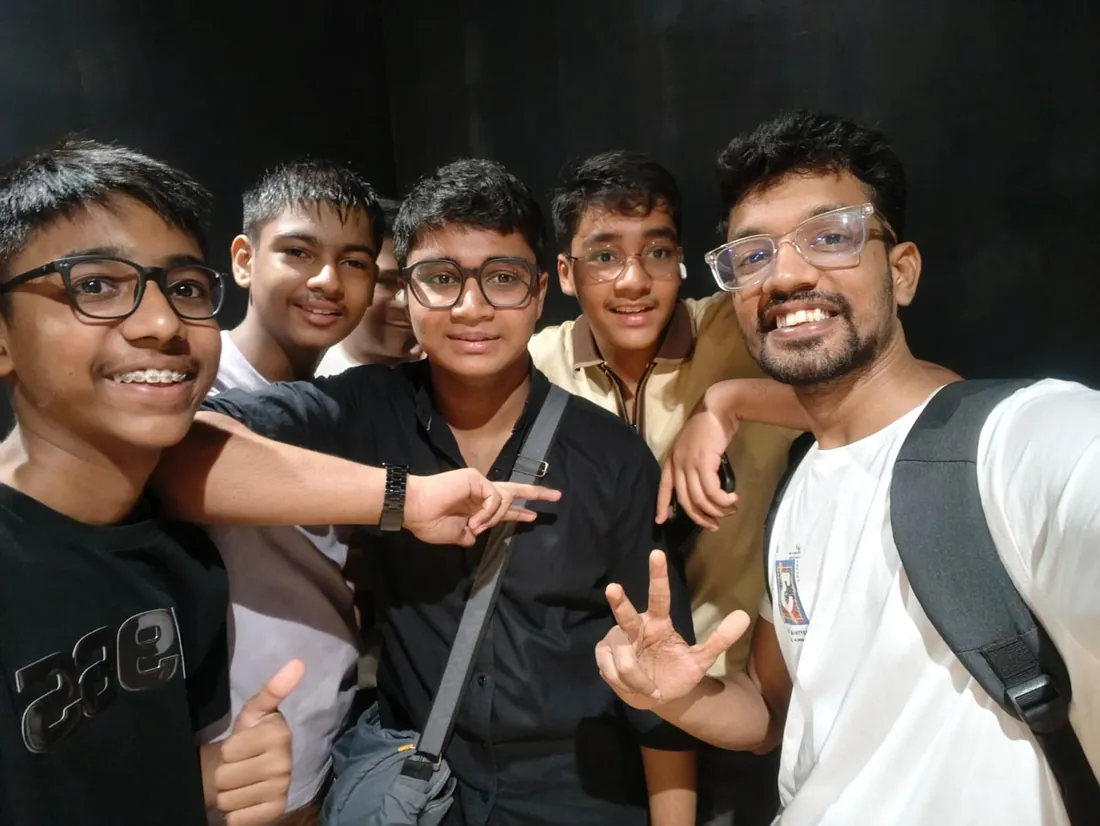
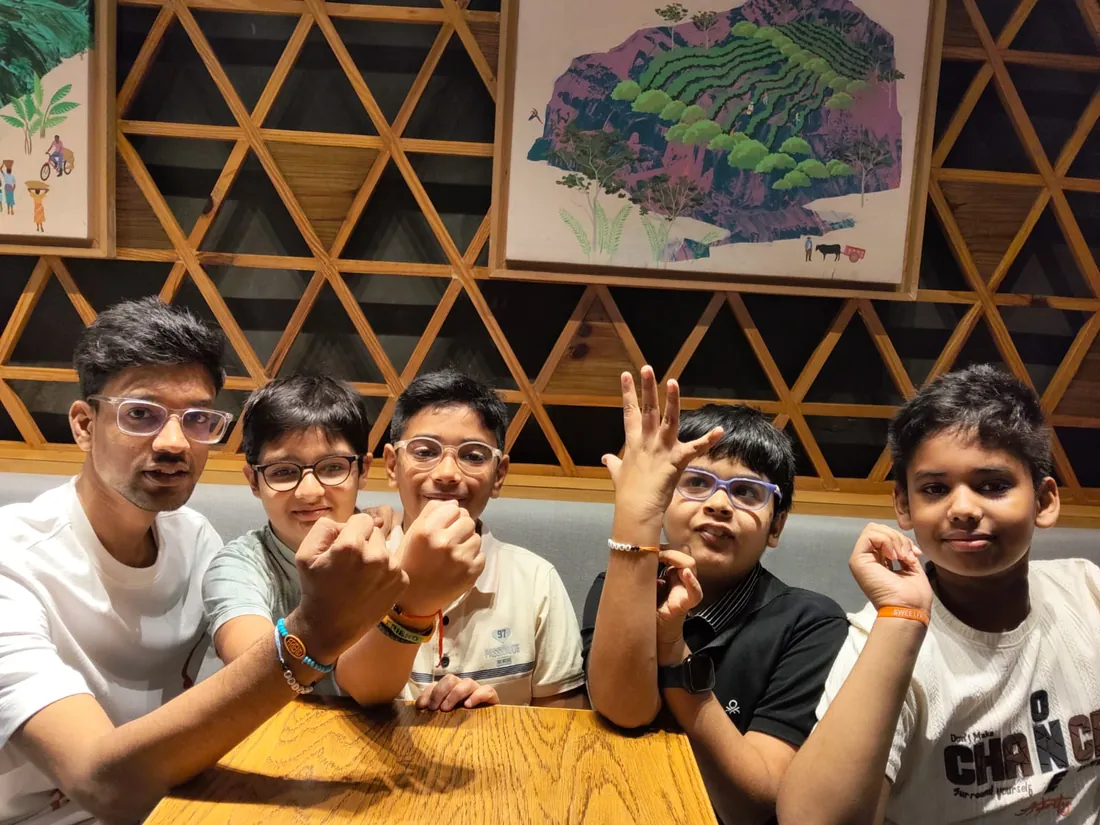
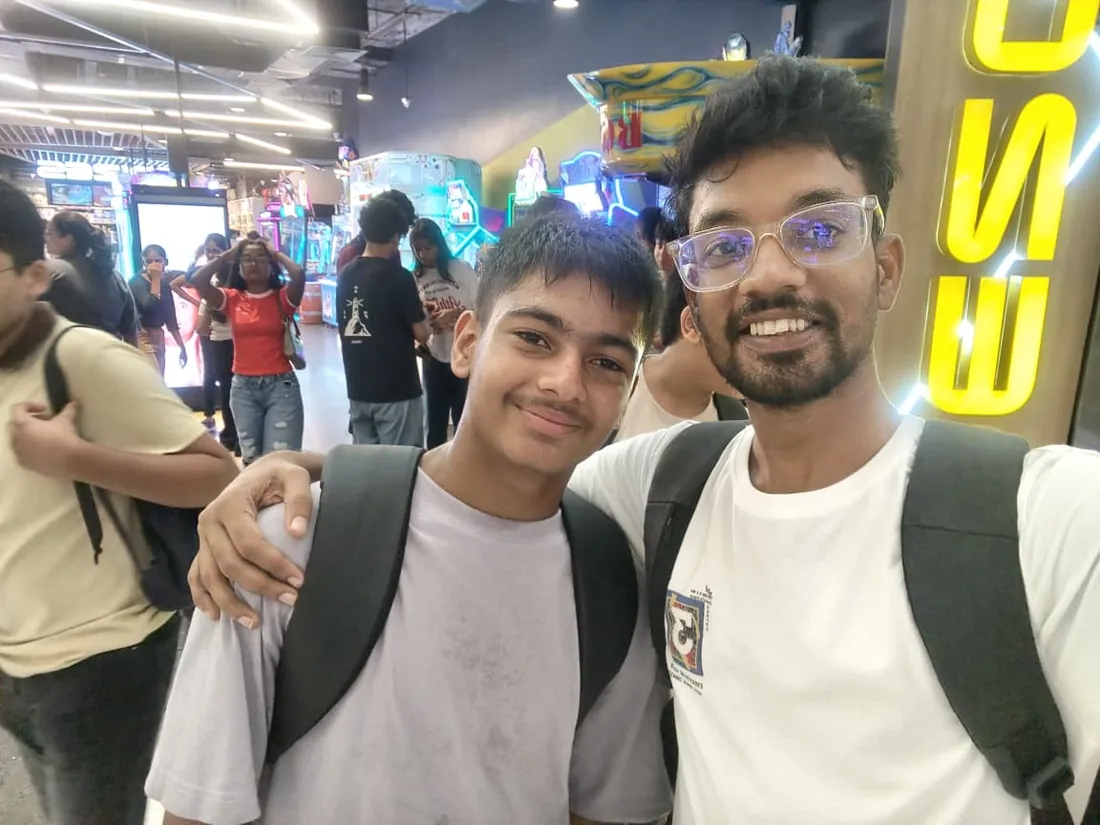
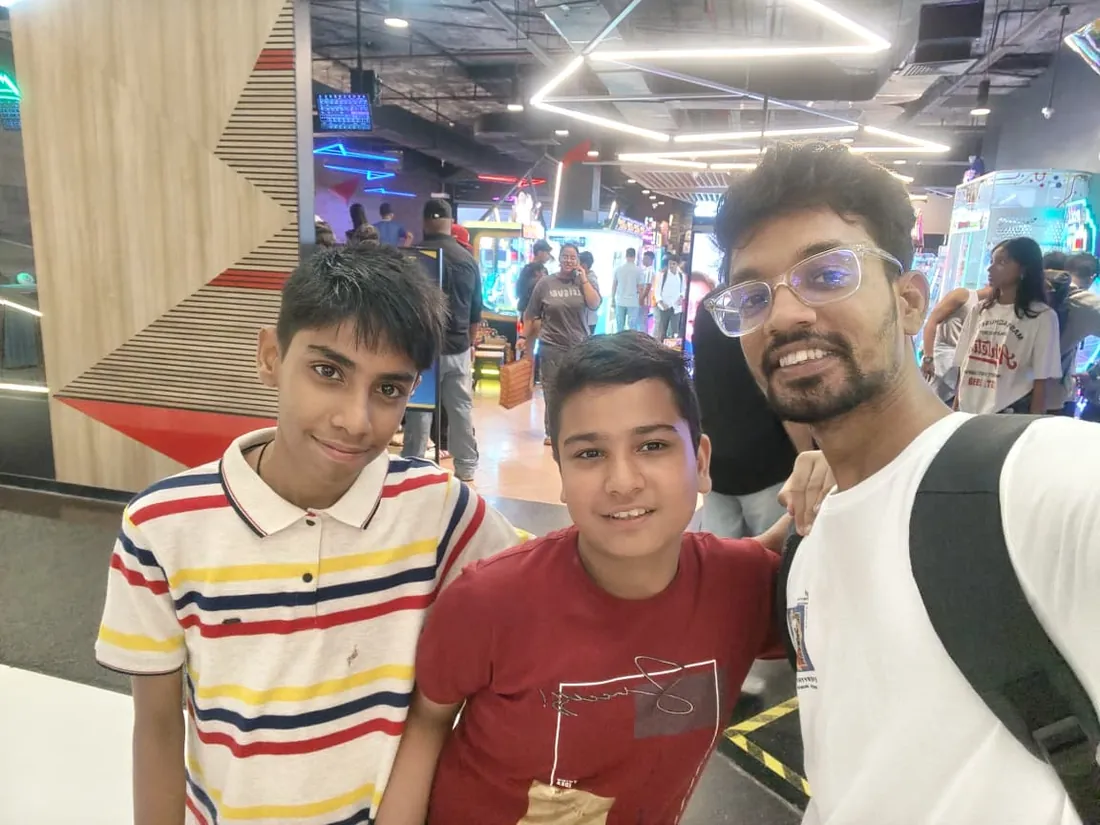
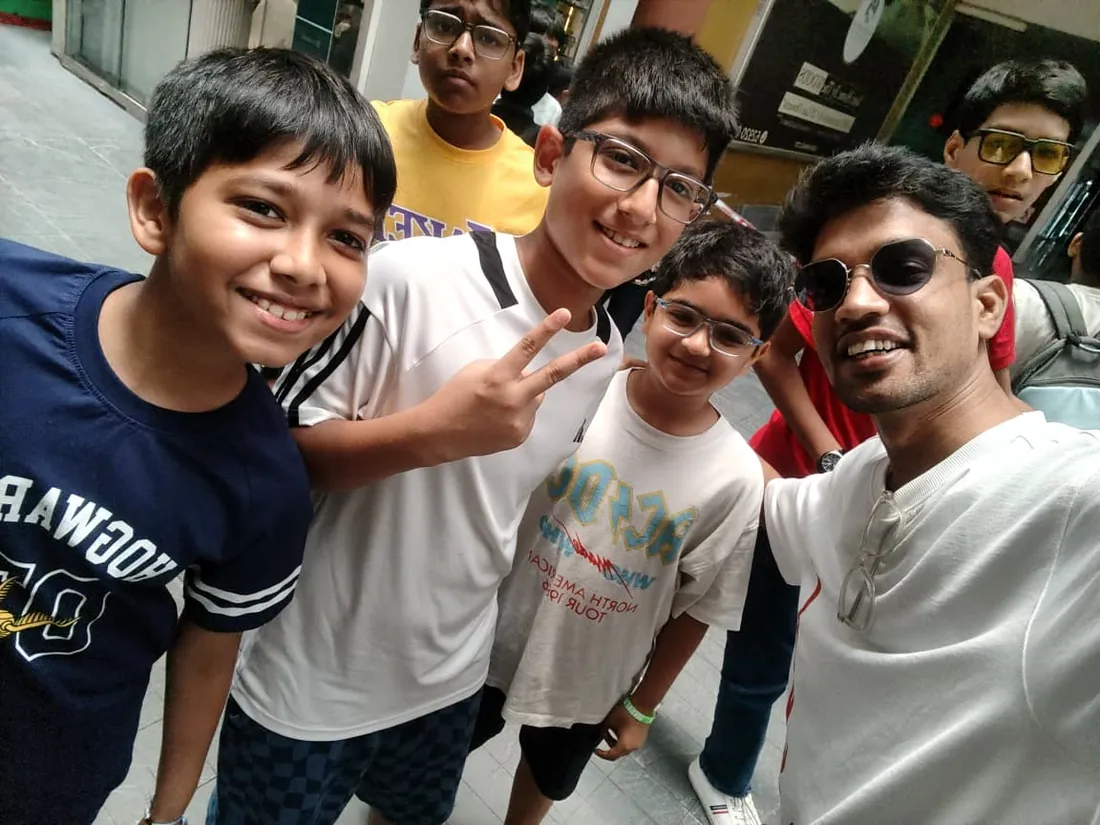
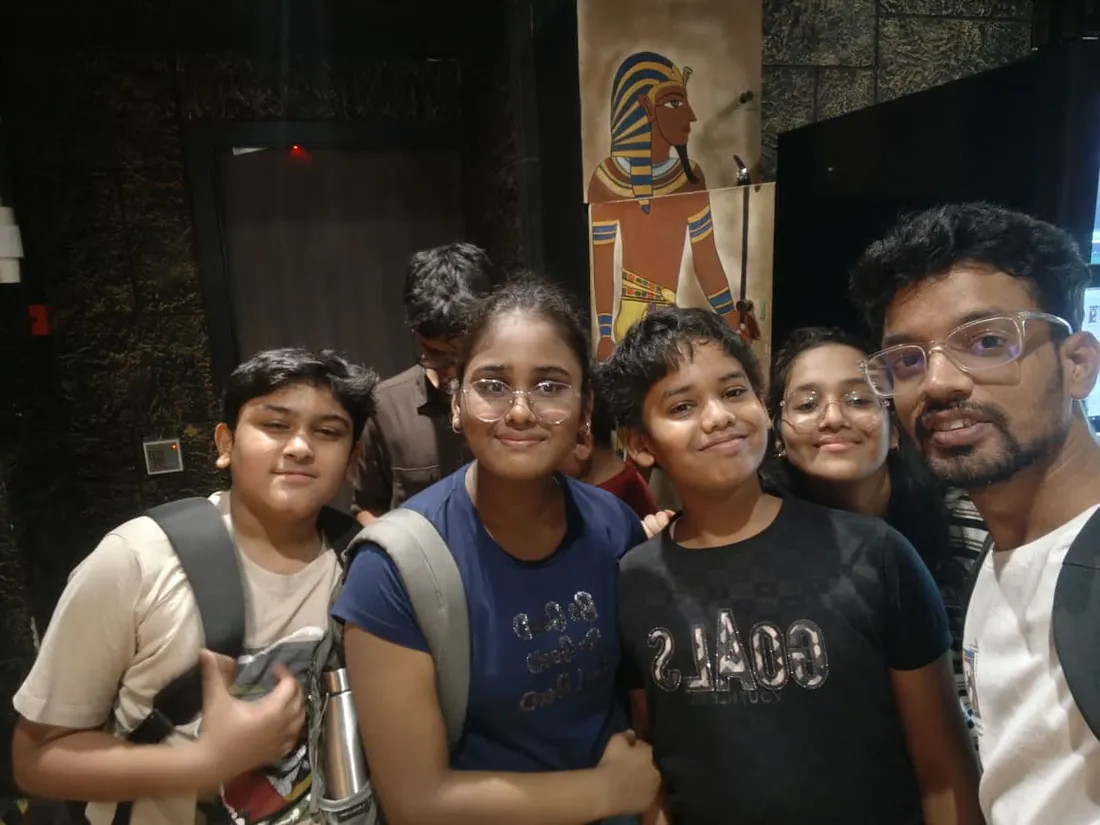
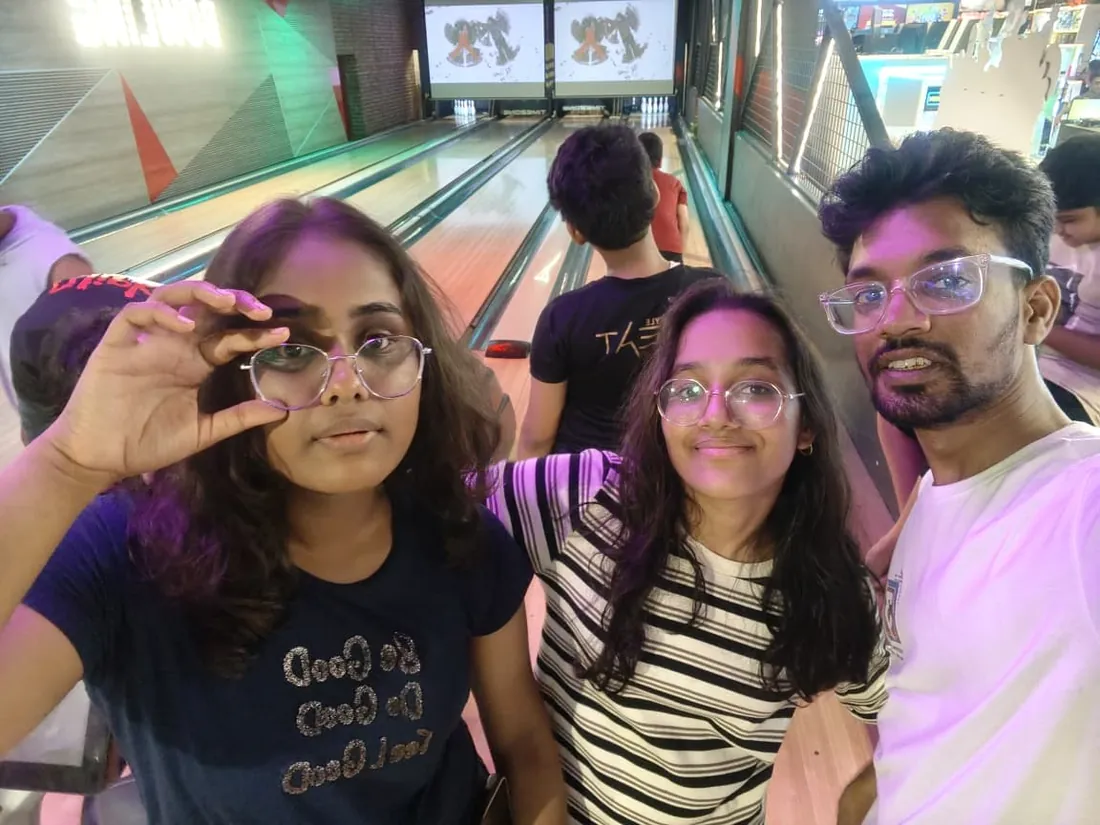
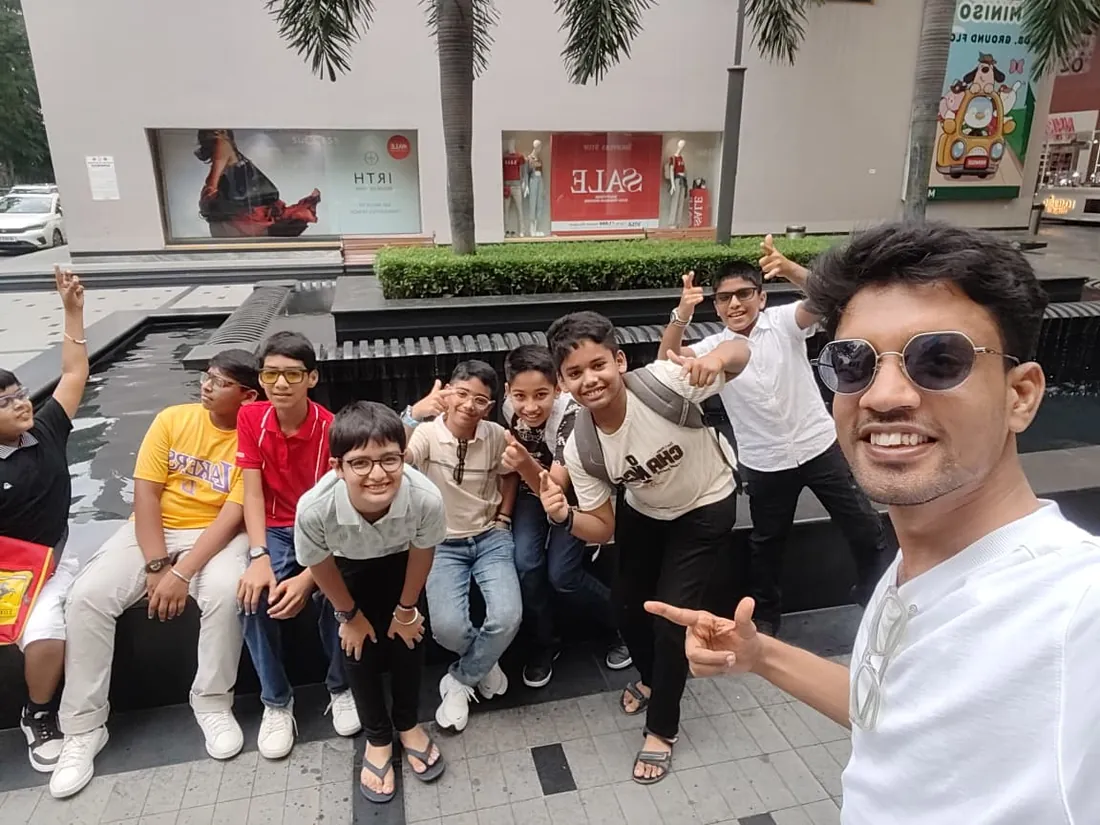
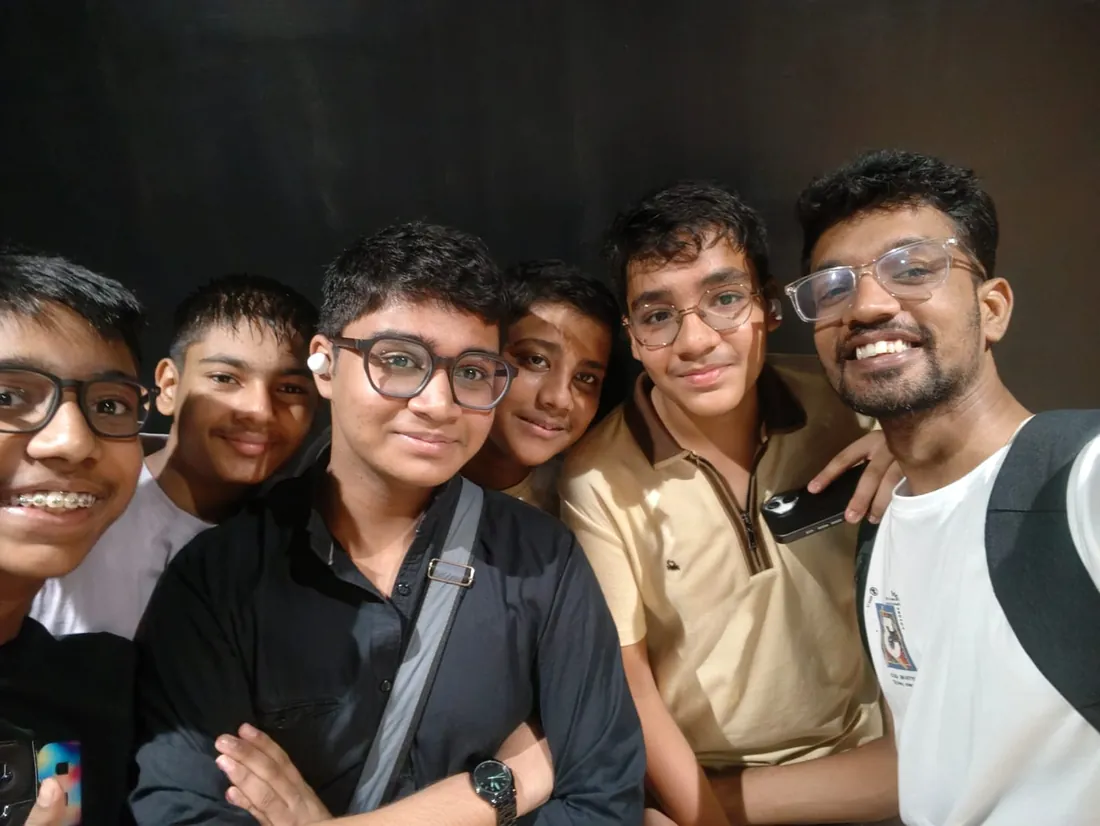
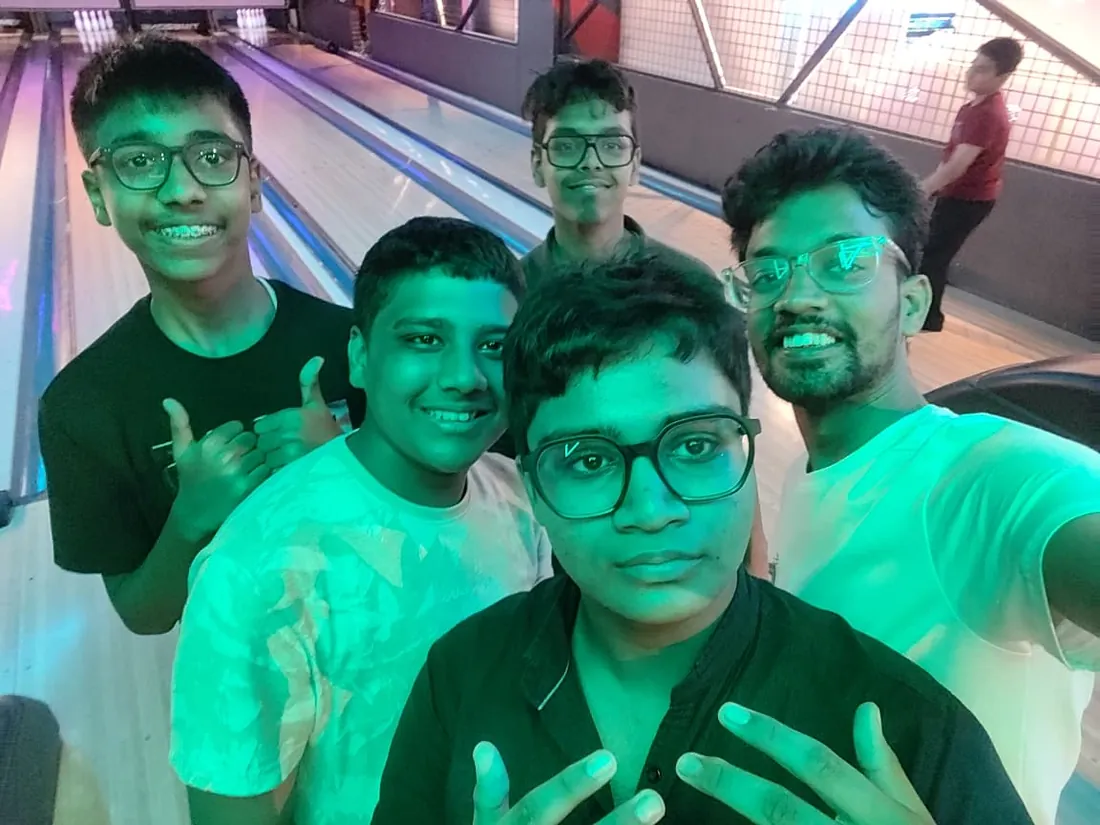
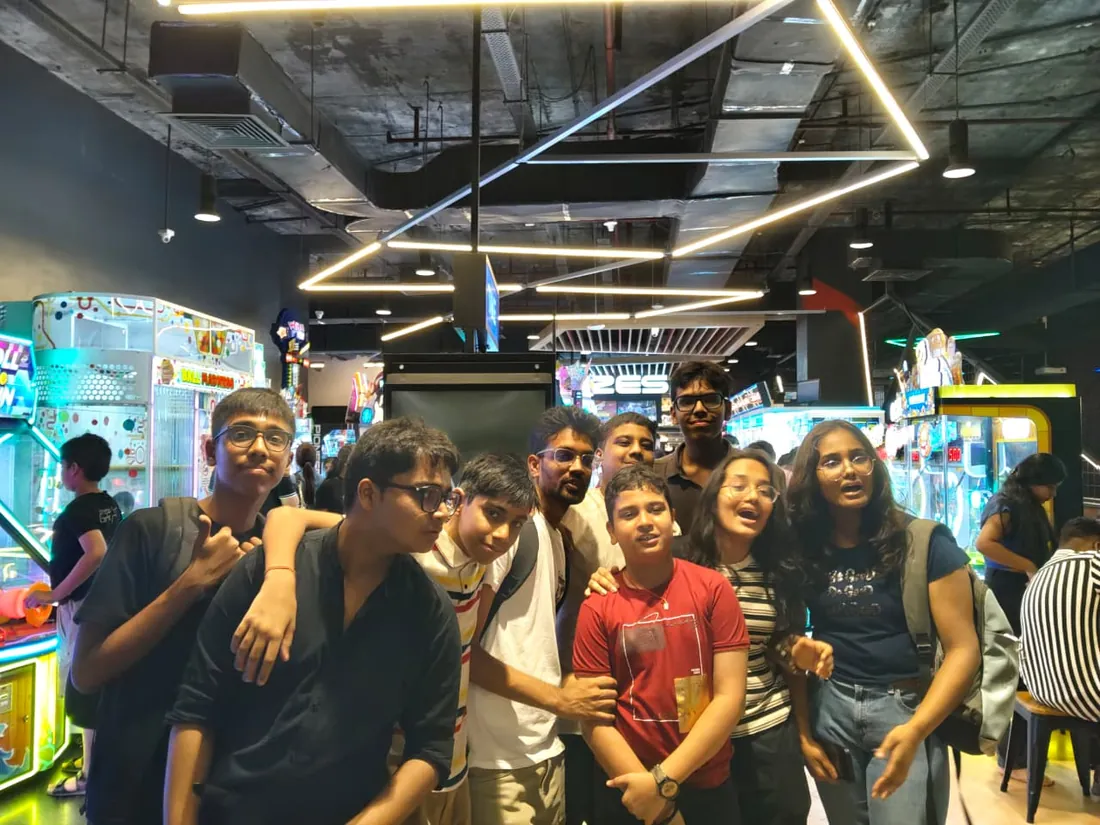
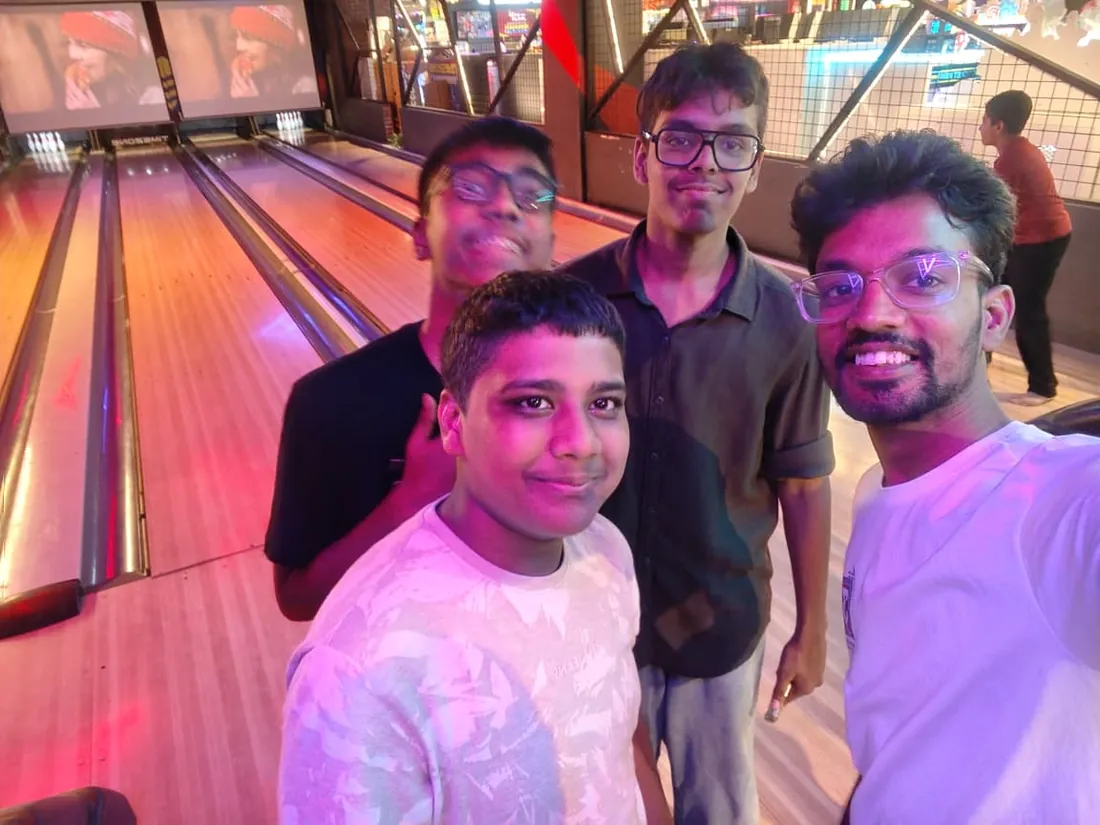
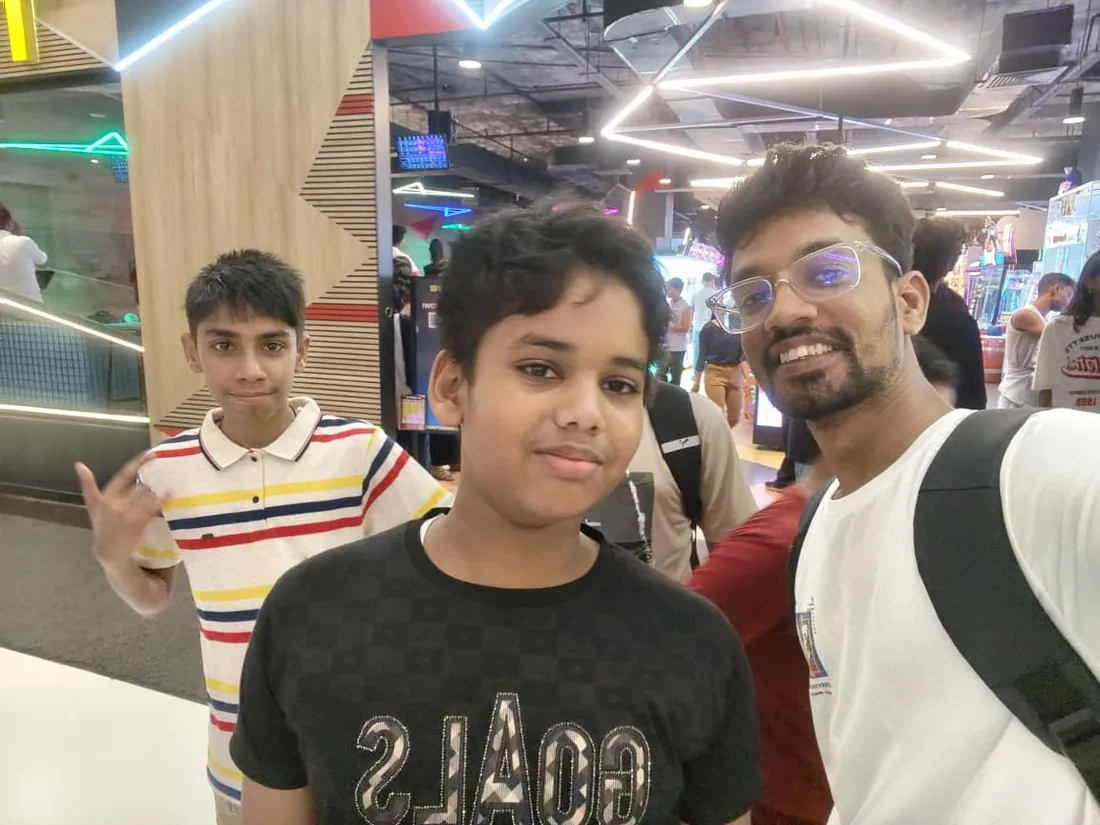
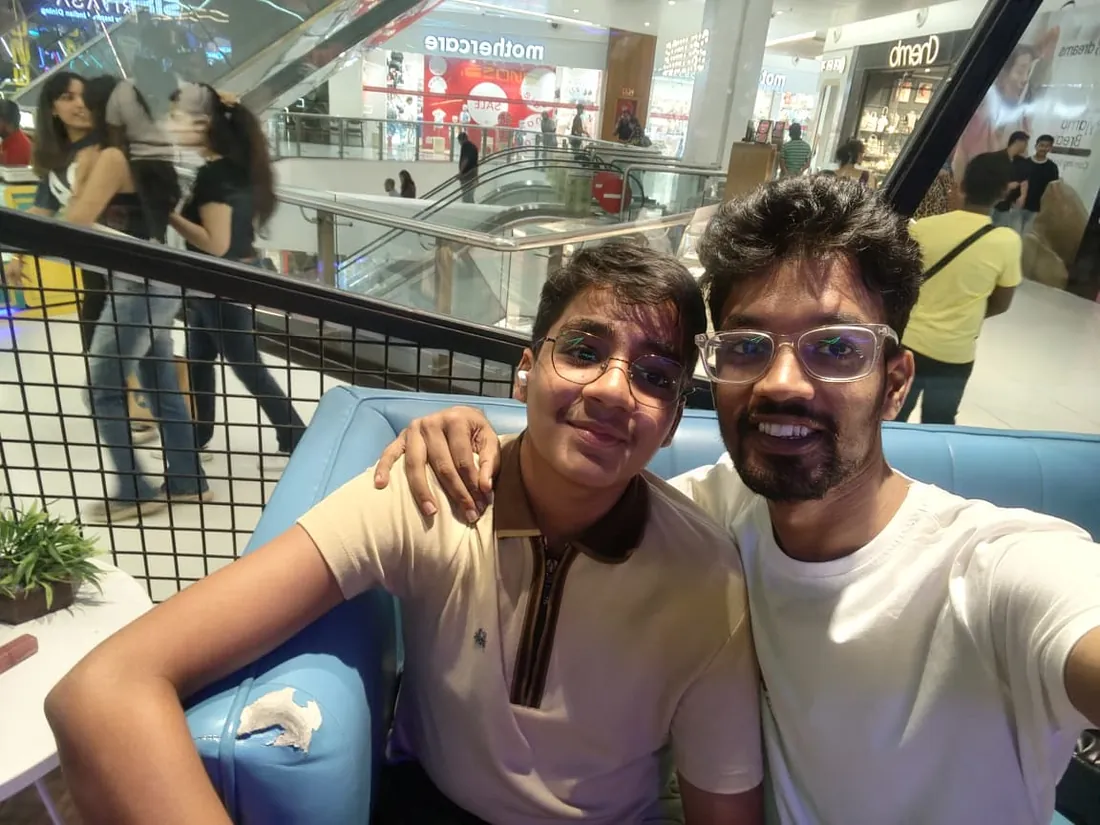
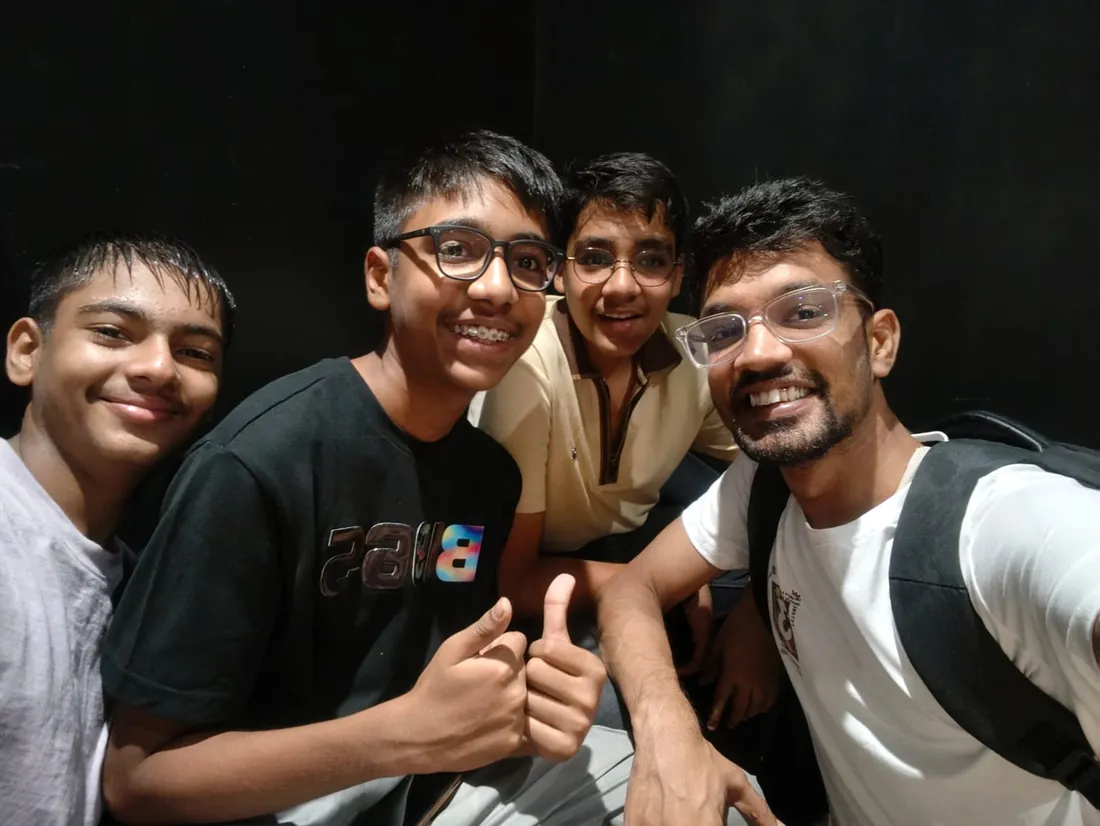
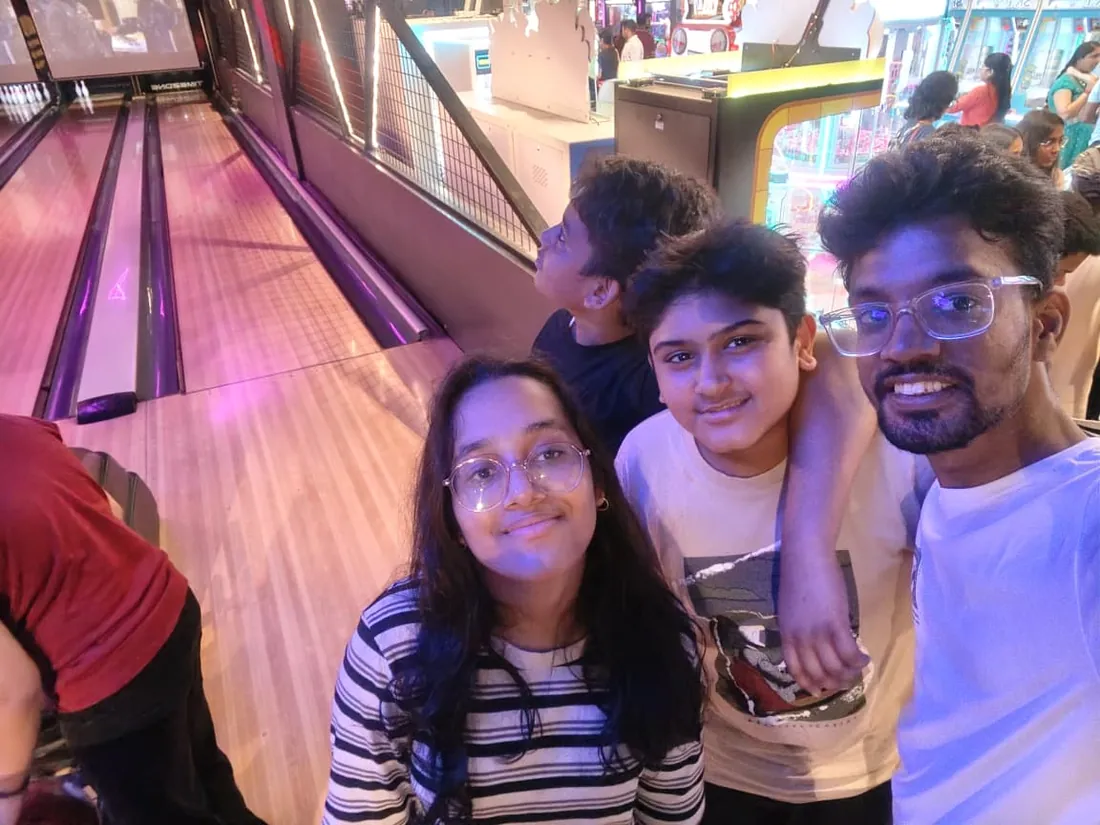
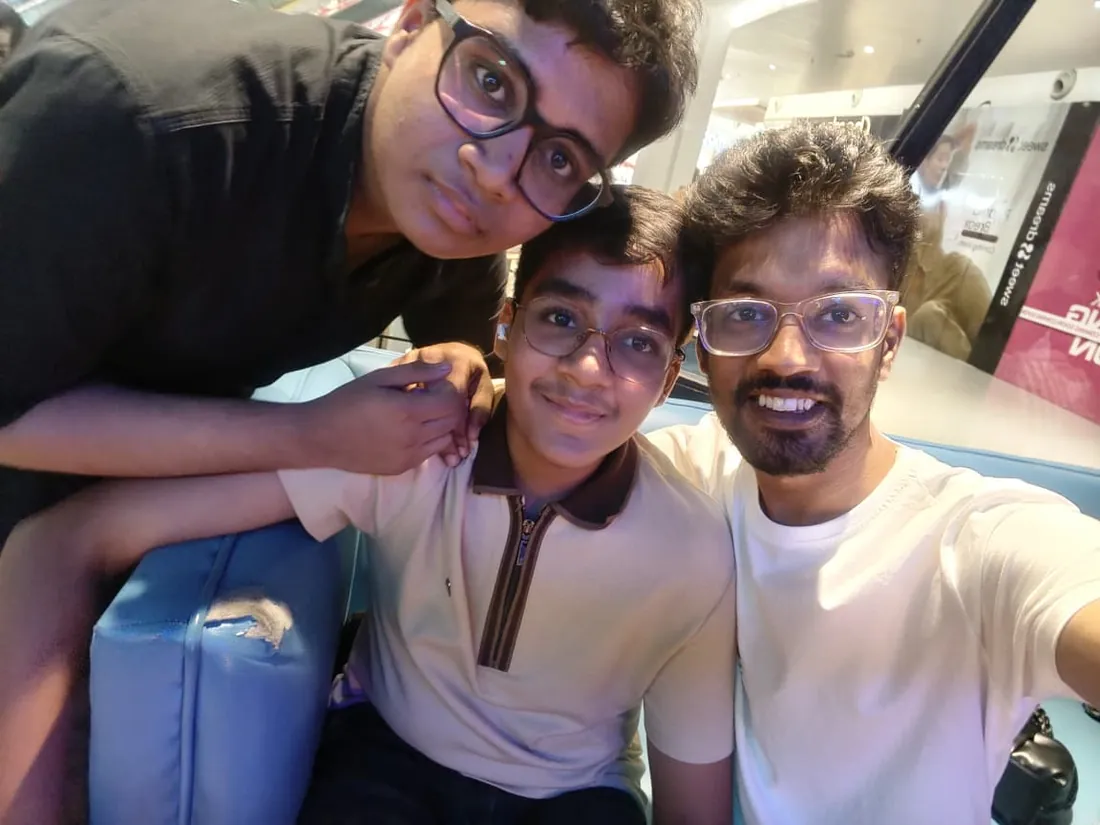
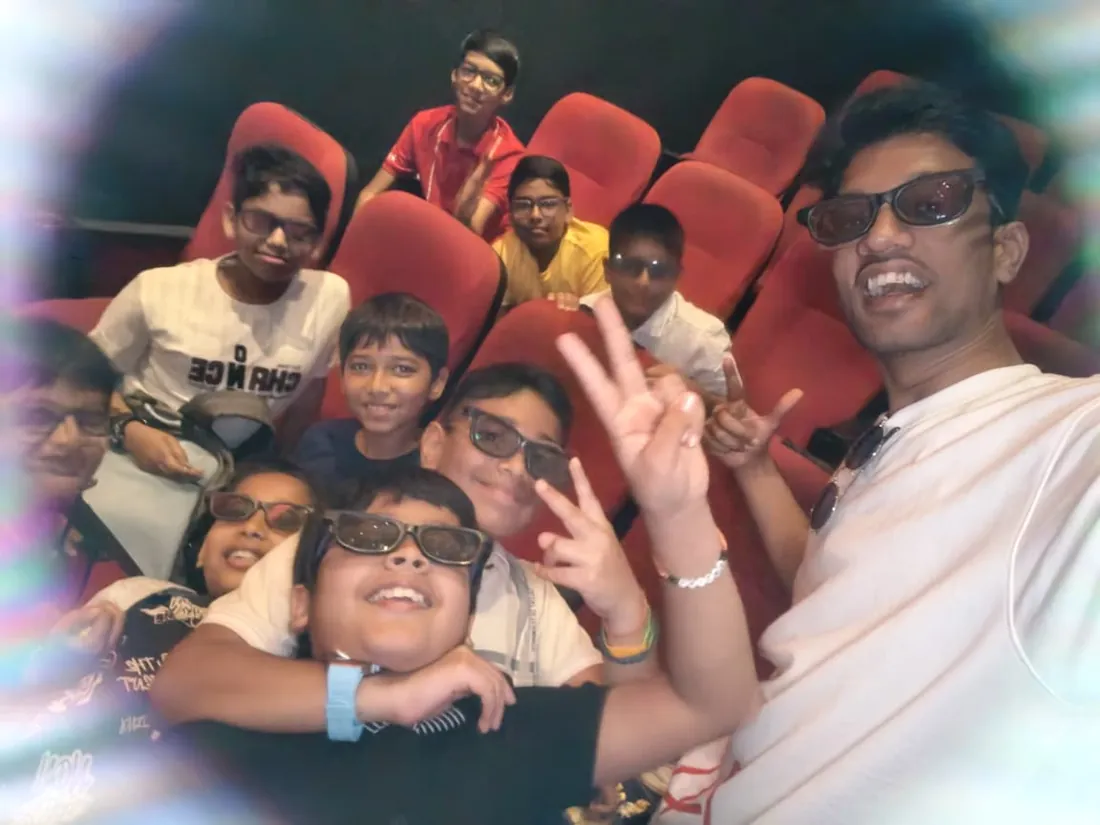
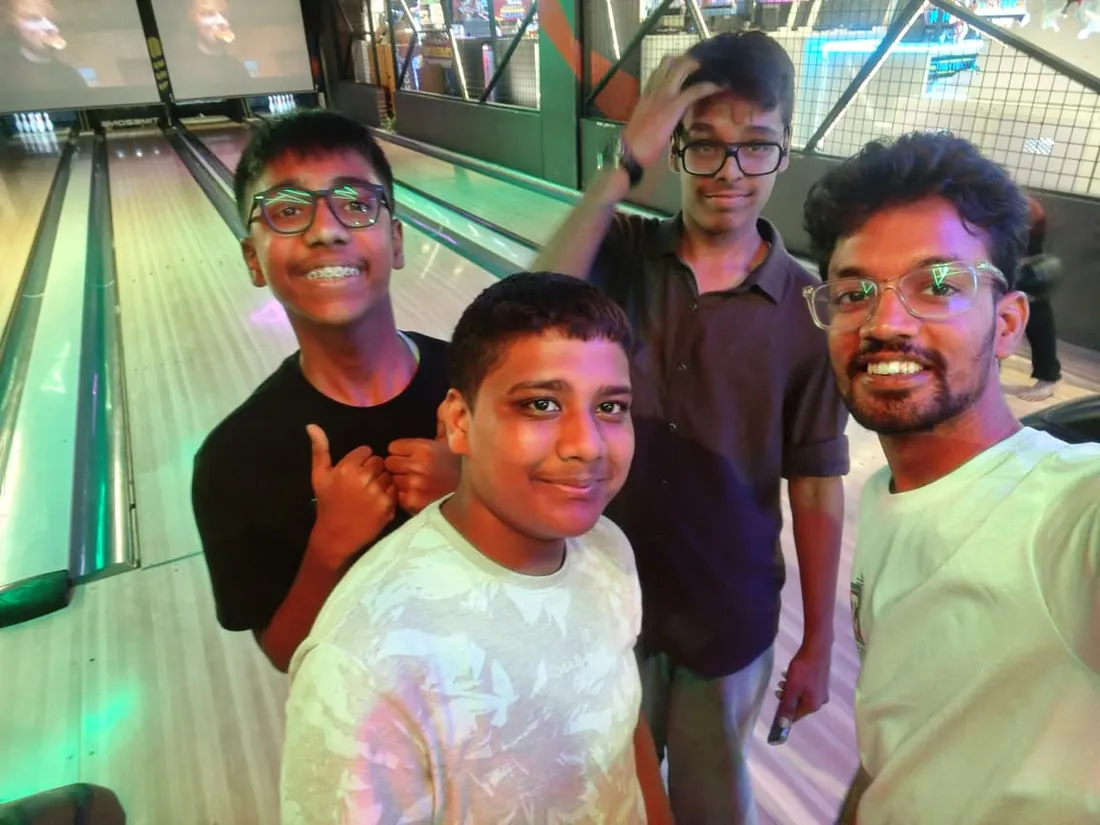
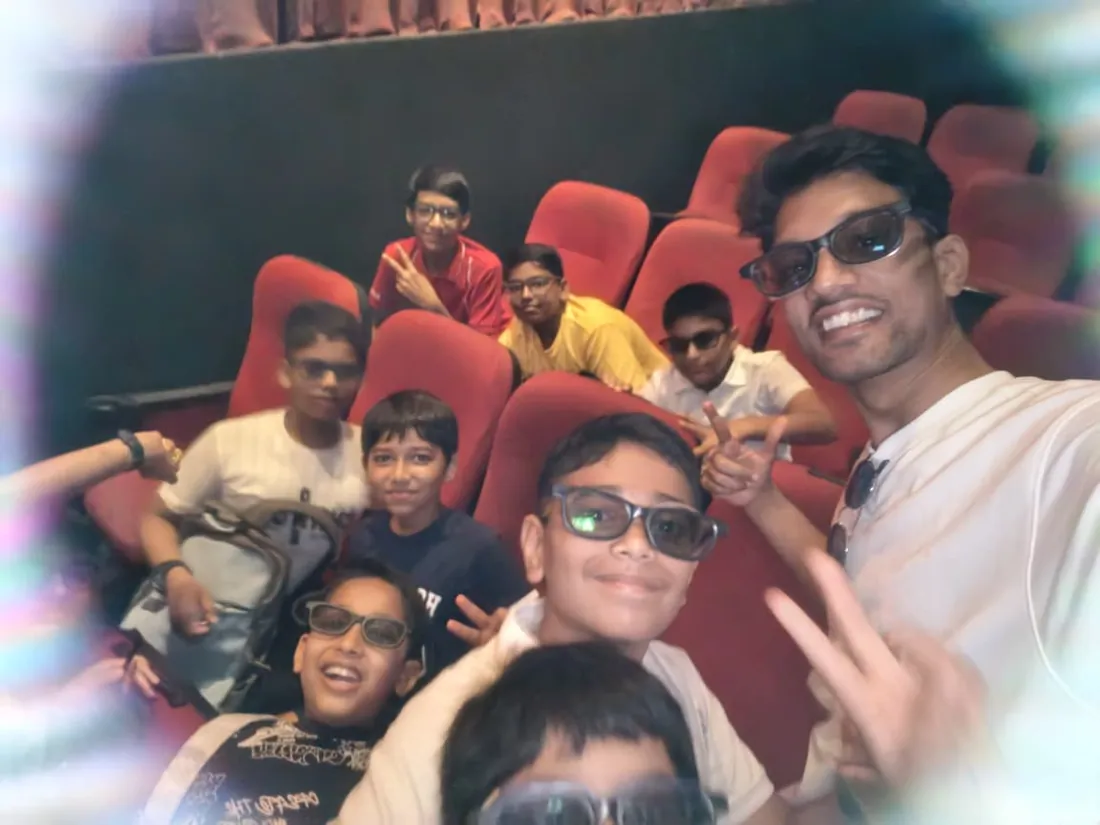
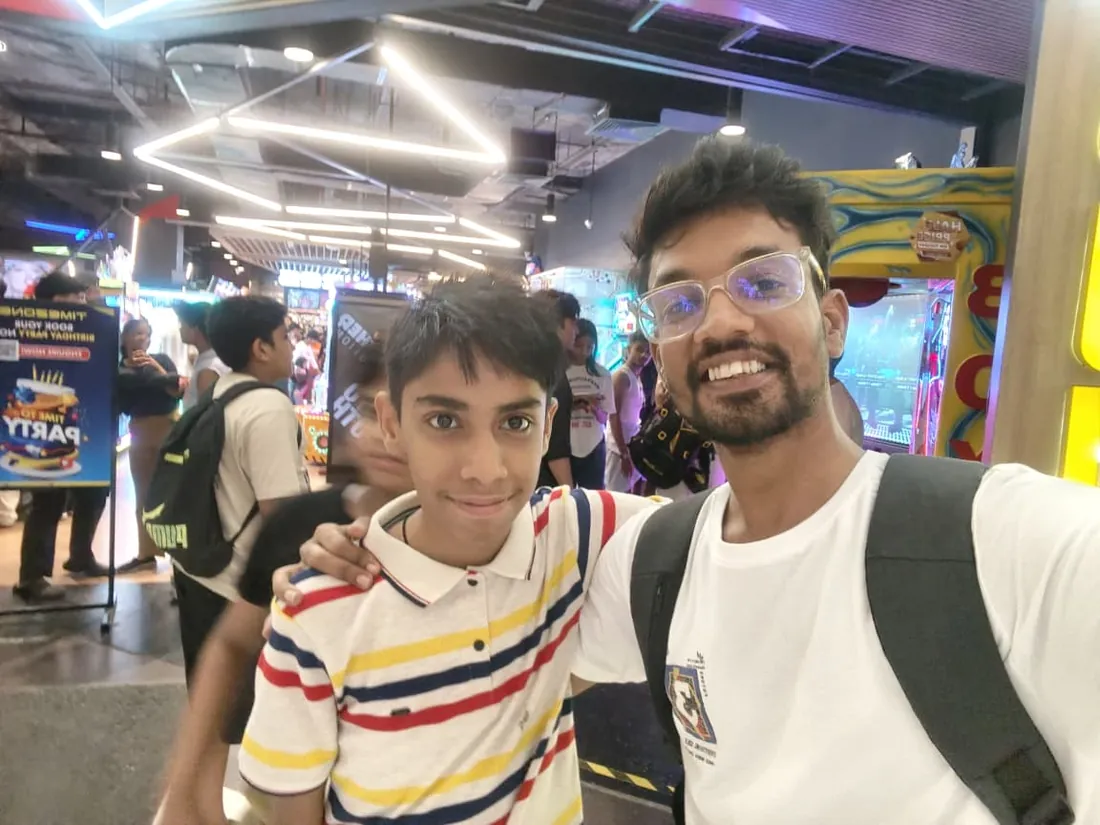
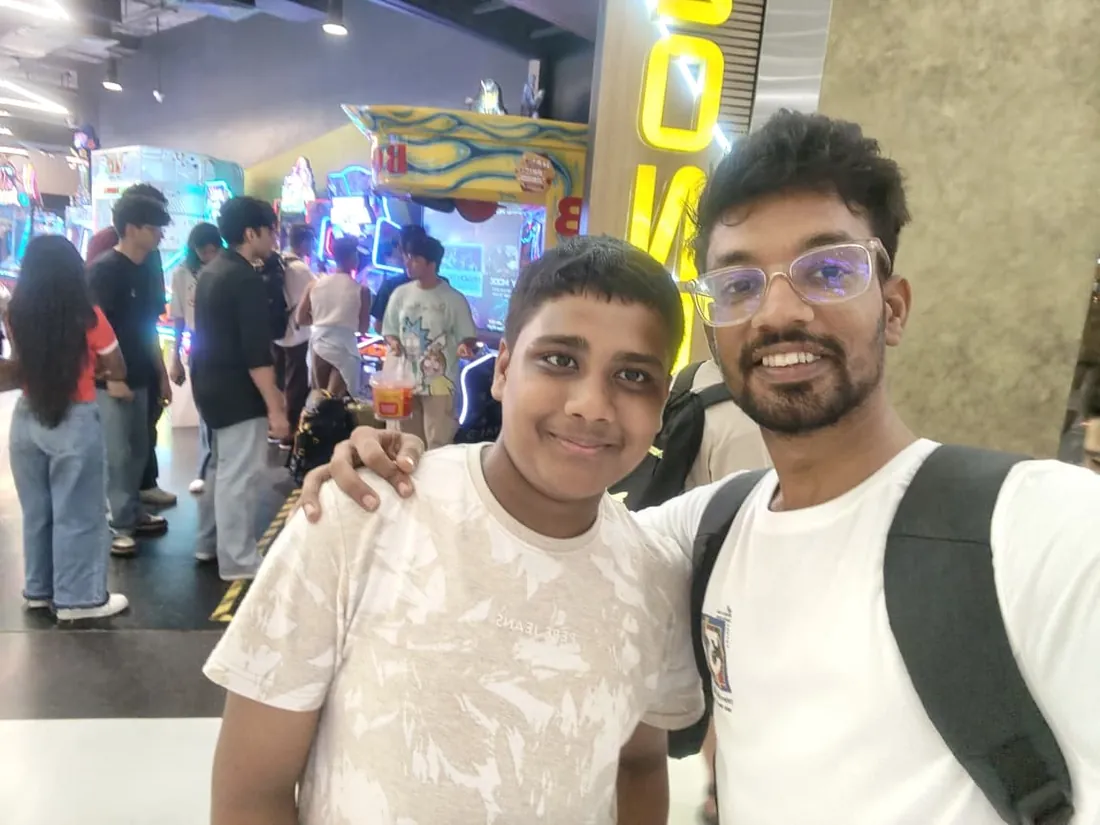
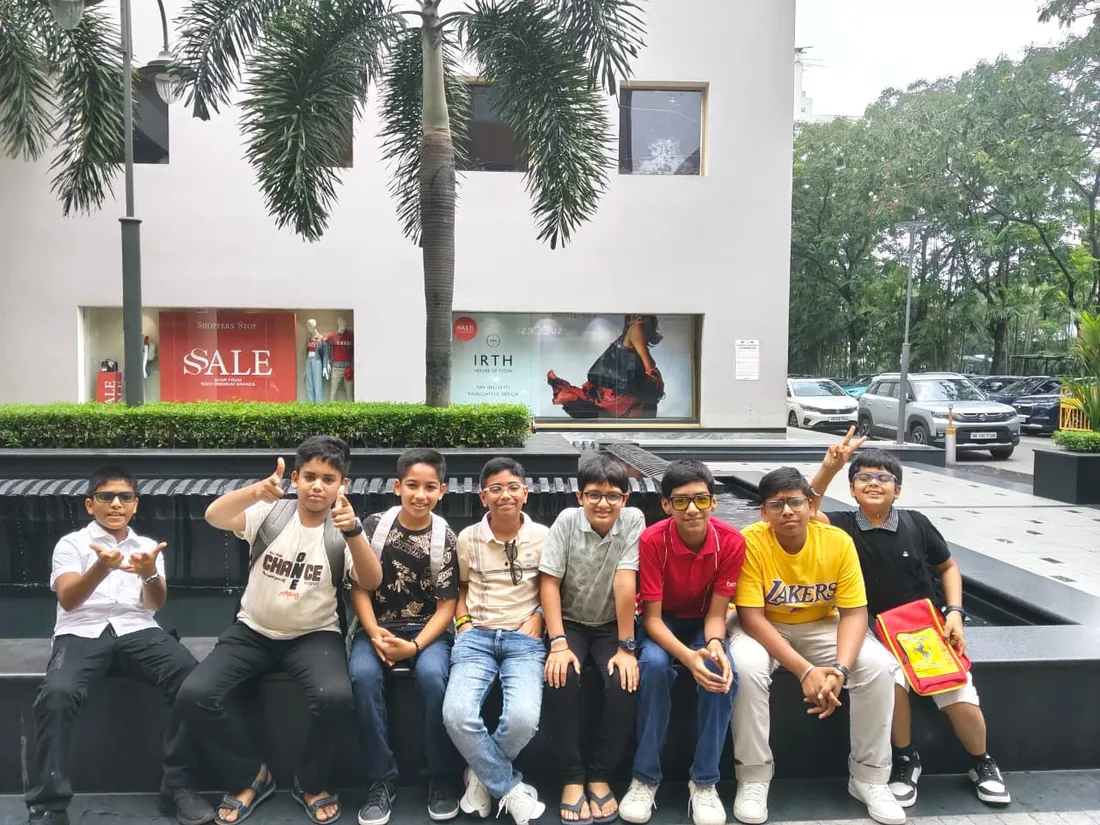
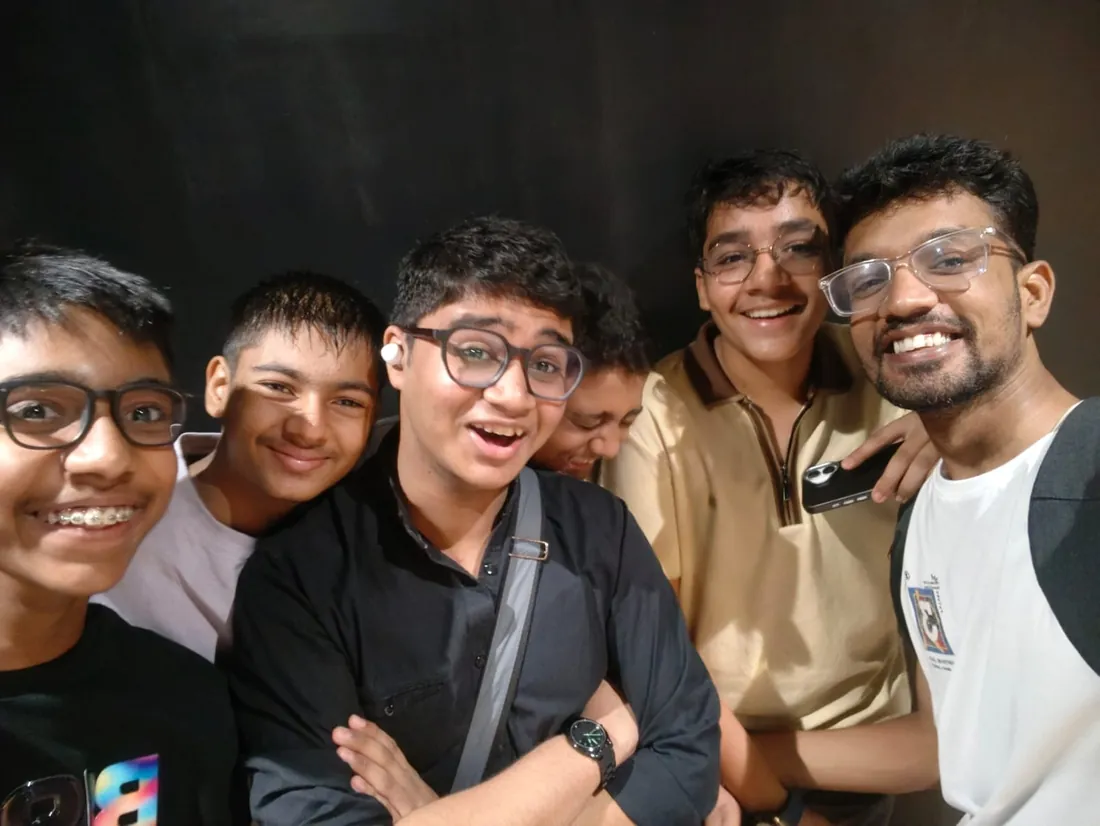
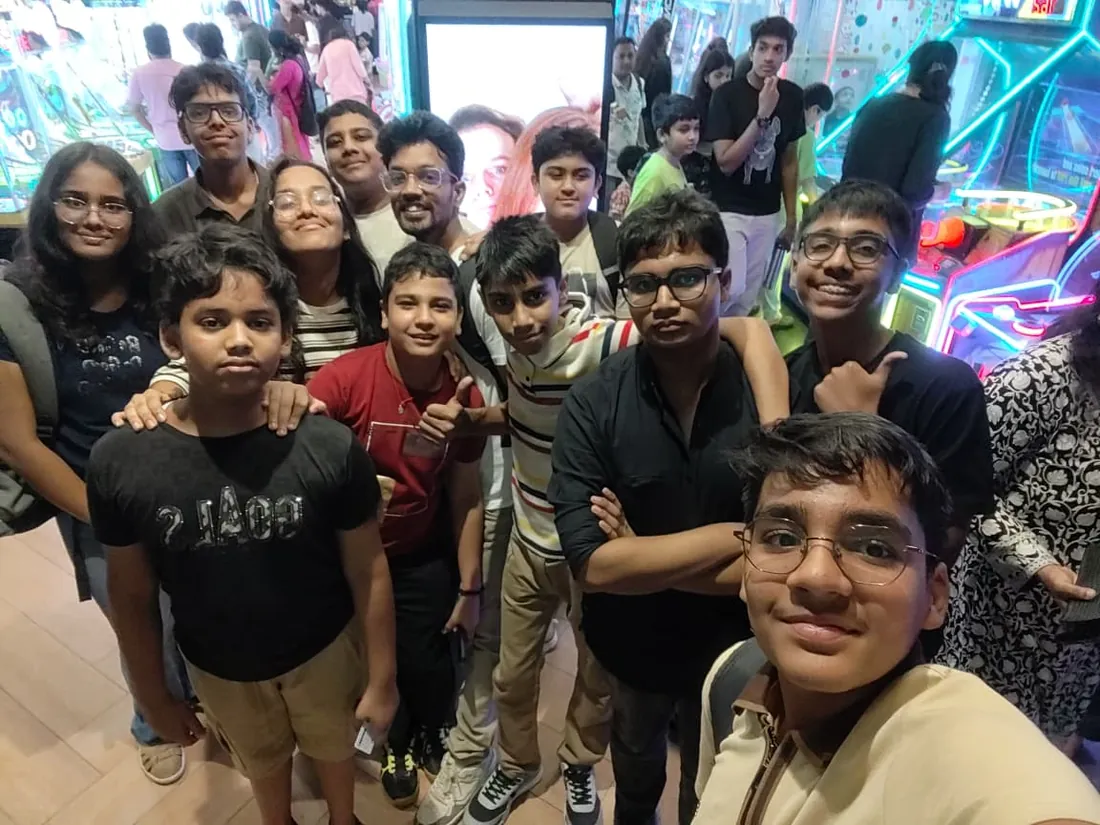
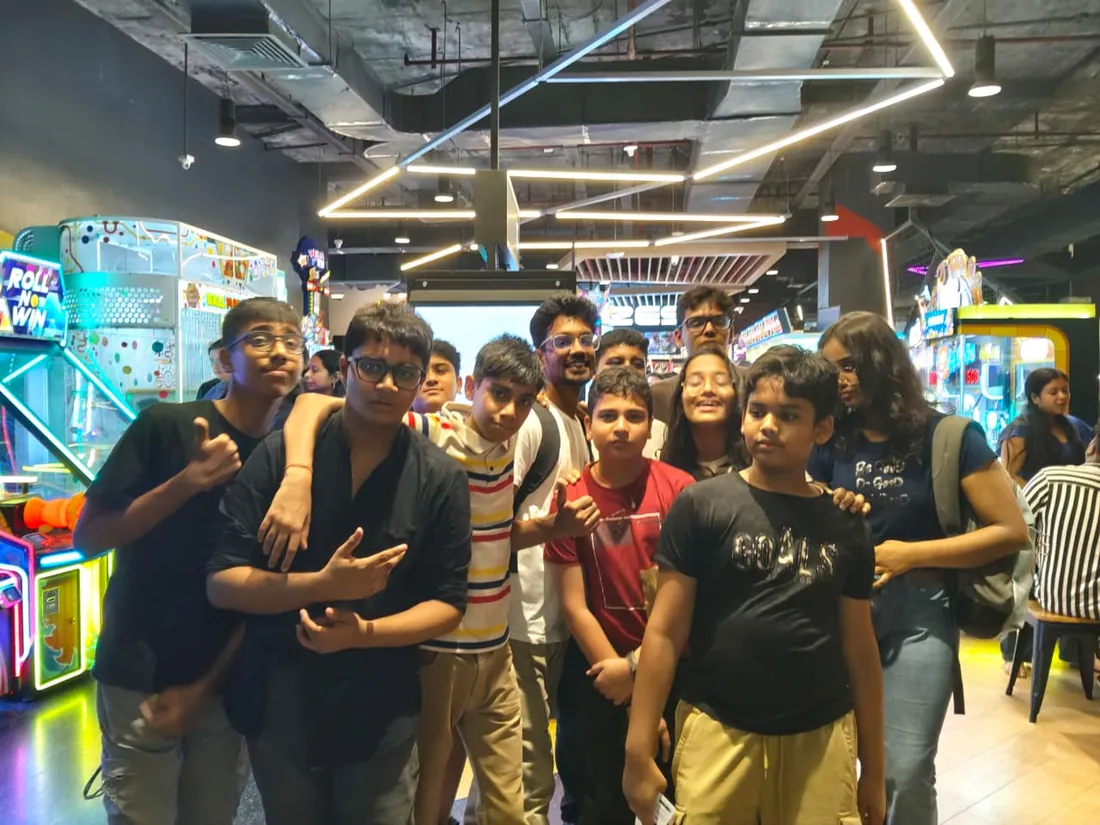
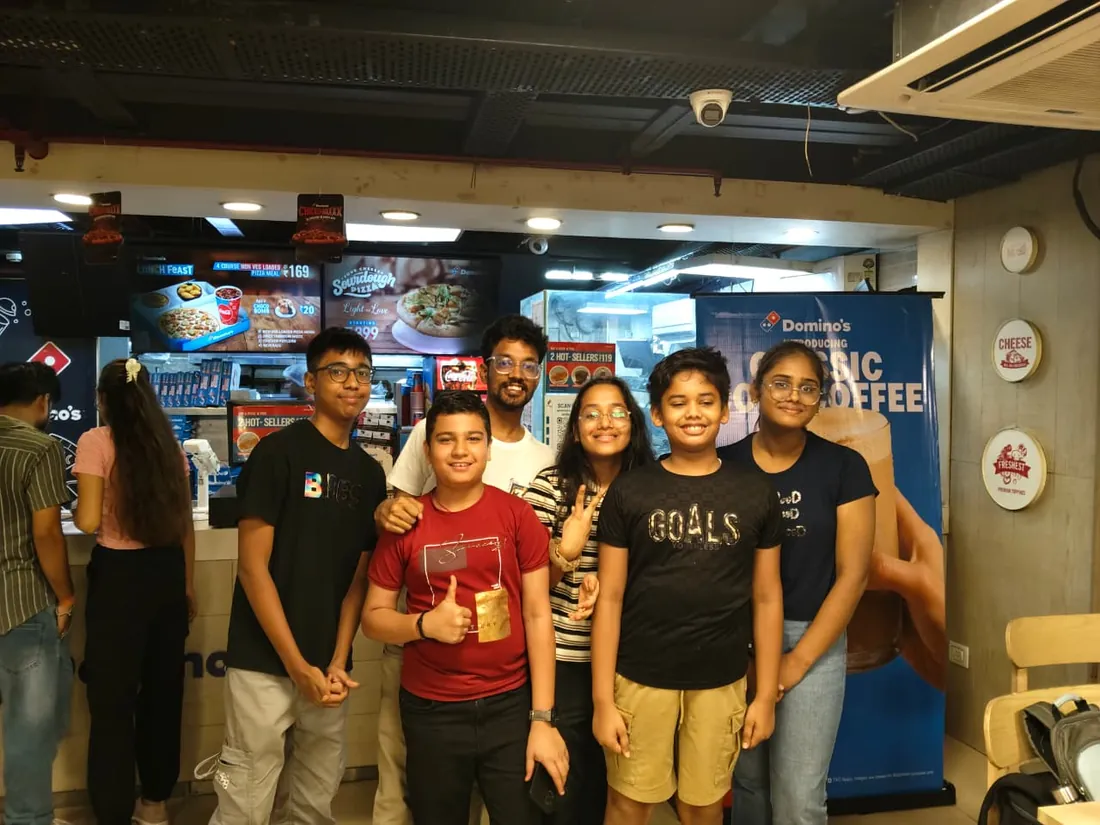
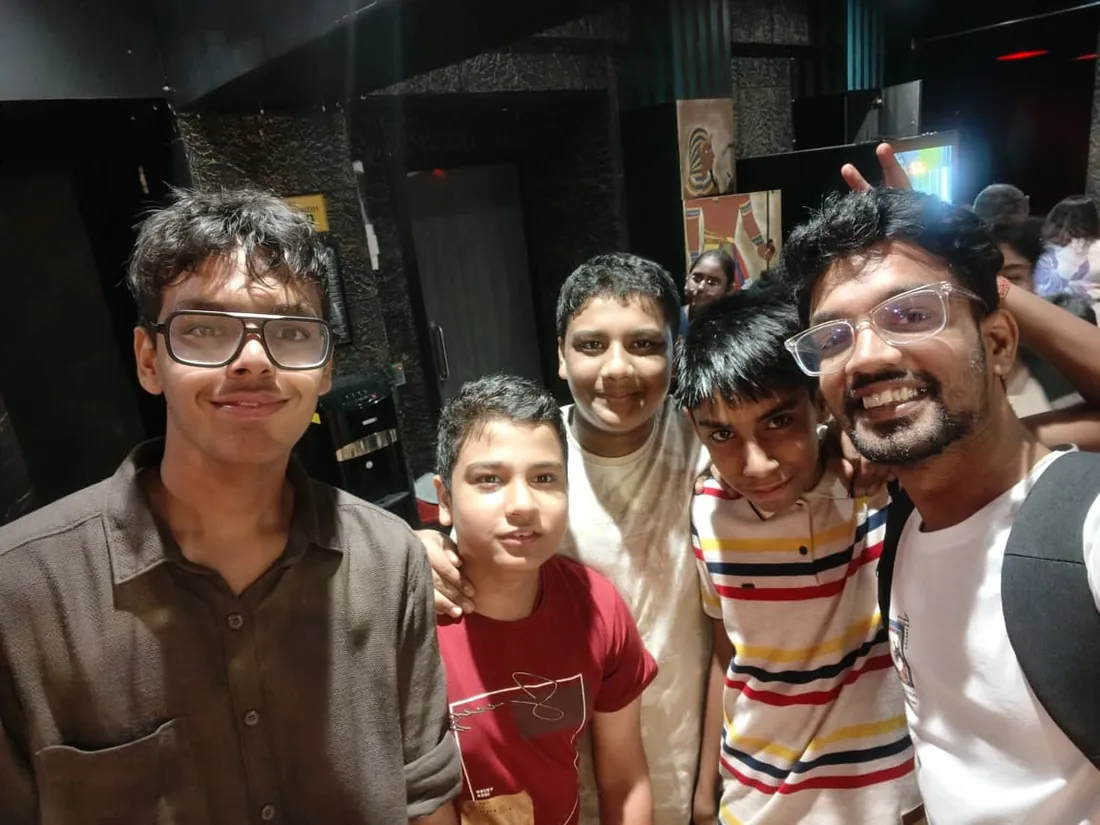
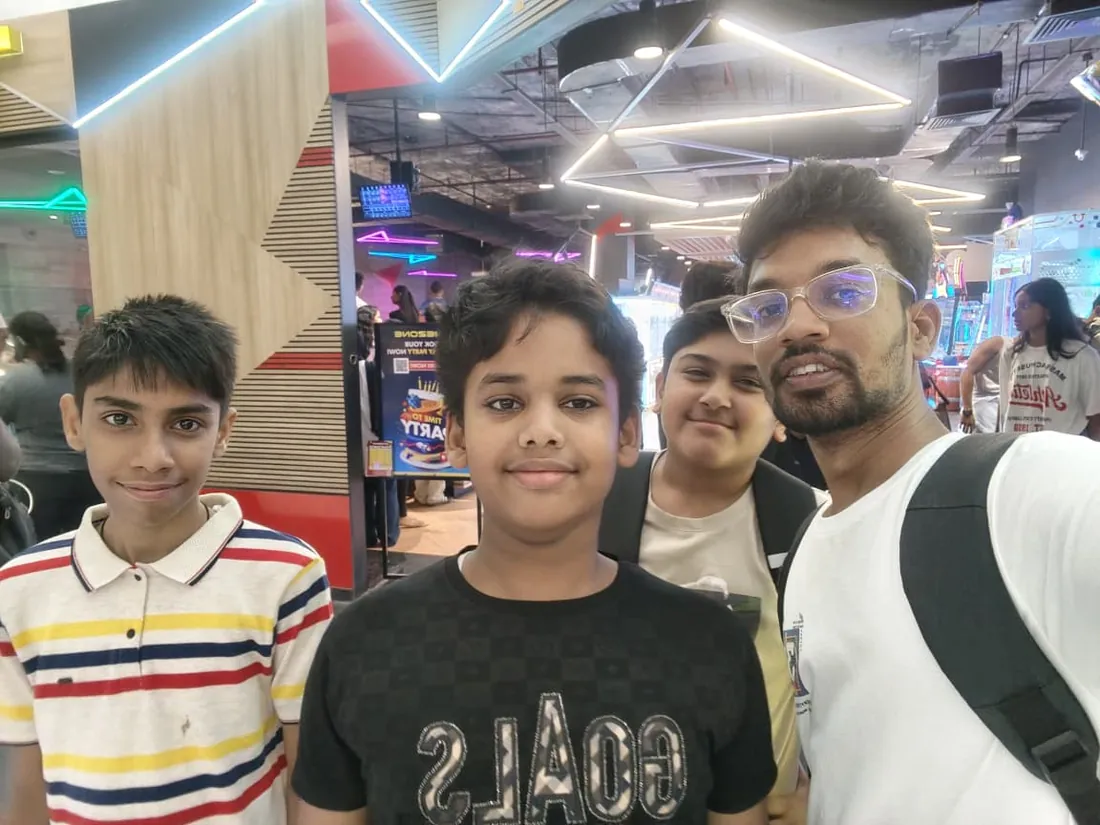
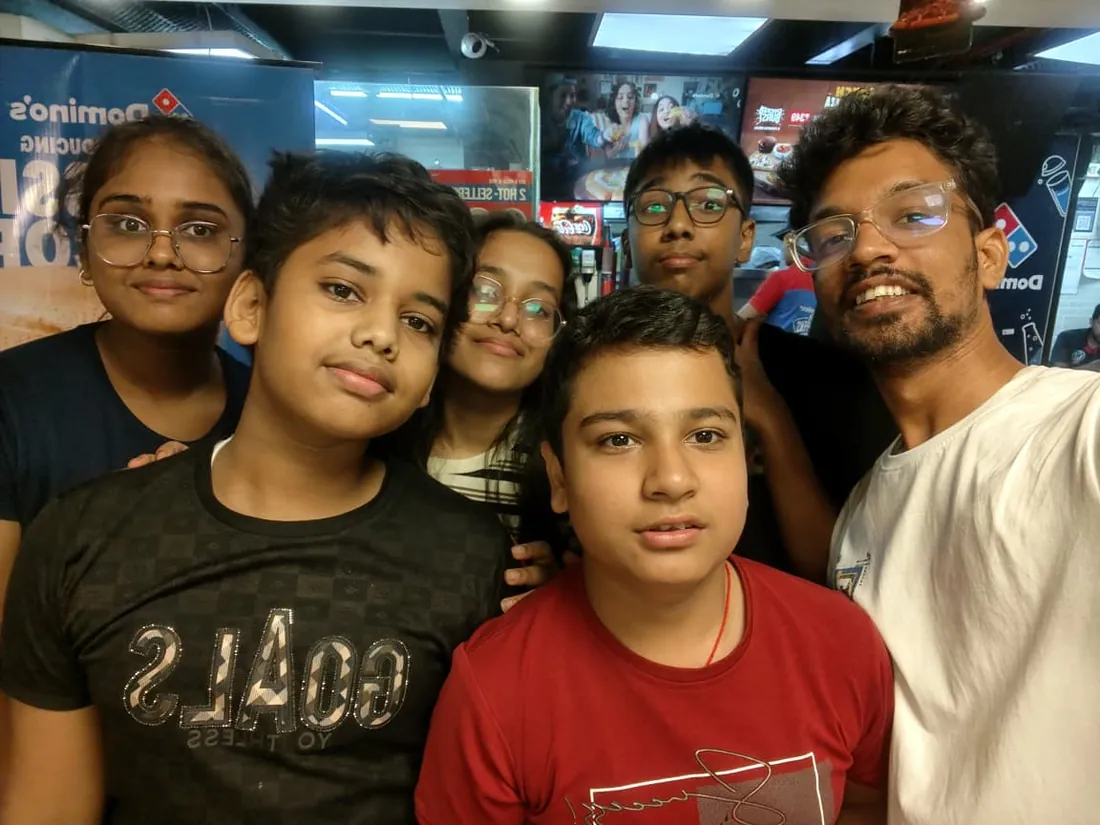
Real students. Real moments. Real joy.
These are our actual student meetups. No stock photos, no filters. Swipe through and meet the community you'll be joining.
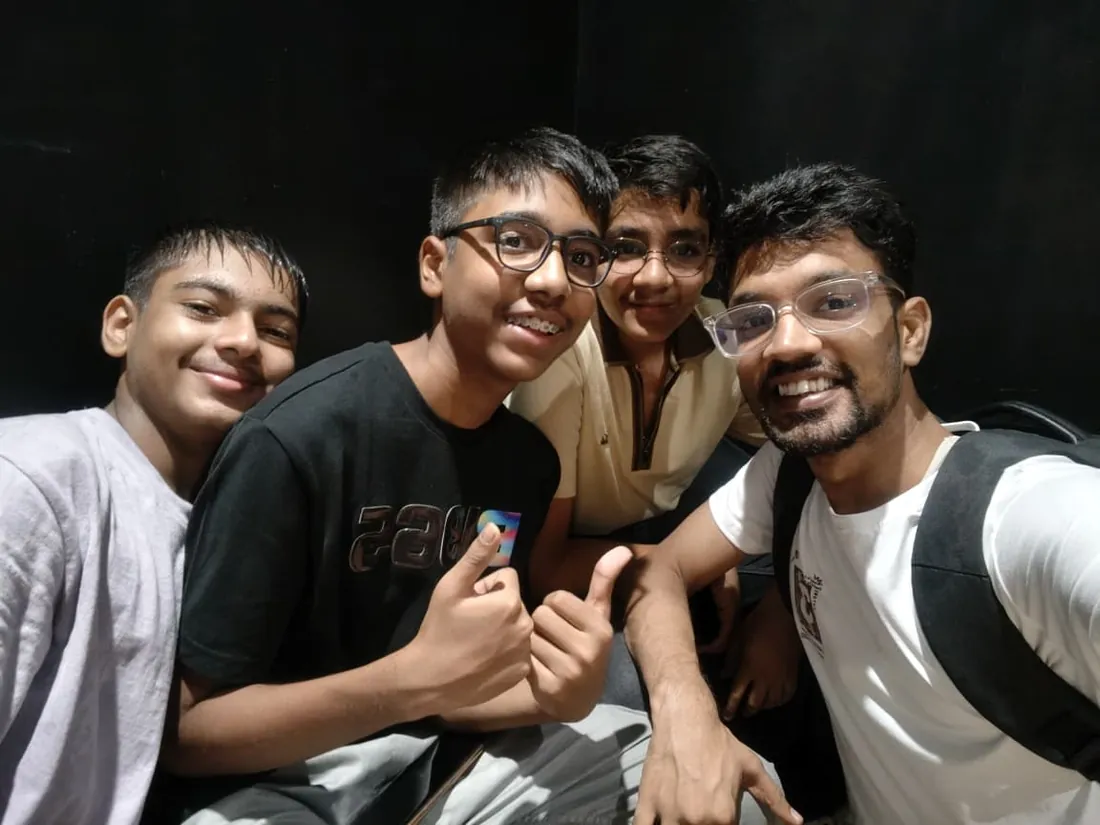
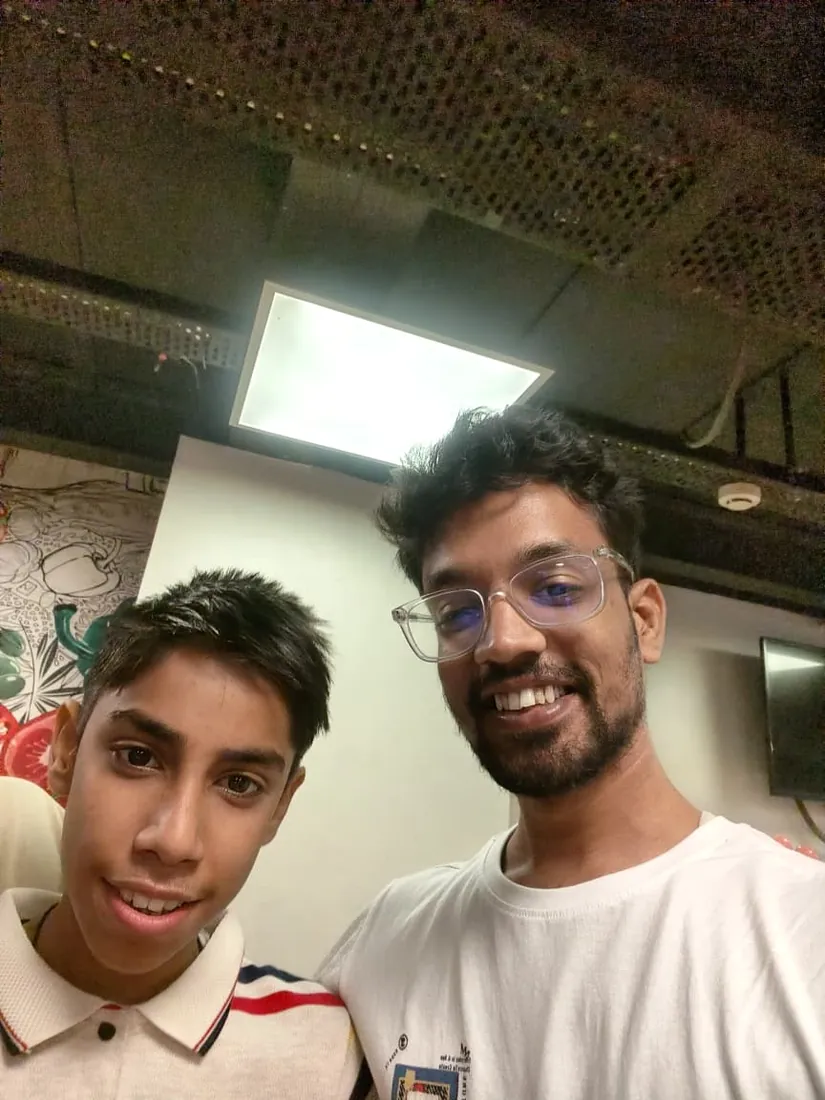
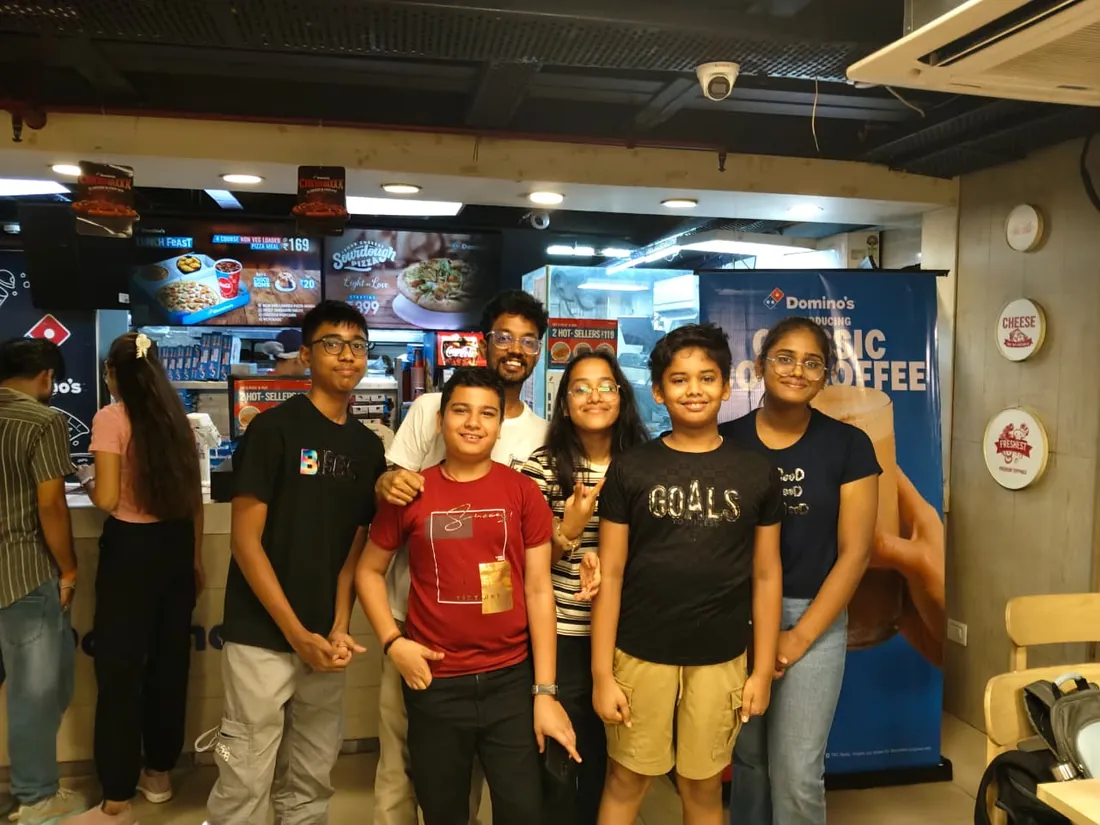
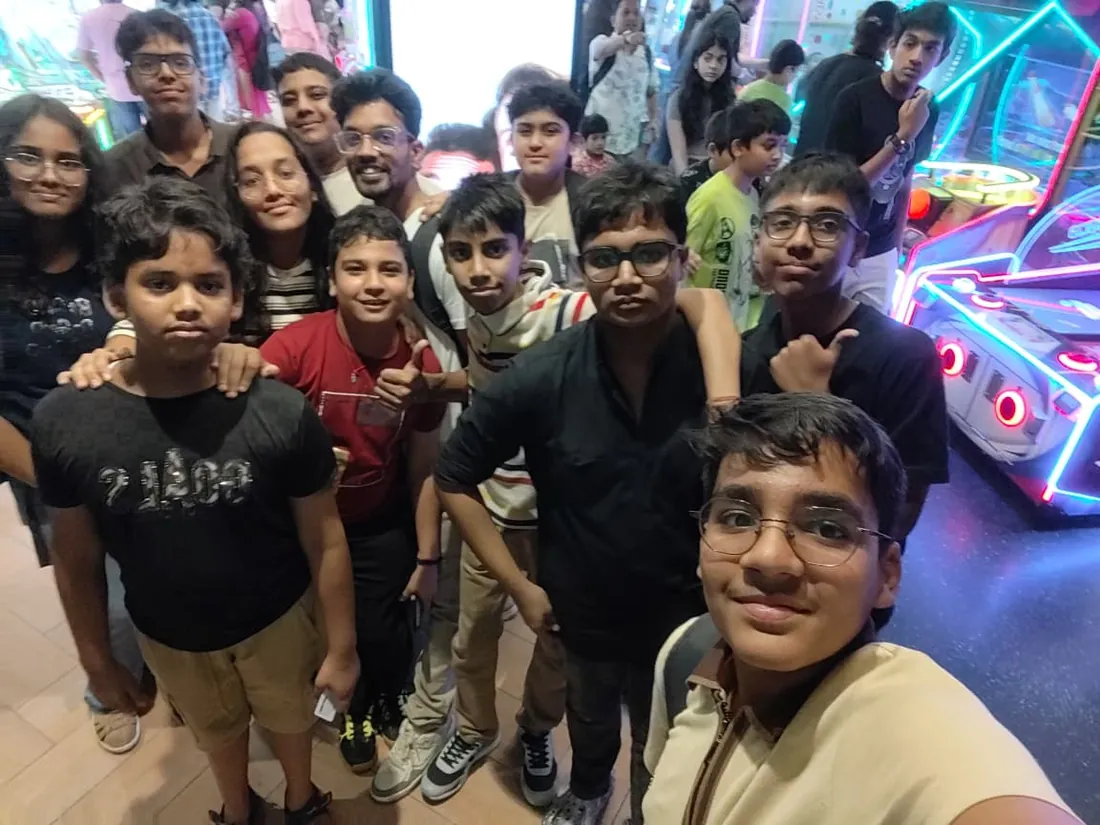
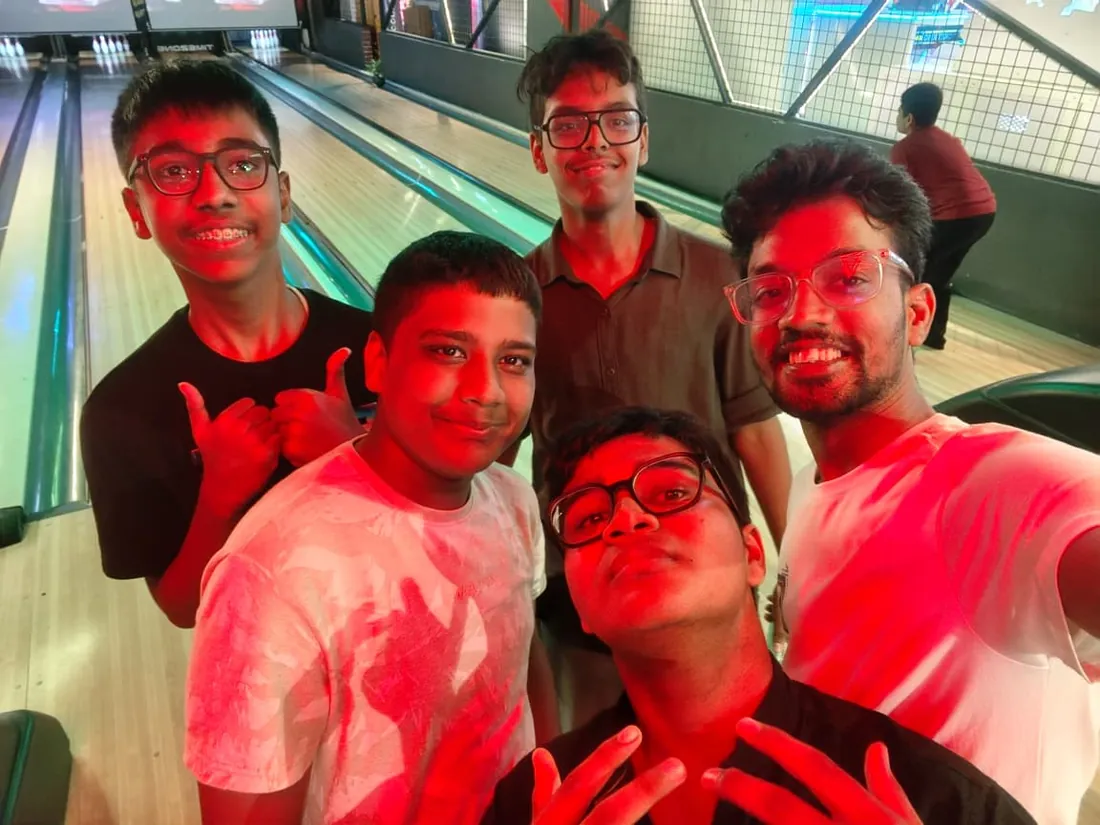
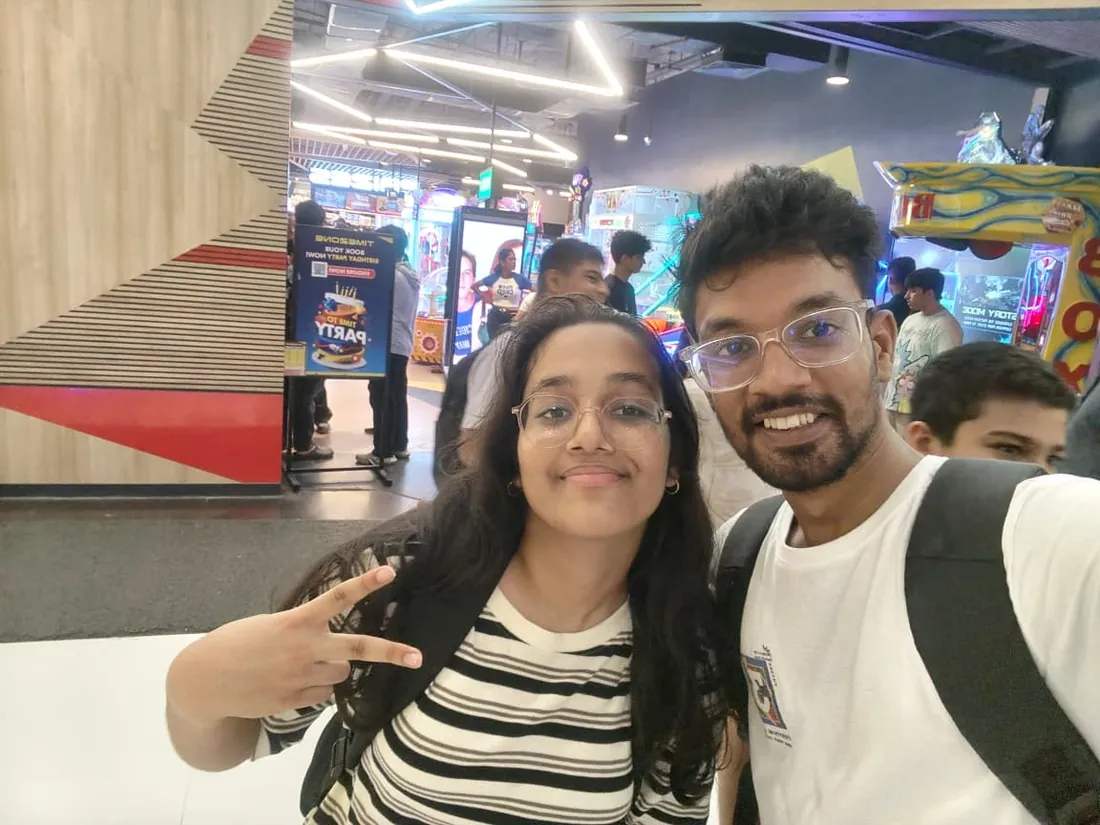
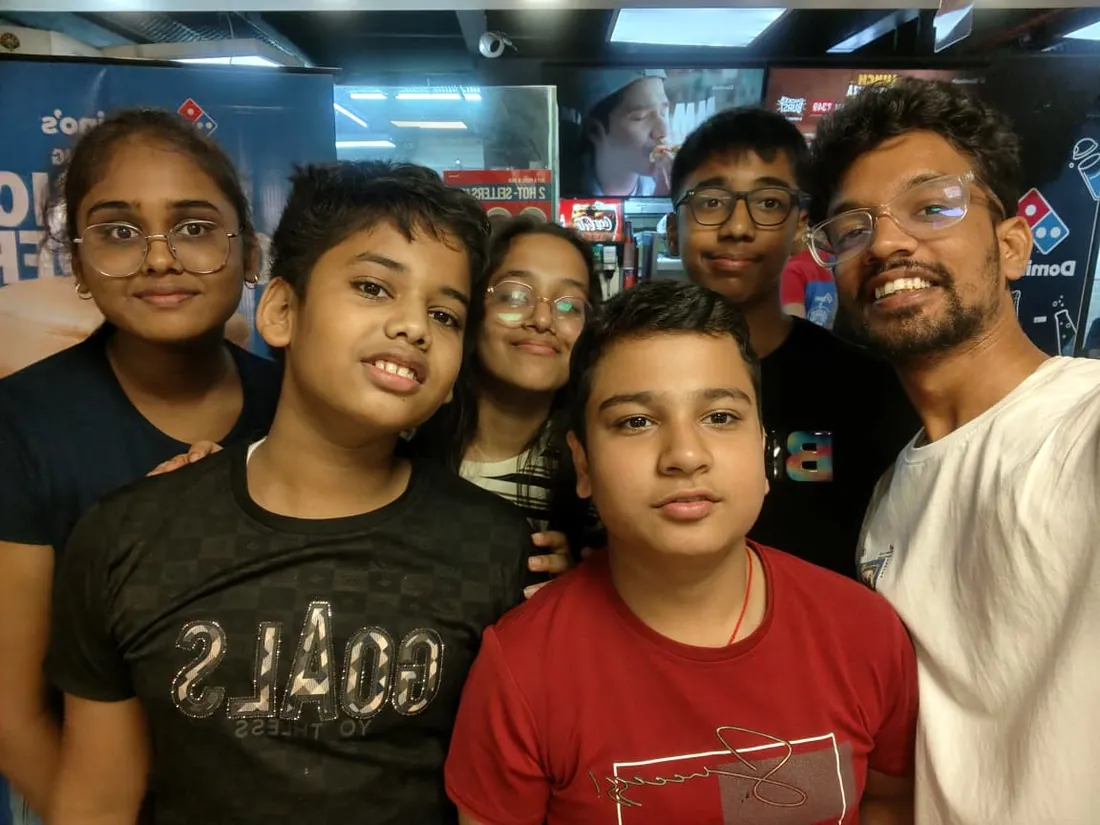
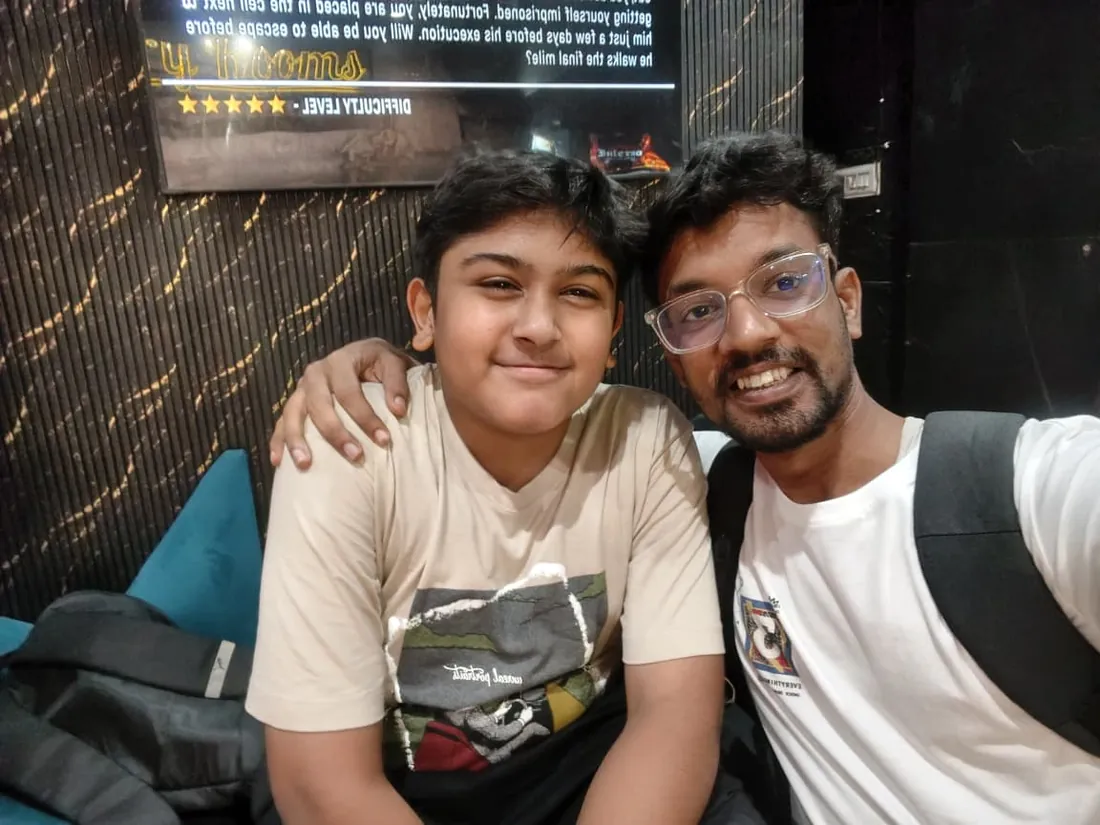

What families say
Straight from the parents and students who learn with us. Rated 4.9 across 547 Google reviews.
“Mivaan enjoys the class. He understands the concepts and completes his tasks with excitement. He started taking interest in coding… truly amazing class.”
“I absolutely love it here! I made new friends and learned important valuable coding skills while having the fun of my life. It's not just coding here, it's outings, bonding and most importantly preparing you for your future. Definitely five stars.”
“What stands out most is how excited my son is before every class. He looks forward to learning, problem-solving, and sharing what he's built. I've noticed a big boost in his confidence!”
“Modern Age Coders has been a game-changer for me! I struggled to grasp IT concepts and coding before joining, but their classes transformed everything. I'm now the topper in my class and can confidently write complex programs with ease.”
“Modern Age Coder have wonderful teachers who teach in a clear, easy and practical way. The teacher boosts students' confidence, keeps them updated with technology, and inspires them to learn without hesitation.”
“The one step solution for my son. Modern Age Coders make learning coding so simple that kids love it.”
“Coding classes here make learning very interesting and conceptual. The teachers teach us in a very easy-to-understand and efficient manner.”
“One of the most wonderful education centres out there. Education is not limited to school syllabus but focuses on skill development. Learning here has been a wonderful journey and still continuing.”
“I highly recommend this computer coding class! The teachers are incredibly knowledgeable and passionate about coding. They make every session engaging and insightful.”
“My child Dhairya is really enjoying the Modern Age Coder IT classes. This is his first online class, and he eagerly looks forward to it.”
“Very good classes. Don't worry about coding. They teach the best, especially Shivam sir.”
“Very good classes. Makes learning very easy and interactive.”
Hear it from our students
Real parents and students in their own words, on our public YouTube channel.
Straight answers about Vibe Coding for Teens: Python, Web Dev & AI (Ages 13-17)
- Who should take this course?
- Beginner to Intermediate (Ages 13-17). Age: 13-17 years old. It suits teens aged 13-17 with zero coding experience who want to start building real projects; kids who completed block coding and want to learn real programming languages; teens who dream of building their own apps, games, or websites.
- What will they learn and build?
- Vibe Coding for Teens is the definitive 3-month coding program for ages 13-17 who want to go from beginner (or block-coding graduate) to building actual websites, Python apps, and AI-powered projects using the most cutting-edge tools in tech.
- How deeply are topics covered?
- The course runs 3 months (12 weeks) at 6-8 hours/week, across 3 phases listed week by week in the syllabus below. A structured, well-paced curriculum taught step by step, with hands-on practice in every session.
- Who teaches it?
- Modern Age Coders mentors, who teach the live classes themselves. You can watch them at work in the free class recordings before you decide.
- How do practice, feedback and assessment work?
- Weekly build challenges and a final showcase project: real builds, really shipped. Doubt support between classes over WhatsApp, so you are never left stuck. A course-completion certificate you can share.
- What does it cost?
- Three monthly plans: a group batch, a mini batch and 1-on-1. Prices are shown in your currency in the plans section. Monthly billing, cancel any time.
- When can classes take place?
- Live classes are scheduled around your week. Group batches meet at a fixed weekly slot; 1-on-1 students choose their own. International students are scheduled in their own timezone. Ask on WhatsApp for the current slots.
- Can I watch the teaching before deciding?
- Yes. Full recordings of real 13 and up classes are free to watch, free with a Google sign-in. These recordings show how we teach, not the exact syllabus of this course. Some classes are in English and some in Hindi; everyone follows at their own pace. Watch a class end to end, like you are in it. Sessions are interactive and each moment builds on the last.
- Can I enroll without a live demo?
- Yes. Choose a plan on this page and enroll directly; a booking or a demo is not required. A free live demo is optional, for anyone who wants to meet a mentor first. Outside India, our team confirms the plan and completes payment with you over WhatsApp, so allow a little time for that step.
Common Questions About Vibe Coding for Teens: Python, Web Dev & AI (Ages 13-17)
Get answers to the most common questions about this comprehensive program
Still have questions? We're here to help!
Contact UsRelated Courses You May Like
Continue your learning journey with these recommended programs
 App Development
App Development Course: Flutter, iOS & Android
App development course for college students and professionals: Flutter as the production stack, Fire...
Explore Course IGCSE Computer Science
IGCSE Computer Science (0478): Full Syllabus and Exam Prep
Live online Cambridge IGCSE Computer Science 0478 classes covering both papers in full: computer sys...
Explore CourseRelated Articles & Guides
Deepen your knowledge with these hand-picked articles
 Technology
26 min read
Technology
26 min read
Best Data Science Courses in India for Students and Professionals in 2026
Comprehensive guide to the best data science courses in India for 2026. Compare IITs, IIMs, online p...
Read Article Web Development
38 min read
Web Development
38 min read
20 HTML, CSS, and JavaScript Project Ideas (With Code)
20 HTML, CSS, and JavaScript project ideas from beginner to advanced, each with the exact skills it ...
Read ArticleReady to start Vibe Coding for Teens: Python, Web Dev & AI (Ages 13-17)?
Book a free demo class to meet your mentor and see how we teach, with no commitment. Or enrol now and start this week.