Swift and iOS Masterclass
The Apple stack learned honestly: Swift to real depth, SwiftUI as the future it already is, and a capstone app built to App Store discipline.
Syllabus updated August 2026
Questions? WhatsApp +91 91233 66161 or email connect@modernagecoders.com
Recordings are free with a Google sign-in. These recordings show how we teach, not the exact syllabus of this course.
Our promise
The world's best learning experience, open to everyone.
- World-class instructorsEvery class is taught by an instructor who specialises in that exact field.
- No compromise on qualityEvery lesson, project and piece of feedback is held to the highest standard.
- Education for everyoneLearners aged 6 to 67, from first-time beginners to working professionals, in 25+ countries.
If you want the highest quality, Modern Age Coders is the right choice.
Book a Priority DemoHow long this course takes
This course runs 10-12 months (44-52 weeks) at 2 live classes/week + 4-6 hours practice. The range allows for background and pace: a complete beginner uses the full span, and a student with prior knowledge finishes sooner. The syllabus below is planned to the shorter end, with margin kept for revision.
For personalised duration planning, call +91 91233 66161 and we'll map a schedule to your goals.
At a glance
- Who it is for
- Complete beginner (18+); college students, graduates and working professionals. Age: 18+; college students, graduates and working professionals.
- Prerequisites
- None. Swift is taught from the first line
- Format
- Live, interactive classes with a real instructor, never pre-recorded videos. Live classes run about one hour.
- Language
- English or Hindi, depending on the batch.
- Duration
- 10-12 months (44-52 weeks)
- Weekly commitment
- 2 live classes/week + 4-6 hours practice
- Class size
- Group batches of 15 to 20 students, mini batches of up to 6, or 1-on-1.
- Certificate
- Certificate from Modern Age Coders, awarded on passing the final exam
- Watch first
- Free recordings of real classes for ages 13 and up, free with a Google sign-in. These recordings show how we teach, not the exact syllabus of this course.
- Live demo
- Optional. Enrol directly on this page, or book a Priority Demo: a full live class of about 45 to 60 minutes with a mentor reserved for you.
- Questions
- WhatsApp +91 91233 66161 or email connect@modernagecoders.com.
How we teach
Deep understanding. Real projects. Expert guidance.
Learn coding, AI and maths through careful explanations, practical demonstrations, and hands-on problem-solving. Our instructors guide you from the foundations to advanced ideas, helping you understand what happens, why it happens, and how to build it yourself.
You will explore concepts step by step, write and improve code, investigate mistakes, ask questions, and apply your knowledge to meaningful projects. Lessons are designed around active participation, thoughtful feedback, and growing independence.
Expert-led live teaching, with practical participation built into every lesson.
- Students explain their thinking.
- Instructors demonstrate, then guide practice.
- Learners code, solve, or build during lessons.
- Questions and misconceptions get attention.
- Assignments receive useful feedback.
- Progress is checked before advancing.
How to join Swift and iOS Course: SwiftUI Apps from Zero
Four steps from this page to the first class. See a full class first with a Priority Demo, or choose a plan and enrol today.
Rated 4.9 across 547 Google reviews. Monthly billing, cancel any time.
How enrolment works
See a full class first (optional)
Book a Priority Demo: a live class of about 45 to 60 minutes with a mentor reserved for you, today or tomorrow. After the class the mentor sends a written skill report and a personal learning roadmap on WhatsApp. If you enrol, the demo fee is adjusted against your first month's fee. Share your demo Order ID with us on WhatsApp and we take it off.
Book a Priority DemoDemo fee ₹499Choose a plan
Group batch (15 to 20 students), mini batch (up to 6 students, India only) or 1-on-1 with your own mentor. Every plan is live online, and each class runs about one hour. The cards below show classes per week and the monthly fee in your currency.
Enrol and pay the first month
Press Enrol Now on your plan, fill in the student's name, email and phone, and pay through secure Razorpay checkout: UPI, cards or net banking in India, and debit or credit card from any other country.
Fix your class timings
After payment, message us on WhatsApp or call +91 91233 66161 with the student's name, the course and your preferred time slot. We confirm the batch, send the class link and schedule the first class at your chosen time.
Billing is monthly and you can cancel any time.
International Students (Outside India)
Billed monthly in US dollars, the same price in every country. Contact us with any questions.
Questions before you enrol? Talk to our team.
Ask about class timings, the right level for your child, what they need to know already, or payment. Parents and adult learners can reach us on WhatsApp, by email or by phone.
Program Overview
iOS development is one of the most rewarding specializations in software, and it deserves an honest course: Swift learned as a real language, optionals, value types, protocols and concurrency understood properly, then iOS built the modern way with SwiftUI, architecture and state done right, data persistence, networking, and the production habits that make apps feel like Apple apps. A finale month ships a capstone and sits the final exam.
One honesty first: serious iOS development requires a Mac, Xcode runs only on macOS. This course says so upfront (see the FAQ for the realistic options) rather than discovering it for you in week three. With that settled, the pace is honest too: ten teaching months at two live classes a week plus four to six hours of practice, with two more in hand. Problem sets, monthly mixed reviews, phase exams, and a final exam that decides the certificate with a free retest.
What Makes This Program Different
- The Mac requirement stated upfront, with realistic options, honesty most iOS courses skip
- Swift as a language first: optionals, value semantics, protocols and structured concurrency understood properly
- SwiftUI-first: the declarative future Apple is already building on
- Apple-feel as a standard: human interface habits taught alongside code
- An honest 10-month arc with 2 months in hand
- Real assessment: weekly problem sets, monthly mixed reviews, phase exams and a final exam with a free retest
Your Learning Journey
Career Progression
Detailed Course Curriculum
Explore the complete week-by-week breakdown of what you'll learn in this comprehensive program.
Topics Covered
- What is Swift? History, features, and evolution from Objective-C
- Swift ecosystem: Xcode, Swift Package Manager, Playgrounds
- Apple platforms overview: iOS, macOS, watchOS, tvOS, visionOS
- Swift applications: Mobile apps, desktop apps, server-side Swift
- Installing Xcode from Mac App Store
- Setting up development environment on macOS
- Understanding Xcode interface, panels, and shortcuts
- Your first Swift program: Hello World in Playground
- Swift program structure: imports, main entry point
- Running Swift code in Playgrounds vs Apps
- Understanding LLVM compiler and Swift runtime
- Comments: single-line (//), multi-line (/* */), documentation (///)
- Swift coding conventions and API Design Guidelines
- Introduction to Apple Human Interface Guidelines (HIG)
Projects You Build
- Hello World variations with personalized messages in Playground
- Simple output programs using print() function
- Personal information display program
- ASCII art generator in Swift Playground
- Interactive Playground with markdown documentation
Practice & Assignments
Daily: 30 min Swift syntax practice, write 5-10 simple programs in Playgrounds
Topics Covered
- Variables (var) and Constants (let): declaration and initialization
- Type inference vs explicit type annotation
- Basic data types: Int, Double, Float, Bool, String, Character
- Understanding Int8, Int16, Int32, Int64, UInt variants
- Type safety and type inference in Swift
- Type conversion and casting with as, as?, as!
- Optionals: declaring with ?, unwrapping with !, optional binding
- Nil-coalescing operator ??
- Optional chaining with ?.
- Implicitly unwrapped optionals
Projects You Build
- Simple calculator (four basic operations) in Playground
- Temperature converter (Celsius, Fahrenheit, Kelvin)
- Age calculator with optional handling
- BMI calculator with health categories
- Currency converter with type safety
- Area and perimeter calculator for shapes
- Compound interest calculator
- String formatter and validator
Practice & Assignments
Solve 30 problems on variables, data types, optionals, and operators
Topics Covered
- Boolean expressions and conditions
- If statement: single condition execution
- If-else statement: two-way branching
- If-else-if ladder: multiple conditions
- Nested if statements
- Switch statement: powerful pattern matching
- Switch with value binding and where clauses
- Switch with compound cases
- Switch with ranges and tuples
- No implicit fallthrough in Swift switch
Projects You Build
- Number guessing game with attempts limit
- Grade calculator with letter grades using switch
- Even/odd checker and list generator
- Prime number checker and generator
- Multiplication table generator
- Factorial calculator (iterative)
- Fibonacci series generator
- Pattern printing (stars, numbers, pyramids, diamonds)
- FizzBuzz challenge with switch
- Menu-driven calculator with guard statements
- Simple ATM simulation with validation
Practice & Assignments
Solve 40 control flow and loop problems
Topics Covered
- Functions: definition, purpose, and structure
- Function declaration: parameters and return types
- Function calling and argument labels
- External and internal parameter names
- Default parameter values
- Variadic parameters (...)
- In-out parameters for mutating arguments
- Functions returning multiple values with tuples
- Nested functions
- Function types as parameters and return types
Projects You Build
- Function library for mathematical operations
- Array statistics calculator (sum, average, min, max)
- Linear search and binary search implementation
- Sorting algorithms: bubble sort, selection sort
- Contact list with dictionary
- Todo list with array operations
- Student grade management system
- Factorial using recursion
- Palindrome checker (string/number)
- Prime number generator in range
- Shopping cart with higher-order functions
- Word frequency counter with closures
Practice & Assignments
Create 25 functions for various functionalities, solve 30 collection problems
Topics Covered
- Object-Oriented Programming paradigm in Swift
- Structures (struct): value types
- Classes (class): reference types
- Value types vs reference types comparison
- When to use struct vs class
- Properties: stored and computed properties
- Property observers: willSet and didSet
- Lazy stored properties
- Type properties (static)
- Instance methods
Projects You Build
- Student struct with properties and methods
- Bank Account class with deposit/withdraw
- Book struct for library management
- Employee class with computed salary
- Rectangle/Circle structs with area/perimeter
- Car class with property observers
- Product struct for inventory system
- Person struct with multiple initializers
- Date struct implementation
- Timer class with proper memory management
Practice & Assignments
Create 20 different structs and classes modeling real-world entities
Topics Covered
- Inheritance: creating subclasses
- Base class and subclass relationship
- Overriding methods with 'override' keyword
- Overriding properties
- Preventing overrides with 'final'
- Calling superclass methods with 'super'
- Designated and convenience initializers
- Initializer inheritance and overriding
- Required initializers in inheritance
- Polymorphism in Swift
Projects You Build
- Animal hierarchy (Animal -> Dog, Cat, Bird)
- Shape hierarchy with area calculation
- Vehicle system (Vehicle -> Car, Bike, Truck)
- Employee hierarchy (Employee -> Manager, Developer)
- Bank account types (Account -> Savings, Current)
- School management (Person -> Student, Teacher)
- Media player hierarchy (Media -> Audio, Video)
- Retain cycle demonstration and fix
- Memory-safe delegate implementation
Practice & Assignments
Build 15 inheritance hierarchies, solve 25 ARC and memory problems
Topics Covered
- Protocols: defining blueprints
- Protocol syntax and requirements
- Property requirements in protocols
- Method requirements in protocols
- Mutating method requirements
- Initializer requirements in protocols
- Protocol adoption by structs, classes, enums
- Protocol inheritance
- Protocol composition with &
- Protocol extensions: default implementations
Projects You Build
- Shape calculator with protocol requirements
- Payment gateway with protocol abstraction
- Database abstraction with protocols
- Notification system (Email, SMS, Push protocols)
- Sortable collection with Comparable
- Custom Equatable and Hashable types
- Plugin architecture using protocols
- PHASE 1 MINI CAPSTONE: Library Management System (Console-based)
- Features: Books, members, issue/return, search, POP principles
Practice & Assignments
Solve 30 protocol and POP problems
Assessment
Phase 1 exam: a practical build defended live, plus a written paper mixing this phase with everything before it
Topics Covered
- Enumerations (enum) in Swift
- Enum cases and raw values
- Enum with associated values
- Computed properties in enums
- Methods in enums
- Mutating methods in enums
- Recursive enumerations (indirect)
- CaseIterable protocol for enum iteration
- Pattern matching with enums in switch
- If-case and guard-case syntax
Projects You Build
- Compass direction enum with methods
- HTTP status code enum with raw values
- Network response enum with associated values
- Card game with suit and rank enums
- State machine with enum
- Currency converter with enum
- Error handling system with Result enum
- Menu system with nested enums
- Traffic light state machine
- JSON parsing result handling
Practice & Assignments
Solve 35 enumeration and advanced type problems
Topics Covered
- Error handling philosophy in Swift
- Error protocol and custom errors
- Creating custom error types with enum
- Throwing functions with 'throws' keyword
- Throwing initializers
- Do-catch blocks for error handling
- Multiple catch clauses
- Catching specific errors
- Converting errors to optionals with try?
- Forcing try with try! (use sparingly)
Projects You Build
- Robust calculator with error handling
- File reader with proper error handling
- Custom banking error system
- Network request error handling
- User validation with custom errors
- Age validator with localized errors
- Division calculator with error handling
- User registration with validation errors
- JSON parser with comprehensive error handling
Practice & Assignments
Solve 25 error handling scenarios
Topics Covered
- Introduction to generics: type parameters
- Generic functions
- Generic types (struct, class, enum)
- Type constraints with protocol conformance
- Where clauses for complex constraints
- Associated types in protocols
- Generic subscripts
- Generic extensions
- Protocol extensions with constraints
- Type erasure patterns
Projects You Build
- Generic stack and queue implementation
- Generic linked list
- Type-safe data repository
- Generic cache implementation
- Custom Result type with generics
- Generic sorting algorithms
- Generic tree data structure
- Type-safe networking layer
Practice & Assignments
Create 15 generic types, solve 25 generics problems
Topics Covered
- Introduction to SwiftUI: declarative UI
- SwiftUI vs UIKit comparison
- View protocol and basic views
- Text view: styling, modifiers, formatting
- Image view: SF Symbols, asset images, resizing
- Button view: actions, styles, labels
- TextField and SecureField for input
- Toggle, Slider, Stepper, Picker
- VStack, HStack, ZStack for layout
- Spacer and Divider
Projects You Build
- Hello World SwiftUI app
- Profile card with image and text
- Simple counter app with @State
- Temperature converter UI
- BMI calculator with input fields
- Todo list with basic functionality
- Color picker interface
- Settings screen with toggles and pickers
Practice & Assignments
Build 15 SwiftUI views with various controls
Topics Covered
- @Binding for child view communication
- @ObservableObject and @Published
- @StateObject vs @ObservedObject
- @EnvironmentObject for app-wide state
- ObservableObject protocol implementation
- NavigationStack (iOS 16+) navigation
- NavigationLink for navigation
- NavigationPath for programmatic navigation
- TabView for tab-based navigation
- Sheet, fullScreenCover for modal presentation
Projects You Build
- Multi-screen navigation app
- Tab-based application
- Settings app with observable object
- Shopping list with CRUD operations
- Note-taking app with navigation
- Modal presentation examples
- Reusable component library
- Theme-aware application
Practice & Assignments
Build 10 multi-view SwiftUI applications
Topics Covered
- List view deep dive
- List styles: plain, grouped, insetGrouped, sidebar
- SwipeActions for list items
- Contextual menus (contextMenu)
- List with sections and headers
- Dynamic lists with Identifiable
- List editing: delete, move, selection
- Searchable modifier for filtering
- Pull to refresh (refreshable)
- Form view for settings and input
Projects You Build
- Contact list with search and sections
- Settings app with forms
- Photo gallery with grid layout
- Task manager with swipe actions
- Editable list with add/delete/reorder
- Recipe list with contextual menus
- Product catalog with grid view
- Hierarchical file browser
Practice & Assignments
Build 10 list and grid-based applications
Topics Covered
- Animation fundamentals in SwiftUI
- Implicit animations with .animation modifier
- Explicit animations with withAnimation
- Animation types: linear, easeIn, easeOut, spring
- Custom spring animations
- Animatable protocol and animatableData
- Transitions: opacity, scale, slide, move
- Combined and asymmetric transitions
- MatchedGeometryEffect for hero animations
- TimelineView for continuous animations
Projects You Build
- Animated button effects
- Loading spinner animations
- Card flip animation
- Hero transition between views
- Custom progress indicator
- Animated chart visualization
- Drawing app with Canvas
- Custom animated splash screen
- Particle effect animation
- Morphing shape animations
Practice & Assignments
Create 15 animations and custom shapes
Topics Covered
- UIKit overview and architecture
- UIViewController lifecycle
- Storyboards vs programmatic UI
- UIView and view hierarchy
- Auto Layout: constraints and anchors
- Programmatic Auto Layout with NSLayoutConstraint
- UIStackView for simplified layouts
- UILabel, UIButton, UIImageView
- UITextField and UITextView
- UITableView: cells, sections, data source
Projects You Build
- UIKit todo list app
- Table view with custom cells
- Collection view photo gallery
- Navigation-based master-detail app
- Tab bar application
- Form with text fields and validation
- UIKit + SwiftUI hybrid app
- Custom table view cells
Practice & Assignments
Build 12 UIKit-based views and controllers
Topics Covered
- Data persistence options in iOS
- UserDefaults for simple preferences
- Storing primitives in UserDefaults
- Storing custom objects with Codable
- @AppStorage property wrapper
- FileManager for file operations
- iOS file system: Documents, Caches, tmp
- Reading and writing files
- JSON encoding and decoding
- Codable protocol: Encodable, Decodable
Projects You Build
- User preferences with UserDefaults
- Settings app with @AppStorage
- Note-taking app with file storage
- JSON data persistence
- Secure login credentials with Keychain
- Configuration file manager
- Data export/import utility
- User profile with local storage
Practice & Assignments
Implement persistence in all previous projects
Topics Covered
- Concurrency in Swift: history and evolution
- Grand Central Dispatch (GCD) basics
- DispatchQueue: main, global, custom
- Async/await syntax (Swift 5.5+)
- Async functions and methods
- Calling async functions with await
- Task for spawning async work
- Task groups for parallel execution
- Async sequences (AsyncSequence)
- Actors for data race protection
Projects You Build
- Async data fetching example
- Parallel image downloader
- Actor-based counter
- Async file operations
- Concurrent API calls
- Background task processing
- Thread-safe data manager
- Async search implementation
Practice & Assignments
Convert 10 projects to async/await
Topics Covered
- Core Data overview and architecture
- Core Data stack: NSPersistentContainer
- NSManagedObjectModel: data model
- NSManagedObjectContext: scratch pad
- NSPersistentStoreCoordinator
- Creating data model in Xcode
- Entities, attributes, and relationships
- NSManagedObject subclasses
- Creating and saving objects
- Fetching objects with NSFetchRequest
Projects You Build
- Todo app with Core Data
- Contact manager with Core Data
- Expense tracker with categories
- Note-taking app with Core Data
- Book library with authors relationship
- Recipe app with ingredients relationship
- Core Data with SwiftUI integration
- Search and filter implementation
Practice & Assignments
Build 8 Core Data applications
Topics Covered
- Reactive programming concepts
- Publishers and Subscribers
- Built-in publishers: Just, Future, Empty, Fail
- @Published property wrapper
- Subjects: PassthroughSubject, CurrentValueSubject
- Operators: map, filter, flatMap, merge
- Combining publishers: combineLatest, zip, merge
- Error handling in Combine
- Scheduling and threads
- Cancellables and memory management
Projects You Build
- Form validation with Combine
- Search with debounce
- Real-time data binding
- API response handling with Combine
- Multi-field form validation
- Live search implementation
- Timer-based updates
Practice & Assignments
Implement Combine in 8 projects
Topics Covered
- Swift Package Manager (SPM) overview
- Creating Swift packages
- Package.swift manifest file
- Adding dependencies to projects
- Popular Swift packages and libraries
- Creating reusable libraries
- Local packages for modularization
- Publishing packages
- Semantic versioning
- Version control with Git (review/deep dive)
Projects You Build
- Create custom Swift package
- Multi-module app architecture
- Networking library package
- UI component library package
- Git repository for all projects
- Modular app structure
Practice & Assignments
Convert all projects to modular structure
Assessment
Phase 2 exam: a practical build defended live, plus a written paper mixing this phase with everything before it
Topics Covered
- Networking fundamentals: HTTP protocol
- HTTP methods: GET, POST, PUT, DELETE, PATCH
- HTTP headers and status codes
- JSON format and structure
- URLSession overview and configuration
- URLSessionDataTask for data requests
- URLSessionDownloadTask for downloads
- URLSessionUploadTask for uploads
- URLRequest configuration
- Async/await with URLSession
Projects You Build
- Weather app consuming REST API
- Movie database browser (TMDb API)
- News reader with API integration
- GitHub user search
- Currency exchange rate app
- Photo download and caching
- REST API client library
- API response error handling
Practice & Assignments
Build 10 network-connected applications
Topics Covered
- Building a generic networking layer
- Protocol-based API client
- Request/Response interceptors
- Authentication: API keys, tokens
- OAuth 2.0 flow implementation
- JWT token handling
- Refresh token management
- Keychain for token storage
- SSL pinning for security
- Background downloads and uploads
Projects You Build
- Complete authenticated API client
- Social media login (OAuth)
- Image caching library
- Offline-first data sync
- Background upload manager
- Network layer with unit tests
- GraphQL client implementation
- API wrapper for multiple endpoints
Practice & Assignments
Build production-ready networking layer
Topics Covered
- Software architecture importance
- MVC: Model-View-Controller (Apple's default)
- Problems with Massive View Controller
- MVVM: Model-View-ViewModel
- ViewModel responsibilities
- Data binding with Combine
- Data binding with @Observable (iOS 17+)
- Dependency Injection principles
- Protocol-based dependencies
- Coordinator pattern for navigation
Projects You Build
- Refactor app to MVVM
- MVVM with Combine bindings
- Coordinator-based navigation
- Repository pattern implementation
- Dependency injection container
- Clean architecture example
- Testable architecture demo
- Multi-module MVVM app
Practice & Assignments
Apply MVVM to all major projects
Topics Covered
- State management challenges
- Unidirectional data flow
- The Composable Architecture (TCA) introduction
- Reducers and State
- Actions and Effects
- Store and ViewStore
- Scoping and composition
- Testing in TCA
- Alternatives: ReSwift, Redux-like patterns
- Feature modules with TCA
Projects You Build
- Counter app with TCA
- Todo list with TCA
- Navigation with TCA
- Feature composition example
- TCA with network effects
- Full app with TCA architecture
- Testing TCA reducers
Practice & Assignments
Build 5 TCA-based features
Topics Covered
- Testing importance and types
- XCTest framework overview
- Writing test cases
- XCTAssert functions
- Test lifecycle: setUp, tearDown
- Testing view models
- Testing with protocols and mocks
- Dependency injection for testing
- Async testing with expectations
- Testing async/await code
Projects You Build
- Unit tests for calculator
- ViewModel testing suite
- Mock network layer tests
- TDD implementation of stack
- Core Data unit tests
- Async code testing
- Test coverage improvement
- Complete test suite for capstone
Practice & Assignments
Write tests for all major projects, achieve 70%+ coverage
Topics Covered
- UI testing with XCUITest
- XCUIApplication for app launching
- XCUIElement for element identification
- Accessibility identifiers for testing
- Tapping, typing, swiping gestures
- Assertions in UI tests
- Waiting for elements
- Testing navigation flows
- Testing lists and tables
- UI test recording
Projects You Build
- UI test suite for login flow
- Navigation UI tests
- List interaction tests
- Snapshot tests for components
- Multi-device snapshot tests
- Dark mode snapshot tests
- Accessibility audit tests
- End-to-end UI test suite
Practice & Assignments
Add UI tests to all major projects
Topics Covered
- Accessibility importance and guidelines
- VoiceOver support
- Accessibility labels and hints
- Accessibility traits
- Accessibility value for dynamic content
- SwiftUI accessibility modifiers
- UIKit accessibility properties
- Dynamic Type support
- Color contrast requirements
- Reduce Motion support
Projects You Build
- Accessibility audit and fixes
- VoiceOver-optimized app
- Dynamic Type implementation
- Localized app in 3+ languages
- RTL language support
- Accessible custom controls
- Localization testing automation
Practice & Assignments
Make all projects fully accessible
Topics Covered
- MapKit framework overview
- Displaying maps with Map (SwiftUI)
- MKMapView in UIKit
- Map annotations and overlays
- Custom annotation views
- Route calculation and directions
- Core Location framework
- Requesting location permissions
- Getting user location
- Significant location changes
Projects You Build
- Map with user location
- Points of interest app
- Route planning app
- Location-based reminders (geofencing)
- Store finder with directions
- Background location tracker
- Background sync implementation
- Fitness tracker with background location
Practice & Assignments
Build 8 location-aware applications
Topics Covered
- Push notifications overview
- Local notifications with UNUserNotificationCenter
- Notification triggers: time, calendar, location
- Notification content and categories
- Custom notification actions
- Remote push notifications (APNs)
- Setting up APNs certificates
- Firebase Cloud Messaging (FCM) alternative
- Handling notifications in app
- Rich notifications with attachments
Projects You Build
- Local notification reminder app
- Scheduled notification system
- Remote push notification setup
- Rich notification with images
- Widget for app data
- Share extension for app
- Interactive notification actions
- Multi-widget app
Practice & Assignments
Add notifications and widgets to 5 projects
Topics Covered
- Camera access with UIImagePickerController
- PHPickerViewController for photo selection
- Camera with AVCaptureSession
- Custom camera UI
- Photo library access (PhotosUI)
- Saving photos to library
- Photo editing with Core Image
- CIFilter for image processing
- AVFoundation for video
- AVPlayer for media playback
Projects You Build
- Photo capture app
- Photo gallery with picker
- Image filter app
- Video player app
- Voice memo recorder
- Custom camera with filters
- Photo editor with Core Image
- Media-rich content app
Practice & Assignments
Build 8 media-focused applications
Topics Covered
- Performance measurement importance
- Instruments tool overview
- Time Profiler for CPU analysis
- Allocations for memory analysis
- Leaks instrument for memory leaks
- Network profiling
- Core Animation instrument
- App launch time optimization
- Memory management best practices
- Image optimization and caching
Projects You Build
- Performance profiling report
- Memory leak identification and fix
- App launch optimization
- Image caching implementation
- List performance optimization
- Battery efficiency improvements
- Production metrics setup
Practice & Assignments
Profile and optimize all major projects
Topics Covered
- StoreKit framework overview
- StoreKit 2 (modern API)
- Product types: consumable, non-consumable, subscription
- Configuring products in App Store Connect
- Fetching products
- Processing purchases
- Transaction verification
- Receipt validation
- Subscription management
- Subscription offers and trials
- Restoring purchases
- Server-side validation
- RevenueCat SDK integration
- Testing in-app purchases
Projects You Build
- Consumable IAP implementation
- Premium feature unlock
- Subscription-based app
- Restore purchases feature
- Receipt validation implementation
- RevenueCat integration
- Premium app conversion
Practice & Assignments
Add monetization to 3 projects
Topics Covered
- iOS security architecture
- App Transport Security (ATS)
- Secure data storage best practices
- Keychain deep dive
- Keychain access groups
- Data encryption with CryptoKit
- Hashing and digital signatures
- Biometric authentication (Face ID, Touch ID)
- LocalAuthentication framework
- Secure text entry
Projects You Build
- Biometric login implementation
- Encrypted data storage
- Secure notes app
- Certificate pinning implementation
- Privacy-focused app
- Keychain wrapper library
- Security audit checklist
Practice & Assignments
Security audit all projects
Assessment
Phase 3 exam: a practical build defended live, plus a written paper mixing this phase with everything before it
Topics Covered
- Choosing the capstone: a complete SwiftUI app with real data, networking and Apple-feel polish
- A one-page spec: scope, milestones, stack
- Repository and project skeleton ready on day one
- Instructor sign-off before the build begins
Projects You Build
- Approved capstone spec plus the running skeleton
Practice & Assignments
Pitch the spec to the batch and absorb one hard question
Topics Covered
- Two focused weeks of building in vertical slices
- Instructor checkpoints and honest scope cuts
- Using the whole course: Swift depth, SwiftUI, architecture, persistence and testing
- Daily commits and an always-working build
Projects You Build
- The capstone, feature-complete with version control
Practice & Assignments
A working build at the end of every session
Topics Covered
- The finishing pass: edge cases, errors, documentation
- App Store readiness pass: assets, review rules and the honest release checklist
- A README worth reading and a demo worth watching
- A full-course spiral review before the exam
Projects You Build
- The capstone shipped, documented and rehearsed
Practice & Assignments
Two mock demos, each tighter than the last
Topics Covered
- Presenting the capstone: live demo plus the hardest bug story
- The honest map of next roads: iOS roles, indie apps, and the wider Apple platforms
- Where our other courses continue the journey
Projects You Build
- Demo day presentation delivered to the batch
Assessment
FINAL EXAM: a practical build plus a written paper with questions mixed from every phase. Passing earns the certificate; falling short earns a focused revision plan and a free retest
Projects You'll Build
Build a professional portfolio with 20+ real builds, crowned by an App-Store-disciplined capstone real-world projects.
Weekly Learning Structure
Certification & Recognition
Technologies & Skills You'll Master
Comprehensive coverage of the entire modern web development stack.
Support & Resources
Career Outcomes & Opportunities
Transform your career with industry-ready skills and job placement support.
Prerequisites
Who Is This Course For?
Career Paths After Completion
Salary & Market Context
The ranges below are general market salary bands for these roles in India and abroad, drawn from public industry data. They are shown for career context only and are not a promise or guarantee of income. Actual pay depends on your skills, experience, location, and the job market.
Course Guarantees
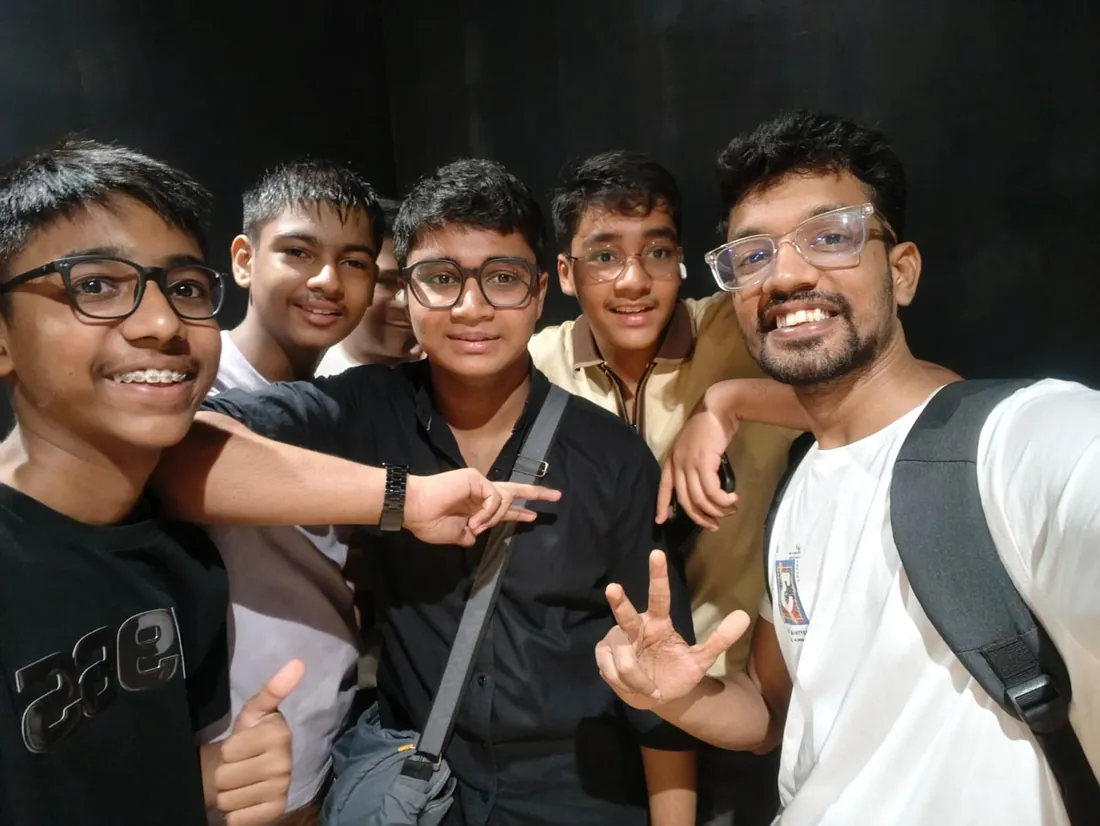
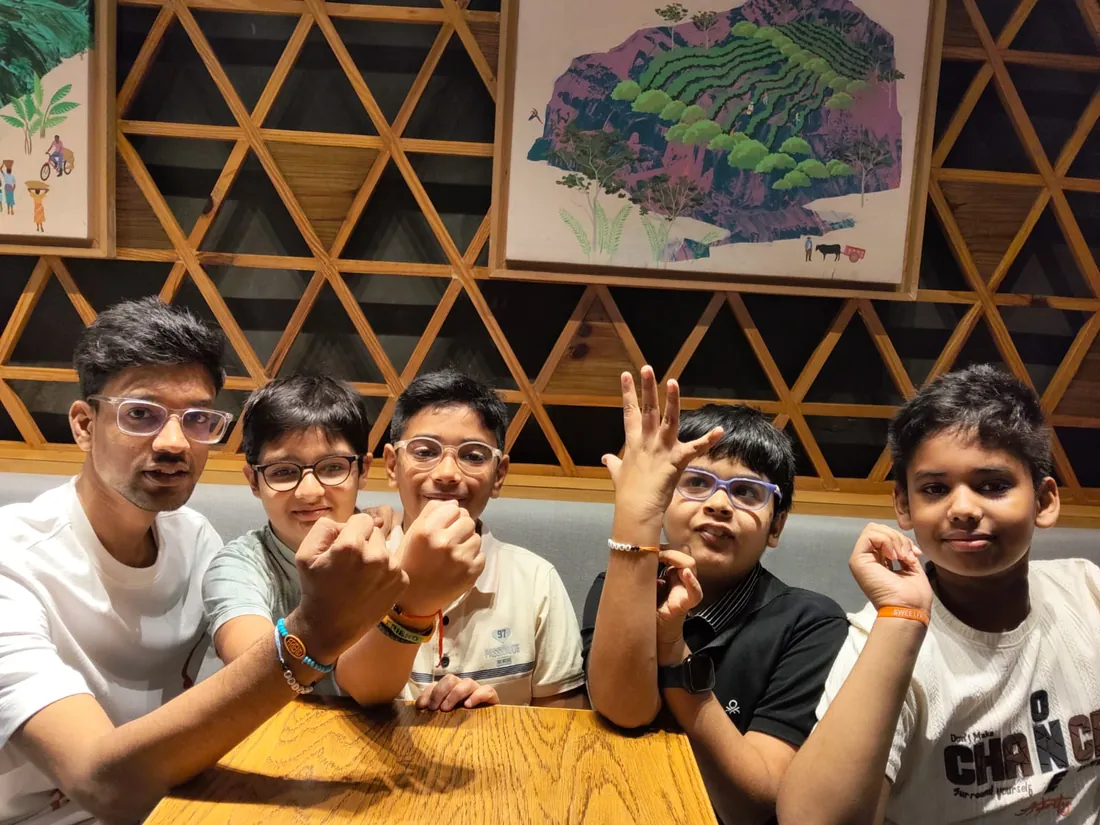
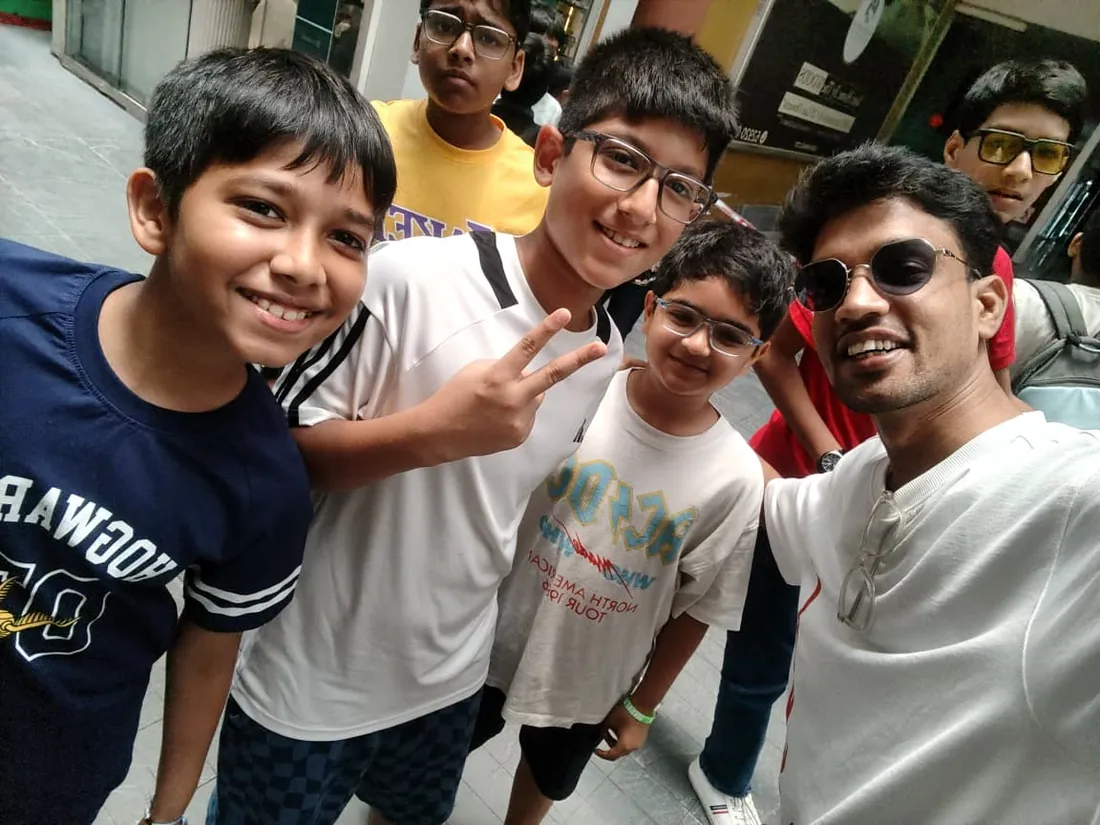
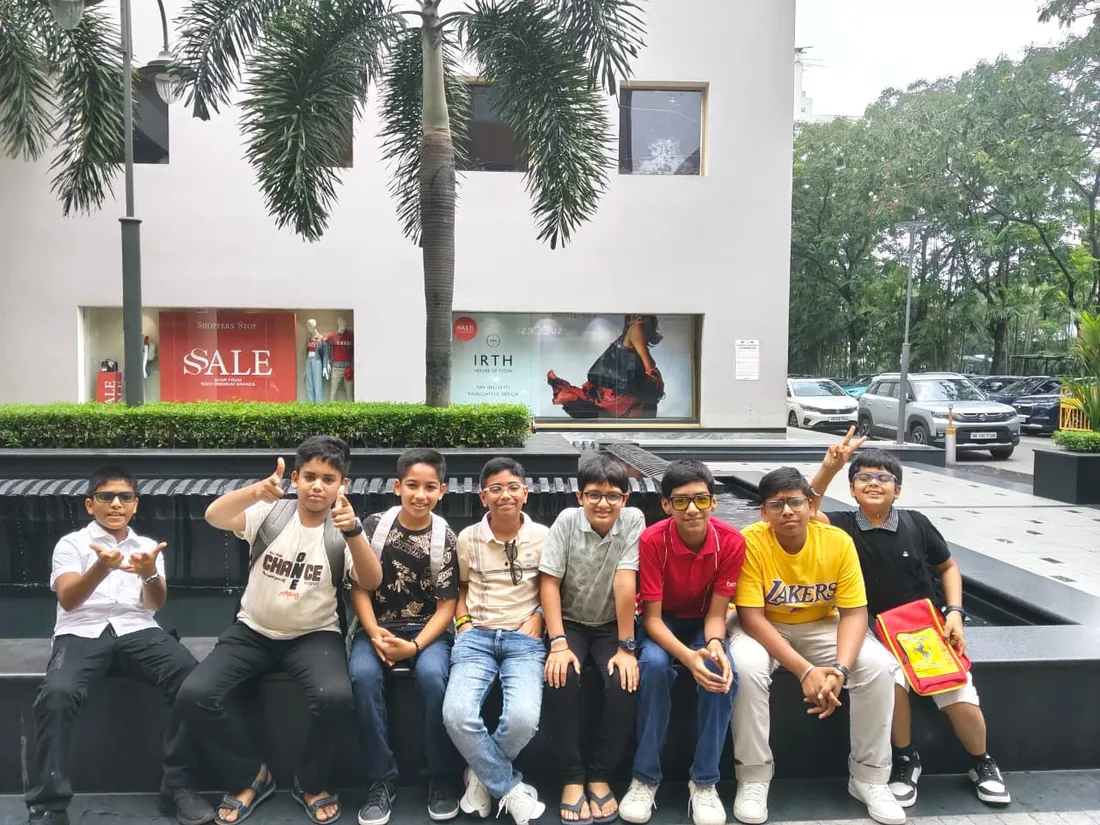
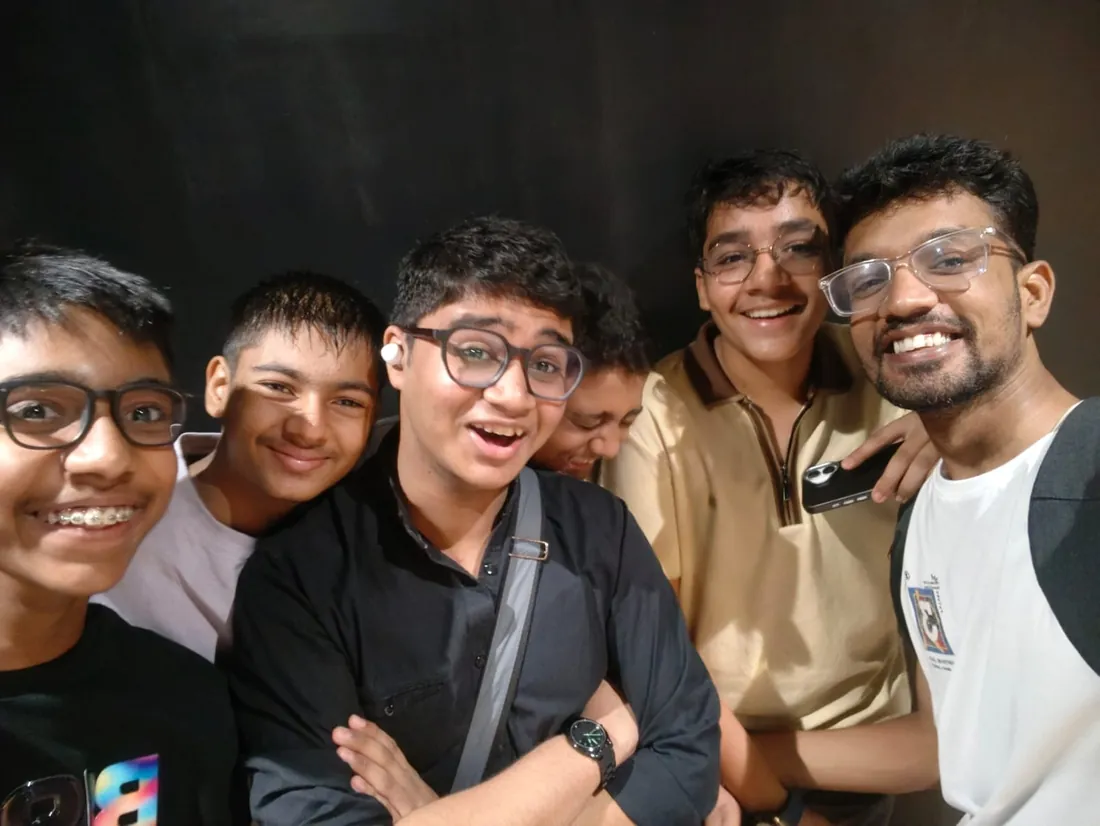
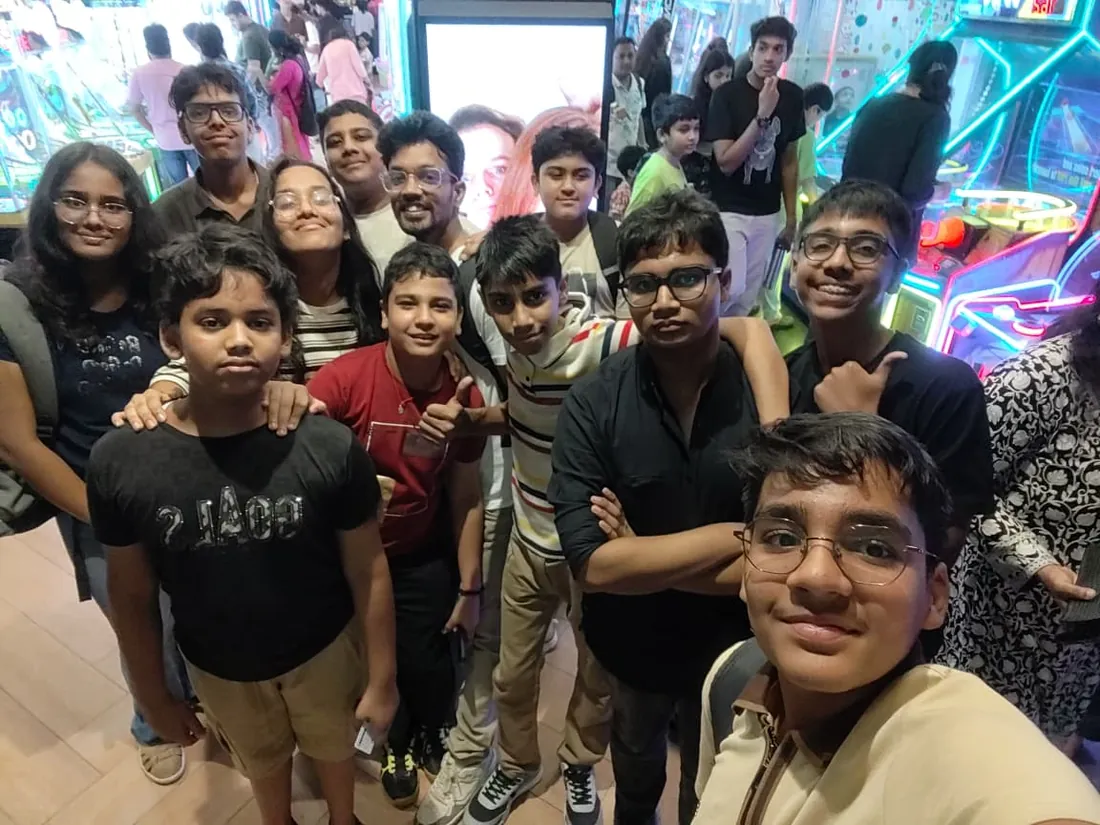
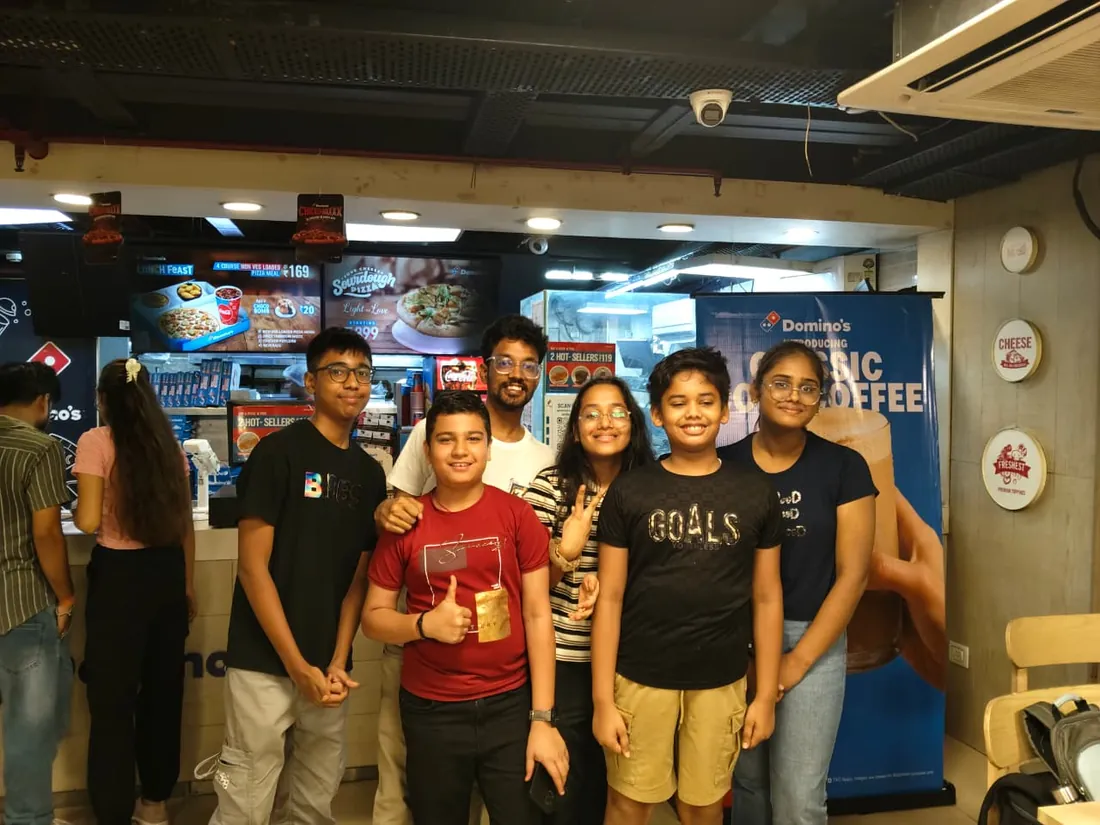
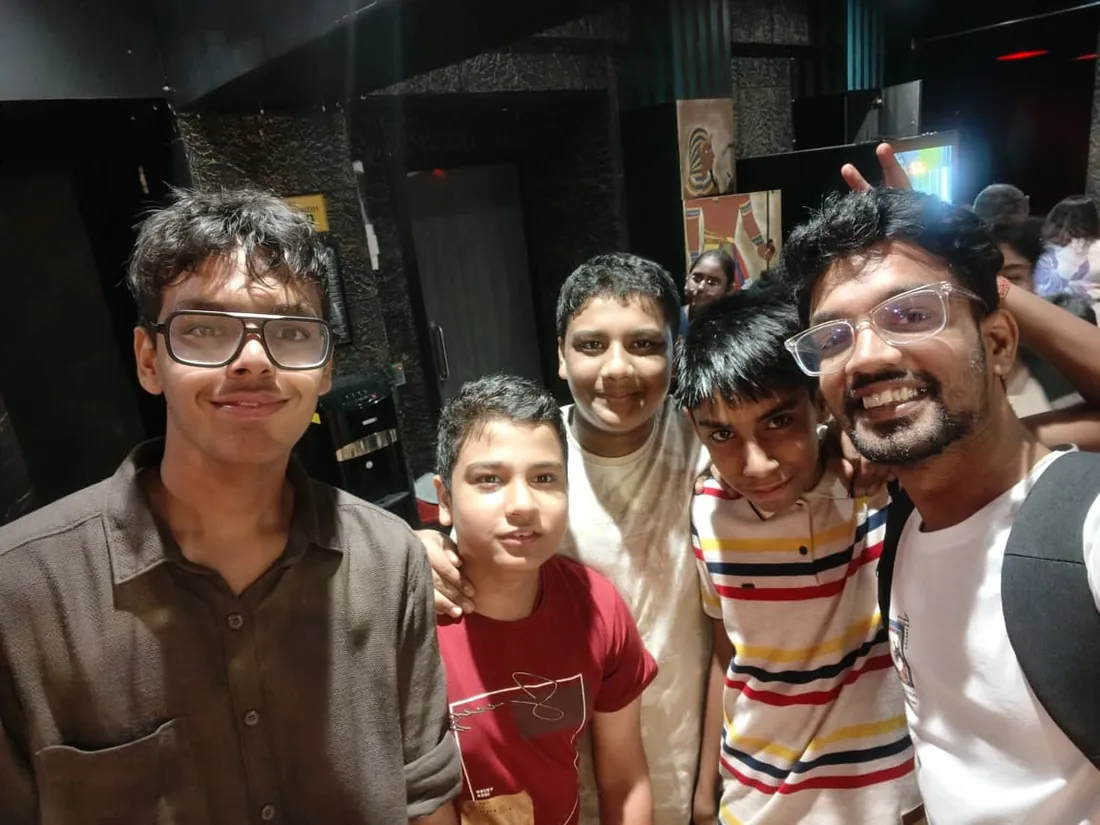
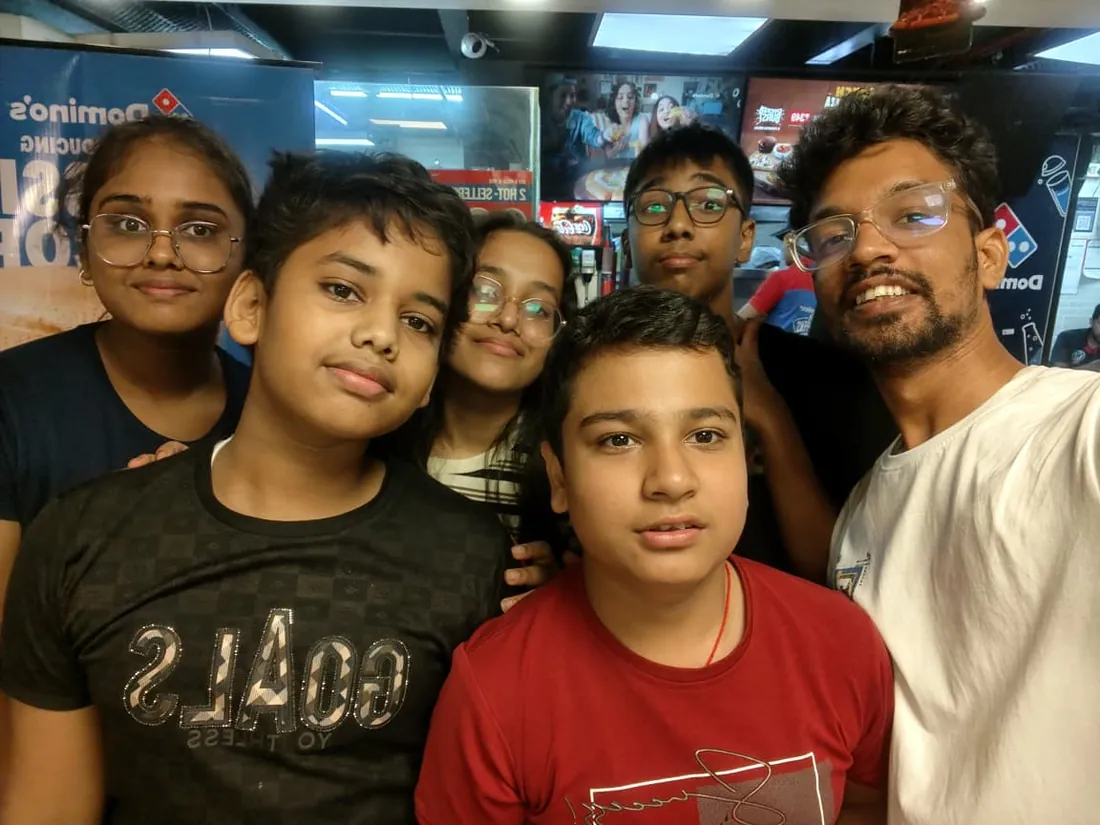
Real students. Real moments. Real joy.
These are our actual student meetups. No stock photos, no filters. Swipe through and meet the community you'll be joining.


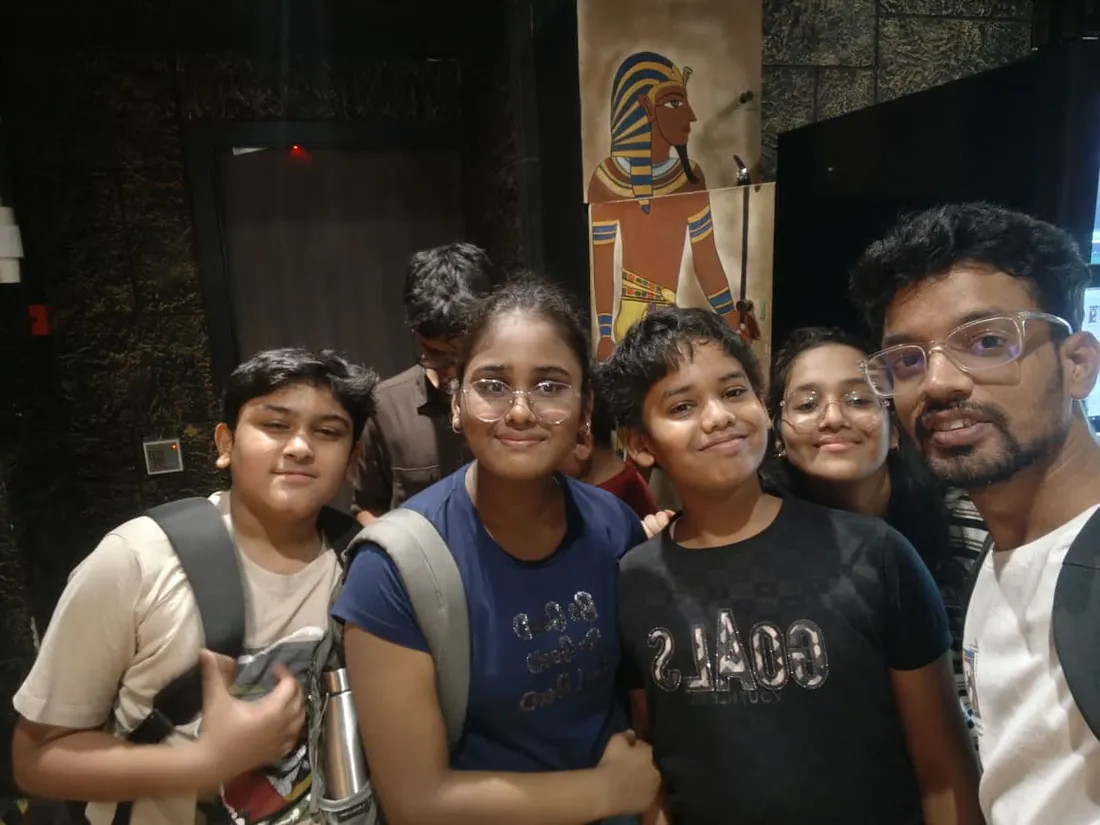

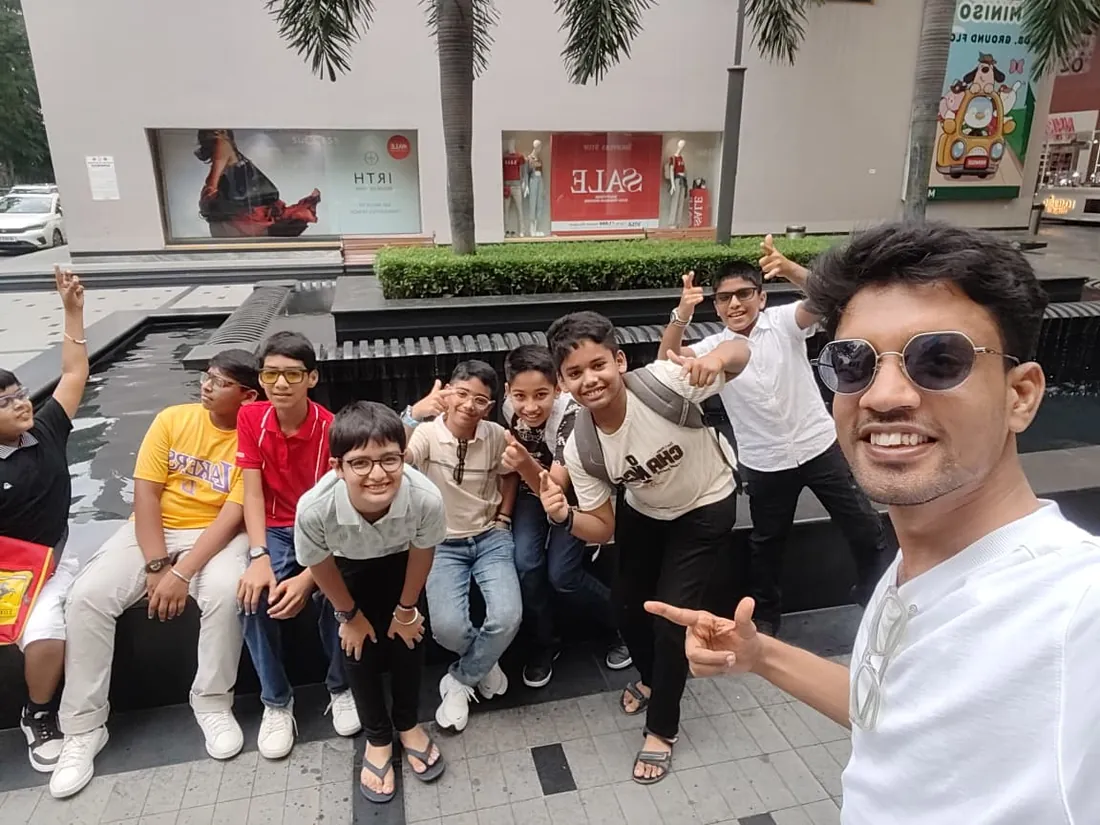
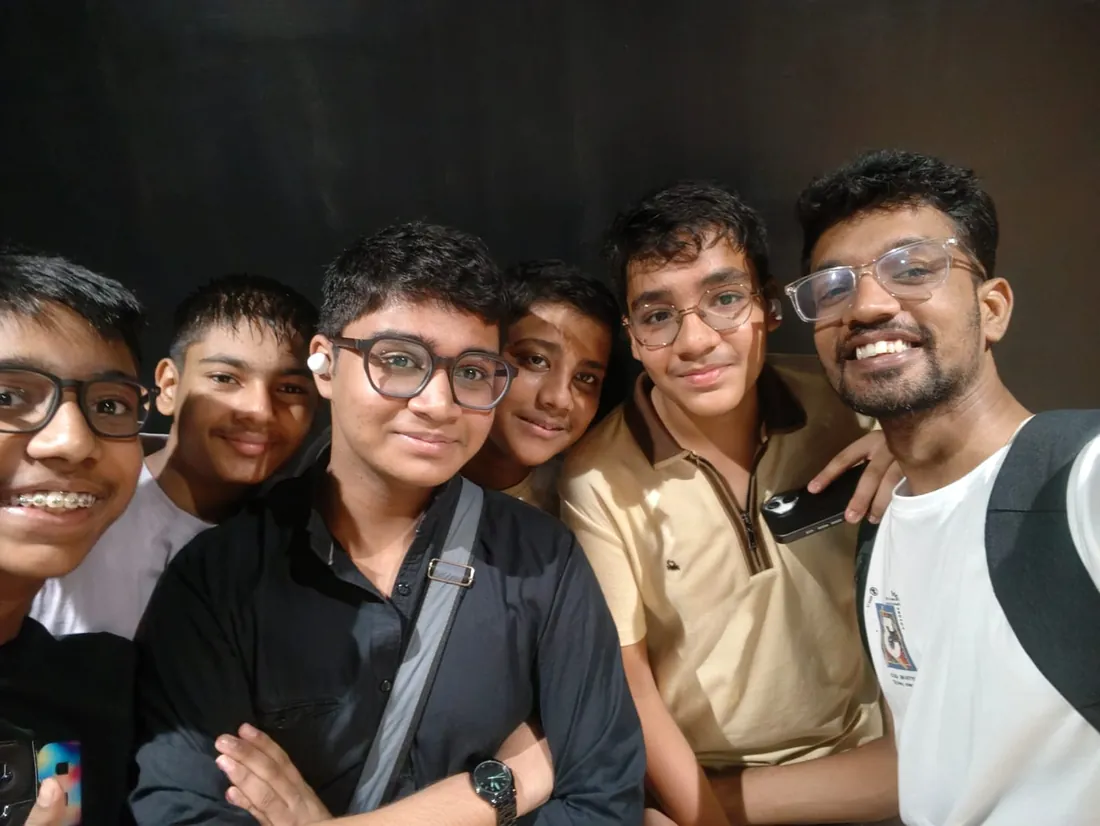


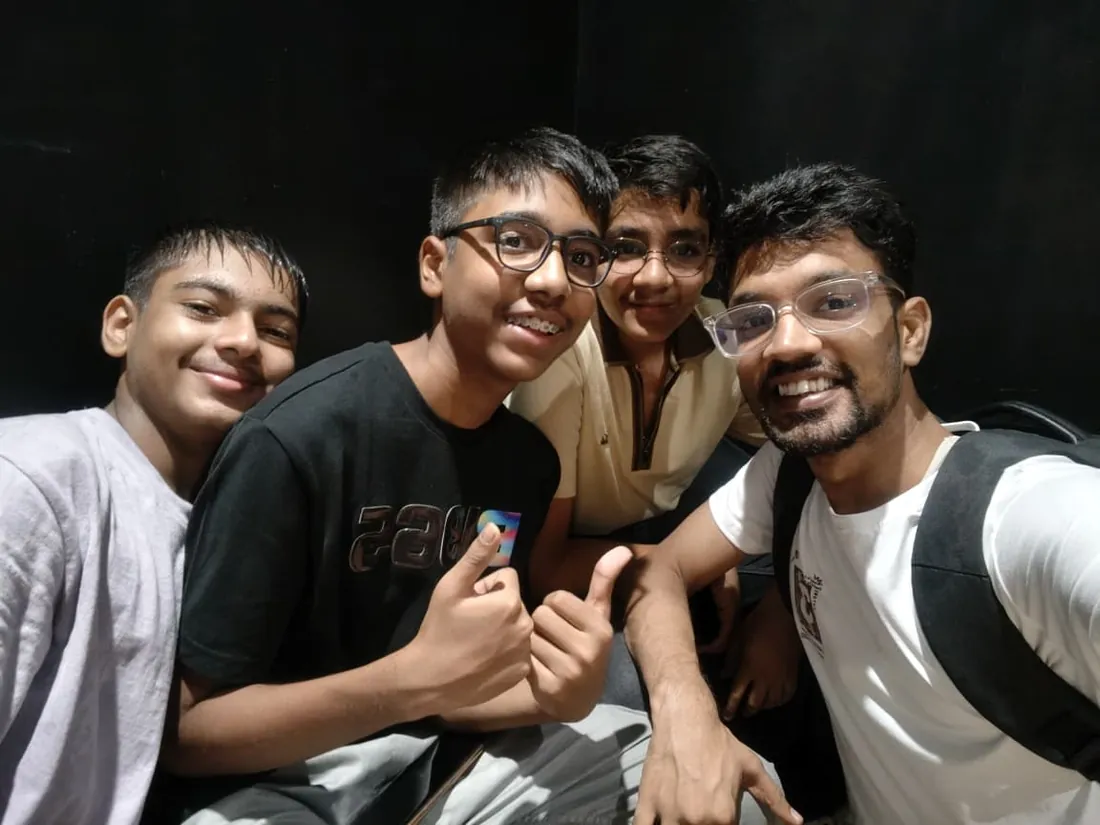


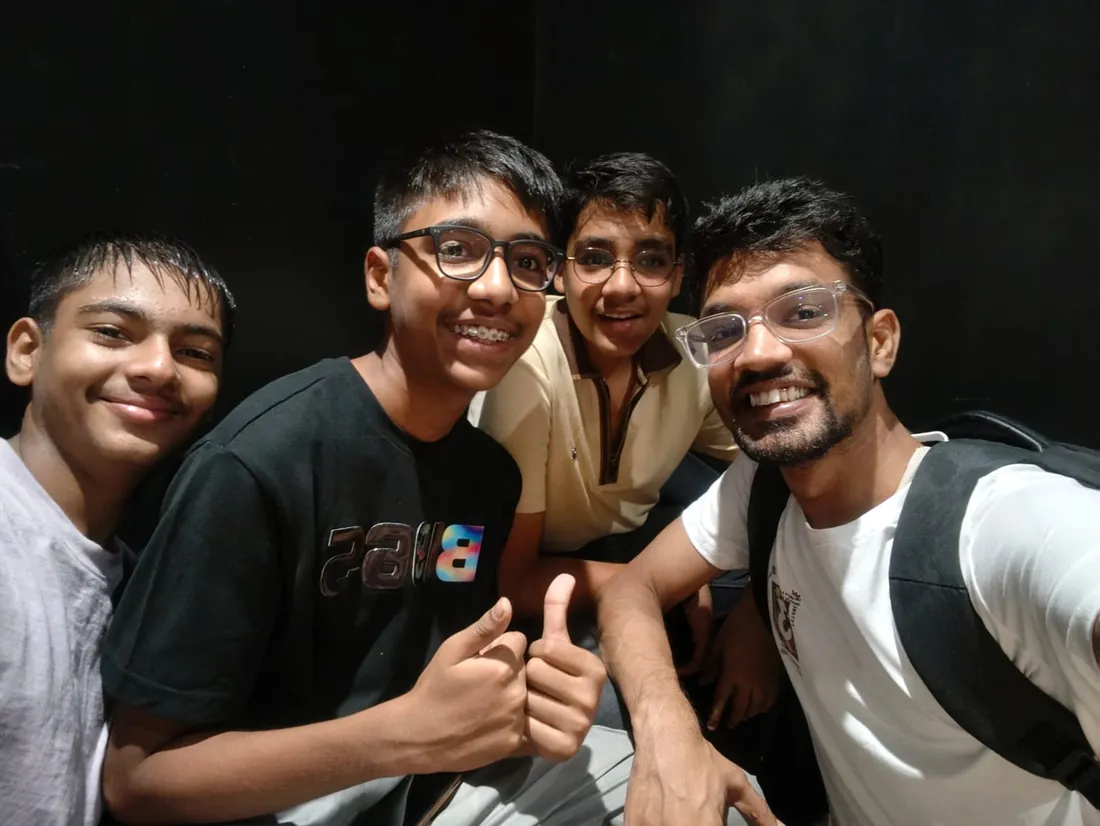


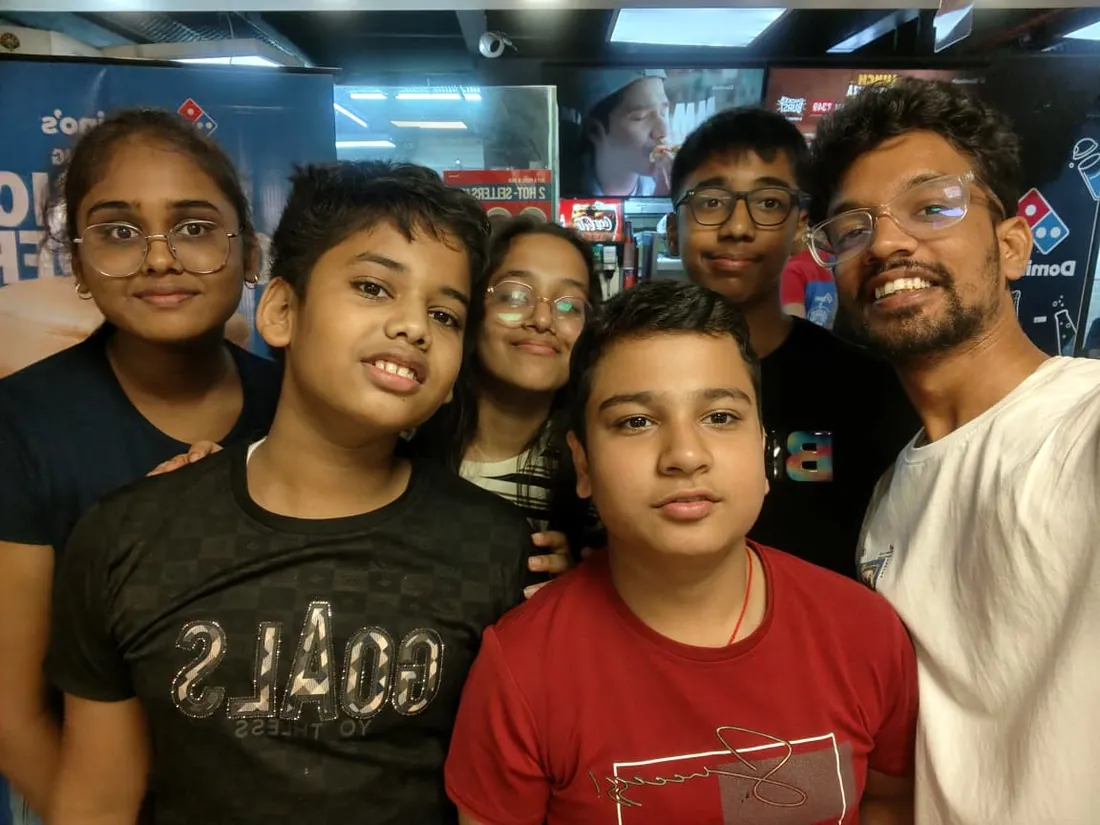


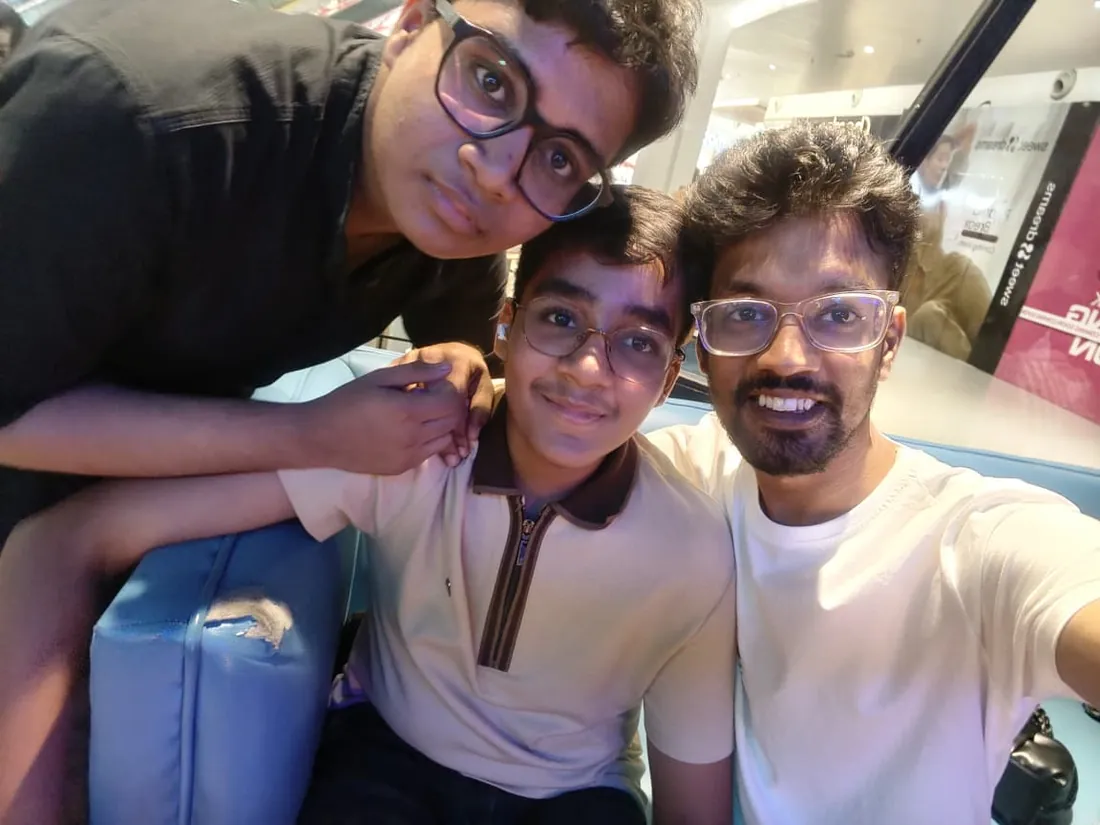


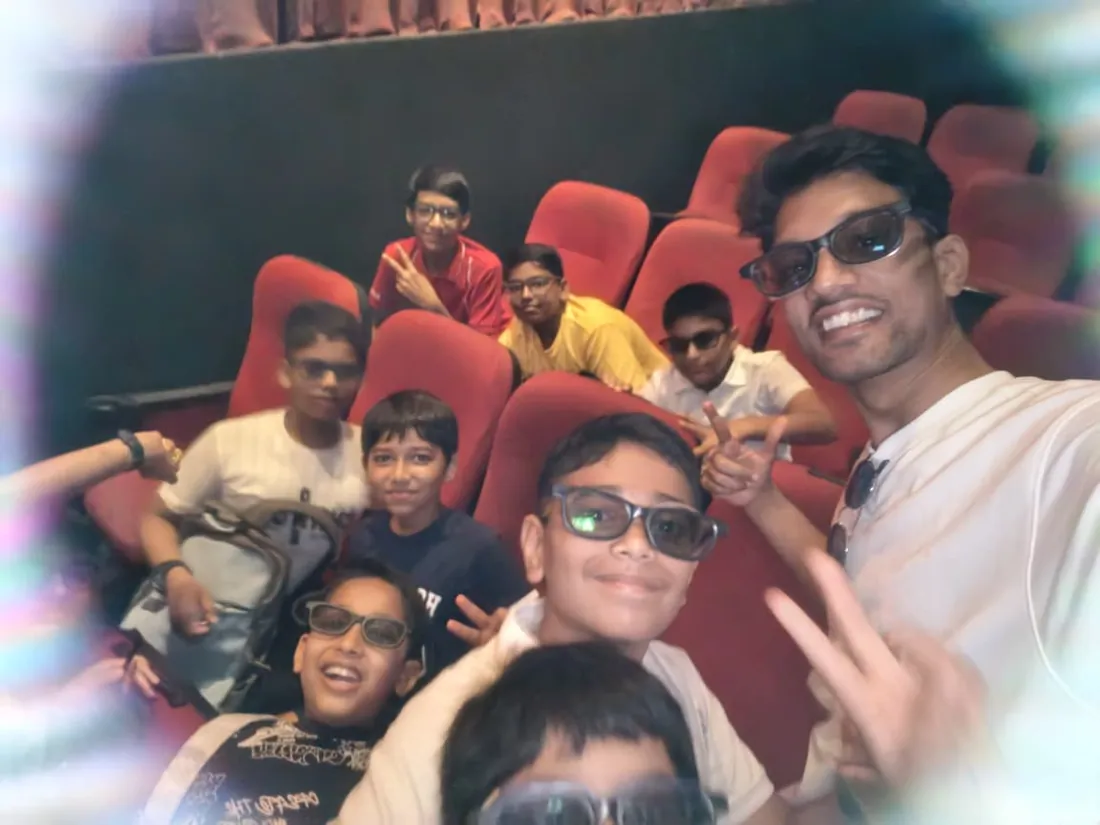





What families say
Straight from the parents and students who learn with us. Rated 4.9 across 547 Google reviews.
“Mivaan enjoys the class. He understands the concepts and completes his tasks with excitement. He started taking interest in coding… truly amazing class.”
“I absolutely love it here! I made new friends and learned important valuable coding skills while having the fun of my life. It's not just coding here, it's outings, bonding and most importantly preparing you for your future. Definitely five stars.”
“What stands out most is how excited my son is before every class. He looks forward to learning, problem-solving, and sharing what he's built. I've noticed a big boost in his confidence!”
“Modern Age Coders has been a game-changer for me! I struggled to grasp IT concepts and coding before joining, but their classes transformed everything. I'm now the topper in my class and can confidently write complex programs with ease.”
“Modern Age Coder have wonderful teachers who teach in a clear, easy and practical way. The teacher boosts students' confidence, keeps them updated with technology, and inspires them to learn without hesitation.”
“The one step solution for my son. Modern Age Coders make learning coding so simple that kids love it.”
“Coding classes here make learning very interesting and conceptual. The teachers teach us in a very easy-to-understand and efficient manner.”
“One of the most wonderful education centres out there. Education is not limited to school syllabus but focuses on skill development. Learning here has been a wonderful journey and still continuing.”
“I highly recommend this computer coding class! The teachers are incredibly knowledgeable and passionate about coding. They make every session engaging and insightful.”
“My child Dhairya is really enjoying the Modern Age Coder IT classes. This is his first online class, and he eagerly looks forward to it.”
“Very good classes. Don't worry about coding. They teach the best, especially Shivam sir.”
“Very good classes. Makes learning very easy and interactive.”
Hear it from our students
Real parents and students in their own words, on our public YouTube channel.
Straight answers about Swift and iOS Course: SwiftUI Apps from Zero
- Who should take this course?
- Complete beginner (18+); college students, graduates and working professionals. Age: 18+; college students, graduates and working professionals. It suits people who love the platform and want to build for it properly; students who want a premium, demonstrable specialization; detail-oriented builders drawn to the craft end of apps.
- What will they learn and build?
- iOS development is one of the most rewarding specializations in software, and it deserves an honest course: Swift learned as a real language, optionals, value types, protocols and concurrency understood properly, then iOS built the modern way with SwiftUI, architecture and state done right, data persistence, networking, and the production habits that make apps feel like Apple apps.
- How deeply are topics covered?
- The course runs 10-12 months (44-52 weeks) at 2 live classes/week + 4-6 hours practice, across 4 phases listed week by week in the syllabus below. A structured, well-paced curriculum taught step by step, with classwork in every session and problem sets after every class.
- Who teaches it?
- Modern Age Coders mentors, who teach the live classes themselves. You can watch them at work in the free class recordings before you decide.
- How do practice, feedback and assessment work?
- Monthly mixed reviews, cumulative phase exams, and a final exam that decides the certificate: real knowledge, real work. Doubt support between classes over WhatsApp, so you are never left stuck. A certificate you earn by passing the final exam, with a free retest after revision if needed.
- What does it cost?
- Three monthly plans: a group batch, a mini batch and 1-on-1. Prices are shown in your currency in the plans section. Monthly billing, cancel any time.
- When can classes take place?
- Live classes are scheduled around your week. Group batches meet at a fixed weekly slot; 1-on-1 students choose their own. International students are scheduled in their own timezone. Ask on WhatsApp for the current slots.
- Can I watch the teaching before deciding?
- Yes. Full recordings of real 13 and up classes are free to watch, free with a Google sign-in. These recordings show how we teach, not the exact syllabus of this course. Some classes are in English and some in Hindi; everyone follows at their own pace. Watch a class end to end, like you are in it. Sessions are interactive and each moment builds on the last.
- Can I enroll without a live demo?
- Yes. Choose a plan on this page and enrol directly; a demo is not required. If you would like to see a full class with a mentor first, book a Priority Demo.
- How do I reach you with a question?
- WhatsApp +91 91233 66161, email connect@modernagecoders.com, or call +91 91233 66161. Tell us the student's age and what they have learned so far, and we will point you to the right plan and batch.
Common Questions About Swift and iOS Course: SwiftUI Apps from Zero
Get answers to the most common questions about this comprehensive program
Still have questions? We're here to help!
Contact UsRelated Courses You May Like
Continue your learning journey with these recommended programs
 App Development
App Development Course: Flutter, iOS & Android
App development course for college students and professionals: Flutter as the production stack, Fire...
Explore Course App Development
App Development for Teens: Build Real Apps with React Native
App development course for teens aged 13-18: JavaScript, React and React Native with Expo, Firebase,...
Explore CourseRelated Articles & Guides
Deepen your knowledge with these hand-picked articles
 Education
18 min read
Education
18 min read
Best Coding Courses Online for Students 2026-27: 21 Free and Paid Options Compared
The best coding courses online for students in 2026-27, free and paid, compared on teaching format, ...
Read Article Education
8 min read
Education
8 min read
The Ultimate Guide to Teaching Kids Coding in 2025
Effective strategies, tools, and best practices for teaching kids coding. Perfect guide for parents ...
Read ArticleReady to start Swift and iOS Course: SwiftUI Apps from Zero?
Book a Priority Demo to see a full live class with a mentor reserved for you, today or tomorrow. Or choose a plan and enrol now.
Questions? WhatsApp +91 91233 66161 or email connect@modernagecoders.com