Flutter App Development Masterclass
One codebase, both app stores: Dart and Flutter learned properly, from first widget to production-shaped apps with Firebase.
Syllabus updated August 2026
Questions? WhatsApp +91 91233 66161 or email connect@modernagecoders.com
Recordings are free with a Google sign-in. These recordings show how we teach, not the exact syllabus of this course.
Our promise
The world's best learning experience, open to everyone.
- World-class instructorsEvery class is taught by an instructor who specialises in that exact field.
- No compromise on qualityEvery lesson, project and piece of feedback is held to the highest standard.
- Education for everyoneLearners aged 6 to 67, from first-time beginners to working professionals, in 25+ countries.
If you want the highest quality, Modern Age Coders is the right choice.
Book a Priority DemoHow long this course takes
This course runs 10-12 months (44-52 weeks) at 2 live classes/week + 4-6 hours practice. The range allows for background and pace: a complete beginner uses the full span, and a student with prior knowledge finishes sooner. The syllabus below is planned to the shorter end, with margin kept for revision.
For personalised duration planning, call +91 91233 66161 and we'll map a schedule to your goals.
At a glance
- Who it is for
- Complete beginner (18+); college students, graduates and working professionals. Age: 18+; college students, graduates and working professionals.
- Prerequisites
- None. Everything is taught from the first line
- Format
- Live, interactive classes with a real instructor, never pre-recorded videos. Live classes run about one hour.
- Language
- English or Hindi, depending on the batch.
- Duration
- 10-12 months (44-52 weeks)
- Weekly commitment
- 2 live classes/week + 4-6 hours practice
- Class size
- Group batches of 15 to 20 students, mini batches of up to 6, or 1-on-1.
- Certificate
- Certificate from Modern Age Coders, awarded on passing the final exam
- Watch first
- Free recordings of real classes for ages 13 and up, free with a Google sign-in. These recordings show how we teach, not the exact syllabus of this course.
- Live demo
- Optional. Enrol directly on this page, or book a Priority Demo: a full live class of about 45 to 60 minutes with a mentor reserved for you.
- Questions
- WhatsApp +91 91233 66161 or email connect@modernagecoders.com.
How we teach
Deep understanding. Real projects. Expert guidance.
Learn coding, AI and maths through careful explanations, practical demonstrations, and hands-on problem-solving. Our instructors guide you from the foundations to advanced ideas, helping you understand what happens, why it happens, and how to build it yourself.
You will explore concepts step by step, write and improve code, investigate mistakes, ask questions, and apply your knowledge to meaningful projects. Lessons are designed around active participation, thoughtful feedback, and growing independence.
Expert-led live teaching, with practical participation built into every lesson.
- Students explain their thinking.
- Instructors demonstrate, then guide practice.
- Learners code, solve, or build during lessons.
- Questions and misconceptions get attention.
- Assignments receive useful feedback.
- Progress is checked before advancing.
How to join Flutter Course: Dart to Real Cross-Platform Apps
Four steps from this page to the first class. See a full class first with a Priority Demo, or choose a plan and enrol today.
Rated 4.9 across 547 Google reviews. Monthly billing, cancel any time.
How enrolment works
See a full class first (optional)
Book a Priority Demo: a live class of about 45 to 60 minutes with a mentor reserved for you, today or tomorrow. After the class the mentor sends a written skill report and a personal learning roadmap on WhatsApp. If you enrol, the demo fee is adjusted against your first month's fee. Share your demo Order ID with us on WhatsApp and we take it off.
Book a Priority DemoDemo fee ₹499Choose a plan
Group batch (15 to 20 students), mini batch (up to 6 students, India only) or 1-on-1 with your own mentor. Every plan is live online, and each class runs about one hour. The cards below show classes per week and the monthly fee in your currency.
Enrol and pay the first month
Press Enrol Now on your plan, fill in the student's name, email and phone, and pay through secure Razorpay checkout: UPI, cards or net banking in India, and debit or credit card from any other country.
Fix your class timings
After payment, message us on WhatsApp or call +91 91233 66161 with the student's name, the course and your preferred time slot. We confirm the batch, send the class link and schedule the first class at your chosen time.
Billing is monthly and you can cancel any time.
International Students (Outside India)
Billed monthly in US dollars, the same price in every country. Contact us with any questions.
Questions before you enrol? Talk to our team.
Ask about class timings, the right level for your child, what they need to know already, or payment. Parents and adult learners can reach us on WhatsApp, by email or by phone.
Program Overview
Flutter delivers the honest cross-platform promise: one Dart codebase producing genuinely native-feeling apps on Android and iOS, and it has the production adoption to prove it. This live online masterclass builds it in order: Dart as a real language first, then Flutter the widget way, layouts, navigation and UI that feels native on both platforms, then the layer that separates apps from demos: state management chosen with judgment, architecture that survives features, Firebase for auth and data, offline behavior, testing and release discipline. A finale month ships a capstone app and sits the final exam.
The pace is honest: ten teaching months at two live classes a week plus four to six hours of practice, with two more in hand. Problem sets, monthly mixed reviews, phase exams, and a final exam that decides the certificate with a free retest.
What Makes This Program Different
- Dart first as a real language: Flutter without Dart depth is widget soup
- The widget mental model taught until it clicks: composition all the way down
- State management with judgment: the options mapped honestly, one mastered
- Production habits: offline behavior, testing and release discipline included
- An honest 10-month arc with 2 months in hand
- Real assessment: weekly problem sets, monthly mixed reviews, phase exams and a final exam with a free retest
Your Learning Journey
Career Progression
Detailed Course Curriculum
Explore the complete week-by-week breakdown of what you'll learn in this comprehensive program.
Topics Covered
- What is Flutter? History, features, and why it’s popular
- Single codebase for Android, iOS, Web, Desktop
- Flutter architecture overview: Engine, Framework, Widgets
- Dart language introduction and why Flutter uses Dart
- Installing Flutter SDK on Windows/Mac/Linux
- Setting up Android Studio, VS Code, and Xcode (for macOS)
- Configuring device emulators and real devices
- Understanding Flutter project structure: lib, pubspec.yaml, android, ios, web
- Your first Flutter app: counter & Hello World
- main() function, runApp(), MaterialApp, Scaffold, AppBar, Body
Projects You Build
- Hello Flutter app with personalized welcome screen
- Digital visiting card app (name, role, contact info)
- Simple profile screen with image, text and icons
- Two-screen mini app using basic navigation
- Kids track variant: Colorful "My Favorite Things" app
Practice & Assignments
Daily: 30-45 min Dart & Flutter basics; reproduce 3-5 simple screens from design snapshots
Topics Covered
- Dart program structure: main(), imports, packages
- Variables: var, final, const, late
- Primitive-like types in Dart: int, double, String, bool
- num type and type inference
- Dynamic vs static typing, dynamic keyword use-cases
- Type conversion and parsing: int.parse, double.parse, toString
- Collections overview: List, Set, Map (intro only)
- Operators: arithmetic, relational, logical, assignment
- Null safety in Dart: non-nullable & nullable types (int vs int?)
- Null-aware operators: ?, ??, ??=, !
- String interpolation and multi-line strings
- String methods: length, substring, contains, split
- Basic console apps in Dart (for logic practice)
- Using dartpad.dev to practice Dart snippets
Projects You Build
- Simple console calculator (add, subtract, multiply, divide)
- Tip & bill split calculator (per person amount)
- Age & birthday countdown calculator
- Unit converters: temperature, length, weight
- Kids variant: Score tracker for a simple game
Practice & Assignments
Solve 30+ problems on variables, strings, calculations and null-safety handling
Topics Covered
- Control flow: if, else if, else
- Switch-case in Dart, enums introduction
- Loops: for, while, do-while, for-in
- break and continue, labeled statements
- Functions: definition, parameters (positional, named, optional), return types
- Arrow functions (fat arrow syntax)=>
- Scope rules and variable lifetime
- Intro to collections: List, Set, Map basics
- Iterating collections with for, for-in, forEach
- Basic algorithm building: searching & counting
- Introduction to error handling: try, catch, finally
Projects You Build
- Number guessing game (console or Flutter dialog-based)
- Grade calculator with letter-grade output
- To-do list data model (List operations) with console UI
- Simple quiz logic engine (questions and scoring)
- Kids variant: Multiplication practice generator
Practice & Assignments
Solve 40+ problems covering loops, branching, and simple collection manipulations
Topics Covered
- Flutter widget philosophy: everything is a widget
- Understanding build() method and widget lifecycle (overview)
- Basic display widgets: Text, Icon, Image, Container
- Layout widgets: Row, Column, Expanded, SizedBox
- Alignment & positioning: MainAxisAlignment, CrossAxisAlignment, Center, Align
- Styling text with TextStyle, GoogleFonts (package intro)
- Colors, ThemeData, Material 3 basics
- Buttons: ElevatedButton, TextButton, OutlinedButton, IconButton
- Input widgets: TextField basics
- Using Scaffold: appBar, body, floatingActionButton, bottomNavigationBar (intro)
- SingleChildScrollView and ListView (intro)
- Working with pubspec.yaml: adding assets (images, fonts)
- Asset management & responsive basics (MediaQuery)
- Debugging layout issues with Flutter DevTools & debugPrint
Projects You Build
- Personal profile card app with images & icons
- Single-page product detail UI (static)
- Simple landing screen for a fictional app (hero image, CTA button)
- Basic contact form UI (no backend yet)
- Kids variant: "My Pet" info card with big images & fun fonts
Practice & Assignments
Recreate 6-10 simple UI screens from given Figma/Dribbble screenshots
Topics Covered
- OOP paradigm in Dart
- Defining classes & creating objects
- Fields, constructors (default, named, optional)
- Named constructors and factory constructors (intro)
- this keyword, initializer lists
- Encapsulation: private members with _ prefix
- Getters & setters (explicit, shorthand syntax)
- Static variables and methods
- Basic toString() overrides
- Intro to enums for modeling states
- Model classes for Flutter apps (e.g., User, Product, Task)
Projects You Build
- User profile model and display widget
- Product class used in a simple catalog list
- Task/Todo model with computed properties (e.g. isOverdue)
- Simple contact model and list
- Kids variant: Character class for a mini game inventory
Practice & Assignments
Create 15+ different model classes to represent real-world entities used in apps
Topics Covered
- Inheritance in Dart: extends keyword
- Abstract classes and methods (intro)
- Method overriding & polymorphism
- Mixins: with keyword, when and how to use
- Interfaces via abstract classes & implicit interfaces
- Intro to composition vs inheritance
- StatefulWidget and State classes in Flutter
- setState(), rebuilding the UI, performance considerations
- Managing widget state vs app state (conceptual intro)
- TextField controllers and input handling
- Forms: Form, GlobalKey, basic validation
- GestureDetector and InkWell for taps & gestures
- Basic animations with AnimatedContainer and AnimatedOpacity (preview)
Projects You Build
- Interactive counter app with custom logic
- Simple login form with validation and error messages
- Like/favorite button with animation
- Basic habit tracker with toggling state
- Kids variant: Tap-to-change-color playground app
Practice & Assignments
Implement 20+ stateful interactions (toggles, counters, forms, sliders, etc.)
Topics Covered
- Deeper look at abstract classes & interfaces in Dart
- Strategy-like patterns using abstract classes
- Separation of concerns: UI vs business logic vs data models
- Organizing Flutter code: folders (models, widgets, screens, services)
- Intro to simple service classes for data handling
- Preparing for larger apps: reusability & modular widgets
Projects You Build
- Reusable UI components library (buttons, cards, chips)
- Simple theme manager (light/dark mode toggle using inherited widget pattern - conceptual)
- PHASE 1 MINI CAPSTONE: Multi-Screen Personal Productivity App (Tasks + Notes + Reminders)
- Features: Home screen, list views, detail pages, basic persistence via in-memory lists, clean UI
Practice & Assignments
Refactor earlier projects to use cleaner OOP and reusable widgets
Assessment
Phase 1 exam: a practical build defended live, plus a written paper mixing this phase with everything before it
Topics Covered
- Deep dive into Lists, Sets, Maps
- Higher-order functions: map, where, reduce, fold
- Collection if and collection for in Dart
- Spread operator (...) and null-aware spread (...?)
- Immutable vs mutable collections
- Error handling in Dart: try-catch, on, finally, rethrow
- Custom exceptions
- Asynchronous programming: Future, async/await
- Streams: single subscription vs broadcast (intro)
- Stream transformations and listeners
- Using async code in Flutter (FutureBuilder, StreamBuilder basics)
- Using packages: http, intl and others
- Organizing business logic into service classes
Projects You Build
- Data transformation utilities (filtering, sorting, grouping)
- HTTP client service (mock APIs) using http package
- Simple news/feed list using FutureBuilder (with mock JSON)
- Real-time counter/clock using StreamBuilder
- Kids variant: Random joke/quote generator using an API
Practice & Assignments
Solve 35+ problems on collections & async patterns (Futures & Streams)
Topics Covered
- Navigator 1.0: push, pop, named routes
- Route arguments and passing data between screens
- Navigator 2.0 and Router (high-level intro, for advanced later)
- BottomNavigationBar and tab-based navigation
- Drawer navigation and custom side menus
- Nested navigation and navigation stacks
- App lifecycle basics: WidgetsBindingObserver, handling app states
- Splash screens and onboarding flows
- Handling back button and system navigation
- Routing best practices and route generators
Projects You Build
- Multi-screen notes app with details and edit screens
- Onboarding flow with 3-4 intro pages
- Bottom navigation based mini app (Home / Search / Profile)
- Simple tabbed app with TabBar and TabBarView
- Kids variant: Storybook app with navigation between chapters
Practice & Assignments
Implement routing and navigation in 6-8 mini applications
Topics Covered
- Advanced TextField usage: controllers, focus nodes
- Form widget, FormState, and GlobalKey
- Synchronous and asynchronous validation
- Custom form field widgets
- Handling keyboard, focus traversal, and input submission
- DropdownButton, Checkbox, Radio, Switch, Slider widgets
- Date & time pickers
- Input formatting and masking
- Accessibility considerations for forms
Projects You Build
- User registration form with full validation
- Feedback/contact form with submission success screen
- Settings screen with toggles, sliders, and dropdowns
- Profile edit form with local validation & previews
- Kids variant: Quiz creation form with multiple questions
Practice & Assignments
Build and validate 10+ complex forms and input flows
Topics Covered
- Advanced layout widgets: Stack, Positioned, Wrap, LayoutBuilder
- ListView.builder, ListView.separated
- GridView builder and dynamic grids
- Slivers overview: CustomScrollView, SliverAppBar, SliverList (intro)
- Responsive design principles in Flutter
- MediaQuery, LayoutBuilder and OrientationBuilder
- Creating adaptive UIs for phone/tablet/web
- Handling different screen densities and sizes
- Using Flutter’s Flex and Expanded effectively
Projects You Build
- E-commerce product list grid with responsive layout
- Photo gallery app with grid and full-screen viewer
- News feed with cards and SliverAppBar
- Responsive dashboard layout (phone vs tablet)
- Kids variant: Sticker board using Stack & Positioned
Practice & Assignments
Rebuild 10+ real-world UI screens with responsive layouts
Topics Covered
- What is state management? Local vs global state
- Limitations of setState() for larger apps
- Lifting state up and prop drilling problems
- InheritedWidget and InheritedModel concept
- Provider package introduction
- ChangeNotifier and ChangeNotifierProvider
- Listening to changes with Consumer and context.watch/select
- Basic architecture: separating UI and logic using providers
- Simple global app state (theme, locale, auth status)
Projects You Build
- Counter app rebuilt with Provider
- Theme toggler (light/dark mode) using Provider
- Cart management in a simple shopping UI
- Favorites list synced across multiple screens
- Kids variant: Global score/coins manager for a mini game
Practice & Assignments
Create 10+ small apps using Provider for shared state
Topics Covered
- Why persistence? Saving user data locally
- Key-value storage with shared_preferences
- Simple settings & flags persistence
- SQLite basics and sqflite package
- Database schema design for small apps
- CRUD operations (create, read, update, delete)
- Using path_provider for file paths
- Storing JSON data locally
- Intro to Hive / Isar (NoSQL local DB) and when to use them
- Data serialization with jsonEncode/jsonDecode
- Basic repository pattern for data layer
Projects You Build
- Persistent to-do list app with sqflite
- Settings/preferences manager using shared_preferences
- Offline notes app using Hive or Isar
- Simple expense tracker with SQLite
- Kids variant: Sticker collection app persisted locally
Practice & Assignments
Build 12+ features requiring reading/writing persistent local data
Topics Covered
- Revisiting Provider for larger apps
- Multiple providers and provider scopes
- Introduction to Riverpod: why & how it improves over Provider
- Provider types in Riverpod: Provider, StateProvider, StateNotifierProvider (intro)
- Using Riverpod for business logic & UI separation
- Immutability and state objects
- Error handling in async providers
- Refactoring existing apps to Riverpod
Projects You Build
- News/feed app powered by Riverpod for state
- Weather app using async APIs with Riverpod
- Multi-tab app with shared state using Riverpod
- Theme + language switcher using Riverpod
- Kids variant: Simple quiz app with score using Riverpod
Practice & Assignments
Refactor 5 existing apps from setState/Provider to Riverpod
Topics Covered
- StateNotifier & StateNotifierProvider with Riverpod
- Modeling complex state (loading, loaded, error) patterns
- BLoC pattern introduction (Cubit/BLoC) and when to use it
- Comparing Riverpod, Provider, and BLoC (pros/cons)
- Events, states, and BLoC logic (if using flutter_bloc)
- Using Freezed for immutable data classes & unions (intro)
- Folder structure for scalable apps (feature-first, layer-first)
- Practical guidelines for choosing a pattern per project size
Projects You Build
- Authentication flow using Riverpod or BLoC
- Search with debounced queries and loading states
- Paginated list with infinite scroll
- Complex form with multi-step state management
- Kids variant: Multi-level quiz/game with progress state
Practice & Assignments
Build 10+ flows using Riverpod/BLoC with loading/error handling
Topics Covered
- Implicit animations: AnimatedContainer, AnimatedOpacity, AnimatedAlign
- AnimatedCrossFade, AnimatedSwitcher
- Explicit animations: AnimationController, Tween, CurvedAnimation
- Using AnimatedBuilder and AnimatedWidget
- Hero animations between screens
- Page transitions and custom route animations
- Lottie animations integration
- Micro-interactions and motion design principles
- Performance considerations with animations
Projects You Build
- Animated onboarding flow with Hero transitions
- Like/Bookmark micro-interactions with animations
- Expandable cards list with AnimatedContainer
- Custom page transition for navigation
- Kids variant: Animated "reward" screen with confetti
Practice & Assignments
Implement 20+ small animations and transitions across apps
Topics Covered
- Creating reusable, composable widgets
- Building a design system: spacing, typography, colors
- Material 3 (Material You) theming in Flutter
- ThemeData and ColorScheme customization
- Dark theme and dynamic theme switching
- Global styles and app-wide configuration
- Localization basics: using flutter_localizations and intl
- Supporting multiple languages and locales
- Accessibility: font scaling, contrast, semantics
Projects You Build
- Design system library for buttons, cards, inputs
- App-wide theming for a sample app (light/dark/custom)
- Two-language version of an existing app (e.g. English + Hindi)
- Custom theming for kids’ learning app
- Reusable error/empty/loading state widgets
Practice & Assignments
Implement a consistent design system in 3+ existing apps
Topics Covered
- HTTP basics: methods, status codes, headers, JSON
- Using http / dio packages for API calls
- GET, POST, PUT, DELETE requests
- Parsing JSON manually and with json_serializable (intro)
- Error handling for network failures & timeouts
- Showing loading, success, and error states in UI
- API pagination and infinite scroll
- Securing API keys and environment variables (conceptual)
- Handling connectivity changes (connectivity_plus intro)
Projects You Build
- Public API driven list app (e.g. GitHub repos, movies, news)
- Search UI with remote filtering
- Paginated list with "Load more" and pull-to-refresh
- Simple CRUD client for a mock REST API
- Kids variant: Fun facts/animals viewer from an open API
Practice & Assignments
Build 8+ screens powered by real or mock REST APIs
Topics Covered
- Why testing matters for Flutter apps
- Types of tests: unit, widget, integration
- Dart test package basics
- Unit tests for Dart logic (services, utils)
- Widget tests: testing UI components and layouts
- Mocking services and repositories
- Introduction to golden tests (visual regression), concept
- Basic test-driven development (TDD) workflow
- Measuring coverage in Flutter projects
Projects You Build
- Unit tests for validators and repository classes
- Widget tests for key widgets in a sample app
- Test suite for state management logic (Riverpod/BLoC)
- Simple golden tests for critical UI components
- Kids variant: Test coverage for a small game’s logic
Practice & Assignments
Write tests for at least 3 existing apps, targeting 60%+ coverage
Topics Covered
- pubspec.yaml deep dive: dependencies, dev_dependencies
- Managing versions and package upgrades
- Creating and publishing your own Dart/Flutter package (concept)
- Build flavors (dev, staging, prod), overview
- Flutter build commands for Android, iOS, Web
- Introduction to Git with Flutter projects
- Git branching strategies (feature, develop, main)
- GitHub integration, PRs, code reviews
- CI basics using GitHub Actions for Flutter test/build
Projects You Build
- Extract common widgets into a local package
- Git repository for all course projects (mono-repo or multi-repo)
- Simple GitHub Actions workflow for test+build
- Versioning and changelog for a sample app
- Kids variant: Visual Git intro via Git GUI tools
Practice & Assignments
Convert all active projects to Git repos and set up basic CI for at least one
Assessment
Phase 2 exam: a practical build defended live, plus a written paper mixing this phase with everything before it
Topics Covered
- What is Firebase? Overview of its products
- Setting up a Firebase project
- Integrating Firebase with Flutter (firebase_core)
- Crashlytics and Analytics setup (overview)
- Realtime Database vs Firestore overview
- Cloud Firestore basics: collections, documents, queries
- Adding, reading, updating, deleting documents
- Realtime listeners and streams from Firestore
- Security rules overview and best practices
- Offline support and caching behavior
Projects You Build
- Realtime chat room (basic text chat) using Firestore
- Live comments section on a sample post
- Collaborative to-do list shared between users
- Simple presence/online status indicator
- Kids variant: Shared drawing board (concept + simple implementation)
Practice & Assignments
Build 6-8 small realtime features with Firestore streams
Topics Covered
- Firebase Authentication overview
- Email/password sign up and login
- Password reset flow
- Social login (Google, Apple, Facebook, platform dependent)
- Persisting login state and auto-login
- Linking auth user to Firestore profile documents
- Protecting routes based on auth state
- Handling auth errors and edge cases
- Profile management and avatar uploads (intro to Storage)
Projects You Build
- Complete auth flow: sign-up, login, logout, reset password
- User profile screen linked to Firestore user data
- Protected routes (e.g., only logged-in users see dashboard)
- Simple role-based protection (admin vs user)
- Kids variant: Simplified nickname-based login for child-friendly apps
Practice & Assignments
Implement full auth flows in at least 2 different sample apps
Topics Covered
- Firebase Storage integration
- Uploading images/files from Flutter apps
- Picking images from gallery/camera (image_picker, file_picker)
- Displaying uploaded media in apps
- Managing download URLs and access controls
- Basic image caching for performance
- Handling upload progress and cancellation
- File size limits and optimization concepts
Projects You Build
- User avatar upload & change profile picture feature
- Simple image gallery app powered by Firebase Storage
- Kids variant: Art gallery app where kids upload drawings
- Media feed with upload progress indicators
Practice & Assignments
Add media upload/view features to at least 3 apps
Topics Covered
- Firebase Cloud Messaging (FCM) integration
- Obtaining device tokens and sending test notifications
- Handling foreground, background, terminated notifications
- Notification customization (sound, icon, click actions)
- Topic-based and user-segment notifications
- In-app messaging basics (e.g., using Firebase In-App Messaging or custom implementation)
- Local notifications (flutter_local_notifications package)
- Scheduling notifications and reminders
Projects You Build
- Push notification integration in existing habit tracker app
- Reminders/alerts app using local notifications
- Topic-based notifications (e.g., daily tips/news categories)
- In-app announcement banner system
- Kids variant: Reward reminder notifications for practice streaks
Practice & Assignments
Implement both remote and local notifications across 2-3 apps
Topics Covered
- Advanced Firestore queries (compound, range, ordering)
- Indexes in Firestore for performance
- Optimizing read/write costs
- Security rules patterns and testing
- Multi-tenant data design (user-specific data separation)
- Cloud Functions for backend logic (overview, callable functions)
- Basic Cloud Functions triggered by Firestore events (concept)
- Monitoring Firebase usage and costs
Projects You Build
- Search & filter features using advanced queries
- Role-based security rules for a sample app
- Server-triggered notifications (concept + small demo with Cloud Functions)
- Dashboard app with Firestore aggregate views
- Kids variant: Filtered content access based on age group
Practice & Assignments
Design secure Firestore structures and rules for 2-3 different apps
Topics Covered
- Refining data layer with repositories & DTOs
- Handling complex JSON responses (nested, lists, maps)
- Code generation with json_serializable & build_runner
- Error modeling and mapping HTTP errors to UI states
- Retry policies and exponential backoff (concept + simple implementation)
- Network connectivity handling & offline-first strategies
- Logging and monitoring HTTP traffic (e.g., dio interceptors)
Projects You Build
- Robust API-driven app with error handling and retries
- Offline-first news or blog reader (cache + network)
- Centralized API client service with interceptors
- Kids variant: Live quiz app using remote API data
- Refactor earlier REST apps to use repository pattern
Practice & Assignments
Create 5+ robust REST clients with proper error and offline handling
Topics Covered
- In-app purchases on Android & iOS (overview, in_app_purchase package)
- Using 3rd-party gateways like Razorpay, Stripe (concept + Flutter packages)
- Handling payment flows and callbacks
- Server verification of purchases (conceptual, minimal implementation)
- Unlocking premium content and features
- Compliance and security best practices (conceptual)
- Sandbox/test environment usage
Projects You Build
- Premium upgrade flow for an existing app (e.g., remove ads/unlock features)
- Donation/payment screen integration with test gateway
- Subscription-like experience (locally simulated) with feature flags
- Kids variant: Parent-only purchase screen for unlocking content
- Designing a pricing & plans screen with clear UX
Practice & Assignments
Integrate at least one payment-like flow in a demo app (test mode)
Topics Covered
- Revisiting Clean Architecture & MVVM in the context of bigger apps
- Domain layer: entities, use cases, business rules
- Data layer: models, DTOs, repositories, remote & local sources
- Presentation layer: views, controllers, state management (Riverpod/BLoC)
- Dependency injection basics (get_it, Riverpod providers)
- Feature modularization for scalable apps
- Working with multiple backends (REST + Firebase together)
- Documentation of architecture and data flow
Projects You Build
- Architect one mid-size app using full Clean Architecture
- Combine local cache + remote data with repository pattern
- Implement dependency injection for services and repositories
- Architecture diagrams (UML, flow diagrams) for apps
- Kids variant: Simplified layered structure for a learning app
Practice & Assignments
Re-architect one existing project using a full layered approach
Topics Covered
- Unit testing repositories with mocked network/Firebase
- Widget tests for screens relying on async data
- Using fake clients, mocktail or Mockito for mocking
- Integration tests for sign-up/login flows
- Golden tests for critical UI screens
- Continuous testing with CI integration
- Measuring and improving test coverage for large apps
Projects You Build
- Test suite for an authentication flow
- Widget tests for list/detail pattern UI
- Mocking Firestore/REST for offline tests
- Regression test set for a capstone app
- Kids variant: Test logic for a score/progress system
Practice & Assignments
Achieve 70%+ coverage on at least one sizable app; add essential tests to others
Topics Covered
- Performance profiling with Flutter DevTools
- Identifying and fixing jank (frame drops)
- Optimizing build methods and widget trees
- Using const constructors and keys effectively
- Image optimization and caching strategies
- Lazy loading lists, pagination, and placeholders
- Reducing app size: tree-shaking, splitting per ABI
- Minimizing unnecessary rebuilds and re-renders
- Monitoring performance in release builds
Projects You Build
- Performance audit of capstone app
- Implement skeleton loaders and shimmer effects
- Optimize image-heavy screens
- Reduce app bundle size for Android and iOS
- Kids variant: Smooth animation showcase tuned for low-end devices
Practice & Assignments
Profile & optimize at least 3 screens per app; document improvements
Topics Covered
- Structured logging in Flutter (logger packages, print vs log)
- Crashlytics deep dive: capturing and analyzing crashes
- Custom error handling and error boundaries (via widget tree)
- In-app error reporting (send logs, feedback)
- Using Firebase Analytics or other analytics tools
- Key metrics: MAU, retention, funnels (conceptual)
- Privacy and consent for analytics tracking
Projects You Build
- Centralized error handling layer in an app
- User-friendly error screens with retry & support links
- Basic analytics events for core user flows
- Feedback form that sends logs & device info (with consent)
- Kids variant: Minimal analytics respecting child privacy
Practice & Assignments
Integrate logging & crash reporting into all capstone-level apps
Topics Covered
- Storing secrets securely (env files, platform secure storage)
- Encrypted local storage (flutter_secure_storage, cryptography basics)
- Protecting API keys and sensitive data
- Secure communication: HTTPS/TLS verification (concept)
- Obfuscation and code hardening (dart compile, proguard/R8 for Android)
- Auth token management and refresh strategies
- Basic OWASP considerations for mobile apps
Projects You Build
- Secure token storage for an authenticated app
- Secure notes/vault feature with local encryption (conceptual + basic implementation)
- API key protection strategies demo
- Kids variant: Content access locks and parental gate
- Security checklist for all released apps
Practice & Assignments
Review and harden security for all apps handling user data
Assessment
Phase 3 exam: a practical build defended live, plus a written paper mixing this phase with everything before it
Topics Covered
- Choosing the capstone: a complete Flutter app with Firebase auth and data, running on Android and iOS
- A one-page spec: scope, milestones, stack
- Repository and skeleton ready on day one
- Instructor sign-off before the build begins
Projects You Build
- Approved capstone spec plus the running skeleton, deployed where applicable
Practice & Assignments
Pitch the spec to the batch and absorb one hard question
Topics Covered
- Two focused weeks in vertical slices
- Instructor checkpoints and honest scope cuts
- Using the whole course: Dart depth, widget craft, chosen state management, Firebase and tests
- Daily commits and an always-working build
Projects You Build
- The capstone, feature-complete with version control
Practice & Assignments
A working build at the end of every session
Topics Covered
- The finishing pass: edge cases, errors, documentation
- Both-platform pass: the app verified on Android and iOS with release checklists
- A README worth reading and a demo worth watching
- A full-course spiral review before the exam
Projects You Build
- The capstone shipped, documented and rehearsed
Practice & Assignments
Two mock demos, each tighter than the last
Topics Covered
- Presenting the capstone: live demo plus the hardest bug story
- The honest map of next roads: mobile development roles, product building, or native specializations
- Where our other courses continue the journey
Projects You Build
- Demo day presentation delivered to the batch
Assessment
FINAL EXAM: a practical build plus a written paper with questions mixed from every phase. Passing earns the certificate; falling short earns a focused revision plan and a free retest
Projects You'll Build
Build a professional portfolio with 20+ real builds, crowned by a both-platform capstone app real-world projects.
Weekly Learning Structure
Certification & Recognition
Technologies & Skills You'll Master
Comprehensive coverage of the entire modern web development stack.
Support & Resources
Career Outcomes & Opportunities
Transform your career with industry-ready skills and job placement support.
Prerequisites
Who Is This Course For?
Career Paths After Completion
Salary & Market Context
The ranges below are general market salary bands for these roles in India and abroad, drawn from public industry data. They are shown for career context only and are not a promise or guarantee of income. Actual pay depends on your skills, experience, location, and the job market.
Course Guarantees
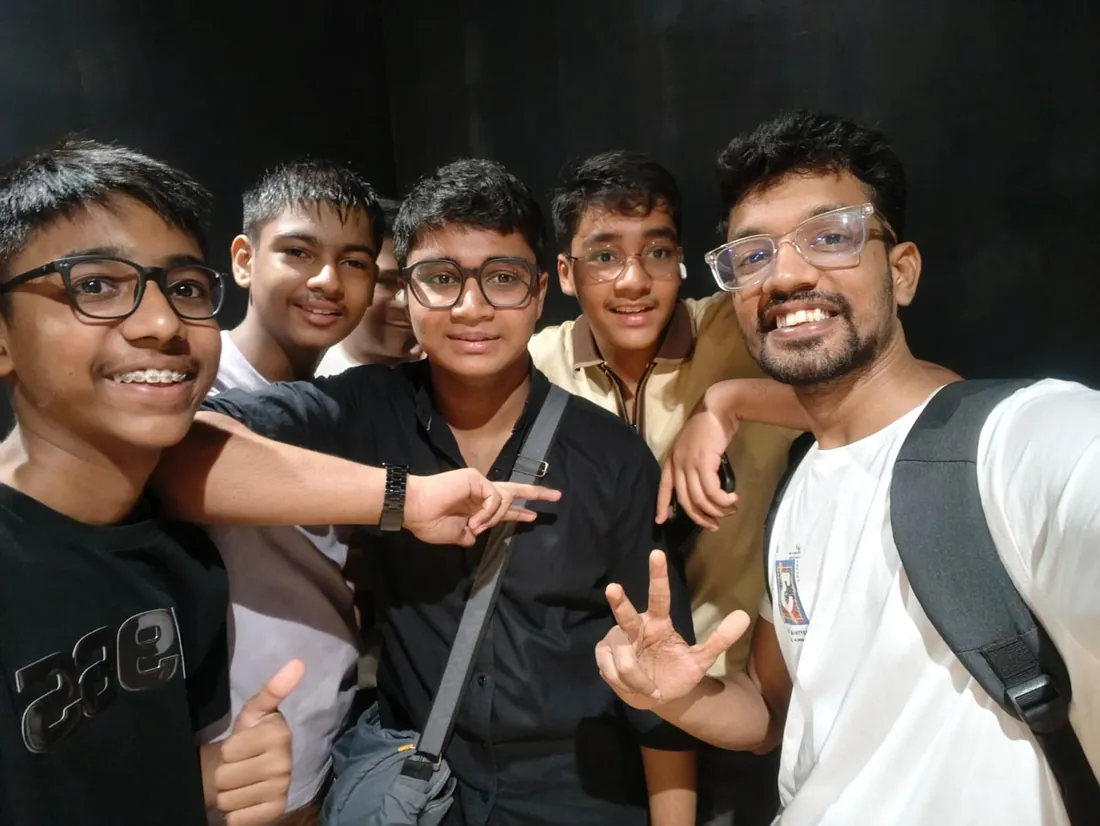
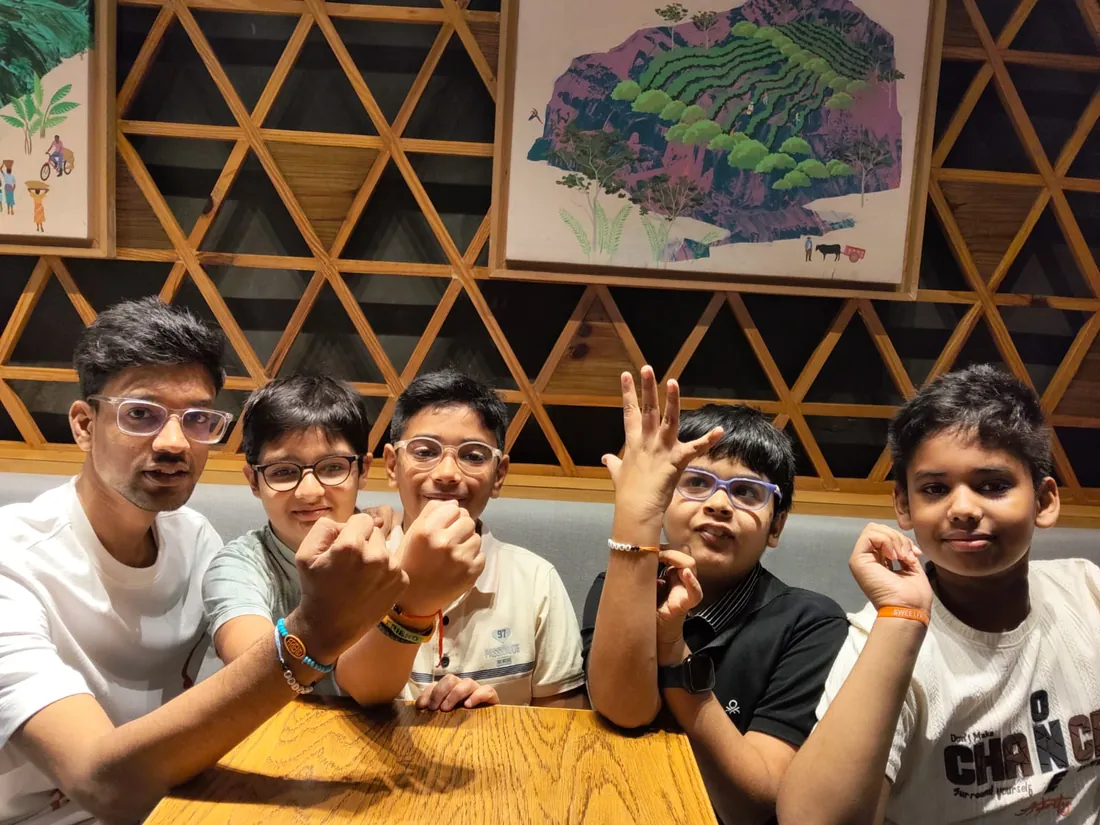
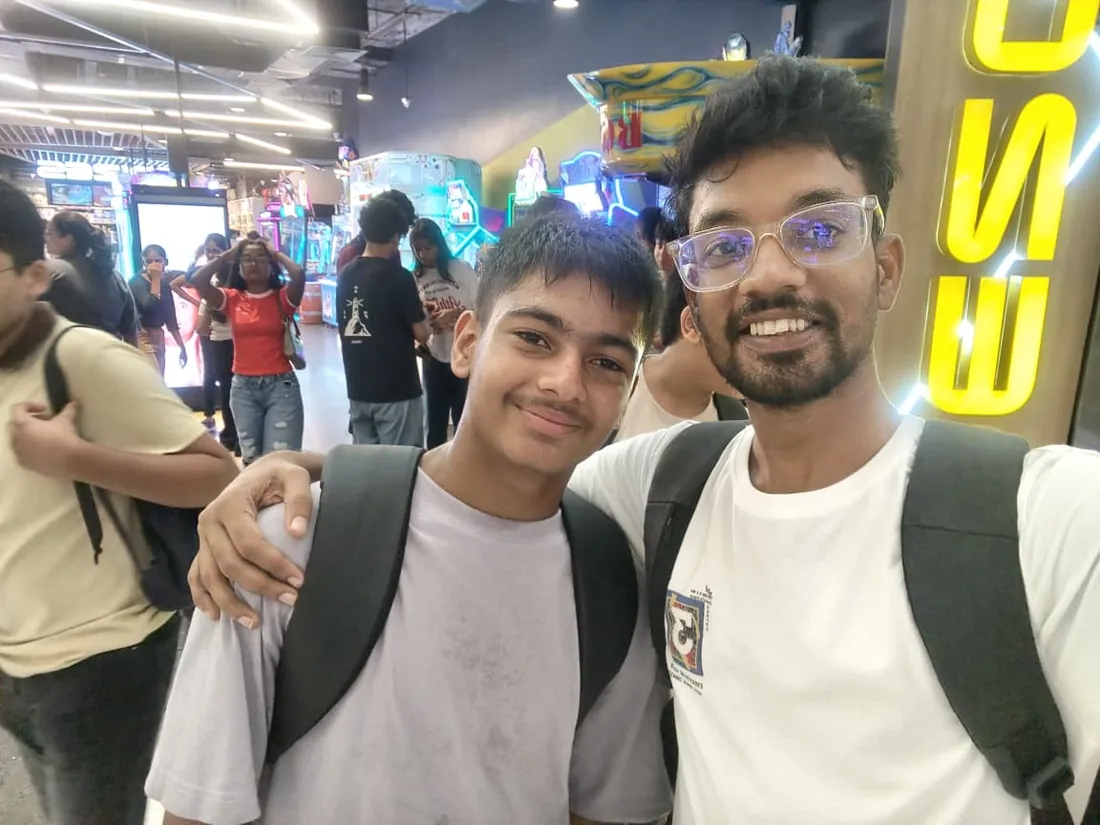
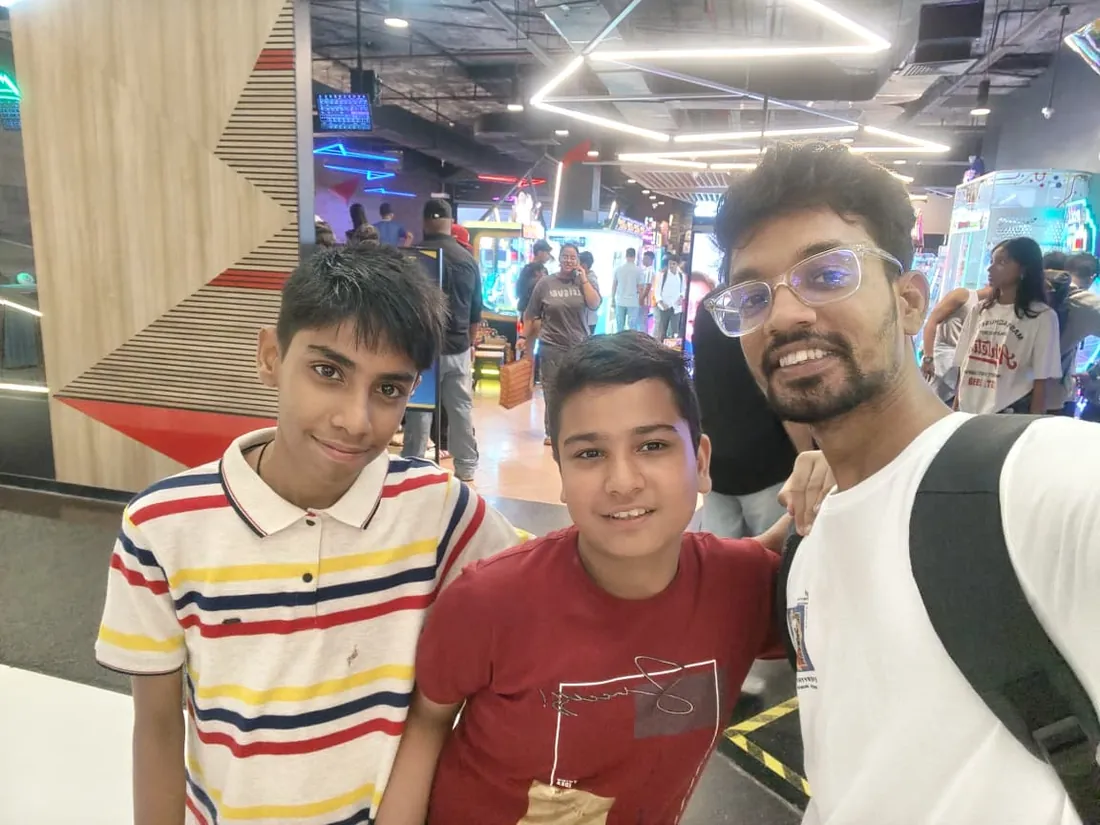
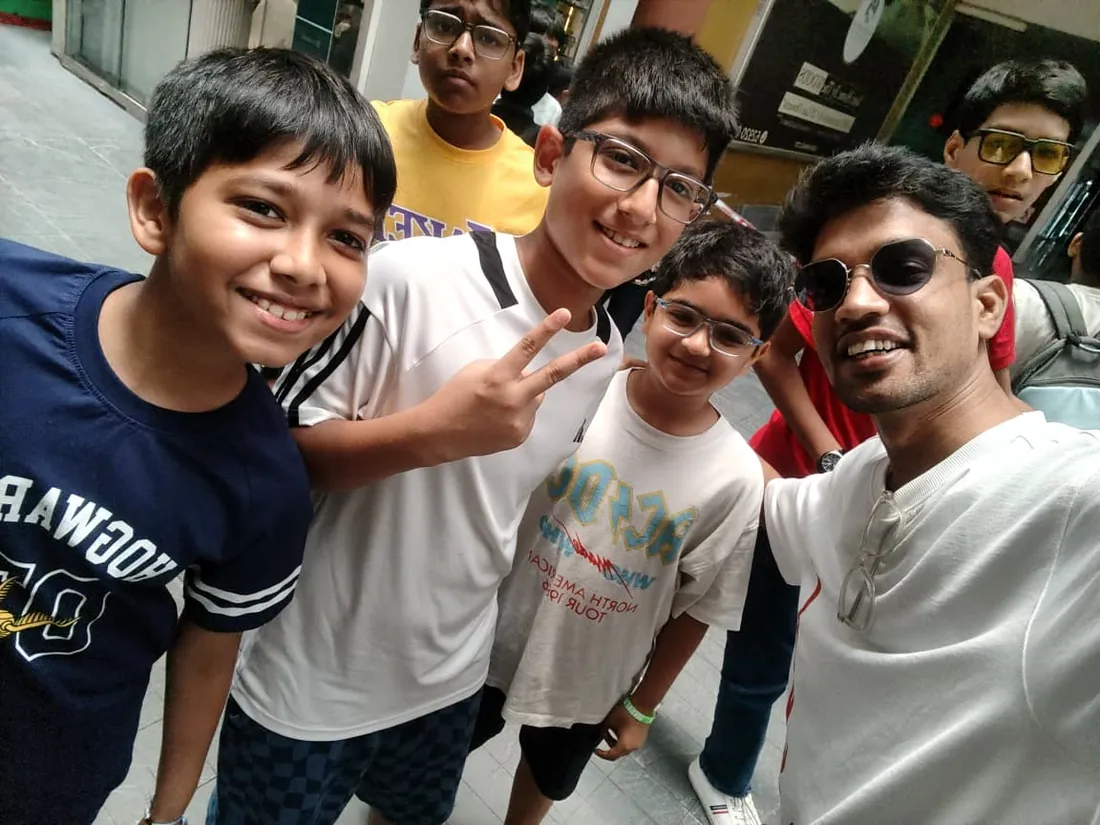
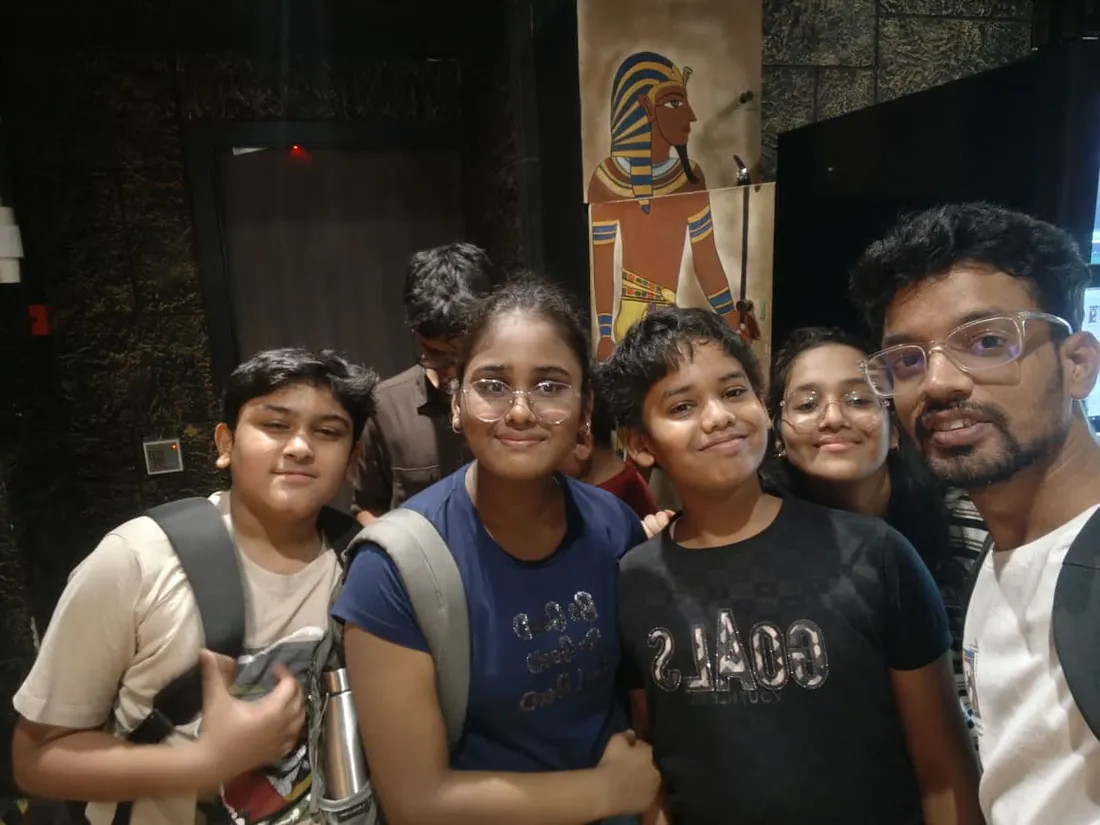
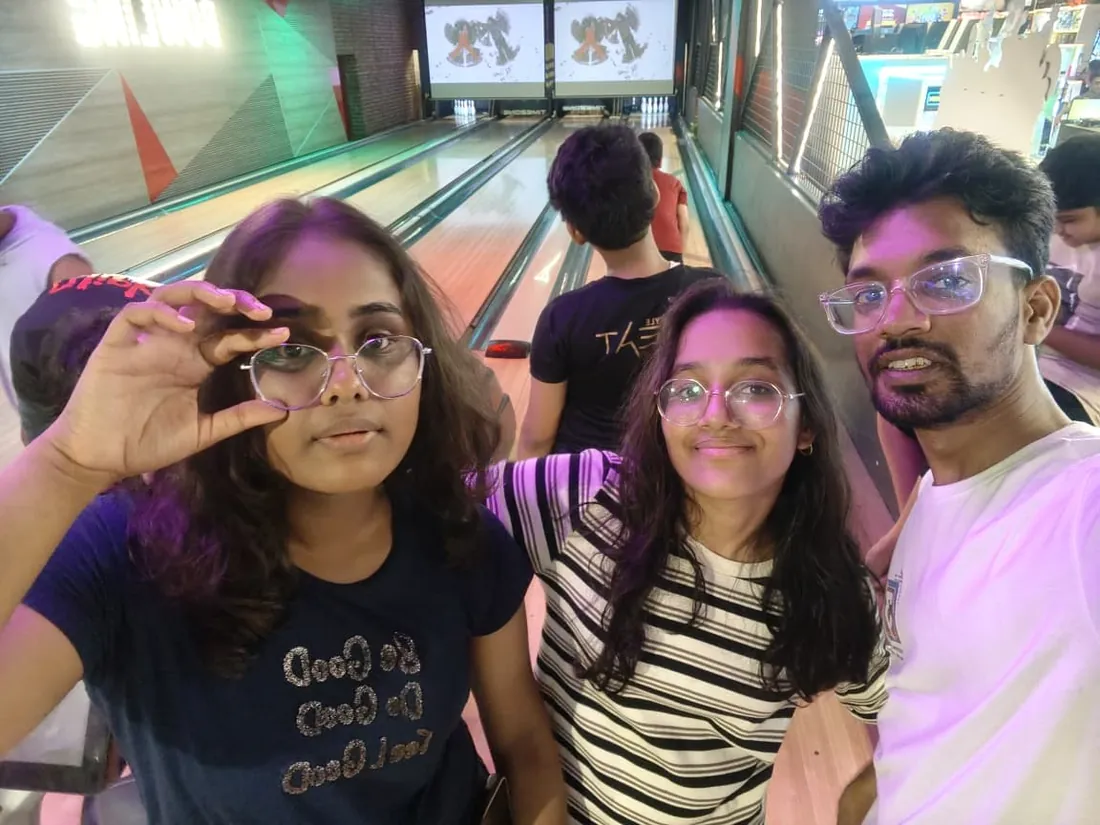
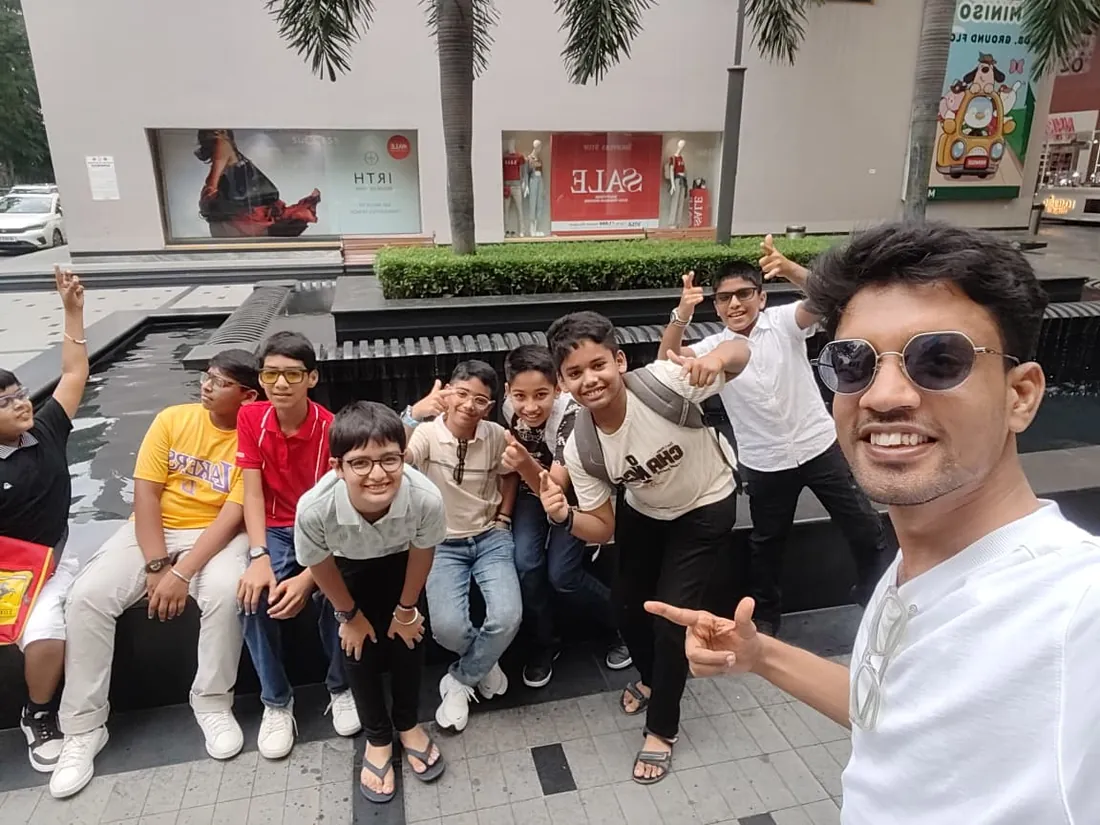
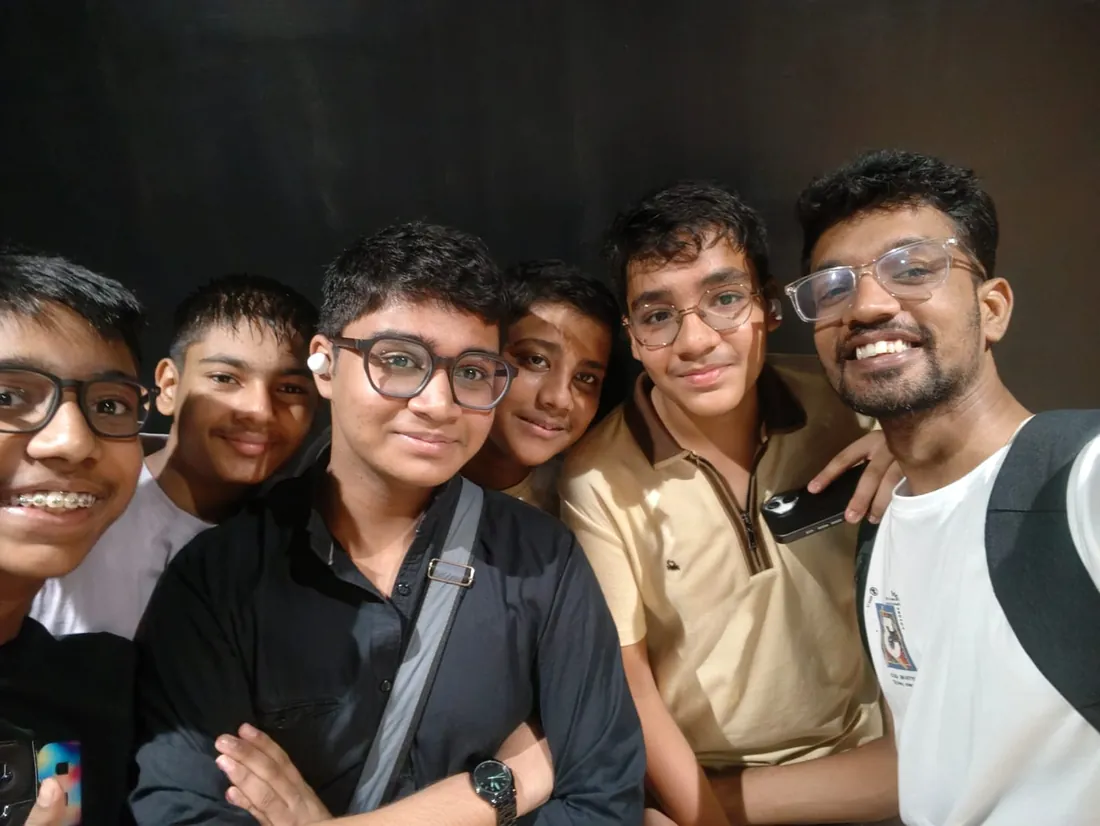
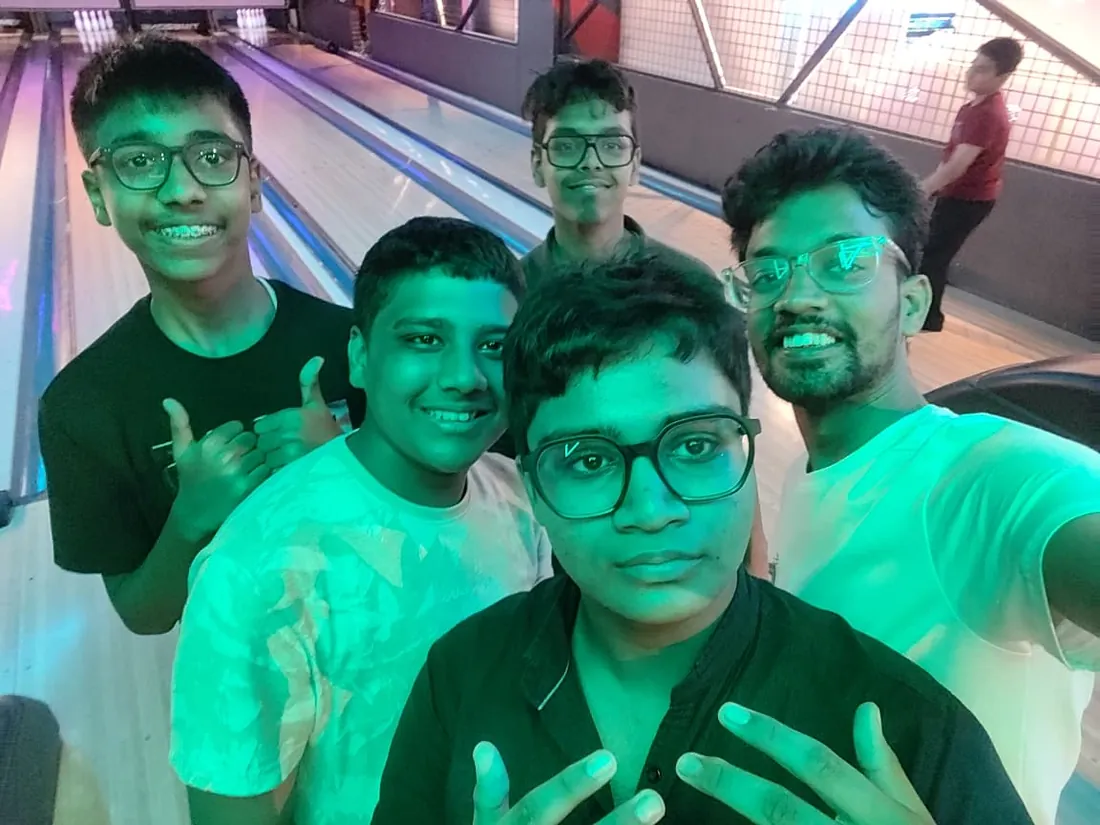
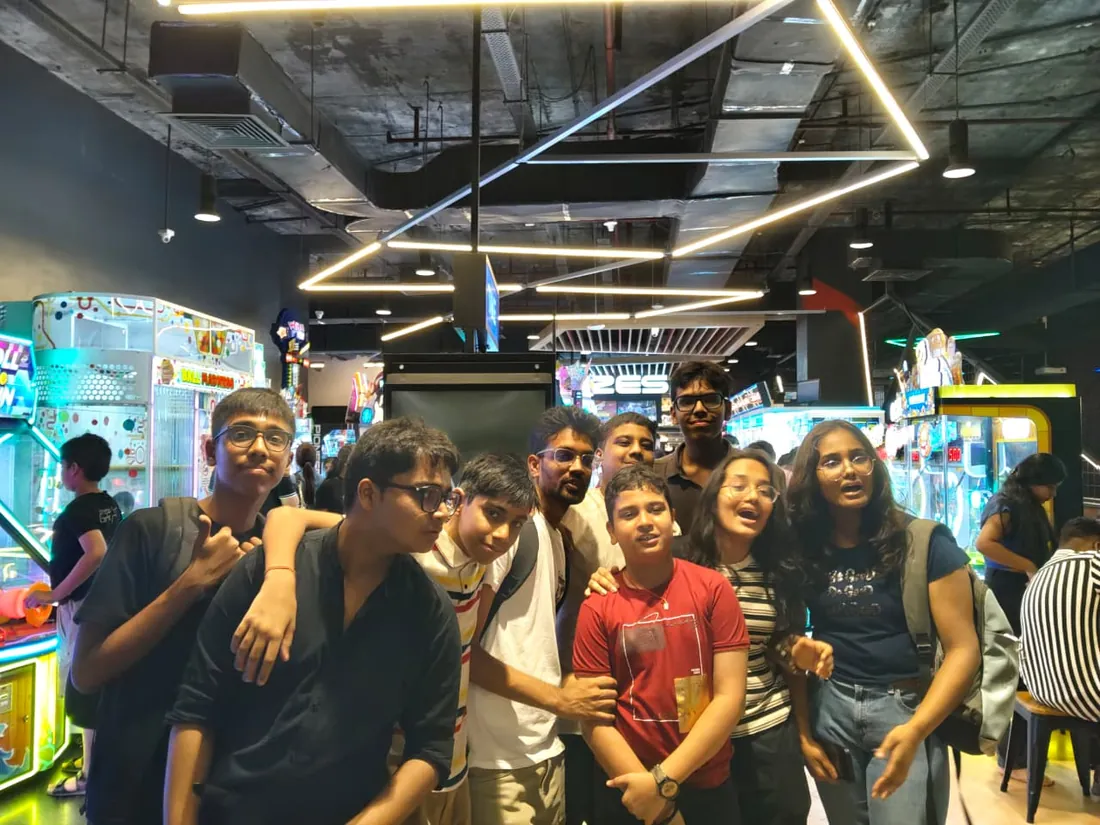
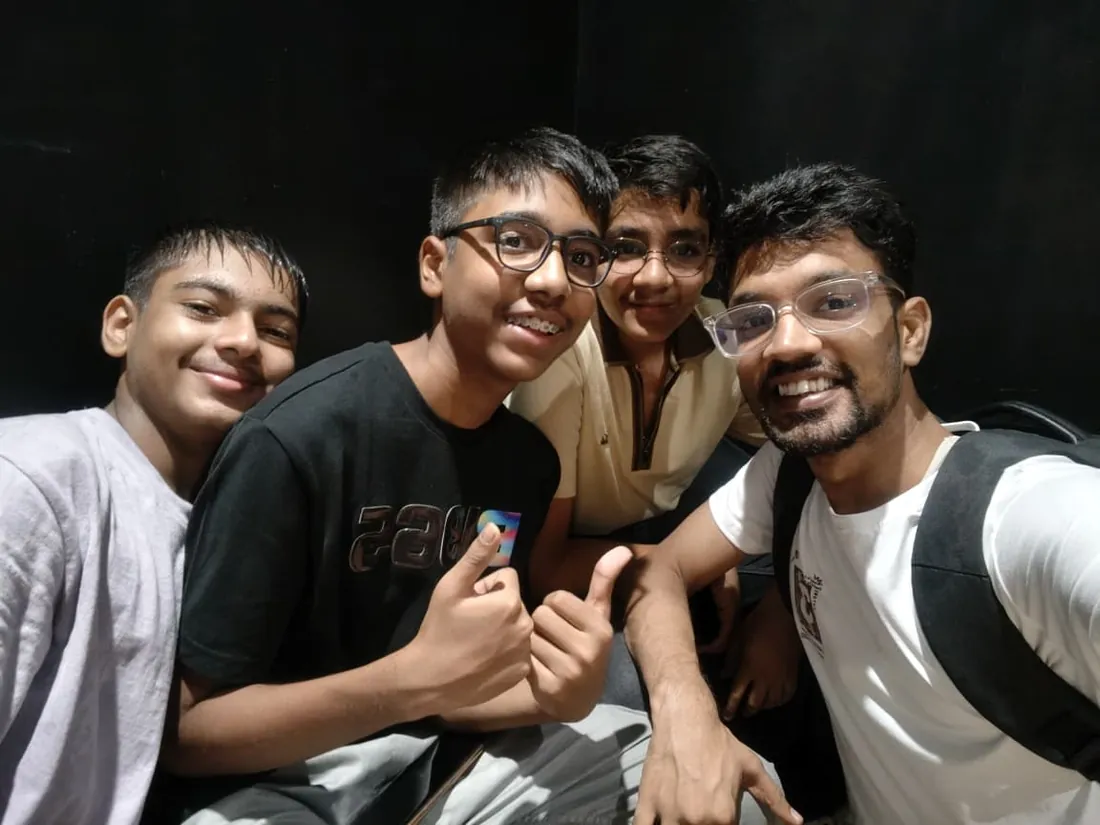
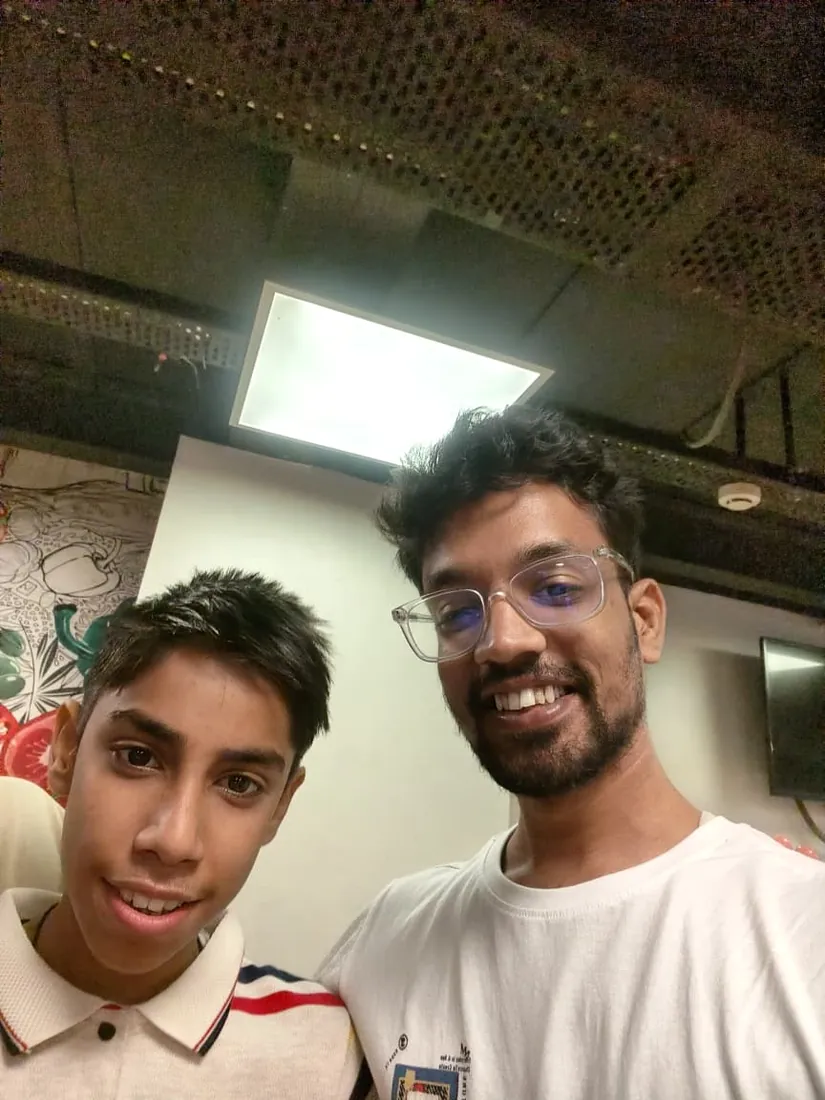
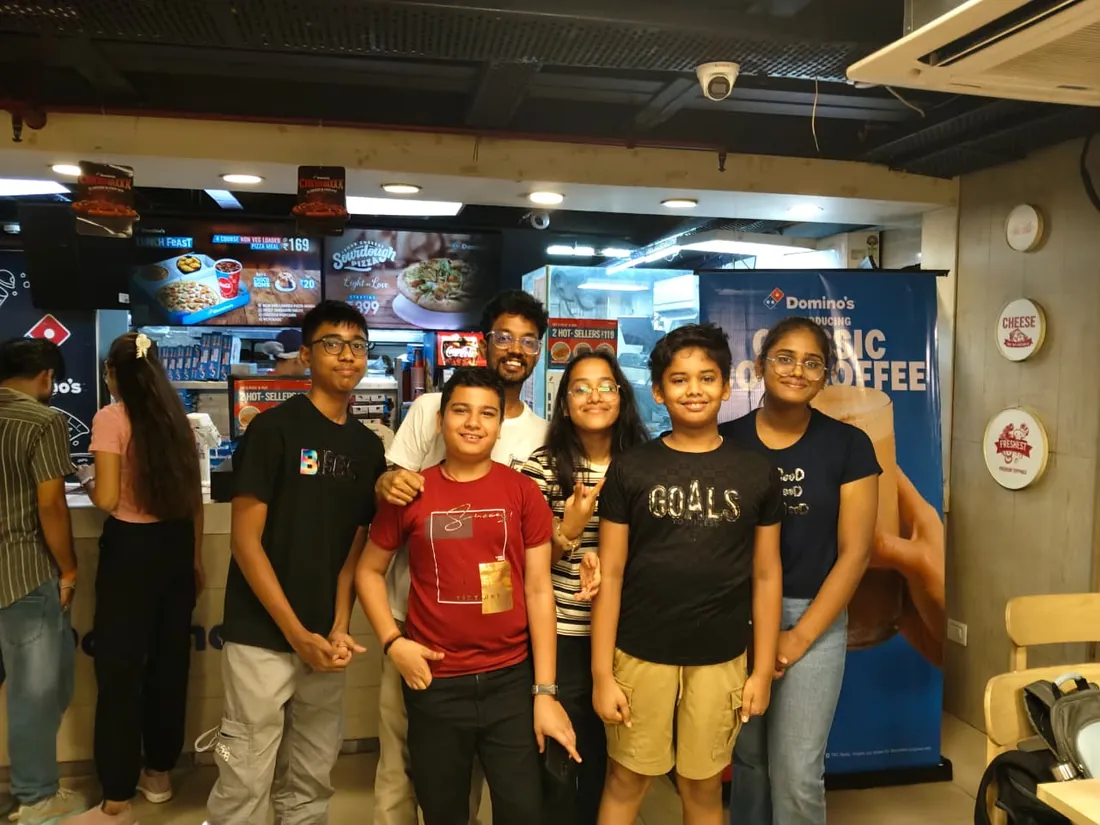
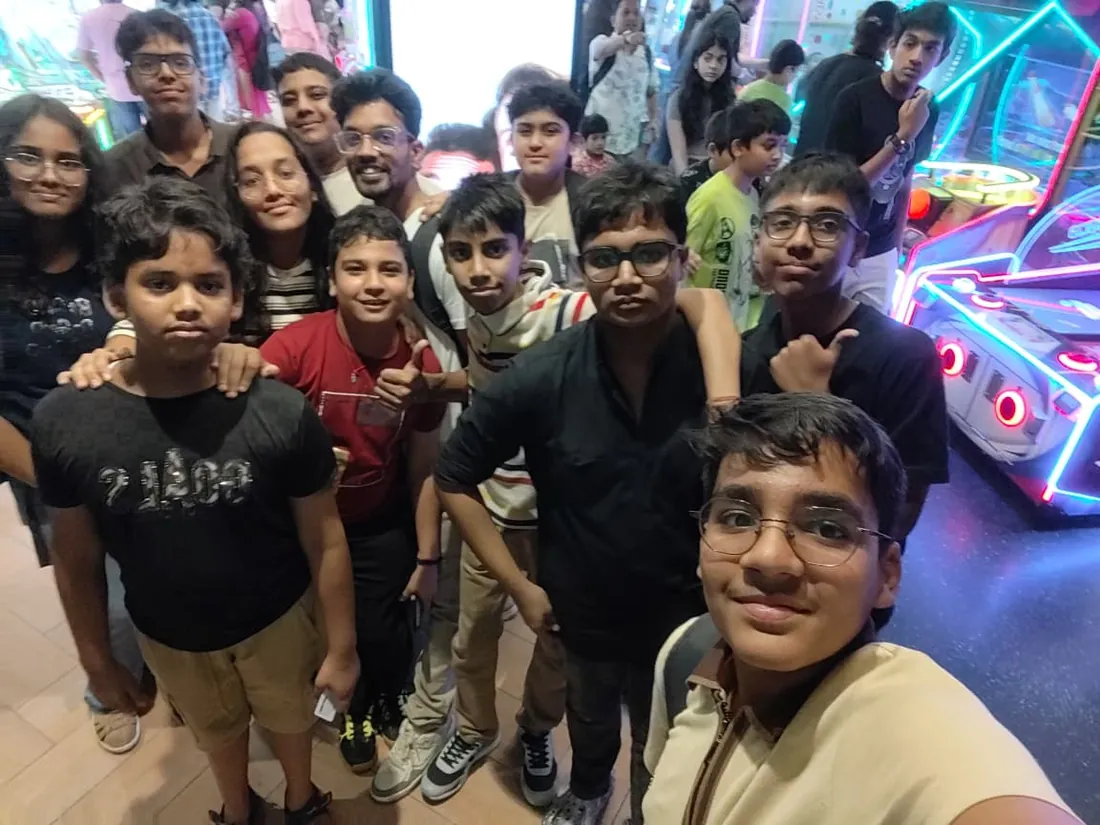
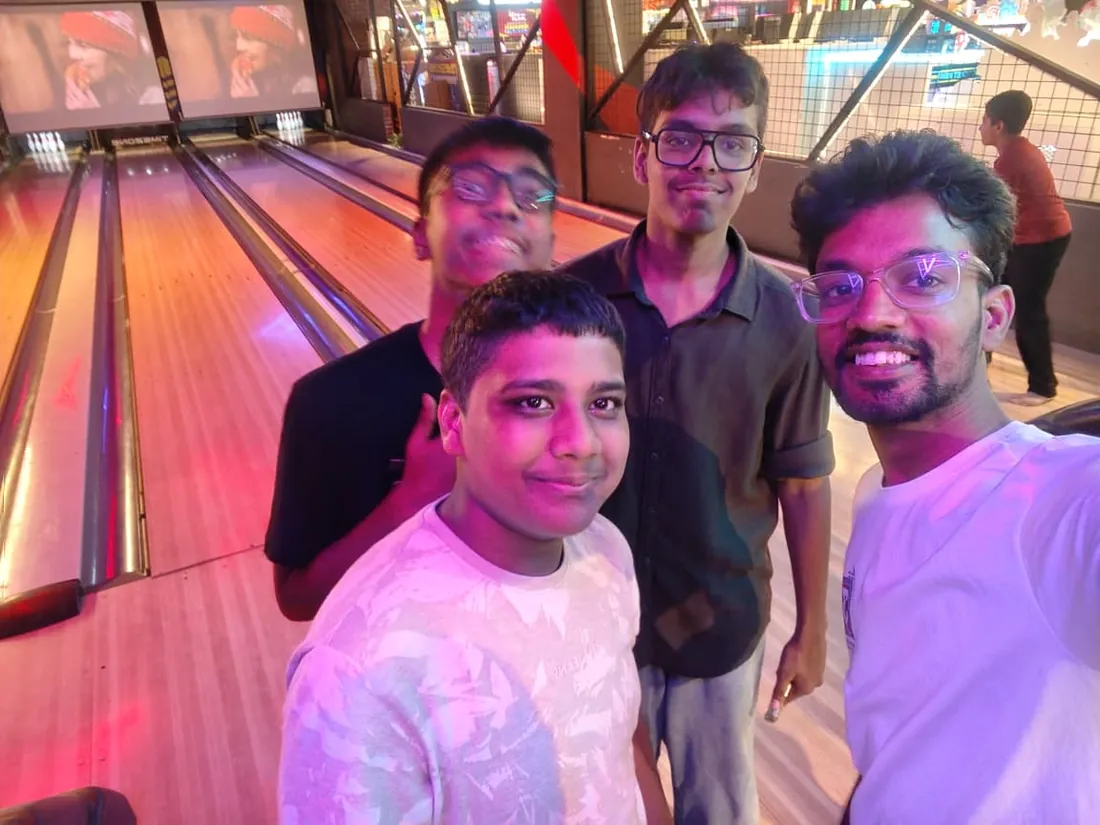
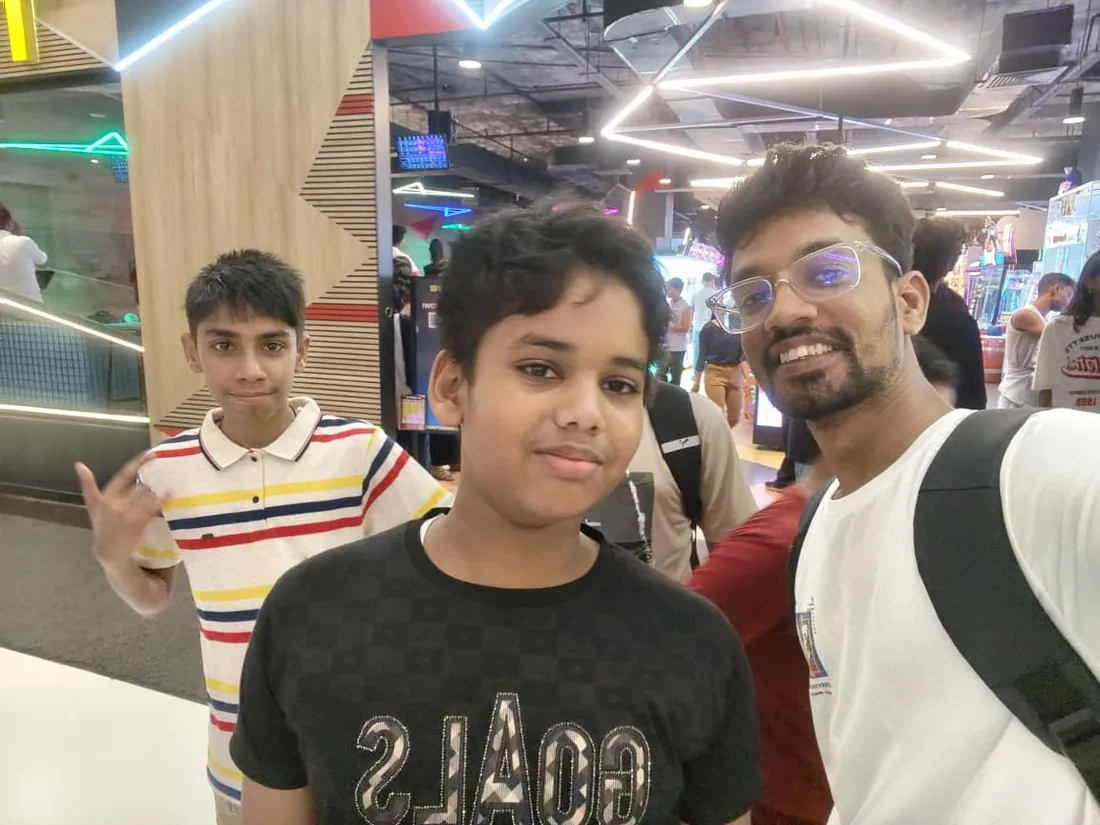
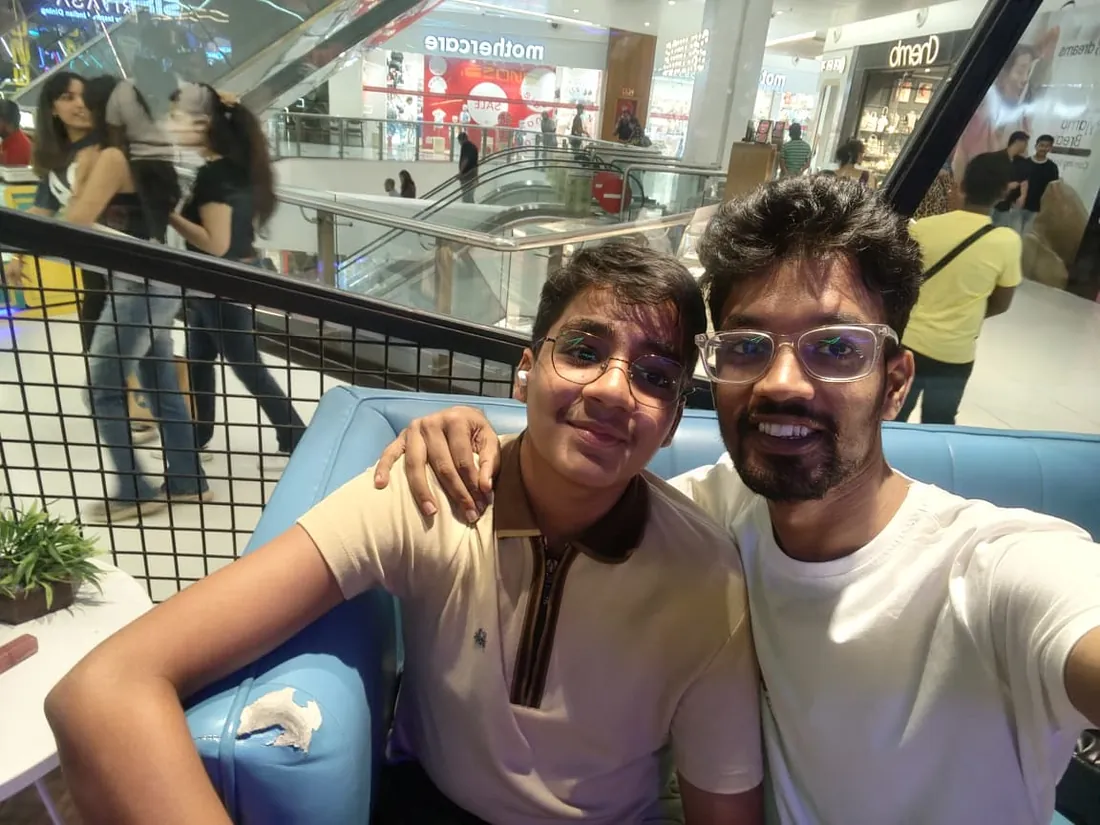
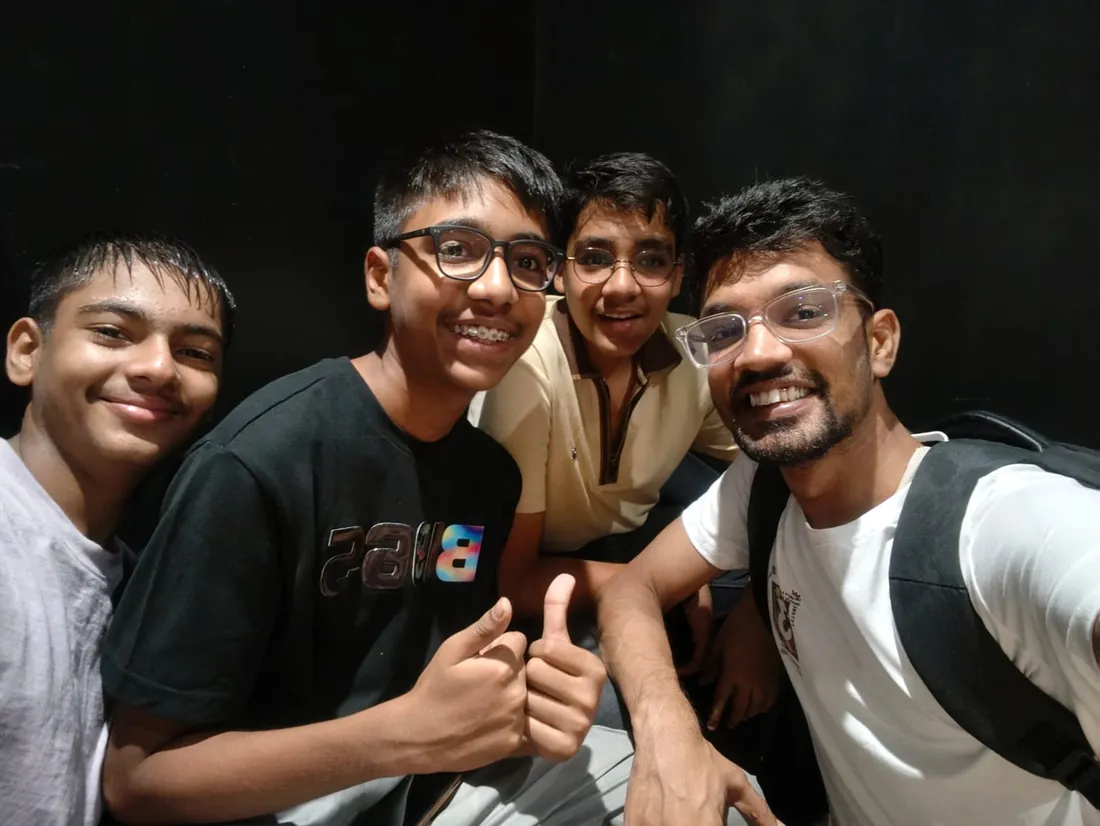
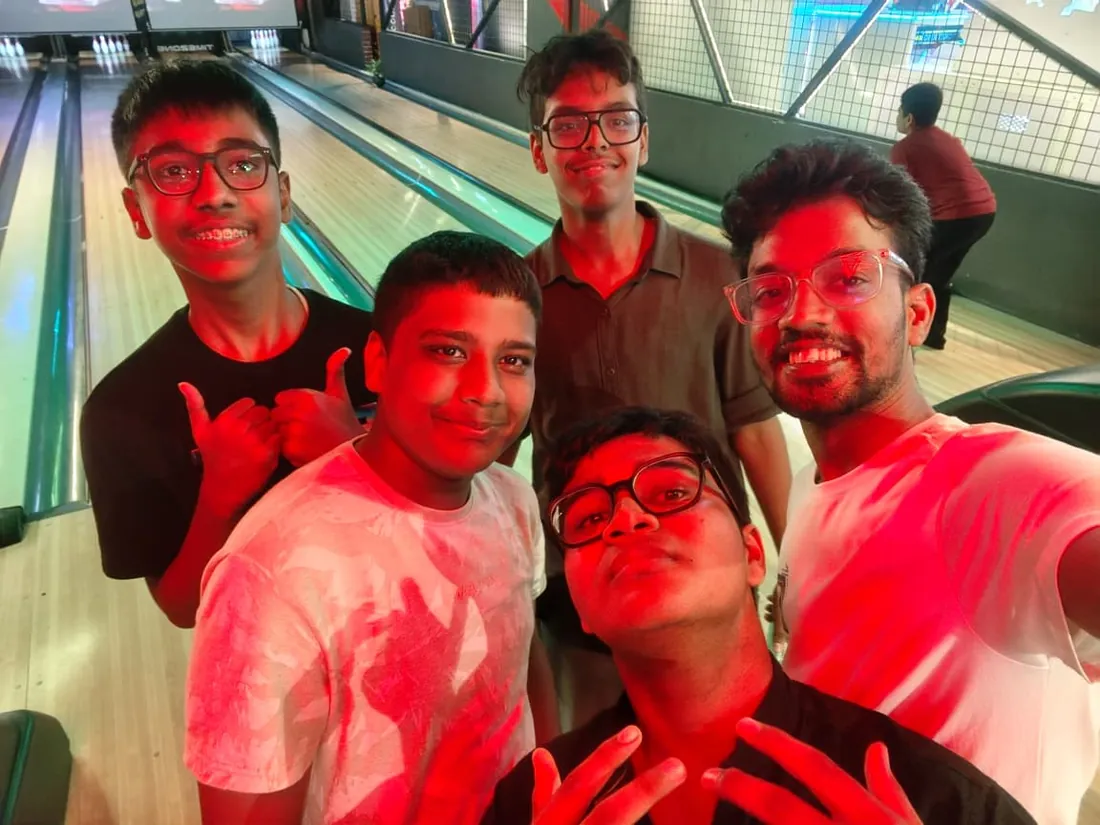
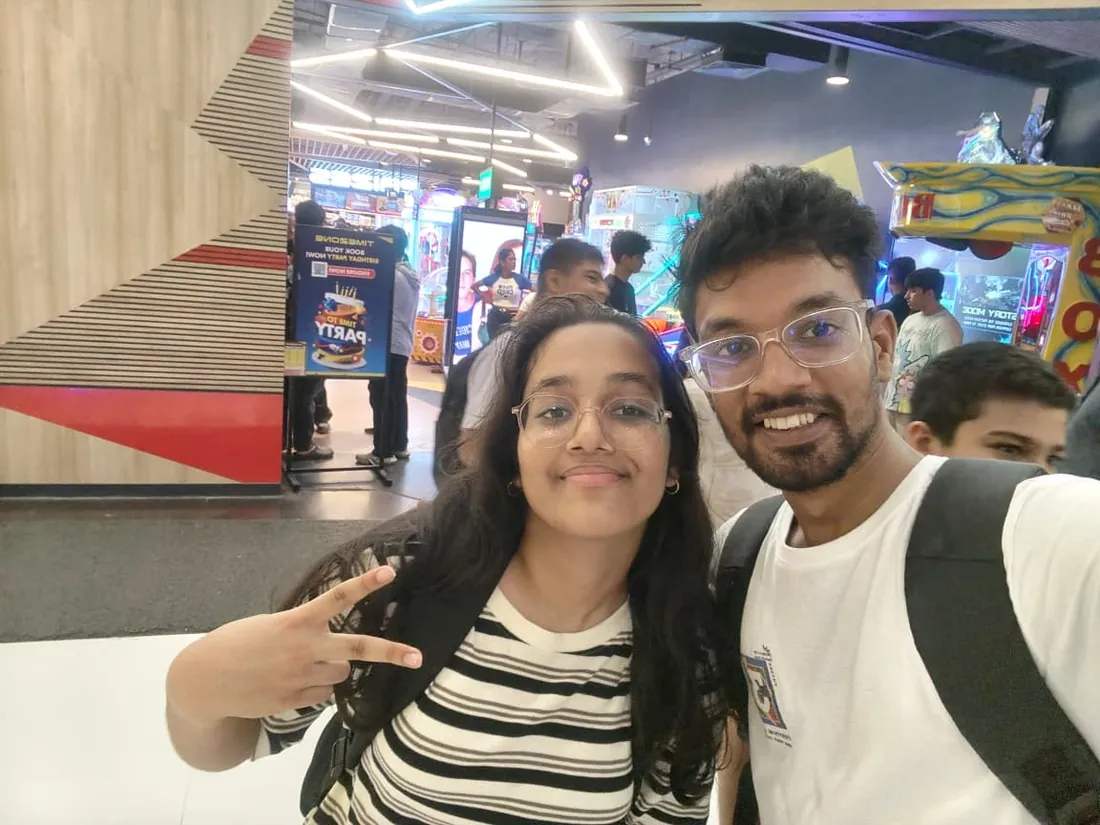
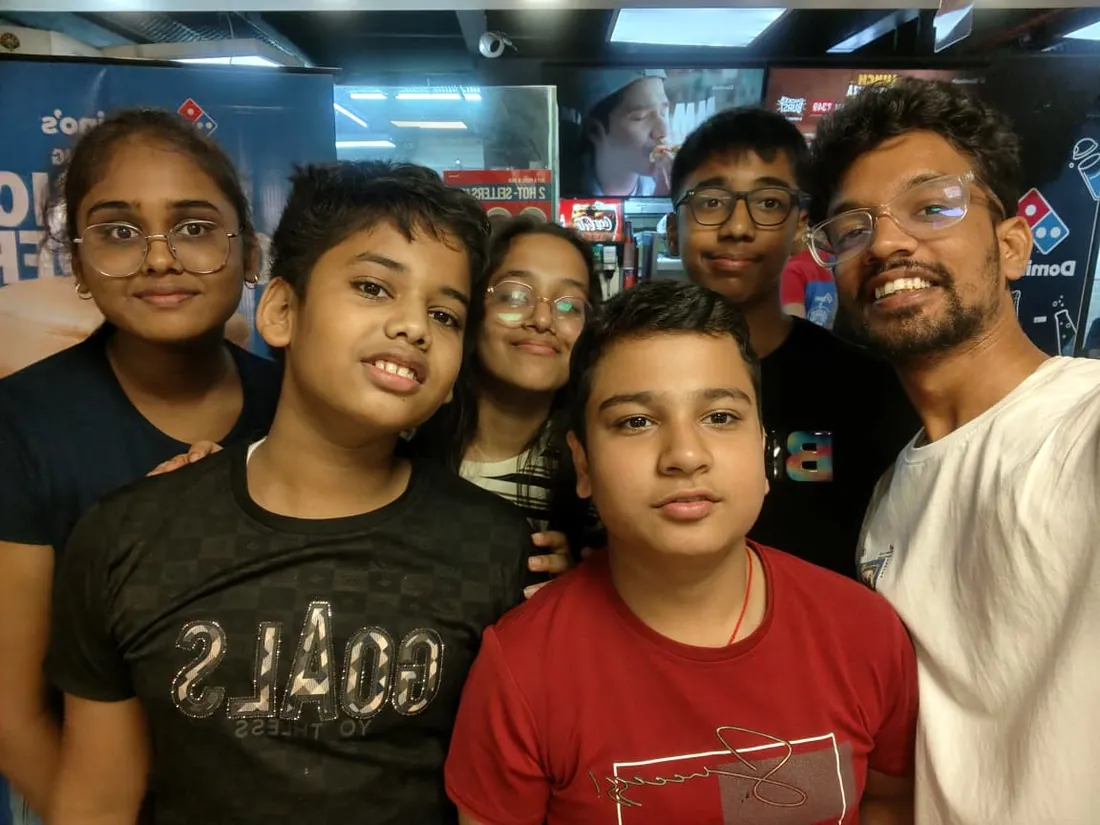
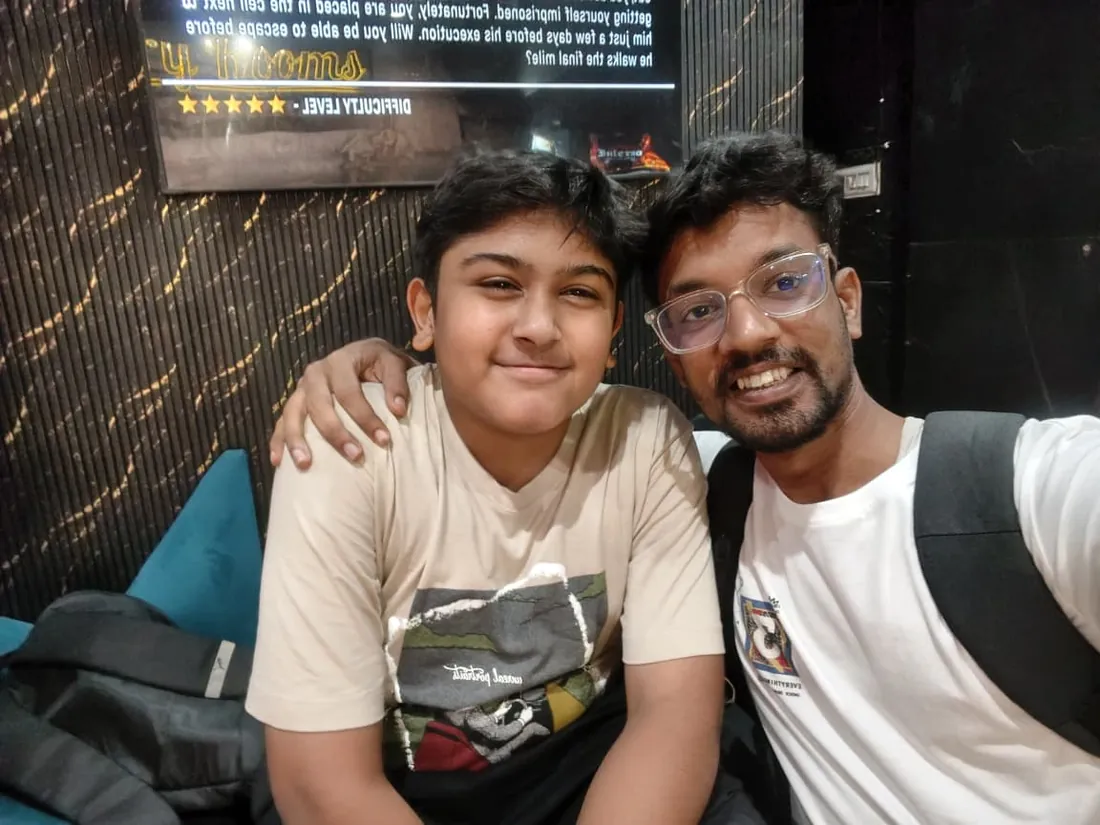
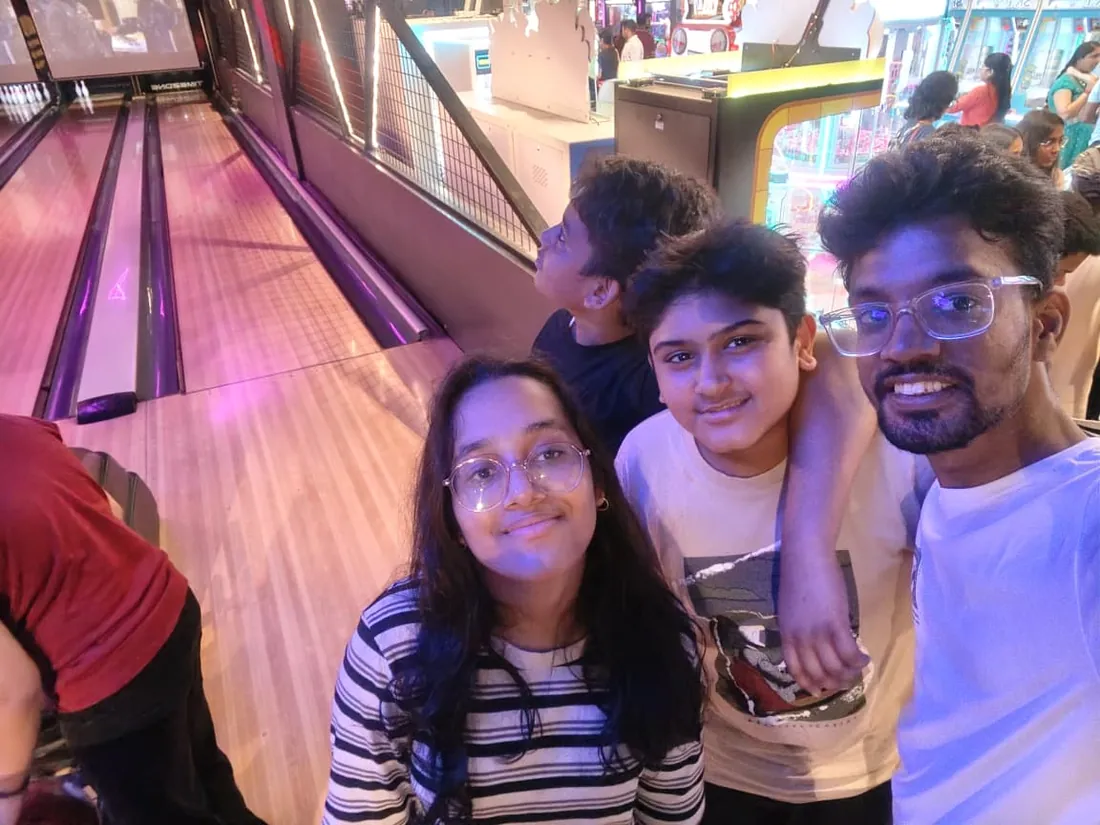
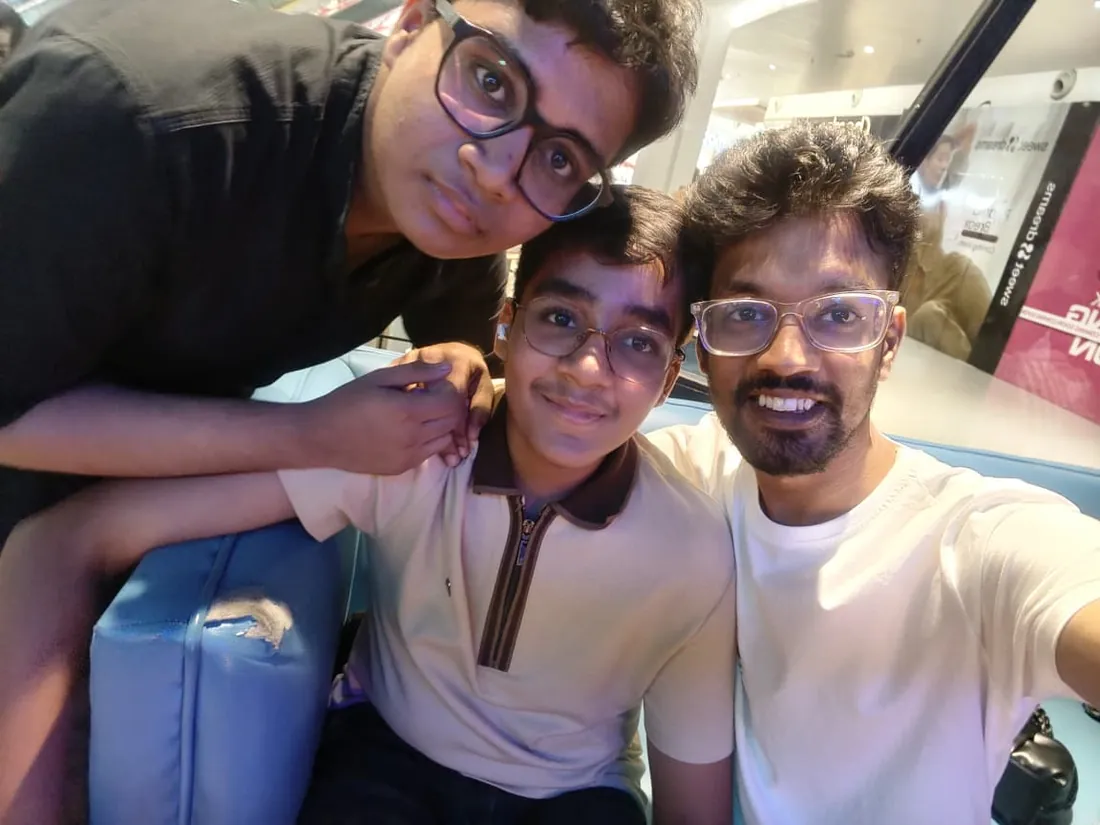
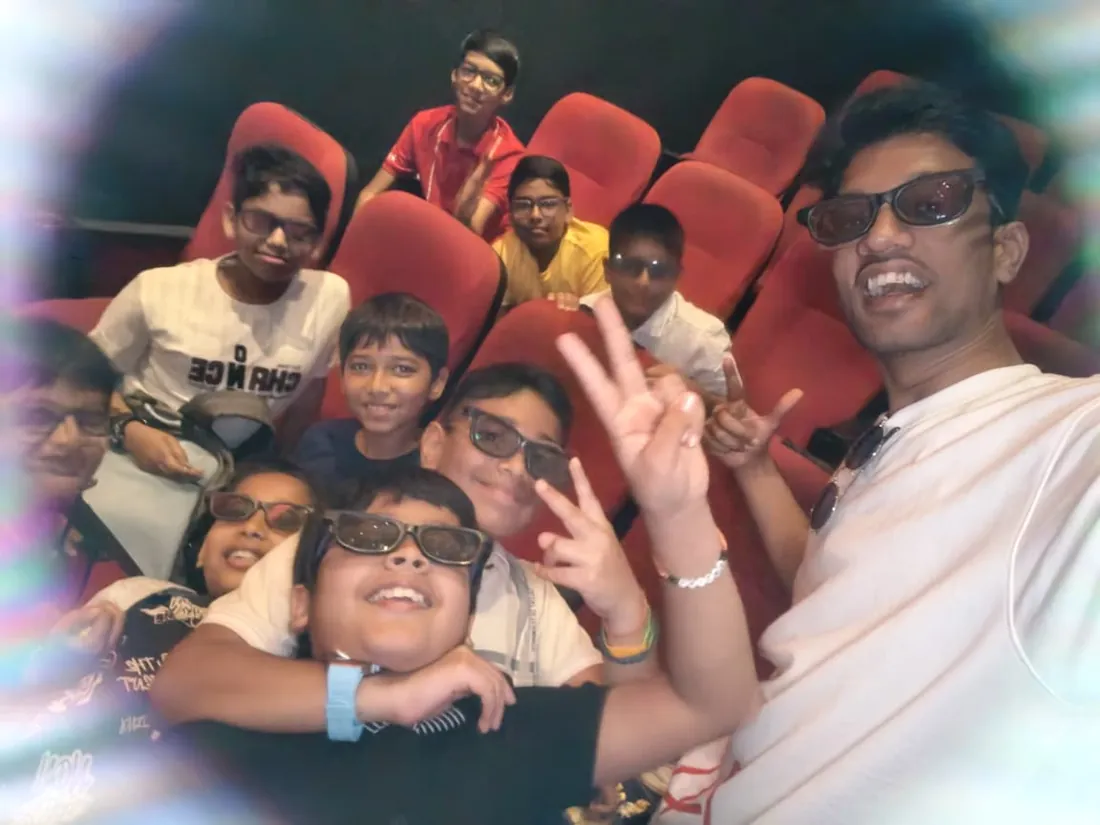
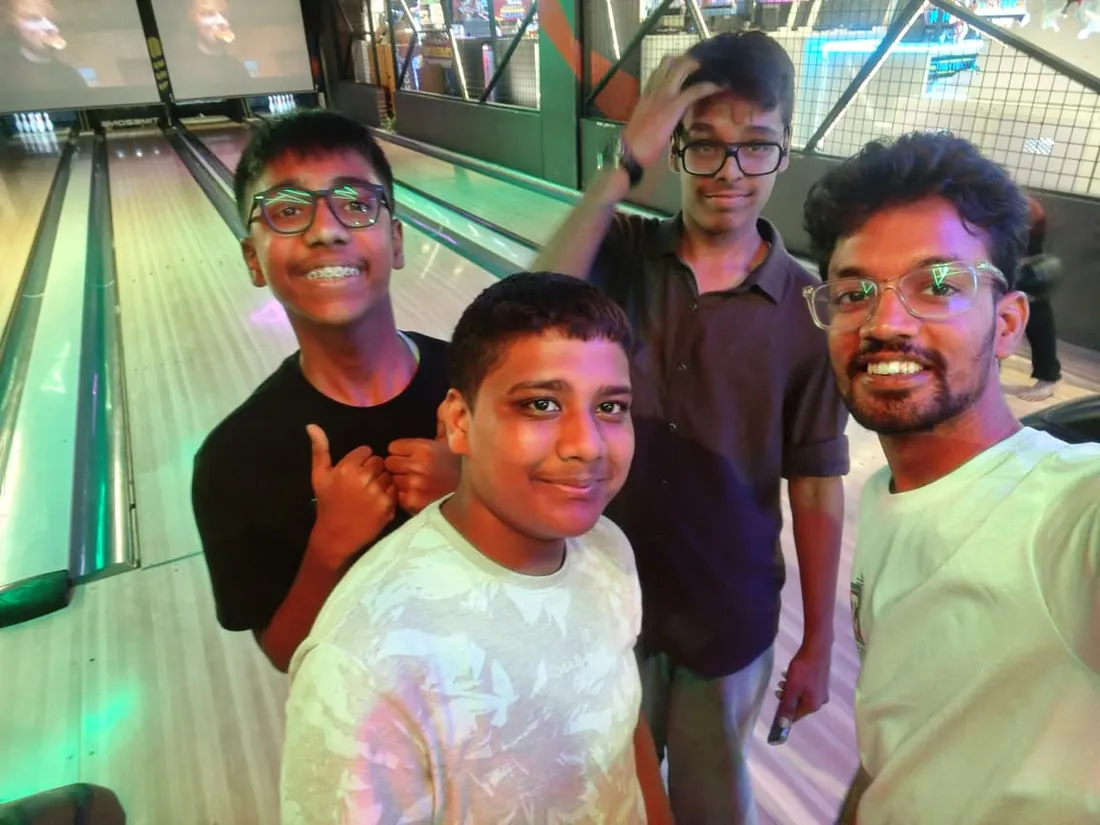
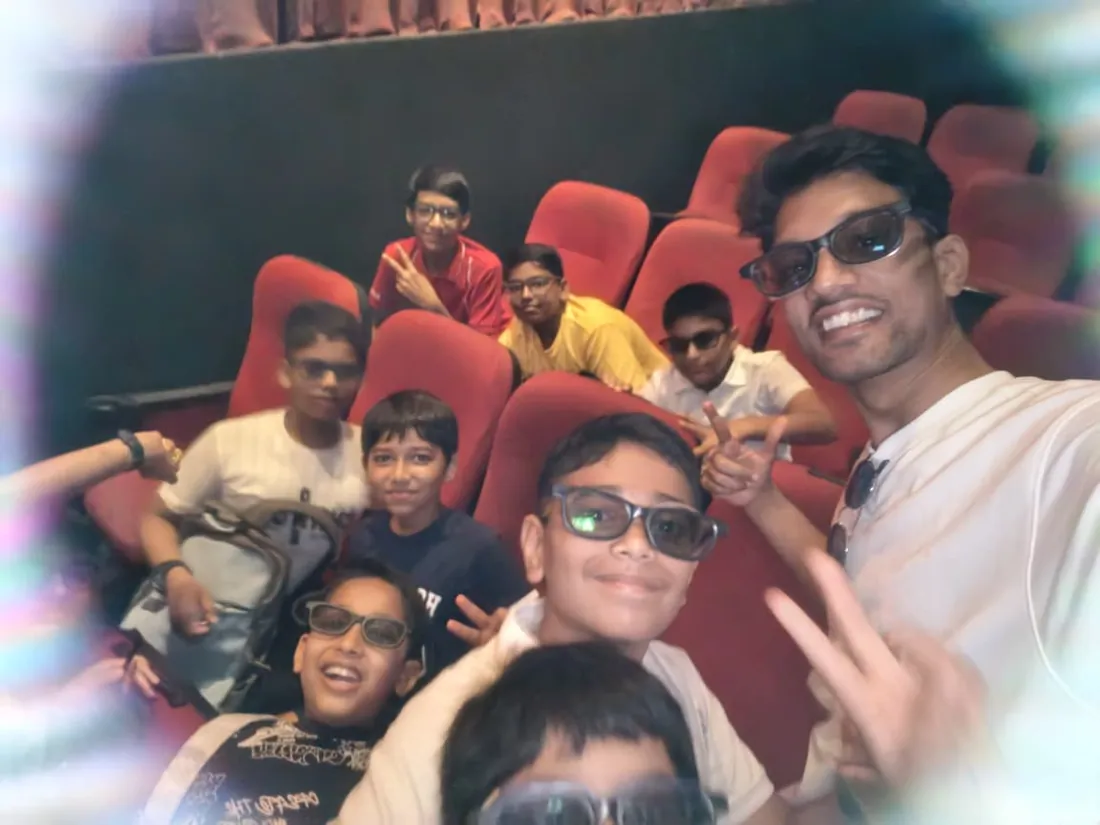
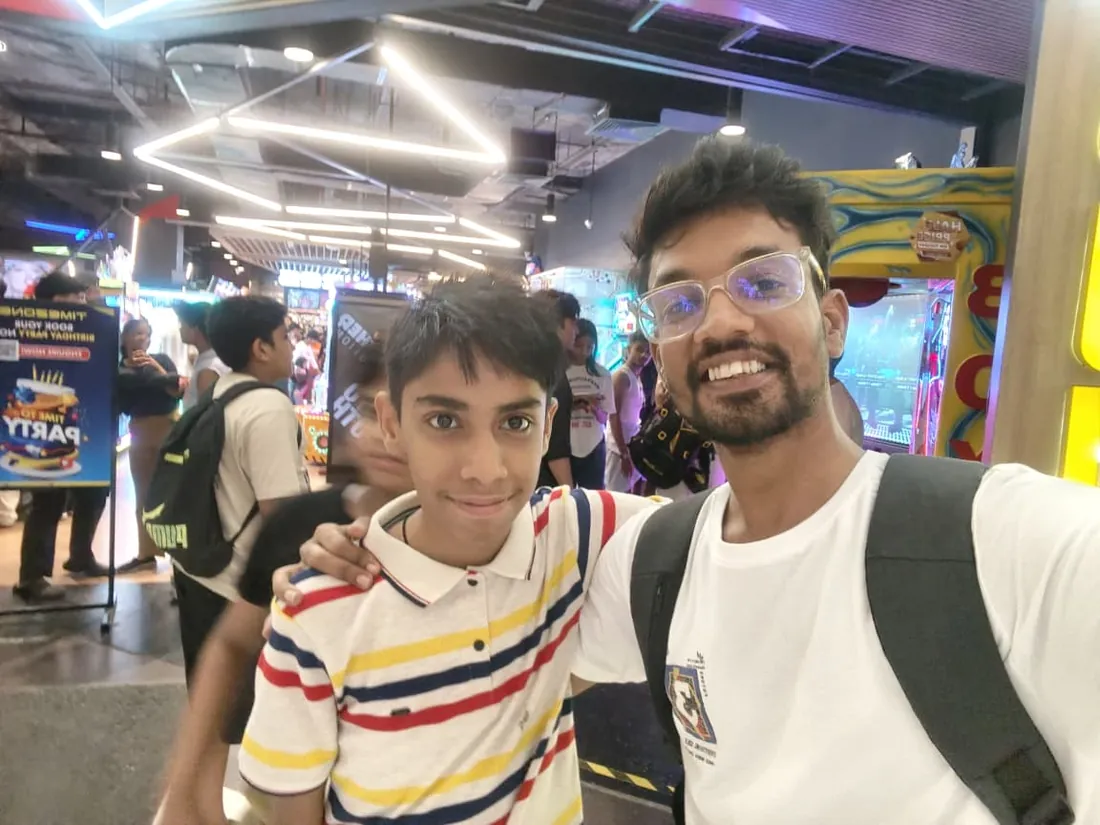
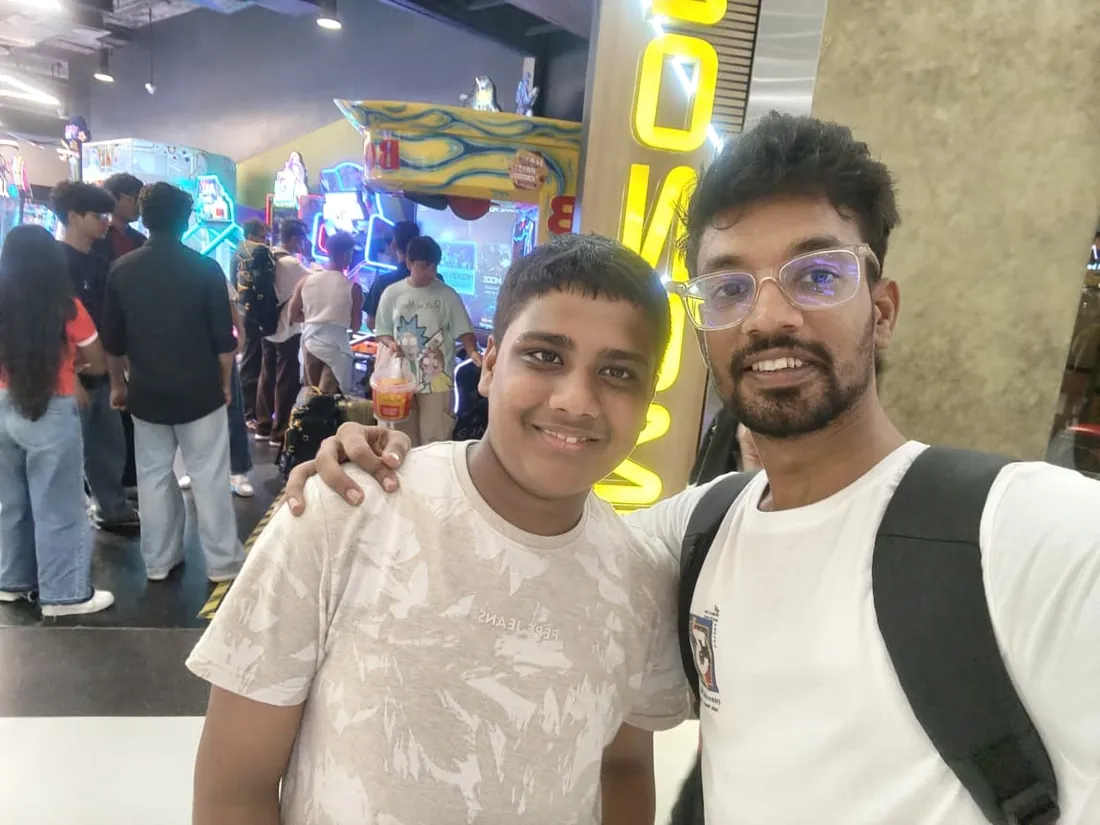
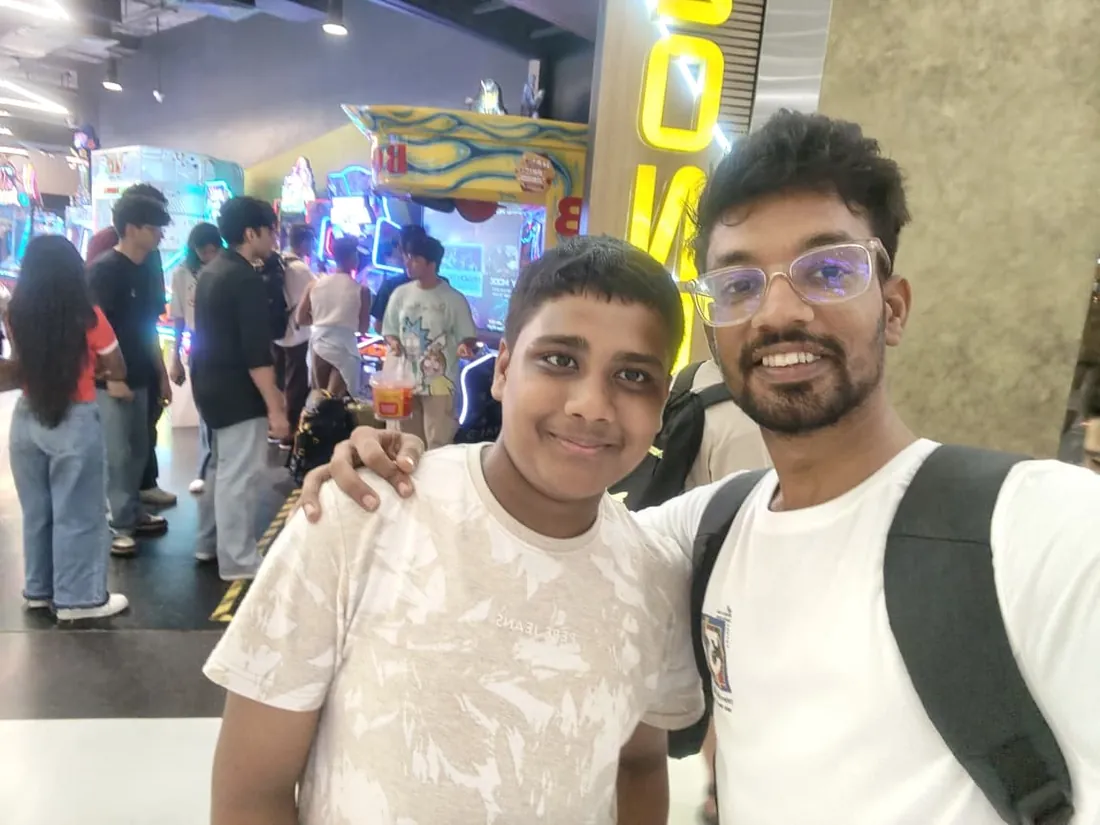
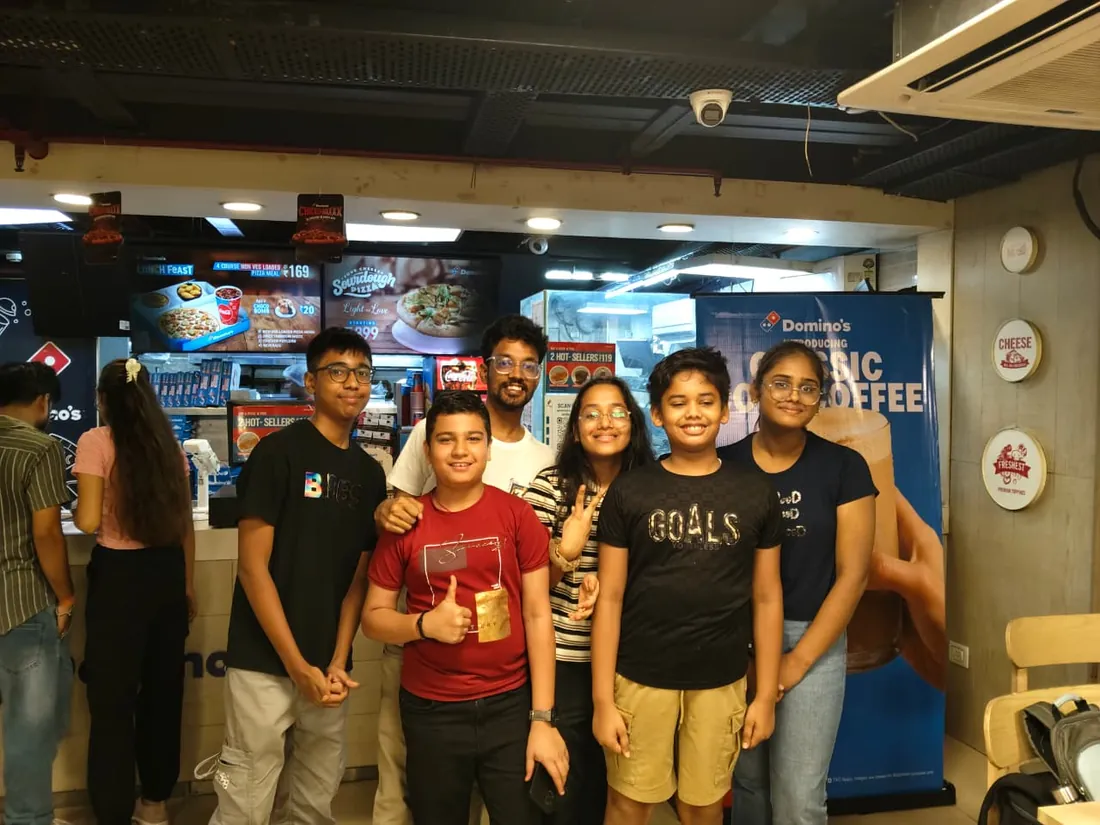
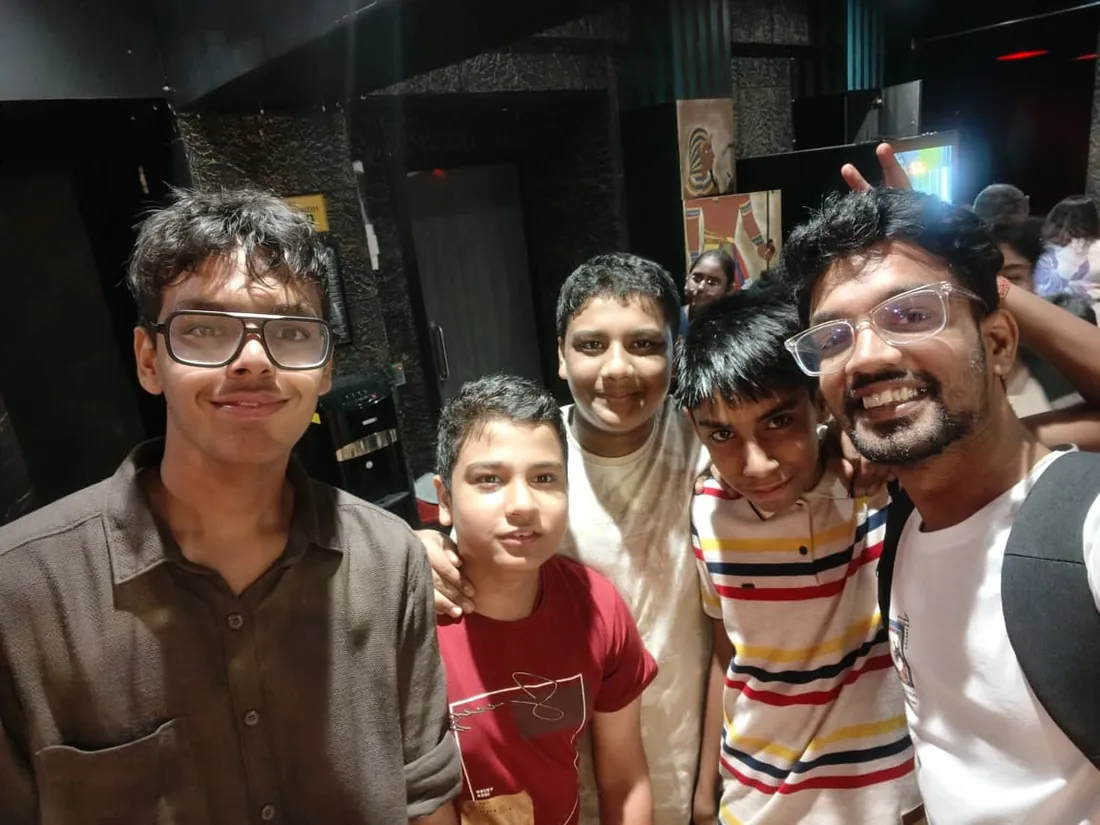
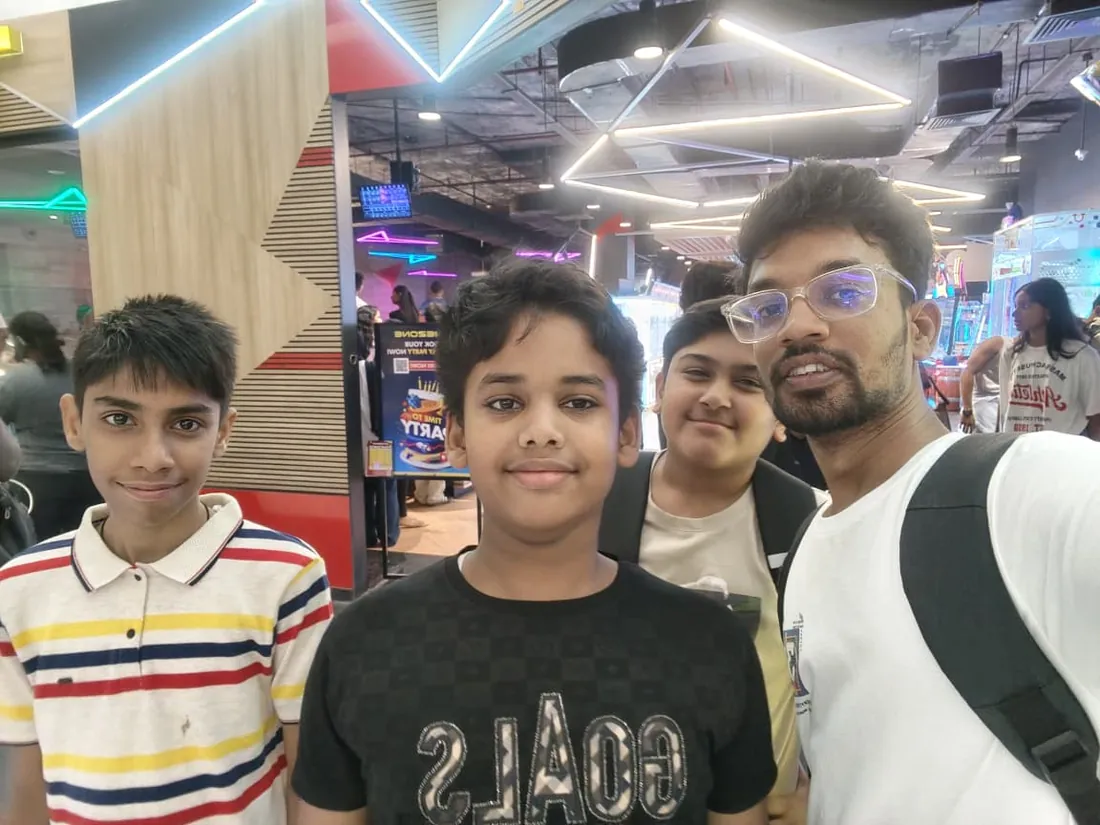
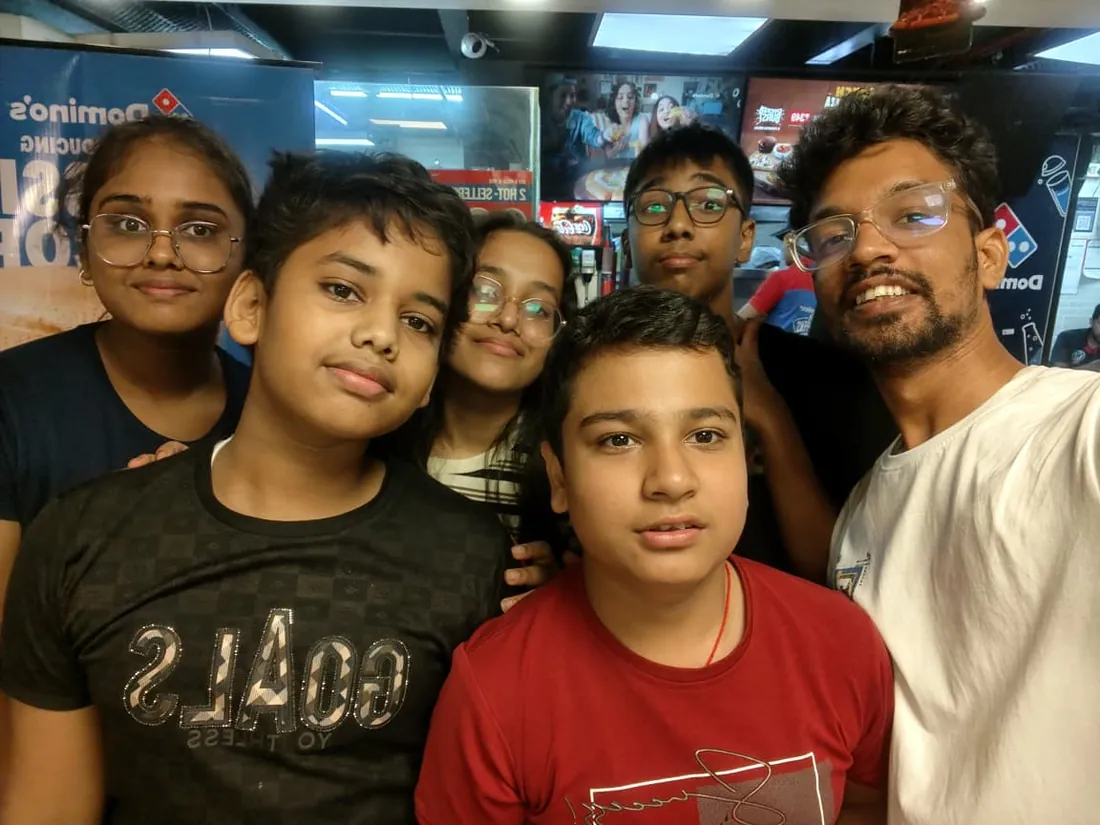
Real students. Real moments. Real joy.
These are our actual student meetups. No stock photos, no filters. Swipe through and meet the community you'll be joining.
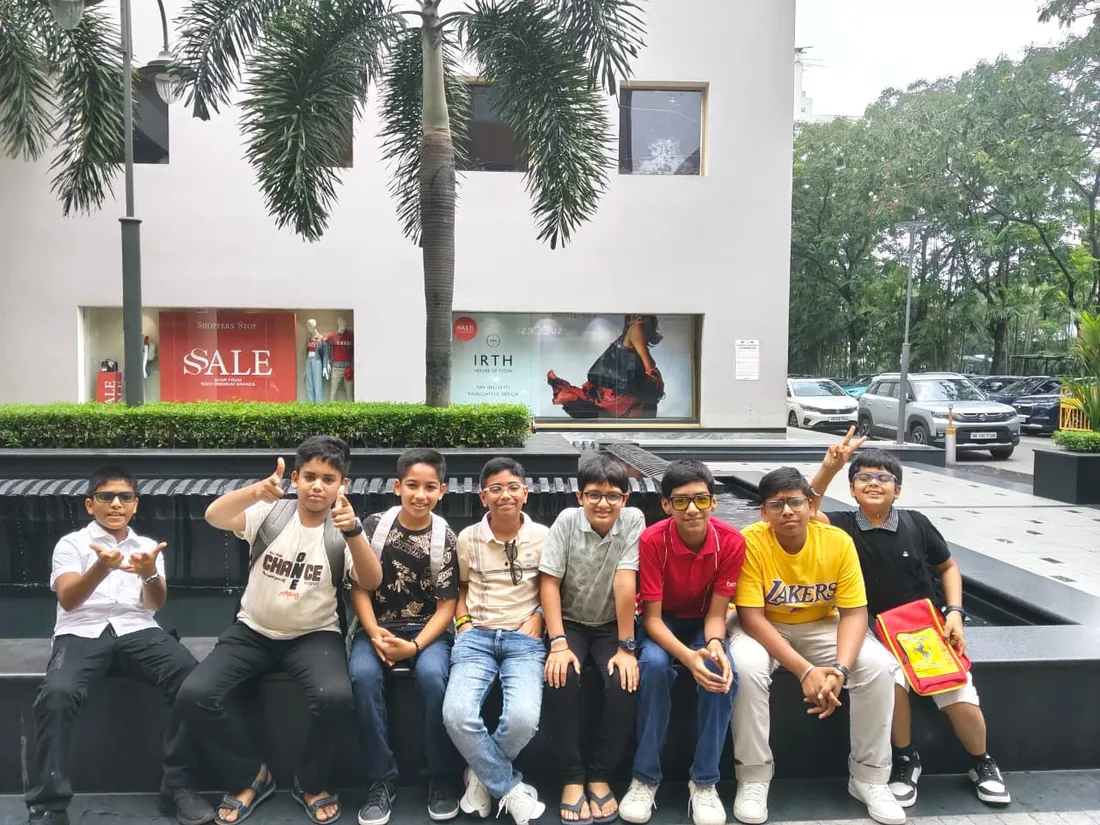
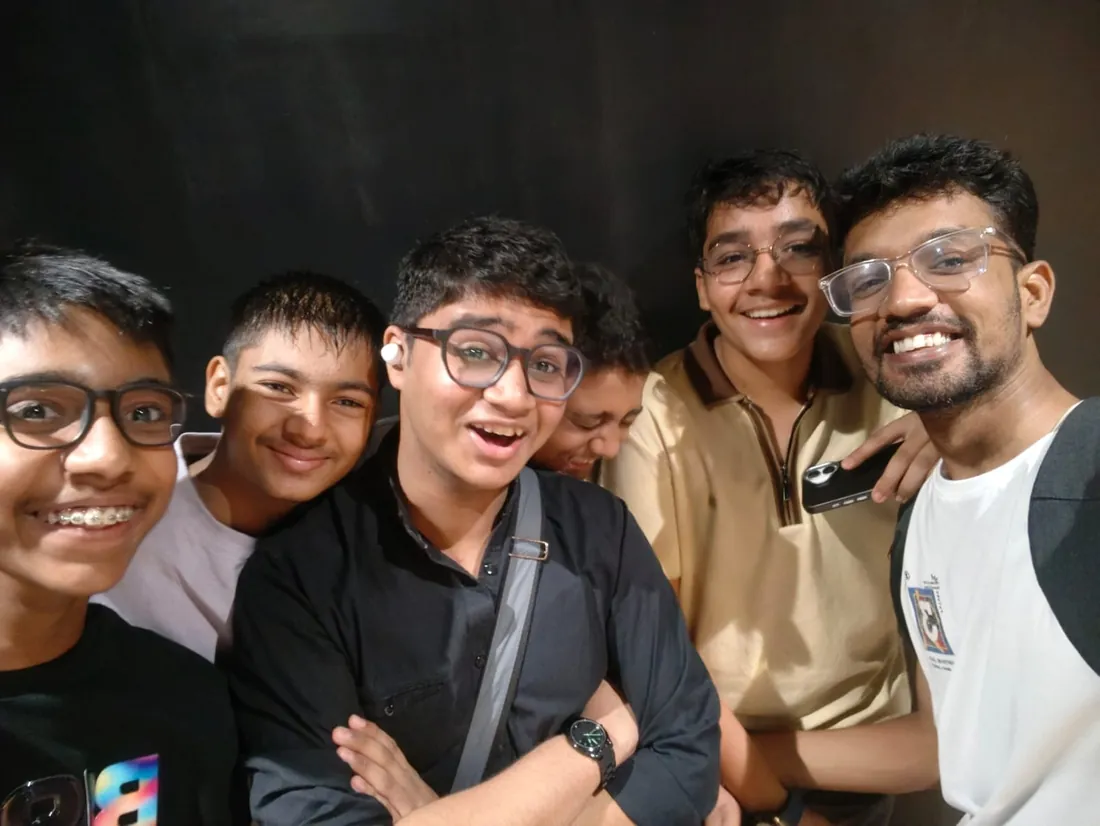
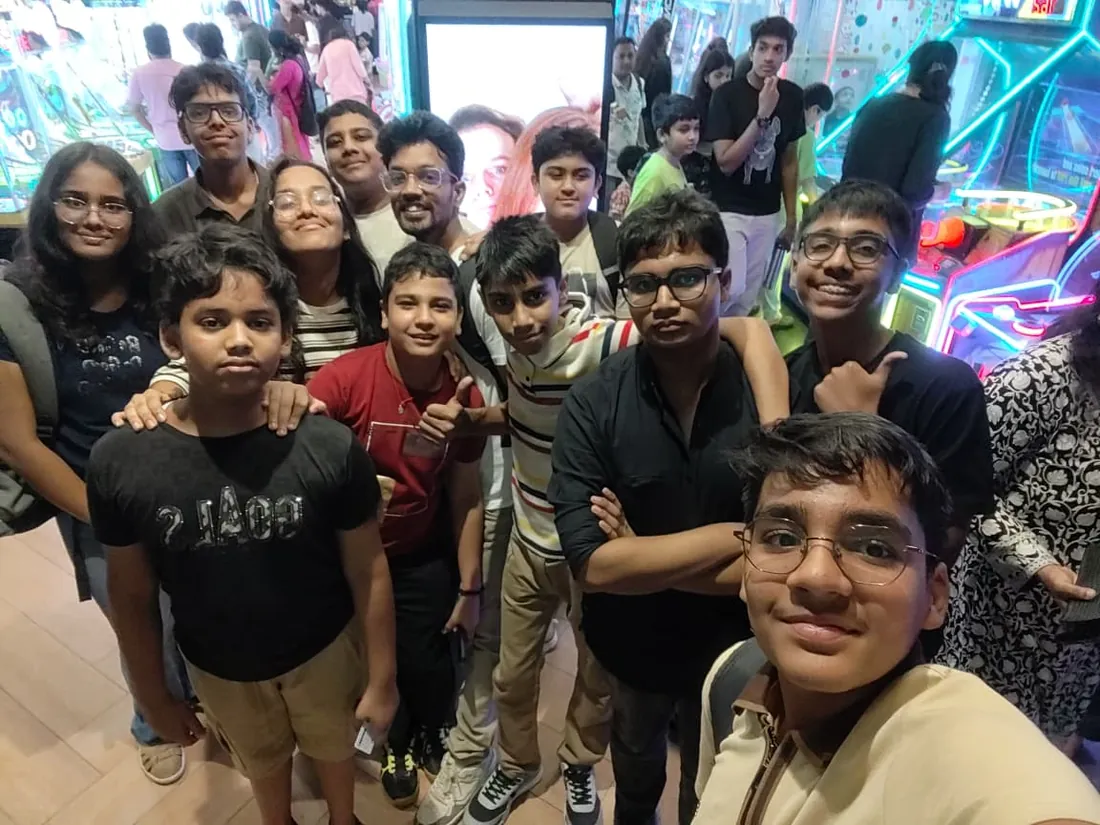
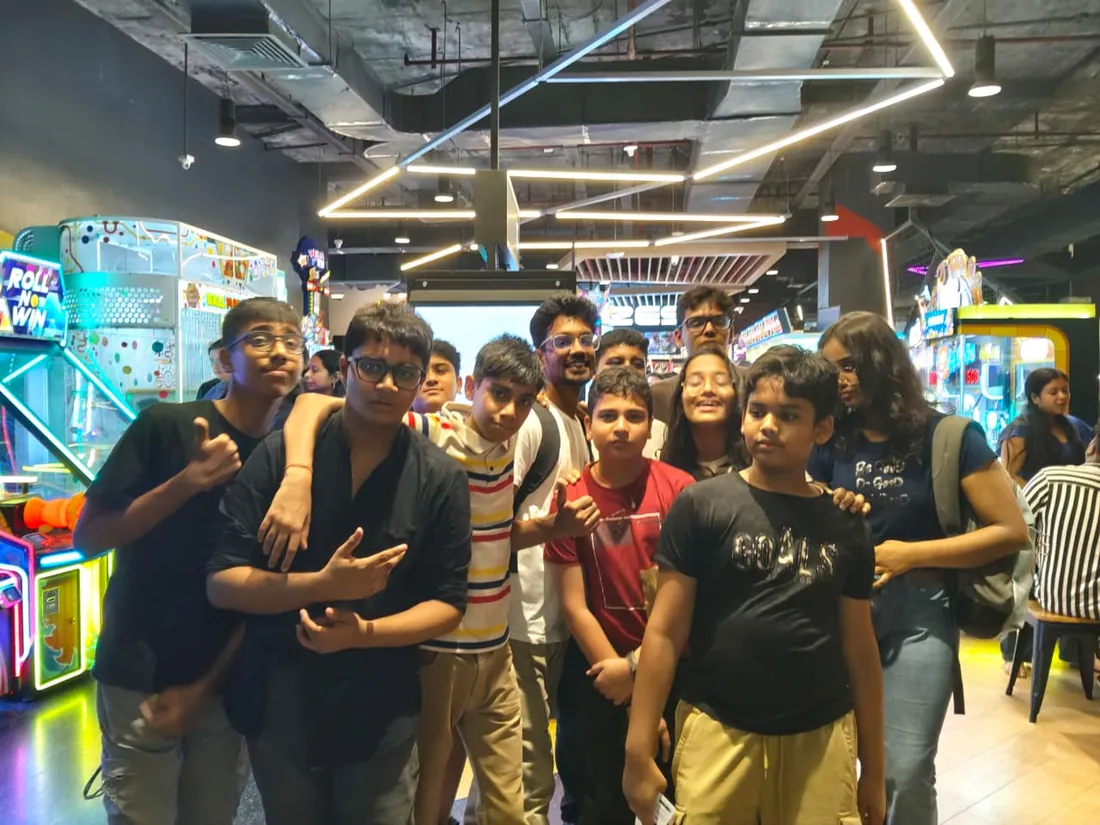
What families say
Straight from the parents and students who learn with us. Rated 4.9 across 547 Google reviews.
“Mivaan enjoys the class. He understands the concepts and completes his tasks with excitement. He started taking interest in coding… truly amazing class.”
“I absolutely love it here! I made new friends and learned important valuable coding skills while having the fun of my life. It's not just coding here, it's outings, bonding and most importantly preparing you for your future. Definitely five stars.”
“What stands out most is how excited my son is before every class. He looks forward to learning, problem-solving, and sharing what he's built. I've noticed a big boost in his confidence!”
“Modern Age Coders has been a game-changer for me! I struggled to grasp IT concepts and coding before joining, but their classes transformed everything. I'm now the topper in my class and can confidently write complex programs with ease.”
“Modern Age Coder have wonderful teachers who teach in a clear, easy and practical way. The teacher boosts students' confidence, keeps them updated with technology, and inspires them to learn without hesitation.”
“The one step solution for my son. Modern Age Coders make learning coding so simple that kids love it.”
“Coding classes here make learning very interesting and conceptual. The teachers teach us in a very easy-to-understand and efficient manner.”
“One of the most wonderful education centres out there. Education is not limited to school syllabus but focuses on skill development. Learning here has been a wonderful journey and still continuing.”
“I highly recommend this computer coding class! The teachers are incredibly knowledgeable and passionate about coding. They make every session engaging and insightful.”
“My child Dhairya is really enjoying the Modern Age Coder IT classes. This is his first online class, and he eagerly looks forward to it.”
“Very good classes. Don't worry about coding. They teach the best, especially Shivam sir.”
“Very good classes. Makes learning very easy and interactive.”
Hear it from our students
Real parents and students in their own words, on our public YouTube channel.
Straight answers about Flutter Course: Dart to Real Cross-Platform Apps
- Who should take this course?
- Complete beginner (18+); college students, graduates and working professionals. Age: 18+; college students, graduates and working professionals. It suits builders who want both app stores from one codebase; students who want a demonstrable, shippable specialization; product people who need mobile speed without two teams.
- What will they learn and build?
- Flutter delivers the honest cross-platform promise: one Dart codebase producing genuinely native-feeling apps on Android and iOS, and it has the production adoption to prove it.
- How deeply are topics covered?
- The course runs 10-12 months (44-52 weeks) at 2 live classes/week + 4-6 hours practice, across 4 phases listed week by week in the syllabus below. A structured, well-paced curriculum taught step by step, with classwork in every session and problem sets after every class.
- Who teaches it?
- Modern Age Coders mentors, who teach the live classes themselves. You can watch them at work in the free class recordings before you decide.
- How do practice, feedback and assessment work?
- Monthly mixed reviews, cumulative phase exams, and a final exam that decides the certificate: real knowledge, real work. Doubt support between classes over WhatsApp, so you are never left stuck. A certificate you earn by passing the final exam, with a free retest after revision if needed.
- What does it cost?
- Three monthly plans: a group batch, a mini batch and 1-on-1. Prices are shown in your currency in the plans section. Monthly billing, cancel any time.
- When can classes take place?
- Live classes are scheduled around your week. Group batches meet at a fixed weekly slot; 1-on-1 students choose their own. International students are scheduled in their own timezone. Ask on WhatsApp for the current slots.
- Can I watch the teaching before deciding?
- Yes. Full recordings of real 13 and up classes are free to watch, free with a Google sign-in. These recordings show how we teach, not the exact syllabus of this course. Some classes are in English and some in Hindi; everyone follows at their own pace. Watch a class end to end, like you are in it. Sessions are interactive and each moment builds on the last.
- Can I enroll without a live demo?
- Yes. Choose a plan on this page and enrol directly; a demo is not required. If you would like to see a full class with a mentor first, book a Priority Demo.
- How do I reach you with a question?
- WhatsApp +91 91233 66161, email connect@modernagecoders.com, or call +91 91233 66161. Tell us the student's age and what they have learned so far, and we will point you to the right plan and batch.
Common Questions About Flutter Course: Dart to Real Cross-Platform Apps
Get answers to the most common questions about this comprehensive program
Still have questions? We're here to help!
Contact UsRelated Courses You May Like
Continue your learning journey with these recommended programs
 App Development
App Development Course: Flutter, iOS & Android
App development course for college students and professionals: Flutter as the production stack, Fire...
Explore Course App Development
App Development for Teens: Build Real Apps with React Native
App development course for teens aged 13-18: JavaScript, React and React Native with Expo, Firebase,...
Explore CourseRelated Articles & Guides
Deepen your knowledge with these hand-picked articles
 Education
9 min read
Education
9 min read
Common Myths About Coding for School Students (And the Truth Behind Them)
Debunking coding myths for students. From 'coding is only for geniuses' to 'it's too late', the trut...
Read Article Career
18 min read
Career
18 min read
Competitive Coding vs Development Skills: What Should Students Focus On?
The great debate: should students focus on competitive programming or practical development skills? ...
Read ArticleReady to start Flutter Course: Dart to Real Cross-Platform Apps?
Book a Priority Demo to see a full live class with a mentor reserved for you, today or tomorrow. Or choose a plan and enrol now.
Questions? WhatsApp +91 91233 66161 or email connect@modernagecoders.com