Microsoft Office and Windows for Kids
The digital skills school quietly assumes: real Word documents, presentations that earn applause, first spreadsheets, and tidy digital habits, learned properly at 7 to 12.
Syllabus updated August 2026
Recordings are free with a Google sign-in. These recordings show how we teach, not the exact syllabus of this course.
How long this course takes
This course runs 5-6 months (20-24 weeks) at 2 live classes/week + 1-2 hours practice. The range allows for background and pace: a complete beginner uses the full span, and a student with prior knowledge finishes sooner. The syllabus below is planned to the shorter end, with margin kept for revision.
For personalised duration planning, call +91 91233 66161 and we'll map a schedule to your goals.
At a glance
- Who it is for
- Complete beginner, ages 7 to 12.
- Prerequisites
- None. The course starts at the desktop and the mouse
- Format
- Live, interactive classes with a real instructor, never pre-recorded videos. Live classes run about one hour.
- Language
- English or Hindi, depending on the batch.
- Duration
- 5-6 months (20-24 weeks)
- Weekly commitment
- 2 live classes/week + 1-2 hours practice
- Class size
- Group batches of 5 to 10 students, mini batches of 3 to 4, or 1-on-1.
- Certificate
- Certificate from Modern Age Coders, awarded on passing the final exam
- Watch first
- Free recordings of real classes for ages 6 to 12, free with a Google sign-in. These recordings show how we teach, not the exact syllabus of this course.
- Live demo
- Optional. Enroll directly on this page, or book a free live demo if you would like to meet a mentor first.
How we teach
Deep understanding. Real projects. Expert guidance.
Learn coding, AI and maths through careful explanations, practical demonstrations, and hands-on problem-solving. Our instructors guide you from the foundations to advanced ideas, helping you understand what happens, why it happens, and how to build it yourself.
You will explore concepts step by step, write and improve code, investigate mistakes, ask questions, and apply your knowledge to meaningful projects. Lessons are designed around active participation, thoughtful feedback, and growing independence.
Expert-led live teaching, with practical participation built into every lesson.
- Students explain their thinking.
- Instructors demonstrate, then guide practice.
- Learners code, solve, or build during lessons.
- Questions and misconceptions get attention.
- Assignments receive useful feedback.
- Progress is checked before advancing.
Ready to Master Microsoft Office for Kids: Word, PowerPoint and Excel?
Choose your plan and start your journey into the future of technology today.
Rated 4.9 across 547 Google reviews. Enroll directly, or see a class first. The free demo is a waiting list and needs no card. Monthly billing, cancel anytime.
Try this course in a full live class, today or tomorrow.The Priority Live Demo is a real class of about 45 to 60 minutes with a mentor reserved for you. You get a written skill report afterwards, and the fee is adjusted against your first month if you enrol.
Book priority demo · ₹499International Students (Outside India)
Billed monthly in US dollars, the same price in every country. Contact us with any questions.
Program Overview
Schools assume children can format a document, build a presentation and manage their files, but nobody actually teaches it. This live online course does, properly, for children aged 7 to 12: Windows fundamentals and tidy file habits, digital art with the built-in creative tools, real Microsoft Word skills, PowerPoint presentations with restraint and style, first Excel spreadsheets with formulas and charts, and OneNote and Teams, the tools their school life increasingly runs on.
Everything is project-based: children produce school reports, posters, family newsletters, quiz presentations, pocket-money trackers and a final integrated project they present at demo day. The pace is honest and kid-sized: five months of teaching at two live classes a week, with a sixth month in hand for children who need more practice. Classwork in every session, a small homework task after every class, a mixed challenge at each month’s end, and a final exam, a project demo plus a friendly practical test, that decides the certificate. Real skills, really tested, immediately useful at school.
What Makes This Program Different
- Project-based from week one: real school reports, presentations and trackers, not button tours
- Current tools, honestly taught: Windows 11, the free Office web apps, Photos and Clipchamp, no outdated software
- Typing and file hygiene built in: the quiet skills that make every later computer subject easier
- Kid-sized honest pace: 5 months at 2 classes a week, with a 6th month in hand when needed
- Real assessment, gently done: monthly mixed challenges and a final practical exam that decides the certificate, with a free retest after revision
- Small live batches capped at 10, grouped by age, with mini-batch and 1-on-1 options
Your Learning Journey
Career Progression
Detailed Course Curriculum
Explore the complete week-by-week breakdown of what you'll learn in this comprehensive program.
Topics Covered
- Computer components: monitor, keyboard, mouse, CPU
- Turning computer on/off properly
- Windows 11 desktop overview
- Start menu navigation
- Taskbar features and customization
- Desktop icons and shortcuts
- Mouse skills: click, double-click, right-click, drag
- Keyboard basics: letters, numbers, special keys
- Caps Lock, Shift, Enter, Backspace, Delete
- Windows key shortcuts introduction
- Volume and brightness controls
- Connecting to WiFi networks
Projects You Build
- Customize desktop wallpaper and theme
- Create desktop shortcuts
- Organize taskbar with favorite apps
- Personal desktop setup
Practice & Assignments
Practice starting up and shutting down the computer the right way, then pin your three favorite apps to the taskbar and show a parent.
Topics Covered
- Understanding files and folders
- File Explorer navigation
- Creating new folders
- Naming conventions for files
- Moving and copying files
- Cut, copy, paste operations
- Deleting and Recycle Bin
- Searching for files
- File types and extensions
- Organizing Downloads folder
- Creating folder structures
- File properties and details
- Compressing files with ZIP
- OneDrive basics and cloud storage
Projects You Build
- Create organized folder system for schoolwork
- Digital filing cabinet setup
- Photo organization project
- Backup important files
Practice & Assignments
Create a folder tree for your school subjects and sort five files into the right folders using cut, copy and paste.
Topics Covered
- Opening and navigating Paint
- Drawing tools: pencil, brushes, shapes
- Color palette and custom colors
- Fill tool and color picker
- Line and curve tools
- Shape tools: rectangle, circle, polygon
- Text tool and fonts
- Selection tools and moving objects
- Resize and rotate features
- Zoom in/out for detail work
- Saving in different formats (PNG, JPEG, BMP)
- Image size and canvas size
- Copying and pasting images
- Using Paint for school projects
Projects You Build
- Create pixel art characters
- Design birthday card
- Draw house and landscape
- Make school poster
- Create emoji collection
Practice & Assignments
Draw your dream treehouse in Paint using at least four different tools and the fill bucket.
Topics Covered
- Editing pictures with the Windows Photos app
- Cropping, lighting and honest photo fixes
- Clipchamp: first video edits with clips and titles
- Adding music and simple transitions
- Making a family slideshow video
- Screenshots and the Snipping Tool
- Saving projects where you can find them again
- A creative mini-showcase for the family
Projects You Build
- Edited photo set: before and after
- A 60-second family slideshow video in Clipchamp
Practice & Assignments
Make one tiny video about your week
Assessment
Month 1 check: a files-and-creativity challenge mixing everything so far
Topics Covered
- Opening Microsoft Word and interface tour
- Creating new documents
- Ribbon interface explanation
- Quick Access Toolbar customization
- Typing and text selection techniques
- Font types and sizes
- Bold, italic, underline formatting
- Text color and highlighting
- Alignment: left, center, right, justify
- Line spacing and paragraph spacing
Projects You Build
- Write and format a story
- Create class notes template
- Design invitation letter
- Format poem with styling
Practice & Assignments
Type a short paragraph about your favorite animal in Word and format it with two fonts, one color and bold key words.
Topics Covered
- Page setup: margins, orientation, size
- Headers and footers
- Page numbers and formatting
- Section breaks and page breaks
- Columns for newsletters
- Borders and shading
- Watermarks and page color
- Themes and style sets
- Creating and using styles
- Table of contents generation
Projects You Build
- Create school newsletter
- Design book report template
- Make professional letter
- Build recipe book layout
Practice & Assignments
Make a one page mini newsletter about your week using two columns, a header and a page border.
Topics Covered
- Inserting pictures from computer
- Online pictures and stock images
- Picture formatting and styles
- Cropping and resizing images
- Picture effects and corrections
- Text wrapping options
- SmartArt graphics creation
- Charts and graphs in Word
- Shapes and drawing tools
- Icons and 3D models
Projects You Build
- Illustrated story book
- Science project report with diagrams
- Travel brochure with images
- How-to guide with screenshots
Practice & Assignments
Insert three pictures into a 'My Hobbies' document, then crop one, style another and wrap text around the third.
Topics Covered
- Creating tables from scratch
- Table styles and formatting
- Adding/deleting rows and columns
- Merging and splitting cells
- Table calculations and formulas
- Converting text to tables
- Footnotes and endnotes
- Citations and bibliography
- Hyperlinks and bookmarks
- Track changes feature
Projects You Build
- Class schedule table
- Research paper with citations
- Collaborative story writing
- Data comparison report
Practice & Assignments
Build your weekly class timetable as a Word table and give the header row its own color.
Assessment
Month 2 check: format a document live from a messy draft, plus a mixed quiz reaching back to month 1
Topics Covered
- PowerPoint interface overview
- Slide layouts and placeholders
- Adding new slides
- Slide themes and variants
- Text formatting in slides
- Bullet points and numbering
- Slide backgrounds and fills
- Color schemes and fonts
- Slide master basics
- Notes and comments
Projects You Build
- About Me presentation
- Book report slideshow
- Science topic presentation
- Family photo album
Practice & Assignments
Create a four slide PowerPoint about your favorite place using one theme and tidy bullet points.
Topics Covered
- Slide transitions types
- Transition timing and duration
- Transition sounds
- Animation basics
- Entrance animations
- Emphasis animations
- Exit animations
- Motion path animations
- Animation pane control
- Animation timing and delay
Projects You Build
- Animated story presentation
- Kinetic typography project
- Science process animation
- Interactive quiz show
Practice & Assignments
Add a different transition to each slide of your deck and give the title text an entrance animation.
Topics Covered
- Inserting images and graphics
- Photo albums in PowerPoint
- Video insertion and editing
- Video playback options
- Audio and music addition
- Recording narration
- Screen recording feature
- Creating hyperlinks
- Action buttons
- Interactive navigation
Projects You Build
- Video presentation project
- Interactive story with choices
- Virtual tour presentation
- Music video slideshow
Practice & Assignments
Add a photo album slide, one short video and a little background music to your presentation.
Topics Covered
- Slide Master customization
- Creating custom layouts
- Design Ideas feature
- Icons and stock images
- 3D models and rotation
- Cameo (PowerPoint Live)
- Presenter Coach feature
- Rehearse with Coach
- Live captions and subtitles
- Translation features
Projects You Build
- Professional pitch deck
- Educational tutorial
- Digital portfolio
- Conference presentation
Practice & Assignments
Design a custom layout in Slide Master, then rehearse presenting your deck out loud for two minutes.
Assessment
Month 3 check: build and present three slides live, with mixed questions from earlier months
Topics Covered
- Excel interface and terminology
- Workbooks and worksheets
- Cells, rows, and columns
- Selecting cells and ranges
- Entering text and numbers
- AutoFill feature
- Number formats (currency, percentage, date)
- Cell formatting and styles
- Column width and row height
- Inserting and deleting rows/columns
Projects You Build
- Class grade tracker
- Personal budget sheet
- Chore chart with dates
- Sports statistics table
Practice & Assignments
Enter a pretend week of family fruit shopping into Excel and use AutoFill to complete the days of the week.
Topics Covered
- Understanding formulas
- Basic arithmetic operations (+, -, *, /)
- Cell references (relative vs absolute)
- SUM function
- AVERAGE function
- COUNT and COUNTA
- MIN and MAX functions
- IF statements basics
- AutoSum feature
- Function wizard
Projects You Build
- Grade calculator with average
- Shopping budget calculator
- Simple game scorecard
- Time tracking sheet
Practice & Assignments
Track your pocket money for an imaginary week, then total it with SUM and find the daily average with AVERAGE.
Topics Covered
- Types of charts (column, line, pie)
- Creating charts from data
- Chart elements and parts
- Chart styles and colors
- Chart titles and labels
- Legend positioning
- Data labels addition
- Changing chart types
- Sparklines for mini charts
- Combination charts
Projects You Build
- Weather data visualization
- Survey results charts
- Growth tracking chart
- Game statistics dashboard
Practice & Assignments
Turn your favorite game or sports scores into a column chart and a pie chart, each with a proper title and labels.
Topics Covered
- Sorting data A-Z, Z-A
- Custom sort orders
- Filter data basics
- AutoFilter features
- Conditional formatting
- Data bars and color scales
- Icon sets for visual cues
- Tables in Excel
- Table styles and formatting
- PivotTable basics (introduction)
Projects You Build
- Student database
- Inventory tracking system
- Event planning spreadsheet
- Analysis report with visuals
Practice & Assignments
Sort a list of ten pretend test scores from highest to lowest and use conditional formatting to highlight the top three.
Assessment
Month 4 check: a mini spreadsheet challenge with formulas and one chart, plus mixed revision
Topics Covered
- OneNote interface overview
- Notebooks, sections, and pages
- Creating notebook structure
- Typing and formatting notes
- Handwriting and drawing
- Inserting images and files
- Audio and video recording
- Screen clipping tool
- Tags for organization
- Search functionality
Projects You Build
- Digital school binder
- Research project notebook
- Personal journal/diary
- Study guide creation
Practice & Assignments
Set up a OneNote notebook with one section per school subject and fill one page with notes plus a small drawing.
Topics Covered
- Teams interface navigation
- Joining and creating teams
- Channels and conversations
- Chat features and etiquette
- Video calls and meetings
- Screen sharing basics
- File sharing in Teams
- Assignments submission
- Calendar integration
- Together mode and backgrounds
Projects You Build
- Class collaboration project
- Virtual study group setup
- Team presentation delivery
- Digital club meeting
Practice & Assignments
With a parent, practice joining a video call, sending one polite chat message and sharing your screen for a minute.
Topics Covered
- Mail merge Word with Excel
- Embedding Excel charts in Word
- PowerPoint with Excel data
- OneNote integration with Office
- Teams assignments workflow
- Creating templates library
- Macro basics (introduction)
- Quick Parts and building blocks
- Custom ribbons basics
- Office themes consistency
Projects You Build
- Newsletter with mail merge
- Report with live Excel data
- Integrated presentation package
- Complete project workflow
Practice & Assignments
Embed an Excel chart of your scores or savings into a Word report and write two sentences explaining what it shows.
Topics Covered
- Project planning and scope
- Requirements gathering
- Timeline creation
- Resource planning
- Design documentation
- Development phases
- Testing and revision
- User feedback incorporation
- Final polishing
- Presentation preparation
- Documentation writing
- Reflection and learning
Practice & Assignments
Write a mini plan for your final project: what you will make, which Office apps you will use and your three work sessions.
Assessment
FINAL EXAM: a practical test across Word, PowerPoint and Excel plus the integrated project demo. Passing earns the certificate; a child who falls short gets focused revision and a free retest
Projects You'll Build
Build a professional portfolio with 20+ real documents, presentations, spreadsheets and videos real-world projects.
Weekly Learning Structure
Certification & Recognition
Technologies & Skills You'll Master
Comprehensive coverage of the entire modern web development stack.
Support & Resources
Career Outcomes & Opportunities
Transform your career with industry-ready skills and job placement support.
Prerequisites
Who Is This Course For?
Career Paths After Completion
Course Guarantees
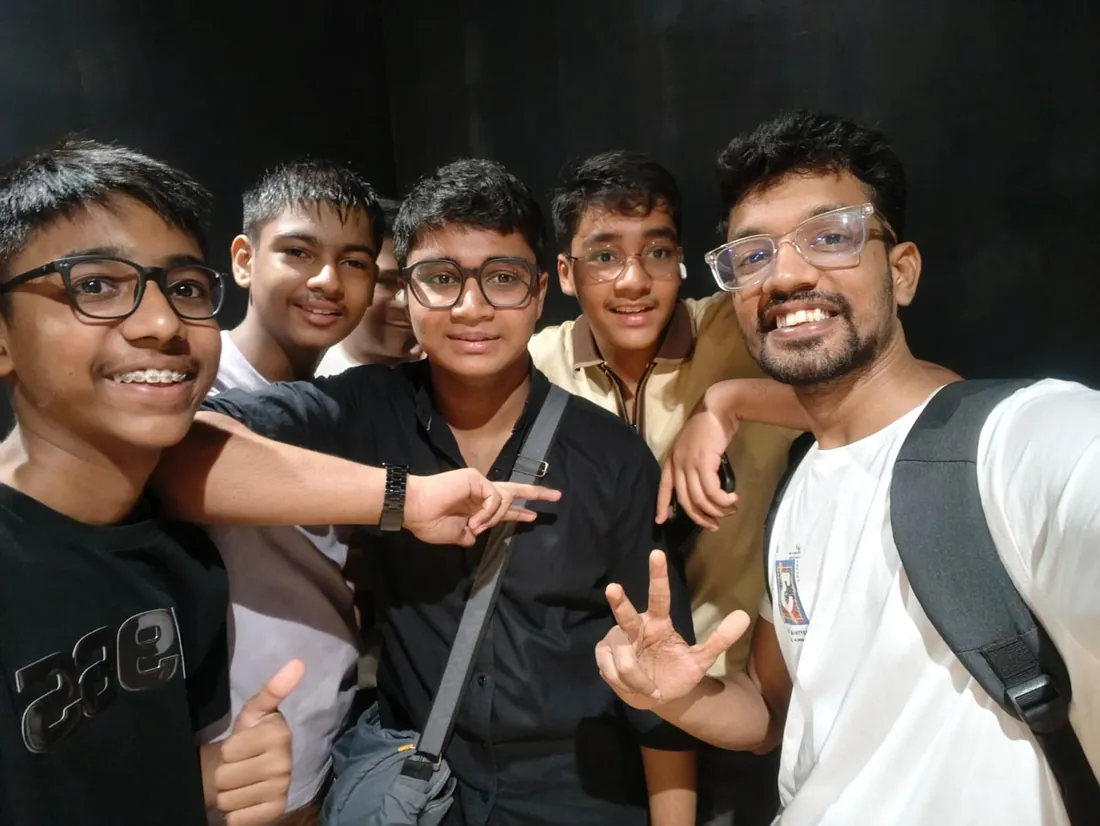
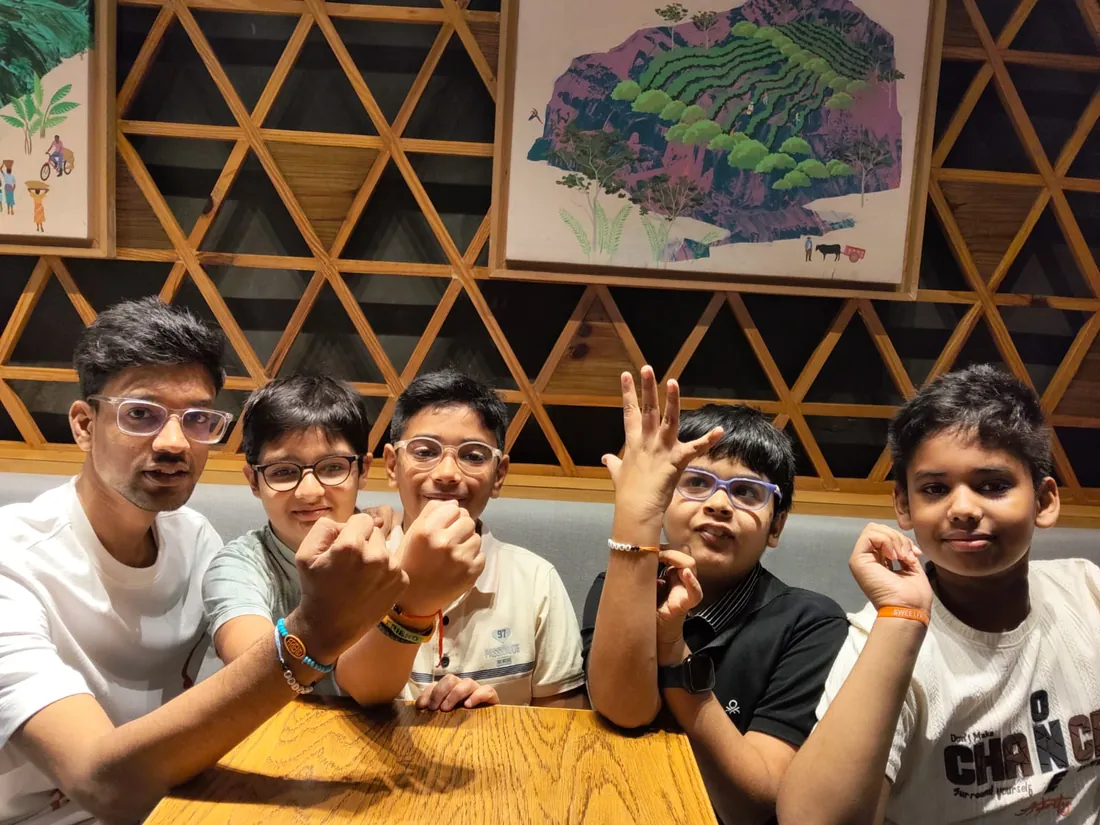
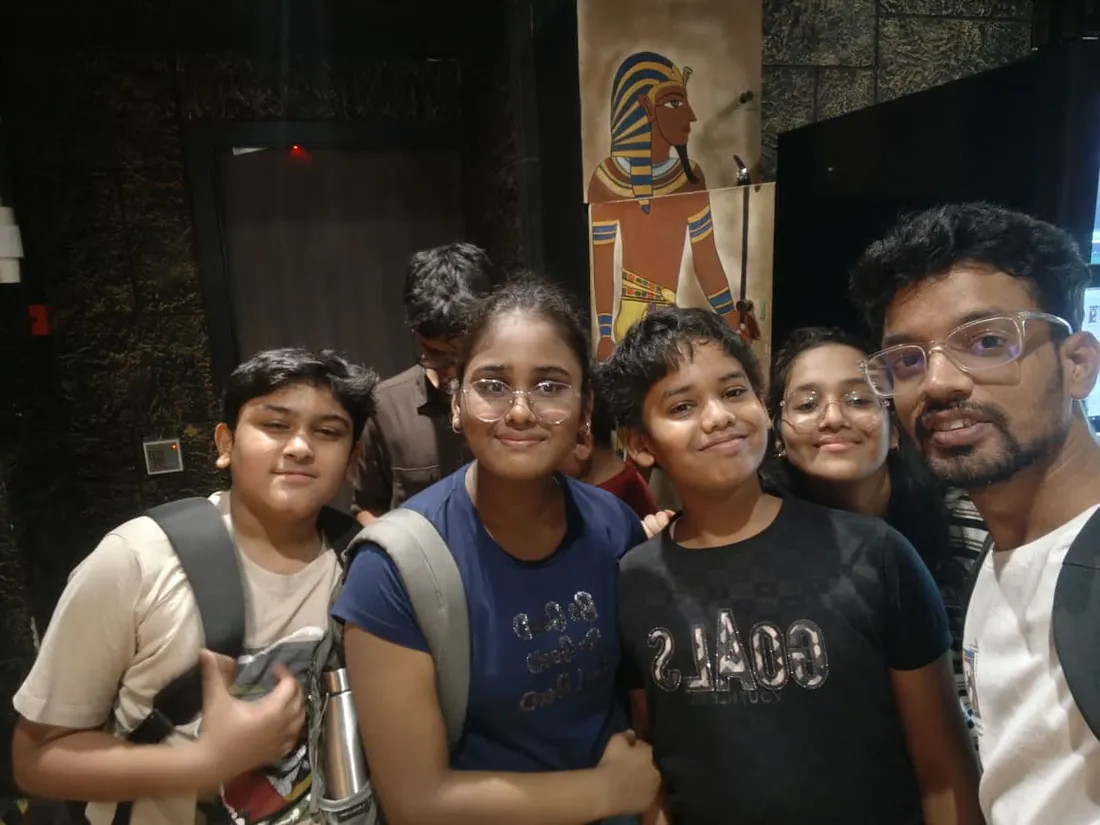
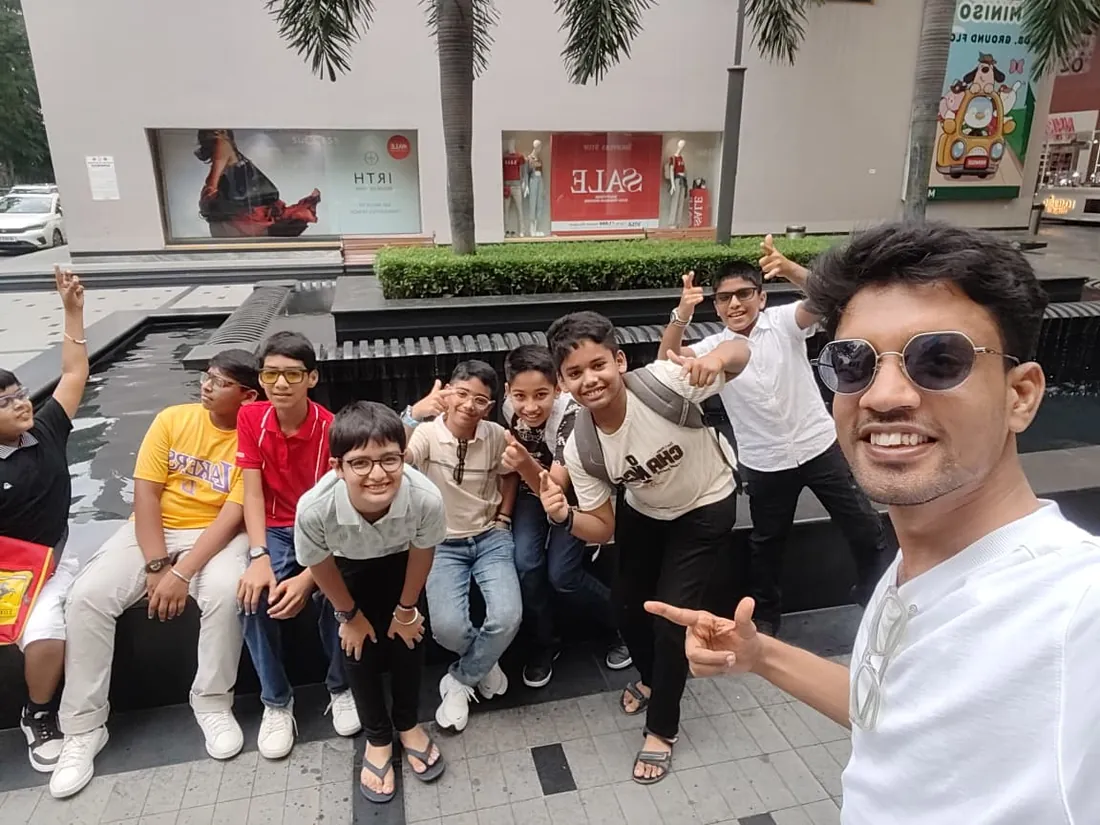
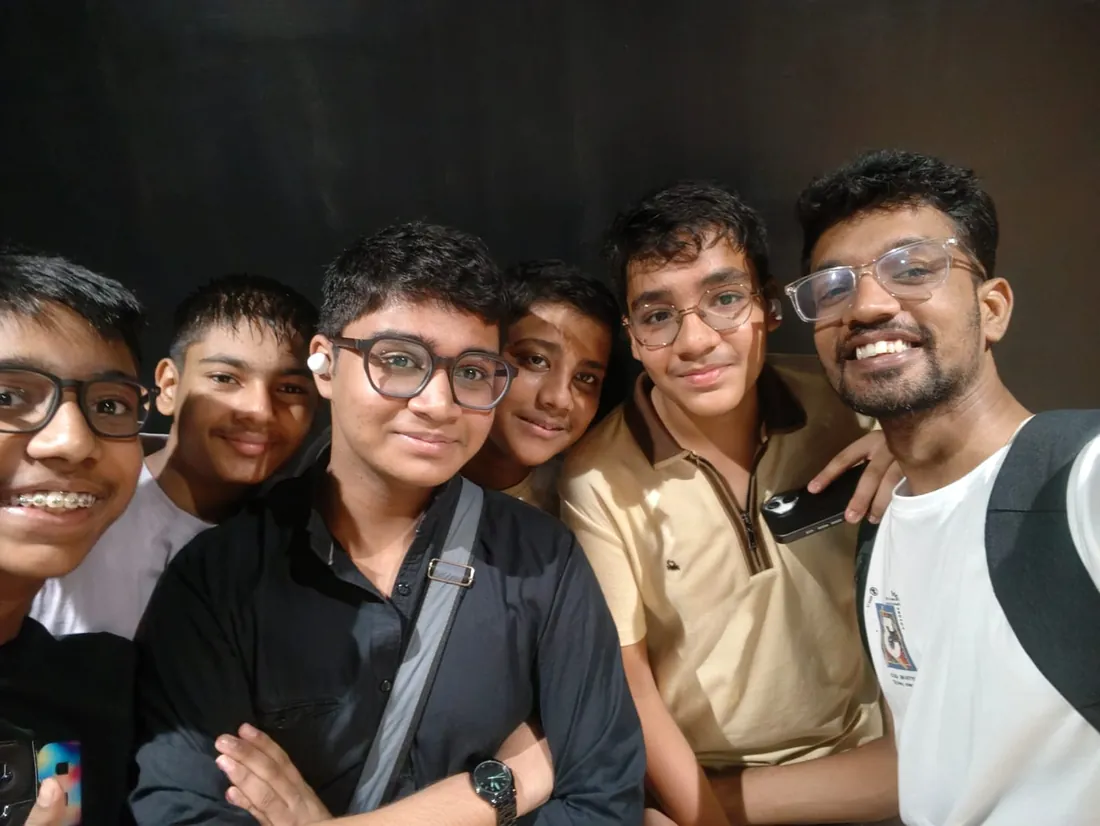
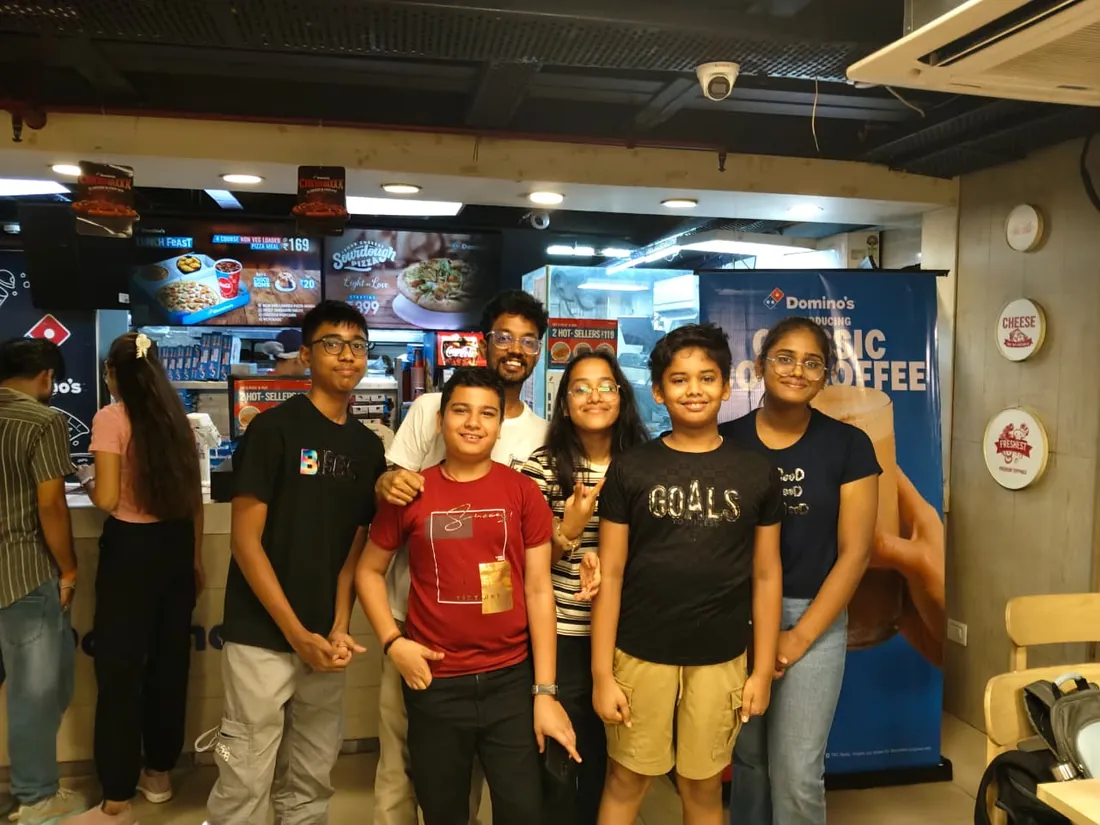
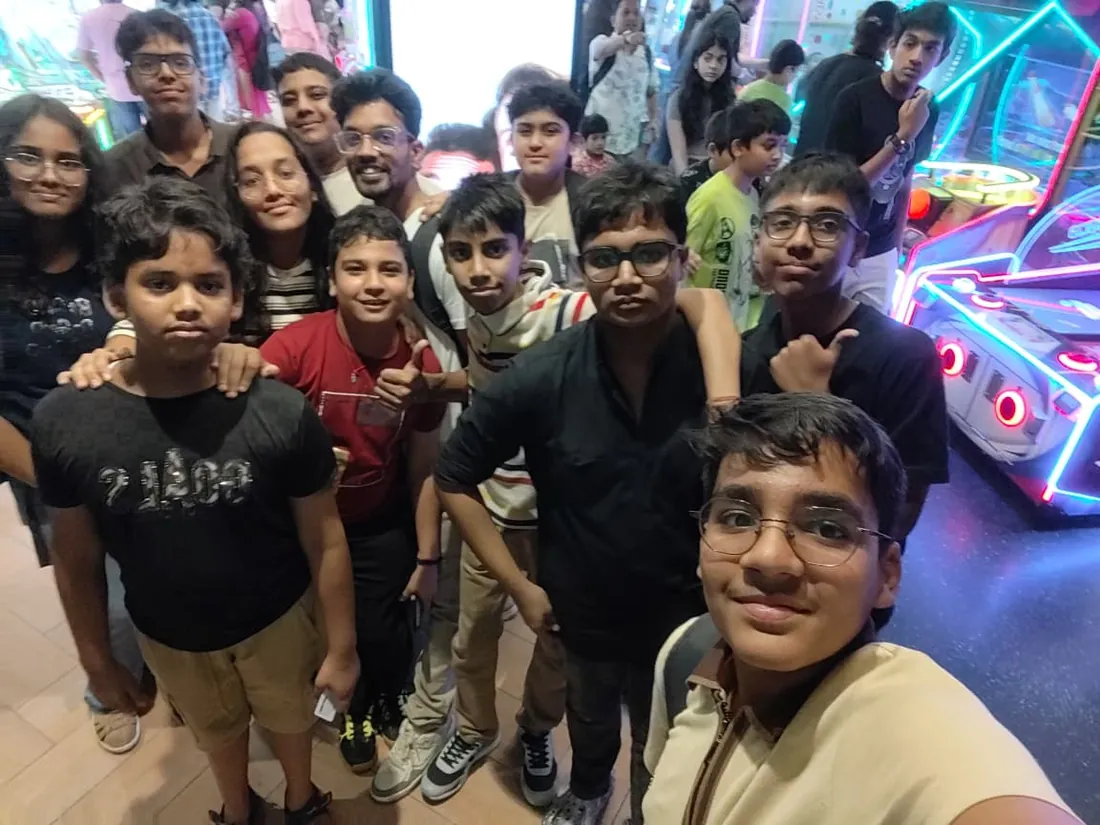
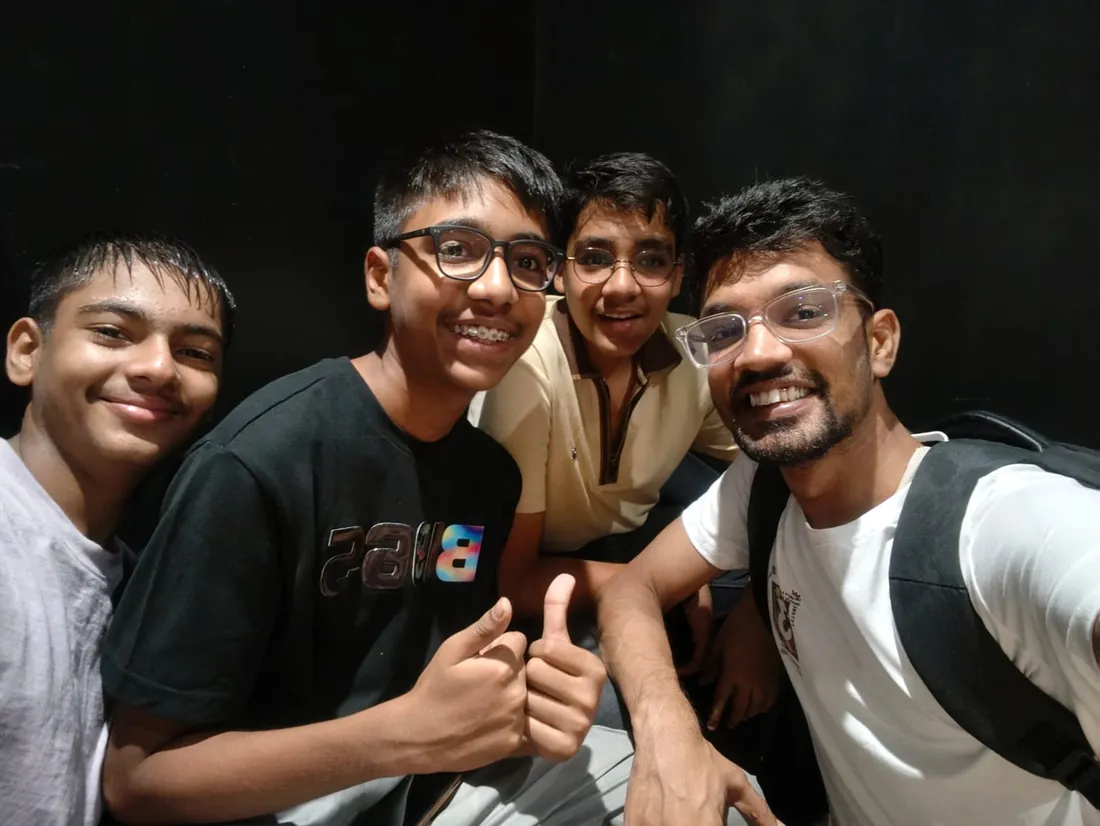
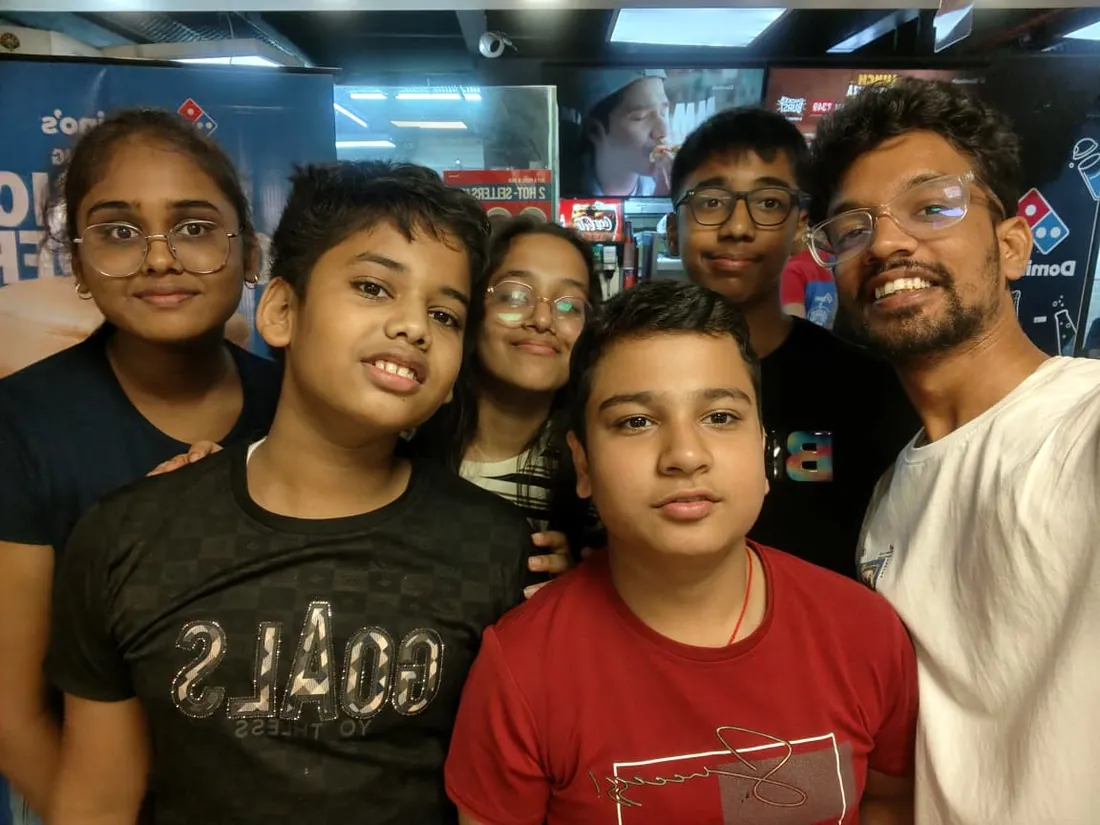
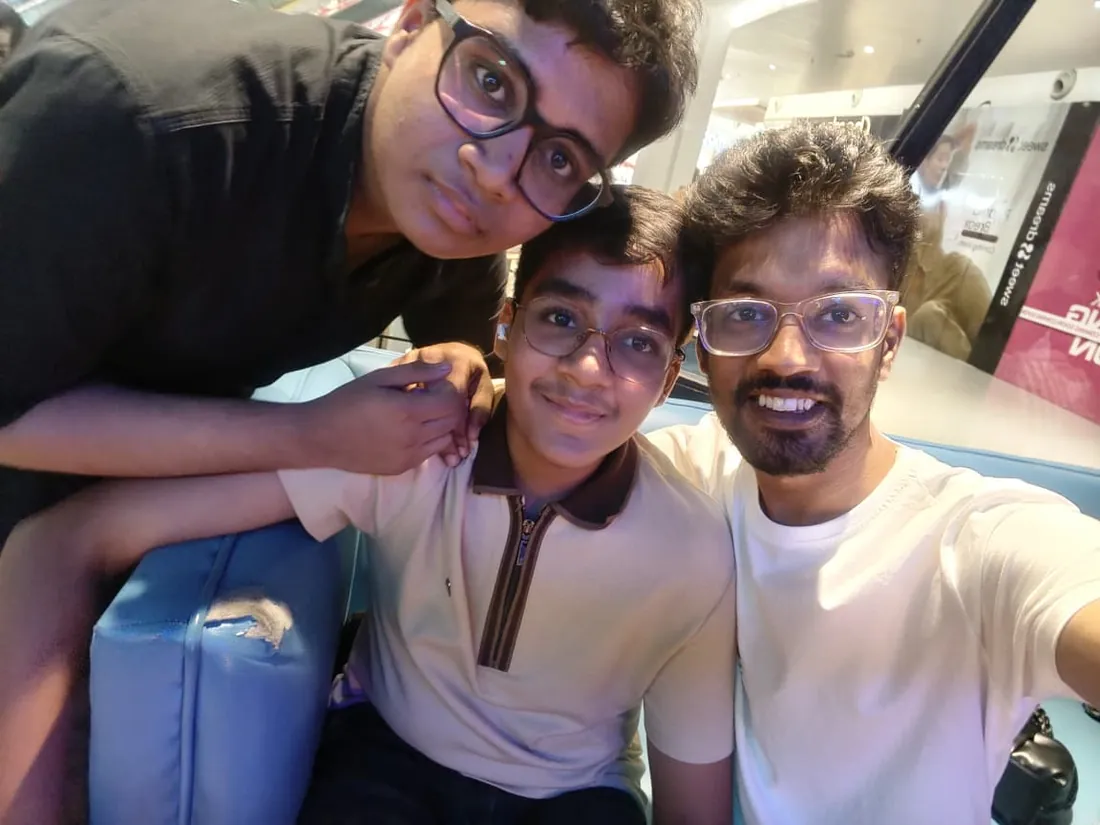
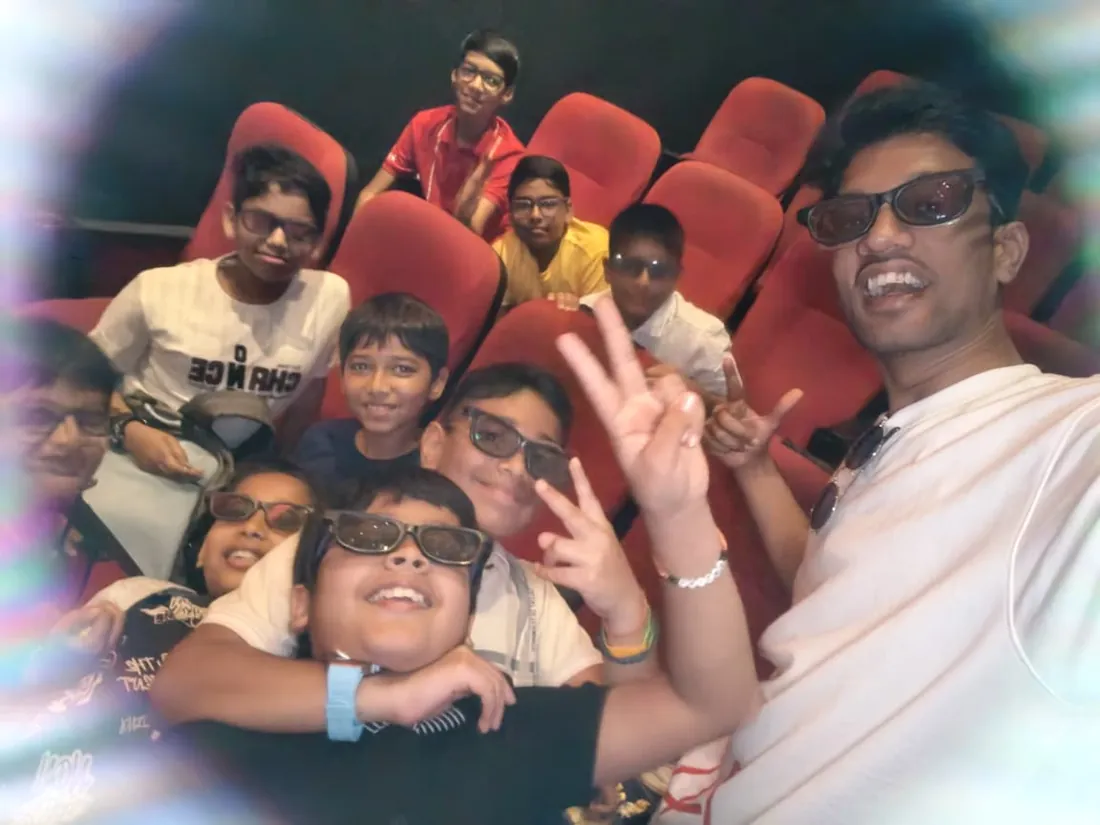
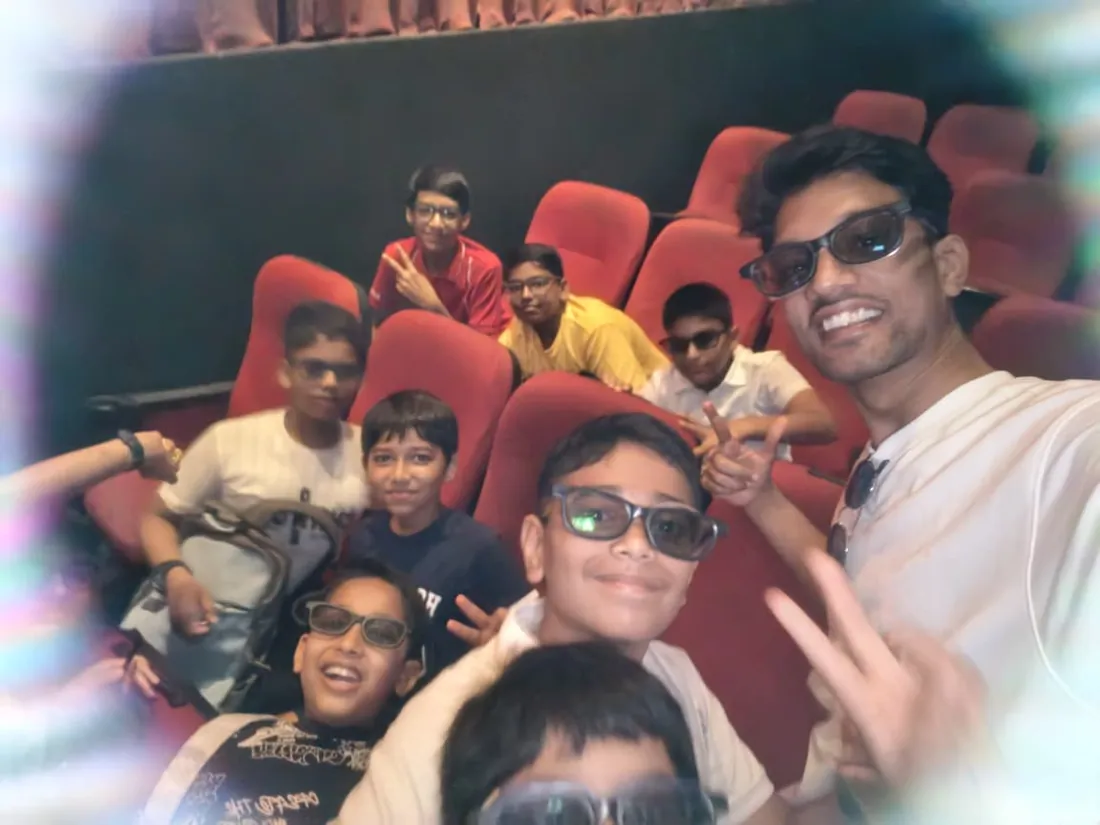
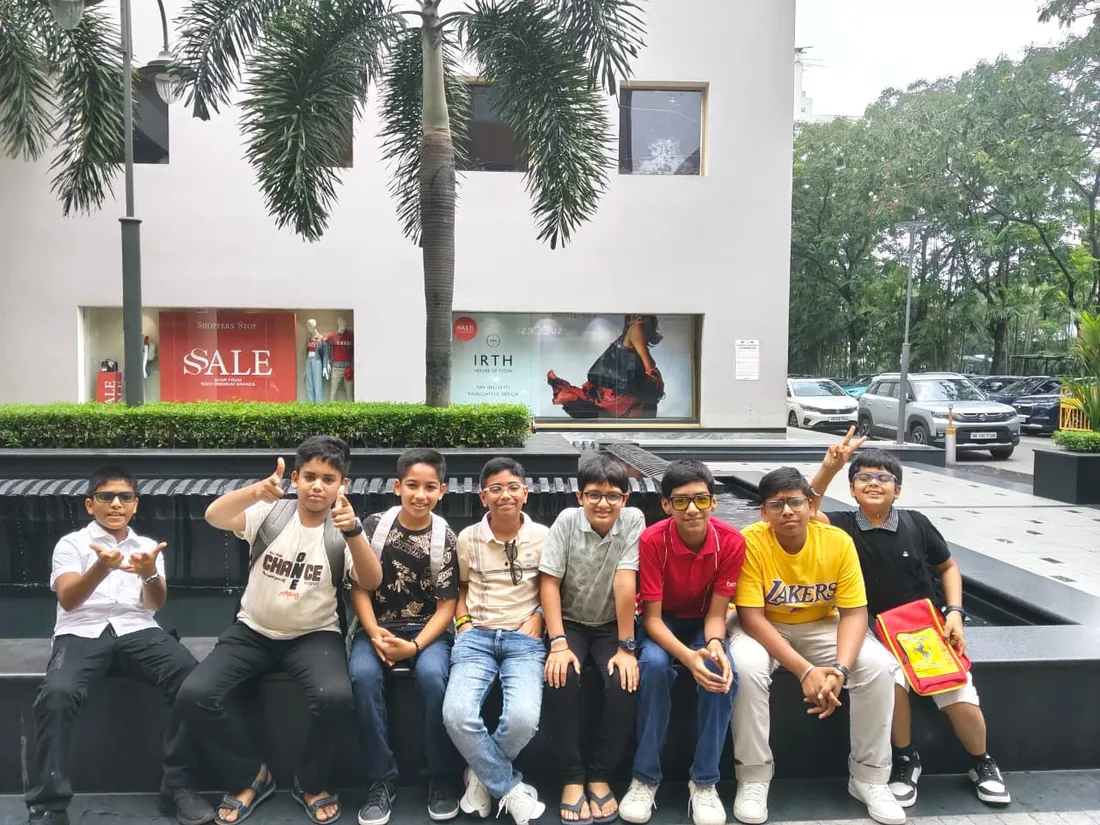
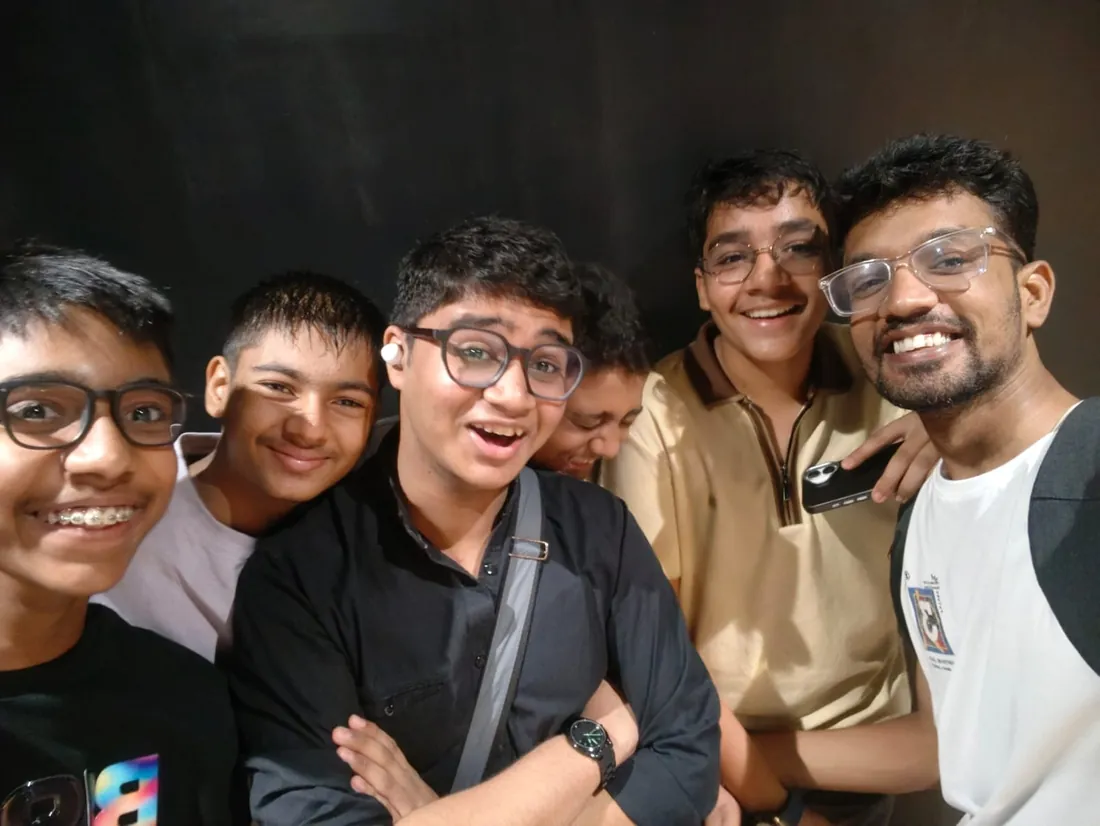
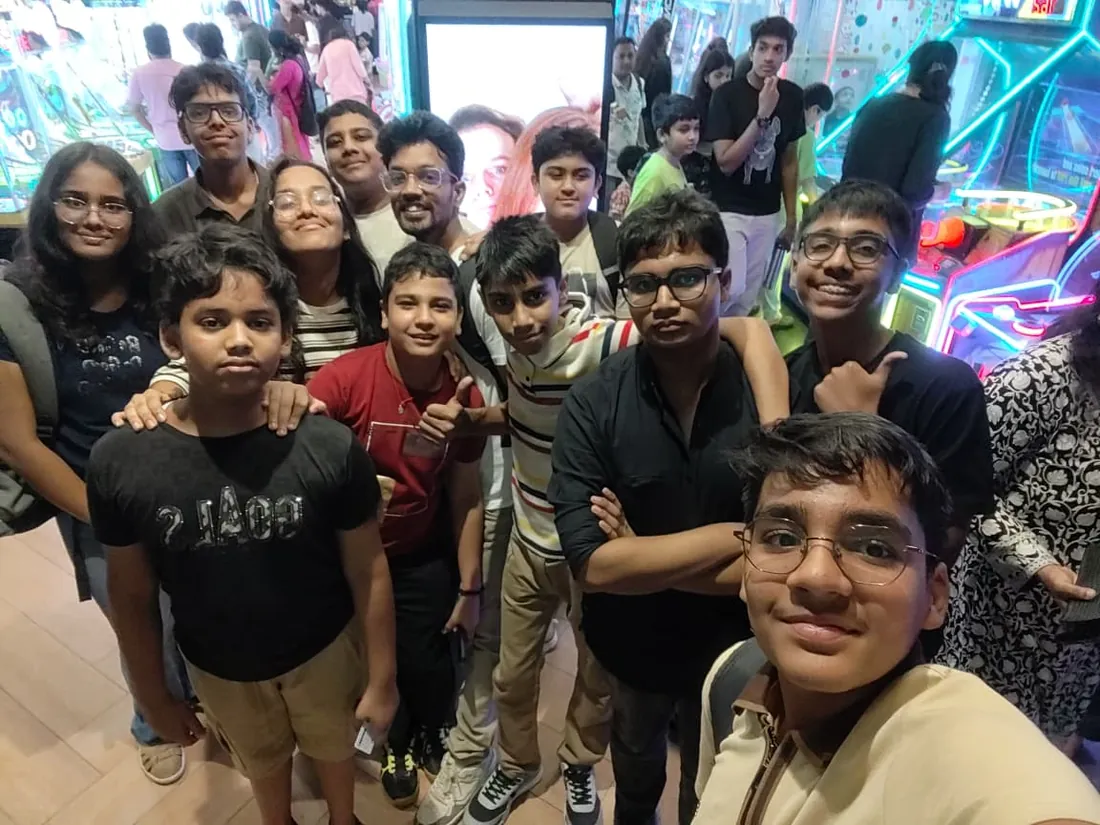
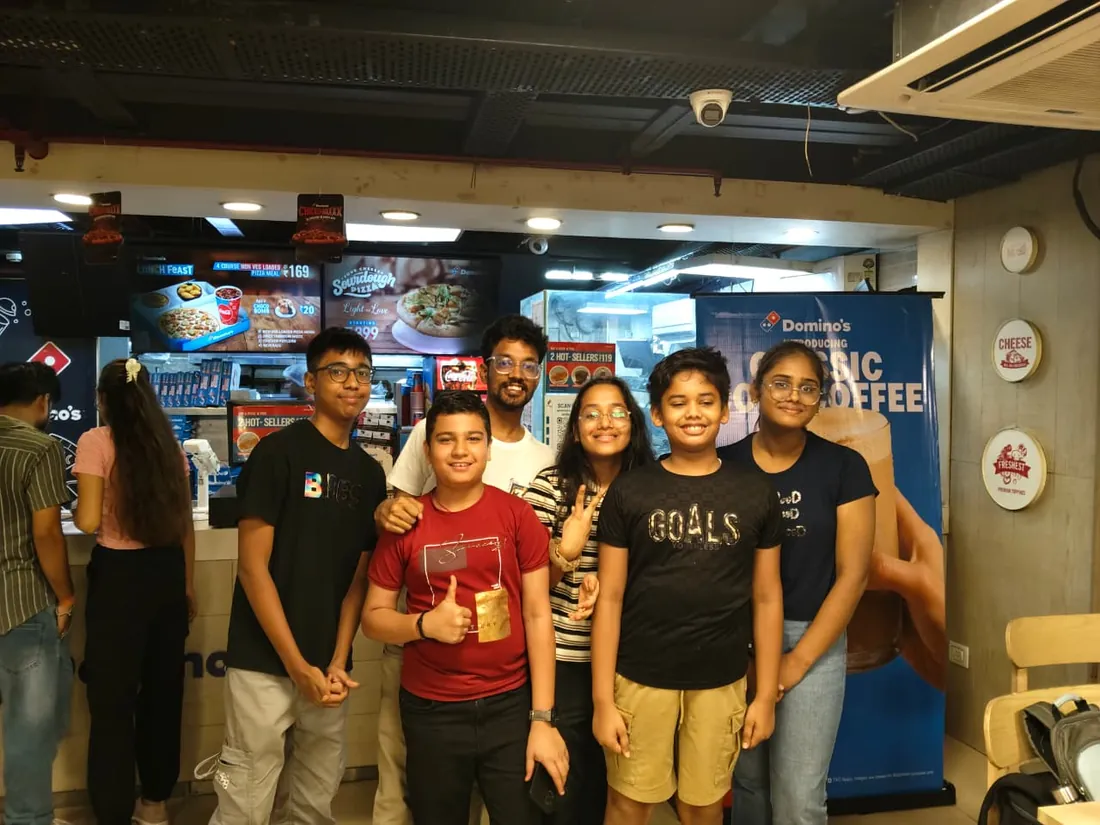
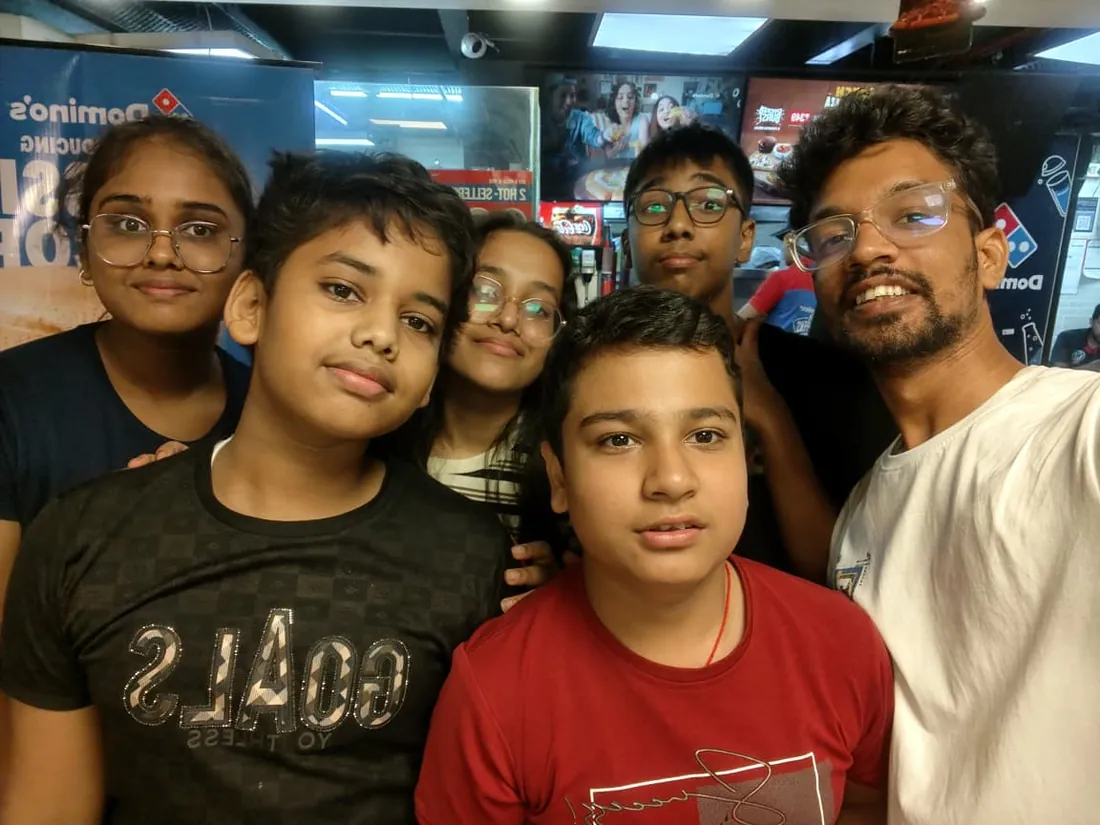
Real students. Real moments. Real joy.
These are our actual student meetups. No stock photos, no filters. Swipe through and meet the community you'll be joining.






















What families say
Straight from the parents and students who learn with us. Rated 4.9 across 547 Google reviews.
“Mivaan enjoys the class. He understands the concepts and completes his tasks with excitement. He started taking interest in coding… truly amazing class.”
“I absolutely love it here! I made new friends and learned important valuable coding skills while having the fun of my life. It's not just coding here, it's outings, bonding and most importantly preparing you for your future. Definitely five stars.”
“What stands out most is how excited my son is before every class. He looks forward to learning, problem-solving, and sharing what he's built. I've noticed a big boost in his confidence!”
“Modern Age Coders has been a game-changer for me! I struggled to grasp IT concepts and coding before joining, but their classes transformed everything. I'm now the topper in my class and can confidently write complex programs with ease.”
“Modern Age Coder have wonderful teachers who teach in a clear, easy and practical way. The teacher boosts students' confidence, keeps them updated with technology, and inspires them to learn without hesitation.”
“The one step solution for my son. Modern Age Coders make learning coding so simple that kids love it.”
“Coding classes here make learning very interesting and conceptual. The teachers teach us in a very easy-to-understand and efficient manner.”
“One of the most wonderful education centres out there. Education is not limited to school syllabus but focuses on skill development. Learning here has been a wonderful journey and still continuing.”
“I highly recommend this computer coding class! The teachers are incredibly knowledgeable and passionate about coding. They make every session engaging and insightful.”
“My child Dhairya is really enjoying the Modern Age Coder IT classes. This is his first online class, and he eagerly looks forward to it.”
“Very good classes. Don't worry about coding. They teach the best, especially Shivam sir.”
“Very good classes. Makes learning very easy and interactive.”
Hear it from our students
Real parents and students in their own words, on our public YouTube channel.
Straight answers about Microsoft Office for Kids: Word, PowerPoint and Excel
- Who should take this course?
- Complete beginner, ages 7 to 12. It suits kids aged 8-14 who need computer skills for school projects; children with little or no computer experience; students who want to create impressive school presentations.
- What will they learn and build?
- Schools assume children can format a document, build a presentation and manage their files, but nobody actually teaches it.
- How deeply are topics covered?
- The course runs 5-6 months (20-24 weeks) at 2 live classes/week + 1-2 hours practice. A structured, well-paced curriculum taught step by step, with classwork in every session and homework after every class.
- Who teaches it?
- Modern Age Coders mentors, who teach the live classes themselves. You can watch them at work in the free class recordings before you decide.
- How do practice, feedback and assessment work?
- Mixed challenges after every month and a final exam that decides the certificate: real skills, really tested. Doubt support between classes over WhatsApp, so you are never left stuck. A certificate your child earns by passing the final exam, with a free retest after revision if needed.
- What does it cost?
- Three monthly plans: a group batch, a mini batch and 1-on-1. Prices are shown in your currency in the plans section. Monthly billing, cancel any time.
- When can classes take place?
- Live classes are scheduled around your week. Group batches meet at a fixed weekly slot; 1-on-1 students choose their own. International students are scheduled in their own timezone. Ask on WhatsApp for the current slots.
- Can I watch the teaching before deciding?
- Yes. Full recordings of real 6 to 12 classes are free to watch, free with a Google sign-in. These recordings show how we teach, not the exact syllabus of this course. Some classes are in English and some in Hindi; everyone follows at their own pace. Watch a class end to end, like you are in it. Sessions are interactive and each moment builds on the last.
- Can I enroll without a live demo?
- Yes. Choose a plan on this page and enroll directly; a booking or a demo is not required. A free live demo is optional, for anyone who wants to meet a mentor first. Outside India, our team confirms the plan and completes payment with you over WhatsApp, so allow a little time for that step.
Common Questions About Microsoft Office for Kids: Word, PowerPoint and Excel
Get answers to the most common questions about this comprehensive program
Still have questions? We're here to help!
Contact UsRelated Courses You May Like
Continue your learning journey with these recommended programs
 Version Control & Developer Tools
Advanced Git & GitHub Masterclass for Professionals
Advanced Git & GitHub masterclass for professionals: master Git internals, interactive rebase, trunk...
Explore Course Game Development
Game Development Course: Unity, C# & Unreal Engine
Game development course for college students and professionals: Unity and C# from 2D to 3D with game...
Explore CourseRelated Articles & Guides
Deepen your knowledge with these hand-picked articles
 Career
18 min read
Career
18 min read
Competitive Coding vs Development Skills: What Should Students Focus On?
The great debate: should students focus on competitive programming or practical development skills? ...
Read Article Mathematics
6 min read
Mathematics
6 min read
How to Make Maths Fun for Kids: 9 Ideas That Really Work
How to make maths fun for kids, without gimmicks: nine practical ideas that turn maths from a chore ...
Read ArticleReady to start Microsoft Office for Kids: Word, PowerPoint and Excel?
Book a free demo class to meet your mentor and see how we teach, with no commitment. Or enrol now and start this week.