Frontend Development for Teens
The frontend course with a design soul: CSS mastered as a craft, interfaces that feel expensive, and React learned as a UI instrument.
Syllabus updated August 2026
Recordings are free with a Google sign-in. These recordings show how we teach, not the exact syllabus of this course.
How long this course takes
This course runs 9-11 months (36-44 weeks) at 2 live classes/week + 3-4 hours practice. The range allows for background and pace: a complete beginner uses the full span, and a student with prior knowledge finishes sooner. The syllabus below is planned to the shorter end, with margin kept for revision.
For personalised duration planning, call +91 91233 66161 and we'll map a schedule to your goals.
At a glance
- Who it is for
- Absolute beginner, ages 13 to 18.
- Prerequisites
- None. The course starts at the first tag
- Format
- Live, interactive classes with a real instructor, never pre-recorded videos. Live classes run about one hour.
- Language
- English or Hindi, depending on the batch.
- Duration
- 9-11 months (36-44 weeks)
- Weekly commitment
- 2 live classes/week + 3-4 hours practice
- Class size
- Group batches of 5 to 10 students, mini batches of 3 to 4, or 1-on-1.
- Certificate
- Certificate from Modern Age Coders, awarded on passing the final exam
- Watch first
- Free recordings of real classes for ages 13 and up, free with a Google sign-in. These recordings show how we teach, not the exact syllabus of this course.
- Live demo
- Optional. Enroll directly on this page, or book a free live demo if you would like to meet a mentor first.
How we teach
Deep understanding. Real projects. Expert guidance.
Learn coding, AI and maths through careful explanations, practical demonstrations, and hands-on problem-solving. Our instructors guide you from the foundations to advanced ideas, helping you understand what happens, why it happens, and how to build it yourself.
You will explore concepts step by step, write and improve code, investigate mistakes, ask questions, and apply your knowledge to meaningful projects. Lessons are designed around active participation, thoughtful feedback, and growing independence.
Expert-led live teaching, with practical participation built into every lesson.
- Students explain their thinking.
- Instructors demonstrate, then guide practice.
- Learners code, solve, or build during lessons.
- Questions and misconceptions get attention.
- Assignments receive useful feedback.
- Progress is checked before advancing.
Ready to Master Frontend Development for Teens: CSS Craft to React UI?
Choose your plan and start your journey into the future of technology today.
Rated 4.9 across 547 Google reviews. Enroll directly, or see a class first. The free demo is a waiting list and needs no card. Monthly billing, cancel anytime.
Try this course in a full live class, today or tomorrow.The Priority Live Demo is a real class of about 45 to 60 minutes with a mentor reserved for you. You get a written skill report afterwards, and the fee is adjusted against your first month if you enrol.
Book priority demo · ₹499International Students (Outside India)
Billed monthly in US dollars, the same price in every country. Contact us with any questions.
Program Overview
Every interface a teen admires, the smooth landing page, the app that feels expensive, is frontend craft, and craft is exactly what most courses skip on the way to frameworks. This live online course for ages 13 to 18 takes the design-forward road: HTML and CSS mastered properly, flexbox, grid, responsive discipline, then the styling craft layer, modern CSS, SASS architecture, Tailwind, and animations that make pages feel alive, on real JavaScript foundations. React arrives as a UI instrument: components, hooks, styling strategies and a design system built by the student. The final month adds accessibility and performance, the two marks of professional frontend, and ships a capstone with genuine polish.
This course pairs with our React for Teens course rather than repeating it: React for Teens goes deeper into application logic and TypeScript; this course goes deeper into the visual craft, CSS depth, animation, design systems, that makes interfaces worth using. Ambitious students take both roads over time.
The pace is honest: nine months at two live classes a week plus three to four hours of practice, with two more months in hand. Homework, monthly mixed reviews, phase exams, and a final exam that decides the certificate with a free retest. Real craft, real interfaces, depth over dopamine.
What Makes This Program Different
- CSS as a craft, not a chore: modern CSS, SASS architecture, Tailwind and animation get real weeks
- Design systems built, not mentioned: the student ships a component library of their own
- Accessibility and performance as the finishing school: the two marks of professional frontend
- React taught as a UI instrument, complementing (not repeating) our React for Teens course
- Everything deploys: public URLs from the first phase
- Real assessment: weekly homework, monthly mixed reviews, and a final exam that decides the certificate, with a free retest
Your Learning Journey
Career Progression
Detailed Course Curriculum
Explore the complete week-by-week breakdown of what you'll learn in this comprehensive program.
Topics Covered
- How websites work: The magic behind Instagram and TikTok
- Frontend vs Backend: What's the difference?
- Browser DevTools: Your secret weapon
- Setting up VS Code: Your coding workspace
- Essential extensions and themes (make it look cool!)
- HTML basics: The skeleton of websites
- HTML tags: headers, paragraphs, links, images
- Semantic HTML5: header, nav, main, footer
- Creating your first webpage
- Lists, tables, and organization
- Forms and user input
- Embedding videos, audio, and maps
Projects You Build
- Personal introduction webpage
- Favorite artist fan page
- School project presentation site
- Recipe collection page
Practice & Assignments
Daily: Create one new HTML page exploring different elements
Topics Covered
- CSS: Making websites beautiful
- Selectors: Targeting elements like a sniper
- Colors and gradients: Creating stunning palettes
- Typography: Fonts that make impact
- Google Fonts and custom fonts
- Box Model: The secret to layouts
- Padding, margins, borders explained
- Backgrounds: Images, patterns, videos
- CSS animations: Making things move
- Transitions: Smooth interactions
- Hover effects that wow
- Transform: Rotate, scale, skew
Projects You Build
- Animated landing page
- CSS art challenge
- Interactive button collection
- Photo gallery with effects
Practice & Assignments
Recreate 5 website sections from popular sites
Assessment
Month 1 check: style a page live to match a design, plus a take-home mixing everything so far
Topics Covered
- Flexbox: The game-changer for layouts
- Flex containers and items
- Main axis vs cross axis
- Justify-content: Horizontal alignment magic
- Align-items: Vertical alignment made easy
- Flex-wrap and responsive design
- CSS Grid: Two-dimensional layouts
- Grid template areas: Visual layout design
- Auto-fit and auto-fill: Dynamic grids
- Combining Flexbox and Grid
- Building complex layouts easily
- Common layout patterns
Projects You Build
- Instagram-style photo grid
- YouTube homepage layout
- Discord server layout
- Pinterest-style masonry
Practice & Assignments
Build 10 different layout challenges
Topics Covered
- Why mobile-first matters: Everyone's on phones
- Media queries: Adapting to screen sizes
- Breakpoints: Phone, tablet, desktop
- Responsive units: rem, em, %, vw, vh
- Responsive images and videos
- Mobile navigation patterns
- Hamburger menus and mobile UI
- Touch-friendly design
- Testing on real devices
- Chrome DevTools device mode
- Common responsive mistakes
- Performance on mobile
Projects You Build
- Fully responsive portfolio
- Mobile-first blog design
- Responsive e-commerce page
- App landing page
Practice & Assignments
Make all previous projects responsive
Assessment
Month 2 check: build a responsive layout live from a wireframe, plus mixed review
Topics Covered
- JavaScript: Making websites interactive
- Variables: let, const, var explained
- Data types: Numbers, strings, booleans
- Arrays: Managing lists of data
- Objects: Organizing complex data
- Functions: Reusable code blocks
- Parameters and return values
- Arrow functions: Modern syntax
- Template literals: Dynamic strings
- Operators and comparisons
- Console methods for debugging
- Comments and code organization
Projects You Build
- Interactive calculator
- Quiz game with scoring
- Todo list application
- Random meme generator
Practice & Assignments
Complete 50 JavaScript exercises on CodeWars
Topics Covered
- If/else statements: Making decisions
- Switch statements: Multiple choices
- Ternary operators: Shorthand conditions
- Logical operators: AND, OR, NOT
- Truthy and falsy values
- For loops: Repeating actions
- While loops: Conditional repetition
- ForEach, map, filter, reduce
- Break and continue
- Try/catch: Error handling
- Debugging strategies
- Common logic patterns
- Deploying your best pages to public URLs
Projects You Build
- Password strength checker
- Grade calculator
- Text-based adventure game
- Data filtering dashboard
Practice & Assignments
Solve 30 algorithm challenges
Assessment
Phase 1 exam: a styled interactive page built live, plus a written mixed paper
Topics Covered
- DOM: The bridge between HTML and JavaScript
- Selecting elements: querySelector magic
- Changing content dynamically
- Modifying styles with JavaScript
- Creating and removing elements
- Event listeners: Clicks, hovers, inputs
- Event bubbling and delegation
- Form handling and validation
- Local storage: Saving user data
- Keyboard and mouse events
- Scroll events and parallax
- Building interactive components
Projects You Build
- Dynamic theme switcher
- Interactive game (Tic-tac-toe)
- Form with live validation
- Infinite scroll gallery
Practice & Assignments
Build 15 interactive components
Topics Covered
- Async JavaScript: Why it matters
- Callbacks: The old way
- Promises: The better way
- Async/await: The modern way
- Fetch API: Getting data from servers
- Working with JSON data
- Public APIs: Weather, movies, music
- Error handling in async code
- Loading states and spinners
- API authentication basics
- CORS and how to handle it
- Building data-driven websites
Projects You Build
- Weather app with live data
- Movie search application
- Spotify playlist viewer
- GitHub profile viewer
Practice & Assignments
Integrate 10 different APIs
Assessment
Month 4 check: an API-powered widget built live, plus mixed review
Topics Covered
- CSS Custom Properties (variables)
- CSS Grid advanced techniques
- Container queries: The future of responsive
- CSS nesting (native)
- Logical properties for internationalization
- Modern color functions: rgb(), hsl(), lab()
- Aspect-ratio property
- CSS scroll snap for carousels
- Sticky positioning tricks
- CSS counters for numbering
- Print styles for web pages
- Accessibility with CSS
Projects You Build
- Magazine-style layout
- Advanced dashboard design
- Product showcase with filters
- Interactive timeline
Practice & Assignments
Experiment with cutting-edge CSS features
Topics Covered
- SASS: CSS with superpowers
- Variables, nesting, and mixins
- Functions and calculations in SASS
- Partials and imports
- Extends and placeholders
- BEM methodology: Organized CSS
- CSS architecture patterns
- Component-based styling
- Utility-first CSS introduction
- CSS-in-JS concepts
- PostCSS and autoprefixer
- Building a design system
Projects You Build
- Design system with SASS
- Themed website with variables
- Component library
- Multi-theme dashboard
Practice & Assignments
Refactor projects using SASS
Assessment
Month 5 check: refactor a messy stylesheet live into clean architecture, plus mixed review
Topics Covered
- Tailwind CSS: Why developers love it
- Utility classes philosophy
- Setting up Tailwind
- Responsive utilities
- Hover, focus, and state variants
- Custom configuration
- Extending Tailwind
- Component extraction
- Tailwind UI components
- JIT mode benefits
- Tailwind vs traditional CSS
- Building with Tailwind
Projects You Build
- Landing page with Tailwind
- Admin dashboard UI
- E-commerce product page
- Social media feed clone
Practice & Assignments
Rebuild projects with Tailwind
Topics Covered
- CSS variables: Dynamic styling
- CSS calculations with calc()
- Advanced selectors and pseudo-elements
- CSS shapes and clip-path
- Filters and blend modes
- 3D transforms and perspective
- Keyframe animations
- Animation timing functions
- SVG animations
- Scroll-triggered animations
Projects You Build
- Animated hero section
- Interactive infographic
- 3D card flip gallery
- Scroll storytelling site
Practice & Assignments
Create animation library
Assessment
Phase 2 exam: an animated component set defended, plus a cumulative written paper
Topics Covered
- Why React? Facebook, Instagram, Netflix use it
- Vite: Quick start
- JSX: HTML in JavaScript (weird but powerful)
- Components: Building blocks of React
- Functional vs Class components
- Props: Passing data down
- State: Component memory
- useState hook explained
- Event handling in React
- Conditional rendering
- Lists and keys
- Component lifecycle
Projects You Build
- Instagram feed clone
- Interactive todo app
- Weather dashboard
- Movie gallery
Practice & Assignments
Build 20 React components
Topics Covered
- useState: Managing component state
- useEffect: Side effects and lifecycle
- useContext: Avoiding prop drilling
- useReducer: Complex state logic
- useCallback: Optimizing functions
- useMemo: Expensive calculations
- useRef: DOM references and values
- Custom hooks: Reusable logic
- Rules of hooks
- Hook patterns and best practices
- Testing hooks
- Common hook mistakes
Projects You Build
- Chat application with hooks
- Shopping cart with useReducer
- Theme system with Context
- Custom hooks library
Practice & Assignments
Create 10 custom hooks
Assessment
Month 7 check: an interactive component built live, plus mixed review
Topics Covered
- CSS Modules in React
- Styled-components introduction
- Emotion CSS-in-JS
- Tailwind with React
- Material-UI (MUI) components
- Chakra UI for rapid development
- Ant Design components
- Creating themed components
- Animation libraries: Framer Motion
- React Spring animations
- Lottie animations in React
- Building a design system
Projects You Build
- Animated portfolio site
- Dashboard with MUI
- Landing page with animations
- Custom component library
Practice & Assignments
Style apps with different approaches
Topics Covered
- Design system principles
- Design tokens
- Component documentation
- Storybook mastery
- Component testing
- Accessibility testing
- Visual regression testing
- Publishing to NPM
- Versioning strategies
- Monorepo management
- Documentation sites
- Team adoption
- Documenting components so others could use them
Projects You Build
- A personal design system: tokens, components and documentation, deployed
Practice & Assignments
Build professional component library
Assessment
Phase 3 exam: the design system defended, plus a cumulative written paper
Topics Covered
- Web accessibility (a11y) importance
- WCAG guidelines
- Semantic HTML for accessibility
- ARIA labels and roles
- Keyboard navigation
- Screen reader testing
- Color contrast and vision
- Focus management
- SEO fundamentals
- Meta tags and Open Graph
- Structured data
- SEO for SPAs
Projects You Build
- Accessibility audit and fixes
- Fully accessible form system
- SEO-optimized blog
- Accessible component library
Practice & Assignments
Make all projects accessible
Topics Covered
- Web performance metrics
- Core Web Vitals
- Lighthouse audits
- Bundle size optimization
- Code splitting strategies
- Lazy loading components
- Image optimization techniques
- Font optimization
- Caching strategies
- Service workers basics
- Progressive Web Apps
- Performance monitoring
Projects You Build
- Optimize slow application
- PWA conversion
- Performance dashboard
- Speed optimization challenge
Practice & Assignments
Optimize all projects for performance
Topics Covered
- One focused week: an interface with visible craft
- Using the design system you built
- Responsive, accessible, animated with restraint
- Instructor checkpoint and honest scope cuts
- Deployment and the case-study README
Projects You Build
- THE CAPSTONE: a polished, deployed interface built on your own design system
Practice & Assignments
A deployed build at the end of every session
Topics Covered
- Presenting the capstone: craft decisions explained
- A full-course spiral review before the exam
- Where each path leads: React for Teens for app logic, full-stack for the backend half
Projects You Build
- Demo day presentation delivered to the batch and parents
Assessment
FINAL EXAM: a practical build plus a written paper with questions mixed from every phase. Passing earns the certificate; a student who falls short gets a focused revision plan and a free retest
Projects You'll Build
Build a professional portfolio with 20+ deployed interfaces, crowned by a design system and a polished capstone real-world projects.
Weekly Learning Structure
Certification & Recognition
Technologies & Skills You'll Master
Comprehensive coverage of the entire modern web development stack.
Support & Resources
Career Outcomes & Opportunities
Transform your career with industry-ready skills and job placement support.
Prerequisites
Who Is This Course For?
Career Paths After Completion
Course Guarantees
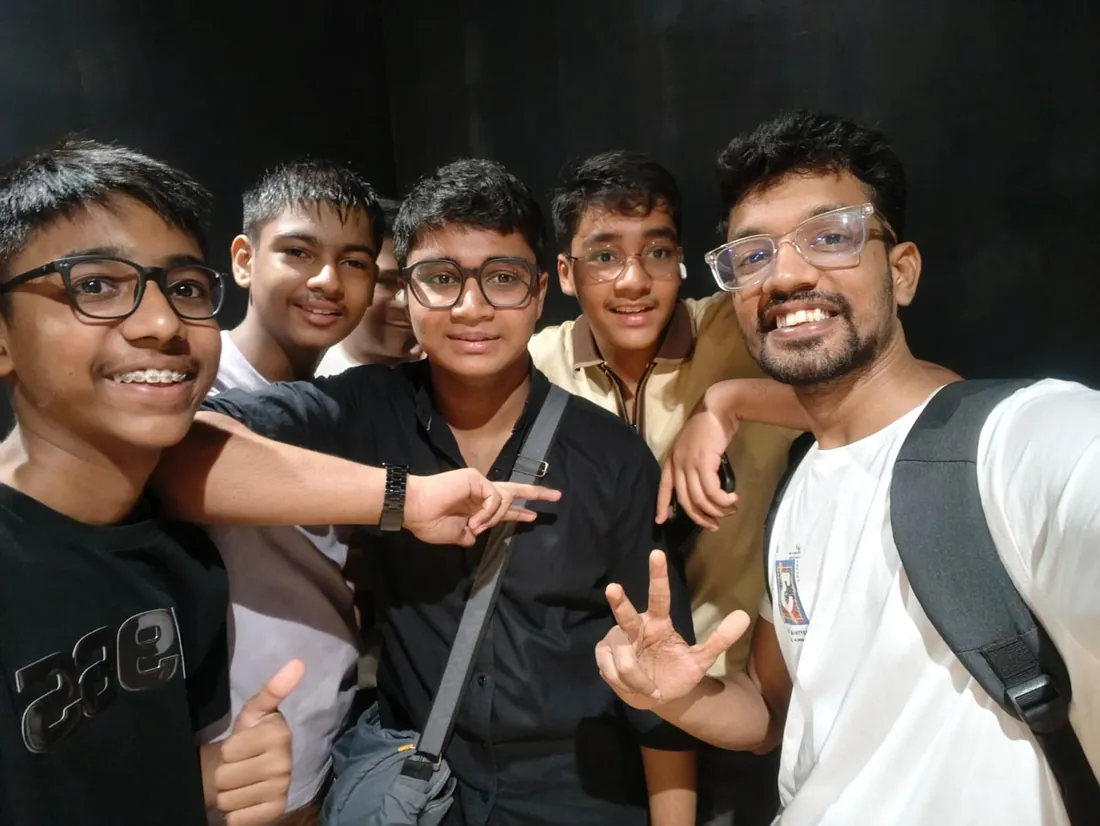
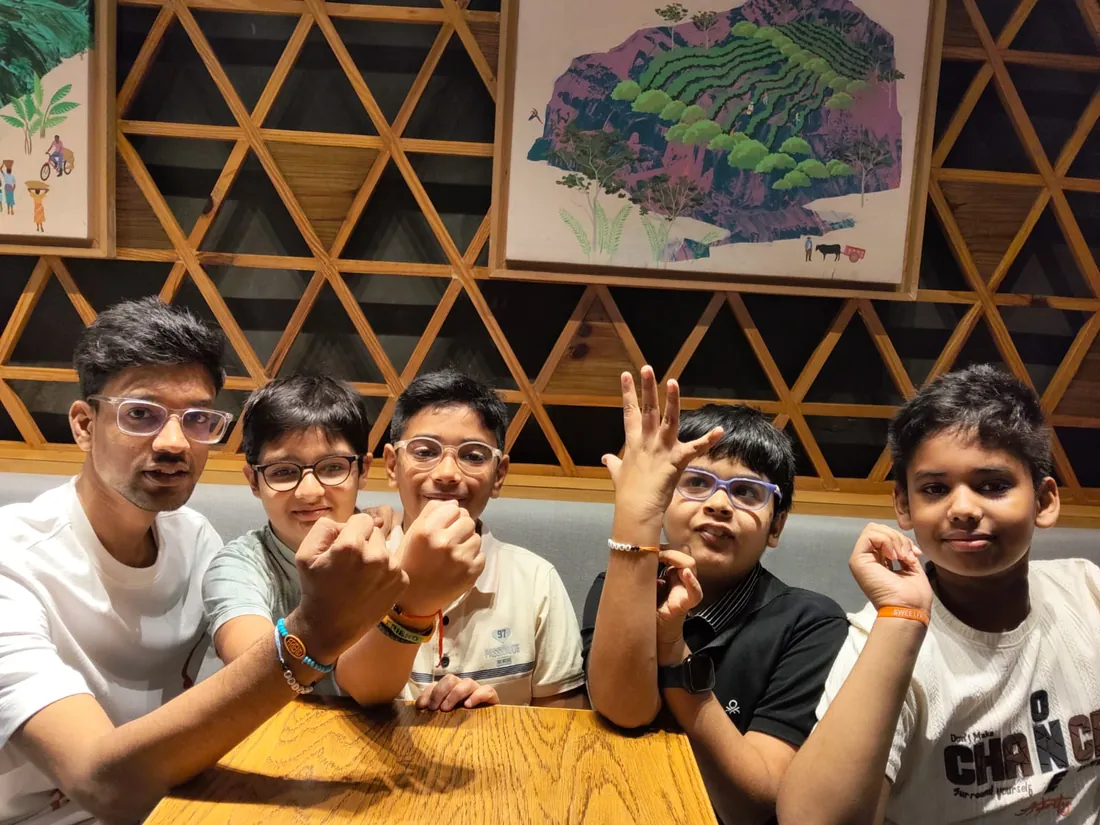
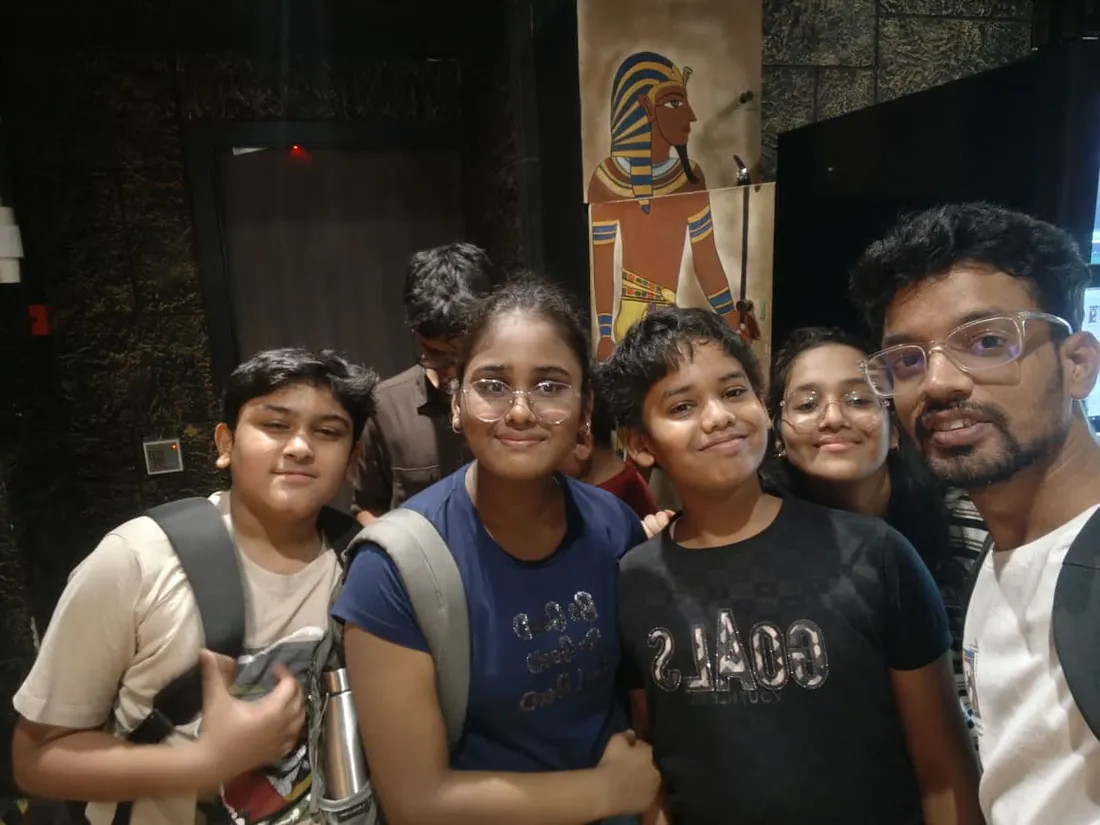
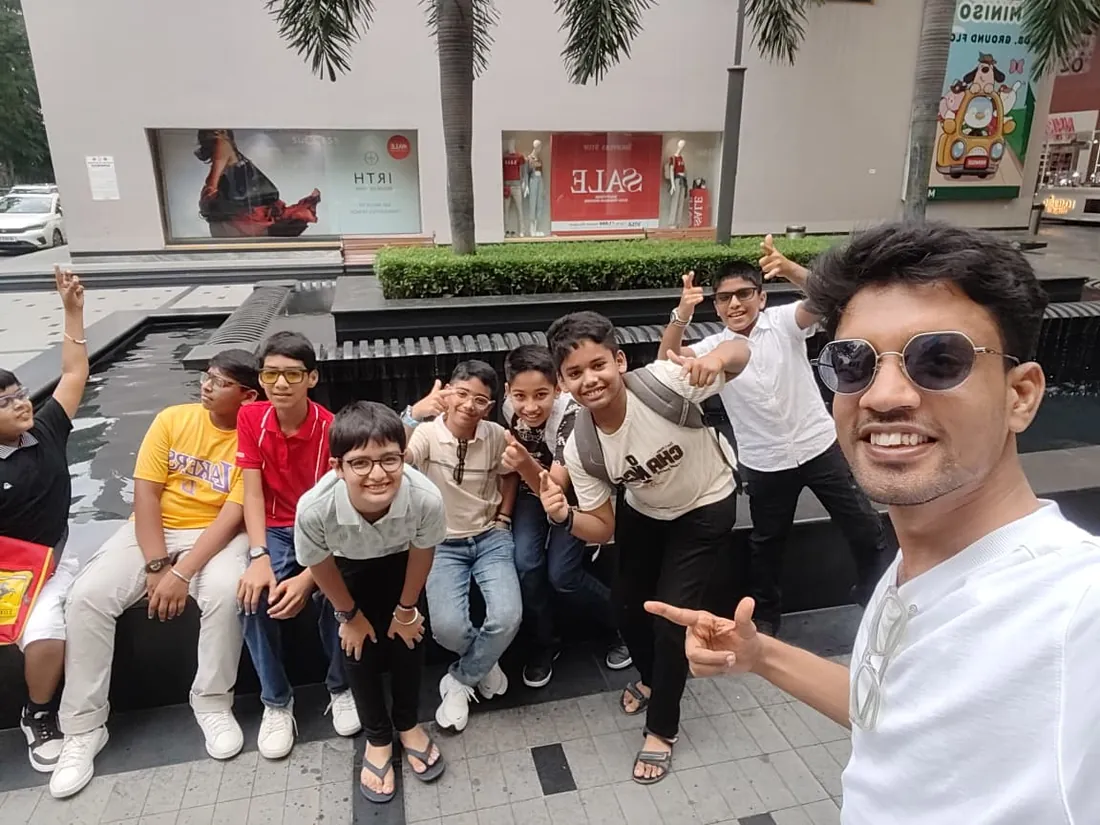
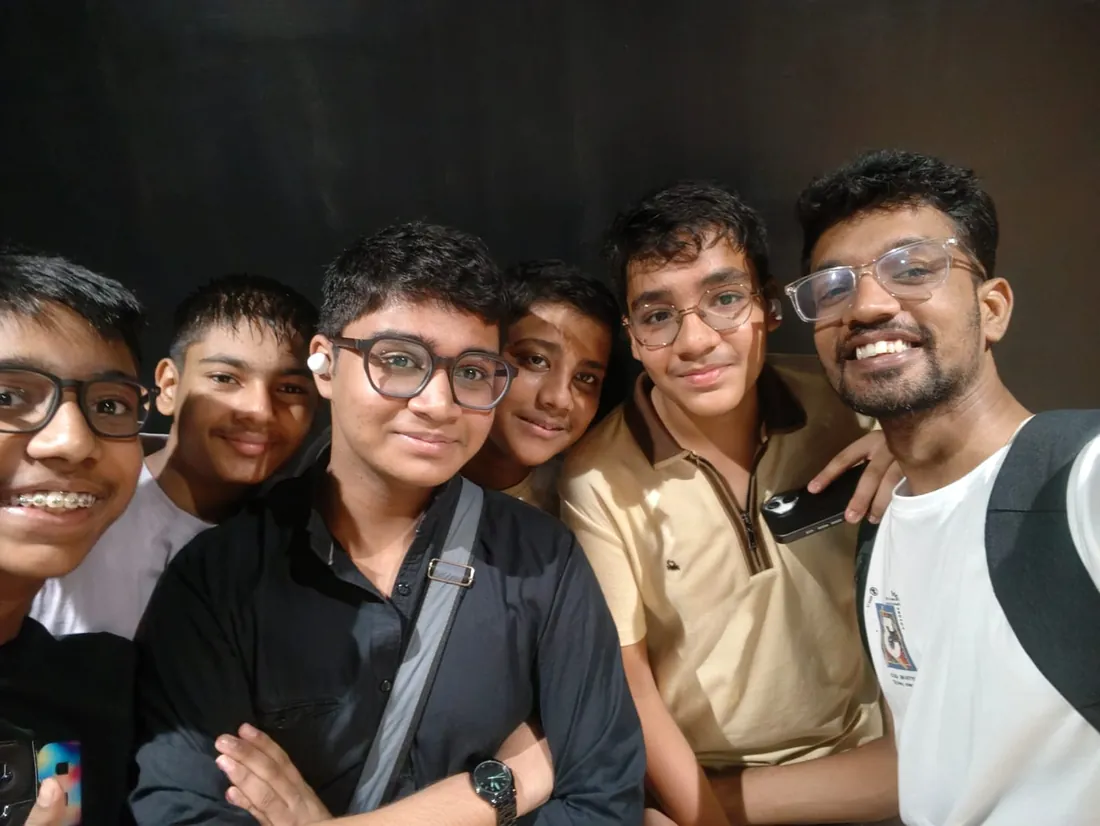
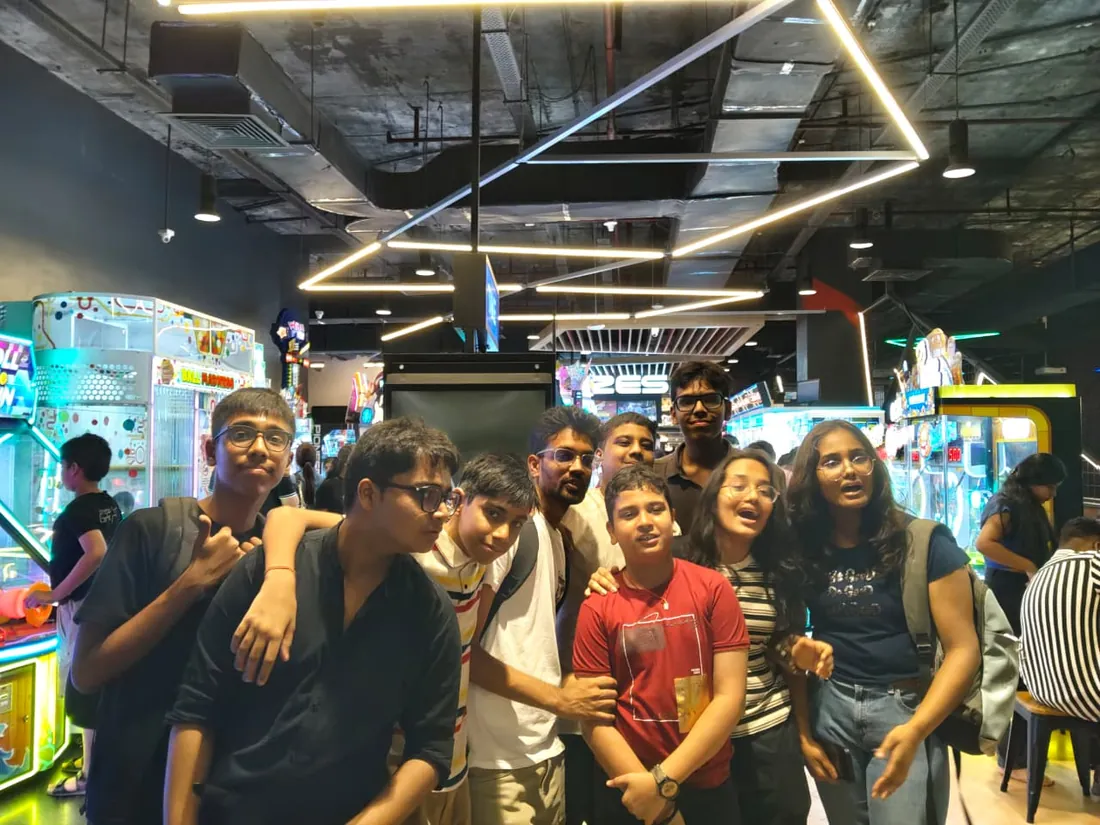
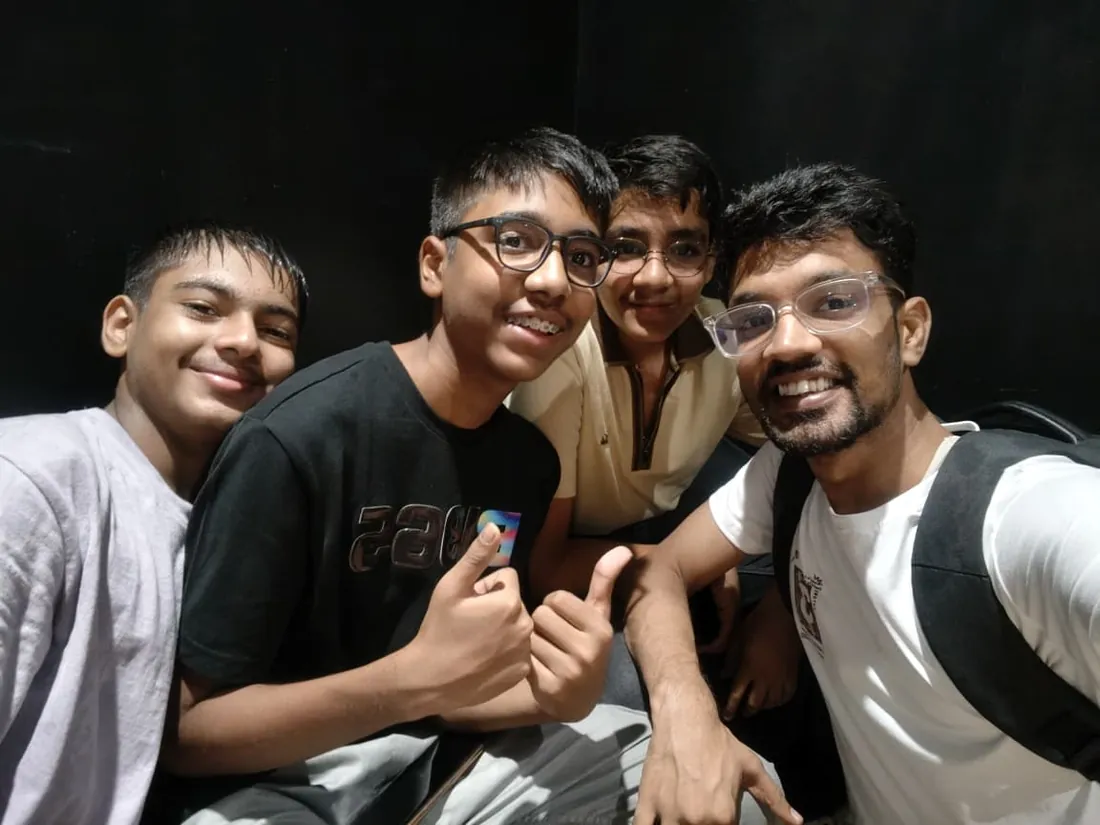
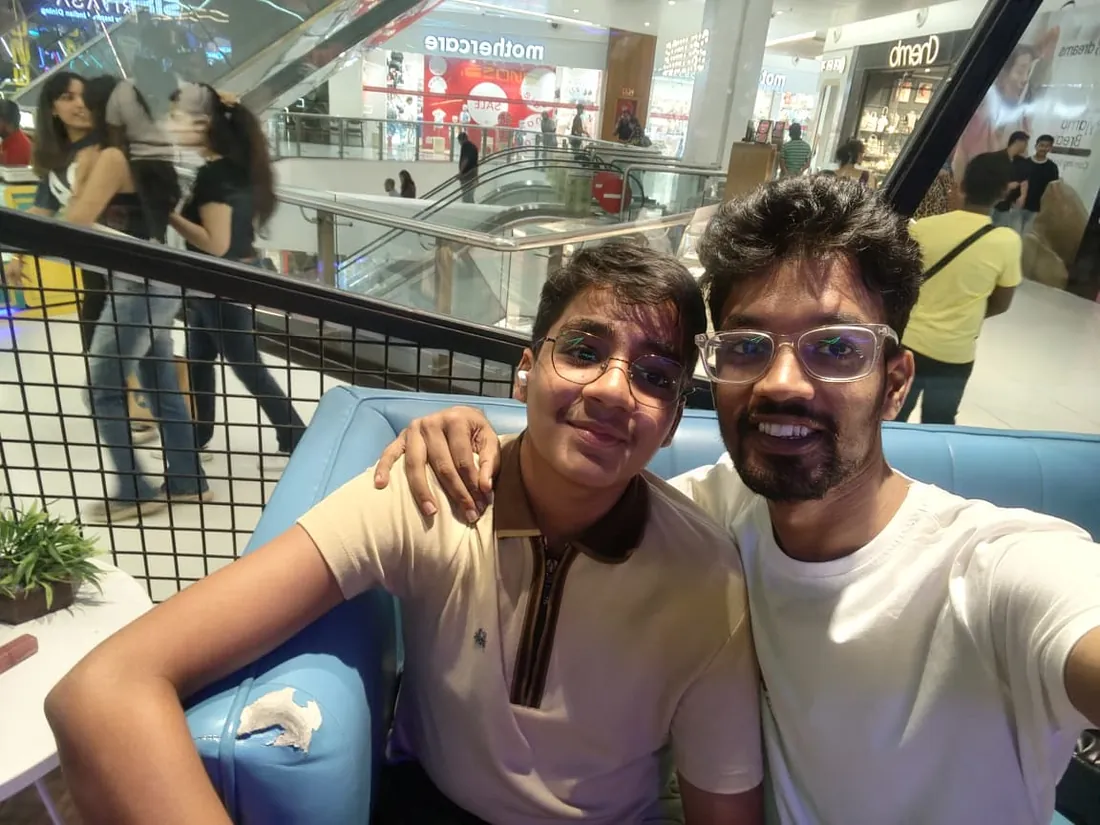
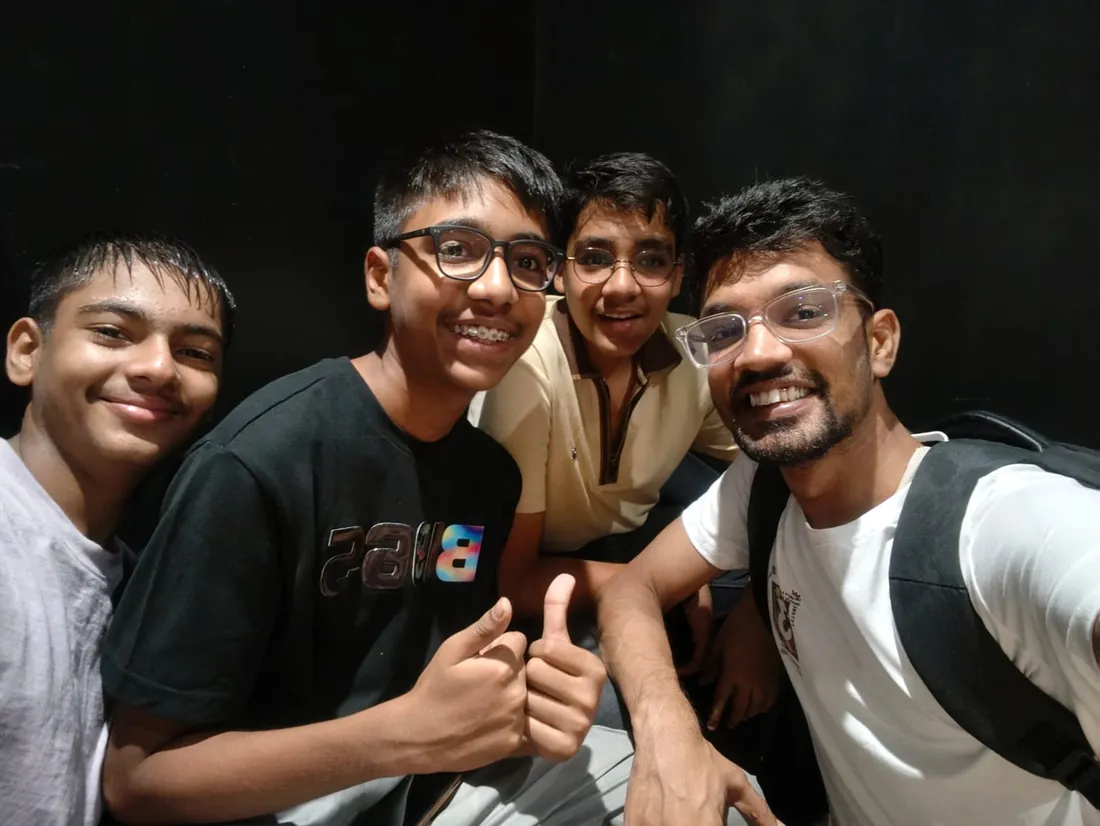
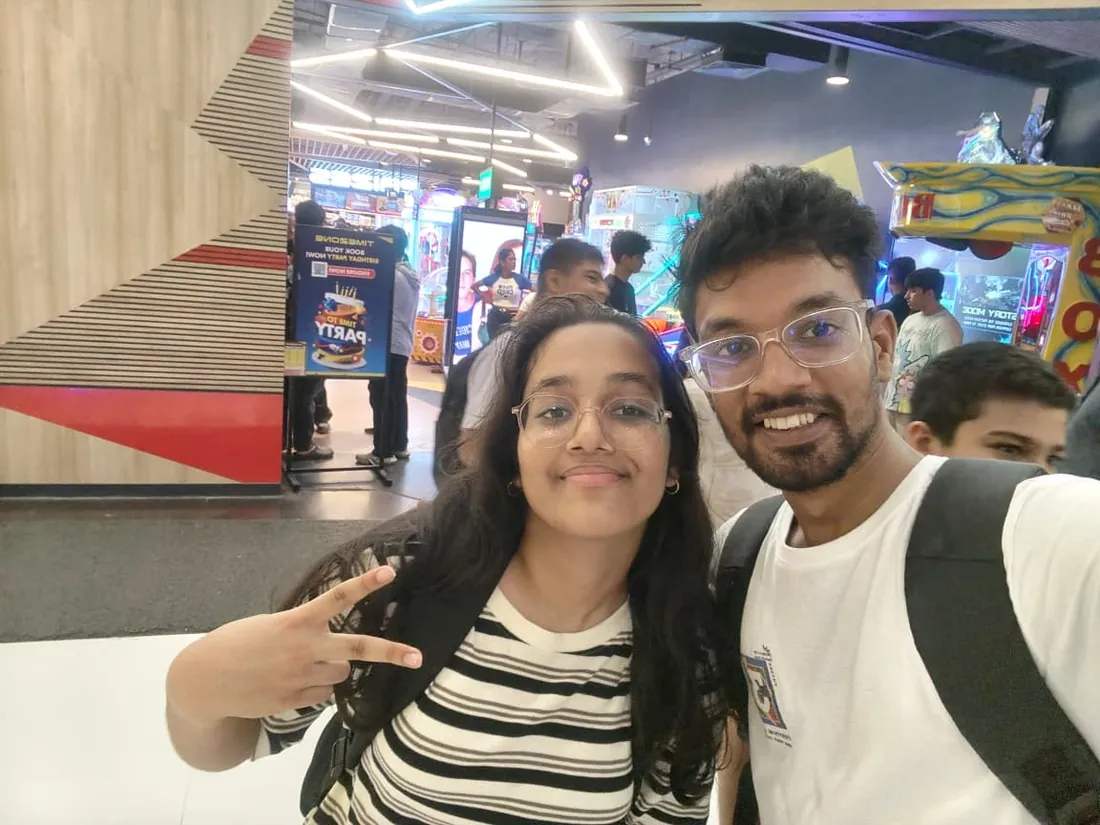
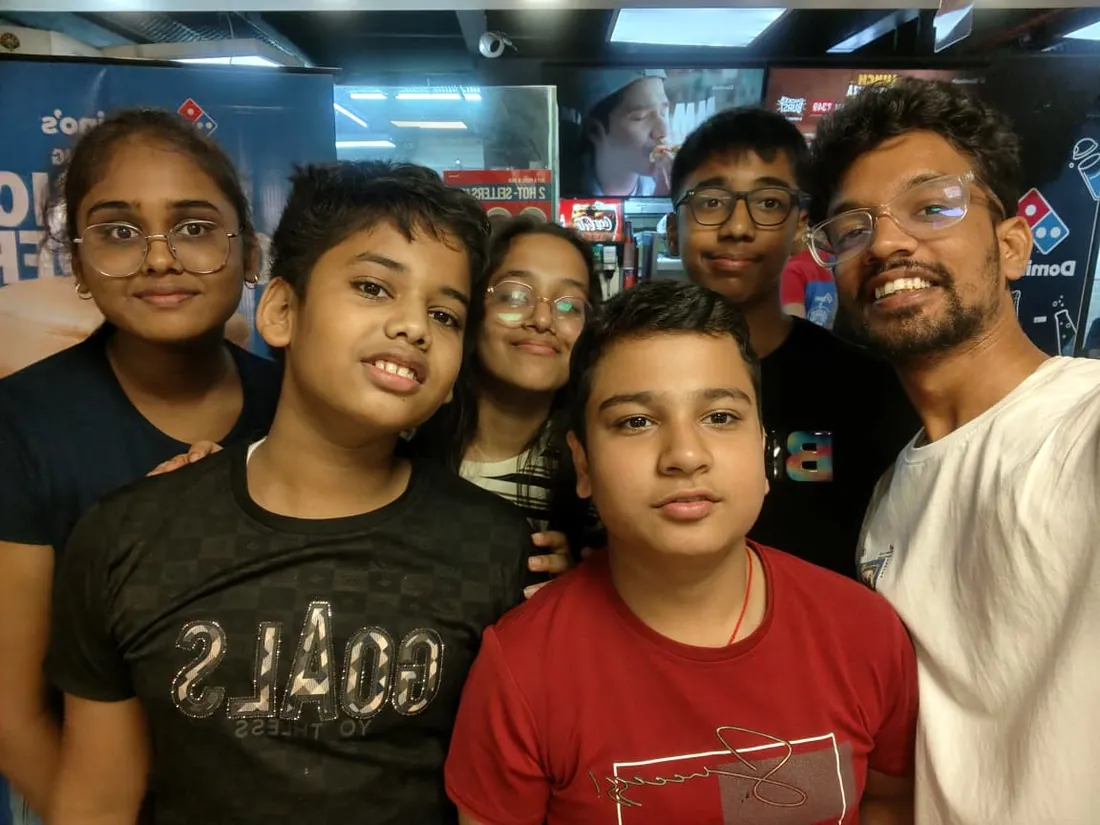
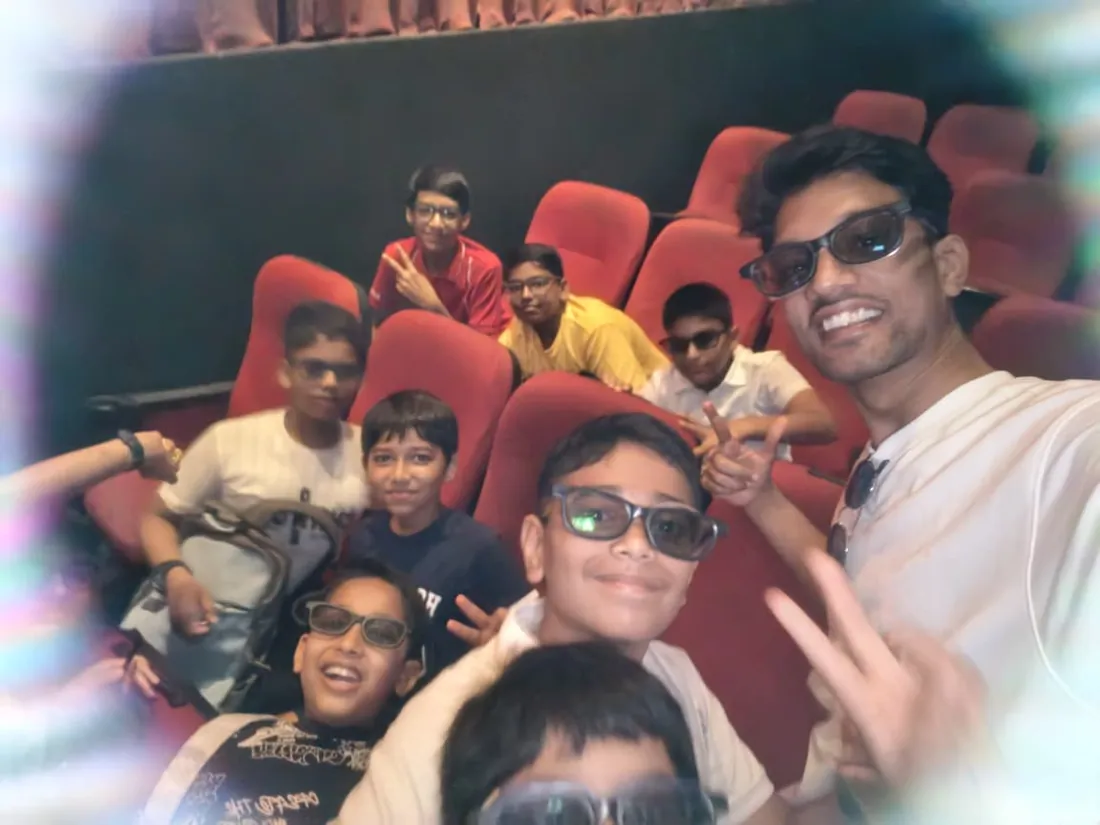
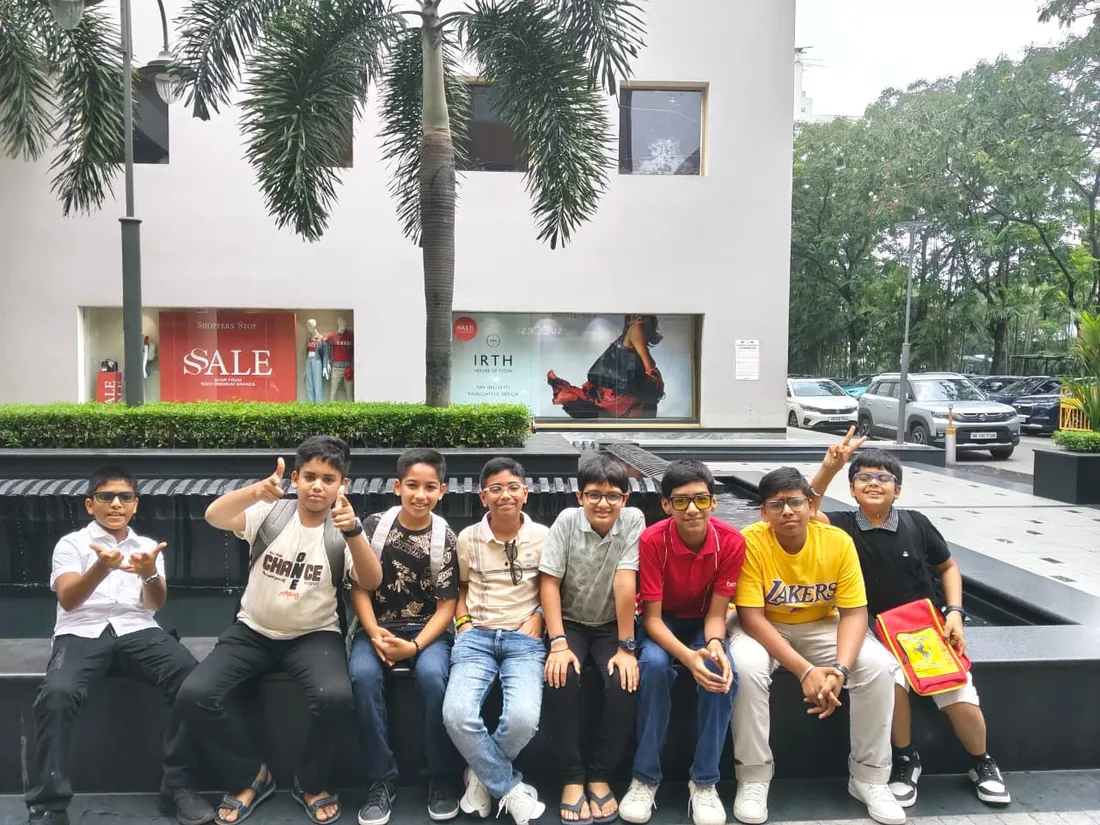
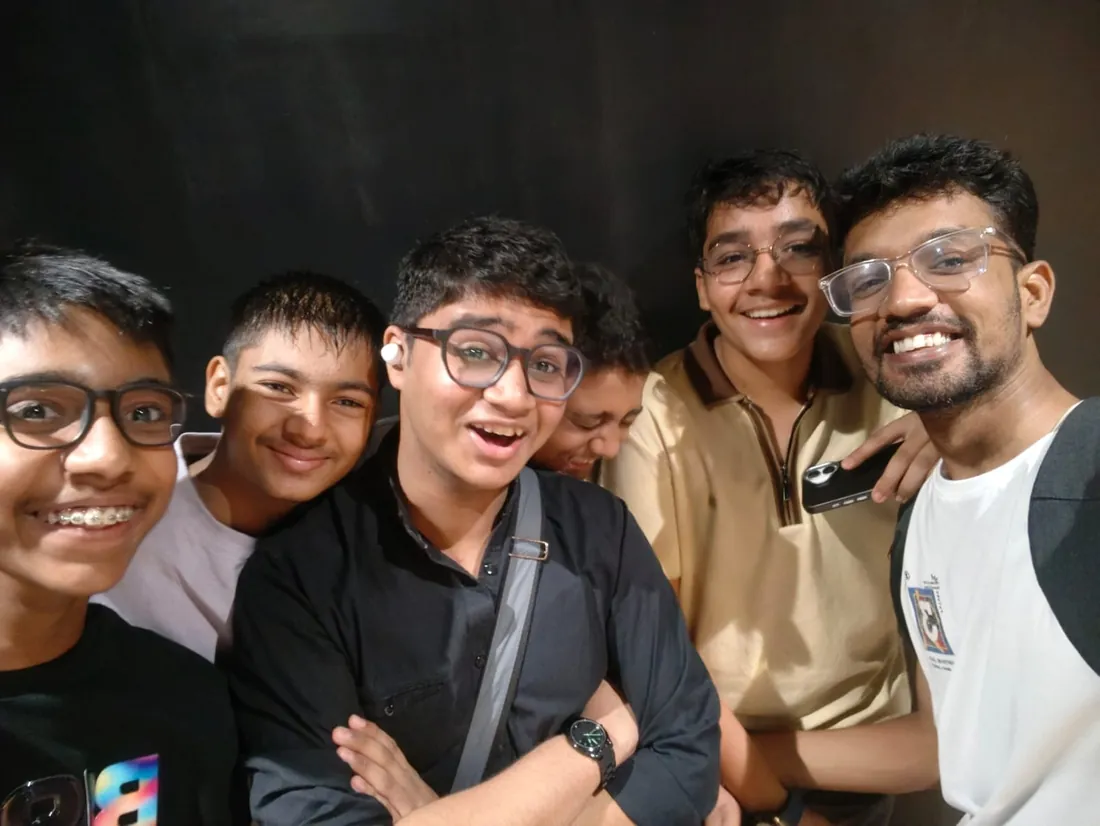
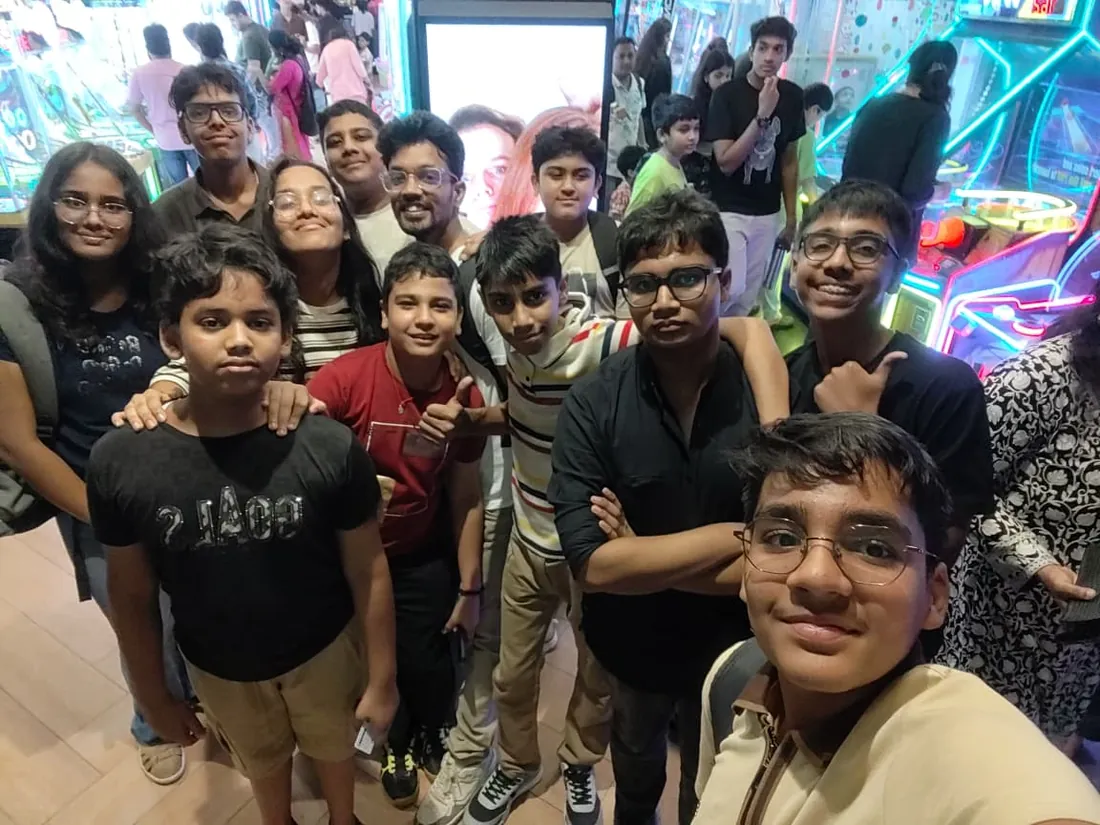
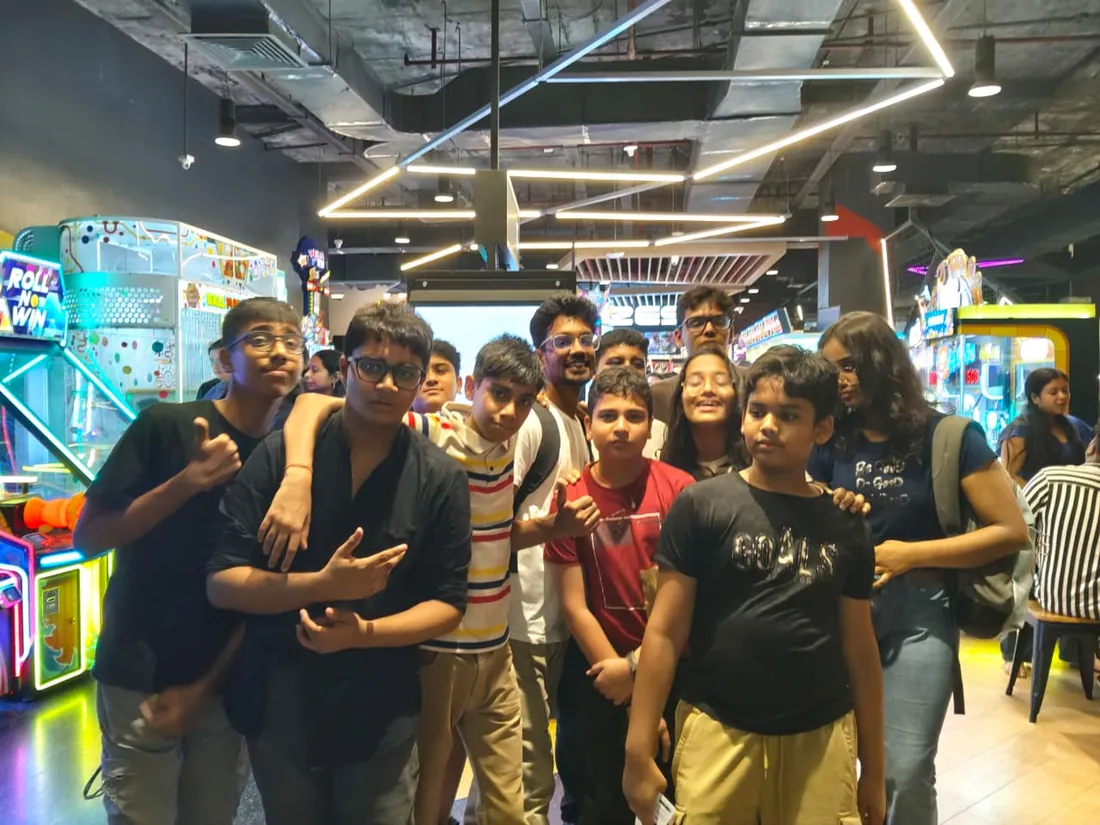
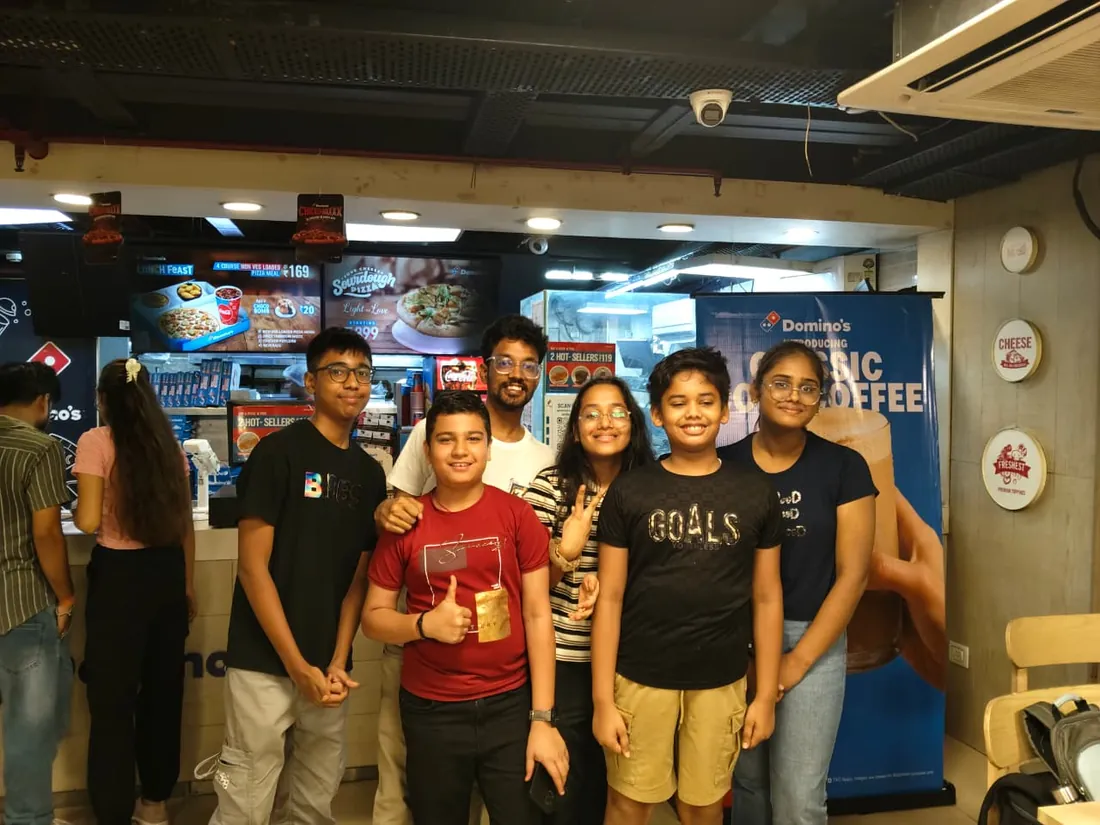
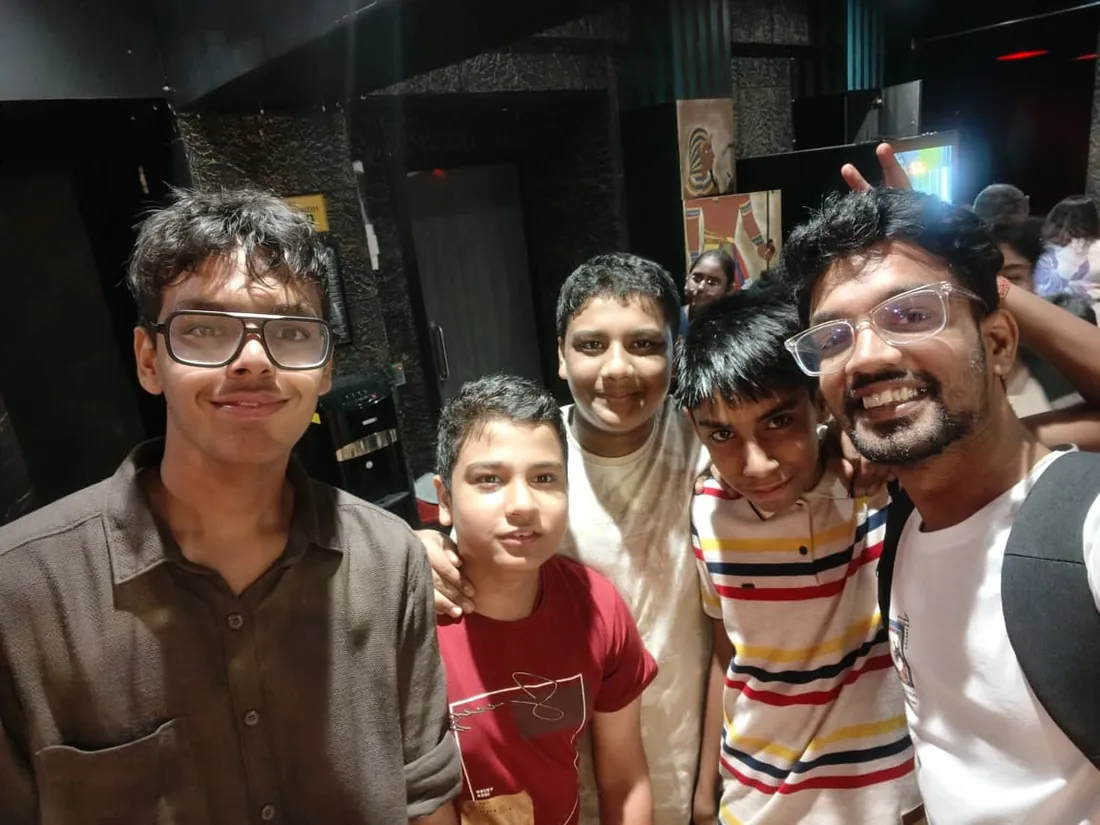
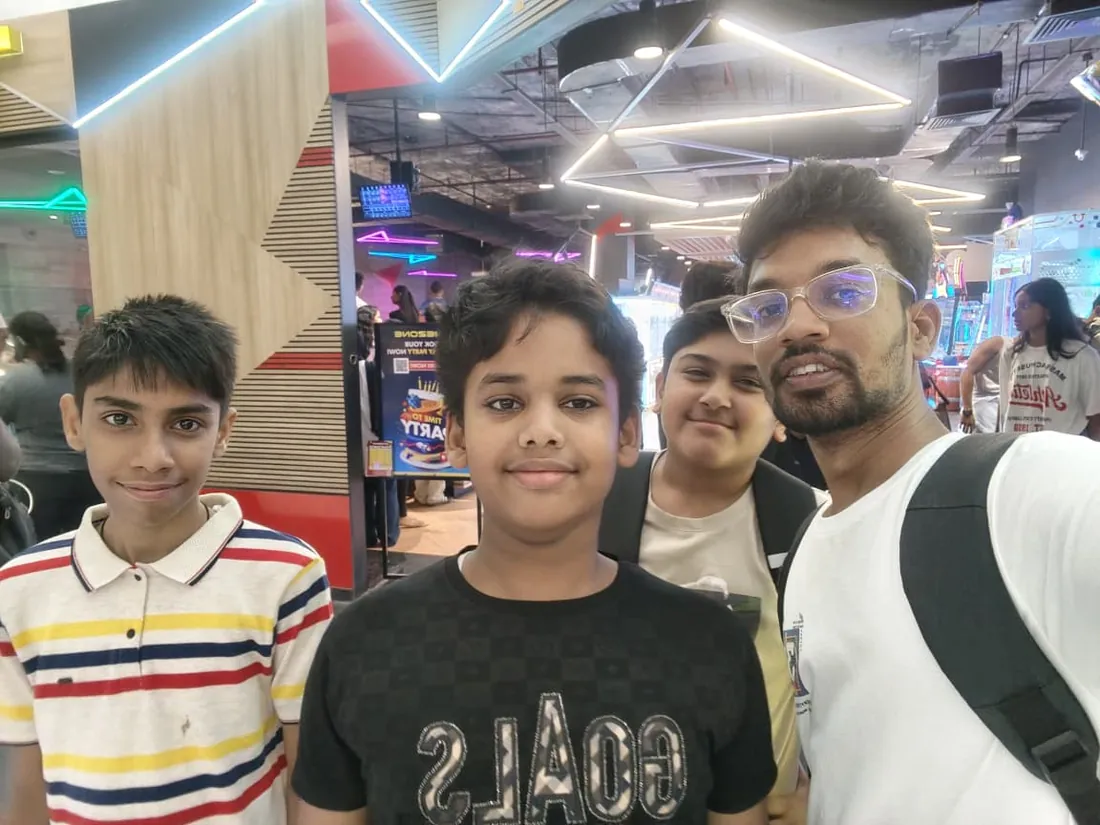
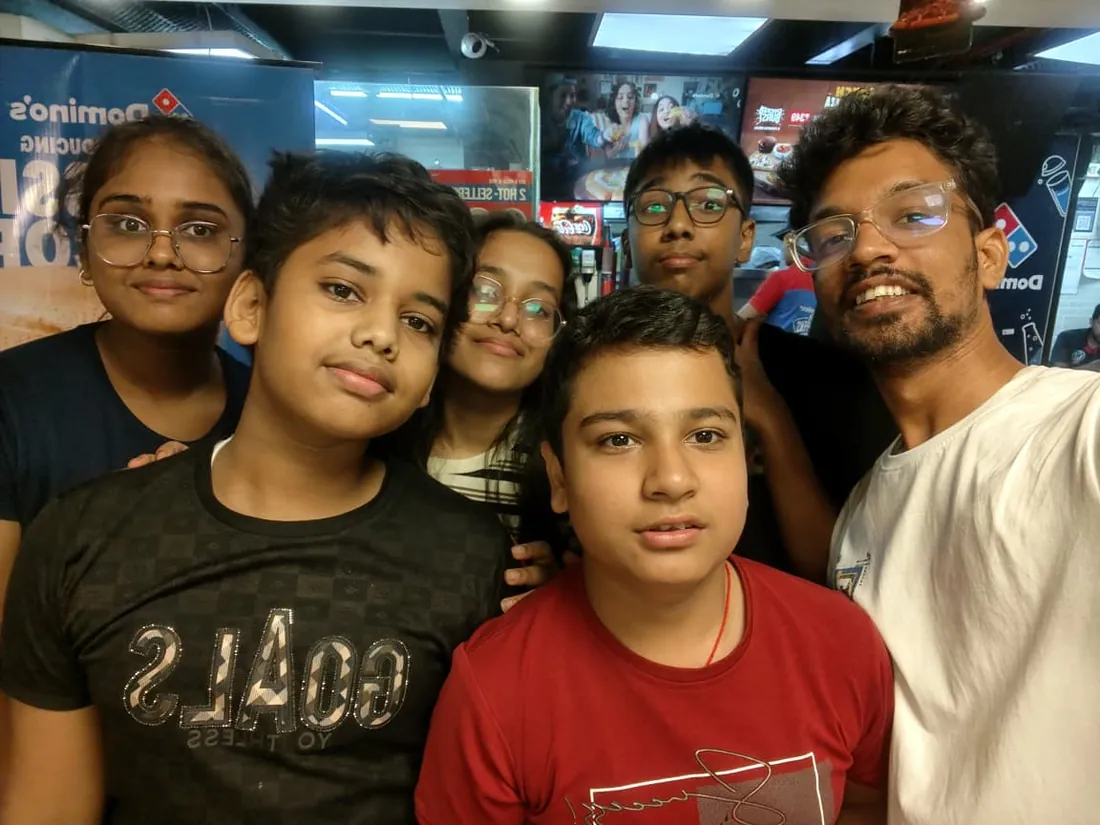
Real students. Real moments. Real joy.
These are our actual student meetups. No stock photos, no filters. Swipe through and meet the community you'll be joining.











What families say
Straight from the parents and students who learn with us. Rated 4.9 across 547 Google reviews.
“Mivaan enjoys the class. He understands the concepts and completes his tasks with excitement. He started taking interest in coding… truly amazing class.”
“I absolutely love it here! I made new friends and learned important valuable coding skills while having the fun of my life. It's not just coding here, it's outings, bonding and most importantly preparing you for your future. Definitely five stars.”
“What stands out most is how excited my son is before every class. He looks forward to learning, problem-solving, and sharing what he's built. I've noticed a big boost in his confidence!”
“Modern Age Coders has been a game-changer for me! I struggled to grasp IT concepts and coding before joining, but their classes transformed everything. I'm now the topper in my class and can confidently write complex programs with ease.”
“Modern Age Coder have wonderful teachers who teach in a clear, easy and practical way. The teacher boosts students' confidence, keeps them updated with technology, and inspires them to learn without hesitation.”
“The one step solution for my son. Modern Age Coders make learning coding so simple that kids love it.”
“Coding classes here make learning very interesting and conceptual. The teachers teach us in a very easy-to-understand and efficient manner.”
“One of the most wonderful education centres out there. Education is not limited to school syllabus but focuses on skill development. Learning here has been a wonderful journey and still continuing.”
“I highly recommend this computer coding class! The teachers are incredibly knowledgeable and passionate about coding. They make every session engaging and insightful.”
“My child Dhairya is really enjoying the Modern Age Coder IT classes. This is his first online class, and he eagerly looks forward to it.”
“Very good classes. Don't worry about coding. They teach the best, especially Shivam sir.”
“Very good classes. Makes learning very easy and interactive.”
Hear it from our students
Real parents and students in their own words, on our public YouTube channel.
Straight answers about Frontend Development for Teens: CSS Craft to React UI
- Who should take this course?
- Absolute beginner, ages 13 to 18. It suits teens who notice spacing and motion everywhere and want to build what they admire; students starting from zero on the visual-craft road; students who took (or will take) react for teens and want the ui-craft half.
- What will they learn and build?
- Every interface a teen admires, the smooth landing page, the app that feels expensive, is frontend craft, and craft is exactly what most courses skip on the way to frameworks.
- How deeply are topics covered?
- The course runs 9-11 months (36-44 weeks) at 2 live classes/week + 3-4 hours practice, across 4 phases listed week by week in the syllabus below. A structured, well-paced curriculum taught step by step, with classwork in every session and homework after every class.
- Who teaches it?
- Modern Age Coders mentors, who teach the live classes themselves. You can watch them at work in the free class recordings before you decide.
- How do practice, feedback and assessment work?
- Mixed-review assignments after every month and a final exam that decides the certificate: real craft, really tested. Doubt support between classes over WhatsApp, so you are never left stuck. A certificate you earn by passing the final exam, with a free retest after revision if needed.
- What does it cost?
- Three monthly plans: a group batch, a mini batch and 1-on-1. Prices are shown in your currency in the plans section. Monthly billing, cancel any time.
- When can classes take place?
- Live classes are scheduled around your week. Group batches meet at a fixed weekly slot; 1-on-1 students choose their own. International students are scheduled in their own timezone. Ask on WhatsApp for the current slots.
- Can I watch the teaching before deciding?
- Yes. Full recordings of real 13 and up classes are free to watch, free with a Google sign-in. These recordings show how we teach, not the exact syllabus of this course. Some classes are in English and some in Hindi; everyone follows at their own pace. Watch a class end to end, like you are in it. Sessions are interactive and each moment builds on the last.
- Can I enroll without a live demo?
- Yes. Choose a plan on this page and enroll directly; a booking or a demo is not required. A free live demo is optional, for anyone who wants to meet a mentor first. Outside India, our team confirms the plan and completes payment with you over WhatsApp, so allow a little time for that step.
Common Questions About Frontend Development for Teens: CSS Craft to React UI
Get answers to the most common questions about this comprehensive program
Still have questions? We're here to help!
Contact UsRelated Courses You May Like
Continue your learning journey with these recommended programs
 Web Development
Backend Development for Teens: Node, APIs and Databases
Backend course for teens aged 13-18: Node.js, Express, REST APIs, MongoDB and PostgreSQL, auth, secu...
Explore Course Web Development
Full Stack Web Development for Teens: React and Node.js
Full stack web development course for teens aged 13-18: HTML, CSS, JavaScript, React, Node.js, Mongo...
Explore CourseRelated Articles & Guides
Deepen your knowledge with these hand-picked articles
 Web Development
38 min read
Web Development
38 min read
20 HTML, CSS, and JavaScript Project Ideas (With Code)
20 HTML, CSS, and JavaScript project ideas from beginner to advanced, each with the exact skills it ...
Read Article Career
18 min read
Career
18 min read
Competitive Coding vs Development Skills: What Should Students Focus On?
The great debate: should students focus on competitive programming or practical development skills? ...
Read ArticleReady to start Frontend Development for Teens: CSS Craft to React UI?
Book a free demo class to meet your mentor and see how we teach, with no commitment. Or enrol now and start this week.