Creative Media and Design for Teens
Photo, video and design taught as one craft: eight honest months from first edit to a portfolio that looks like taste, not templates.
Syllabus updated August 2026
Recordings are free with a Google sign-in. These recordings show how we teach, not the exact syllabus of this course.
How long this course takes
This course runs 8-10 months (32-40 weeks) at 2 live classes/week + 2-3 hours practice. The range allows for background and pace: a complete beginner uses the full span, and a student with prior knowledge finishes sooner. The syllabus below is planned to the shorter end, with margin kept for revision.
For personalised duration planning, call +91 91233 66161 and we'll map a schedule to your goals.
At a glance
- Who it is for
- Beginner friendly, ages 13 to 18.
- Prerequisites
- None. Every tool and principle is taught from zero
- Format
- Live, interactive classes with a real instructor, never pre-recorded videos. Live classes run about one hour.
- Language
- English or Hindi, depending on the batch.
- Duration
- 8-10 months (32-40 weeks)
- Weekly commitment
- 2 live classes/week + 2-3 hours practice
- Class size
- Group batches of 5 to 10 students, mini batches of 3 to 4, or 1-on-1.
- Certificate
- Certificate from Modern Age Coders, awarded on passing the final exam
- Watch first
- Free recordings of real classes for ages 13 and up, free with a Google sign-in. These recordings show how we teach, not the exact syllabus of this course.
- Live demo
- Optional. Enroll directly on this page, or book a free live demo if you would like to meet a mentor first.
How we teach
Deep understanding. Real projects. Expert guidance.
Learn coding, AI and maths through careful explanations, practical demonstrations, and hands-on problem-solving. Our instructors guide you from the foundations to advanced ideas, helping you understand what happens, why it happens, and how to build it yourself.
You will explore concepts step by step, write and improve code, investigate mistakes, ask questions, and apply your knowledge to meaningful projects. Lessons are designed around active participation, thoughtful feedback, and growing independence.
Expert-led live teaching, with practical participation built into every lesson.
- Students explain their thinking.
- Instructors demonstrate, then guide practice.
- Learners code, solve, or build during lessons.
- Questions and misconceptions get attention.
- Assignments receive useful feedback.
- Progress is checked before advancing.
Ready to Master Creative Media for Teens: Photo, Video and Design?
Choose your plan and start your journey into the future of technology today.
Rated 4.9 across 547 Google reviews. Enroll directly, or see a class first. The free demo is a waiting list and needs no card. Monthly billing, cancel anytime.
Try this course in a full live class, today or tomorrow.The Priority Live Demo is a real class of about 45 to 60 minutes with a mentor reserved for you. You get a written skill report afterwards, and the fee is adjusted against your first month if you enrol.
Book priority demo · ₹499International Students (Outside India)
Billed monthly in US dollars, the same price in every country. Contact us with any questions.
Program Overview
Teens live inside visual media; very few can make it well. This live online course for ages 13 to 18 teaches the full creative trio properly: photo editing from honest corrections to real compositing, video from cuts and rhythm to short productions with sound design, and graphic design from principles to a small brand built end to end. The final months add advanced video effects, real photography craft with whatever camera the family owns, and a portfolio capstone presented at demo day.
The toolkit is free-first and honest: strong free tools cover the entire syllabus, and industry options like Photoshop are taught as exactly that, options, for families that have them. There is no viral-chasing, no monetization coaching and no freelance pressure aimed at teenagers; the course builds craft and taste, the assets that actually compound.
The pace is real: eight months at two live classes a week plus two to three hours of practice, with two more months in hand when needed. Homework after every class, monthly mixed challenges, and a final exam, portfolio review plus a live editing task, that decides the certificate with a free retest. Real craft, real portfolio, depth over dopamine.
What Makes This Program Different
- The full trio in one arc: photo, video and design, taught as one connected craft
- Free-first tools with honest options: the whole syllabus works at zero software cost
- Critique every week: kind, specific feedback is the actual engine of taste
- No viral-chasing or freelance pressure for teens: craft first, always
- An honest 8-month arc with 2 months in hand
- Real assessment: monthly mixed challenges and a final exam that decides the certificate, with a free retest
Your Learning Journey
Career Progression
Detailed Course Curriculum
Explore the complete week-by-week breakdown of what you'll learn in this comprehensive program.
Topics Covered
- The creative industry landscape for Gen Z
- Career paths: YouTuber, Designer, Photographer, Filmmaker
- Essential hardware: Computer specs, tablets, phones
- Free vs paid software options
- Setting up Adobe Creative Cloud (student discount)
- Alternative free tools: GIMP, DaVinci Resolve, Canva
- File management and organization
- Understanding file formats: JPG, PNG, RAW, MP4, MOV
- Resolution, DPI, and pixel basics
- Color theory fundamentals: RGB vs CMYK
- Creating your first creative workspace
- Building a creative routine and staying inspired
Projects You Build
- Set up complete creative workstation
- Create organized folder structure for projects
- Design a personal creative brand/logo
Practice & Assignments
Daily: 30 min creative exploration, 1 hour tool familiarization
Topics Covered
- Photoshop interface tour and customization
- Essential panels: Layers, Properties, History
- Working with layers: Creating, organizing, blending modes
- Selection tools: Marquee, Lasso, Magic Wand, Quick Selection
- Basic adjustments: Brightness, Contrast, Levels, Curves
- Color correction: Hue/Saturation, Color Balance
- Cropping and straightening images
- Removing objects: Spot Healing, Clone Stamp, Content-Aware Fill
- Working with text: Fonts, effects, formatting
- Saving for different purposes: Web, print, social media
- Non-destructive editing with adjustment layers
- Keyboard shortcuts for speed
Projects You Build
- Edit 10 personal photos to perfection
- Design custom phone wallpapers
Practice & Assignments
Edit 5 different photos daily using various techniques
Topics Covered
- Advanced selections: Select and Mask, Color Range
- Compositing: Combining multiple images seamlessly
- Sky replacement and background changes
- Portrait retouching: Skin, eyes, teeth, hair
- Frequency separation for professional retouching
- Creating realistic shadows and reflections
- Photo filters and effects: Vintage, cinematic, artistic
- Double exposure and creative effects
- Creating social media templates
- Batch processing multiple photos
- Actions and automation for efficiency
- RAW processing basics with Camera Raw
Projects You Build
- Create surreal photo manipulation artwork
- Professional portrait retouching project
- Design Instagram post templates
Practice & Assignments
Complete 20 photo manipulation challenges
Topics Covered
- Smartphone photography techniques
- Composition rules: Rule of thirds, leading lines, symmetry
- Lighting for photos: Natural vs artificial
- Portrait mode and depth effects
- Mobile editing apps: VSCO, Snapseed, Lightroom Mobile
- Creating consistent Instagram feeds
- Instagram Stories design and templates
- TikTok photo slideshow trends
- Pinterest-worthy photo editing
- Mobile photography accessories
- Shooting and editing vertical content
- Quick edits for immediate posting
Projects You Build
- 30-day Instagram feed makeover
- Mobile photography portfolio
Practice & Assignments
Post one edited photo daily on social media
Assessment
Months 1-2 check: a photo-edit set completed live, plus a mixed take-home challenge
Topics Covered
- Video production workflow overview
- Pre-production: Planning, scripting, storyboarding
- Camera basics: Frames per second, resolution (1080p, 4K)
- Shooting techniques: Angles, movements, stability
- Smartphone videography tips and tricks
- Audio importance: Recording clean sound
- Basic lighting setups with household items
- B-roll and why it matters
- Understanding codecs and compression
- Organizing footage and project files
- Copyright and music licensing basics
- Finding royalty-free music and sound effects
Projects You Build
- Shoot and plan first short film (2-3 minutes)
- Create a day-in-my-life vlog
- Record product review video
Practice & Assignments
Shoot 10 different video types (slow-mo, time-lapse, etc.)
Topics Covered
- Premiere Pro interface and workspace setup
- Project settings and sequence creation
- Importing and organizing media
- Timeline basics: Tracks, clips, navigation
- Essential editing tools: Selection, Razor, Ripple
- Cutting techniques: J-cuts, L-cuts, match cuts
- Transitions: Cuts, fades, wipes, custom transitions
- Audio editing: Levels, fades, noise reduction
- Color correction basics: Lumetri Color panel
- Adding titles and lower thirds
- Exporting for different platforms
- Premiere Pro keyboard shortcuts
Projects You Build
- Edit a cinematic travel video
- Create YouTube video with intro/outro
- Edit multi-camera interview
Practice & Assignments
Edit one video daily for different platforms
Topics Covered
- Thumbnail design in Photoshop
- Creating clickable titles without clickbait
- YouTube video structure: Hook, content, CTA
- Editing styles: Gaming, vlog, tutorial, reaction
- Jump cuts and pacing for retention
- Adding subtitles and captions
- End screens and cards setup
- YouTube Shorts vs long-form content
- Analytics: Understanding retention graphs
- Building a consistent upload schedule
- Collaborating with other creators
Projects You Build
- Complete YouTube channel setup and branding
- Create and upload 5 different video styles
- Design thumbnail templates
Practice & Assignments
Analyze 20 successful YouTube videos in your niche
Topics Covered
- Vertical video best practices
- TikTok trends and how to spot them
- CapCut advanced features
- Speed ramping and velocity edits
- Text animations and reveals
- Transition mastery for TikTok
- Green screen and effects
- Instagram Reels optimization
- YouTube Shorts specific editing
- Sound sync and beat matching
- Creating series and themed content
Projects You Build
- Create 30 TikToks in different styles
- Develop signature editing style
- Build following to 1000+ followers
Practice & Assignments
Post one short-form video daily for 30 days
Topics Covered
- Portfolio website creation basics
- Organizing and presenting work
- Creating demo reels
- Getting first clients as a teen
- Pricing your services
Projects You Build
- CAPSTONE: Create 5-minute portfolio showreel
- Build online portfolio website
Assessment
Months 3-4 check: a one-minute edit cut live from provided footage, plus mixed review
Topics Covered
- Vector vs raster graphics explained
- Illustrator interface and tools
- Pen tool mastery: Curves, angles, handles
- Shape tools and pathfinder operations
- Creating logos from scratch
- Typography and custom lettering
- Color palettes and swatches
- Gradient and pattern creation
- Icon design for apps and web
- Business card and stationery design
- Tracing and vectorizing images
- Exporting for different uses
Projects You Build
- Design 5 different logo concepts
- Create complete brand identity package
- Design custom icon set
Practice & Assignments
Create one vector illustration daily
Topics Covered
- Understanding platform specifications
- Instagram post and story templates
- Facebook cover and post designs
- Twitter/X header and post graphics
- LinkedIn professional graphics
- Pinterest pin optimization
- Consistent brand aesthetics
- Creating content calendars
- Carousel posts and slideshows
- Infographic design principles
- Data visualization basics
- Canva for quick designs
Projects You Build
- 30-day social media content package
- Brand guide for personal brand
- Infographic series on trending topic
Practice & Assignments
Design social media posts for 5 different brands
Topics Covered
- Print vs digital design differences
- Understanding bleeds and margins
- CMYK color mode and print preparation
- T-shirt and apparel design
- Sticker and label design
- Poster and flyer creation
- Album and book cover design
- Magazine layout basics
- Packaging design introduction
- Print-on-demand platforms
- Setting up online merchandise store
- Copyright and trademark basics
Projects You Build
- Design merch line with 10 products
- Create concert poster series
- Design and sell first products online
Practice & Assignments
Create designs for different print formats
Topics Covered
- Web design principles for beginners
- User interface (UI) fundamentals
- User experience (UX) basics
- Wireframing and prototyping
- Figma introduction and basics
- Designing responsive layouts
- Mobile app interface design
- Website banner and hero images
- Button and form design
- Color psychology in web design
- Landing page creation
- Portfolio website design
Projects You Build
- Design mobile app interface
- Create landing page design
- Redesign favorite website
Practice & Assignments
Daily UI challenge for 30 days
Topics Covered
- Project planning and time management
- Client communication basics
- Creating project proposals
- Feedback incorporation
- Final presentation skills
Projects You Build
- MAJOR CAPSTONE: Complete Brand Identity Project
- Logo, social media kit, video intro, merchandise designs
Assessment
Phase check: present the mini brand kit, plus a mixed challenge spanning months 1-6
Topics Covered
- Transitions that mean something, not just move
- Keyframing: motion inside the frame
- Green screen done properly at home
- Color grading: the honest before-and-after
- Sound design: the half of video nobody sees
- Titles and captions that people actually read
- A polish pass on your best earlier edit
Projects You Build
- A 60-90 second short with effects, grade and sound design
Practice & Assignments
One micro-edit daily; review the best two in class
Topics Covered
- Composition: the five framings that fix most photos
- Light: window, golden hour and one lamp, used deliberately
- Phone camera mastery: focus, exposure and RAW where available
- Editing your own shots: honest corrections, tasteful grades
- A themed photo series: shooting with intent
- Selecting: the discipline of choosing 6 from 200
Projects You Build
- A themed 6-photo series, shot, edited and sequenced
Practice & Assignments
A daily frame: one deliberate photograph every day
Topics Covered
- Choosing the capstone: one campaign across photo, video and design
- Curation over collection: the best 12 pieces, sequenced
- Presenting decisions: intent, references, choices
- Critique rounds: kind, specific, final
Projects You Build
- THE CAPSTONE: a campaign plus the curated portfolio
Practice & Assignments
One critique given and one received, daily
Topics Covered
- Presenting the capstone and portfolio
- A live editing task under friendly time pressure
- A full-course mixed review
- Where this leads: creative coding, motion design, and making for your own channels
Projects You Build
- Demo day presentation delivered to the batch
Assessment
FINAL EXAM: portfolio review plus a live editing task and mixed questions from the whole course. Passing earns the certificate; falling short earns focused revision and a free retest
Projects You'll Build
Build a professional portfolio with 60+ critiqued pieces across photo, video and design, curated into a portfolio real-world projects.
Weekly Learning Structure
Certification & Recognition
Technologies & Skills You'll Master
Comprehensive coverage of the entire modern web development stack.
Support & Resources
Career Outcomes & Opportunities
Transform your career with industry-ready skills and job placement support.
Prerequisites
Who Is This Course For?
Career Paths After Completion
Course Guarantees
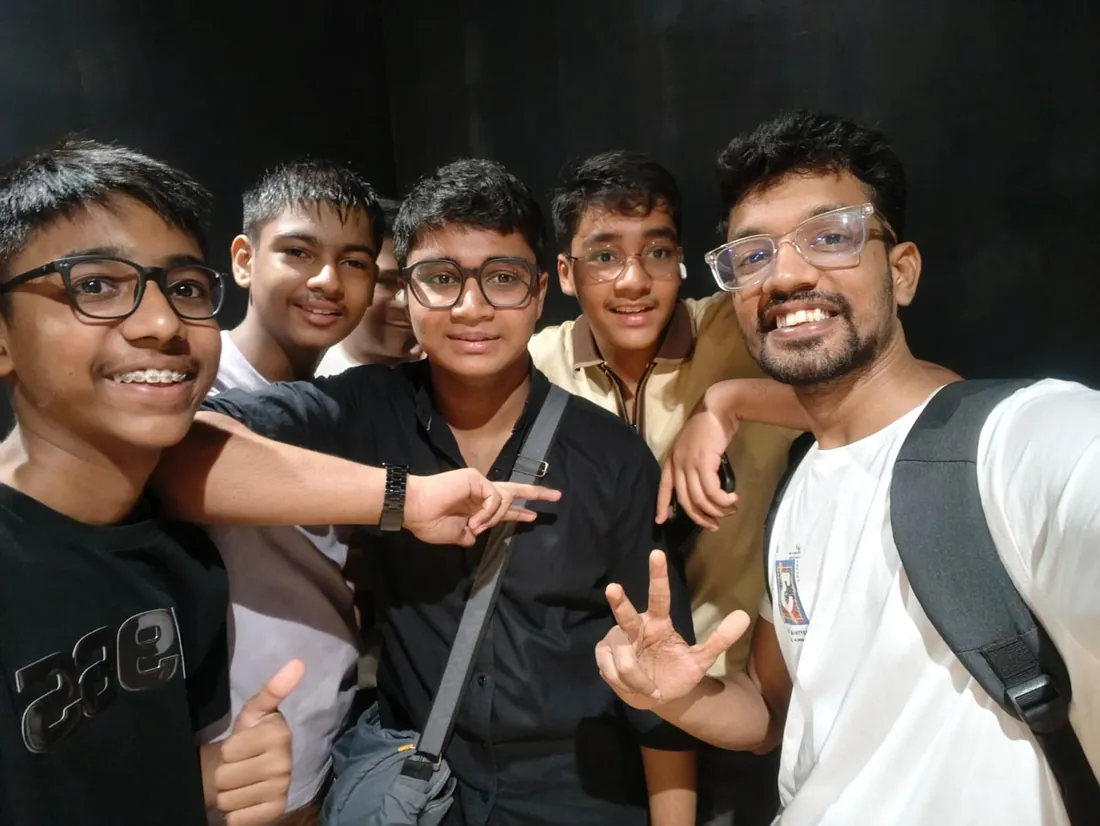
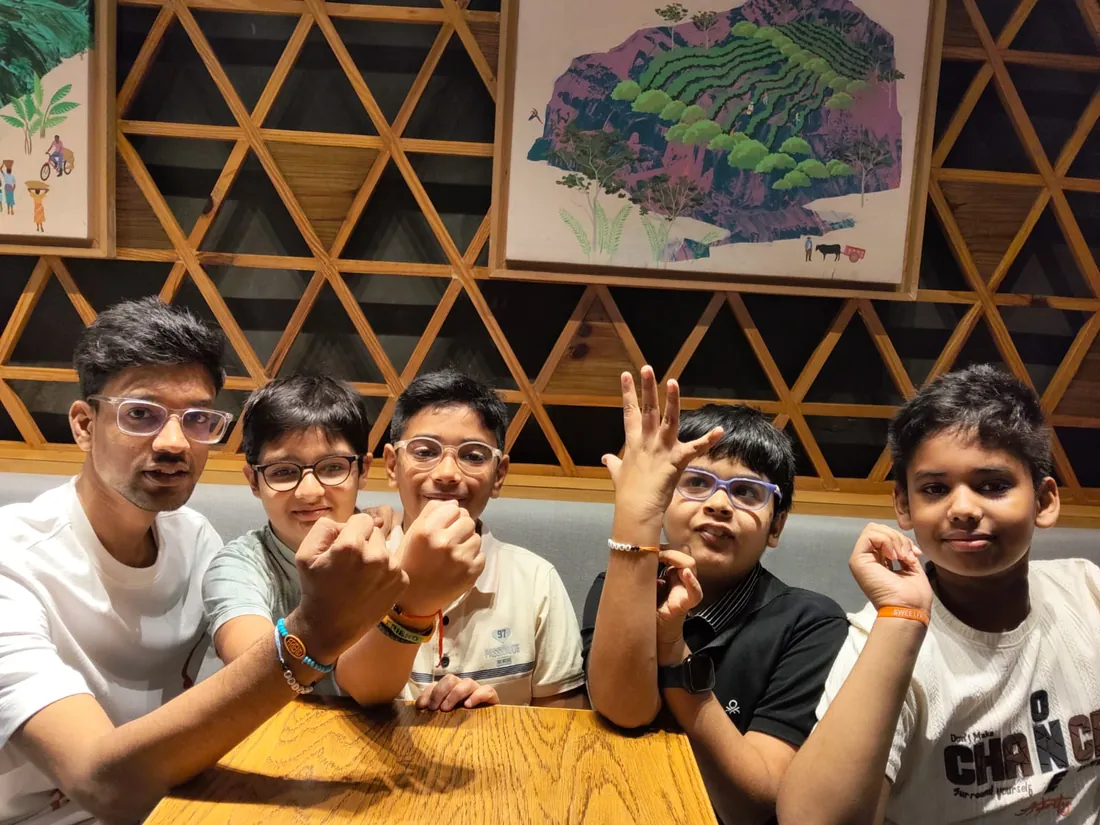
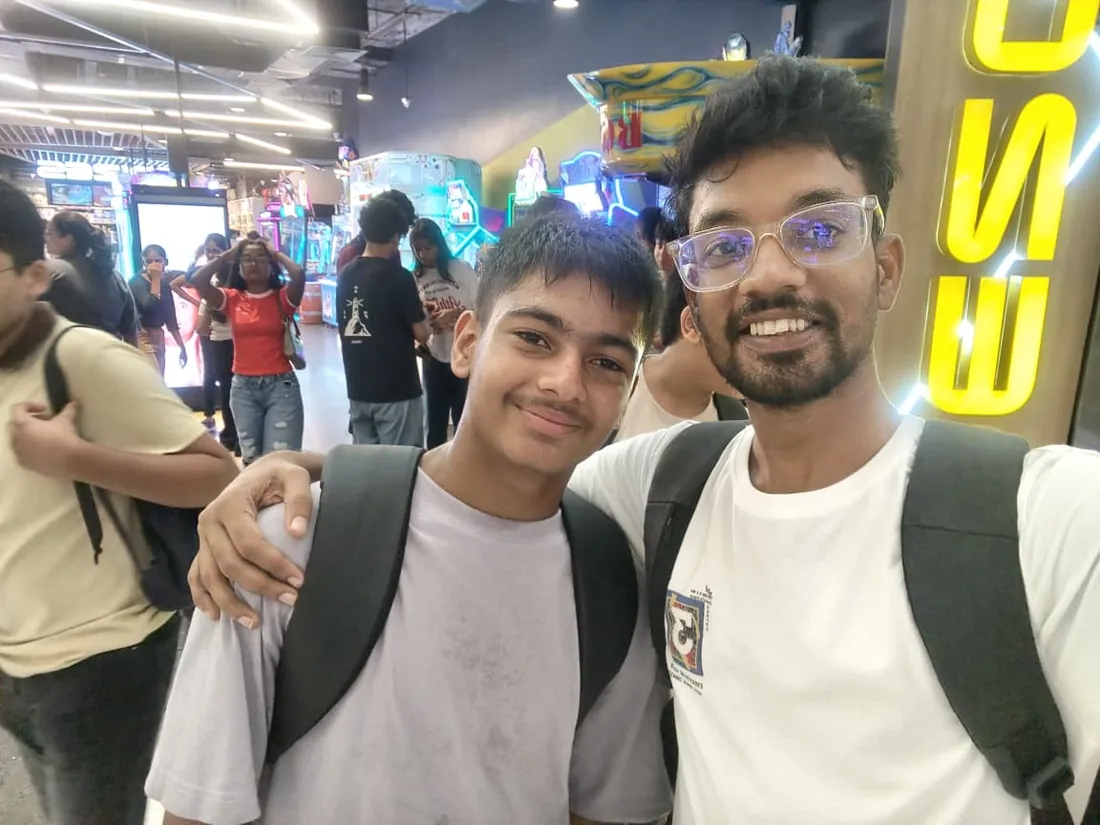
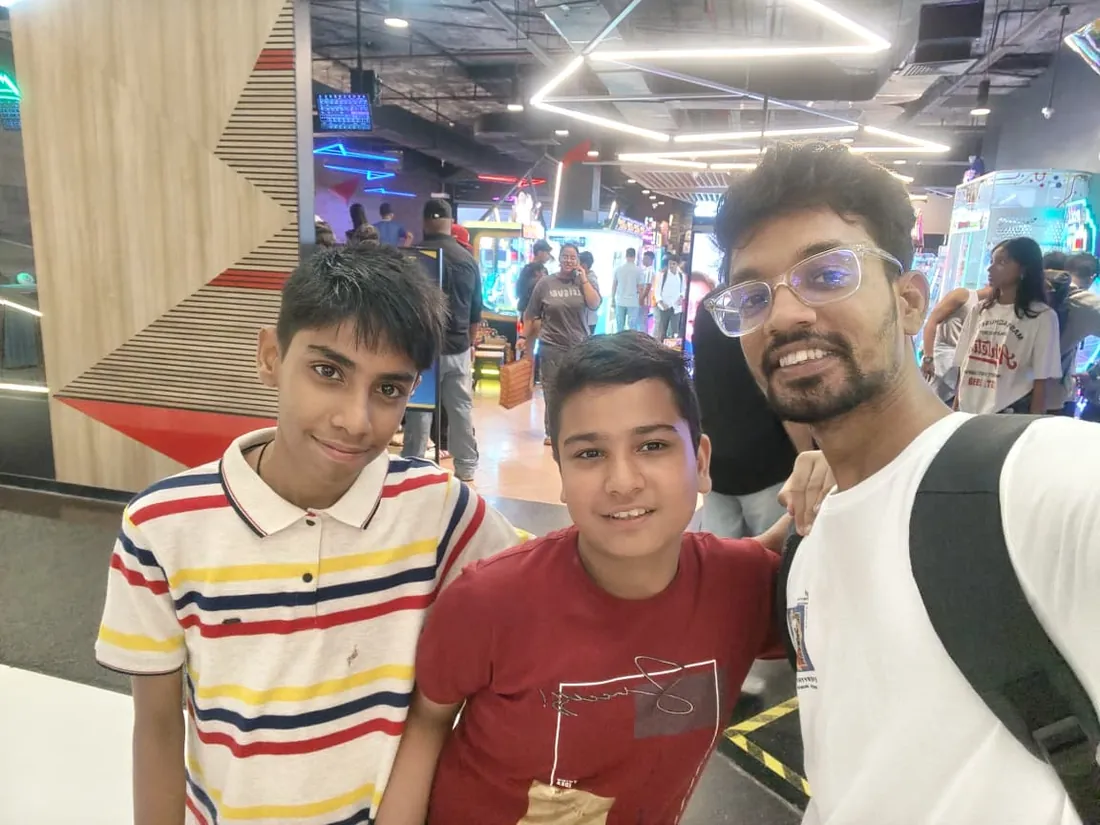
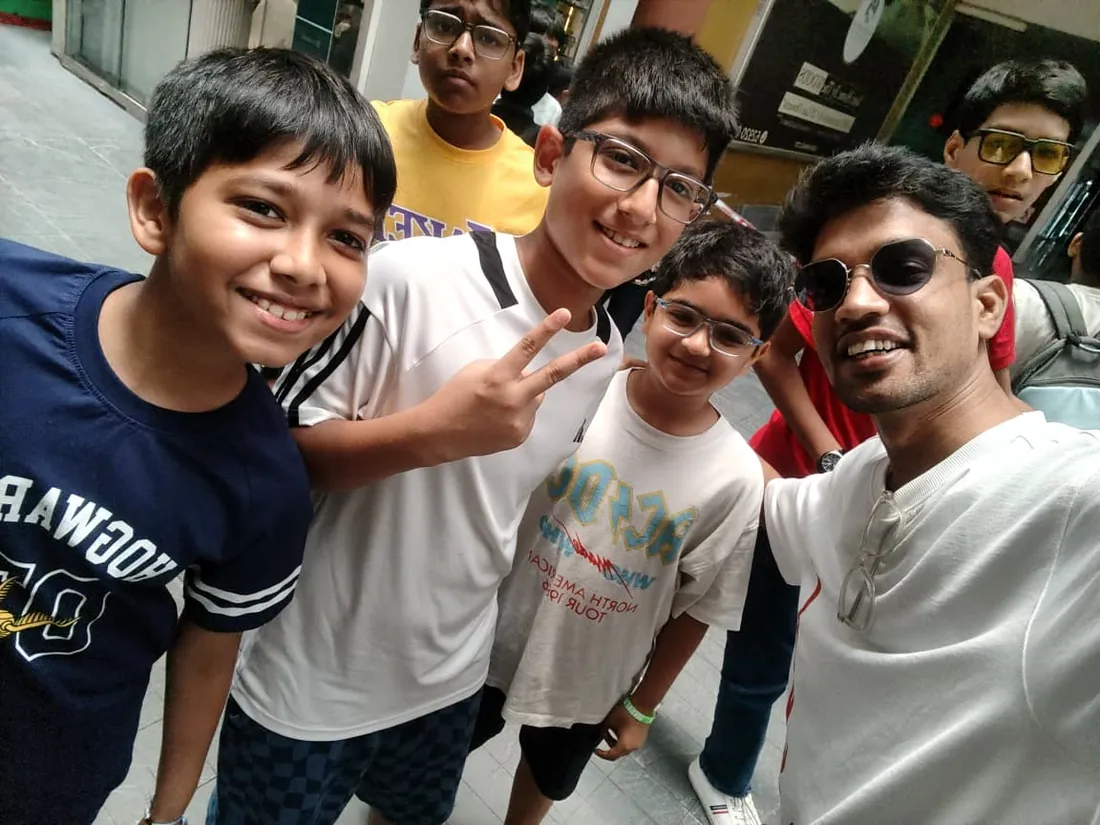
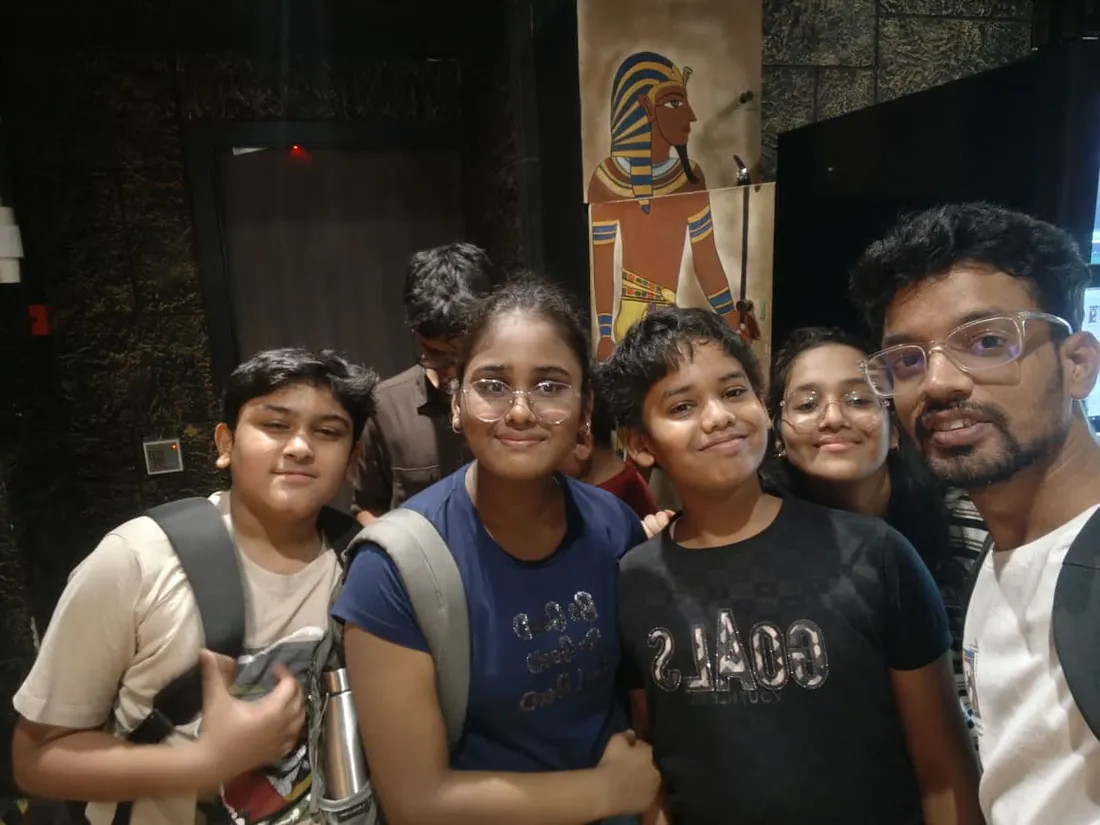
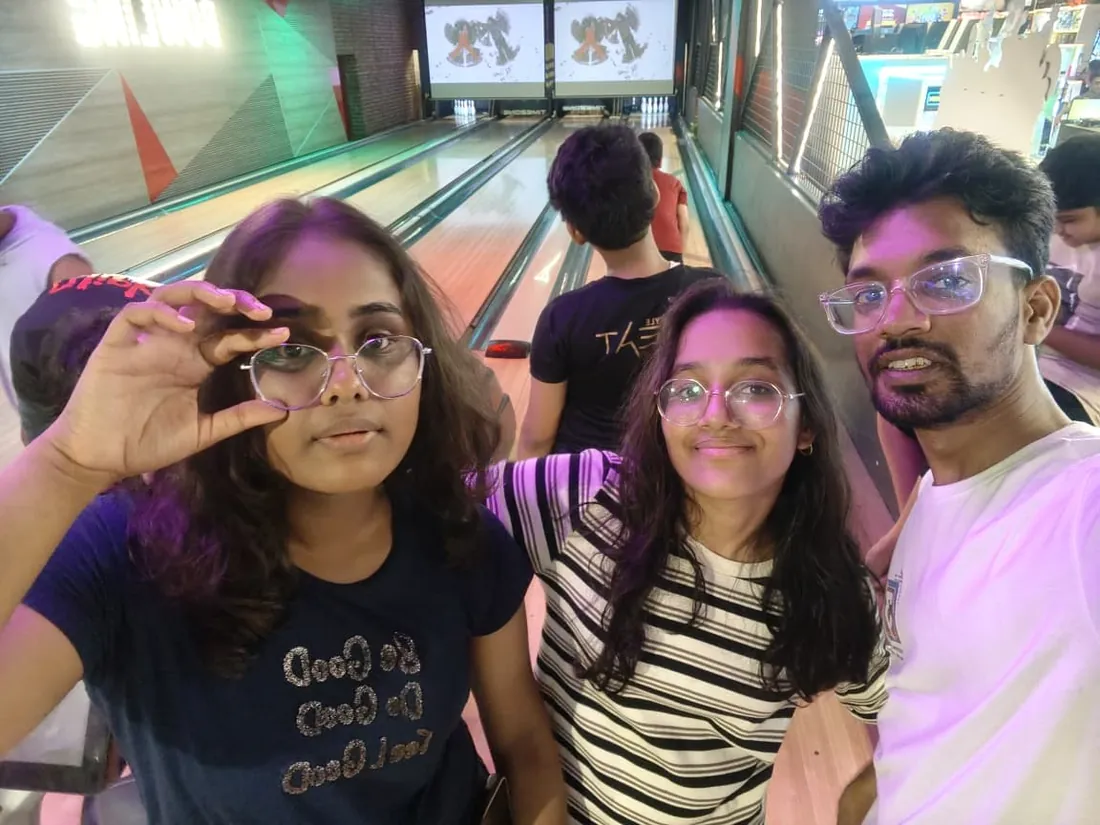
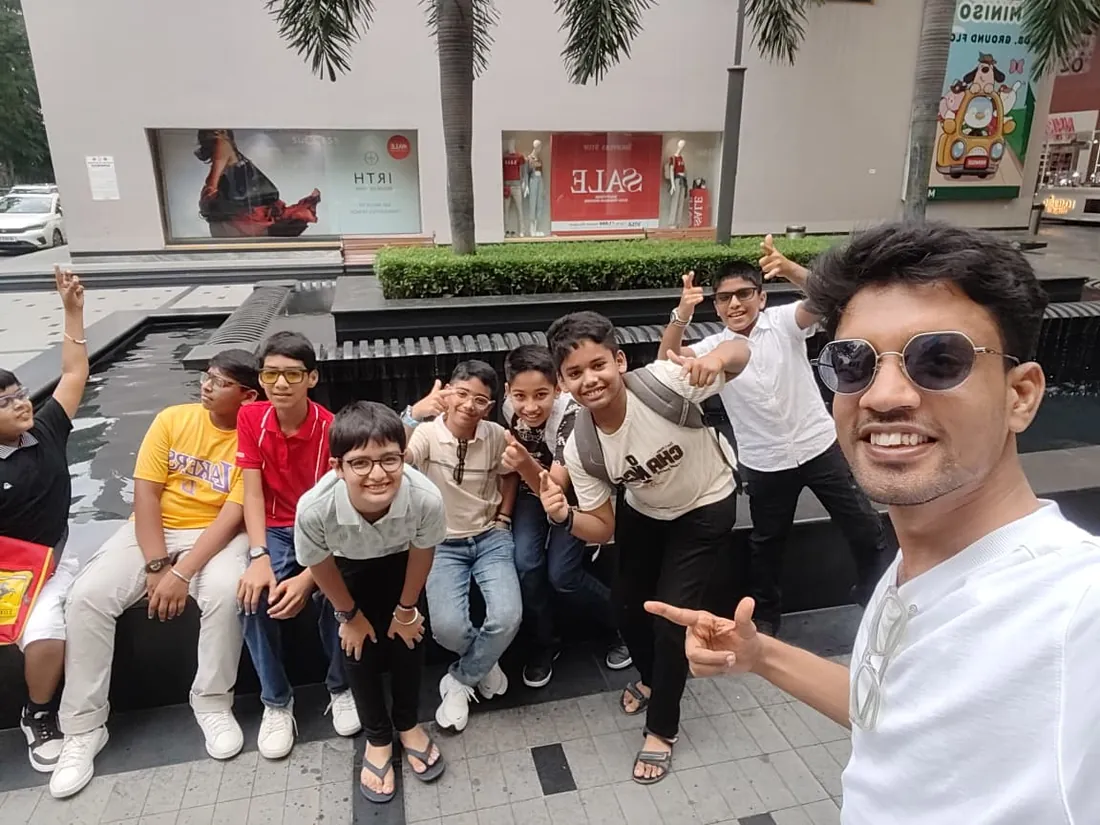
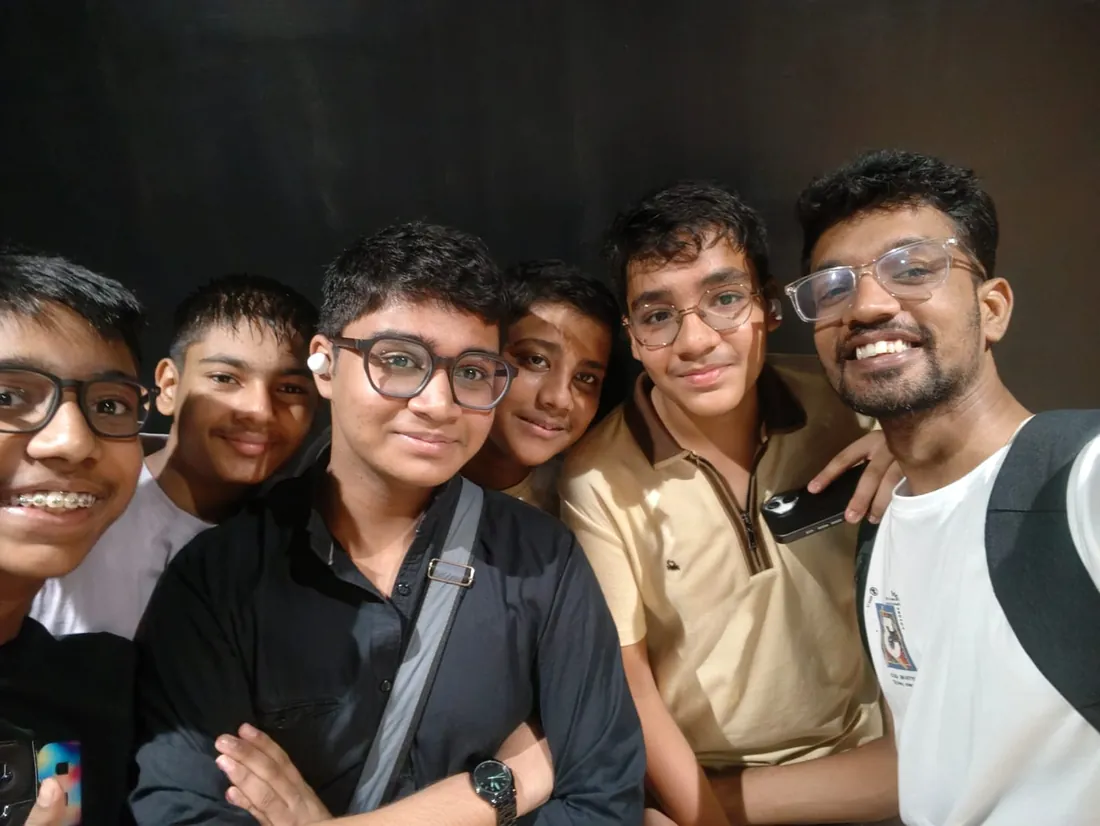
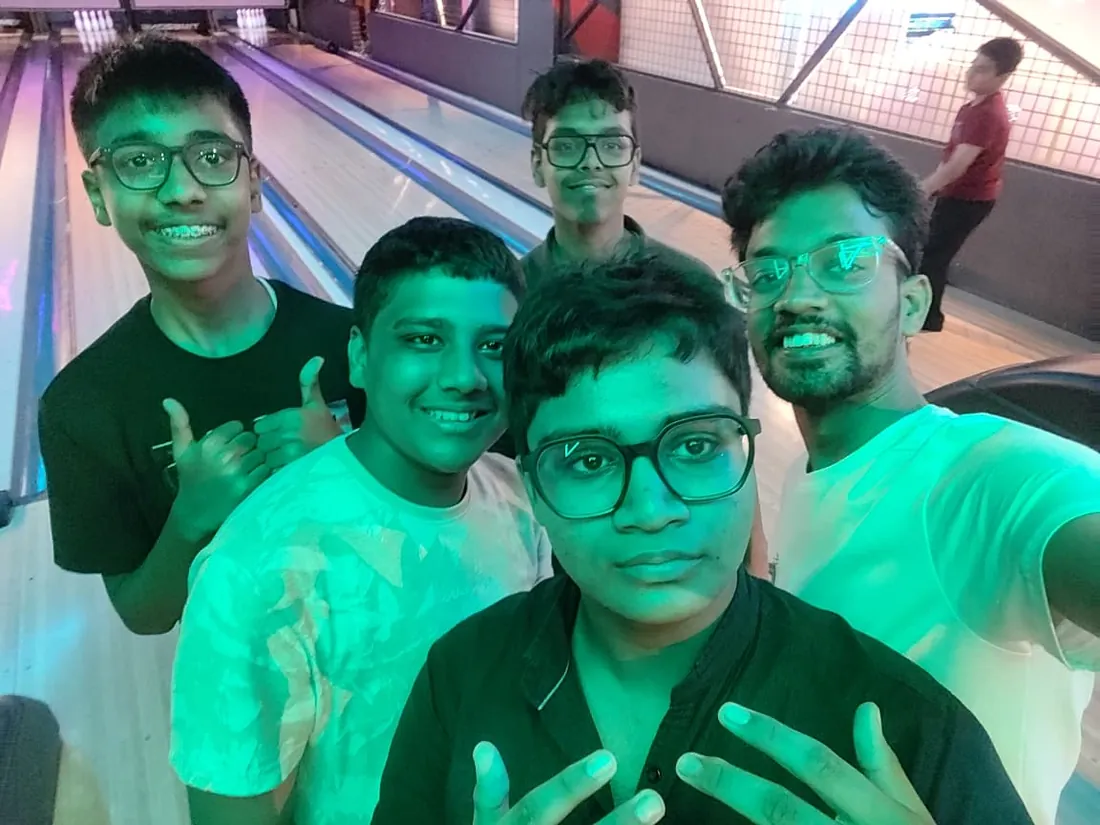
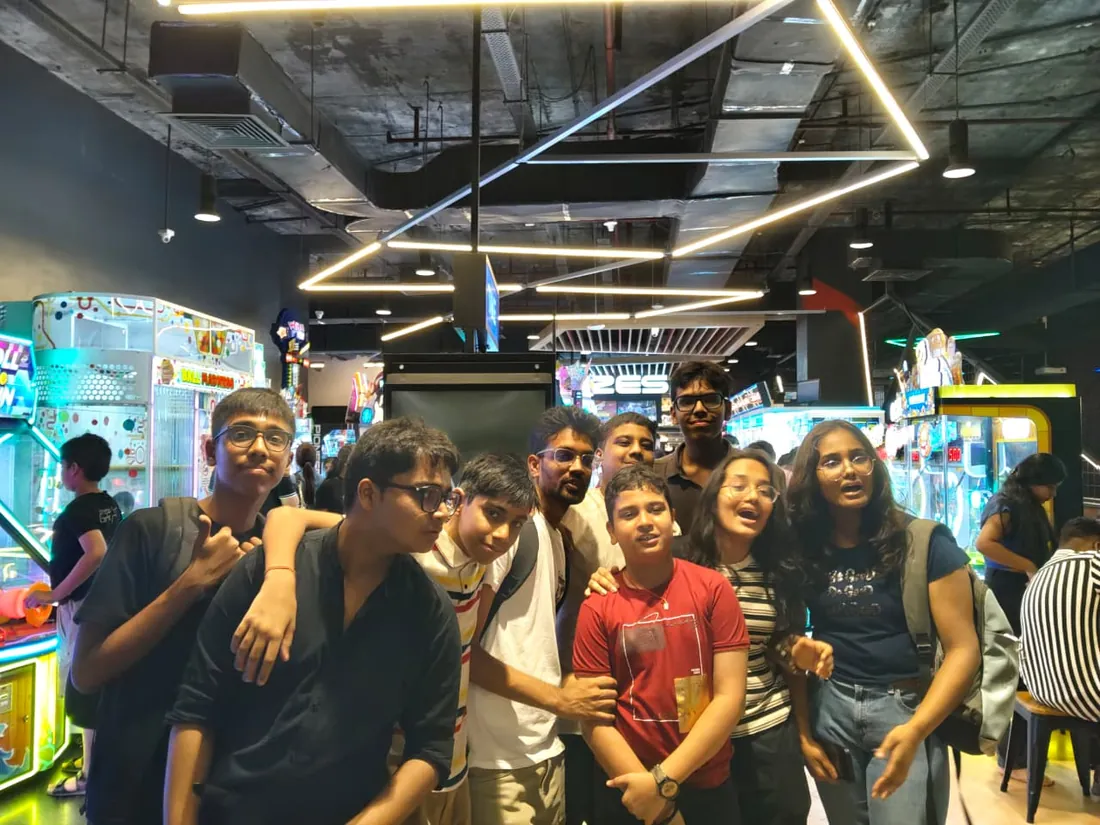
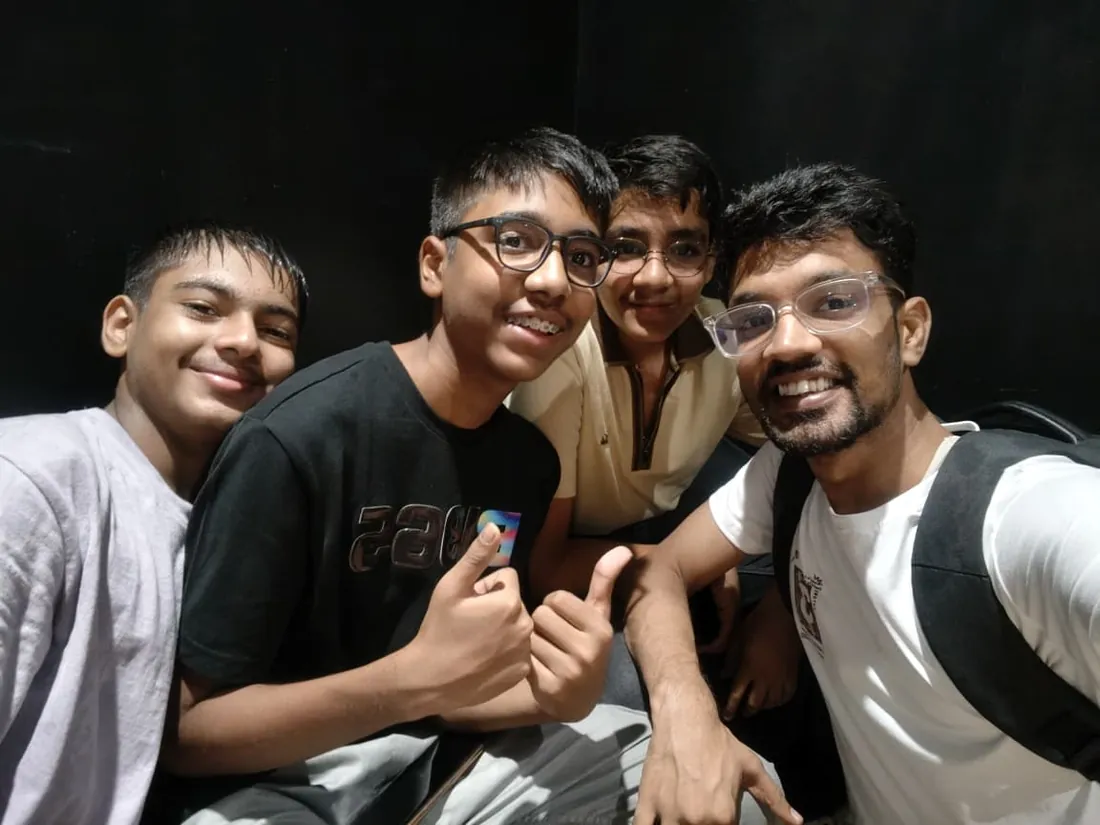
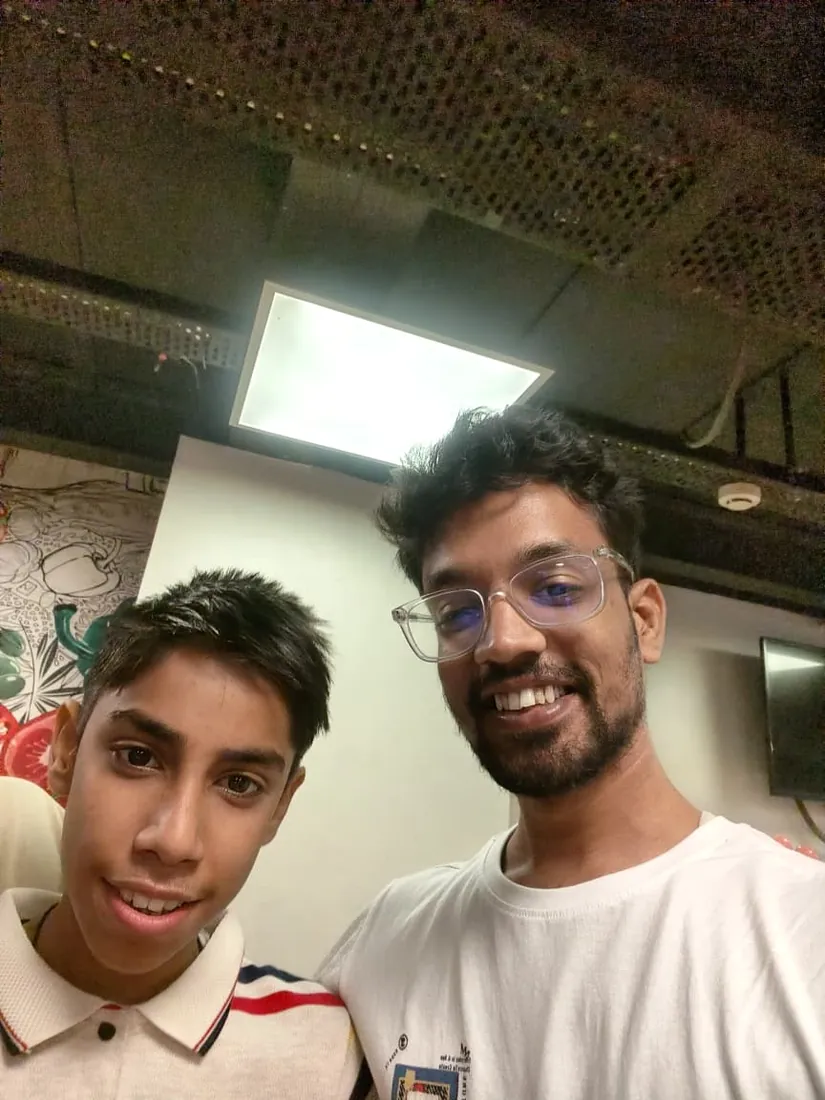
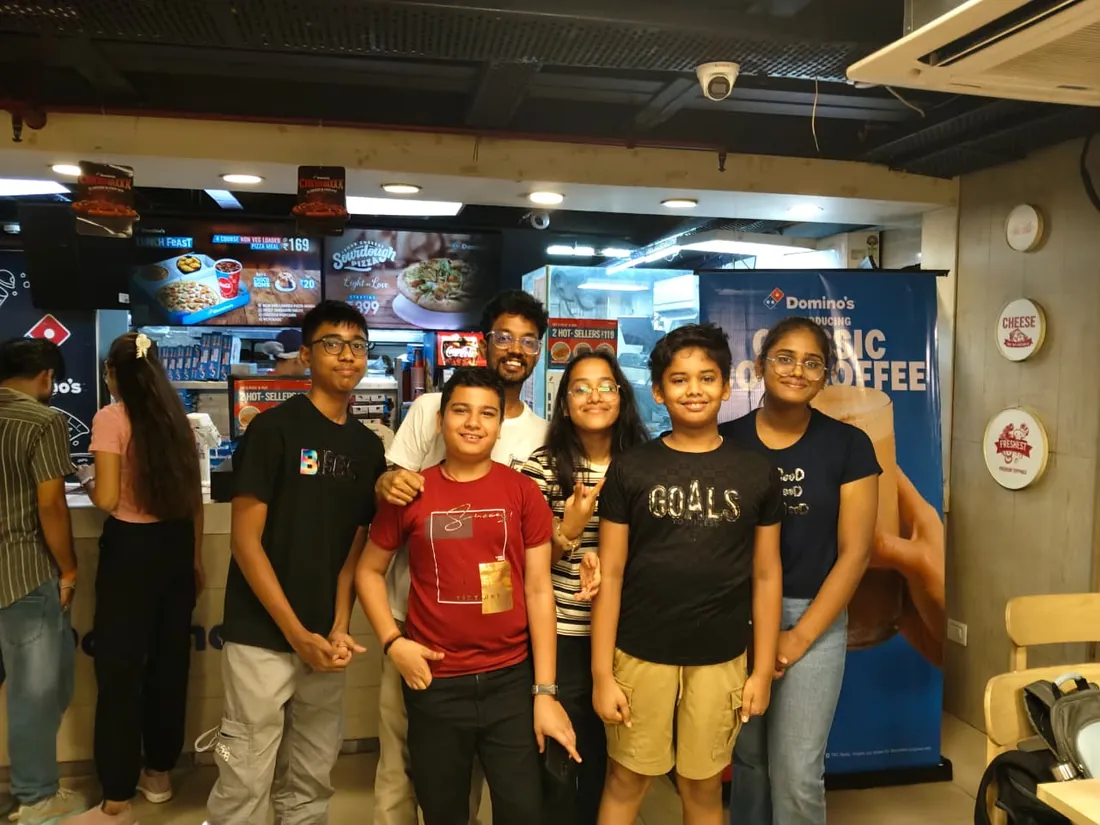
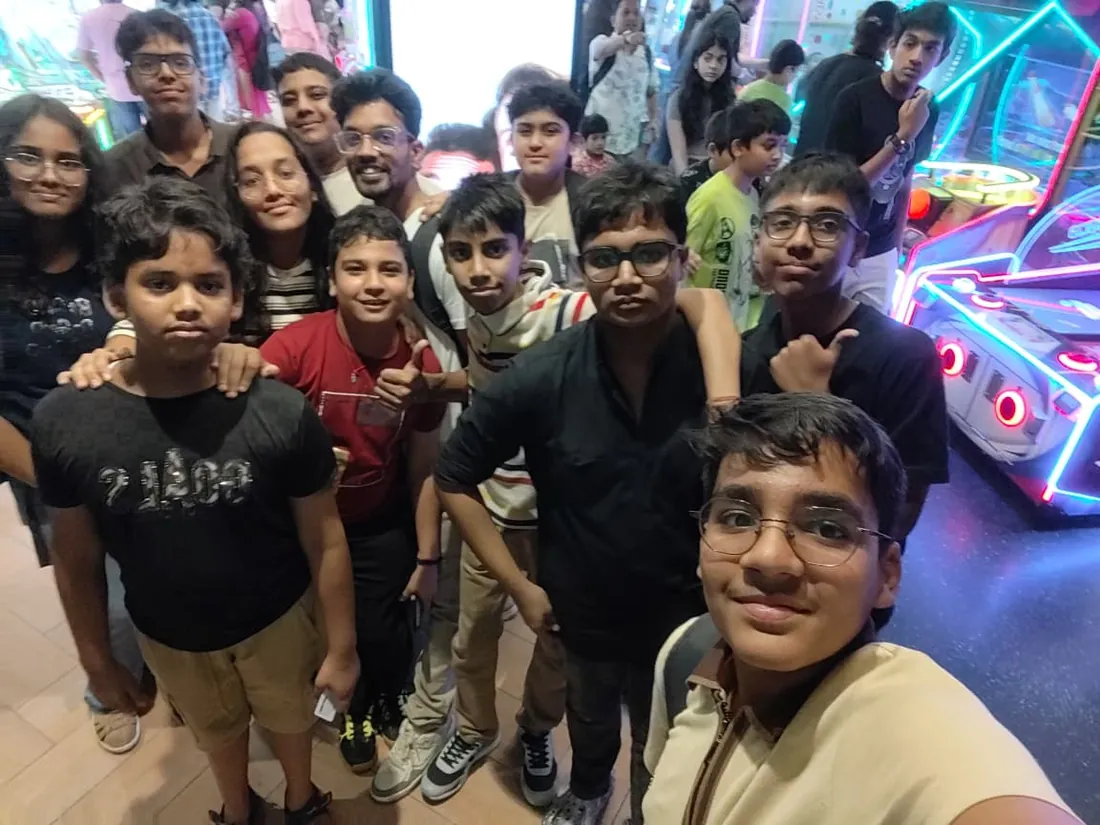
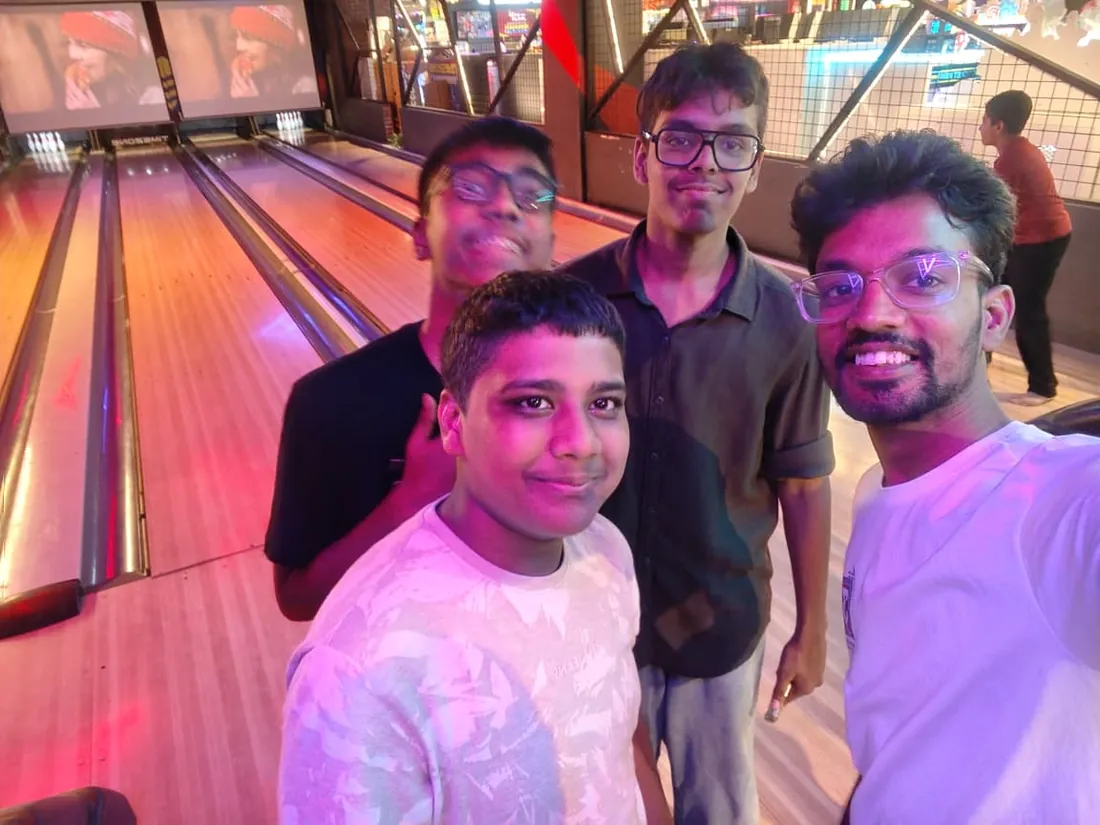
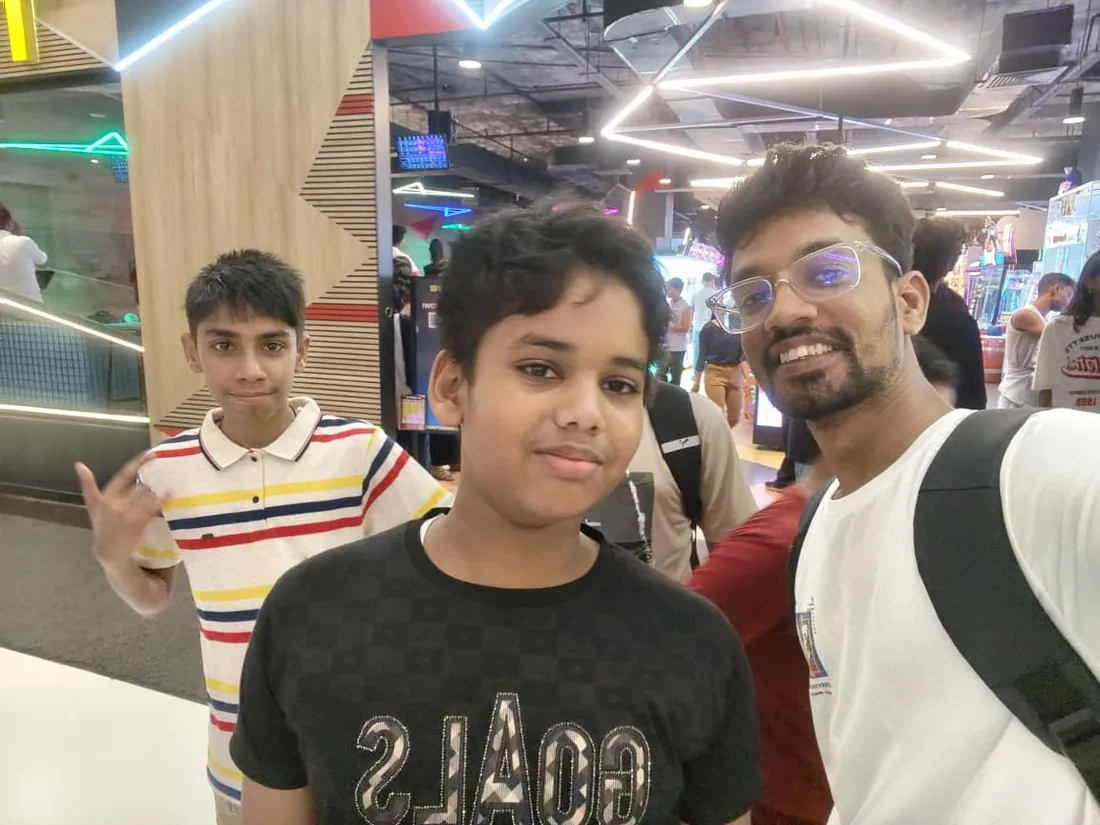
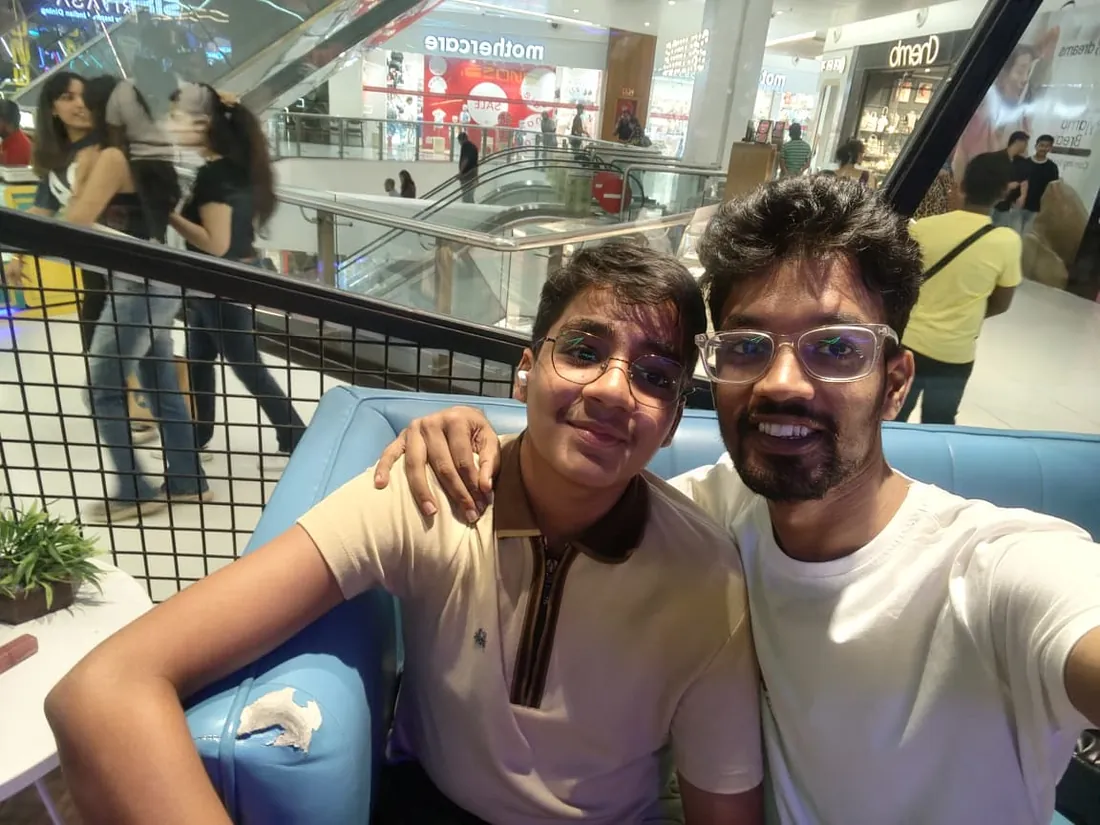
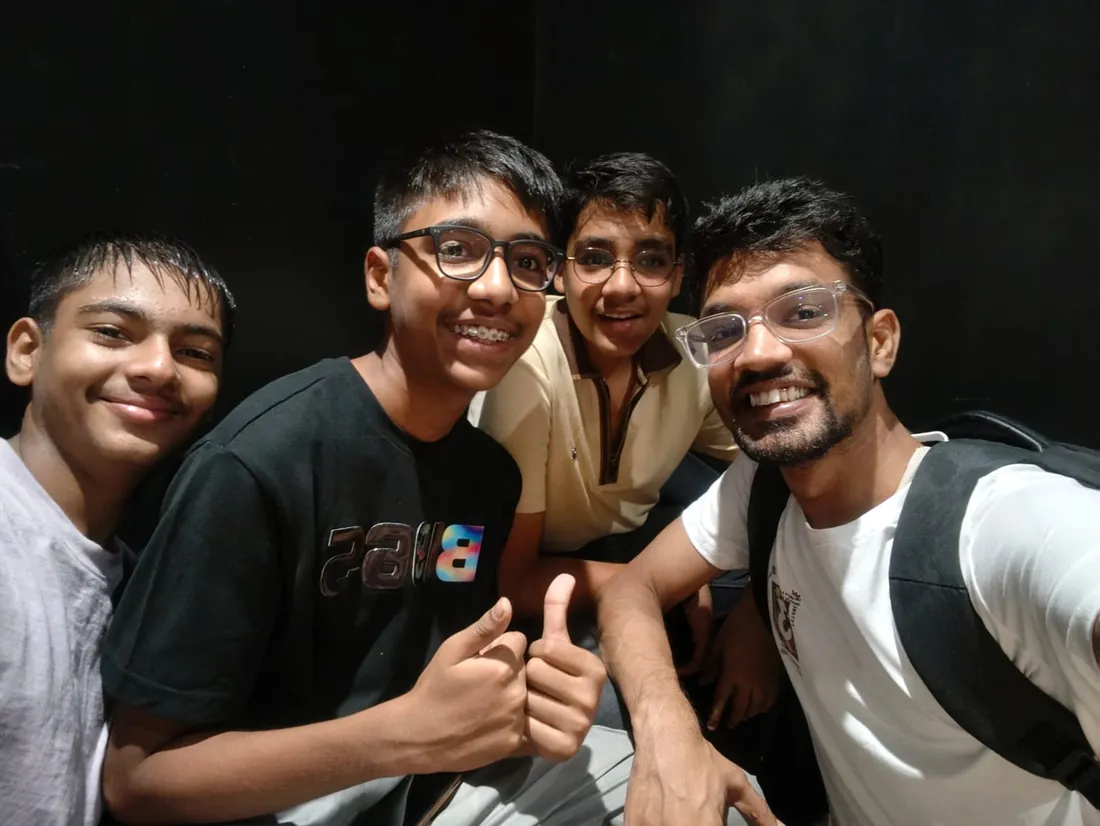
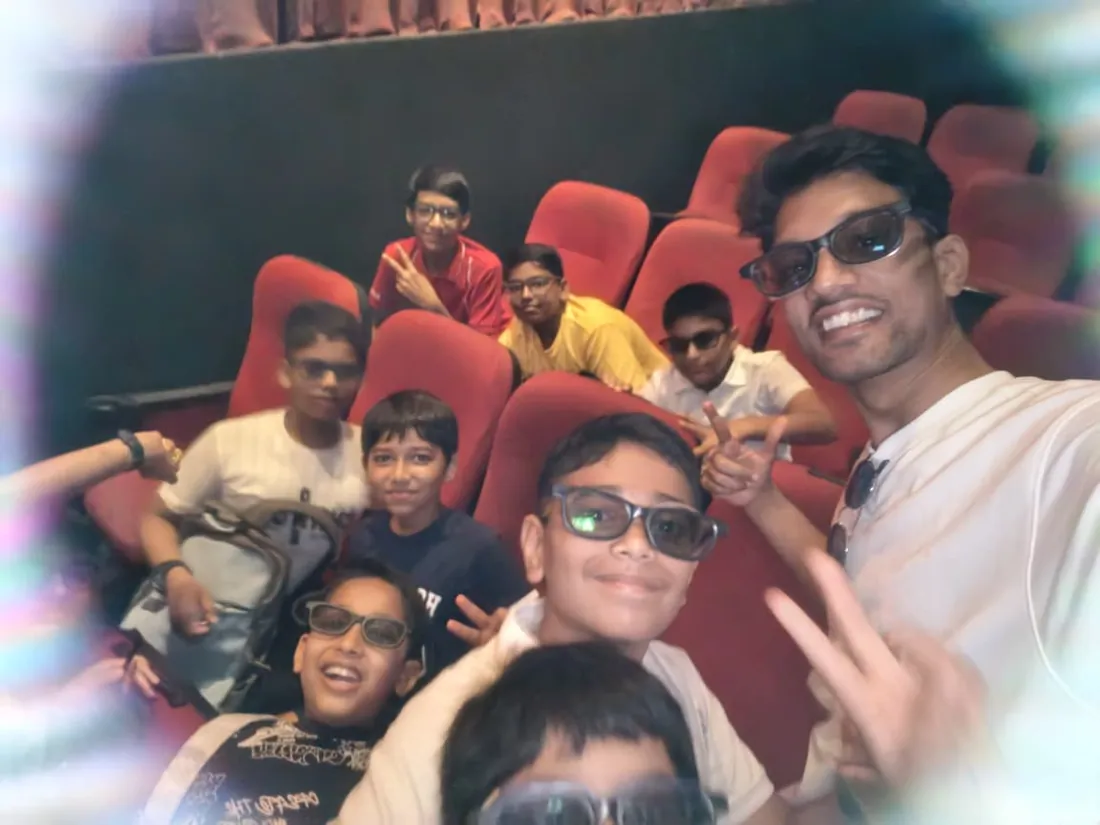
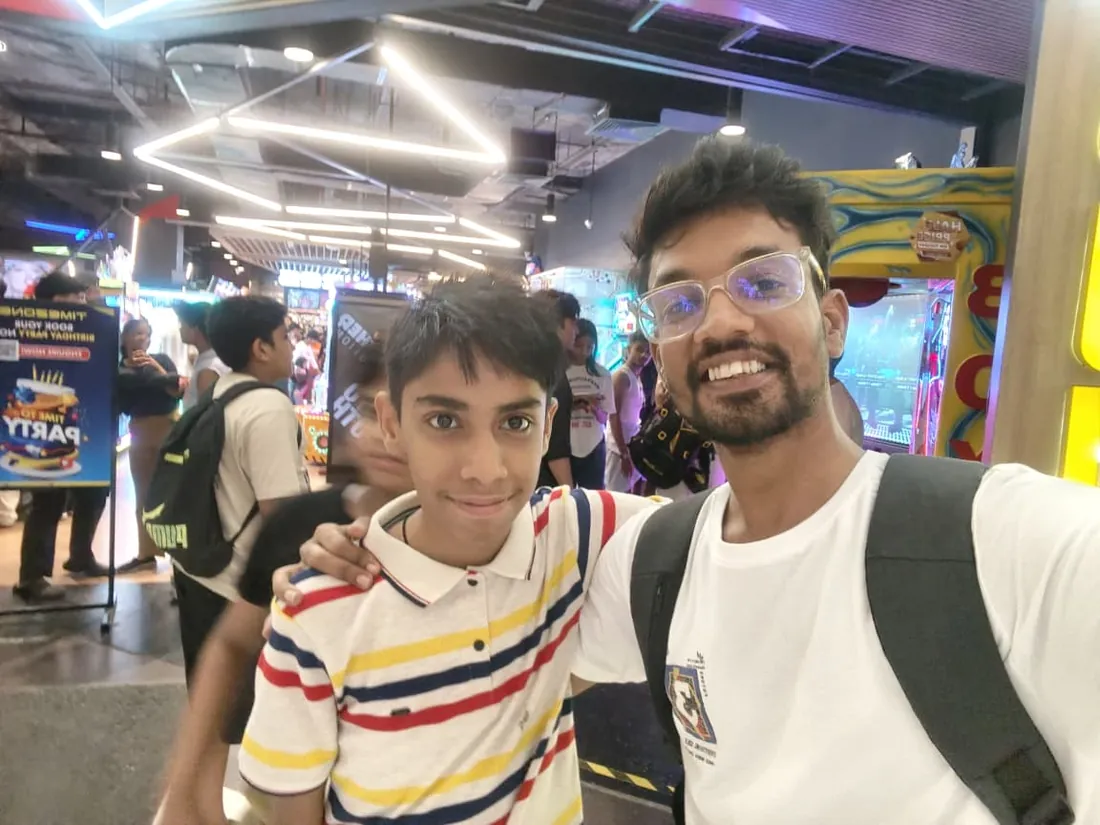
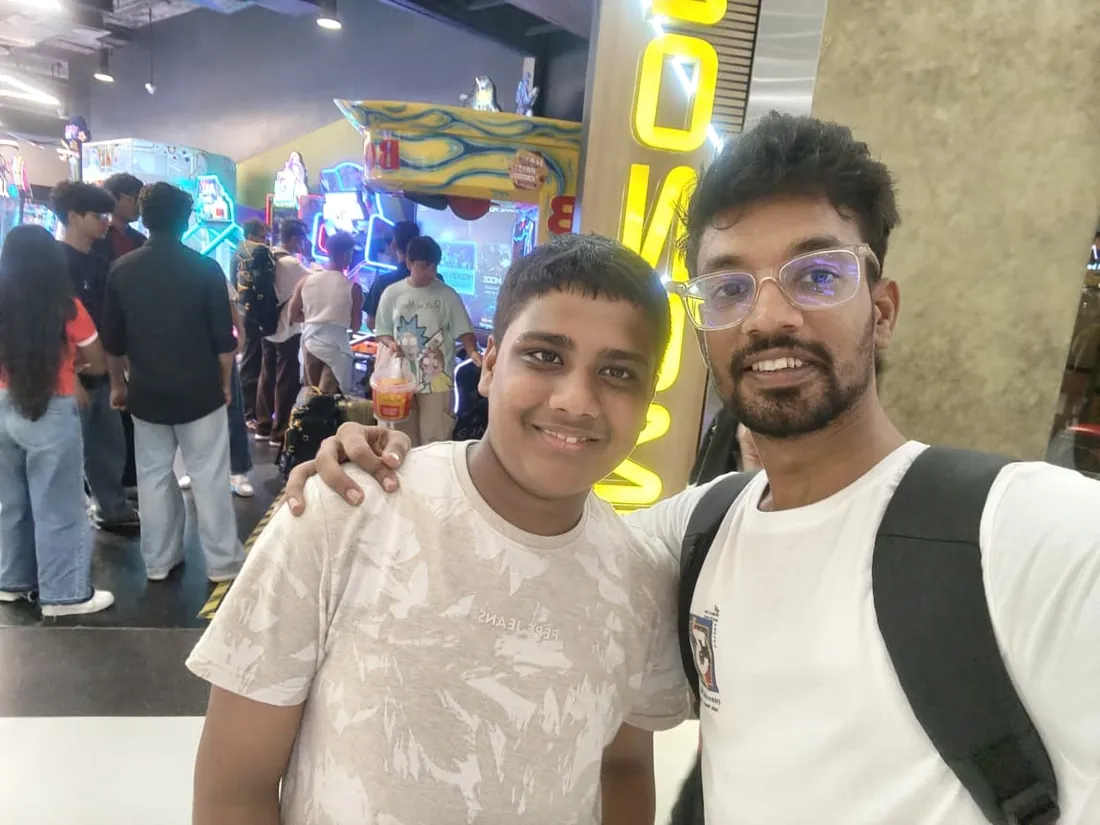
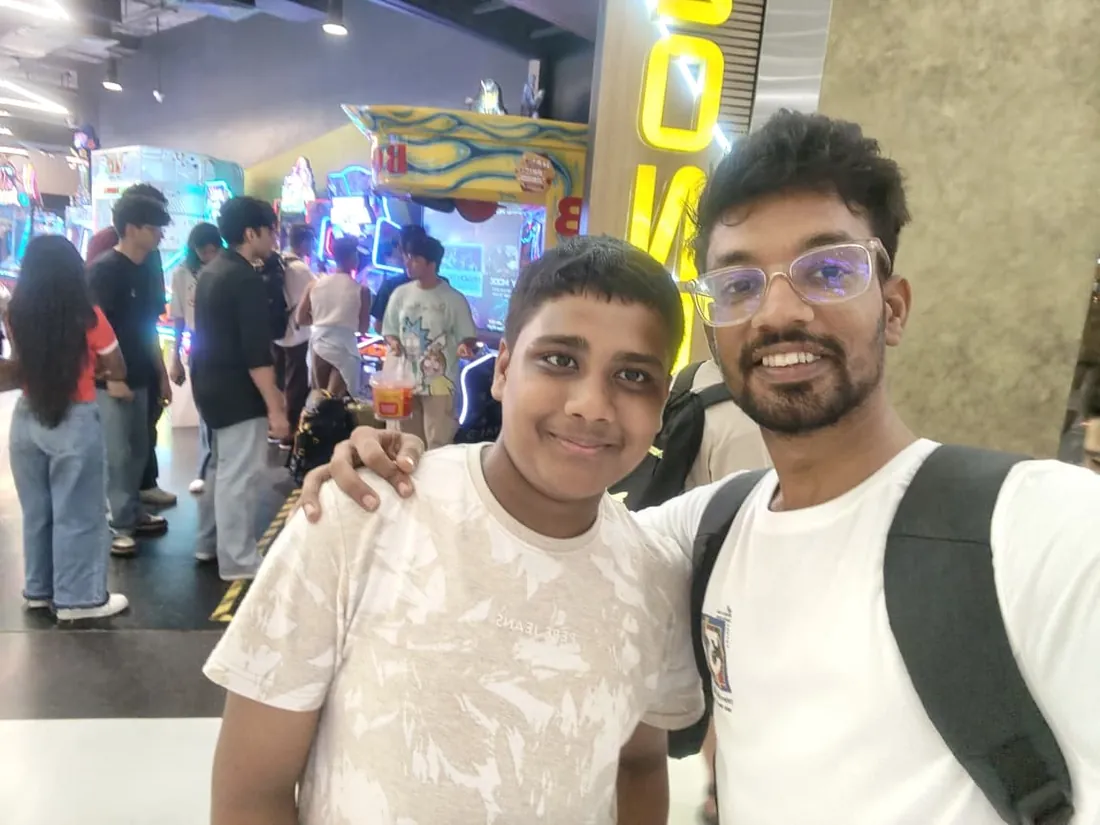
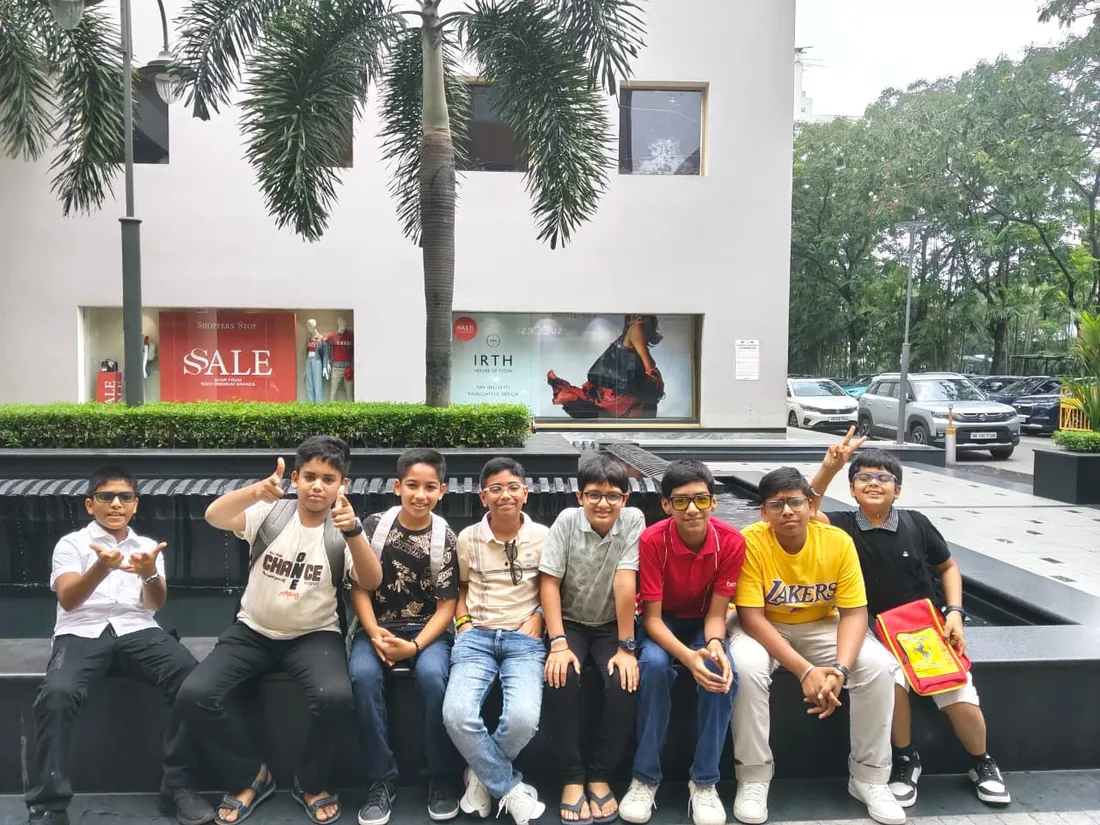
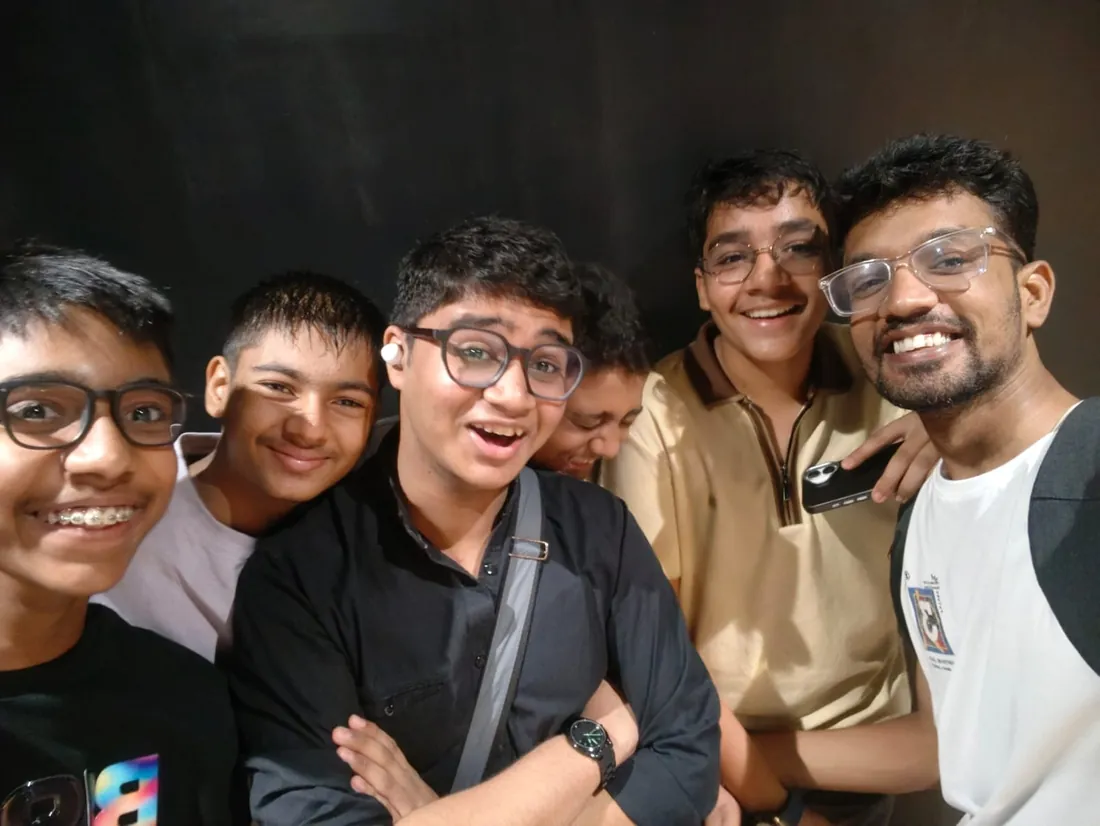
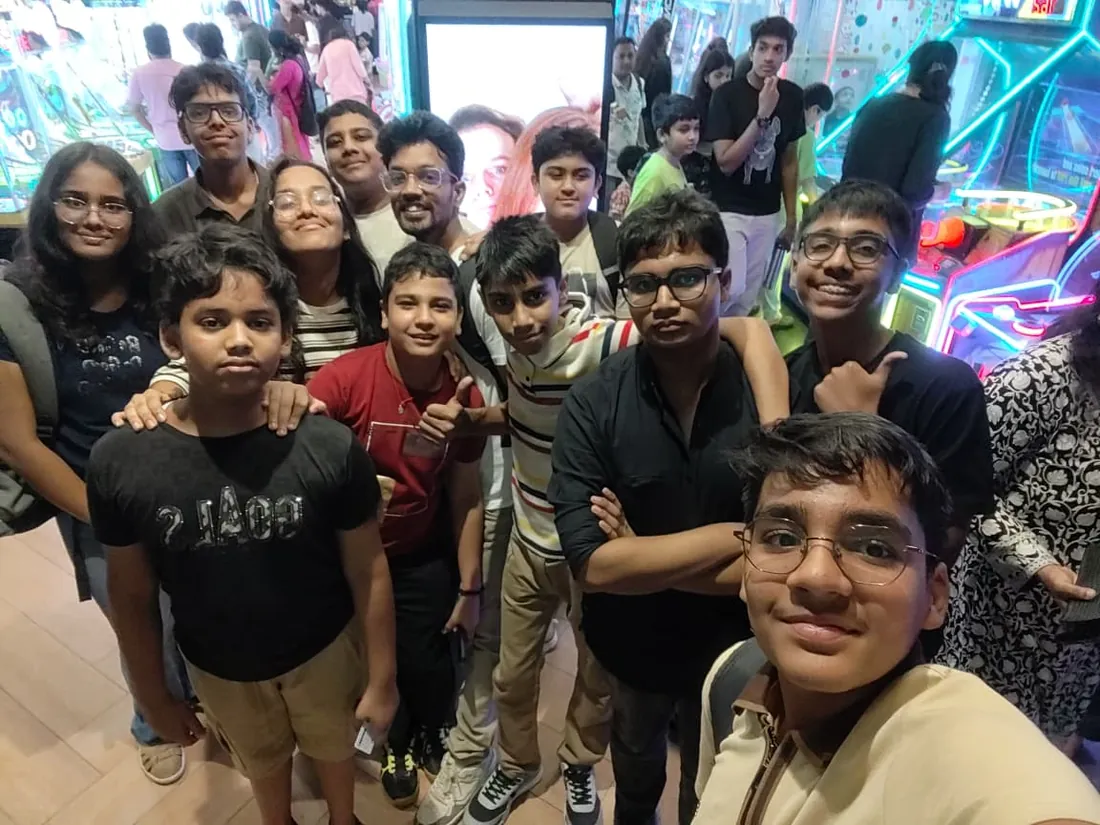
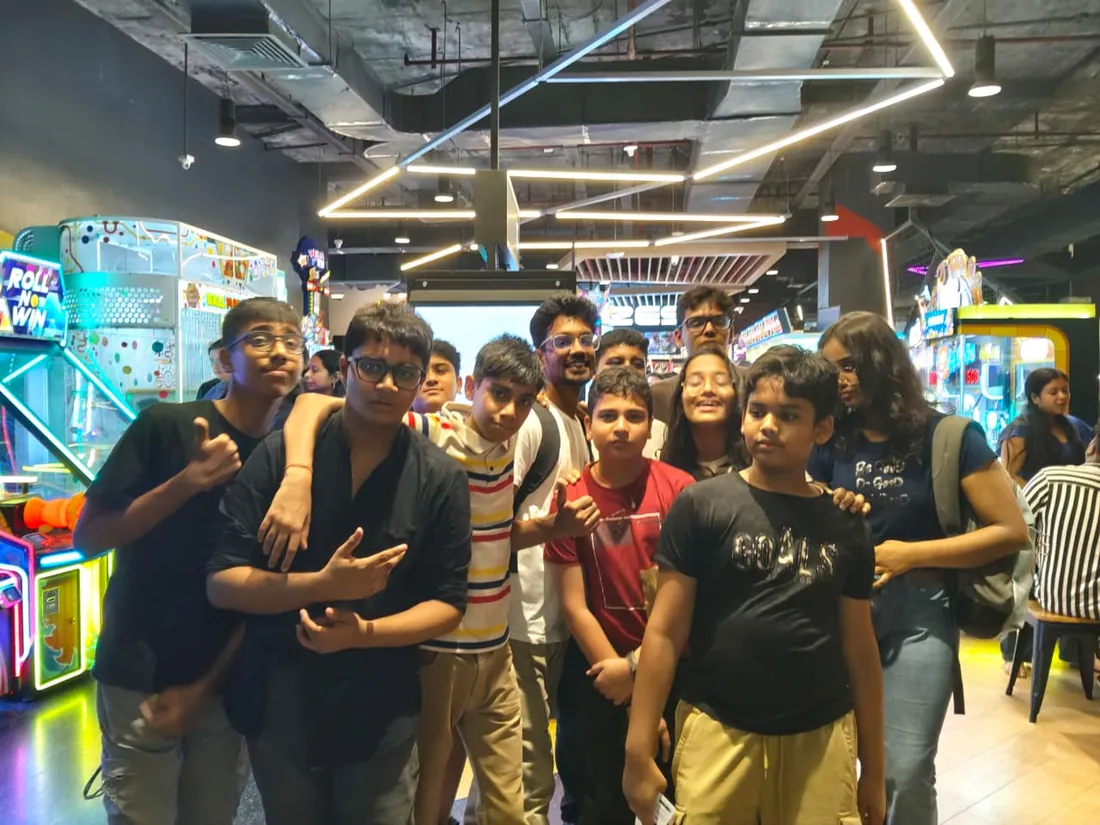
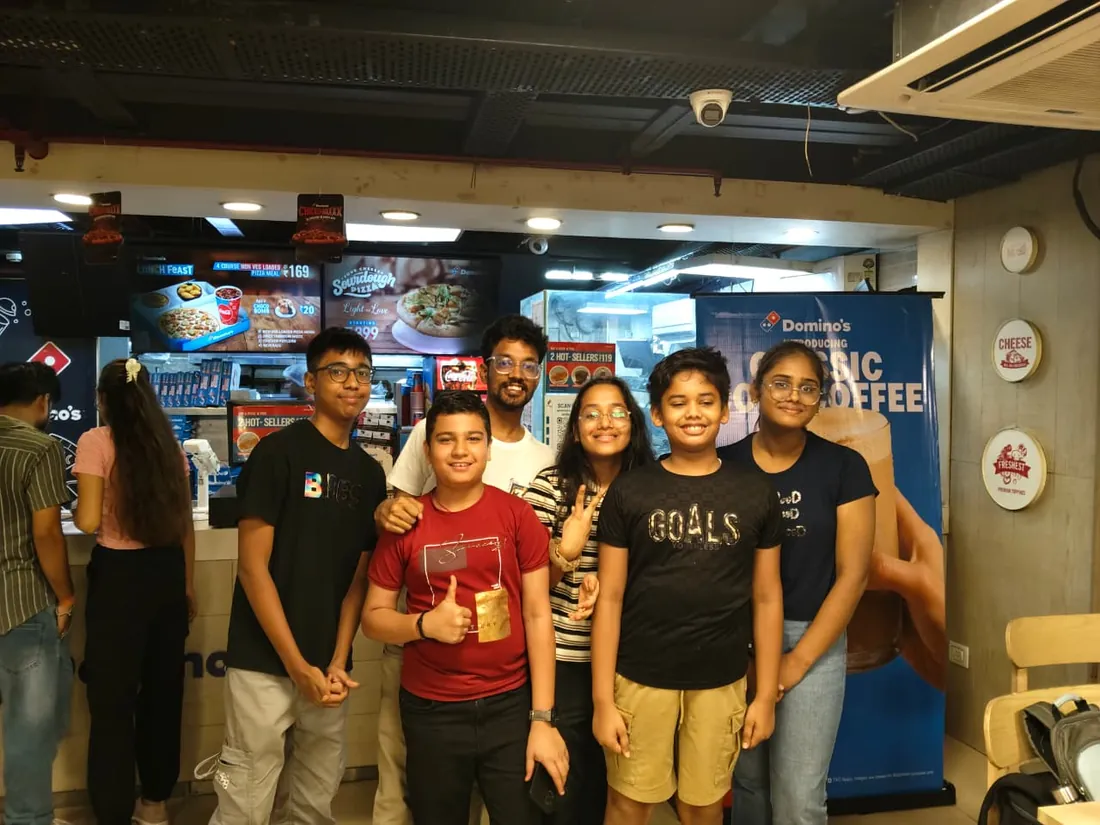
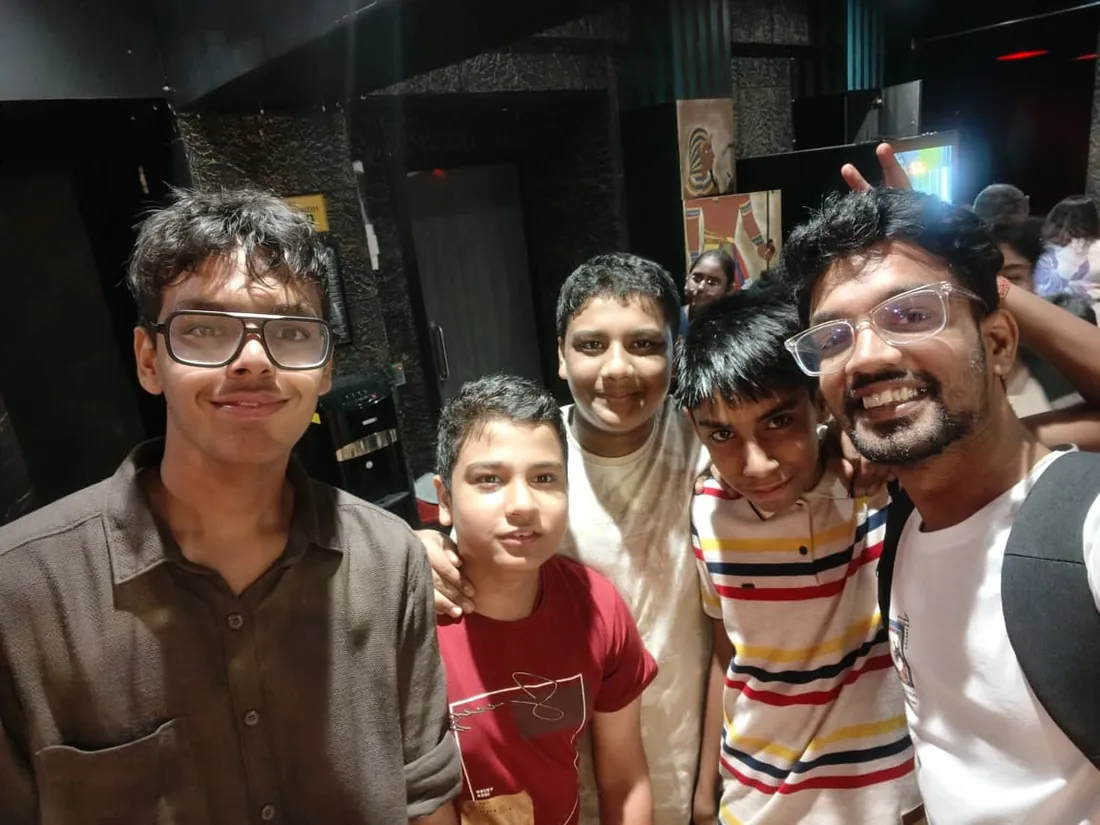
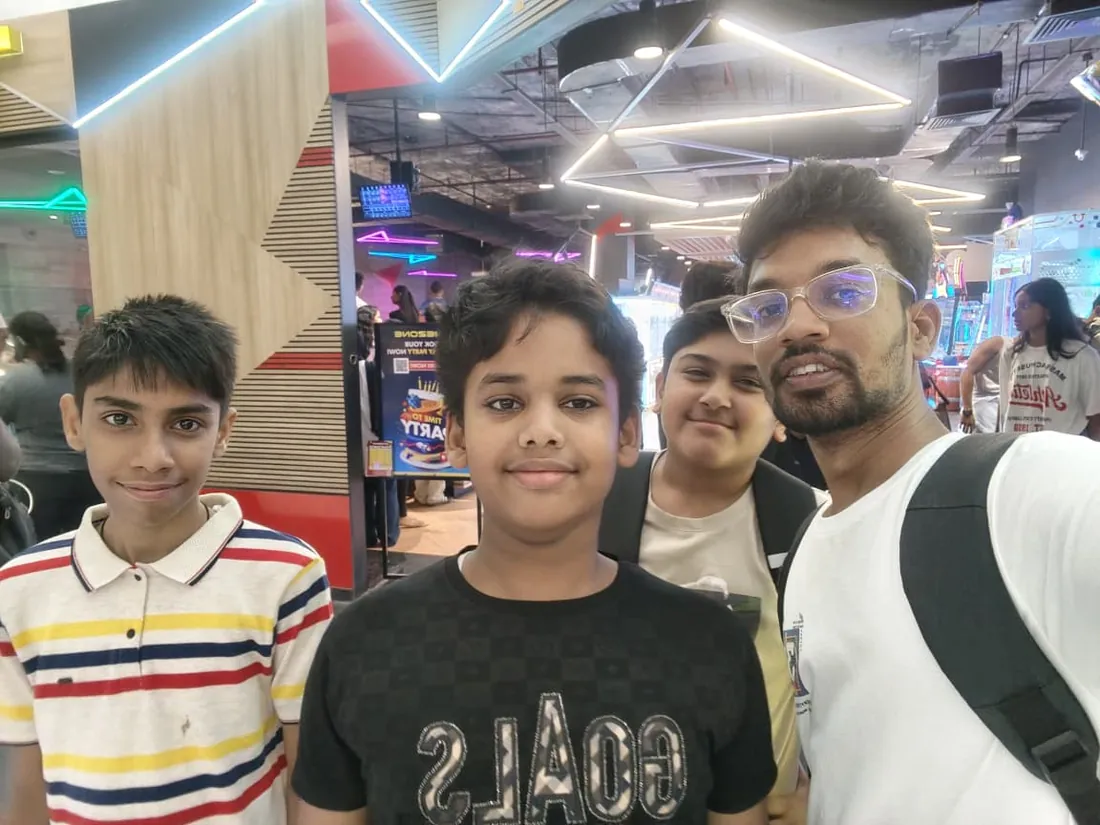
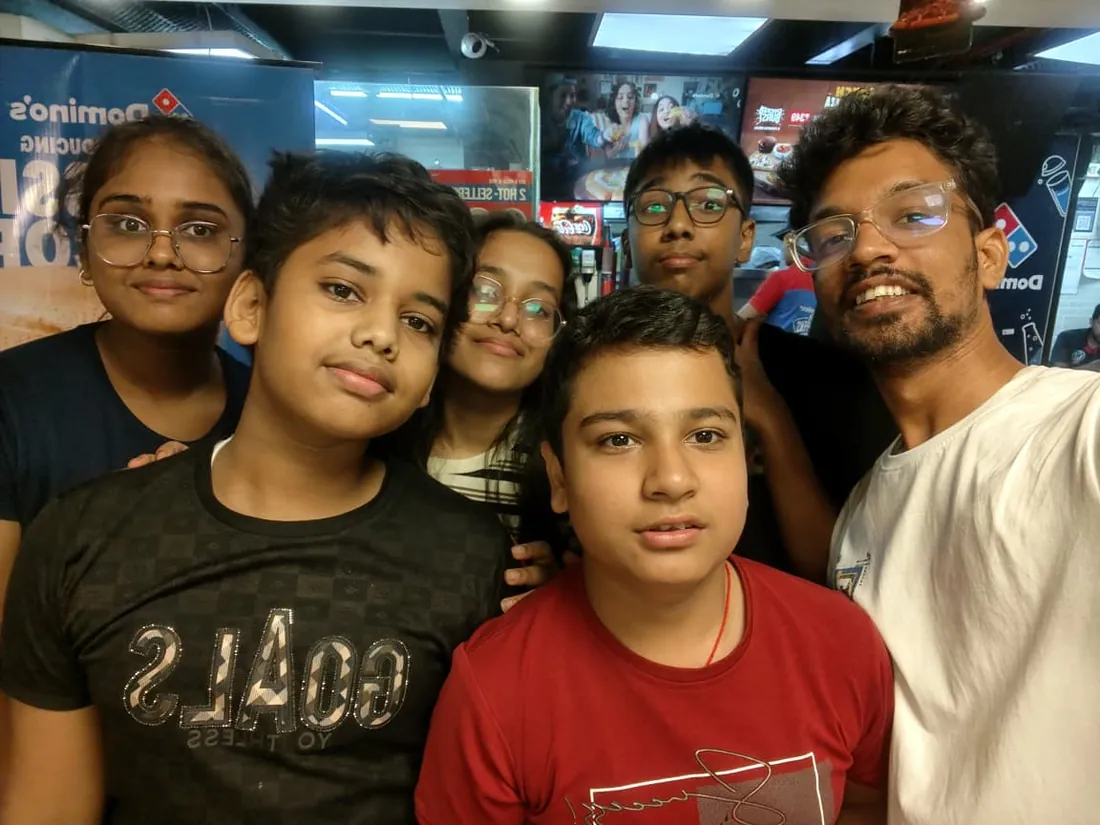
Real students. Real moments. Real joy.
These are our actual student meetups. No stock photos, no filters. Swipe through and meet the community you'll be joining.
What families say
Straight from the parents and students who learn with us. Rated 4.9 across 547 Google reviews.
“Mivaan enjoys the class. He understands the concepts and completes his tasks with excitement. He started taking interest in coding… truly amazing class.”
“I absolutely love it here! I made new friends and learned important valuable coding skills while having the fun of my life. It's not just coding here, it's outings, bonding and most importantly preparing you for your future. Definitely five stars.”
“What stands out most is how excited my son is before every class. He looks forward to learning, problem-solving, and sharing what he's built. I've noticed a big boost in his confidence!”
“Modern Age Coders has been a game-changer for me! I struggled to grasp IT concepts and coding before joining, but their classes transformed everything. I'm now the topper in my class and can confidently write complex programs with ease.”
“Modern Age Coder have wonderful teachers who teach in a clear, easy and practical way. The teacher boosts students' confidence, keeps them updated with technology, and inspires them to learn without hesitation.”
“The one step solution for my son. Modern Age Coders make learning coding so simple that kids love it.”
“Coding classes here make learning very interesting and conceptual. The teachers teach us in a very easy-to-understand and efficient manner.”
“One of the most wonderful education centres out there. Education is not limited to school syllabus but focuses on skill development. Learning here has been a wonderful journey and still continuing.”
“I highly recommend this computer coding class! The teachers are incredibly knowledgeable and passionate about coding. They make every session engaging and insightful.”
“My child Dhairya is really enjoying the Modern Age Coder IT classes. This is his first online class, and he eagerly looks forward to it.”
“Very good classes. Don't worry about coding. They teach the best, especially Shivam sir.”
“Very good classes. Makes learning very easy and interactive.”
Hear it from our students
Real parents and students in their own words, on our public YouTube channel.
Straight answers about Creative Media for Teens: Photo, Video and Design
- Who should take this course?
- Beginner friendly, ages 13 to 18. It suits teens already posting who want their work to look intentional; students who think in images and want real craft under the instinct; the teen every school event already asks for posters and aftermovies.
- What will they learn and build?
- Teens live inside visual media; very few can make it well. This live online course for ages 13 to 18 teaches the full creative trio properly: photo editing from honest corrections to real compositing, video from cuts and rhythm to short productions with sound design, and graphic design from principles to a small brand built end to end.
- How deeply are topics covered?
- The course runs 8-10 months (32-40 weeks) at 2 live classes/week + 2-3 hours practice, across 2 phases listed week by week in the syllabus below. A structured, well-paced curriculum taught step by step, with classwork in every session and homework after every class.
- Who teaches it?
- Modern Age Coders mentors, who teach the live classes themselves. You can watch them at work in the free class recordings before you decide.
- How do practice, feedback and assessment work?
- Mixed challenges after every month and a final exam that decides the certificate: real craft, really critiqued. Doubt support between classes over WhatsApp, so you are never left stuck. A certificate you earn by passing the final exam, with a free retest after revision if needed.
- What does it cost?
- Three monthly plans: a group batch, a mini batch and 1-on-1. Prices are shown in your currency in the plans section. Monthly billing, cancel any time.
- When can classes take place?
- Live classes are scheduled around your week. Group batches meet at a fixed weekly slot; 1-on-1 students choose their own. International students are scheduled in their own timezone. Ask on WhatsApp for the current slots.
- Can I watch the teaching before deciding?
- Yes. Full recordings of real 13 and up classes are free to watch, free with a Google sign-in. These recordings show how we teach, not the exact syllabus of this course. Some classes are in English and some in Hindi; everyone follows at their own pace. Watch a class end to end, like you are in it. Sessions are interactive and each moment builds on the last.
- Can I enroll without a live demo?
- Yes. Choose a plan on this page and enroll directly; a booking or a demo is not required. A free live demo is optional, for anyone who wants to meet a mentor first. Outside India, our team confirms the plan and completes payment with you over WhatsApp, so allow a little time for that step.
Common Questions About Creative Media for Teens: Photo, Video and Design
Get answers to the most common questions about this comprehensive program
Still have questions? We're here to help!
Contact UsRelated Courses You May Like
Continue your learning journey with these recommended programs
 Design and Creativity
Canva and AI Design Course (13+): Real Graphic Design Skills
Canva and AI design course for teens and adults (13+): design principles, social and marketing graph...
Explore Course Data Science
Data Analysis Course: Excel, SQL, Python & BI
Data analysis course for college students and professionals: Excel mastery, statistics and SQL, then...
Explore CourseRelated Articles & Guides
Deepen your knowledge with these hand-picked articles
 Education
14 min read
Education
14 min read
Best Coding Languages for Kids and Teens by Age, 6 to 18: 2026-27 Parent Guide
Kids coding languages by age, updated for 2026-27: Scratch from 6, Python from 11, then the advanced...
Read Article Education
9 min read
Education
9 min read
Common Myths About Coding for School Students (And the Truth Behind Them)
Debunking coding myths for students. From 'coding is only for geniuses' to 'it's too late', the trut...
Read ArticleReady to start Creative Media for Teens: Photo, Video and Design?
Book a free demo class to meet your mentor and see how we teach, with no commitment. Or enrol now and start this week.