Creative Coding and Animation Mastery
Where art meets code: real video editing, motion graphics, generative art with p5.js and Blender 3D, finished as a portfolio that moves.
Syllabus updated August 2026
Recordings are free with a Google sign-in. These recordings show how we teach, not the exact syllabus of this course.
How long this course takes
This course runs 5-6 months (20-24 weeks) at 2 live classes/week + 3-4 hours practice. The range allows for background and pace: a complete beginner uses the full span, and a student with prior knowledge finishes sooner. The syllabus below is planned to the shorter end, with margin kept for revision.
For personalised duration planning, call +91 91233 66161 and we'll map a schedule to your goals.
At a glance
- Who it is for
- Beginner friendly, ages 13 to adult. Age: 13 to adult; batches are grouped by age and pace.
- Prerequisites
- None. Design, editing and code are all taught from zero
- Format
- Live, interactive classes with a real instructor, never pre-recorded videos. Live classes run about one hour.
- Language
- English or Hindi, depending on the batch.
- Duration
- 5-6 months (20-24 weeks)
- Weekly commitment
- 2 live classes/week + 3-4 hours practice
- Class size
- Group batches of 5 to 10 students, mini batches of 3 to 4, or 1-on-1.
- Certificate
- Certificate from Modern Age Coders, awarded on passing the final exam
- Watch first
- Free recordings of real classes for ages 13 and up, free with a Google sign-in. These recordings show how we teach, not the exact syllabus of this course.
- Live demo
- Optional. Enroll directly on this page, or book a free live demo if you would like to meet a mentor first.
How we teach
Deep understanding. Real projects. Expert guidance.
Learn coding, AI and maths through careful explanations, practical demonstrations, and hands-on problem-solving. Our instructors guide you from the foundations to advanced ideas, helping you understand what happens, why it happens, and how to build it yourself.
You will explore concepts step by step, write and improve code, investigate mistakes, ask questions, and apply your knowledge to meaningful projects. Lessons are designed around active participation, thoughtful feedback, and growing independence.
Expert-led live teaching, with practical participation built into every lesson.
- Students explain their thinking.
- Instructors demonstrate, then guide practice.
- Learners code, solve, or build during lessons.
- Questions and misconceptions get attention.
- Assignments receive useful feedback.
- Progress is checked before advancing.
Ready to Master Creative Coding and Animation: Video, Motion and p5.js?
Choose your plan and start your journey into the future of technology today.
Rated 4.9 across 547 Google reviews. Enroll directly, or see a class first. The free demo is a waiting list and needs no card. Monthly billing, cancel anytime.
Try this course in a full live class, today or tomorrow.The Priority Live Demo is a real class of about 45 to 60 minutes with a mentor reserved for you. You get a written skill report afterwards, and the fee is adjusted against your first month if you enrol.
Book priority demo · ₹499International Students (Outside India)
Billed monthly in US dollars, the same price in every country. Contact us with any questions.
Program Overview
This course sits at the intersection most creative courses miss: editing and motion design craft on one side, actual creative coding on the other. Students learn professional video editing, motion graphics, animation principles, then cross into p5.js and Processing, where art is written in code and no two runs look the same, and finish with Blender 3D and the content craft that makes work travel online.
The toolkit is free-first and honest: DaVinci Resolve, CapCut, Blender, p5.js and Canva cover the entire syllabus at zero software cost, with Adobe After Effects taught as the industry-standard option for students who have access to it. Every week produces finished work, and the course ends with a portfolio capstone and a final exam that decides the certificate.
The pace is honest: five months at two live classes a week plus three to four hours of practice, with a sixth month in hand for students who need more time. Homework after every class, a mixed challenge at the end of each month, and a final exam with a free retest after revision. Real craft, real portfolio, depth over dopamine.
What Makes This Program Different
- Creative coding is real here: p5.js and Processing get a full month, generative art most animation courses never touch
- Free-first toolkit: DaVinci Resolve, CapCut, Blender, p5.js and Canva cover the whole syllabus; After Effects taught as the industry option, never a paywall
- Craft over hacks: animation principles, typography and rhythm, the fundamentals that survive every platform trend
- Every week ends rendered: finished edits, loops, sketches and scenes, building one coherent portfolio
- An honest 5-month arc with a sixth month in hand: nobody is rushed
- Real assessment: weekly homework, monthly mixed challenges, and a final exam that decides the certificate, with a free retest after revision
Your Learning Journey
Career Progression
Detailed Course Curriculum
Explore the complete week-by-week breakdown of what you'll learn in this comprehensive program.
Topics Covered
- Elements of design: line, shape, color, texture, space
- Principles of design: balance, contrast, emphasis, movement
- Color theory: RGB/CMYK, color harmony, psychology
- Typography fundamentals and font pairing
- Composition and rule of thirds
- Visual hierarchy and flow
- Mood boards and style guides
- Design trends and aesthetics
- Digital canvas setup and resolution
- File formats: when to use what
- Asset organization and management
- Copyright and creative commons
Projects You Build
- Personal Brand Identity: Logo, color palette, style guide
- Mood Board Collection: 5 different aesthetic mood boards
- Social Media Template Set: Consistent design templates
Practice & Assignments
Pick a real poster or flyer you like, rebuild it with a stronger visual hierarchy and a deliberate color harmony, and note which design principle drove each change.
Topics Covered
- 12 principles of animation (Disney)
- Squash and stretch techniques
- Anticipation and follow-through
- Timing and spacing fundamentals
- Ease in and ease out
- Arcs and natural motion
- Secondary animation
- Frame rates and formats
- Storyboarding and animatics
- Character design basics
- Walk cycles and run cycles
- Lip sync fundamentals
Projects You Build
- Bouncing Ball Animation: Master timing and physics
- Character Walk Cycle: Create smooth character movement
- Animated Logo Reveal: Bring brand to life
Practice & Assignments
Animate a simple bouncing ball that shows squash and stretch plus ease in and ease out, and export a five second clip.
Topics Covered
- Non-linear editing concepts
- Timeline and tracks understanding
- Cutting and trimming techniques
- Transitions: cuts, fades, wipes
- Audio editing and synchronization
- Color correction basics
- Text and titles creation
- B-roll and coverage
- Pacing and rhythm in editing
- Continuity editing rules
- Jump cuts and match cuts
- Montage theory and practice
Projects You Build
- Day in Life Vlog: Edit personal vlog footage
- Product Commercial: 30-second product showcase
- Music Video Edit: Sync video to music
Practice & Assignments
Cut a 60 second highlight video from any raw footage using at least three transition types and synced background audio.
Topics Covered
- Mobile editing workflow
- Vertical video best practices
- Quick edits for social media
- Filters and effects
- Mobile color grading
- Text animations on mobile
- Stickers and overlays
- Green screen on mobile
- Mobile audio editing
- Aspect ratio management
- Export settings for platforms
- Cloud storage workflow
Projects You Build
- Instagram Reels Series: 5 trending reels
- YouTube Shorts Collection: Engaging short-form content
Practice & Assignments
Shoot and edit a 30 second vertical reel on your phone with captions, one filter and a mobile color grade.
Assessment
Month 1 check: a timed edit from provided footage, plus a mixed quiz on design and animation principles
Topics Covered
- After Effects interface and workflow
- Compositions and layers
- Transform properties: position, scale, rotation
- Keyframe animation basics
- Graph editor and easing
- Parenting and null objects
- Masks and shape layers
- Text animation presets
- Effects and presets library
- Rendering and export settings
- Work areas and previewing
- Project organization
Projects You Build
- Animated Title Sequence: Professional title animation
- Kinetic Typography: Text-driven animation
- Logo Animation Pack: Brand animations
Practice & Assignments
Recreate a short channel intro in After Effects by keyframing position, scale and rotation on three layers, then smooth the motion in the graph editor.
Topics Covered
- Shape layer animation mastery
- Trim paths and stroke animation
- Morphing shapes and transitions
- 2.5D animation with cameras
- Parallax effects
- Expression basics
- Wiggle and random expressions
- Time remapping
- Motion blur and echo effects
- Particle systems basics
- Audio-driven animation
- Data-driven graphics
Projects You Build
- Explainer Video: 2-minute animated explainer
- Music Visualizer: Audio-reactive graphics
- Social Media Pack: Animated social elements
Practice & Assignments
Build a ten second logo reveal using trim paths and one morphing shape transition.
Topics Covered
- Character rigging with Duik
- Puppet pin tool mastery
- Bone and IK systems
- Walk cycle in After Effects
- Facial animation techniques
- Lip sync animation
- Character emotions and acting
- Rubber hose animation
- Limber and RubberHose plugins
- Character interaction
- Scene composition
- Character design for animation
Projects You Build
- Character Explainer: Character-driven narrative
- Animated Mascot: Brand character creation
- Motion Comic: Comic panels animated
Practice & Assignments
Rig a simple two legged character with Duik and animate a basic four step walk cycle.
Topics Covered
- Green screen keying techniques
- Rotoscoping fundamentals
- Motion tracking basics
- Camera tracking introduction
- Color correction and grading
- Light and shadow effects
- Particle effects creation
- Fire, smoke, and water effects
- Glitch and distortion effects
- 3D integration basics
- Matte painting basics
- Compositing workflows
Projects You Build
- VFX Short Film: Effects-heavy sequence
- Product VFX Commercial: Product with effects
- Music Video Effects: Visual effects for music
Practice & Assignments
Key out a green screen clip, place the subject on a new background and match the color and shadows so the composite holds up.
Assessment
Month 2 check: a 10-second motion piece built live, with questions reaching back to month 1
Topics Covered
- Introduction to creative coding
- Processing environment setup
- Coordinate system and drawing
- Shapes and colors in code
- Variables and data types
- Loops and iteration
- Conditional statements
- Functions and modularity
- Arrays and collections
- Object-oriented programming basics
- Animation with code
- Interactivity with mouse and keyboard
Projects You Build
- Generative Art System: Algorithmic art creation
- Interactive Visualization: Data-driven graphics
- Particle System: Dynamic particle effects
Practice & Assignments
Code a Processing sketch that draws a repeating pattern using loops, variables and at least three colors.
Topics Covered
- p5.js setup and differences from Processing
- JavaScript fundamentals for creative coding
- DOM manipulation with p5.js
- Loading and displaying media
- Sound library integration
- WebGL and 3D graphics
- Mobile interaction and touch events
- API integration and data fetching
- Local storage and cookies
- Hosting and sharing web sketches
- p5.js libraries and extensions
- Performance optimization
Projects You Build
- Interactive Website: Creative coding in web design
- Audio Visualizer Web App: Music-reactive visuals
- Browser Game: Playable web game
Practice & Assignments
Port one of your Processing sketches to p5.js and add mouse interaction plus one sound trigger.
Topics Covered
- Arduino and Processing communication
- Serial communication basics
- Sensor data visualization
- Projection mapping introduction
- Kinect and depth sensing
- Computer vision with OpenCV
- Touch surfaces and multitouch
- MIDI controller integration
- OSC protocol for networking
- Real-time data streams
- Installation planning and setup
- Documentation and presentation
Projects You Build
- Interactive Wall: Projection mapping installation
- Motion-Controlled Art: Body tracking visuals
- Data Sculpture: Physical data visualization
Practice & Assignments
Plan a small sensor driven installation on paper and prototype its visual response in Processing using simulated input values.
Topics Covered
- Generative design principles
- Procedural content generation
- Machine learning in creative coding
- Neural networks and art
- Style transfer techniques
- Evolutionary algorithms
- Swarm intelligence
- Biomimicry in code
- Shader programming basics
- GLSL introduction
- Live coding performances
- Creative coding for VJing
Projects You Build
- AI Art Generator: ML-powered creativity
- Live Performance Tool: VJ/DJ visual system
- Generative Brand System: Dynamic identity
Practice & Assignments
Generate three variations of one generative art piece by changing the rules and the randomness, then pick the strongest for your portfolio.
Assessment
Month 3 check: a small generative sketch written live, plus mixed review of earlier months
Topics Covered
- Blender interface and navigation
- 3D viewport and object manipulation
- Modeling basics: primitives and modifiers
- Edit mode: vertices, edges, faces
- Sculpting introduction
- Materials and textures basics
- UV unwrapping fundamentals
- Lighting: three-point setup
- Camera animation and framing
- Keyframe animation in 3D
- Timeline and dope sheet
- Rendering with Cycles and Eevee
Projects You Build
- 3D Logo Animation: Brand in 3D space
- Product Visualization: Photorealistic product render
- Abstract Animation: Motion graphics in 3D
Practice & Assignments
Model a simple low poly object in Blender using primitives and modifiers, then apply basic materials and render one image.
Topics Covered
- Character modeling workflow
- Retopology for animation
- Armature and bone creation
- IK (Inverse Kinematics) setup
- Weight painting
- Shape keys and blend shapes
- Facial rigging basics
- Animation principles in 3D
- Walk cycles in 3D
- Motion capture basics
- Non-linear animation editor
- Physics simulation for cloth and hair
Projects You Build
- Animated Character: Full character pipeline
- Creature Animation: Non-human character
- Crowd Simulation: Multiple character animation
Practice & Assignments
Add an armature to a basic character mesh, weight paint two joints and pose the character in three distinct positions.
Topics Covered
- Advanced keying techniques
- Roto and paint workflows
- 3D tracking and matchmoving
- CG integration with live footage
- Advanced color grading with nodes
- Film emulation and looks
- Atmospheric effects creation
- Destruction and dynamics
- Fluid simulations basics
- Smoke and fire effects
- Advanced compositing nodes
- Multi-pass compositing
Projects You Build
- VFX Breakdown Reel: Professional VFX shots
- Invisible Effects: Seamless integration
- Sci-Fi Sequence: Futuristic effects
Practice & Assignments
Track a short live action clip and composite one graphic or CG element so it sticks to the scene convincingly.
Topics Covered
- The grammar of reels and shorts: hooks, pacing, payoff
- Editing rhythm: cuts on beats, breath and surprise
- Captions and text animation that people actually read
- Sound design for small screens
- Covers, thumbnails and the three-second test
- Repurposing one piece across formats honestly
- Trends as ingredients, craft as the recipe
- A week of daily publishing practice, reviewed
Projects You Build
- Three finished short-form pieces from one shoot or one render
- A motion-graphics short built for vertical
Practice & Assignments
Edit one short piece daily; review the best two in class
Assessment
Month 4 check: a timed edit challenge plus a mixed quiz over months 1-4
Topics Covered
- YouTube algorithm and discovery
- Channel setup and optimization
- Thumbnail design psychology
- Title and description SEO
- YouTube Shorts strategy
- Long-form vs short-form balance
- Playlist optimization
- End screens and cards
- YouTube Analytics mastery
- Community tab usage
- Premiere and live streaming
- Story structure for longer pieces: promise, journey, payoff
Projects You Build
- YouTube Channel Launch: Complete channel setup
- Tutorial Series: Educational content
- Vlog Documentary: Long-form storytelling
Practice & Assignments
Design two alternative thumbnails and titles for the same video idea and explain which pairing you would A/B test first.
Topics Covered
- Content repurposing strategies
- Platform-specific adaptations
- Cross-platform promotion
- Content scheduling tools
- Analytics interpretation
- A/B testing methods
- ROI measurement
- Audience insights and personas
- Competitive analysis
- Trend forecasting
- Content performance metrics
- Growth hacking techniques
- Reading analytics without fooling yourself: retention over vanity numbers
Projects You Build
- Omnichannel Campaign: Multi-platform launch
- Content Repurposing System: Efficient content creation
- Analytics Dashboard: Performance tracking
Practice & Assignments
Repurpose one long form video into a short, a carousel and a text post, each genuinely adapted to its platform.
Topics Covered
- Portfolio website creation
- Case study development
- Project presentation skills
- Personal brand strategy
- Logo and identity design
- Business card and stationery
- Email signature design
- LinkedIn optimization
- Behance portfolio setup
- Dribbble presence
- ArtStation for 3D work
- Showreel creation
Projects You Build
- Portfolio Website: Professional online presence
- Demo Reel: Best work compilation
- Brand Identity Package: Complete personal brand
Practice & Assignments
Draft your portfolio homepage with three case studies, each telling the problem, process and result in one paragraph.
Topics Covered
- The capstone: one polished portfolio piece that uses editing, motion and code or 3D
- A working-brief simulation: brief, drafts, revisions, delivery, the professional loop
- Final portfolio assembly and presentation order
- Presenting creative work: intent, references, decisions
- Full-course mixed review before the exam
Projects You Build
- The capstone piece, rendered and presented at demo day with the full portfolio
Practice & Assignments
Daily capstone progress with an edit log
Assessment
FINAL EXAM: capstone presentation plus a practical challenge and written questions mixed from the whole course. Passing earns the certificate; falling short earns focused revision and a free retest
Projects You'll Build
Build a professional portfolio with 50+ creative projects + professional showreel portfolio real-world projects.
Weekly Learning Structure
Certification & Recognition
Technologies & Skills You'll Master
Comprehensive coverage of the entire modern web development stack.
Support & Resources
Career Outcomes & Opportunities
Transform your career with industry-ready skills and job placement support.
Prerequisites
Who Is This Course For?
Career Paths After Completion
Course Guarantees
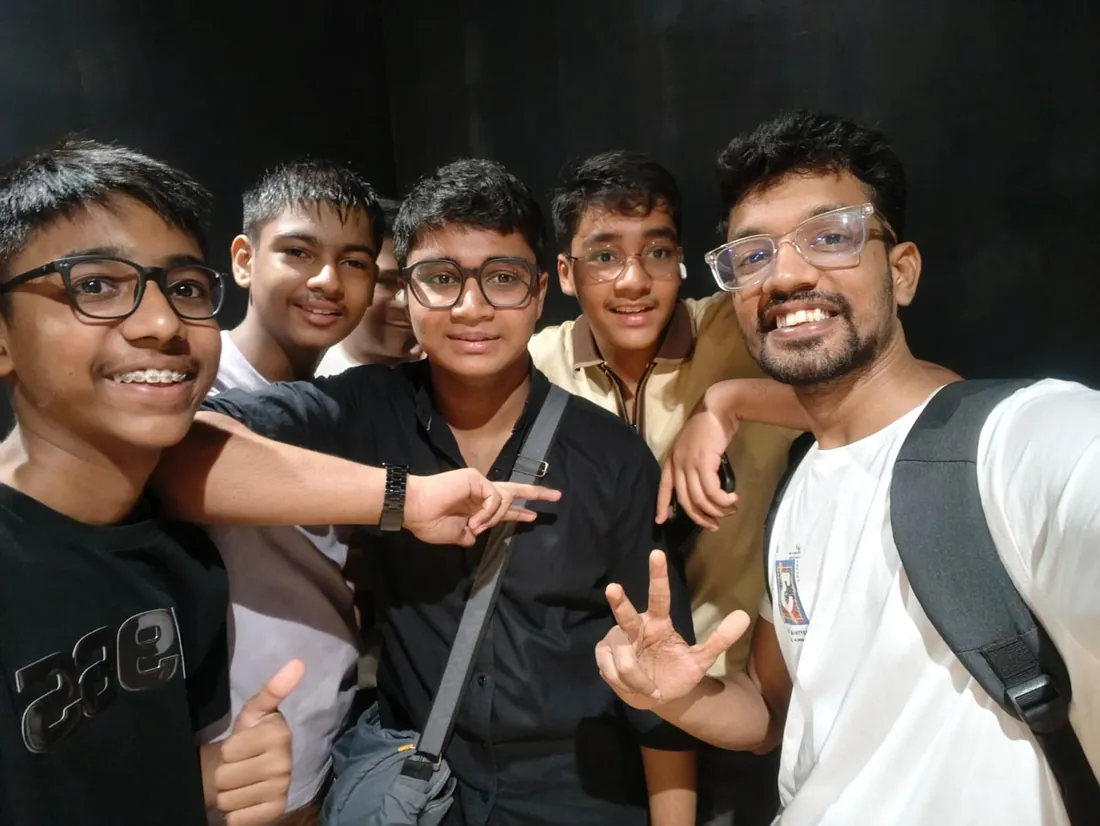
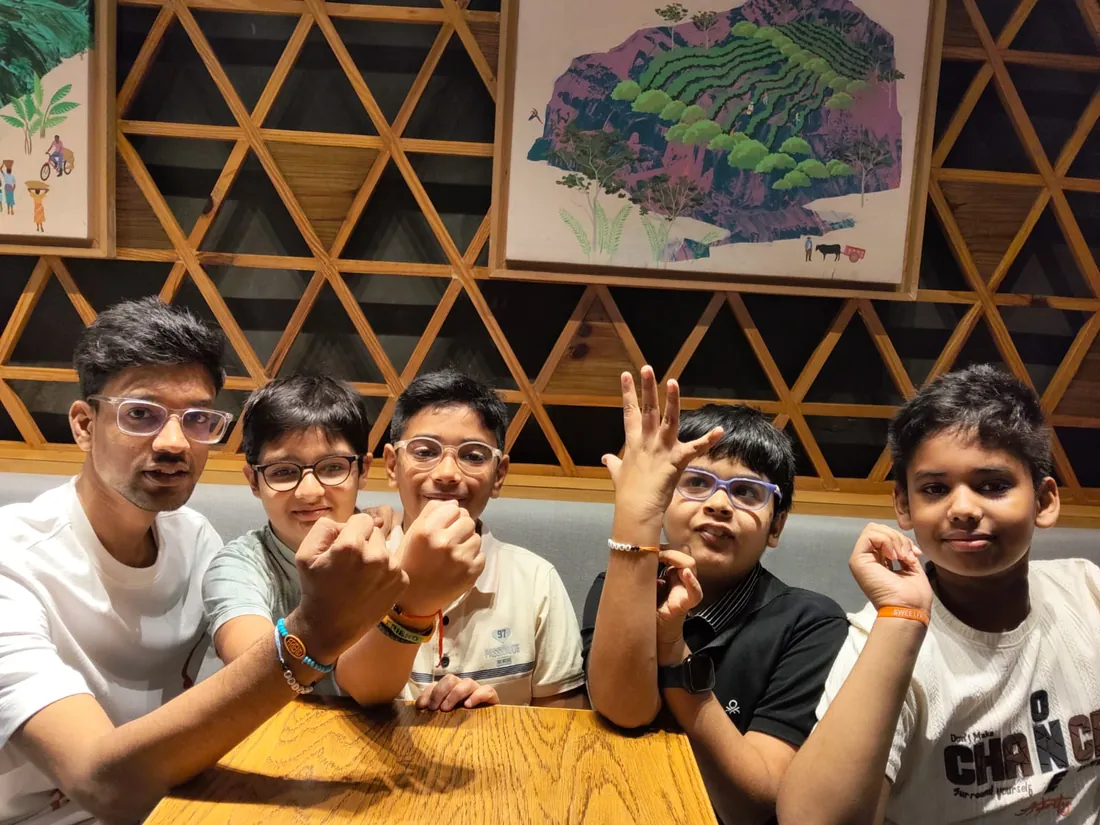
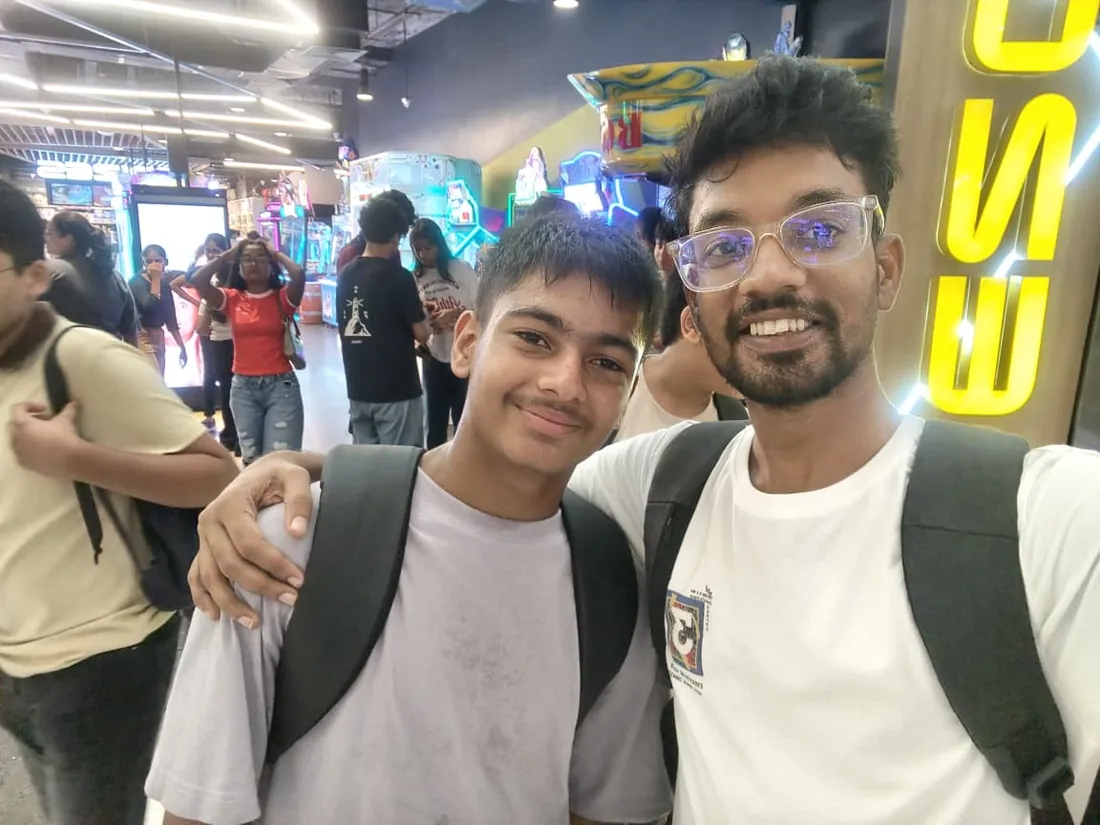
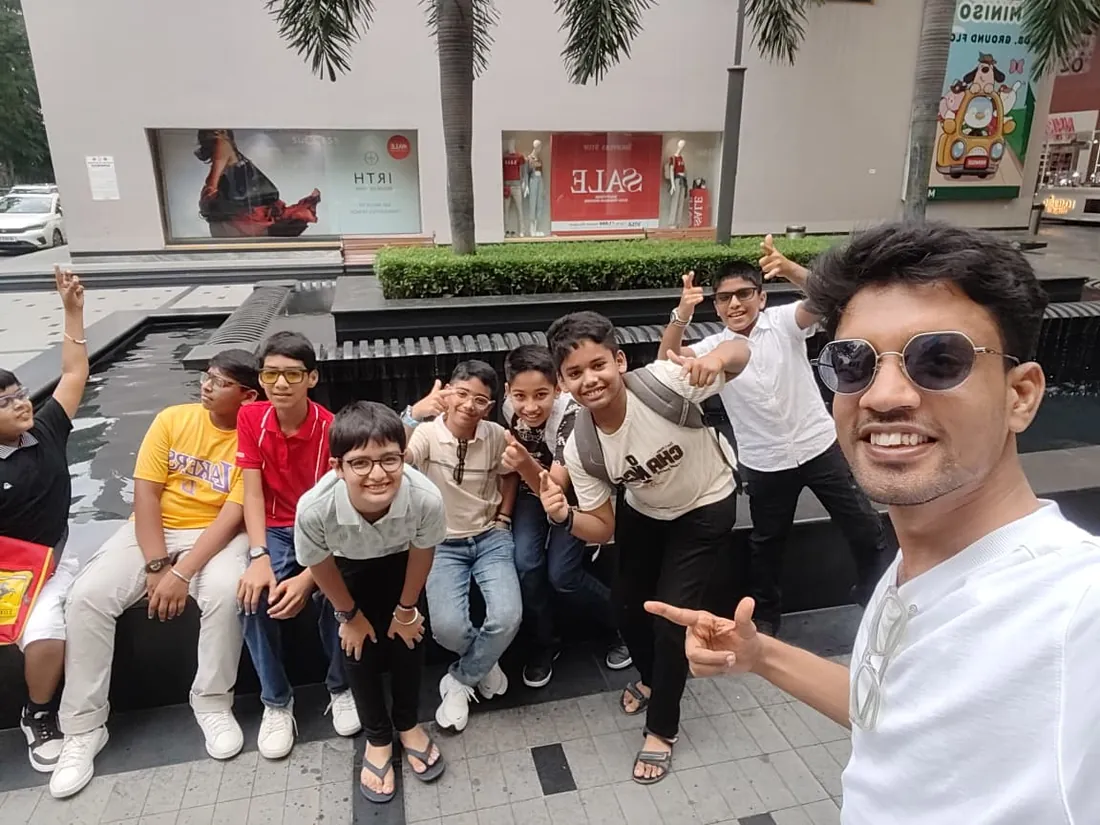
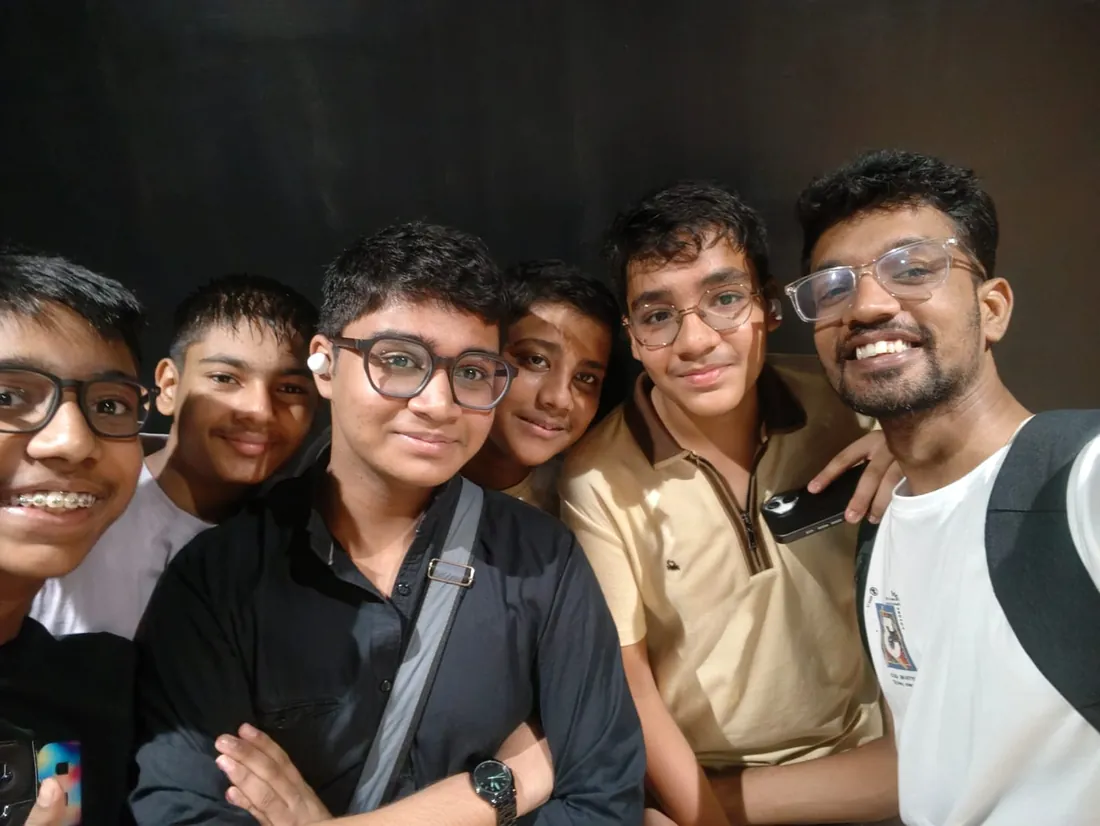
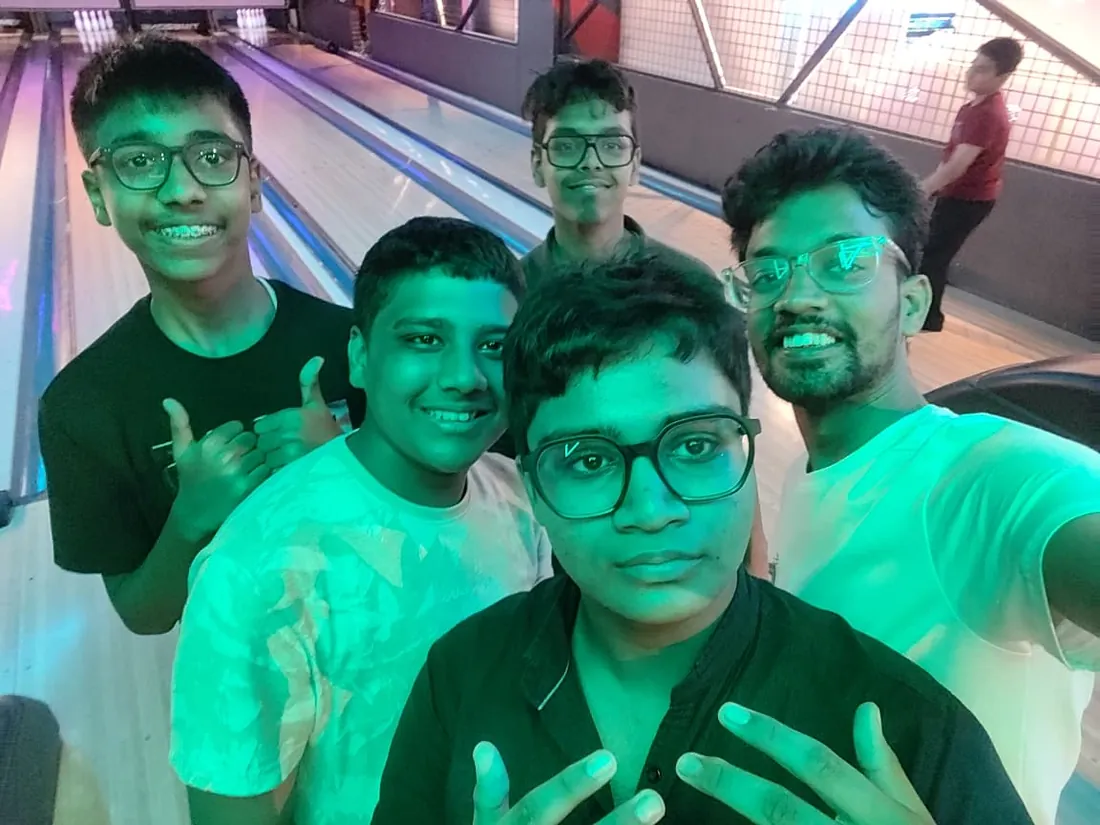
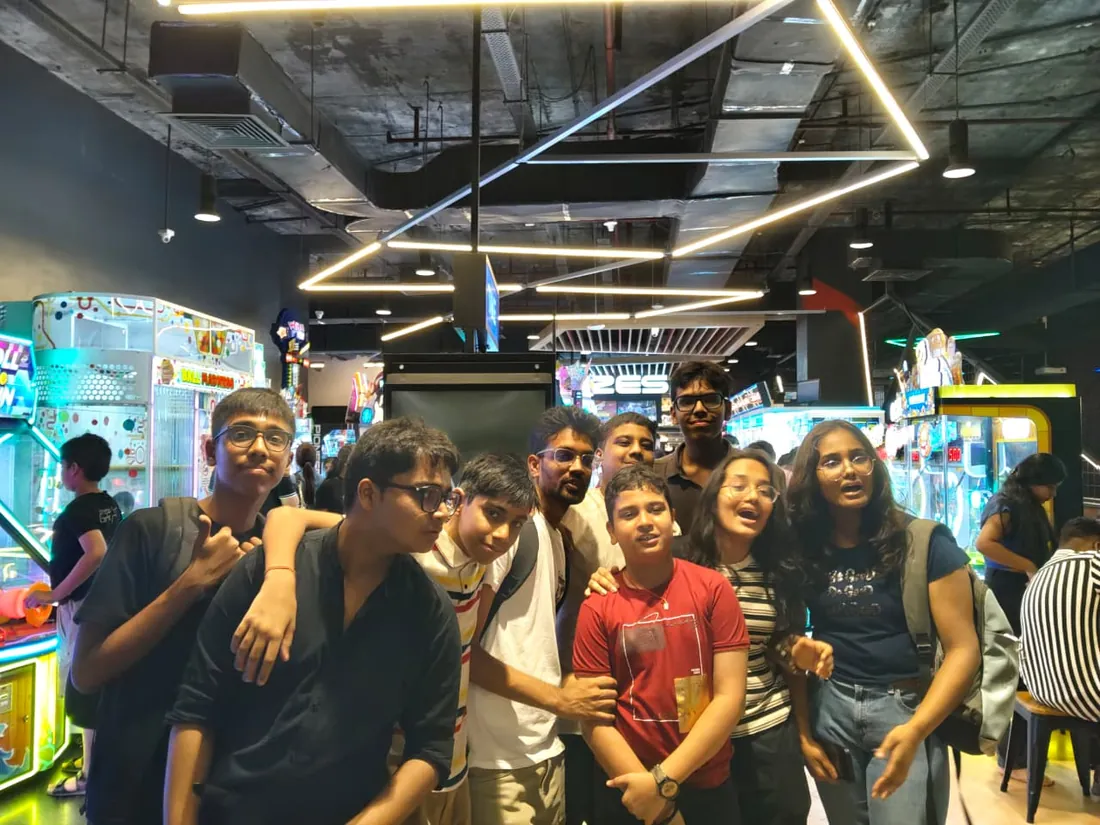
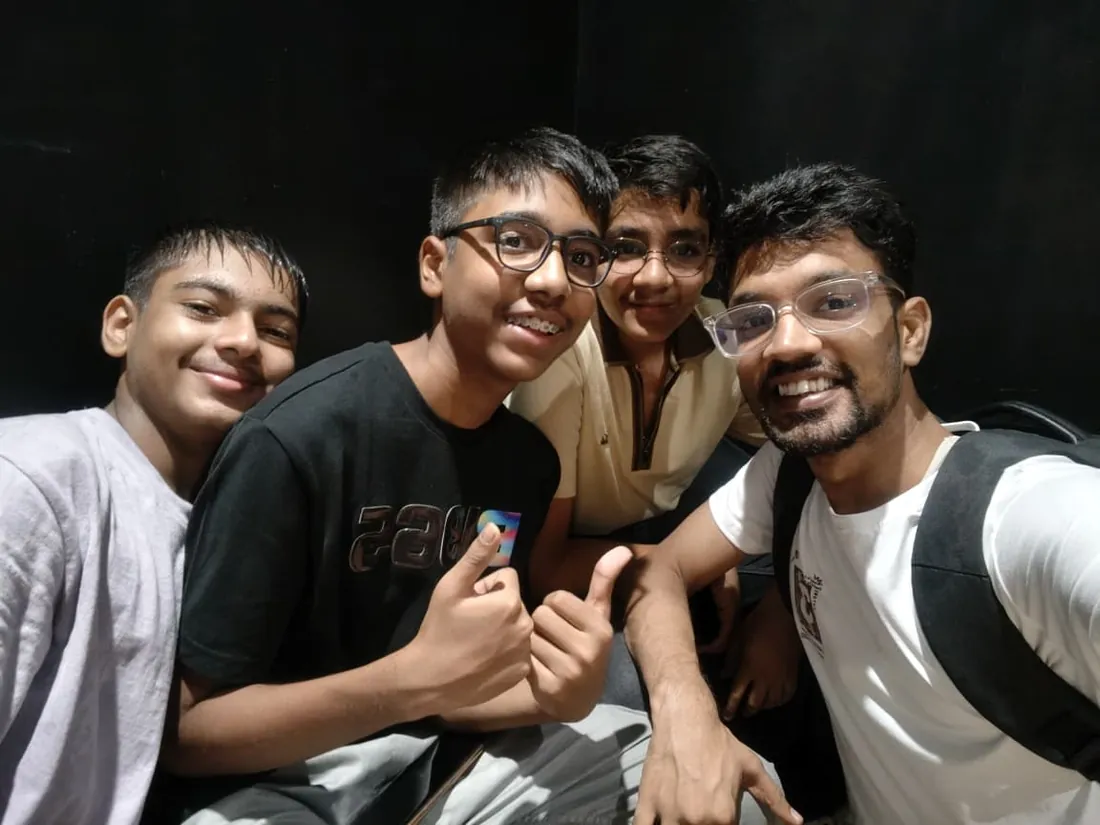
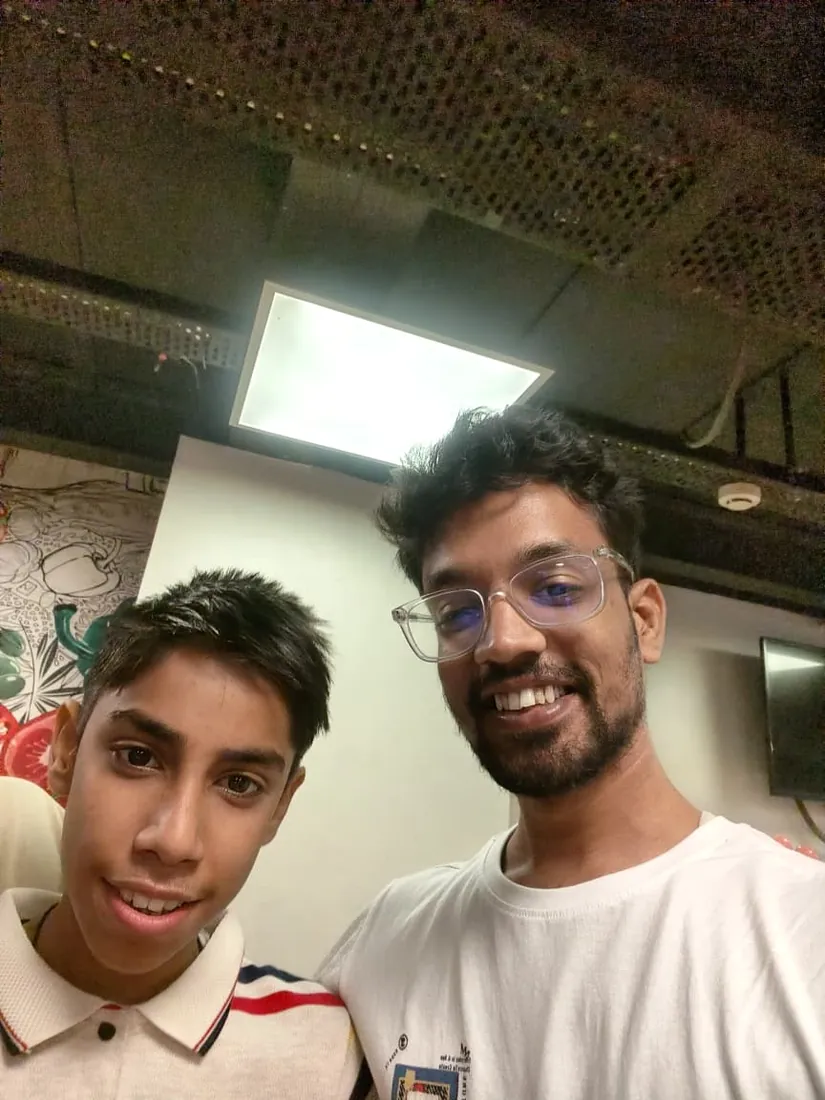
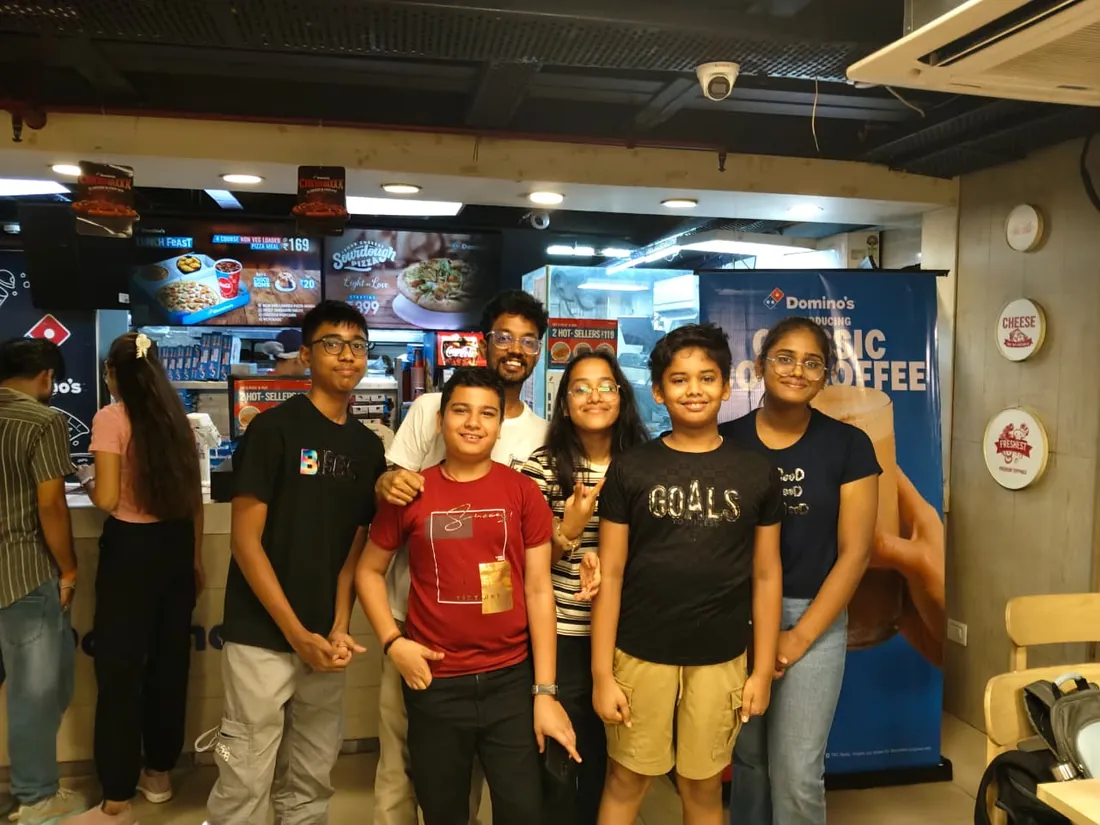
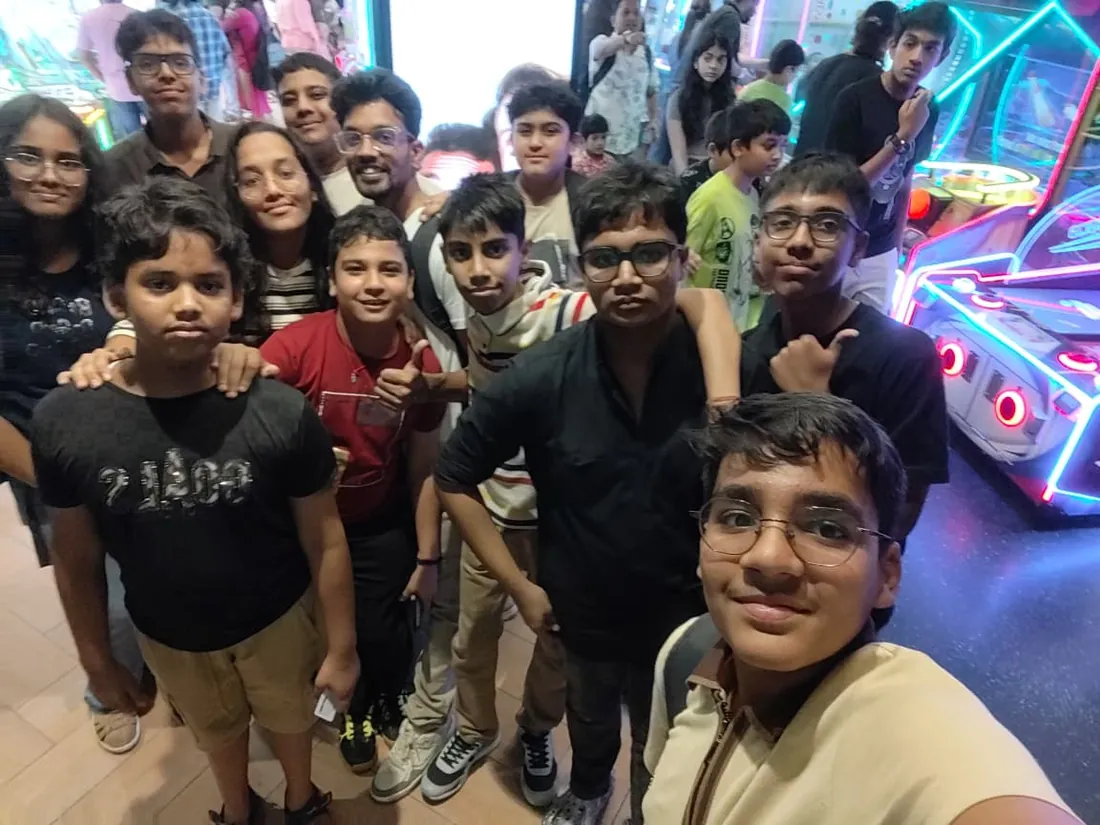
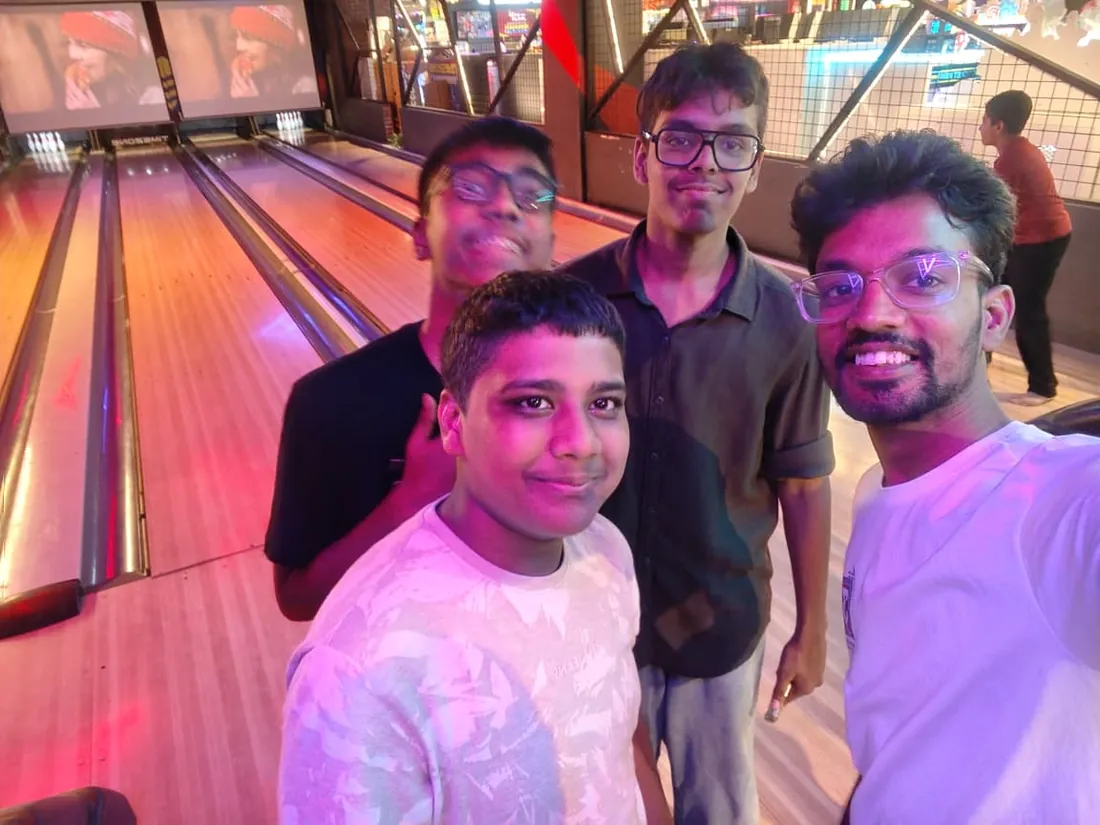
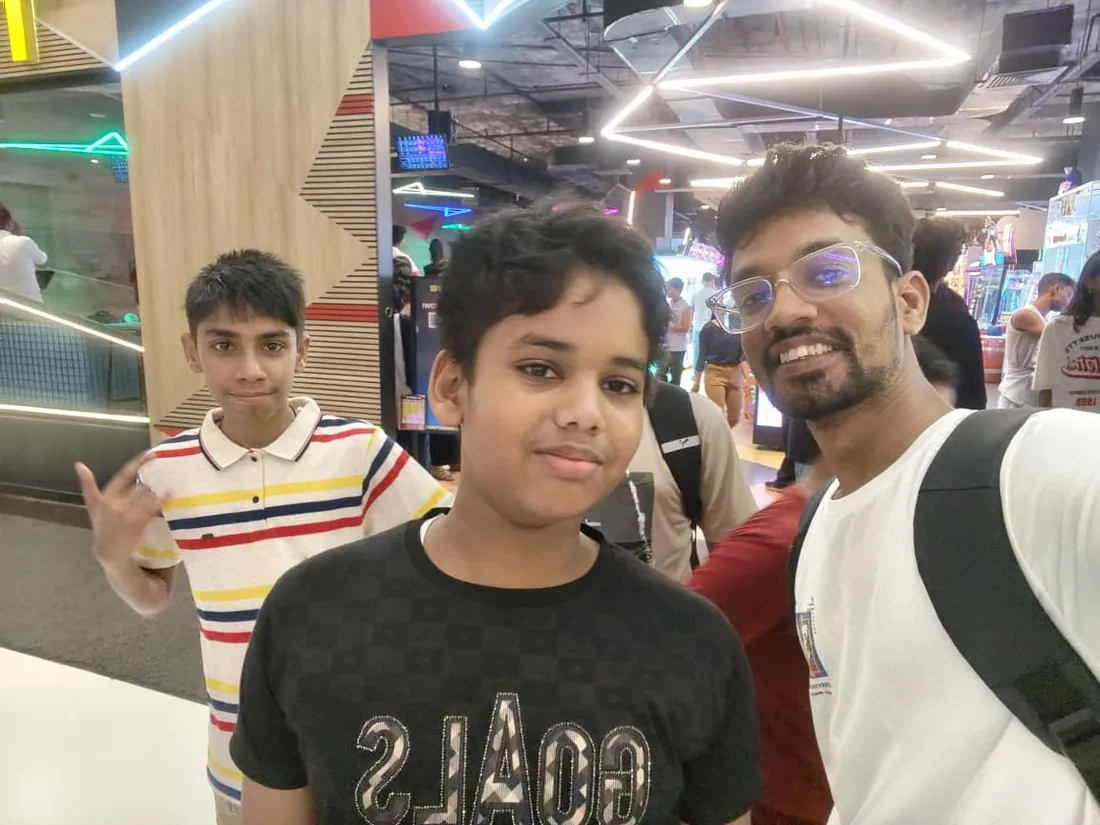
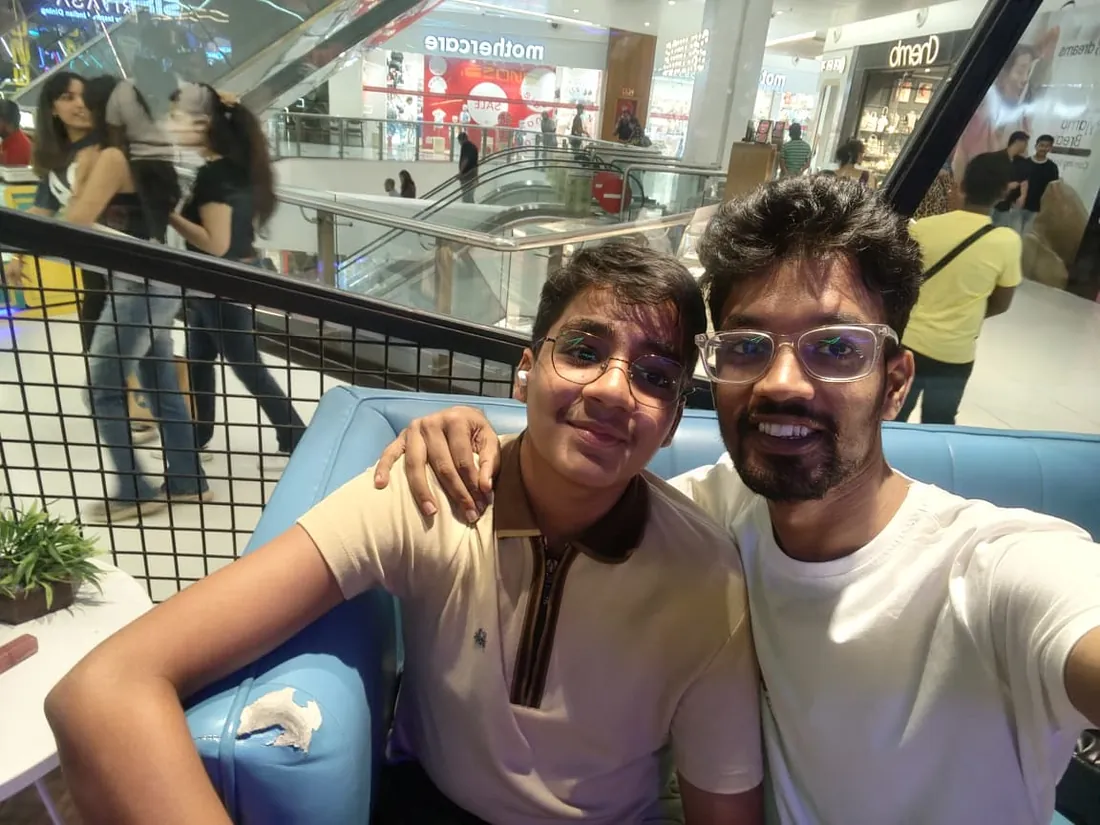
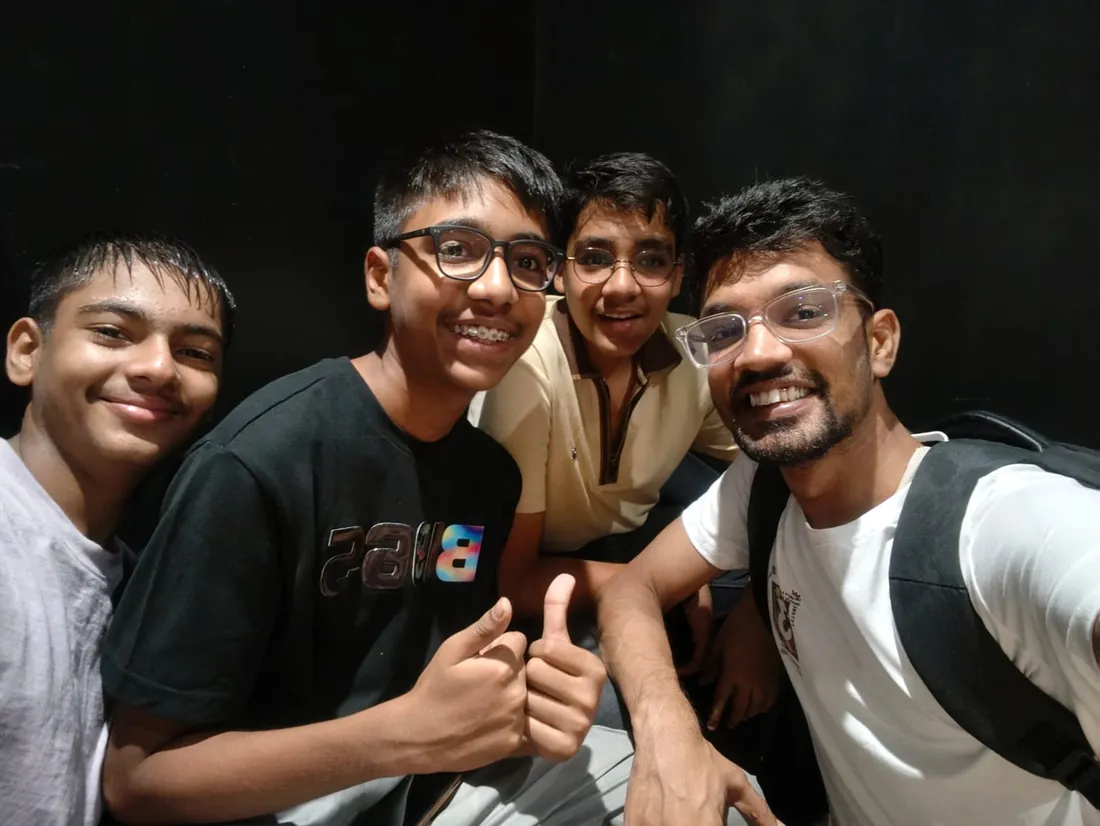
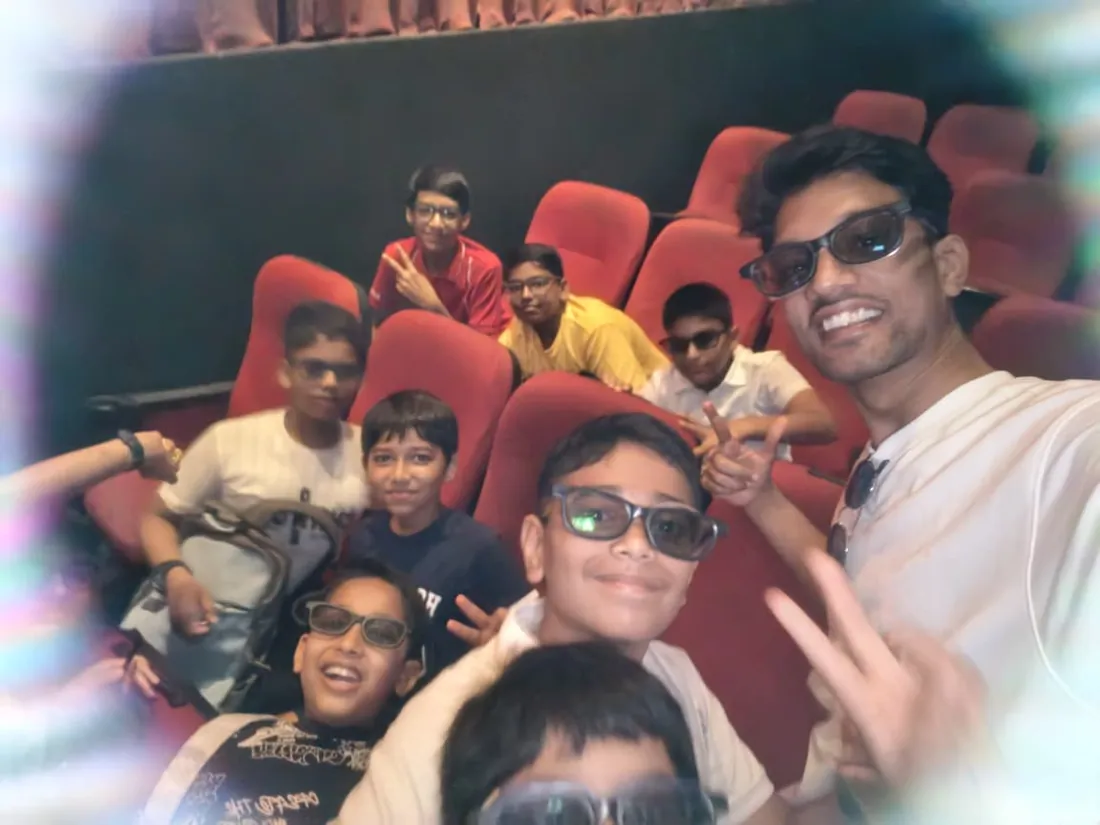
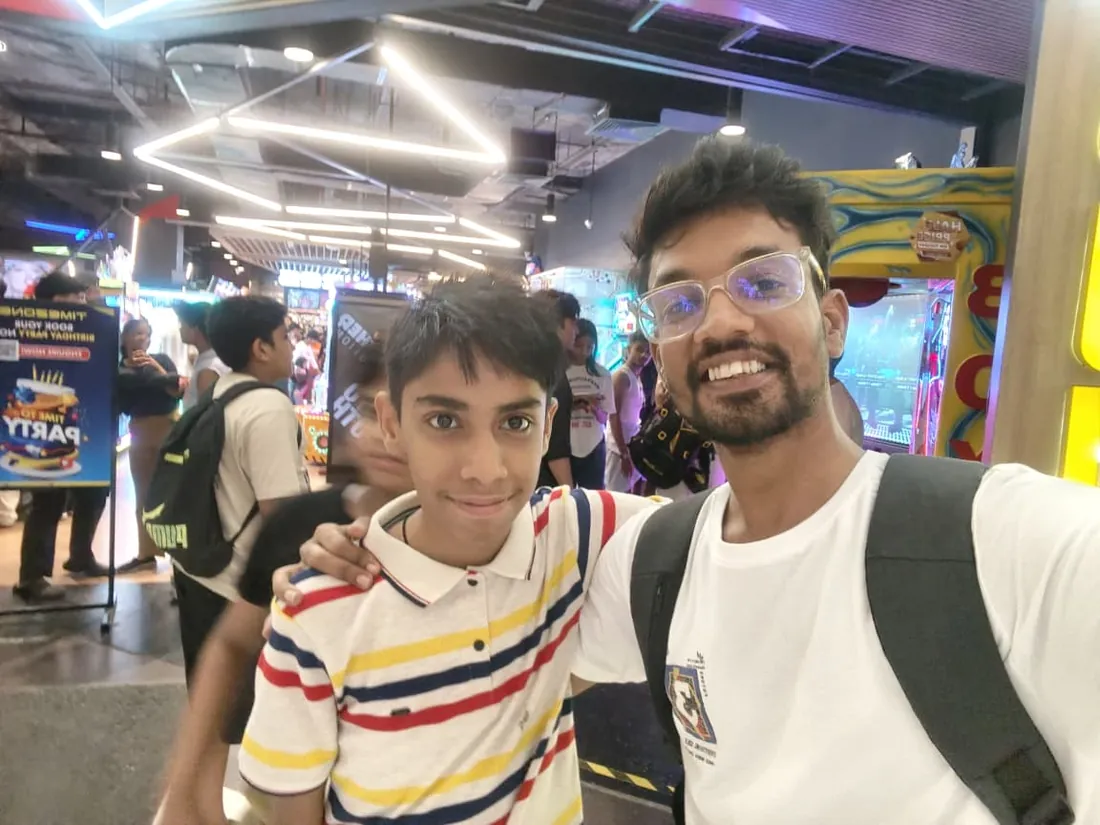
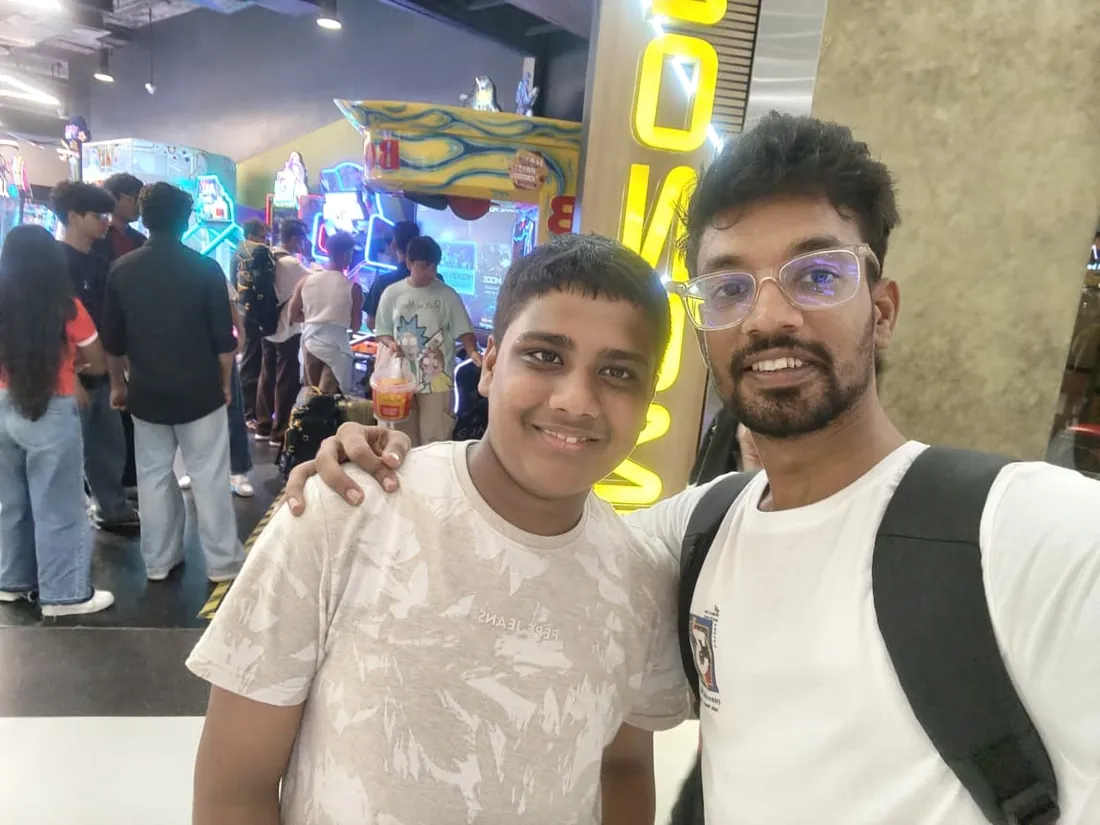
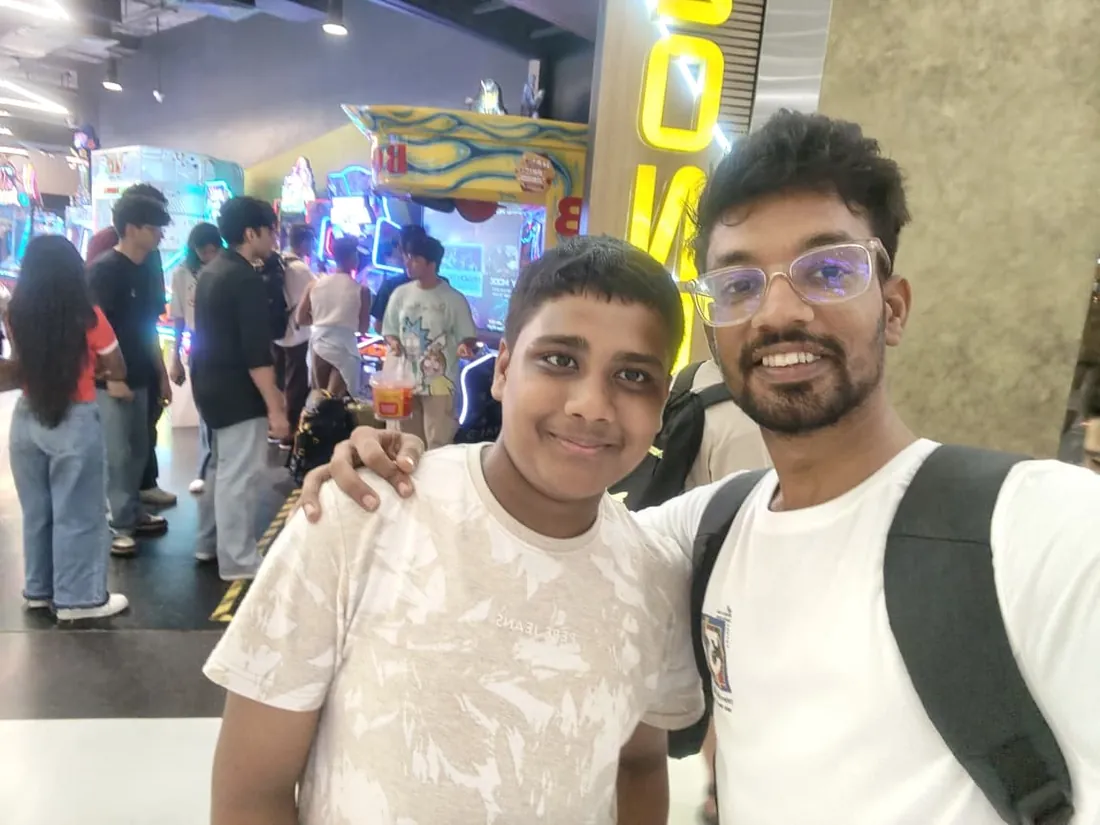
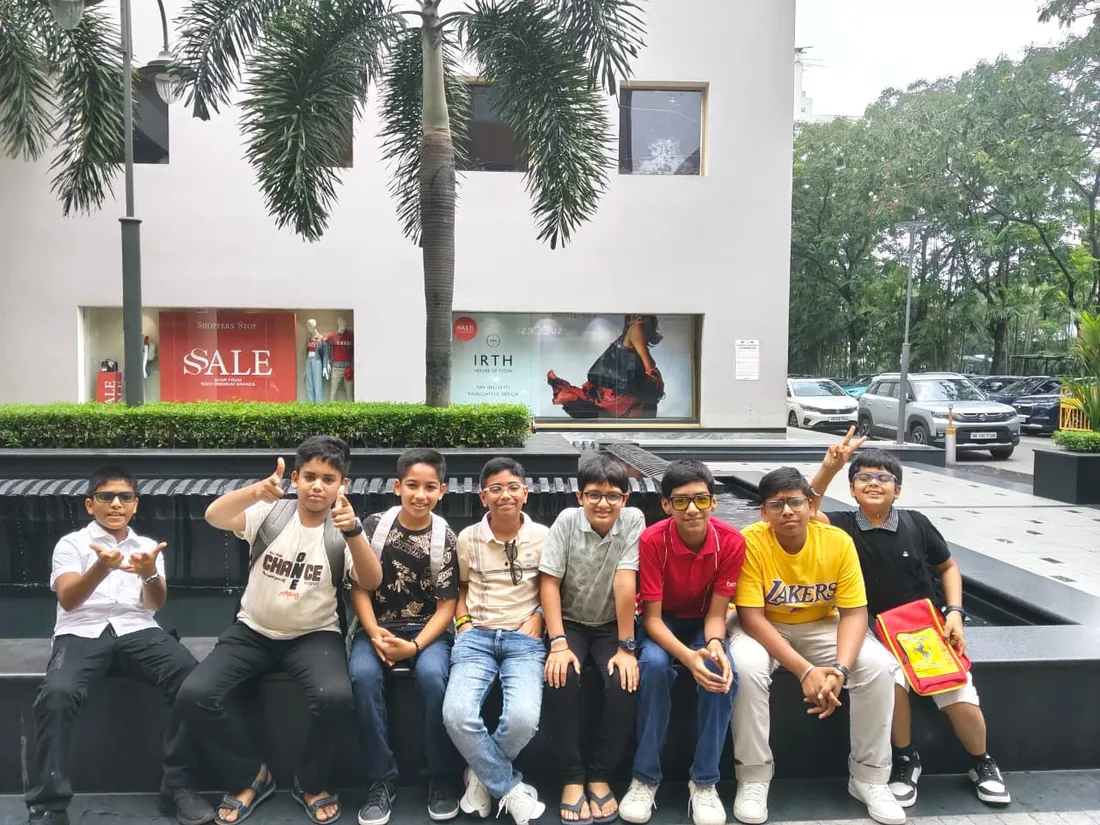
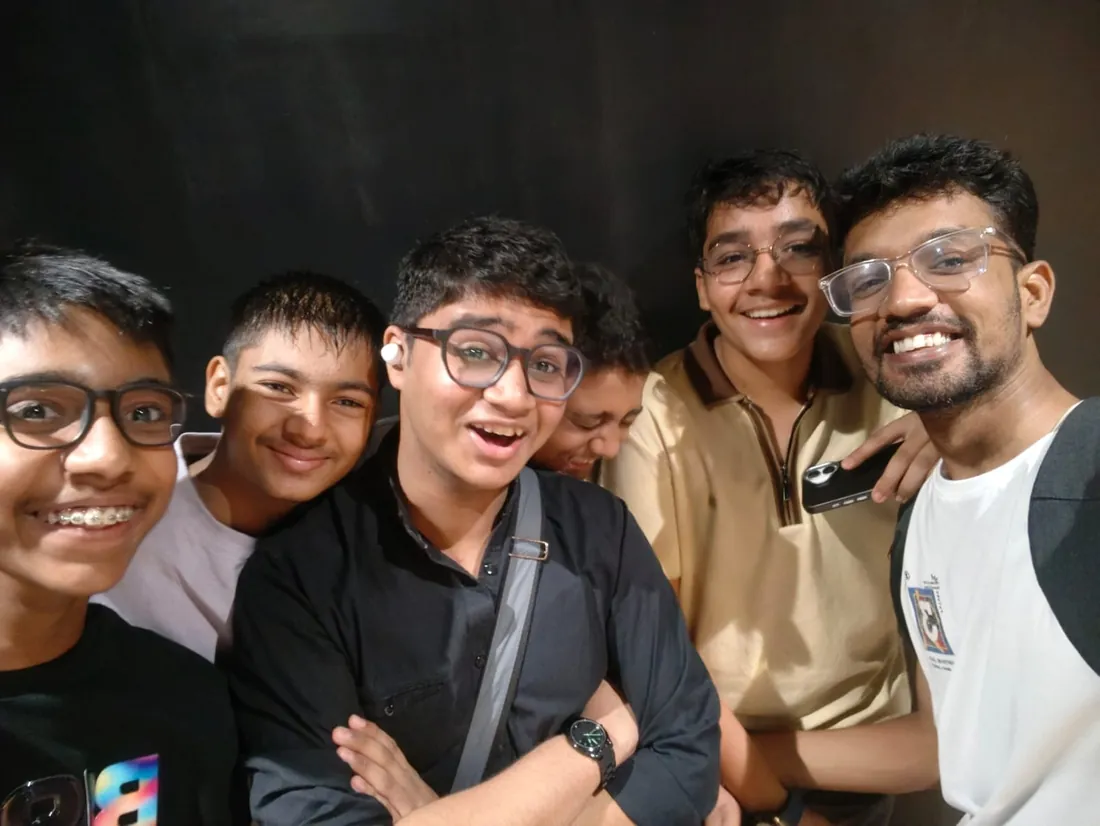
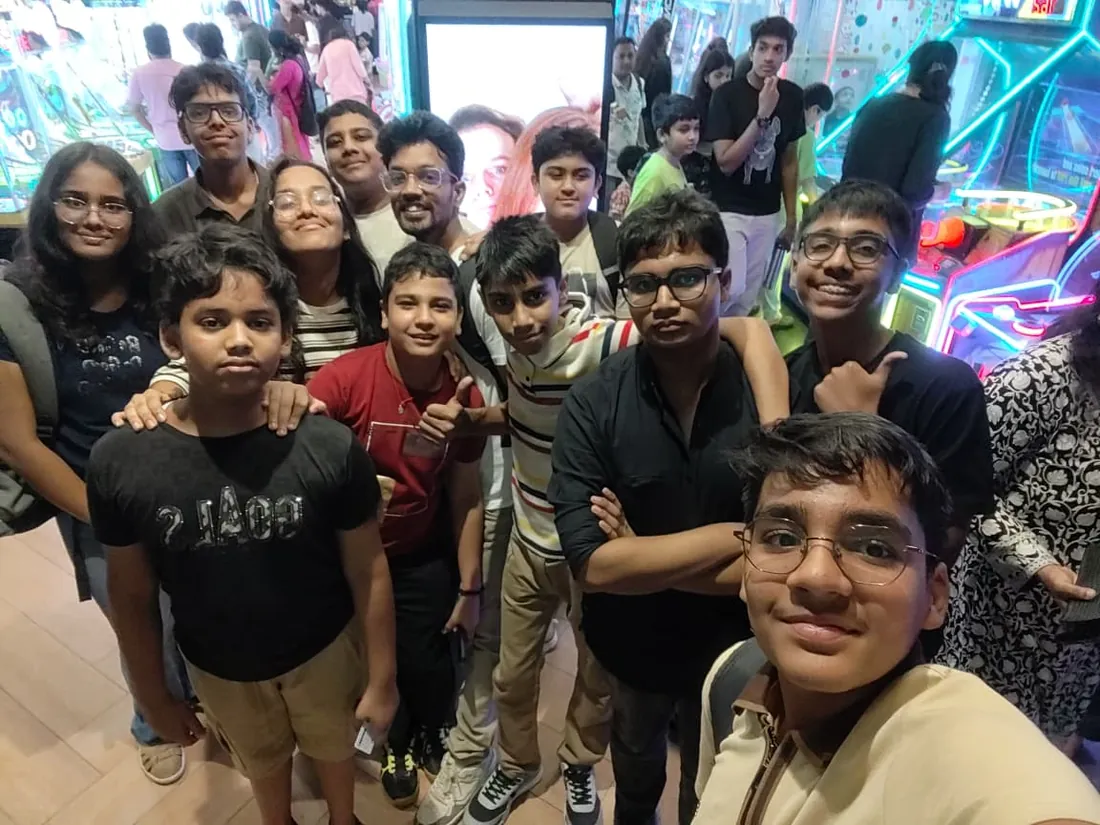
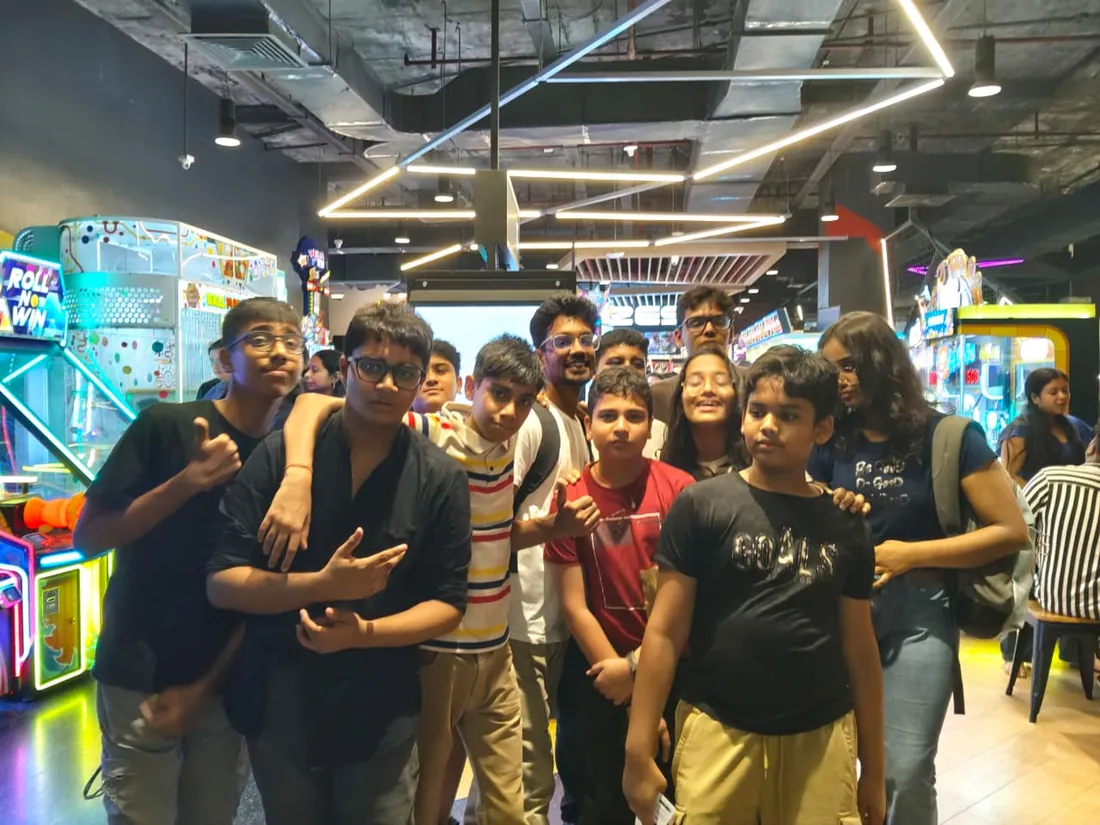
Real students. Real moments. Real joy.
These are our actual student meetups. No stock photos, no filters. Swipe through and meet the community you'll be joining.
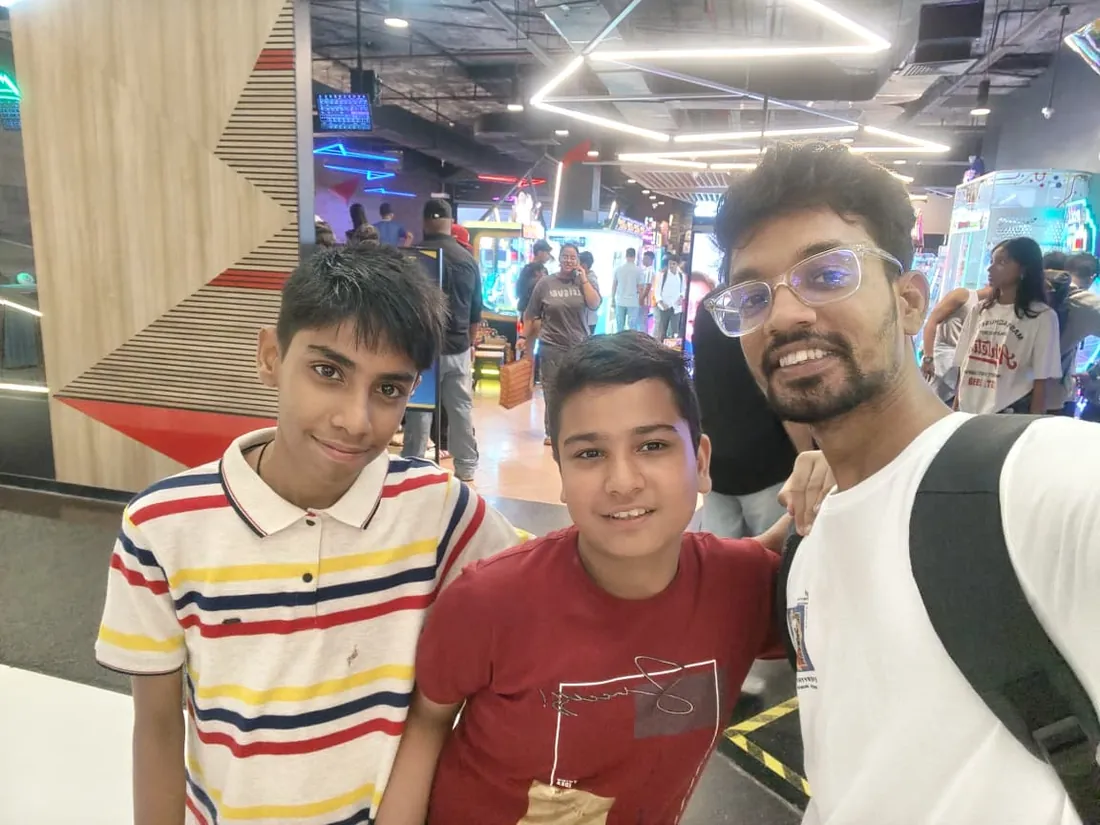
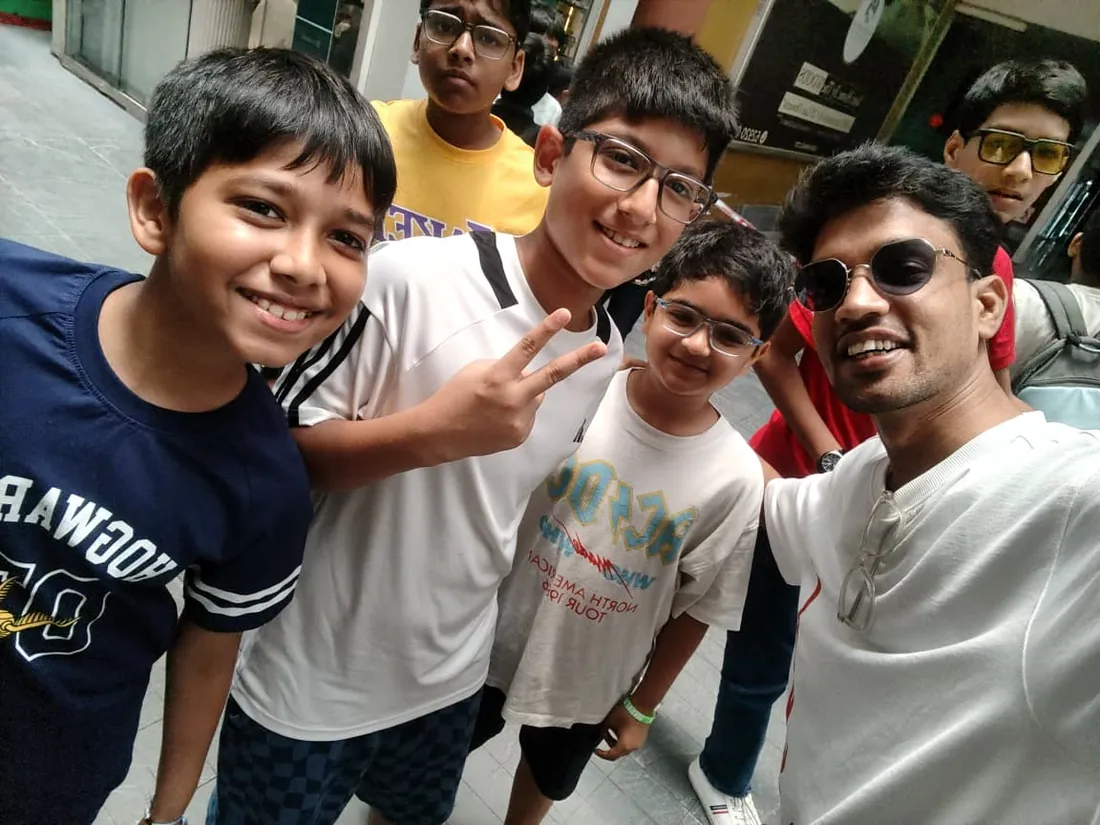
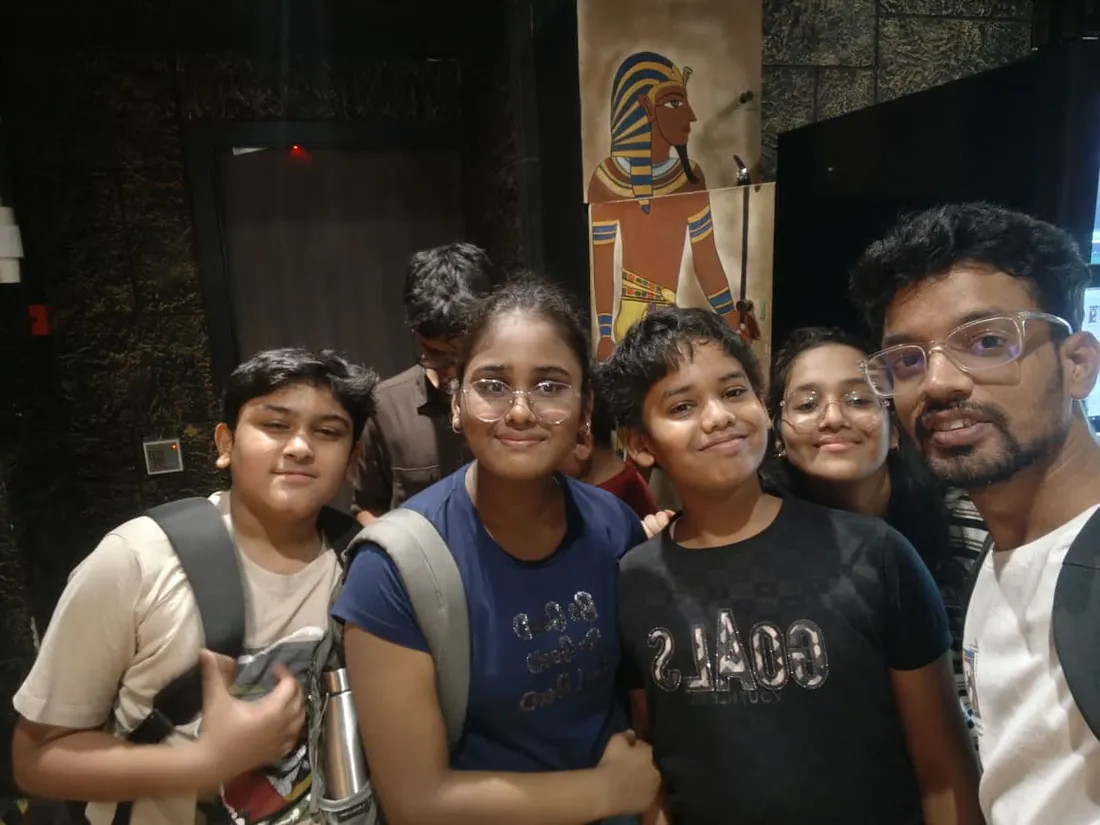
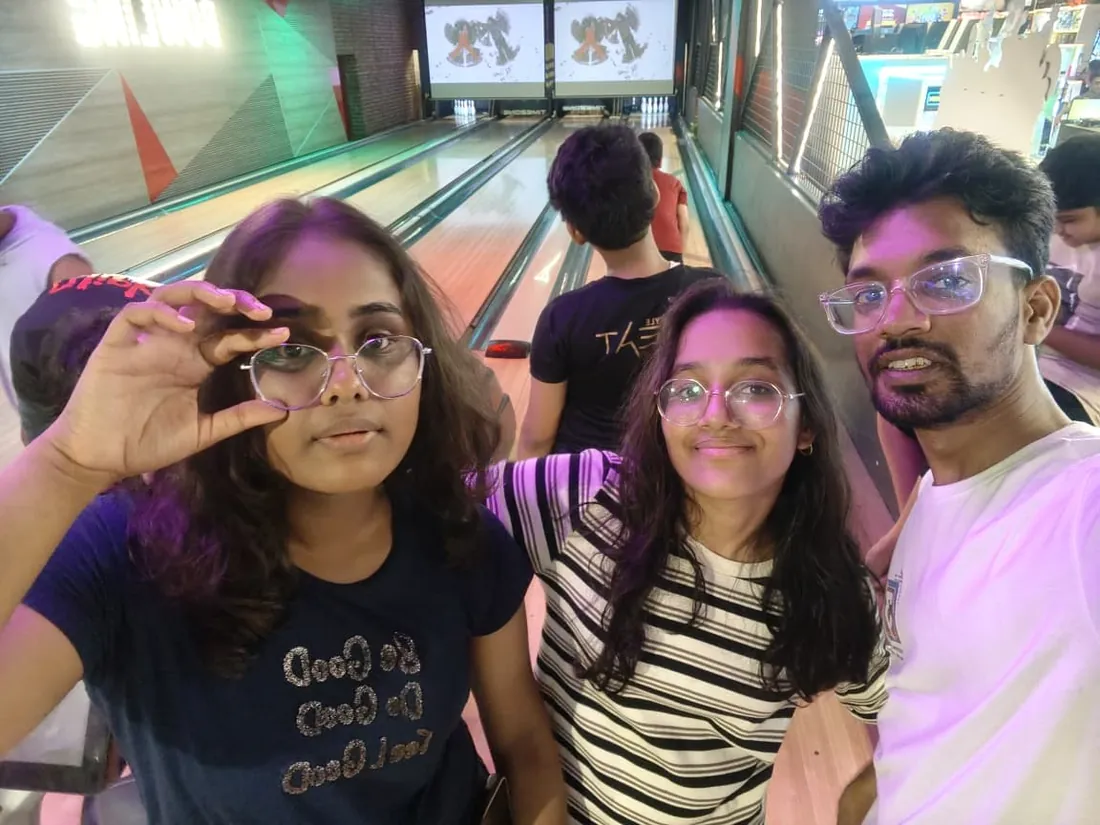
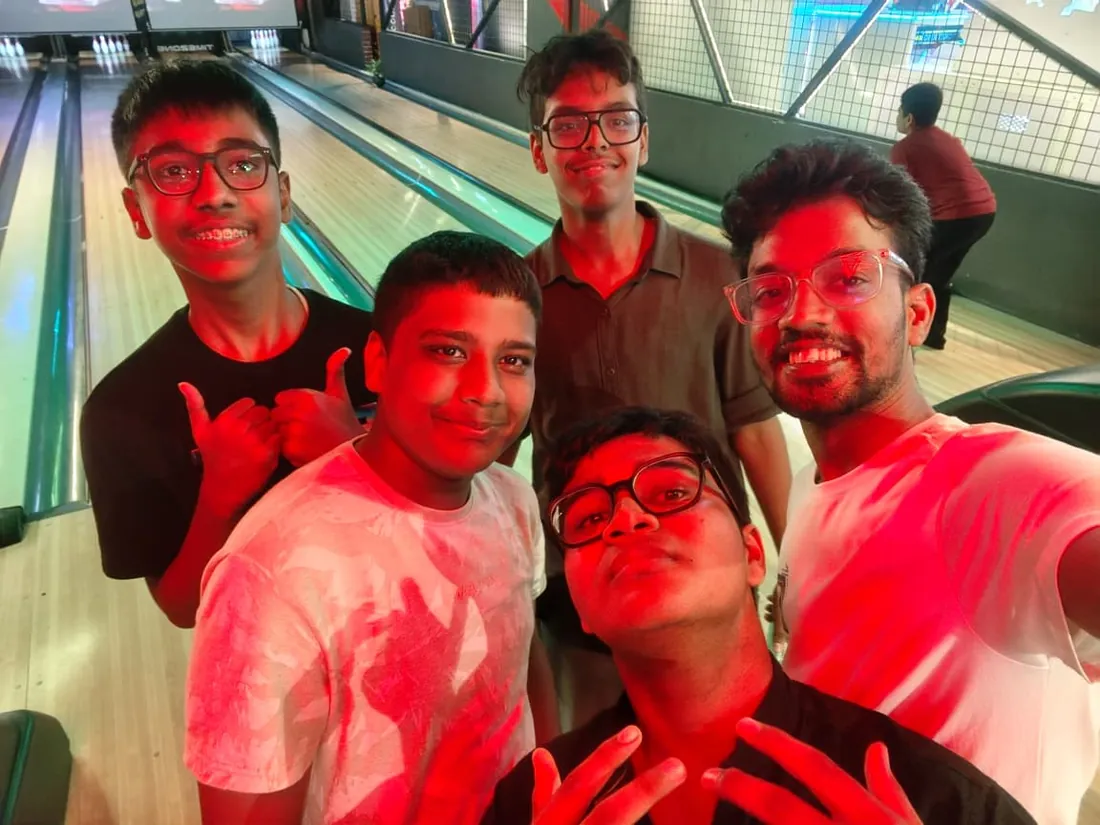
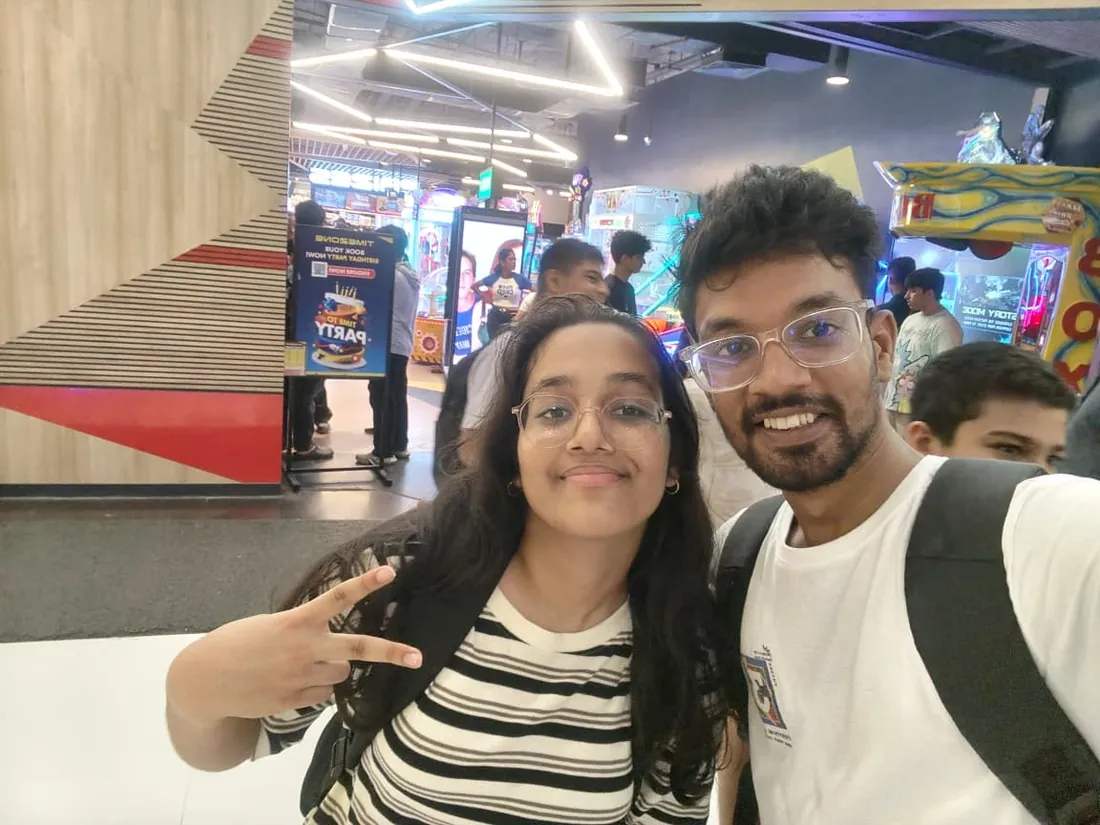
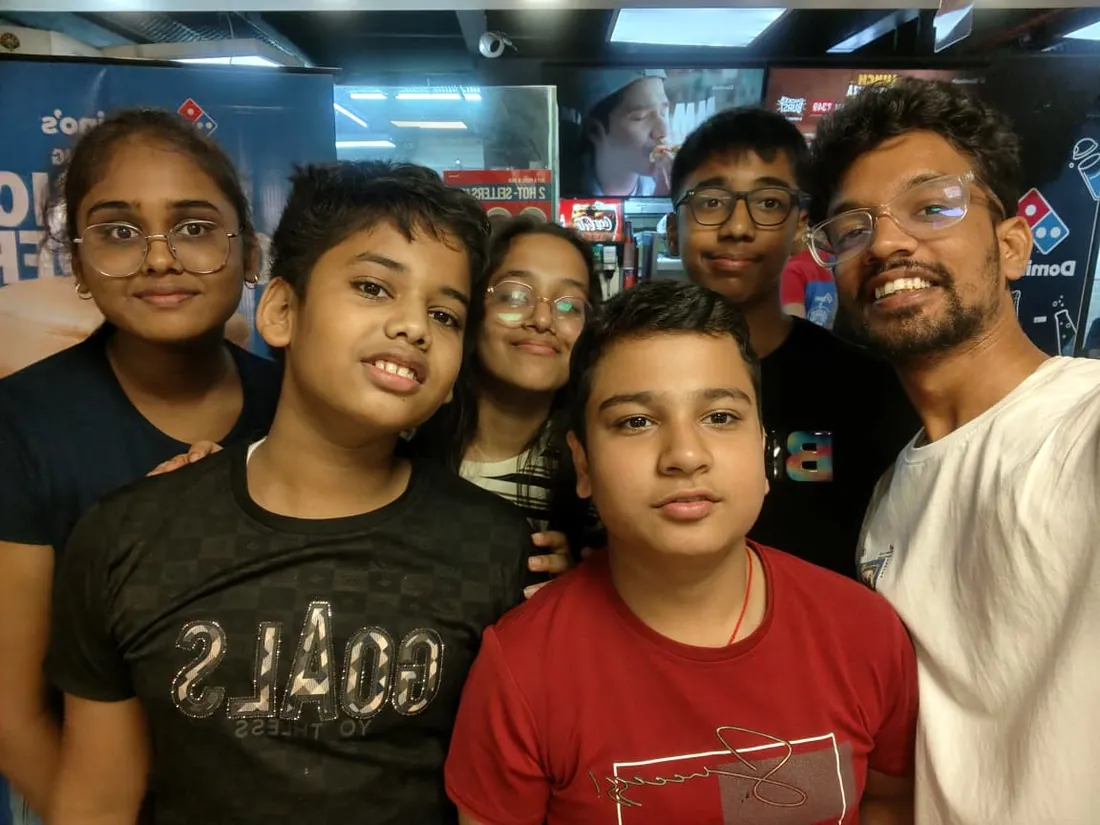
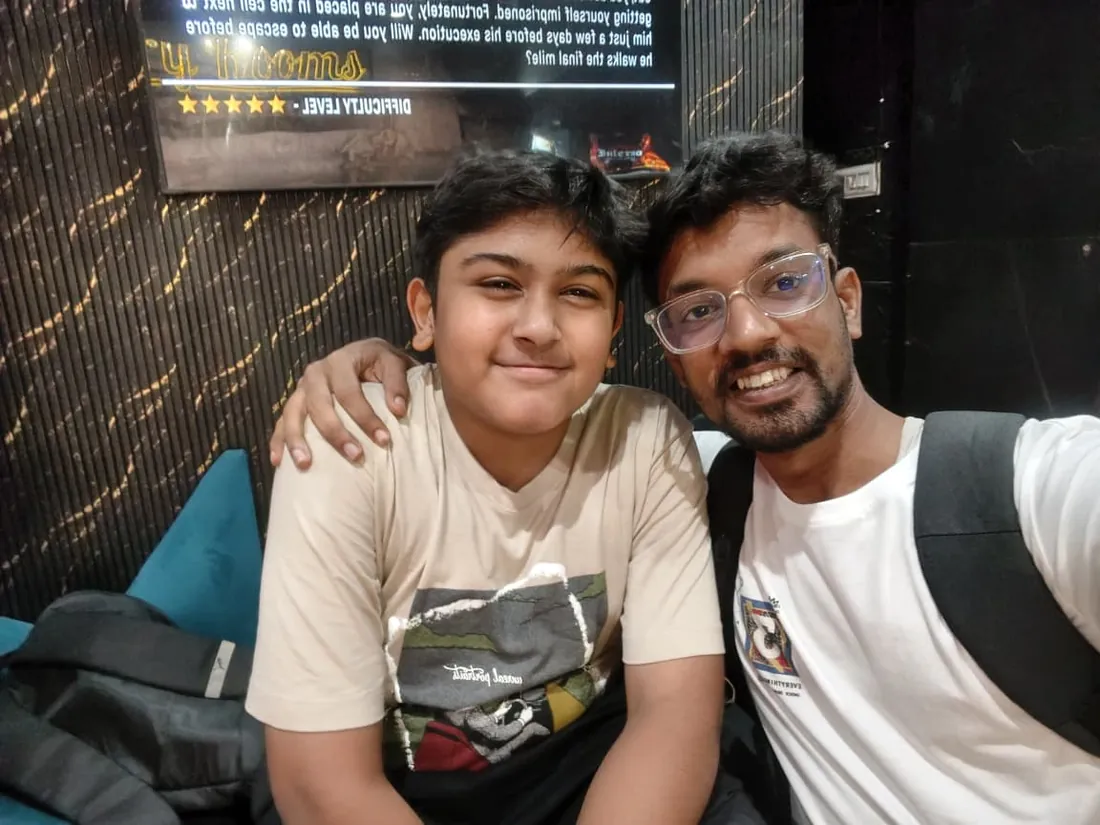
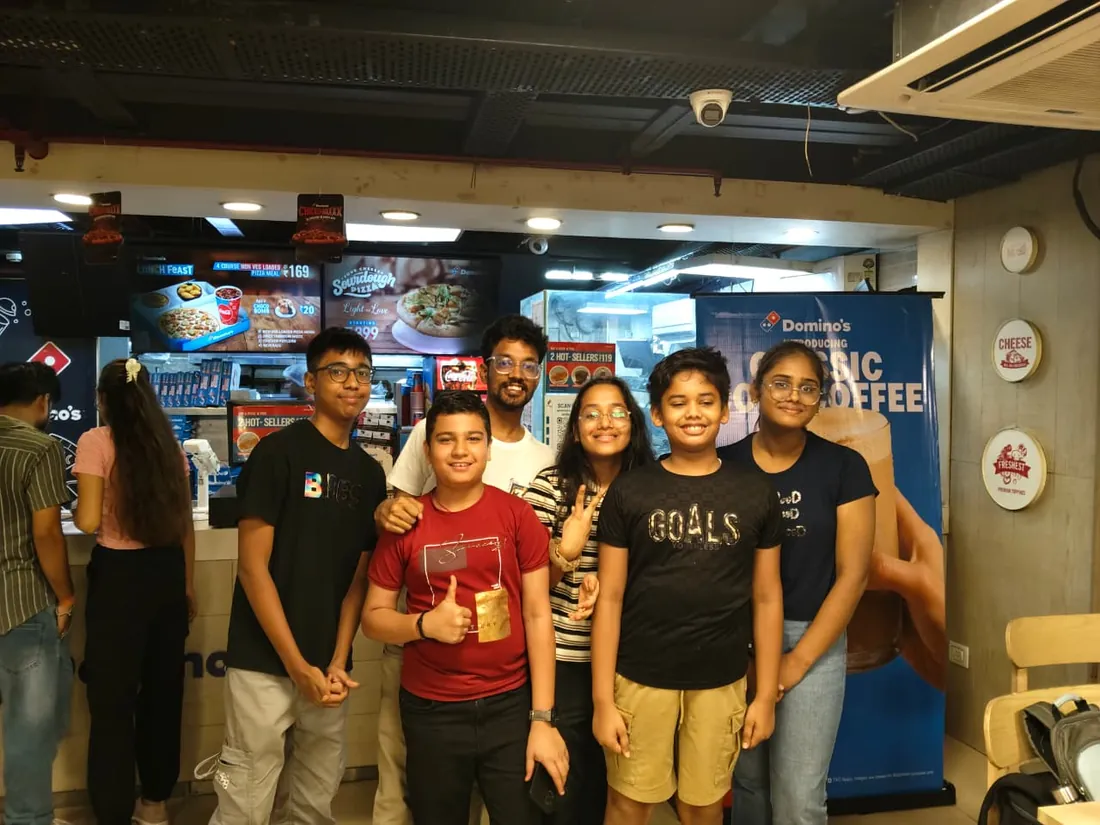
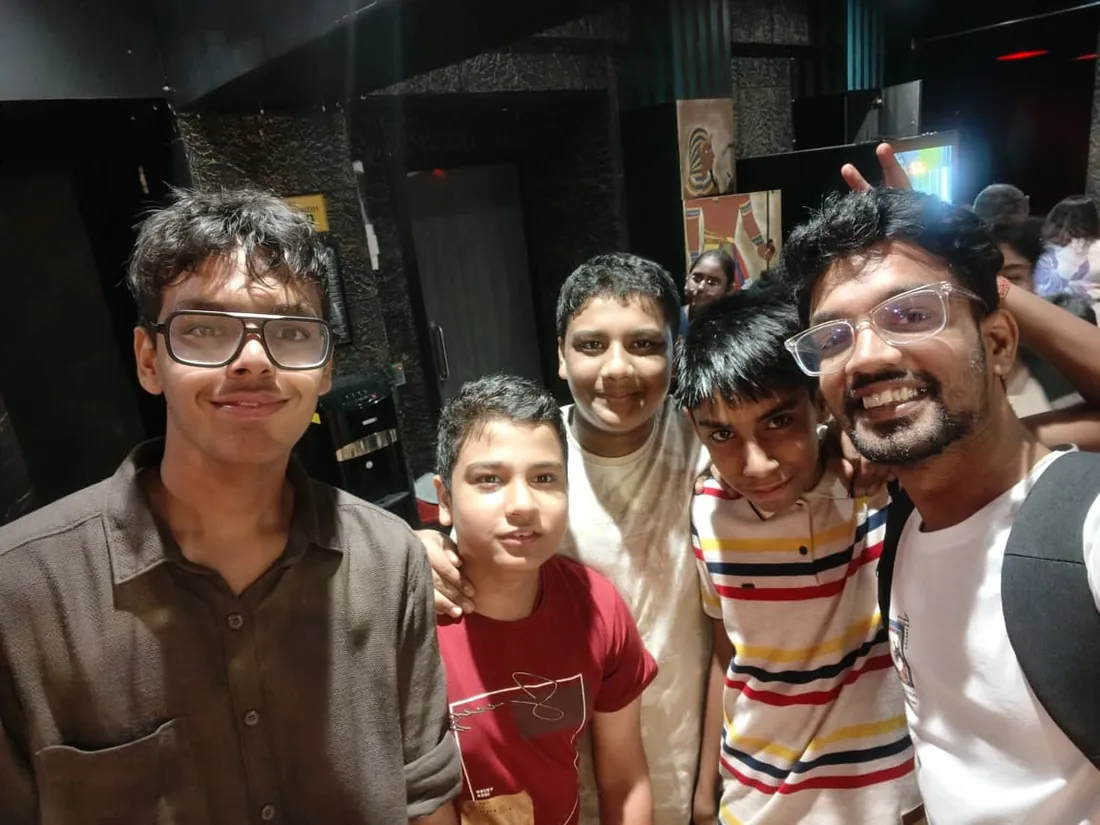
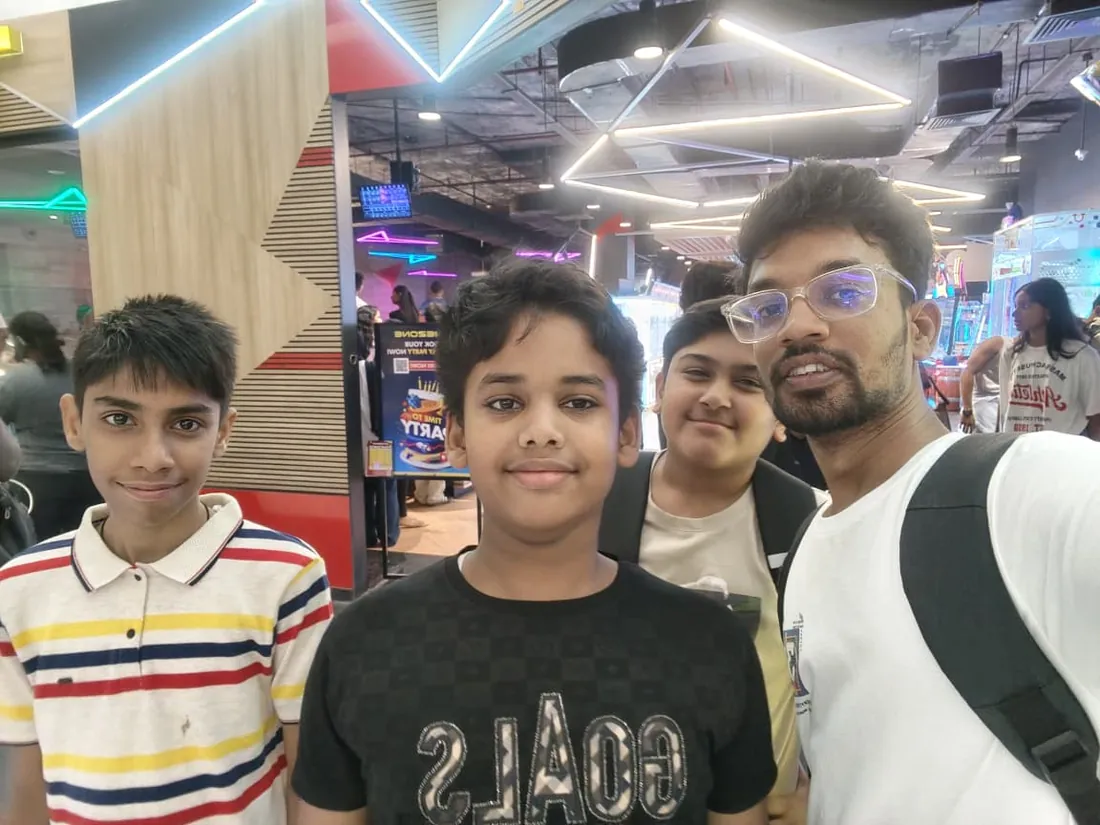
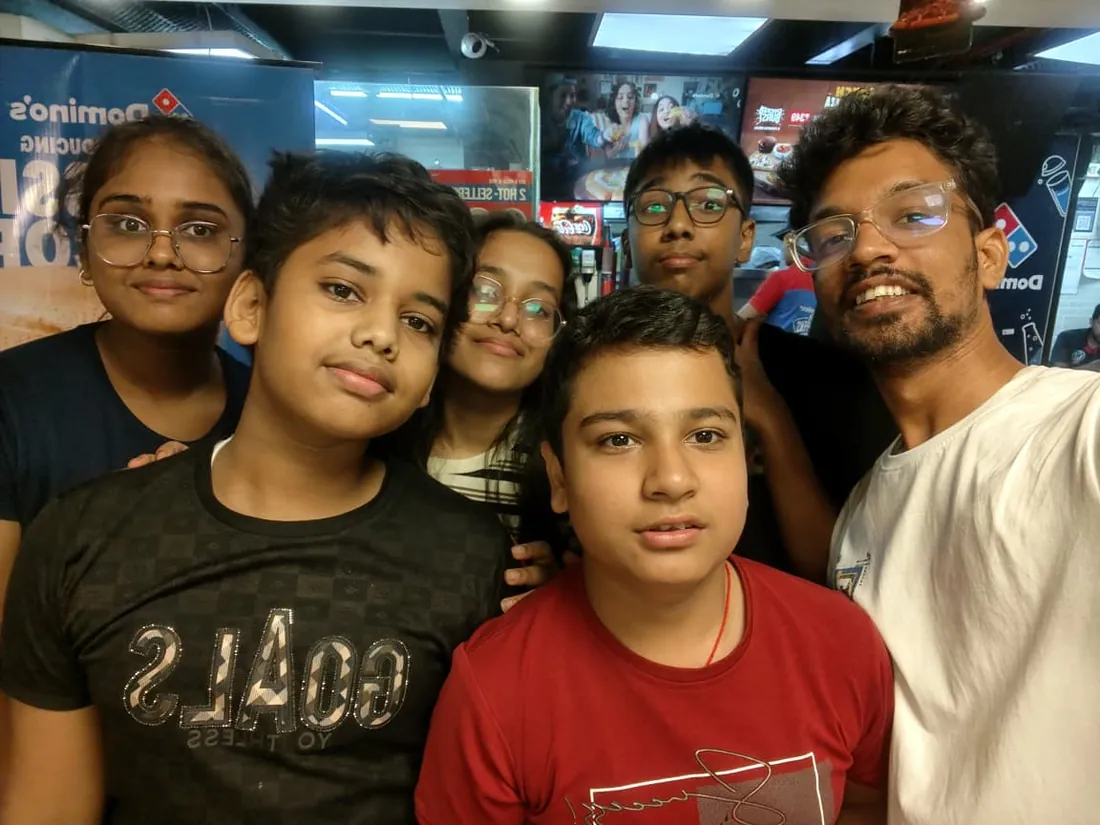
What families say
Straight from the parents and students who learn with us. Rated 4.9 across 547 Google reviews.
“Mivaan enjoys the class. He understands the concepts and completes his tasks with excitement. He started taking interest in coding… truly amazing class.”
“I absolutely love it here! I made new friends and learned important valuable coding skills while having the fun of my life. It's not just coding here, it's outings, bonding and most importantly preparing you for your future. Definitely five stars.”
“What stands out most is how excited my son is before every class. He looks forward to learning, problem-solving, and sharing what he's built. I've noticed a big boost in his confidence!”
“Modern Age Coders has been a game-changer for me! I struggled to grasp IT concepts and coding before joining, but their classes transformed everything. I'm now the topper in my class and can confidently write complex programs with ease.”
“Modern Age Coder have wonderful teachers who teach in a clear, easy and practical way. The teacher boosts students' confidence, keeps them updated with technology, and inspires them to learn without hesitation.”
“The one step solution for my son. Modern Age Coders make learning coding so simple that kids love it.”
“Coding classes here make learning very interesting and conceptual. The teachers teach us in a very easy-to-understand and efficient manner.”
“One of the most wonderful education centres out there. Education is not limited to school syllabus but focuses on skill development. Learning here has been a wonderful journey and still continuing.”
“I highly recommend this computer coding class! The teachers are incredibly knowledgeable and passionate about coding. They make every session engaging and insightful.”
“My child Dhairya is really enjoying the Modern Age Coder IT classes. This is his first online class, and he eagerly looks forward to it.”
“Very good classes. Don't worry about coding. They teach the best, especially Shivam sir.”
“Very good classes. Makes learning very easy and interactive.”
Hear it from our students
Real parents and students in their own words, on our public YouTube channel.
Straight answers about Creative Coding and Animation: Video, Motion and p5.js
- Who should take this course?
- Beginner friendly, ages 13 to adult. Age: 13 to adult; batches are grouped by age and pace. It suits teens and adults who dream of creating animations and motion graphics; aspiring youtubers, instagram creators, and tiktok creators; anyone passionate about visual design and digital art.
- What will they learn and build?
- This course sits at the intersection most creative courses miss: editing and motion design craft on one side, actual creative coding on the other. Students learn professional video editing, motion graphics, animation principles, then cross into p5.js and Processing, where art is written in code and no two runs look the same, and finish with Blender 3D and the content craft that makes work travel online.
- How deeply are topics covered?
- The course runs 5-6 months (20-24 weeks) at 2 live classes/week + 3-4 hours practice. A structured, well-paced curriculum taught step by step, with classwork in every session and homework after every class.
- Who teaches it?
- Modern Age Coders mentors, who teach the live classes themselves. You can watch them at work in the free class recordings before you decide.
- How do practice, feedback and assessment work?
- Mixed challenges after every month and a final exam that decides the certificate: real craft, really tested. Doubt support between classes over WhatsApp, so you are never left stuck. A certificate you earn by passing the final exam, with a free retest after revision if needed.
- What does it cost?
- Three monthly plans: a group batch, a mini batch and 1-on-1. Prices are shown in your currency in the plans section. Monthly billing, cancel any time.
- When can classes take place?
- Live classes are scheduled around your week. Group batches meet at a fixed weekly slot; 1-on-1 students choose their own. International students are scheduled in their own timezone. Ask on WhatsApp for the current slots.
- Can I watch the teaching before deciding?
- Yes. Full recordings of real 13 and up classes are free to watch, free with a Google sign-in. These recordings show how we teach, not the exact syllabus of this course. Some classes are in English and some in Hindi; everyone follows at their own pace. Watch a class end to end, like you are in it. Sessions are interactive and each moment builds on the last.
- Can I enroll without a live demo?
- Yes. Choose a plan on this page and enroll directly; a booking or a demo is not required. A free live demo is optional, for anyone who wants to meet a mentor first. Outside India, our team confirms the plan and completes payment with you over WhatsApp, so allow a little time for that step.
Common Questions About Creative Coding and Animation: Video, Motion and p5.js
Get answers to the most common questions about this comprehensive program
Still have questions? We're here to help!
Contact UsRelated Courses You May Like
Continue your learning journey with these recommended programs
 Web Development
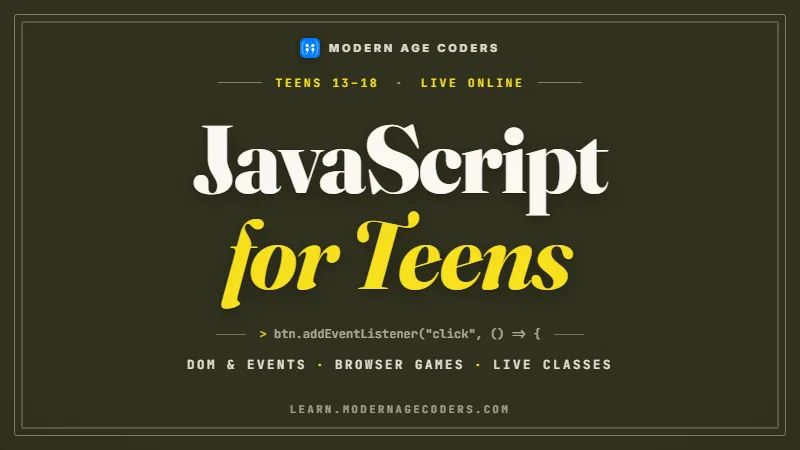
JavaScript for Teens: Interactive Websites & Browser Games
JavaScript course for teens ages 13-18: live online classes from first variables to interactive page...
Explore Course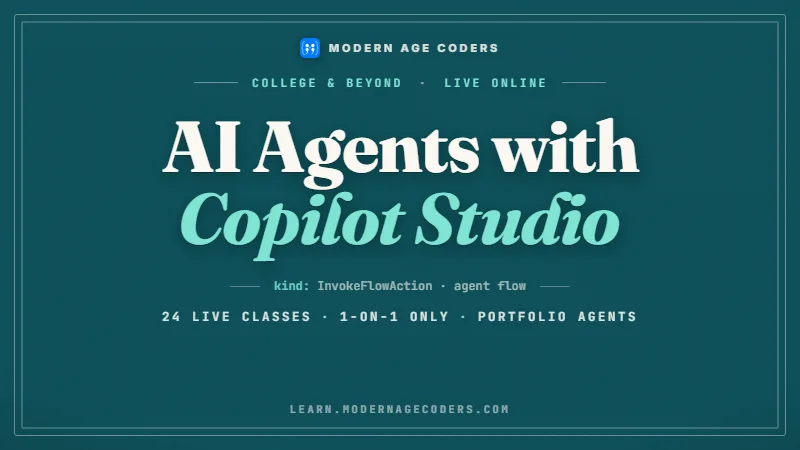 AI Agents & Automation
AI Agents with Microsoft Copilot Studio for College Students
Build business-grade AI agents in Microsoft Copilot Studio: 24 live 1-on-1 online classes on knowled...
Explore CourseRelated Articles & Guides
Deepen your knowledge with these hand-picked articles
 Education
8 min read
Education
8 min read
Coding is the New English: Why 2026 is the Year to Start
Coding is as essential as English today. Discover why 2026 is the perfect year to start and how it o...
Read Article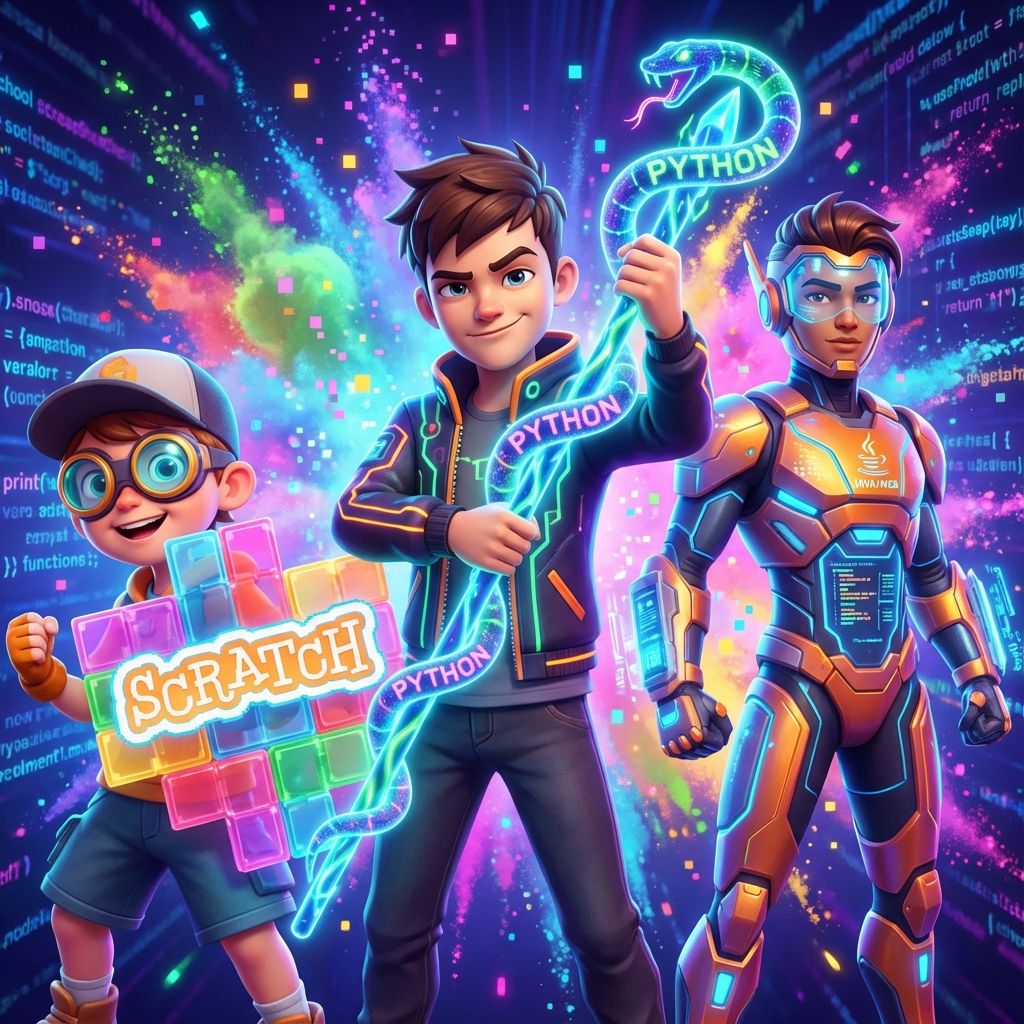 Education
14 min read
Education
14 min read
Best Coding Languages for Kids and Teens by Age, 6 to 18: 2026-27 Parent Guide
Kids coding languages by age, updated for 2026-27: Scratch from 6, Python from 11, then the advanced...
Read ArticleReady to start Creative Coding and Animation: Video, Motion and p5.js?
Book a free demo class to meet your mentor and see how we teach, with no commitment. Or enrol now and start this week.